

 100% Security Verified | No Subscription Required | No Malware


 ChatGPT
 Perplexity
 Gemini
 Claude
 Grok
Grok
Beige gray sits between warm beige and cool gray, which makes it one of the most versatile neutrals for visual storytelling. It feels calm, organized, and quietly sophisticated, so it works especially well for creators who want their videos, thumbnails, and social posts to look modern without loud colors. Used well, beige gray can add a studio-like polish to vlogs, tutorials, product shots, and branding without distracting from the subject.
Below are 15 ready-made beige gray color palettes with exact HEX codes. Each palette is crafted for different moods, from soft and minimal to moody and cinematic, so you can match your look to your content. Whether you grade your footage directly or build titles and overlays in Filmora, you can plug these beige gray combinations into your video presets, thumbnails, intros, and overall channel branding.
In this article
Soft & Minimal Beige Gray Palettes
Morning Studio Mist
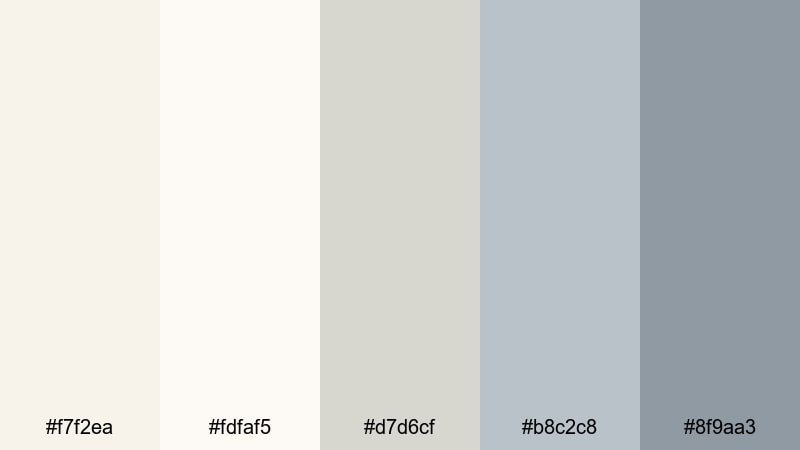
- HEX Codes: #f7f2ea, #fdfaf5, #d7d6cf, #b8c2c8, #8f9aa3
- Mood: Calm, airy, and thoughtful with a clean studio vibe.
- Use for: Ideal for minimalist vlog intros, soft lifestyle thumbnails, and airy tutorial backgrounds.
Morning Studio Mist is all about light and space. The nearly-white beige tones keep your frames feeling breathable, while the misty grays add just enough structure so your visuals do not look washed out. It is a perfect match for productivity vlogs, creative desk setups, and quiet morning routines where you want the viewer to feel relaxed and focused.
Use the brighter HEX tones for backgrounds in your YouTube thumbnails and lower thirds, then reserve the cooler grays for text, icons, or UI overlays. In Filmora, you can build a simple title preset around this palette and reuse it across intros, end screens, and shorts so your entire channel keeps the same soft beige gray identity.
Pro Tip: Keep Your Soft Beige Gray Look Consistent in Filmora
To make Morning Studio Mist feel intentional, aim to repeat the same few HEX codes in your titles, background plates, and overlays. In Filmora, you can save these colors in the color picker and reuse them for text, shapes, and graphics, so your thumbnails, b-roll labels, and end cards all share the same soft beige gray mood.
If your footage was shot in mixed lighting, nudge the white balance slightly warmer so the beige tones stay creamy instead of blue. Then, add a subtle vignette or blur to your background layers so your subject stands out against the airy beige gray frame.
AI Color Palette
You can turn Morning Studio Mist into a full video look using Filmora's AI-powered tools. Take a still frame or a custom color card based on these HEX codes, then use Filmora's AI Color Palette feature to match that reference across all your clips. This keeps your vlogs, reels, and shorts in the same clean beige gray mood without manual grading for every shot.
This is especially helpful if you film on different days or cameras. AI Color Palette evens out color temperature and contrast, so your entire video feels like it was shot in one calm studio space.
 secure download

HSL, Color Wheels & Curves
To refine a beige gray palette like Morning Studio Mist, use Filmora's HSL, color wheels, and curves controls. Slightly desaturate yellows and oranges to keep the beige from turning too creamy, then cool down shadows in the color wheels so your grays stay neutral and modern. Guides such as the color correction tools in Filmora show how to balance highlights, midtones, and shadows for a subtle cinematic finish.
On the curves panel, add a gentle S-curve to boost contrast without crushing the airy feeling. Lift the black point a little so your deepest grays still feel soft, which suits productivity vlogs, desk tours, and minimal tutorials.
secure download1000+ Video Filters & 3D LUTs
If you want to stylize your beige gray palette even faster, Filmora's built-in filters and LUTs are a great shortcut. You can start with Morning Studio Mist as a base, then layer soft film, cinematic, or lifestyle filter to repeat that airy beige gray mood across intros, b-roll, and shorts in a few clicks.
Filmora's video filters and 3D LUTs make it easy to push your beige gray look toward vintage, high-contrast, or editorial styles without losing its neutral core. Save your favorite combinations as presets, and you will have a reusable beige gray signature for your channel.
secure downloadCalm Workspace Glow
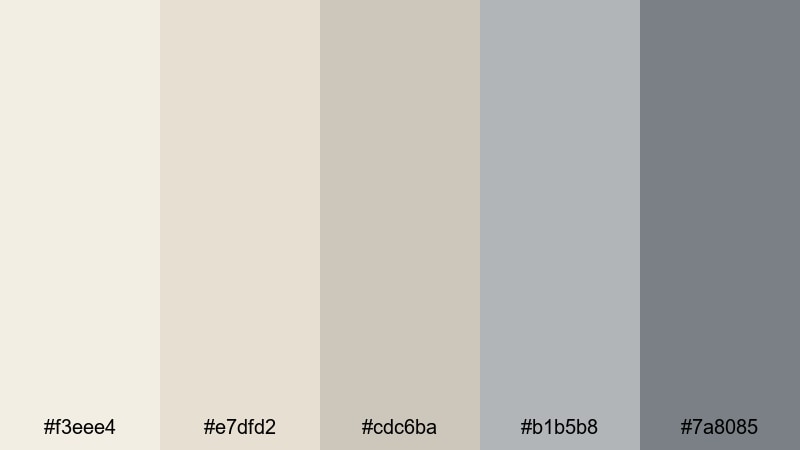
- HEX Codes: #f3eee4, #e7dfd2, #cdc6ba, #b1b5b8, #7a8085
- Mood: Peaceful, focused, and gently professional.
- Use for: Perfect for tutorial lower thirds, productivity reels, and neutral UI overlays in screen recordings.
Calm Workspace Glow combines warm desk-light beiges with soft gray accents, creating a focused but friendly atmosphere. It works especially well for study-with-me content, tech explainers, and any video where you want to feel organized without looking too corporate.
Use the lighter tones as gentle backdrops for screen captures or text panels, then apply the medium and dark grays for icons, callouts, and progress bars. For thumbnails, pairing a warm beige background with a darker gray title line makes your messaging clear while still fitting a neutral, modern brand.
Paper Latte Whites
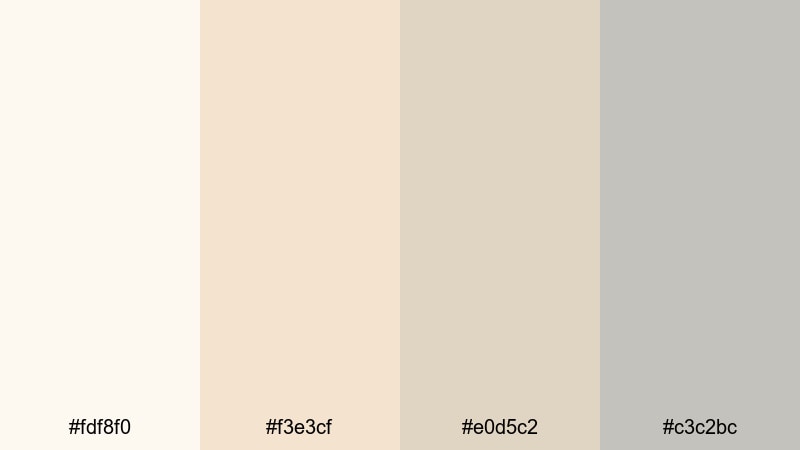
- HEX Codes: #fdf8f0, #f3e3cf, #e0d5c2, #c3c2bc
- Mood: Light, creamy, and paper-soft with a hint of warmth.
- Use for: Great for clean title cards, recipe step overlays, and soft lifestyle brand intros.
Paper Latte Whites feels like a stack of premium stationery on a cafe table. The creamy whites and latte beiges give your visuals a soft editorial look, ideal for recipe videos, lifestyle intros, and branding that leans cozy but still minimal.
Use the palest HEX code for full-bleed backgrounds in your title cards, then layer text or line icons in the slightly darker beige or gray. In Filmora, this palette is perfect for text-based recipe steps or minimal quote overlays, where the calm background lets typography and footage remain the stars.
Quiet Desktop Light
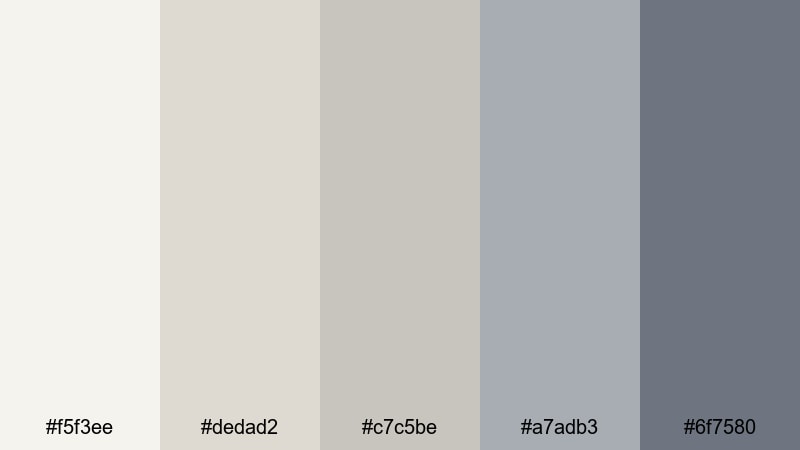
- HEX Codes: #f5f3ee, #dedad2, #c7c5be, #a7adb3, #6f7580
- Mood: Subtle, introspective, and gently desaturated.
- Use for: Use for talking-head backgrounds, screen tutorial frames, and neutral overlays that keep focus on the subject.
Quiet Desktop Light mixes soft beiges with slightly cooler grays to create a muted, distraction-free atmosphere. It is ideal for educational content, software tutorials, and daily productivity logs where clarity and calm are more important than visual drama.
Turn the mid-tone gray into a semi-transparent overlay behind subtitles or chapter markers so text stays readable over busy footage. The darker gray works well for clear, accessible typography, while the lighter beige and gray tones can be used for minimal frames around webcam shots or screen recordings.
Elegant & Modern Beige Gray Palettes
Urban Loft Neutrals
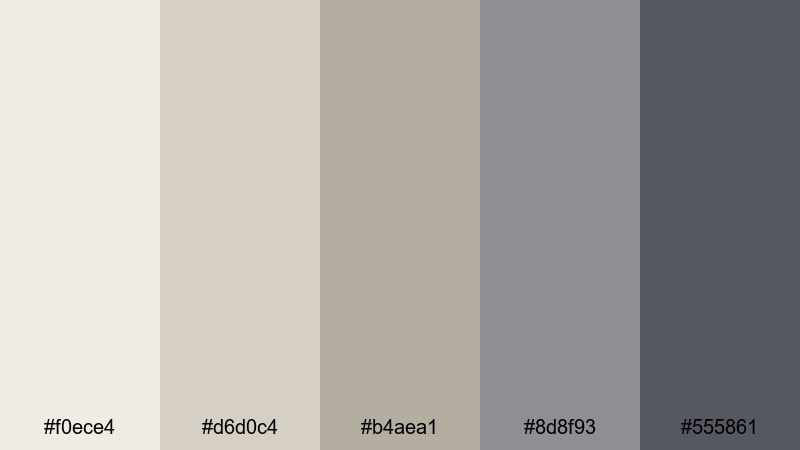
- HEX Codes: #f0ece4, #d6d0c4, #b4aea1, #8d8f93, #555861
- Mood: Polished, modern, and slightly industrial.
- Use for: Best for brand intros, portfolio reels, and product demos that need a refined, city-inspired look.
Urban Loft Neutrals feels like a sunlit studio with concrete floors and beige walls. The warm neutrals pair beautifully with the cooler grays, giving your videos a chic but grounded energy that suits design, fashion, architecture, and tech content.
Use the darkest gray as your primary text color and accent line, while the mid-tone beige becomes a strong backdrop for titles and product callouts. In a Filmora brand intro, combine these tones with clean motion graphics and simple transitions to create an upscale, city-inspired channel identity.
Gallery Wall Chic
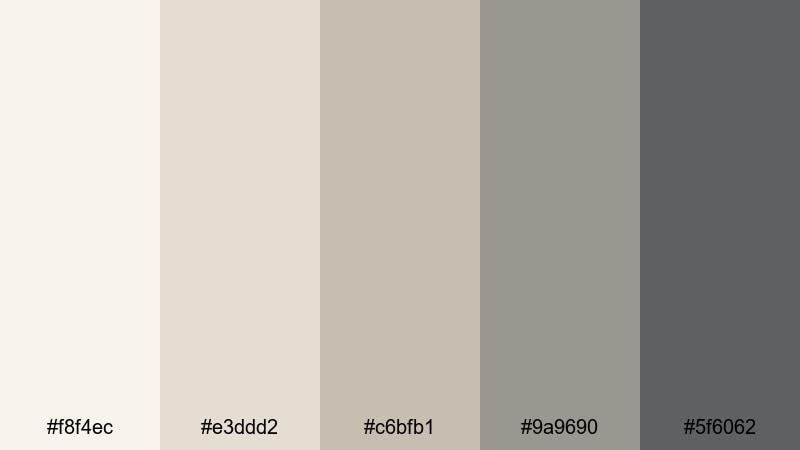
- HEX Codes: #f8f4ec, #e3ddd2, #c6bfb1, #9a9690, #5f6062
- Mood: Curated, tasteful, and gallery-ready.
- Use for: Ideal for lookbooks, before-and-after design reveals, and cinematic slideshows.
Gallery Wall Chic echoes the look of a clean exhibition space, with soft gallery whites and frame-like grays. It is perfect for before-and-after room makeovers, fashion lookbooks, and any stylish slideshow where you want the content to feel curated and intentional.
Use the lightest beige for negative space around images in your video collages, then use the deeper grays for caption bars and section titles. This palette also works well in thumbnails that showcase multiple images; the subtle gray borders mimic picture frames and give a high-end feel.
Marble Boardroom Edge
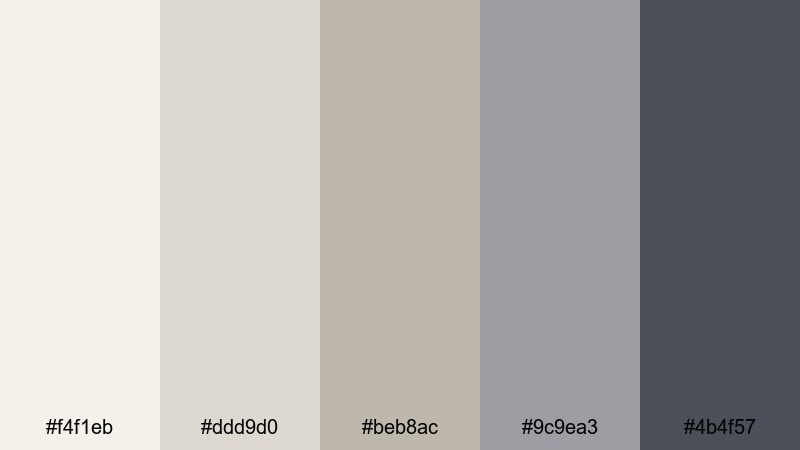
- HEX Codes: #f4f1eb, #ddd9d0, #beb8ac, #9c9ea3, #4b4f57
- Mood: Corporate, confident, and clean with a luxury tilt.
- Use for: Great for pitch decks, corporate explainers, and startup brand videos needing a premium tone.
Marble Boardroom Edge blends marble-like off-whites with sleek slate grays, giving your videos a premium corporate feel without being cold. It suits B2B explainers, investor decks, and polished LinkedIn content where you want to look professional and modern.
In your graphics, use the medium beige as a background for key metrics, and apply the deepest gray for charts, icons, and bold headings. When grading your footage, keeping skin tones natural against these neutrals helps founders and speakers look trustworthy and clear on screen.
Sleek Startup Suite
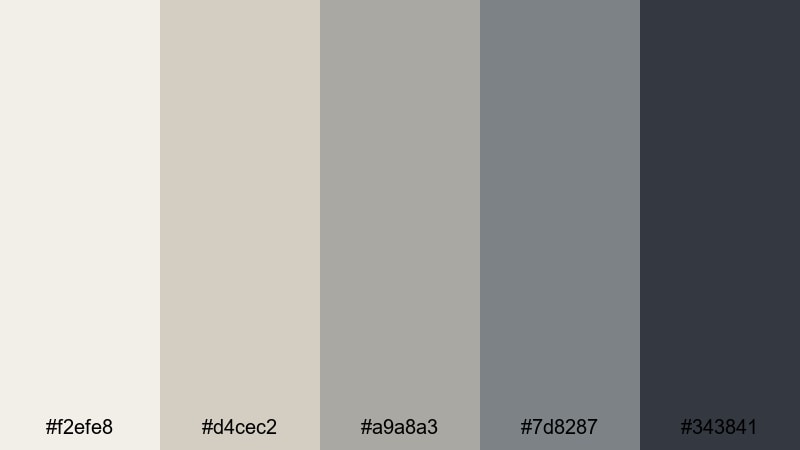
- HEX Codes: #f2efe8, #d4cec2, #a9a8a3, #7d8287, #343841
- Mood: Smart, forward-thinking, and slightly techy.
- Use for: Perfect for app promos, SaaS walkthroughs, and modern channel branding in Filmora.
Sleek Startup Suite takes neutral beiges and sharpens them with cool grays for a tech-forward, UX-inspired look. It feels modern and efficient, ideal for SaaS tutorials, dashboard walkthroughs, and app launch videos.
Use the darkest gray as your primary accent for buttons, CTAs, and overlay titles, while the lighter tones frame screenshots or on-screen annotations. This palette can form the base for your entire startup channel, from explainer thumbnails to product update reels, keeping everything cohesive and easy to recognize.
Warm & Cozy Beige Gray Palettes
Candlelit Coffee Corner
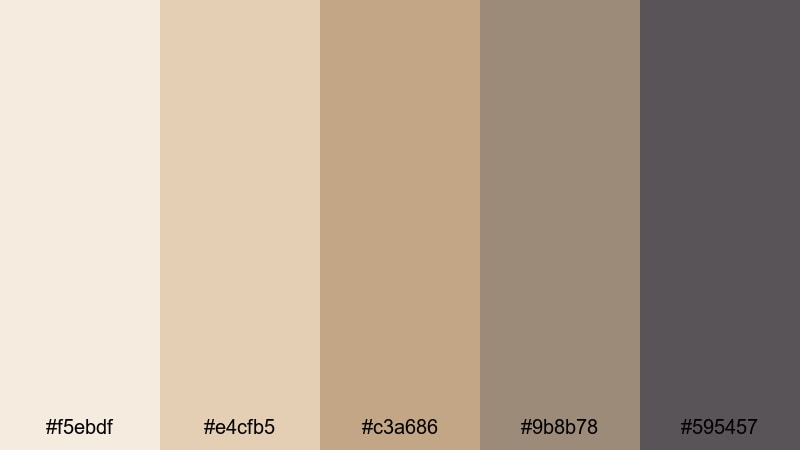
- HEX Codes: #f5ebdf, #e4cfb5, #c3a686, #9b8b78, #595457
- Mood: Inviting, intimate, and softly nostalgic.
- Use for: Use for cozy vlogmas intros, cafe b-roll, and sit-down chats with a warm mood.
Candlelit Coffee Corner wraps your visuals in creamy beiges and coffee browns, giving everything a gentle, nostalgic glow. It is perfect for evening routines, winter vlogs, and any content shot in warm lamp light or cafes.
Use the lighter tones as backgrounds for hand-written style titles or chapter cards, and pair them with the deeper browns for text or subtle drop shadows. On thumbnails, a coffee-toned gradient with beige text creates an instant cozy signal that fits lifestyle, self-care, and journaling videos.
Autumn Apartment Haze
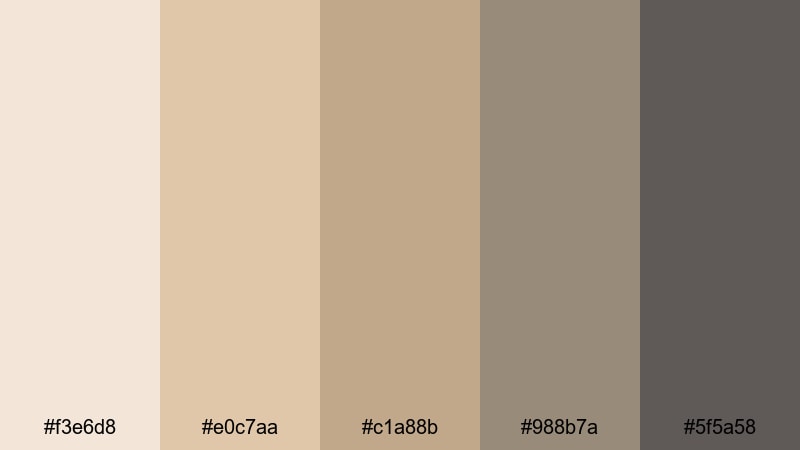
- HEX Codes: #f3e6d8, #e0c7aa, #c1a88b, #988b7a, #5f5a58
- Mood: Softly moody, seasonal, and comforting.
- Use for: Perfect for fall lookbooks, interior vlogs, and aesthetic reels with warm daylight.
Autumn Apartment Haze captures the feeling of a cloudy fall afternoon with muted pumpkin latte tones and gentle gray shadows. It is made for seasonal content: fall lookbooks, cozy room tours, and aesthetic reels with diffused window light.
Use the warm mid-tones for background cards behind outfit details or decor tips, and reserve the darker gray-brown for text and icons. In Filmora, you can build a simple color matte using these HEX codes and blend it over your footage with low opacity to add a soft autumn tint to your entire edit.
Fireside Knit Textures
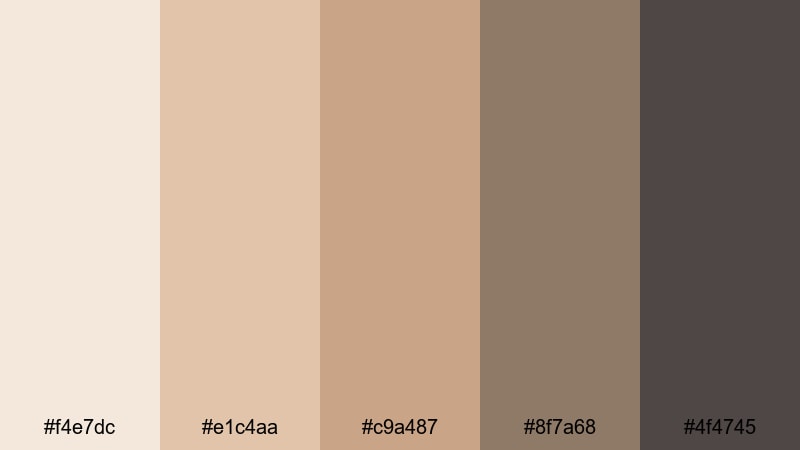
- HEX Codes: #f4e7dc, #e1c4aa, #c9a487, #8f7a68, #4f4745
- Mood: Snug, textured, and homely with vintage warmth.
- Use for: Great for slow-living vlogs, craft tutorials, and long-form cozy study sessions.
Fireside Knit Textures feels like a soft sweater and a cup of tea on a cold day. The wool-like beiges and toasty browns create an inviting, tactile mood that works nicely for slow-living vlogs, knitting or craft tutorials, and longer study-with-me videos.
In visuals, use the deeper browns for headings and time stamps, while the lighter beiges form background blocks for notes, checklists, or quotes. The slightly desaturated tones help your footage feel gentle and intimate, especially when paired with slow music and minimal transitions.
Weekend Brunch Table
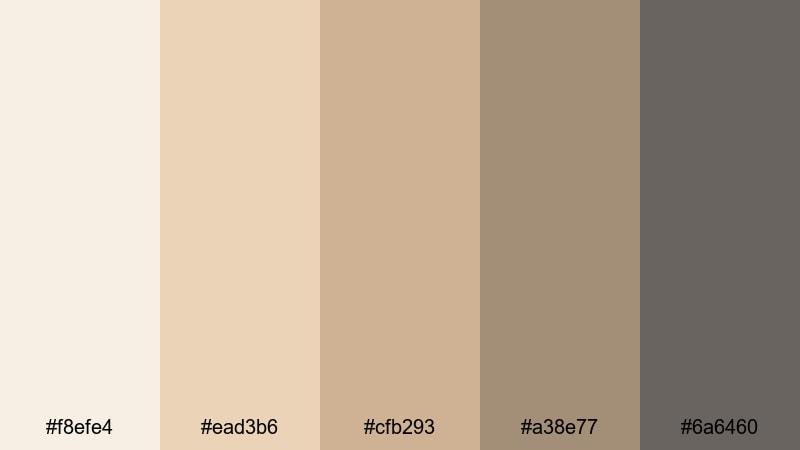
- HEX Codes: #f8efe4, #ead3b6, #cfb293, #a38e77, #6a6460
- Mood: Casual, social, and softly sunlit.
- Use for: Use for food b-roll, brunch reviews, and lifestyle reels featuring gatherings and routines.
Weekend Brunch Table combines creamy plate tones, latte foam beiges, and muted taupes to capture that relaxed late-morning energy. It is perfect for food creators, brunch reviews, and casual lifestyle vlogs around cooking or weekend routines.
Use the warmer beiges behind recipe steps or menu-style overlays, with the darker taupe as a stylish accent for text and dividers. Thumbnails with a soft beige background and a close-up of food or coffee graded into these tones will immediately read as cozy and inviting on the feed.
Moody & Cinematic Beige Gray Palettes
Rainy Window Bokeh
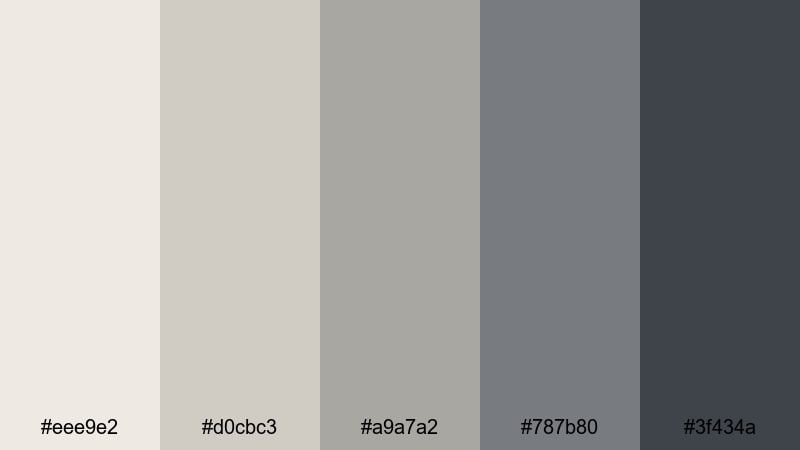
- HEX Codes: #eee9e2, #d0cbc3, #a9a7a2, #787b80, #3f434a
- Mood: Reflective, cinematic, and slightly melancholic.
- Use for: Perfect for short films, poetic voiceovers, and travel diaries shot on cloudy days.
Rainy Window Bokeh channels the soft light and muted contrast of a rainy day. Foggy beiges and stormy grays give your videos a reflective tone without pushing into heavy darkness, which is ideal for reflective vlogs, poetry voiceovers, and quiet travel diaries.
Use the medium grays for title bars and lower thirds, and reserve the darkest shade for key text and graphic accents. In your grade, slightly lower saturation and raise contrast to echo the look of raindrops on glass, allowing any pops of color in your footage to feel intentional.
Midnight Studio Grunge
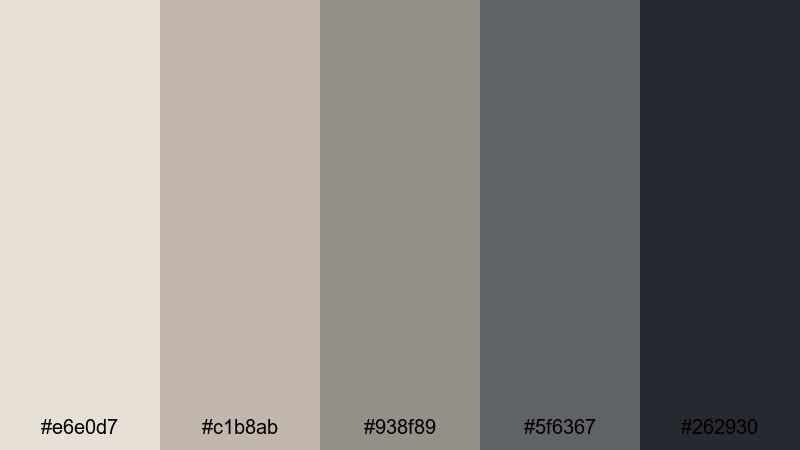
- HEX Codes: #e6e0d7, #c1b8ab, #938f89, #5f6367, #262930
- Mood: Edgy, artistic, and low-key dramatic.
- Use for: Great for music videos, edgy B-roll sequences, and cinematic channel trailers.
Midnight Studio Grunge pairs dusty studio beiges with inky grays, giving your visuals an underground, creative edge. It fits moody B-roll, behind-the-scenes footage, and music videos where you want a neutral base with attitude.
Use the almost-black tone for bold text, grunge-inspired frames, or overlay shapes, while the lighter beiges keep faces and skin from disappearing into shadow. Grain effects and slow, stylized transitions in Filmora complement this palette for a DIY studio or rehearsal-space aesthetic.
Dusty Projector Beam
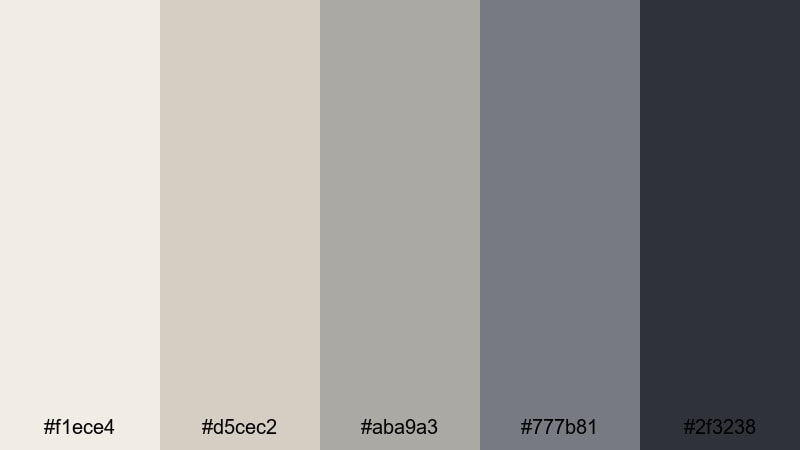
- HEX Codes: #f1ece4, #d5cec2, #aba9a3, #777b81, #2f3238
- Mood: Nostalgic, cinematic, and softly faded.
- Use for: Use for retro edits, memory montages, and documentary-style storytelling.
Dusty Projector Beam looks like an old film playing in a dark room. Soft beige light mixes with smoky grays to create a faded, archival feeling that is excellent for memory montages, documentary-style edits, or retro-inspired travel videos.
Use the mid-tone grays to frame photos or old clips in your timeline, and apply the deepest shade to titles that introduce years, places, or chapter names. A light fade, reduced saturation, and a touch of grain over this palette will reinforce that nostalgic, cinematic mood.
Tips for Creating Beige Gray Color Palettes
Beige gray is flexible, but it still needs balance and contrast to work well in video and design. These tips will help you combine beige gray with supporting tones while keeping your visuals clean, readable, and on-brand.
- Pair light beige gray backgrounds with clearly darker text colors so titles and captions remain readable on mobile screens.
- Use one or two accent shades (for example, a muted brown or soft pastel) alongside your beige gray base to highlight CTAs, timestamps, or key information.
- Keep skin tones natural by avoiding heavy color shifts in the orange range; grade the background toward beige gray and leave faces closer to true color.
- Test your thumbnails in both light and dark modes by quickly shrinking them down; if text disappears, increase contrast between your beige gray and text color.
- Choose 3 to 5 HEX codes from a palette and standardize them across intros, lower thirds, and end screens in Filmora so your brand identity stays consistent.
- Match your color palette to your footage lighting: cooler gray-beige works best with daylight scenes, while warmer beige gray fits lamp-lit interiors and cafe shots.
- Use subtle gradients between light beige and soft gray instead of pure white backgrounds to avoid harsh contrast and create a more cinematic feel.
- Save your favorite beige gray combinations as presets or templates in Filmora so every new video, reel, or short can reuse the same visual language quickly.
Beige gray palettes can quietly shape how viewers feel about your videos and your brand. From minimal desk setups to moody documentary edits, these 15 combinations give you a flexible base for thumbnails, intros, overlays, and color grading that looks refined without being loud.
Pick a palette that matches your content mood, then translate the HEX codes into Filmora color mattes, text styles, and grading presets. With a few saved templates, your beige gray look will stay consistent across long-form videos, shorts, and social clips.
The more you reuse the same beige gray language, the more recognizable your channel becomes. Experiment inside Filmora, tweak saturation and contrast until the tones suit your style, and turn your favorite palette into a signature look your audience will remember.
secure download