

 100% Security Verified | No Subscription Required | No Malware


 ChatGPT
 Perplexity
 Gemini
 Claude
 Grok
Grok
Glow Orange is the color of action, excitement, and warmth. It sits between classic orange and neon, so it feels both cozy and high-energy. In video and design, Glow Orange instantly pulls the eye toward key elements like titles, call-to-action buttons, and faces lit by warm light. It is a favorite for YouTube thumbnails, stream overlays, social intros, and creator branding because it reads clearly on both desktop and mobile screens.
This guide collects 15 Glow Orange color palettes with ready-to-use HEX codes for creators and Filmora users. Whether you want bold and vibrant thumbnails, soft cinematic grading, or minimal UI-style graphics, you will find Glow Orange color combinations you can plug straight into your edits, channel assets, and design projects.
In this article
Bold And Vibrant Glow Orange Color Palettes
Sunset Neon Burst
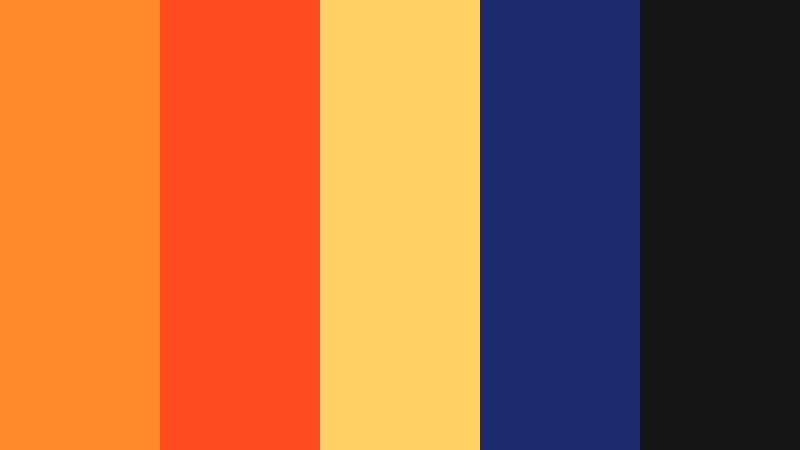
- HEX Codes: #ff8a2a, #ff4b1f, #ffd166, #1a2a6c, #141414
- Mood: High-energy, electric, and dramatic like a summer festival at golden hour.
- Use for: Perfect for explosive intros, gaming highlights, and action-packed travel vlogs.
Sunset Neon Burst smashes together glowing orange, fiery red, and bright yellow against deep navy and black. It feels like stage lights cutting through the dark, which makes it ideal when you want your visuals to look bigger than life and instantly clickable.
Use the bright Glow Orange and yellow for titles, subscribe buttons, borders, and motion graphics, while the navy and black provide contrast behind text or characters. This palette works beautifully for gaming thumbnails, hype reels, countdown screens, and kinetic typography in Filmora.
Pro Tip: Build A High-Energy Glow Orange Look In Filmora
To keep this bold palette consistent from intro to outro, set up a simple style system in Filmora. Use the Glow Orange hex as your main text color, add the yellow as a highlight line or shadow, and reserve the deep navy as your default background for title cards and end screens.
Once you lock in these choices for your first video, save your titles, lower-thirds, and overlay elements as custom presets. That way, every new thumbnail, short, or long-form video can reuse the same Glow Orange visual identity in just a few clicks.
AI Color Palette
If you design a Sunset Neon Burst reference card in a graphics tool, you can carry that exact look into your footage using Filmora. Filmora's AI Color Palette feature lets you pick a still frame or image with your ideal Glow Orange mood and automatically match other clips to it.
Drop your reference image on the timeline, choose it as the source, and apply the AI Color Palette to your B-roll, talking-head clips, and overlays. Your oranges, reds, and shadows will align, so your video feels like one cohesive neon sunset instead of separate, mismatched shots.
 secure download

HSL, Color Wheels & Curves
To refine your Glow Orange look, use HSL, color wheels, and curves inside Filmora. Slightly desaturate yellows while pushing oranges a bit warmer for a cinematic glow, then use the color wheels to add a hint of teal or blue into the shadows so the oranges feel even more intense.
If certain shots are too flat, lift the midtones in the curves panel and protect the highlights so your bright oranges do not clip. You can see how these tools shape mood in Filmora tutorials like this detailed breakdown of color wheels and curves on YouTube, which helps you dial in the exact Glow Orange atmosphere you want.
secure download1000+ Video Filters & 3D LUTs
When you want fast, on-brand Glow Orange styling, Filmora offers a large library of filters and LUTs. You can choose warm cinematic looks, retro neon filters, or punchy vlog presets, then tweak them to sit comfortably on top of your chosen Glow Orange palette.
Filmora's video filters and 3D LUTs make it easy to give every project a consistent Glow Orange aesthetic, from thumbnails to full-length videos. Apply a LUT that boosts warm tones, then fine-tune intensity so skin tones stay natural while your oranges pop.
secure downloadLava Studio Lights
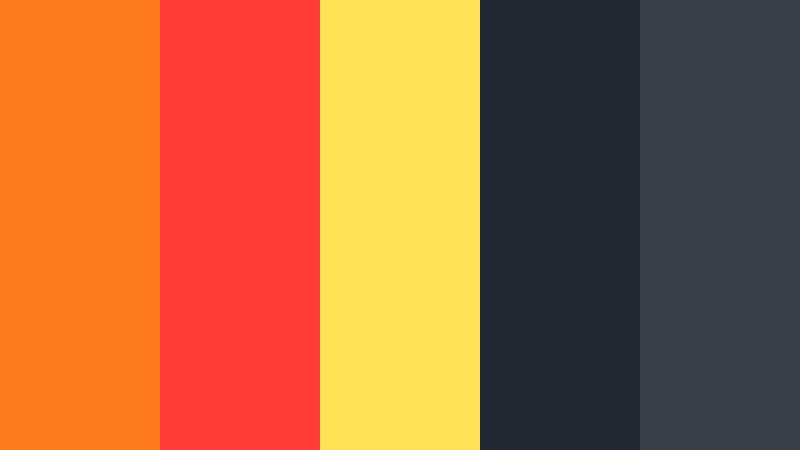
- HEX Codes: #ff7a1a, #ff3c38, #ffe156, #222831, #393e46
- Mood: Urban, intense, and cinematic with a molten glow against cool darkness.
- Use for: Great for music videos, edgy channel branding, and dramatic announcement reels.
Lava Studio Lights blends molten Glow Orange with scarlet and a punch of lemon yellow, all set on top of deep charcoal tones. It feels like stage lights in a dark warehouse or neon signs bouncing off wet asphalt.
Use the bright hues for bold typography, waveform animations, and equalizer graphics, while the charcoals support moody backgrounds, overlays, and pinned comments in your thumbnails. This palette suits music-focused channels, edgy tech reveals, or any brand that wants that urban, late-night energy.
Tropical Heatwave
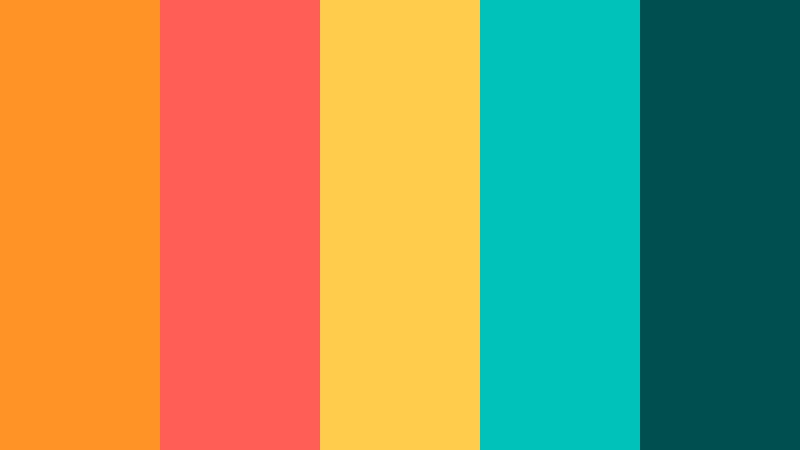
- HEX Codes: #ff9326, #ff5e57, #ffcc4c, #00c2ba, #004f4f
- Mood: Tropical, playful, and sun-soaked with a punch of aqua contrast.
- Use for: Ideal for travel vlogs, beach promos, and energetic summer product launches.
Tropical Heatwave throws warm Glow Orange, coral, and sunshine yellow against bright aqua and deep teal. It captures the feeling of beach bars, palm trees, and sun flares on camera.
In Filmora, use the oranges and yellow for lower-thirds and transitions, then bring in the aqua for buttons, icons, and background panels. This palette is perfect for travel thumbnails, Instagram Reels cover frames, summer product ads, and upbeat vlog intros that need instant vacation vibes.
Arcade Ember Rush
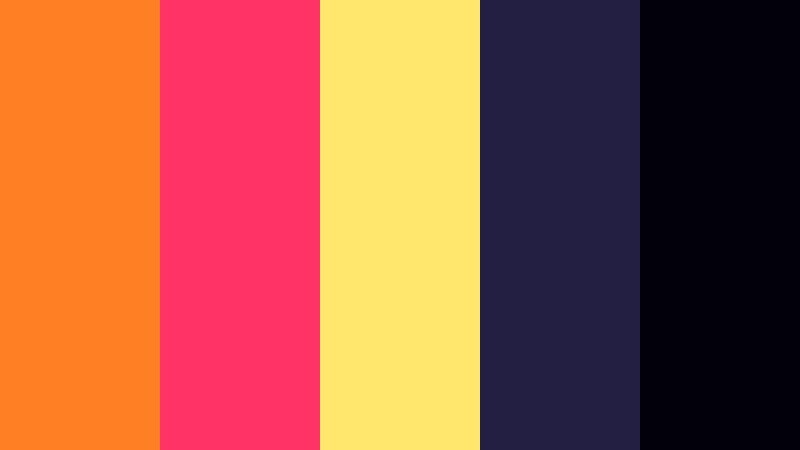
- HEX Codes: #ff7f24, #ff3366, #ffe66d, #231f42, #02010a
- Mood: Retro, neon, and nostalgic with a glowing arcade-night vibe.
- Use for: Best for retro gaming edits, motion graphics, and nostalgic tech content.
Arcade Ember Rush mixes Glow Orange with hot pink, neon lemon, and deep indigo shadows. It instantly feels like old-school arcades, RGB lights, and VHS-era graphics.
Use the bright tones for glitch transitions, text outlines, and score counters, while the dark blues and blacks sit behind your footage in split screens and title cards. This palette is especially strong for retro gaming montages, synthwave music videos, and nostalgic tech explainers that lean into neon aesthetics.
Citrus Pop Branding
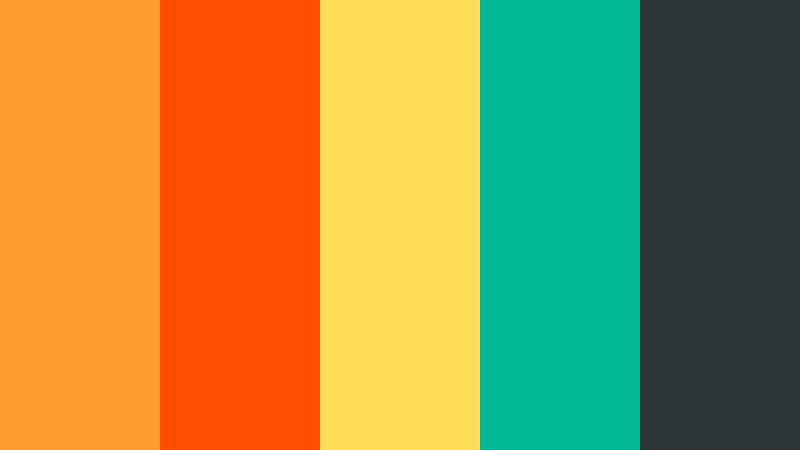
- HEX Codes: #ff9b2f, #ff4e00, #ffdd57, #00b894, #2d3436
- Mood: Fresh, zesty, and confident with a brand-friendly polish.
- Use for: Perfect for logo reveals, product reels, and bold creator branding packages.
Citrus Pop Branding combines zesty Glow Orange, rich red-orange, and bright yellow with a clean mint green and smoky charcoal. It has the energy of a startup launch but still feels intentional and professional.
Use the oranges and yellow for main brand marks and thumbnails, reserve mint green for secondary buttons or accent icons, and use charcoal for backgrounds and body text. This palette works well for personal brands, product explainer videos, and channels that want a modern but playful signature look.
Warm Cinematic Glow Orange Color Palettes
Golden Hour Drift
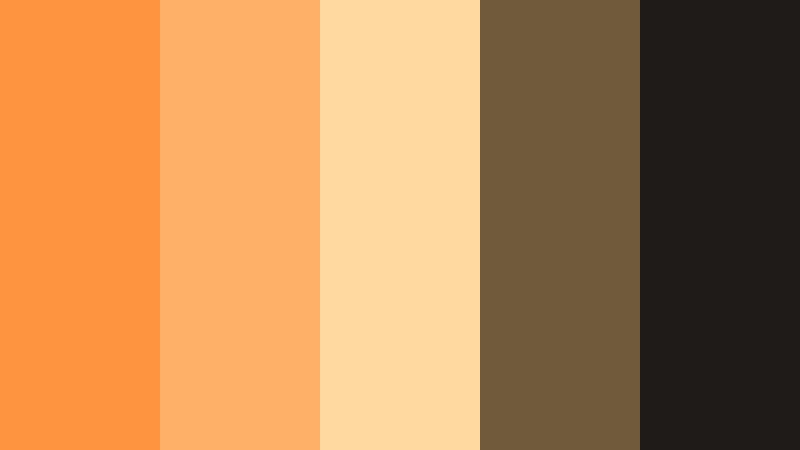
- HEX Codes: #ff9440, #ffb067, #ffd9a0, #705a3c, #1e1b18
- Mood: Soft, nostalgic, and cinematic like a slow drive at golden hour.
- Use for: Ideal for lifestyle vlogs, wedding films, and dreamy B-roll sequences.
Golden Hour Drift lines up soft Glow Orange shades with caramel, cream, and muted browns. It feels like lens flares across a car window or backlit portraits in late-afternoon light.
Apply these tones to your color grade in Filmora, warming midtones and highlights while keeping blacks gently faded. Use the darker browns for titles and overlays so text remains readable over bright footage. This palette is perfect for wedding highlight reels, sunset travel vlogs, and cinematic B-roll edits.
Campfire Stories
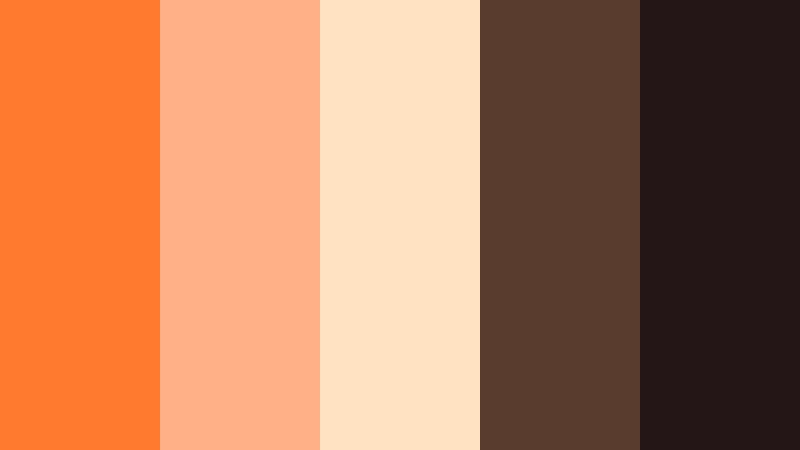
- HEX Codes: #ff7a2f, #ffb086, #ffe2c2, #5a3c2e, #241617
- Mood: Cozy, intimate, and storytelling-focused with a fireside glow.
- Use for: Great for documentaries, sit-down storytelling, and podcast-style videos.
Campfire Stories wraps Glow Orange in toasty browns and soft creams, recreating the warmth of a fire in a dark room. It feels intimate and personal, ideal for content where voice and story are the main focus.
Use the lighter tones for background panels behind captions or subtitles, while deeper browns support lower-thirds and podcast title cards. A gentle orange wash over your footage in Filmora will bring everything into the same cozy storytelling space.
Desert Mirage Frame
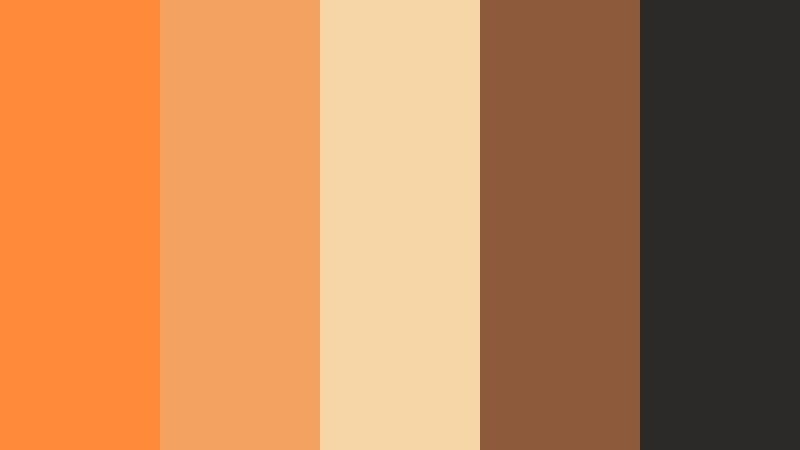
- HEX Codes: #ff8b3a, #f4a261, #f6d6a6, #8d5a3c, #2b2a28
- Mood: Cinematic, earthy, and adventurous like a slow trek through desert light.
- Use for: Perfect for travel documentaries, cinematic B-roll, and outdoor brand videos.
Desert Mirage Frame marries Glow Orange with sandy beige and rich earthy browns, grounded by a near-black neutral. It feels like dust in the air, long shadows, and slow camera moves across landscapes.
Use this palette for outdoor projects, nature films, and explorer-themed branding. In Filmora, warm up the highlights while slightly desaturating greens so the oranges and browns dominate, then use the dark neutral for subtle borders, frames, and text.
Harvest Lens Glow
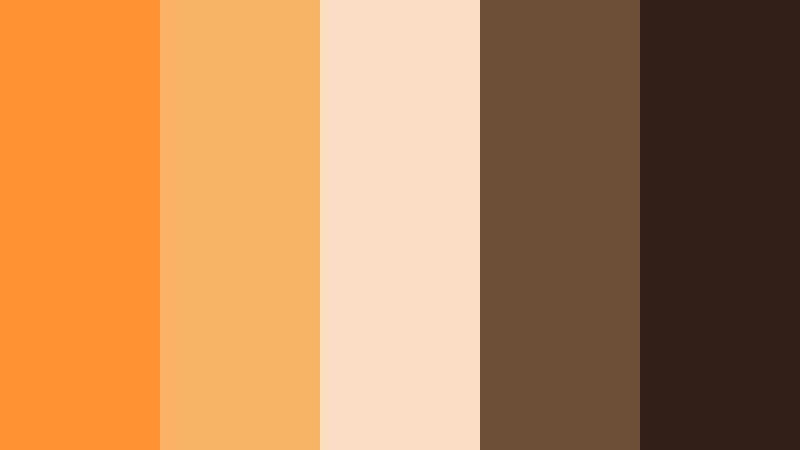
- HEX Codes: #ff9333, #f7b267, #f9dcc4, #6b4f37, #31211a
- Mood: Organic, nostalgic, and comforting like autumn fields at dusk.
- Use for: Use for food videos, cozy home vlogs, and seasonal promos with rustic charm.
Harvest Lens Glow uses Glow Orange as a base and layers on wheat beige and cocoa brown, evoking autumn leaves and warm kitchens. It feels nostalgic and comforting, perfect for content that focuses on home, food, or family moments.
In thumbnails and title cards, let the lighter beige carry body text while Glow Orange highlights key words or episode numbers. A soft, warm grade in Filmora will make your home vlogs, recipes, and seasonal promos look consistent and inviting.
City Dusk Trails
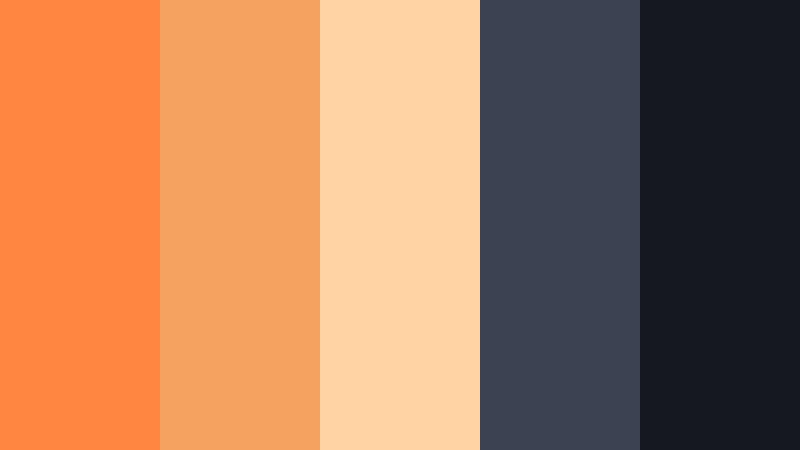
- HEX Codes: #ff8640, #f5a15f, #ffd3a3, #3b4252, #151820
- Mood: Modern, atmospheric, and cinematic with warm streetlight hues.
- Use for: Great for urban b-roll, night city montages, and moody lifestyle edits.
City Dusk Trails contrasts warm Glow Orange streetlight tones with slate blue shadows and deep navy. It feels like time-lapse trails of traffic and reflections on glass.
Use the oranges to highlight people, vehicles, and key UI elements, while the blues support backgrounds, overlays, and ambient graphics. This palette is ideal for city montages, fashion lookbooks, and modern lifestyle channels that film at night or blue hour.
Soft And Pastel Glow Orange Color Palettes
Peach Cloud Studio
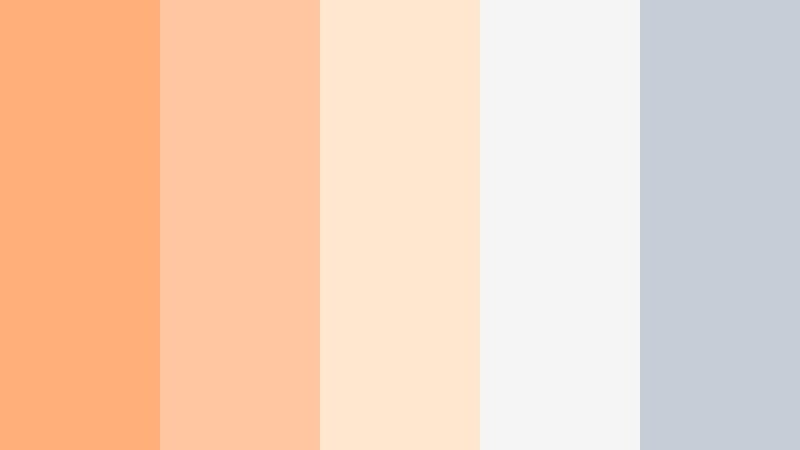
- HEX Codes: #ffb07a, #ffc7a1, #ffe7cf, #f5f5f5, #c5ced6
- Mood: Light, airy, and friendly with a soft pastel studio glow.
- Use for: Ideal for tutorials, beauty content, and minimalist product showcases.
Peach Cloud Studio turns Glow Orange into gentle peach tones and pairs them with off-white and soft gray. The result is light, approachable, and easy on the eyes, great for content where clarity and calmness matter.
Use the peach hues for headings, icons, and accent lines in your overlays, and keep most backgrounds white or very light gray for readability. This palette works perfectly for beauty tutorials, productivity tips, and clean product demos that need a professional but friendly feel.
Melon Cream Vibes
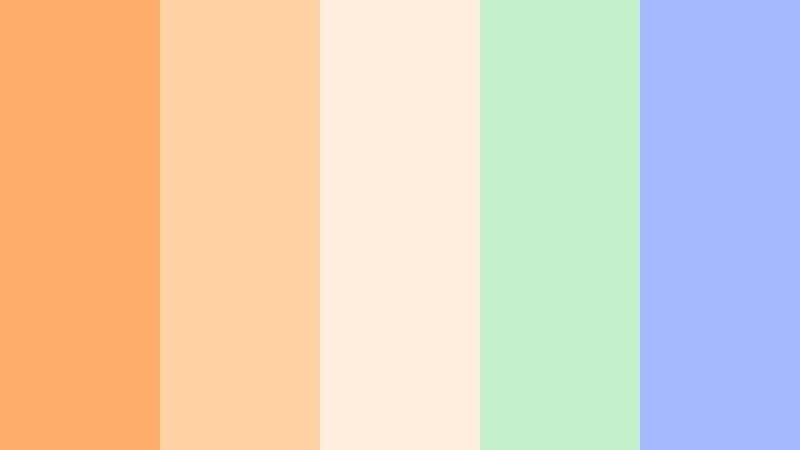
- HEX Codes: #ffad6b, #ffd1a3, #ffeede, #c3f0ca, #a3b9ff
- Mood: Playful, dreamy, and candy-like with a lighthearted charm.
- Use for: Best for playful vlogs, stationery branding, and kid-friendly content.
Melon Cream Vibes blends pastel Glow Orange with soft mint and periwinkle. It feels like candy packaging or cute stationery, making it ideal for lighthearted and family-friendly content.
In Filmora, use the oranges for main shapes and characters, mint for supporting accents, and periwinkle for backgrounds or frames. This palette is great for kids channels, crafty DIY videos, scrapbook-themed edits, and playful social media graphics.
Apricot Storyboard
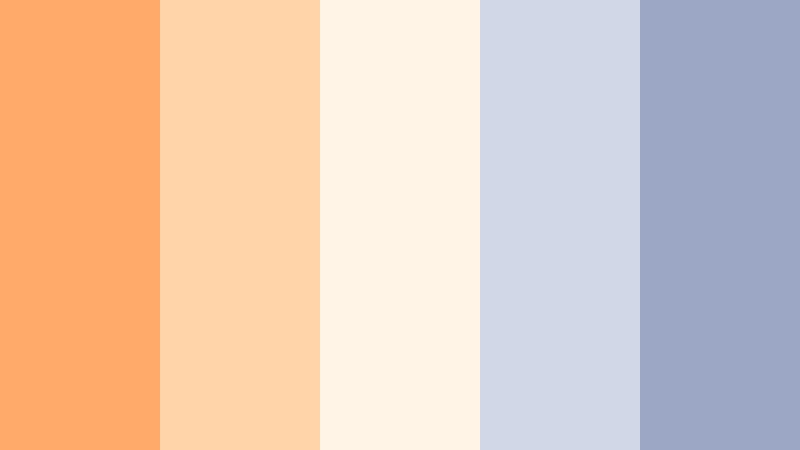
- HEX Codes: #ffa96a, #ffd4a8, #fff4e6, #d0d8e8, #9ba7c4
- Mood: Calm, thoughtful, and content-focused with editorial softness.
- Use for: Great for educational channels, UX mockups, and calm storytelling edits.
Apricot Storyboard pairs apricot Glow Orange with powder blues and soft neutrals. It feels editorial and balanced, making it perfect for content where information and readability are key.
Use orange for calls-to-action, diagrams, and highlighted terms, while the blues support charts, annotation backgrounds, and sidebars. This palette shines in educational videos, UI/UX mockups presented on screen, and story-driven explainers that need a clean, thoughtful look.
Coral Dawn Overlay
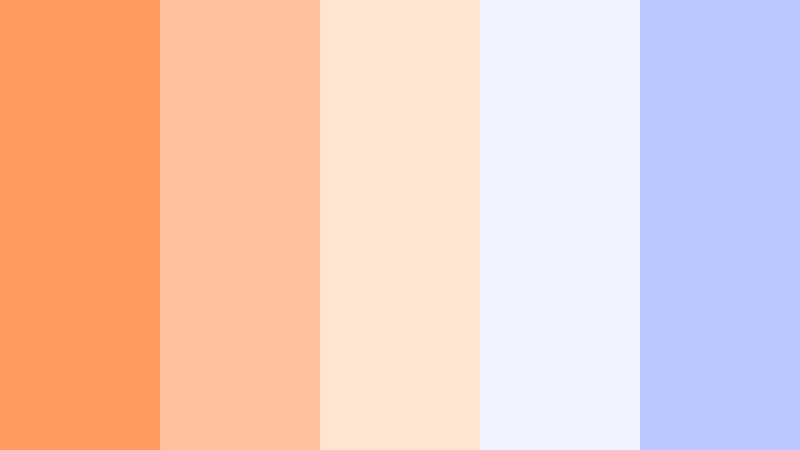
- HEX Codes: #ff9960, #ffc2a1, #ffe6d0, #f0f4ff, #bac7ff
- Mood: Fresh, optimistic, and morning-light soft.
- Use for: Perfect for channel intros, wellness content, and social media carousels.
Coral Dawn Overlay mixes coral Glow Orange with soft creams and powdery blues, capturing the feeling of early morning light. It is uplifting without being loud.
Use the coral tones for logos, avatars, and intro titles, and let the blues support backgrounds and frames around vertical content. This palette is ideal for wellness channels, morning routines, motivational shorts, and clean, optimistic social carousels.
Modern And Minimal Glow Orange Color Palettes
Neon Accent UI
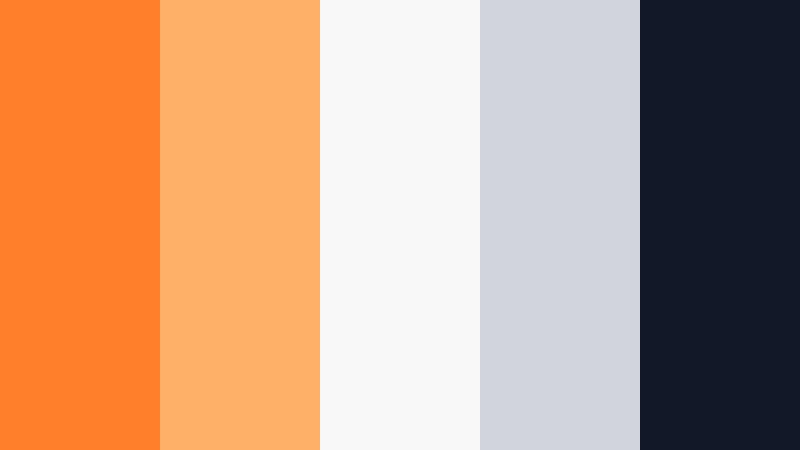
- HEX Codes: #ff7f2a, #ffb067, #f8f8f8, #d1d5db, #111827
- Mood: Crisp, techy, and minimal with a sharp accent of Glow Orange.
- Use for: Ideal for app UI demos, SaaS explainers, and clean lower-third graphics.
Neon Accent UI uses a bright Glow Orange as the hero accent on top of whites and cool grays. It feels like a modern interface: clear, structured, and easy to navigate.
Use the orange to highlight buttons, icons, and key figures, while the neutrals form the background of your frames, charts, and screen recordings. This palette is a strong choice for software tutorials, startup explainers, UX walkthroughs, and minimal lower-thirds in Filmora.
Studio Loft Ember
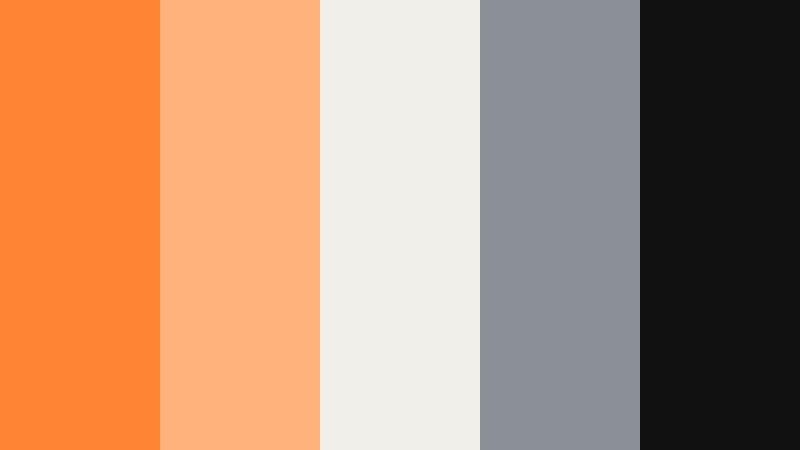
- HEX Codes: #ff8433, #ffb37a, #f0efe9, #8b8f98, #111111
- Mood: Sophisticated, creative, and loft-like with gallery energy.
- Use for: Use for portfolio reels, agency branding, and modern product videos.
Studio Loft Ember places rich Glow Orange accents over off-white, charcoal, and cool gray, creating a gallery-like, curated look. It feels artistic but still polished and controlled.
Use the orange for key brand marks, project titles, and section dividers in your edits, while the neutrals support minimal backgrounds and product close-ups. This palette fits design portfolios, agency showreels, and stylish product videos that need a modern, creative identity without overwhelming the viewer.
Tips for Creating Glow Orange Color Palettes
Glow Orange is flexible enough to feel bold, cozy, or minimal depending on what you pair it with. Use these tips to build your own Glow Orange color combinations for video and design while keeping everything readable and on-brand.
- Balance warmth with contrast: pair Glow Orange with deep blues, charcoal, or navy when you need strong separation for titles and UI elements.
- Protect readability: avoid putting bright orange text over busy footage; add dark overlays or solid panels behind text so viewers can read at a glance.
- Choose one hero orange: pick a single main Glow Orange HEX for your brand and use lighter or darker variations as support, not as separate main colors.
- Use neutrals to rest the eye: white, off-white, and soft gray help your oranges and Electric Fuchsia accents stand out without overwhelming viewers.
- Match your grade to your graphics: if your overlays and logos are warm, warm up your footage in Filmora so the whole frame feels like one palette.
- Test in thumbnail size: export a frame and view it small on mobile; if the orange elements still pop and text is readable, your palette is working.
- Limit bright accents: use Glow Orange and any bright secondary (like teal or Electric Fuchsia) only where you need attention, such as CTAs or important labels.
- Create reusable presets: once you lock in a Glow Orange palette in Filmora, save titles, filters, and LUT settings as presets so every upload stays visually consistent.
Glow Orange palettes can make your videos feel energetic, welcoming, or ultra-modern depending on how you combine them with darks, pastels, or sleek neutrals. Used well, this color becomes a recognizable part of your brand identity across intros, thumbnails, and social content.
Try these 15 Glow Orange color combinations inside Filmora and adjust them to match your footage, lighting, and niche. With AI tools, HSL controls, and filters, you can turn a simple set of HEX codes into a signature look that viewers remember.
As you refine your style, keep exporting test thumbnails and short clips to see how your Glow Orange tones perform on different screens and platforms. Over time, you will build a visual language that feels uniquely yours, powered by consistent, on-brand color.
secure download