
Mini Doll Templates & Guides
Explore adorable tiny doll effect applications and creative tutorials
Loading more mini doll effect templates...
 Category:
 Duration:
 Aspect Ratio:
Everything You Need to Create the Mini Doll Effect
A captivating miniature doll effect can turn a standard clip into a fascinating tiny world. Filmora offers an extensive library of miniature doll templates, combined with our powerful AI Image Generator, allowing you to effortlessly build scenes from scratch or convert an AI image to video. Customize your characters with adorable aesthetics using integrated models like Nano Banana 2 and Nano Banana Pro, right inside your timeline!
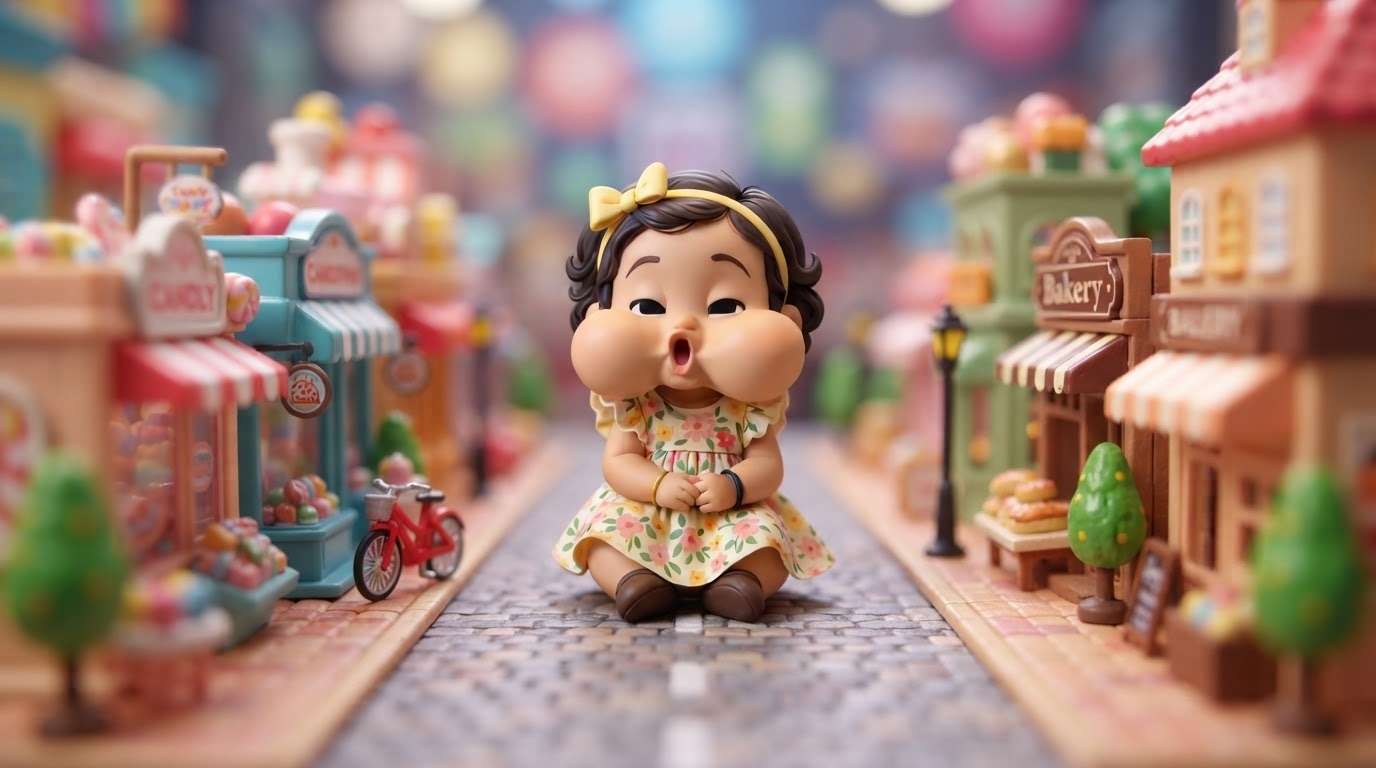
Seamless AI Image to Video for Tiny Doll Worlds
Seamless AI Image to Video for Tiny Doll Worlds
Skip the complex 3D rendering! With Filmora, you can generate a charming character using the AI Image tool—powered by flexible options like GPT Image 2, Nano Banana 2, or Nano Banana Pro—and instantly convert that AI image to video. It's never been easier to animate a realistic human doll effect and bring your tiny creations to life.
- 🪄 Instant Animation - Turn static portraits into moving mini doll masterpieces seamlessly.
- 🤖 Advanced AI Models - Choose from GPT Image 2 or Nano Banana Pro for varied artistic styles.
- 🎥 Effortless Workflow - Drag your generated miniature doll directly onto the timeline and apply motion easily.
11+ Ready-to-Use Mini Doll Templates
11+ Ready-to-Use Mini Doll Templates
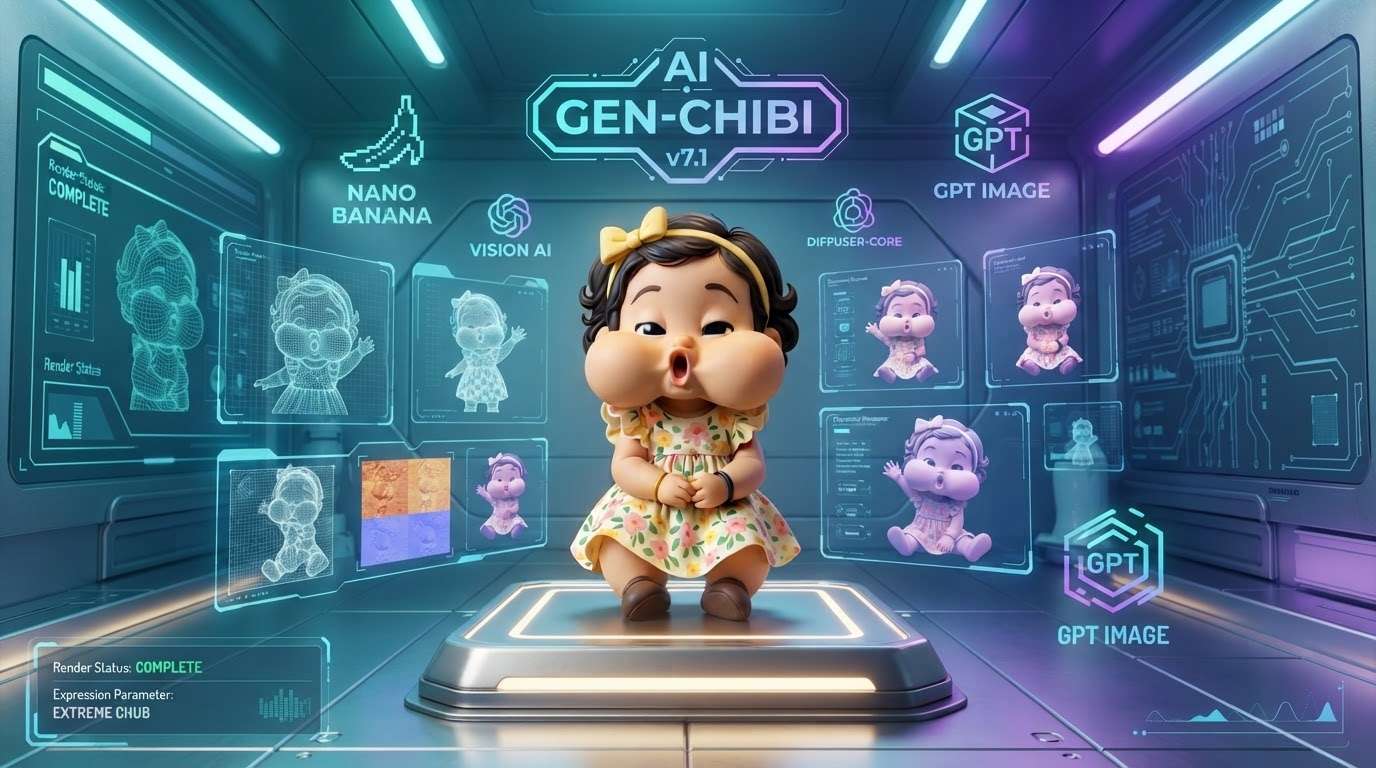
Whether you want a claymation vibe or a hyper-realistic tiny doll effect, our pre-designed mini doll templates provide the perfect starting point. Enhance your creations with unique creative assets to build engaging environments that captivate your audience on any platform. Apply tilt-shift blurs, vibrant color grading, and speed adjustments in seconds.
- 🧸 Drag-and-Drop Assets - Apply complete miniature themes to your footage in one click.
- 🌈 Color & Scale Adjustments - Easily shrink subjects and boost saturation for a realistic toy aesthetic.
- ✨ Social Media Ready - Find mini doll templates perfectly optimized for vertical shorts, reels, and standard aspect ratios.
Enhance Your Human Doll Effect with AI Add-ons
Enhance Your Human Doll Effect with AI Add-ons
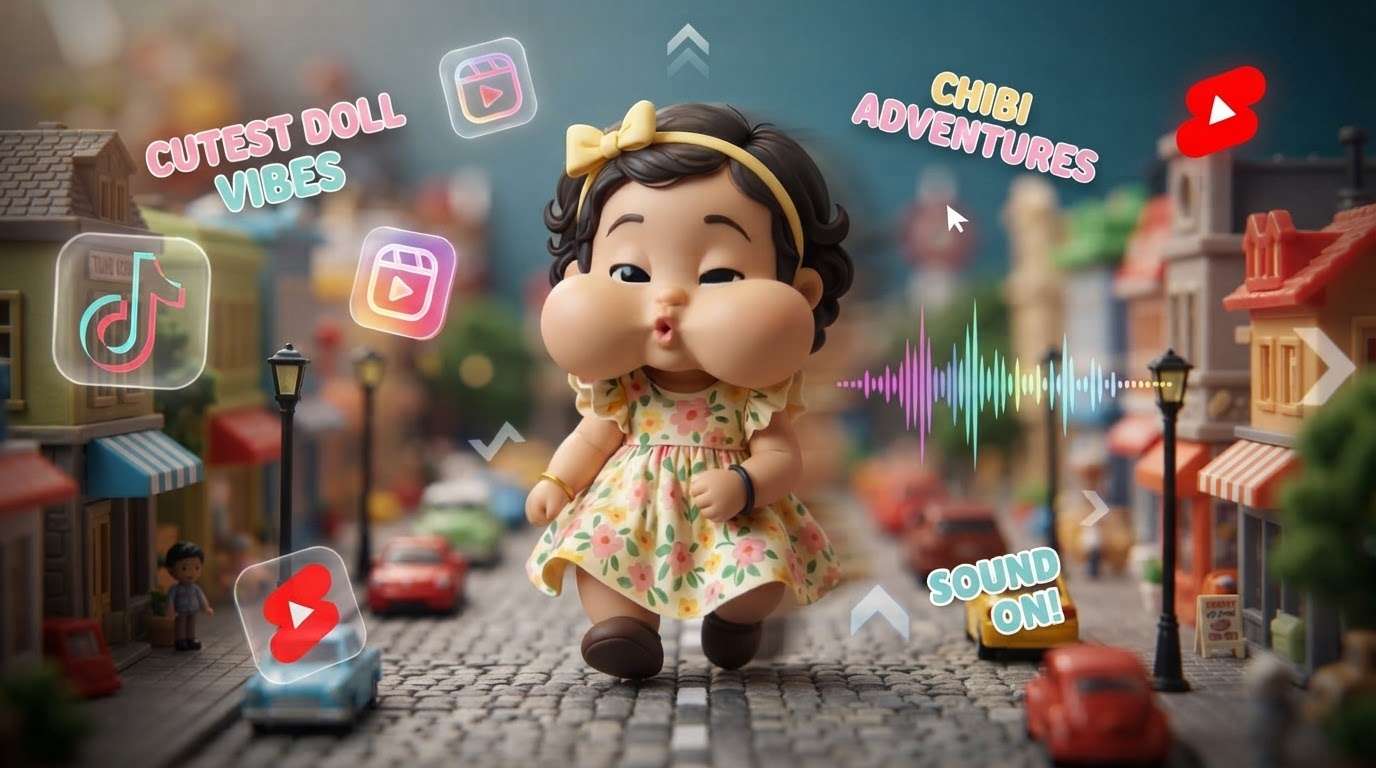
Finalize your cute doll effect by adding expressive, interactive elements! Use Filmora's AI Sticker feature to place tiny accessories like bows and glasses on your subjects, or use robust Filmora image-to-video tools to bring those specific aesthetic elements to life. It is the ultimate playground for crafting completely unique miniature characters.
- 🎀 AI Stickers - Generate custom bows, tiny glasses, and hats that perfectly track to your character's movements.
- 👀 Facial Exaggeration - Soften facial features and enlarge eyes to perfect the human doll look.
- 🌟 One-Click Polish - Apply stylized depth of field to make even standard videos look authentically miniature.
Frequently Asked Questions About the Mini Doll Effect
How to Apply Mini Doll Templates in Filmora
Transform your everyday footage into an adorable miniature doll effect in just three simple steps. Use our powerful AI image to video tools and intuitive templates to craft your tiny world effortlessly! 🌍✨
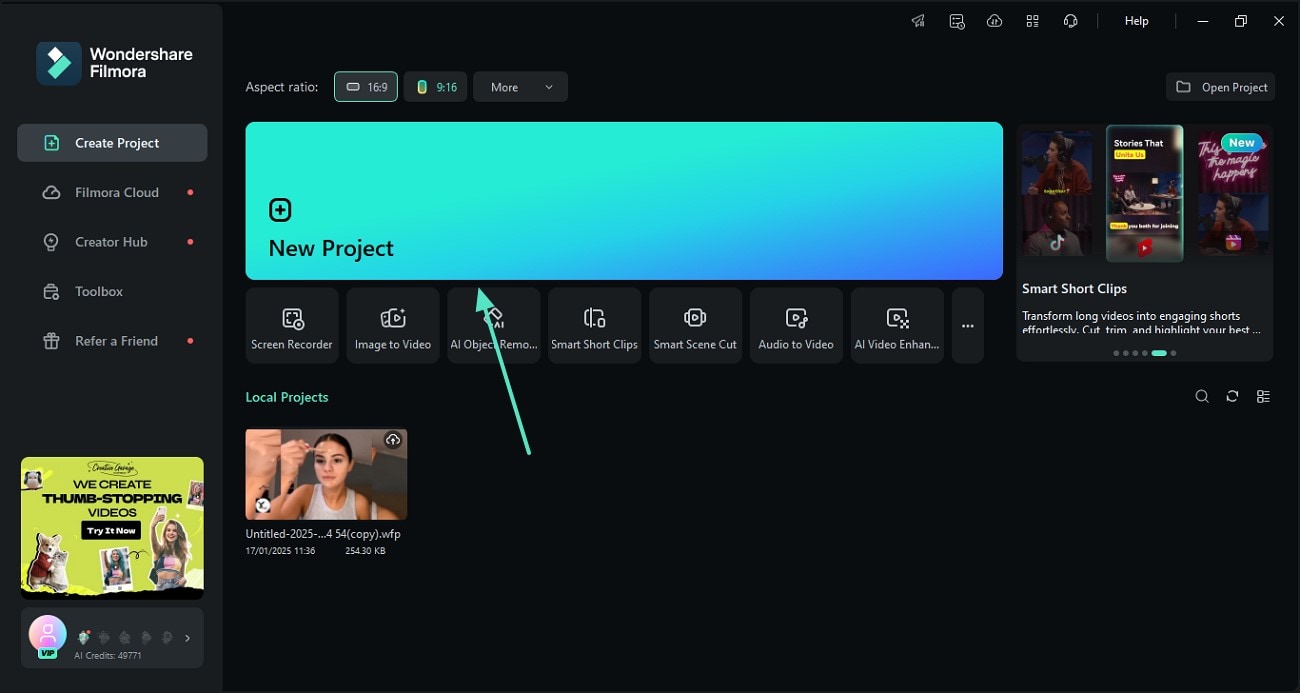
Step 1 Generate or Import Your Mini Doll
Step 2 Apply Miniature Doll Templates
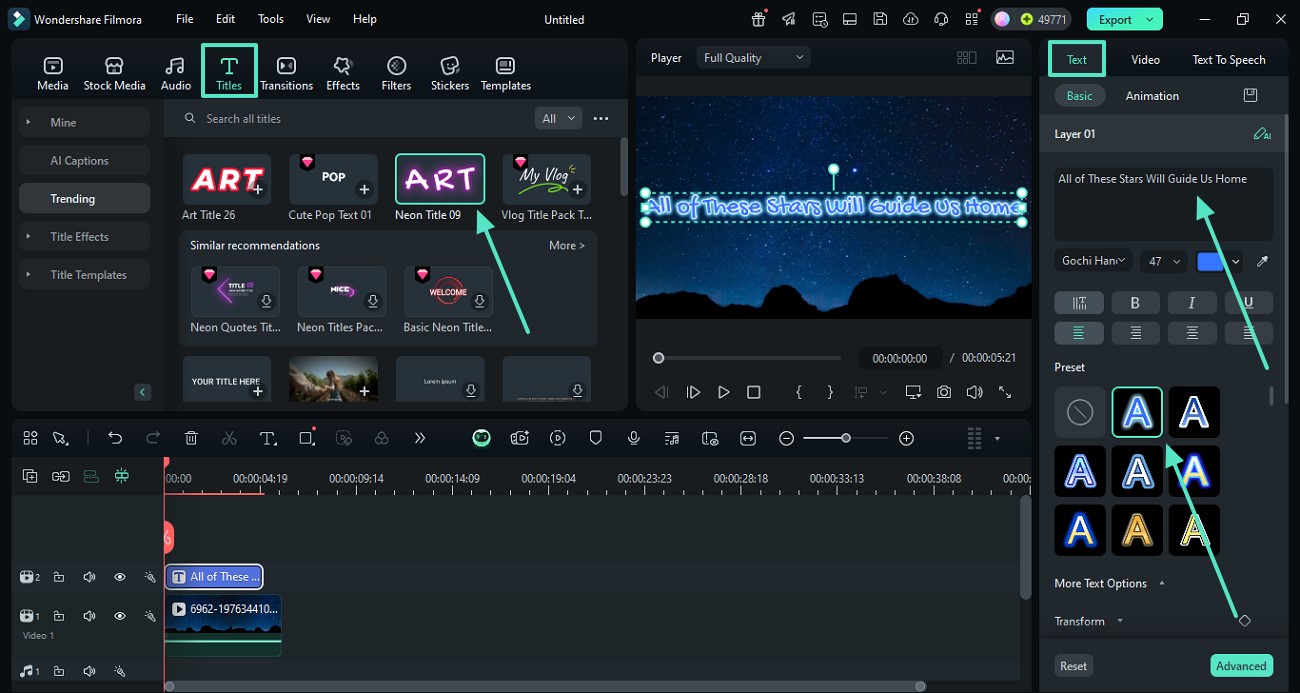
Step 3 Convert AI Image to Video & Export
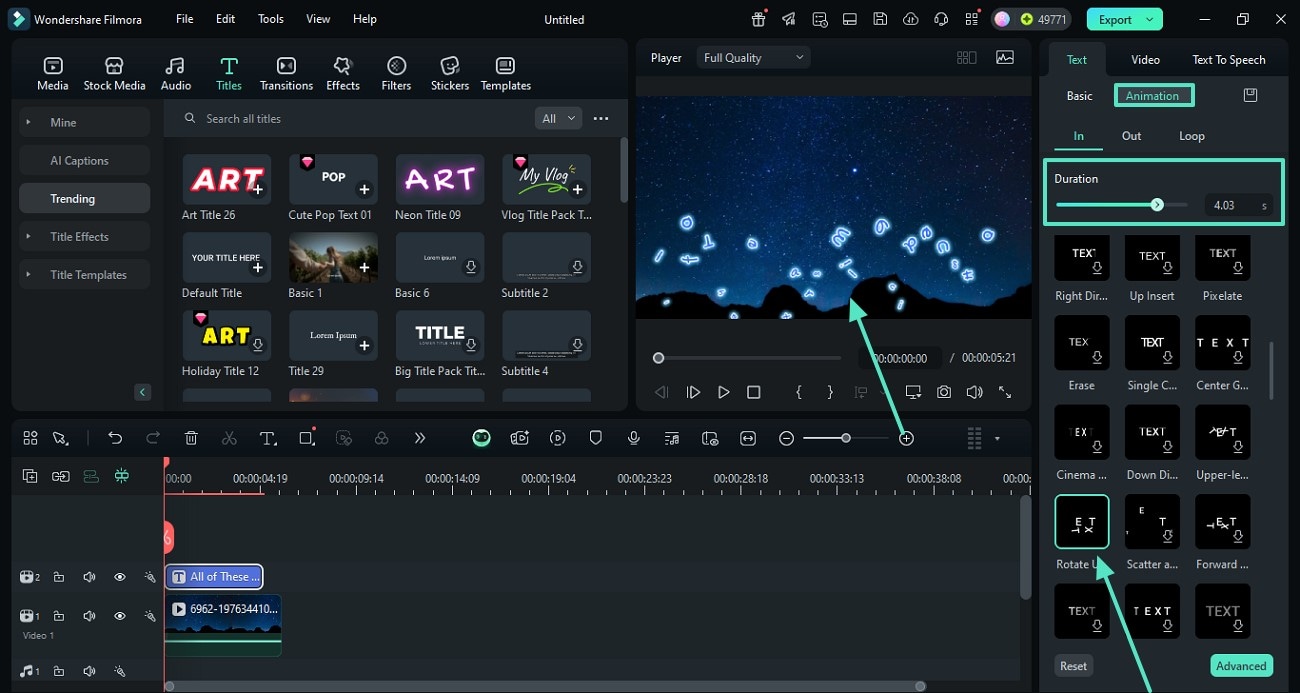
-
1: Generate or Import Your Mini Doll
Open Filmora and use the built-in AI Image tool (selecting Nano Banana 2 or GPT Image 2) to create your character, or simply import your existing footage onto the timeline to begin crafting your cute doll effect. -
2: Apply Miniature Doll Templates
Navigate to the "Templates" tab and search for the tiny doll effect. Drag your chosen preset directly over your clips to instantly apply the necessary color grading, blur, and scale adjustments. -
3: Convert AI Image to Video & Export
If you used static images, utilize Filmora's AI image to video feature to add motion seamlessly. Once your human doll effect looks perfect, click "Export" to share your adorable creation with the world!
Elevate Your Miniature Video Edits
Stop struggling with complicated manual keyframing and layout layering. Filmora provides everything you need to craft an authentic miniature doll effect in minutes. From generating base assets with our advanced AI to utilizing seamless AI image to video animation tools, you can bring any tiny doll effect to life effortlessly. Enhance your characters with intuitive AI stickers, adjust lighting for that perfect plastic toy aesthetic, and export your charming human doll effect for any social media platform. Dive into our expansive library of pre-designed mini doll templates and start building your adorable miniature world today!








