
Toon Twin Examples & Guides
Explore popular ai toon twin applications and how-to guides
Loading more toon twin examples...
 Category:
 Duration:
 Aspect Ratio:
Everything You Need to Animate Your Toon Twin
A well-placed cute toon twin can turn an ordinary clip into a highly engaging, personalized video. Filmora gives you ultimate control with its integrated AI Image Generator. Instead of juggling external tools, access industry-leading models like ChatGPT/DALL-E 3, Nano Banana 2, and Nano Banana Pro directly on your timeline.
Whether you're building a virtual streamer identity or adding a playful avatar to your vlog, Filmora's intelligent tools give you the flexibility to perfect every cartoon detail.
Generate Your AI Toon Twin Instantly
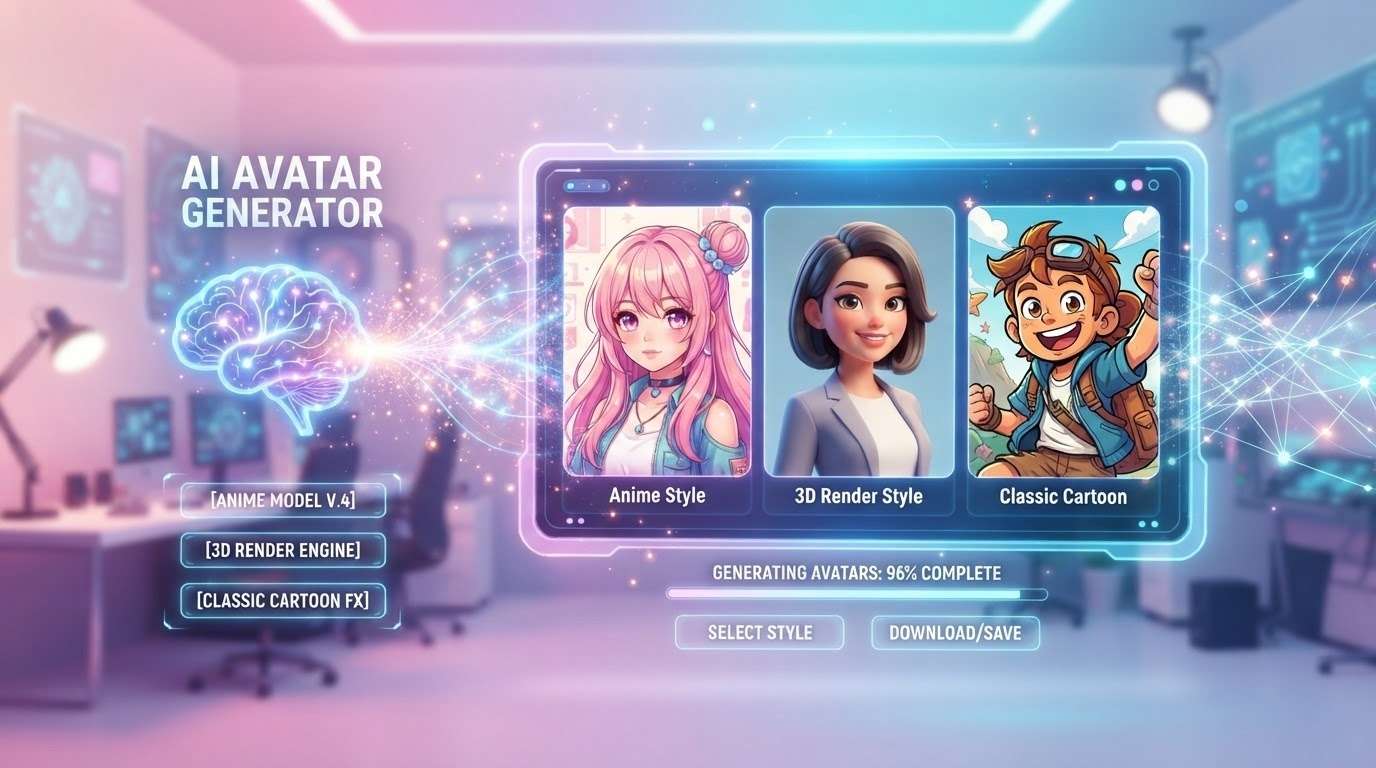
Generate Your AI Toon Twin Instantly
Stop spending time drawing cartoon avatars manually. Leverage Filmora's versatile AI models to spawn an ai toon twin in seconds. Just type your prompt and watch the magic unfold across your screen.
- One-Click Generation - Choose from multiple internal AI models to get the perfect cute toon twin effortlessly.
- Diverse Art Styles - Select anime, 3D render, or classic cartoon aesthetics to match your brand vibe.
- High-Resolution Output - Export crystal-clear, detailed avatars ready for any social platform.
Seamlessly Animate Your Cute Toon Twin
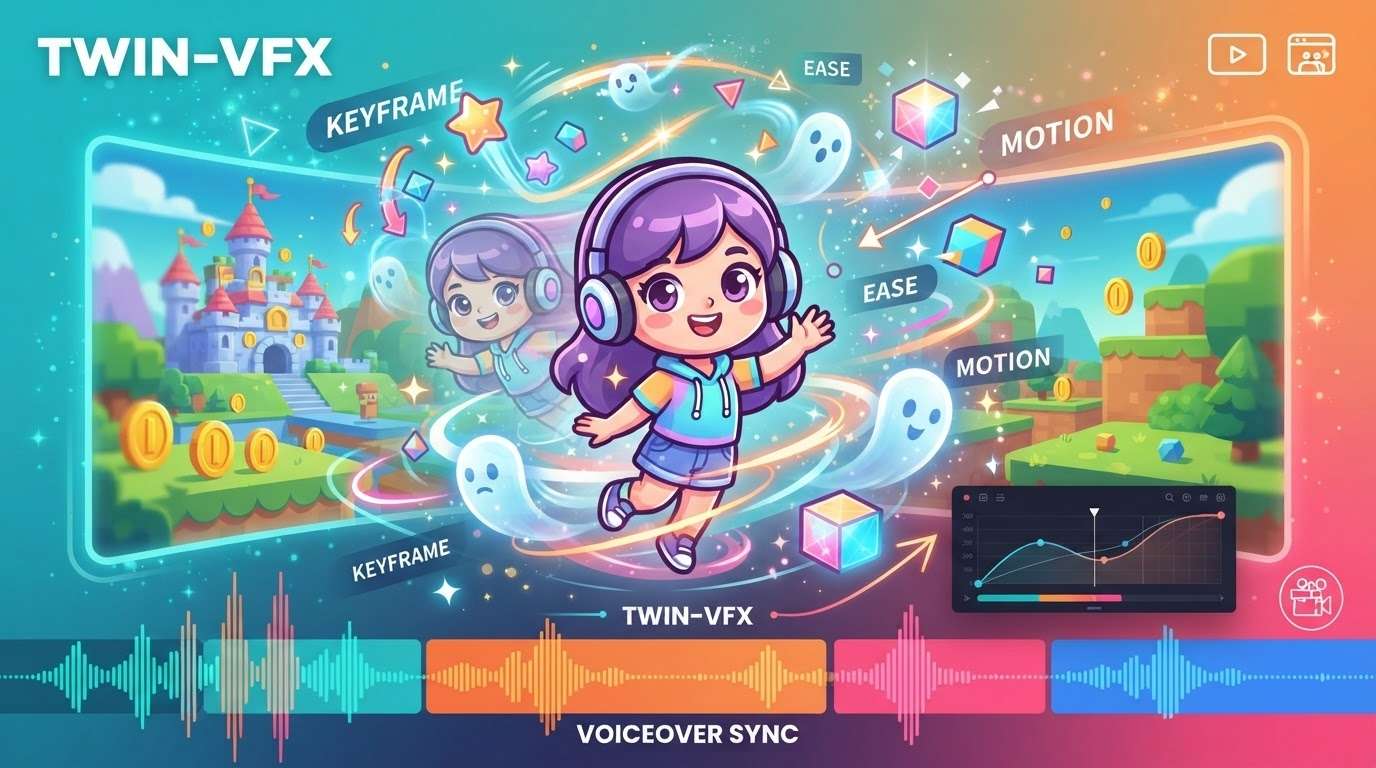
Seamlessly Animate Your Cute Toon Twin
Once your avatar is ready, it's time to bring it to life. Use the Filmora image-to-video tool to add dynamic motion, fluid transitions, and breathtaking visual effects to your newly minted ai toon twin.
- 💬 Fluid Motion Integration - Apply dynamic keyframes to make your avatar move naturally across the screen.
- 🔤 Expressive Layering - Stack your toon twin over gameplay or vlog footage effortlessly.
- ✨ Cinematic Transitions - Blend scenes together with professional-grade video effects.
- 🎨 Voiceover Sync - Match your character's appearance with stunning audio clarity on the timeline.
Advanced Multi-Model Flexibility
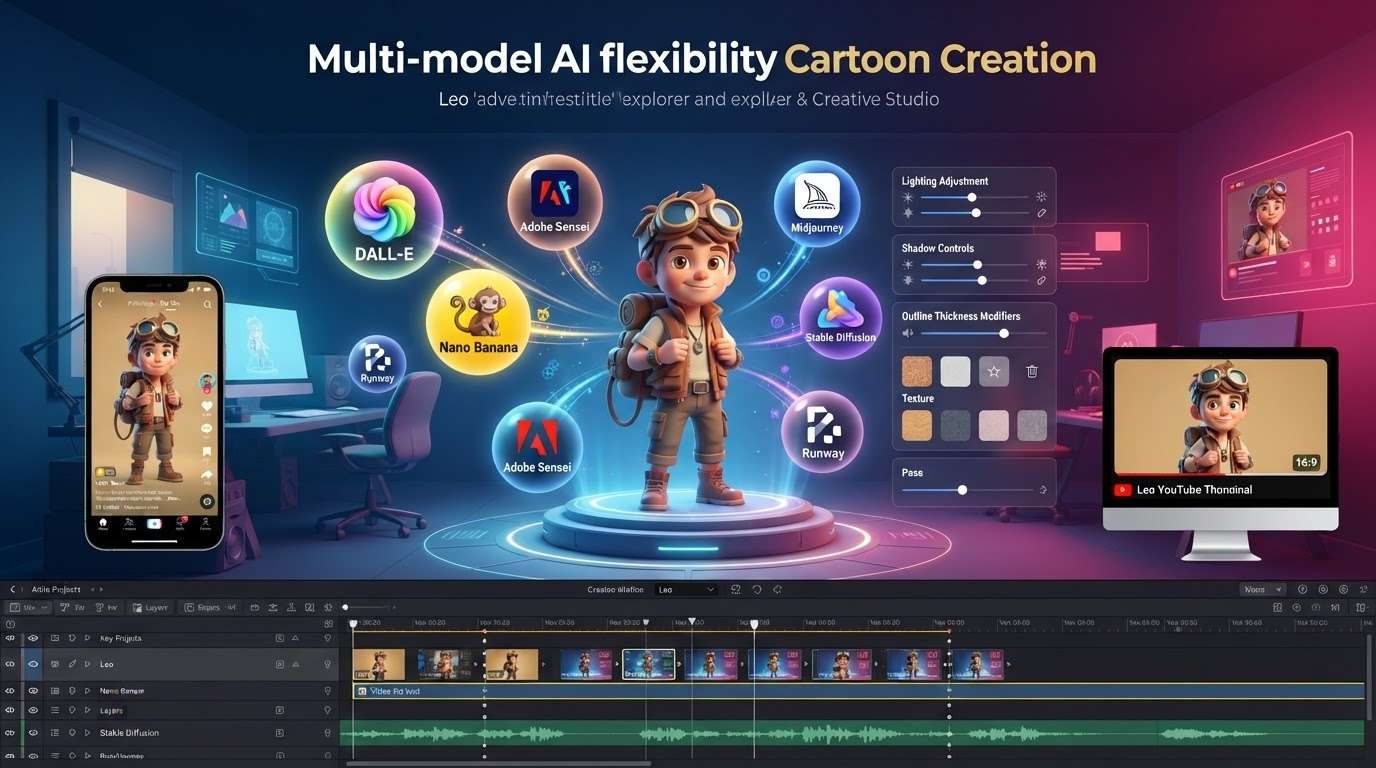
Advanced Multi-Model Flexibility
Filmora stands out by integrating an arsenal of top-tier AI capabilities. You are never locked into a single style. Switch between the ChatGPT/DALL-E 3 model for highly detailed prompts, or choose Nano Banana 2 and Nano Banana Pro for vibrant, stylized cartoon textures.
- Flexible Toolset - Harness the immense power of ChatGPT/DALL-E 3 and Nano Banana engines right from your workspace.
- Complete Creative Freedom - Tweak lighting, shadows, and outlines to perfect your twin.
- Direct Timeline Editing - No need to import from other apps; do everything inside Filmora.
- Cross-Platform Ready - Optimize your animated twin for vertical or horizontal platforms instantly.
Frequently Asked Questions About Toon Twins
How to Create an AI Toon Twin in Filmora
Generate a cute toon twin effortlessly with Filmora's built-in tools. Follow these simple steps to build and animate your unique digital avatar. 🚀
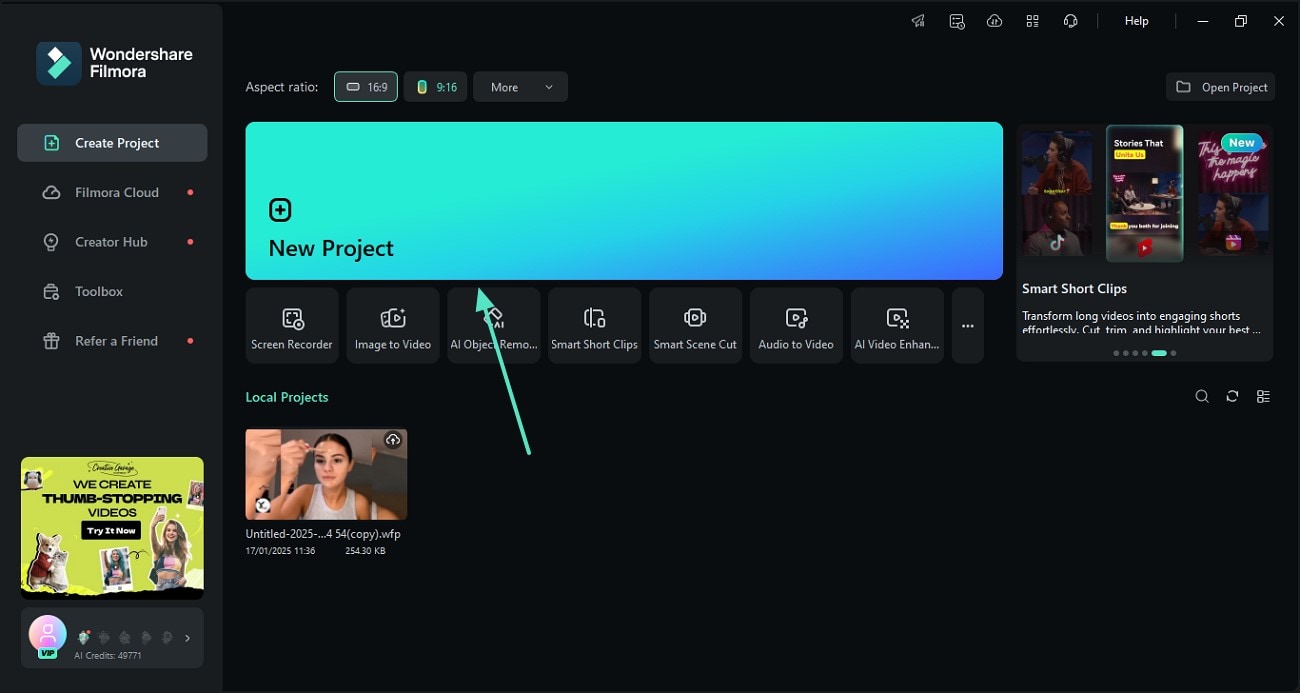
Step 1 Choose Your AI Model
Step 2 Generate and Refine
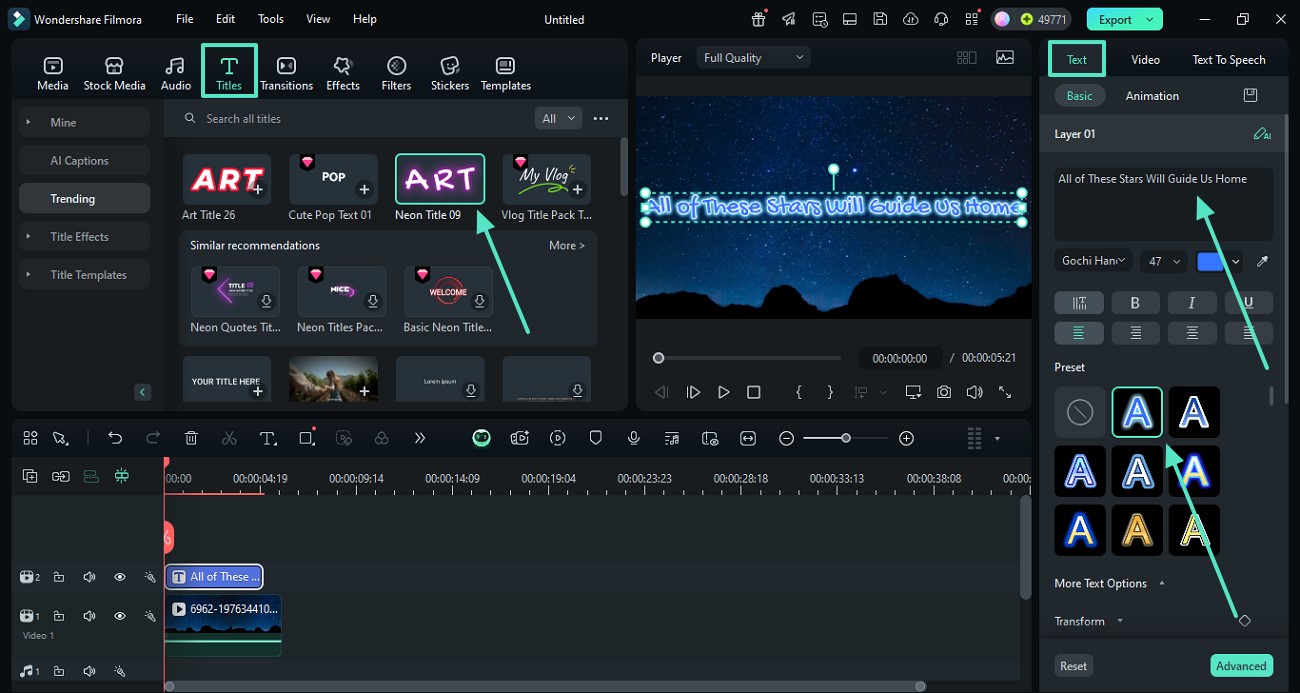
Step 3 Animate and Export
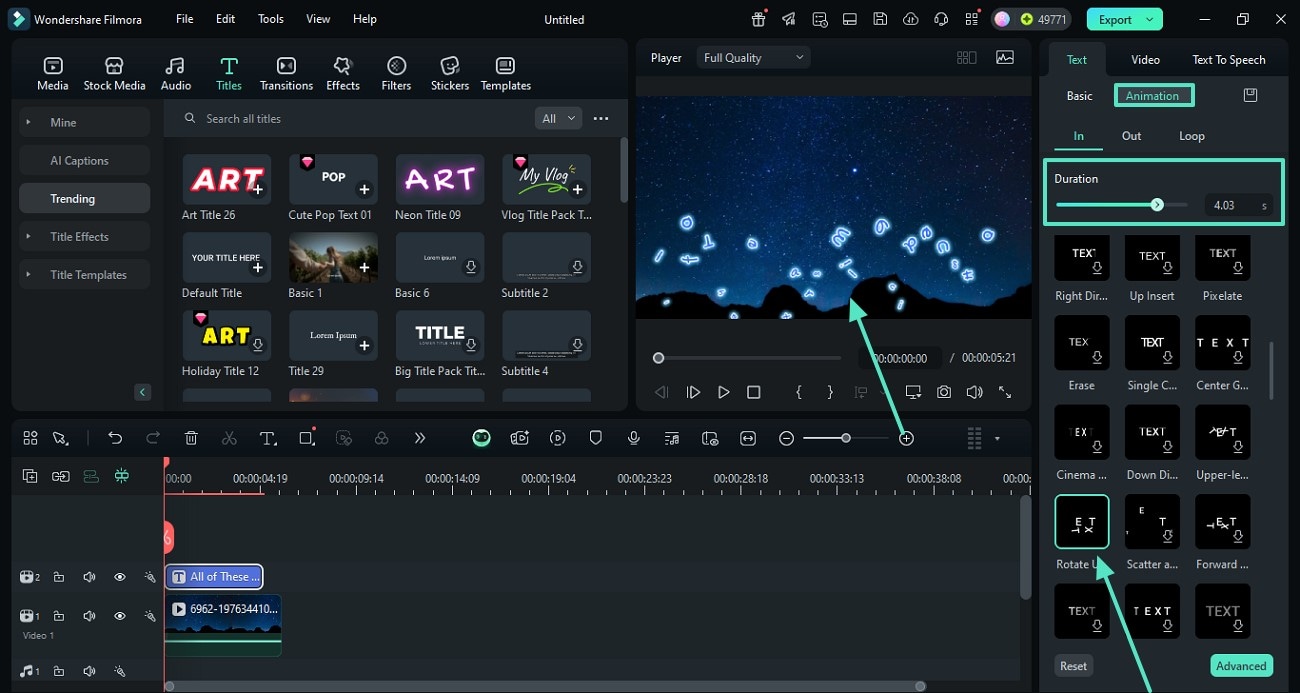
-
1: Choose Your AI Model
Open Filmora and access the AI Image feature. Select your preferred engine, such as ChatGPT/DALL-E 3 or Nano Banana 2, to begin crafting your ideal ai toon twin. -
2: Generate and Refine
Enter a detailed prompt describing your desired avatar. Hit generate, review the results, and tweak the settings until you achieve the ultimate cute toon twin. -
3: Animate and Export
Drag your new character onto the timeline. Add dynamic effects and transitions, then click export to share your animated twin with your audience on social media.
Beyond Basic Cartoon Filters
Filmora goes beyond simple snapshot filters. By harnessing advanced internal models, you can meticulously craft an ai toon twin that accurately reflects your brand identity. Layer atmospheric lighting, add expressive animations, and utilize powerful color grading to make your cute toon twin pop. Whether you're producing a gaming channel intro, a faceless tutorial, or a vibrant social media update, Filmora equips you with a complete suite of professional editing tools.








