
Free gemini childhood photo prompt templates:
Copy, Paste & Go Viral
Looking for the exact gemini childhood photo prompt used in trending TikTok edits and Instagram posts? Get step-by-step prompt ideas that turn your portraits into childhood versions with Gemini AI. Just browse our gemini childhood photo prompt templates, pick your style, and paste into your AI image tool—instantly get childhood transformation results perfect for videos, memes, and nostalgia edits.
Loading more templates...
 Category:
 Duration:
 Aspect Ratio:
Gemini Childhood Photo Prompt: Turn Any Picture into Viral Childhood Memories
Searching for the trending gemini childhood photo prompt effect? Instantly transform your selfies or portraits into cute, retro childhood photos using the latest AI prompt on TikTok, Instagram, YouTube, and Snapchat. Upload your photo and watch the Gemini childhood photo prompt remake your image in seconds—matching the look everyone’s sharing online.
This Gemini childhood photo prompt uses advanced AI models to capture old-school vibes, soft colors, and classic backgrounds, creating childhood-style photos that are perfect for nostalgia posts, profile updates, and social trends. Works for single and group images, outputs high-res photos for socials fast.
How Gemini Childhood Photo Prompt Works
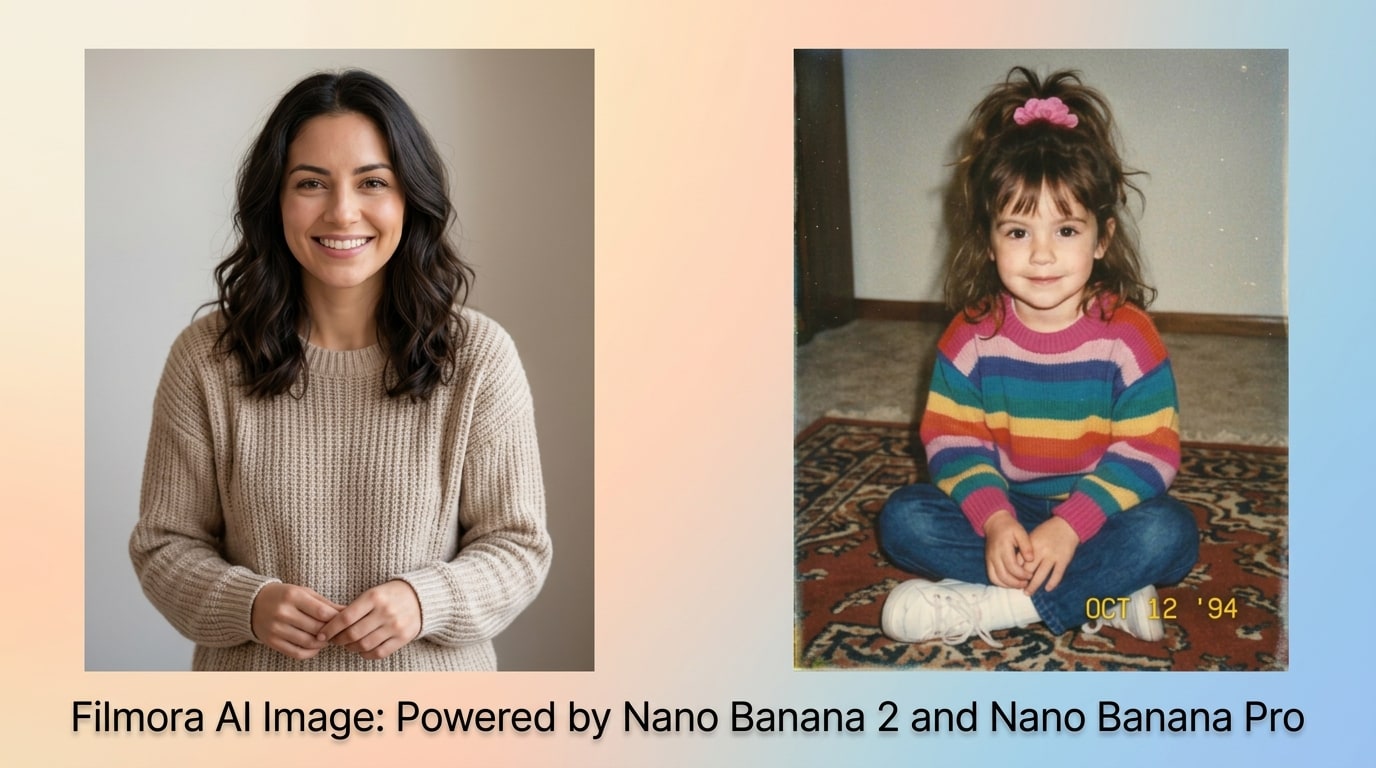
How Gemini Childhood Photo Prompt Works
Create trending childhood-style photos for social media with just one click. Upload your photo, enter the Gemini childhood photo prompt, and let Filmora’s image-to-image generator instantly adapt your image with classic filters and details. Generate authentic, age-regressed childhood visuals ready to go viral on TikTok, Instagram, or YouTube Shorts.
- Copy-Gemini Prompt – Use our ready-made Gemini childhood photo prompts or edit your own easily.
- Classic Styles – Baby photo, preschool, 90s school portrait, group kid photos.
- Reference Friendly – Works with selfies, group shots, and even childhood photos to compare.
Popular Gemini Childhood Photo Prompt Video Effect
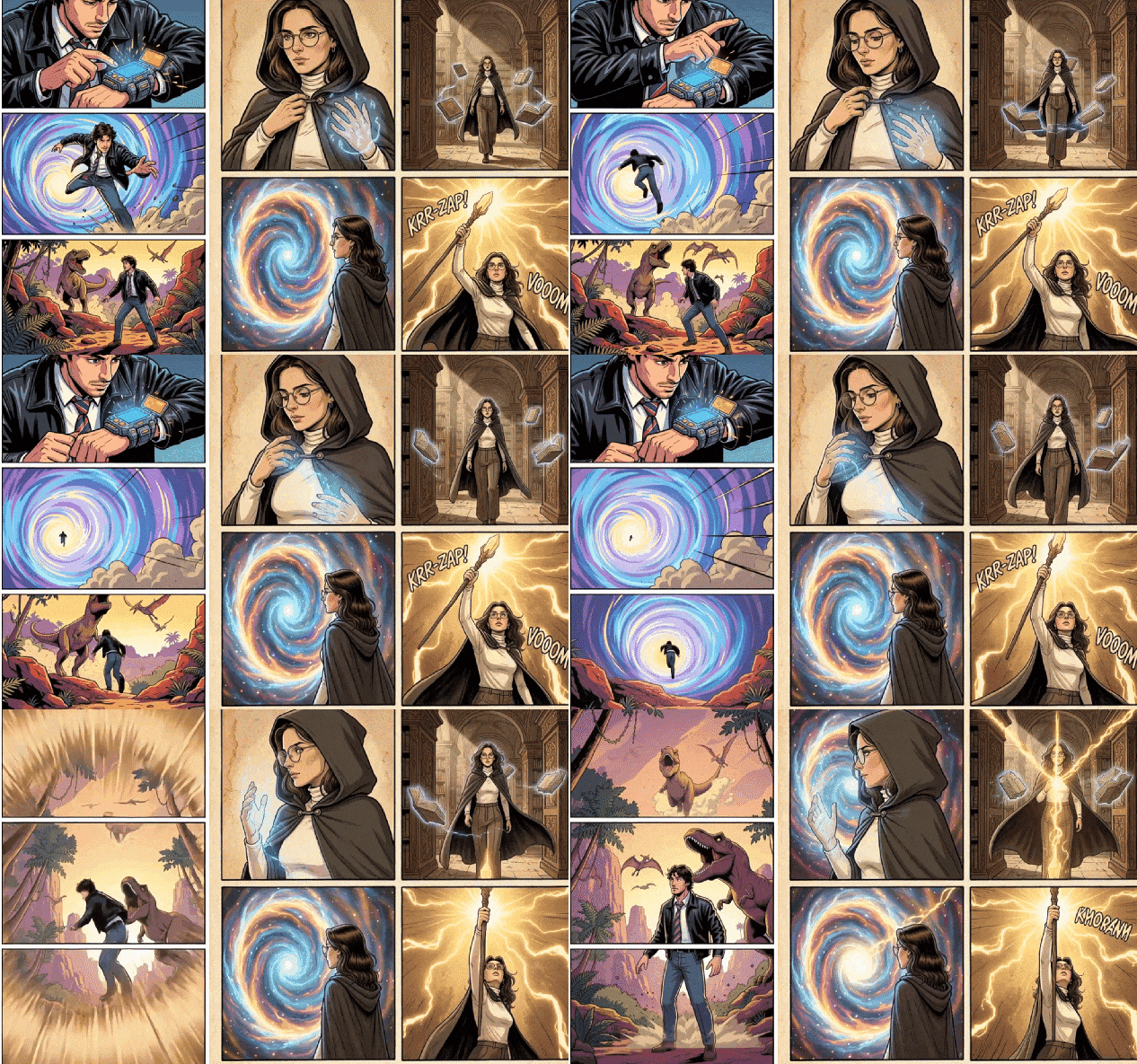
Popular Gemini Childhood Photo Prompt Video Effect
The Filmora mobile app lets you turn your Gemini childhood photo prompt images into trending photo-to-video transformations with built-in templates. Perfect for TikTok slideshows, Reels transitions, and memory compilations in one tap—no prompt writing needed.
- Preset Childhood Video Styles – Choose classic baby video, yearbook, or “then/now” glow-up templates.
- Zero Prompt Writing – Just upload your photo, pick Gemini childhood template, and create instantly.
- Edit or Customize – Fine tune your age effect or add backgrounds for unique content.
- Photo-to-Video – Turn static childhood photos into dynamic, animated videos for social sharing.
- Sync Music & SFX – Add viral soundtracks or nostalgic sound effects in-app.
Edit Gemini Childhood Photos with Custom Text & Stickers
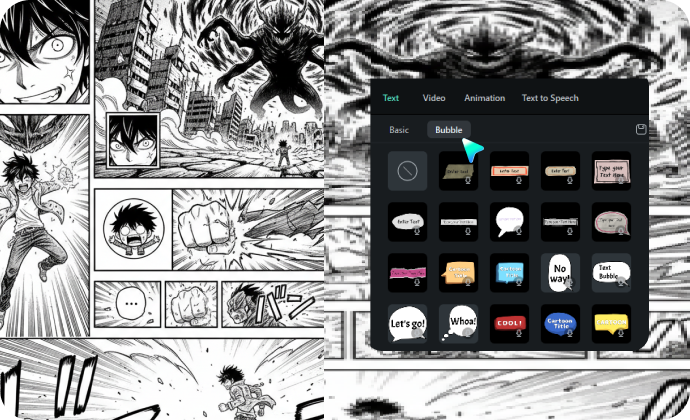
Edit Gemini Childhood Photos with Custom Text & Stickers
After generating your Gemini childhood photo prompt image, make it stand out by adding speech bubbles, childhood captions, or fun stickers using Filmora's editing tools. Personalize and style your throwback photos for TikTok trends, reels, or as unique profile pics.
- 🗨️ Speech Bubbles– Add playful quotes, childlike scribbles, or stickers directly on your image.
- 🔤 Child-Friendly Fonts – 90s cartoon, crayon handwriting, and nostalgic yearbook styles.
- 🎨 Easy Typography Tools – Bright colors, curved captions, retro frames, and add-on décor effects.
FAQs for Gemini Childhood Photo Prompt
- Go to a platform or app that supports Google Gemini AI image generation.
- Select the option or tool for Gemini childhood photo prompt.
- Upload your selfie or enter a text prompt describing your age, gender, style, or look.
- Let Gemini AI generate your childhood photo in seconds.
- Download, share, or use the effect for your TikTok, Instagram, or other social posts.
How to Use Gemini Childhood Photo Prompt Effect in Filmora?
The popular Gemini childhood photo prompt effect is trending across TikTok, Instagram, and YouTube. Filmora now integrates Gemini's Nano Banana 2 and Nano Banana Pro models, so you can generate childhood photo prompts directly inside Filmora — no extra tools needed. After generating, instantly edit, enhance, or turn your AI portraits into videos using Filmora's full editing suite. This quick guide walks you through the entire process in 1 minute or less — perfect for viral content.
Step 1 Open AI Image Generator in Filmora

Step 2 Enter Gemini Childhood Photo Prompt

Step 3 Download and Use Your Childhood Effect Image

-
1:Open AI Image Generator in Filmora
Launch Filmora and start a new project. In the "Stock Media," choose "AI Image" to get started with AI-powered photo generation. -
2:Enter Gemini Childhood Photo Prompt
Select the AI option, then input your Gemini childhood photo prompt (like "baby photo of me with brown hair") and click "Generate" to create your AI childhood photo. -
3:Download and Use Your Childhood Effect Image
Once Filmora finishes generating your childhood effect photo, preview, download, edit, or share it directly on your favorite platform.
More Than Just an AI Childhood Photo Generator
Filmora isn't just for childhood AI photos. You can generate baby photo effects, make AI videos, and edit all your viral content in one tool for trending challenges and shareable results.








