

 100% Security Verified | No Subscription Required | No Malware


 ChatGPT
 Perplexity
 Gemini
 Claude
 Grok
Grok
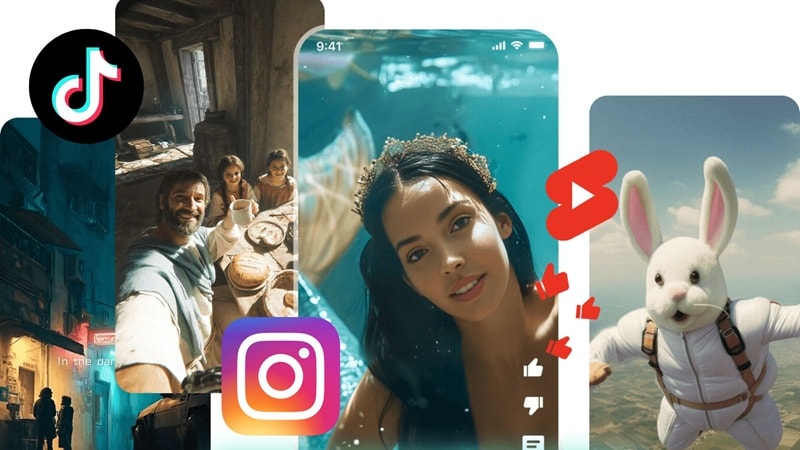
Although short video contents are dominating platforms like TikTok, Reels, and Shorts, not everyone really understands why some short videos take off while others barely get views. You might be posting TikTok short-form videos consistently and still feel like nothing sticks. That’s why in this guide, we break down what short-form video really is, how it works, and how to actually make it work for you.
In this article
Part 1. Definition – What is Short Form Video?
By definition, a short-form content video is a short-format video designed to deliver one clear idea in a limited time. But in the world of editing, this isn't just about making a video shorter. It’s about optimizing.
When you're making short videos on social media like TikTok or Reels, you aren't looking for a deep, three-act structure. You’re looking for clarity and speed. Every single frame has to justify its existence because, in this world, every second is a chance for someone to scroll away.
Part 2. What Counts as a Short Format Video?
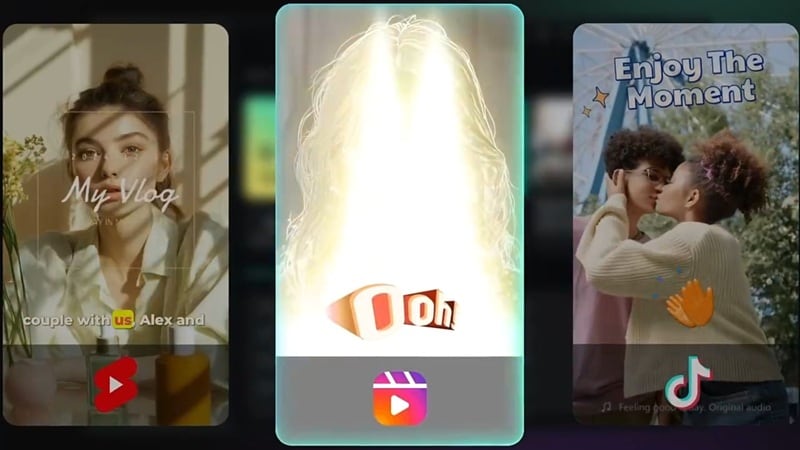
Not every brief clip qualifies as a short-form of video. But what actually makes a video fall into this category? Generally, these are the core characteristics:
- Short Duration: Usually 5 to 60 seconds. You have to get to the point before the viewer even realizes they’re watching.
- Vertical Format: We're talking short-form vertical video. Since everyone is on their phones, the 9:16 ratio fills the phone screen naturally.
- One Main Idea: One joke, one tip, or one beautiful shot. Don't try to tell a life story; just share one takeaway.
Part 3. Short-Form vs Long-Form Content Video
Short-form video and long-form content video serve very different purposes. One grabs attention fast, the other builds depth and trust over time. Knowing which one to use, and when, is a strategy in itself.
See the table below to view the differences:
| Aspect | Short Form Video Content | Long Form Content Video |
| Length | 5 to 60 seconds | 5 minutes to hours |
| Format | Vertical (9:16) | Horizontal (16:9) |
| Purpose | Fast impact, trend leverage, top-of-funnel reach | Depth, education, relationship building, SEO |
| Platforms | TikTok, Reels, YouTube Shorts | YouTube, podcasts, webinars, long LinkedIn videos |
| Editing Style | Fast cuts, captions, trending audio overlays | Detailed edits, chapters, b-roll, narrative arcs |
| Best For | Going viral, discovery, brand awareness | Trust building, tutorials, evergreen content |
Part 4. Where Short Video Content Actually Works Best
Short video content isn’t just popular. It’s dominating. If you want to stay relevant, you have to understand where this fits and why the short-form video trend is basically the gravity of the digital world right now. Let's get into it.
What Makes a Short Video Work
If you want your short video content to actually stick, it needs these four pillars:
The Hook: You have about 2 seconds to convince someone not to scroll. Use a bold statement or a crazy visual right at the start.
Speedy Delivery: Cut out the "umms," the "ahhs," and the long intros. Get straight to the good stuff.
Visual Movement: Use cuts, zooms, text overlays, and transitions to keep the eye engaged frame by frame.

The Loop: A loopable video gets replayed. Replays signal quality to the algorithm, which then pushes it to more people.

Where Short Form Video Content Is Showing Up Everywhere
Short video content has become the default format for communicating ideas fast across almost every industry. So, let's take a look at where it's exploding right now along with the type of short-form video examples to make. It might give you inspiration!
Educational Content: People love learning fast. So, shareable insights spread organically. You can make content like quick tips, life hacks, "Did you know?" explainers, or micro-tutorials.

Comedy & Entertainment: Entertainment is the #1 driver of virality. So, this follows short-form videos trend patterns closely. Content examples include skits, trending audio memes, reaction clips, or relatable humor.

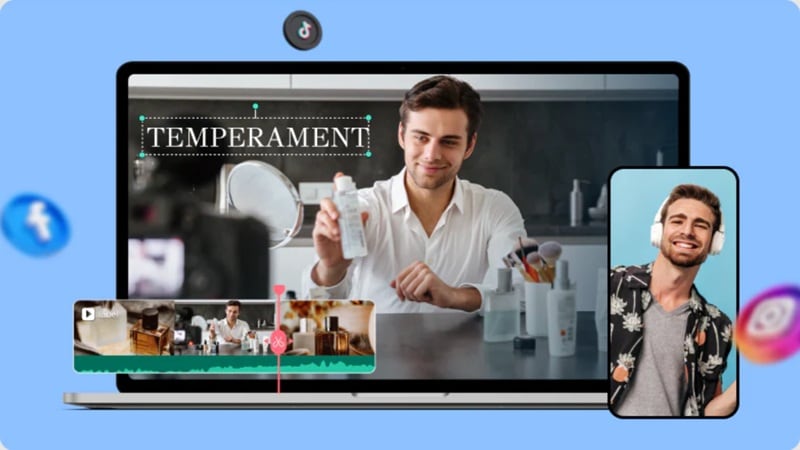
Product & Brand Storytelling: Instead of a boring commercial, brands show short video content to show value fast. You can make something like unboxings, before/after demos, or behind-the-scenes reveals.
Why the "Short Form Video Trend" Matters for Strategy
The short video trend has fundamentally changed how platforms reward content, how audiences consume it, and how creators need to think. Here's why it has to be part of your plan:
Algorithmic Favor: Platforms like TikTok, Instagram, and YouTube Shorts actively prioritize short-form video content. So, your short-form video trend potential is significantly higher than with traditional posts.

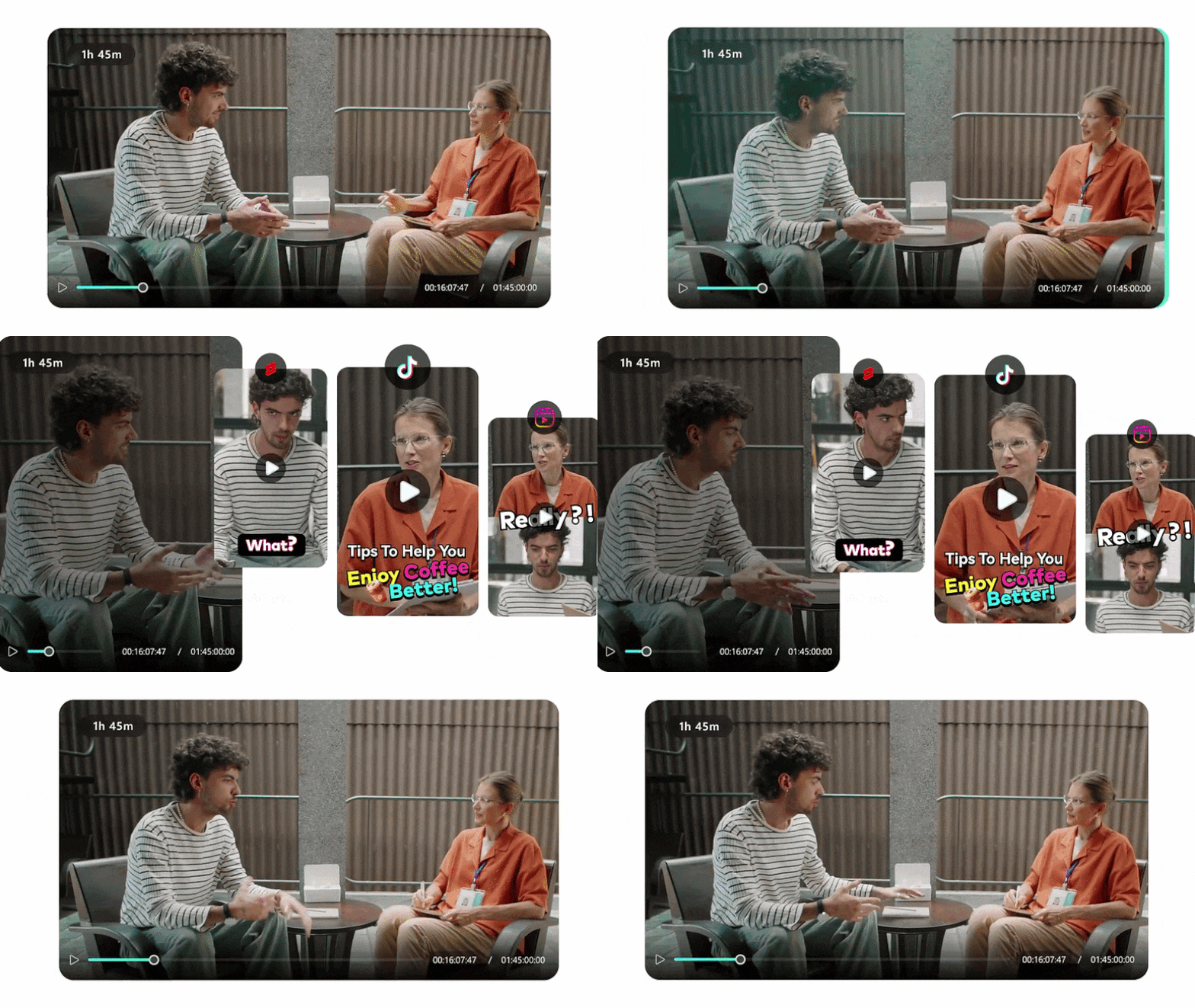
Repurposing Power: One long-form content video can be cut into 5–10 short-form vertical video clips. This keeps you consistent across platforms without starting from scratch every day.
The "Hook" Economy: In TikTok short-form video, the first 2 seconds decide everything. If the hook fails, nobody sees the rest, no matter how good it gets after that.
Common Mistakes When Making Short-Form Video
A lot of creators think posting more short videos on social media is enough. It’s not. The real problem is almost always in how the video is structured, not how often it's posted. Here are the most common traps:
- Weak Hook: If the first 2 seconds are boring, people scroll. Fix it by starting strong and direct.
- Too Many Ideas: Confused viewers don't share. They scroll. One short video content should focus on one point. Keep it simple.
- No Visual Movement: If nothing moves on screen for 5 seconds, it feels like an eternity. Use zooms and captions to keep it lively.
- Ignoring Trends: If you ignore short video trend patterns, your content feels outdated. So, it's important to audit trending audio and formats weekly; adapt them to your niche.
Part 5. Turning Ideas Into Short Videos (Step-by-Step with Filmora)
Knowing the concept is one thing. Actually creating short-form content videos consistently is another. This is where using the right tool makes a big difference. Thankfully, Wondershare Filmora helps simplify the process, especially if you want speed without losing control.
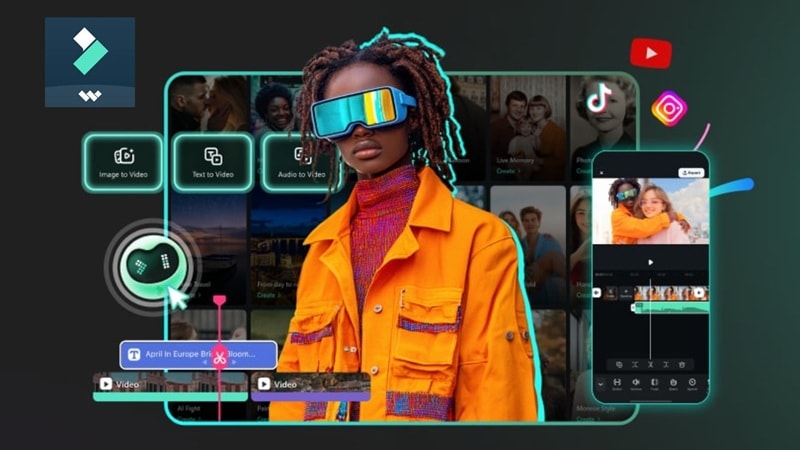
Filmora isn't just a general-purpose editor. It's packed with AI-powered tools that are specifically designed for the short video content workflow, whether you're creating from scratch or repurposing existing footage. Let's have a look at its features:


Filmora AI Features that Work for Short Video Content
1. AI Image to Video

Converts still images into animated short video clips. This is perfect for turning graphics into scroll-stopping short videos and social media posts.
2. AI Audio to Video

Build a short video around your voice narration or audio file. By using this feature, you can make a great podcast-style short-form content video!
3. AI Smart Short Clips

If you want to repurpose your long content into short pieces, this feature is your best friend. It analyzes your clip and automatically extracts the best moments as short-form vertical video clips.
4. Vertical Templates

Inside Filmora, there are pre-built templates sized for TikTok, Reels, and Shorts. This allows you to start editing immediately without resizing headaches.
5. AI Auto Reframe

This feature magically keeps the action in the center of the frame when you switch from horizontal to vertical. So, there's no need for you to adjust the aspect ratio for TikTok, Shorts, and Reels manually.
How to Use Short Form Video Content in Filmora
Ready to actually make one? Here's a clean, no-fluff walkthrough of how to produce short video content in Filmora. Follow these steps and you can turn a blank project to a publish-ready clip.
Step 1. Start a Vertical Project in Filmora
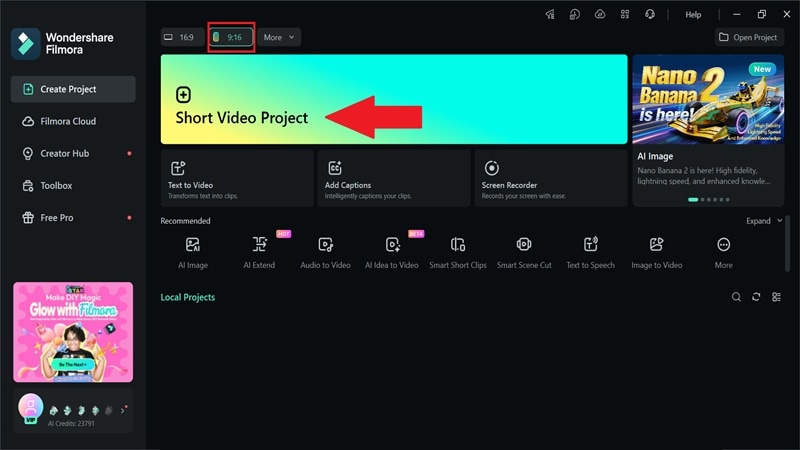
Open Filmora and set your project to a 9:16 aspect ratio so it fits short-form vertical video. From the main menu, choose the “Short Video Project" option to get started.
Step 2. Add Your Clips and Edit
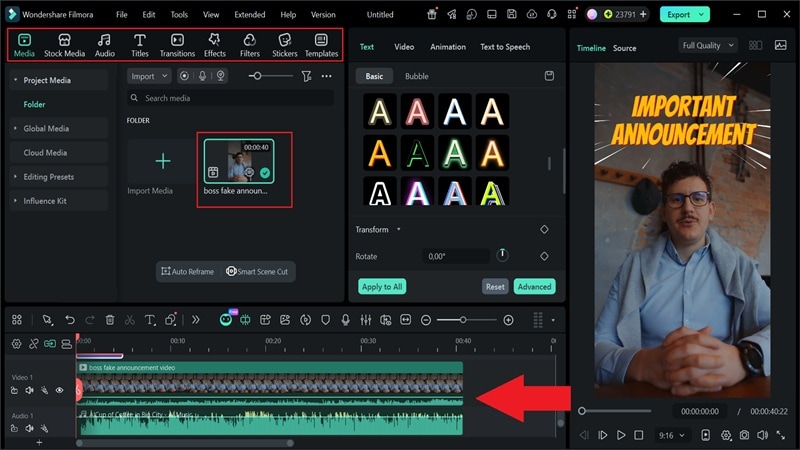
Import your footage, then trim the parts you don’t need. Add text, transitions, effects, and music to shape your short video content the way you want.
Step 3. Check and Export Your Video
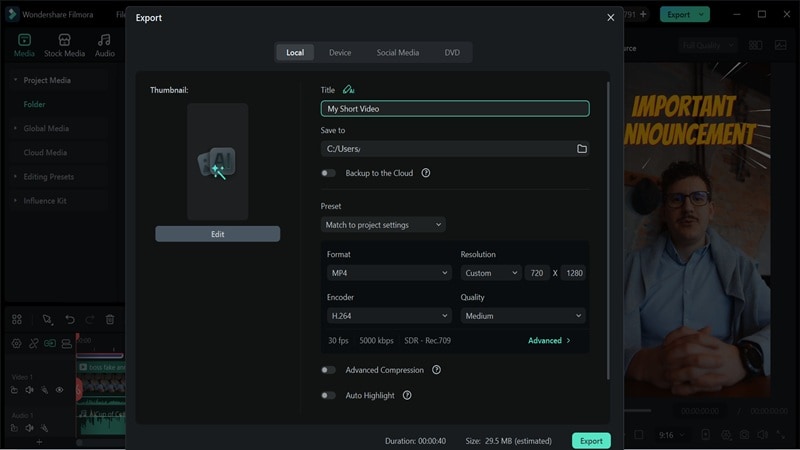
Preview your video to make sure everything looks right. Keep the 9:16 format for platforms like TikTok or Reels, then export your video so it’s ready to post.
Pro Tips for Short Form Video Content in Filmora
If you want to make your short-form videos trending, the small details matter a lot more here because short videos move fast and people decide in seconds if they want to keep watching or scroll away.
Here are a few simple tips that actually help your short video content perform better:
Tip 1: Add Captions that Match the Pace
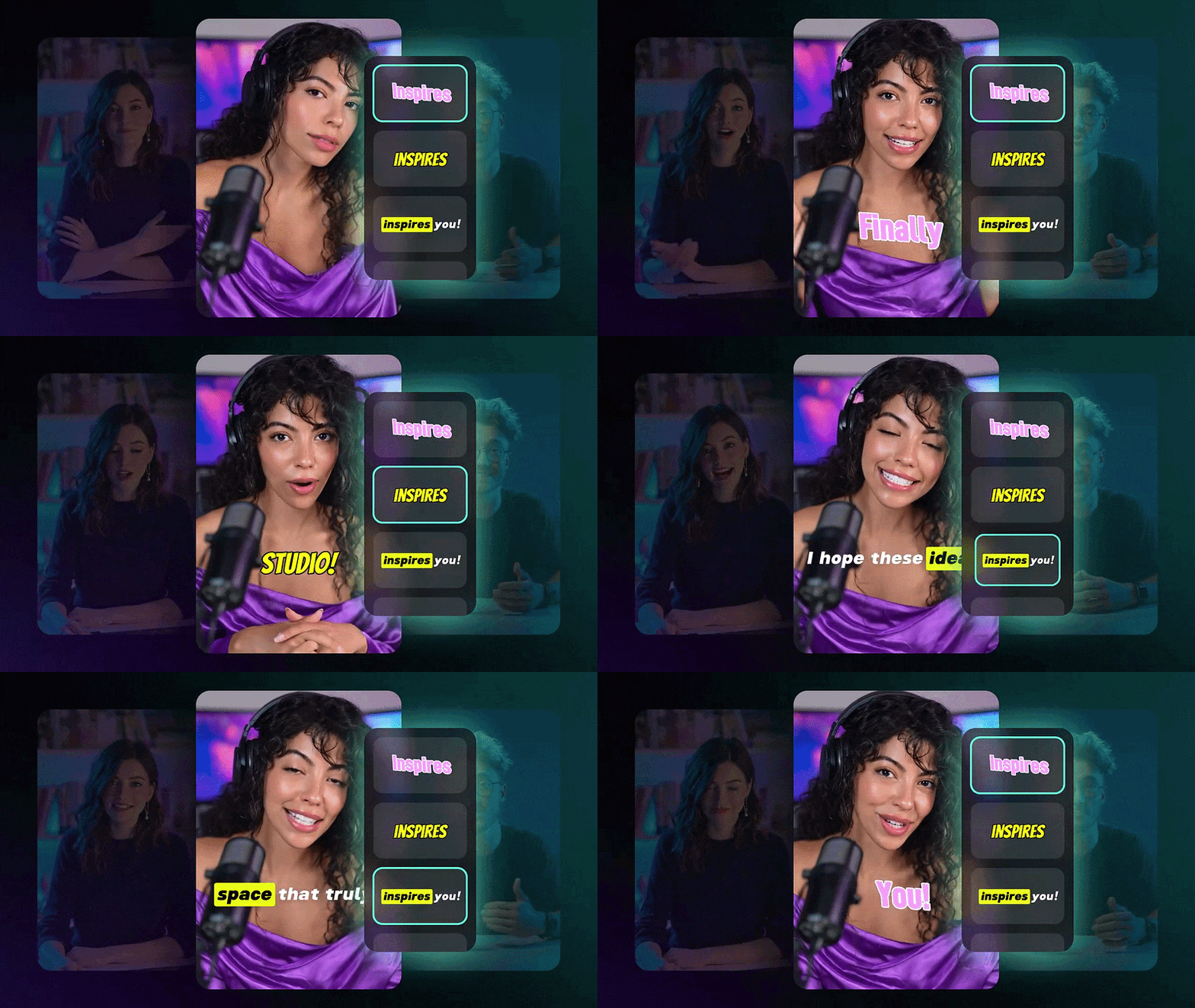
A lot of people watch TikTok short-form video content without sound, so captions are not optional anymore. Use Filmora’s built-in AI captions to generate them fast, then adjust the timing so they match your cuts. Clean, readable captions can seriously improve retention.
Tip 2: Edit on Mobile When You Need Speed
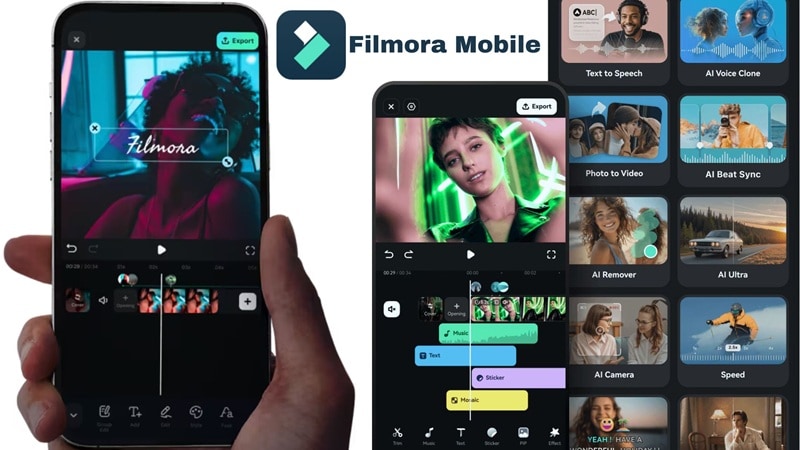
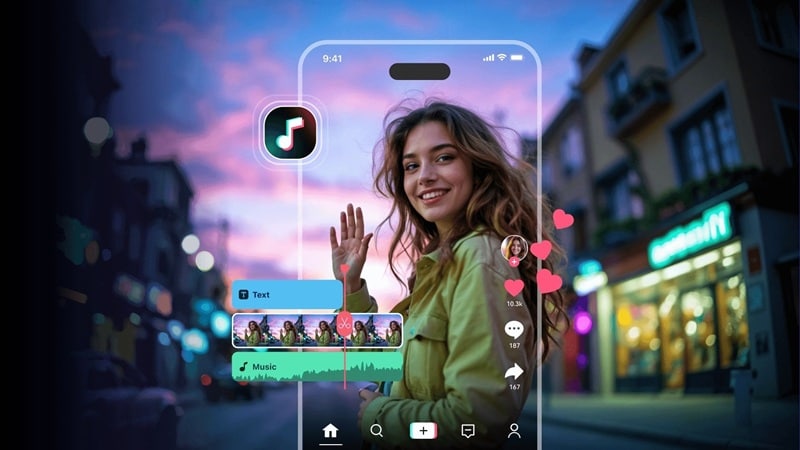
Sometimes sitting at a desk slows you down. Filmora Mobile makes it easier to create and edit short-form video content on the go. It works on both Android and iOS, so you can quickly tweak or post your short videos whenever you need without opening your laptop.
Tip 3: Plan Your Posts

Consistency matters in the short-form video trend. Thankfully, you can use Filmora's Social Content Planner to organize and schedule your uploads so you don’t miss days or post randomly. This helps you stay active across short videos and social media platforms and keeps your content flowing without overthinking it.
FAQs about Short Form Video Content
-
Can short-form video content help grow a new account?
Yes. Short video content is often pushed more by platforms, giving new creators a better chance to reach a wider audience quickly. -
Is it better to follow trends or create original short videos?
Both matter. So, a mix of both is the "pro" move. Following short-form video trend patterns helps with reach, while original ideas help build your identity. -
Can I use the same short video for TikTok, Reels, and YouTube Shorts?
Yes! Just make sure to remove any watermarks (like the TikTok logo) before posting to a different platform, as the algorithms can sometimes suppress videos with competitor logos.
