
20+ Doctor Photo Prompt Templates:
Copy, Paste & Go Viral
Get doctor photo prompts for AI and social content, including classic doctor poses, hospital backgrounds, stethoscope & mask details, and more. See what's trending on TikTok and YouTube with instantly usable doctor photo prompt ideas and Gemini doctor photo prompt templates.
Just browse all Doctor Photo Prompt templates, tap on your favorite, copy-paste into your Gemini AI doctor generator or any AI app, and start creating viral doctor photos in a few clicks. Perfect for AI-generated doctor images, professional headshots, and social media content.
Loading more templates...
 Category:
 Duration:
 Aspect Ratio:
Doctor Photo Prompt Generator: Create Realistic Doctor Photos in Seconds
Searching for the trending doctor photo prompt effect that's all over TikTok and Instagram? Turn your selfie into a professional doctor photo instantly! Use Filmora's advanced AI image generator, powered by Google's Nano Banana model (Nano Banana Pro integration coming soon), to transform your photo with viral photo prompts—hospital backgrounds, lab coats, and patient room vibes included.
Get the exact Gemini doctor photo prompt effect everyone is using with our doctor photo prompt generator. Whether you need realistic doctor photo prompts for Gemini AI doctor generator, Midjourney, or Stable Diffusion, your doctor selfie looks real and ready for sharing on social media, profile pics, or content creation. No editing needed, just upload and prompt!
Doctor Photo Prompt Effect: Instantly Turn Any Photo Into a Doctor Selfie
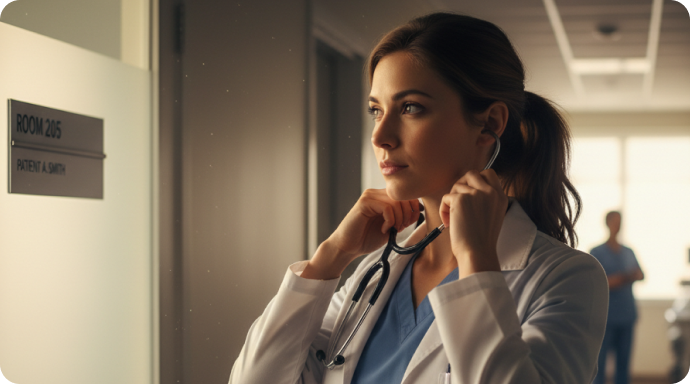
Doctor Photo Prompt Effect: Instantly Turn Any Photo Into a Doctor Selfie
Create social-ready doctor photos for TikTok, Instagram, or your professional avatar! Choose your hospital scene, pose, or specialty in the prompt. Filmora's AI doctor photo prompt generator, running Google's Nano Banana model, delivers viral-quality realistic doctor photo prompts with realistic badges, stethoscopes, and backgrounds seen in the trend. Perfect for Gemini doctor photo prompt users and AI-generated doctor headshots. No Photoshop or skills needed—just upload your selfie and get professional doctor AI images instantly.
- Paste Popular Doctor Photo Prompts – Instantly use trending prompt templates to get your perfect doctor look.
- Pick Any Style – Realist hospital, cartoon doctor, lab coat in clinic, playful pediatrician, surgeon with mask, and more.
- Keep Your Face – Upload your portrait or selfie to keep your own face and get consistent results with any prompt.
Create Doctor Photo Prompt Videos in the Filmora Mobile App (Trending Format!)
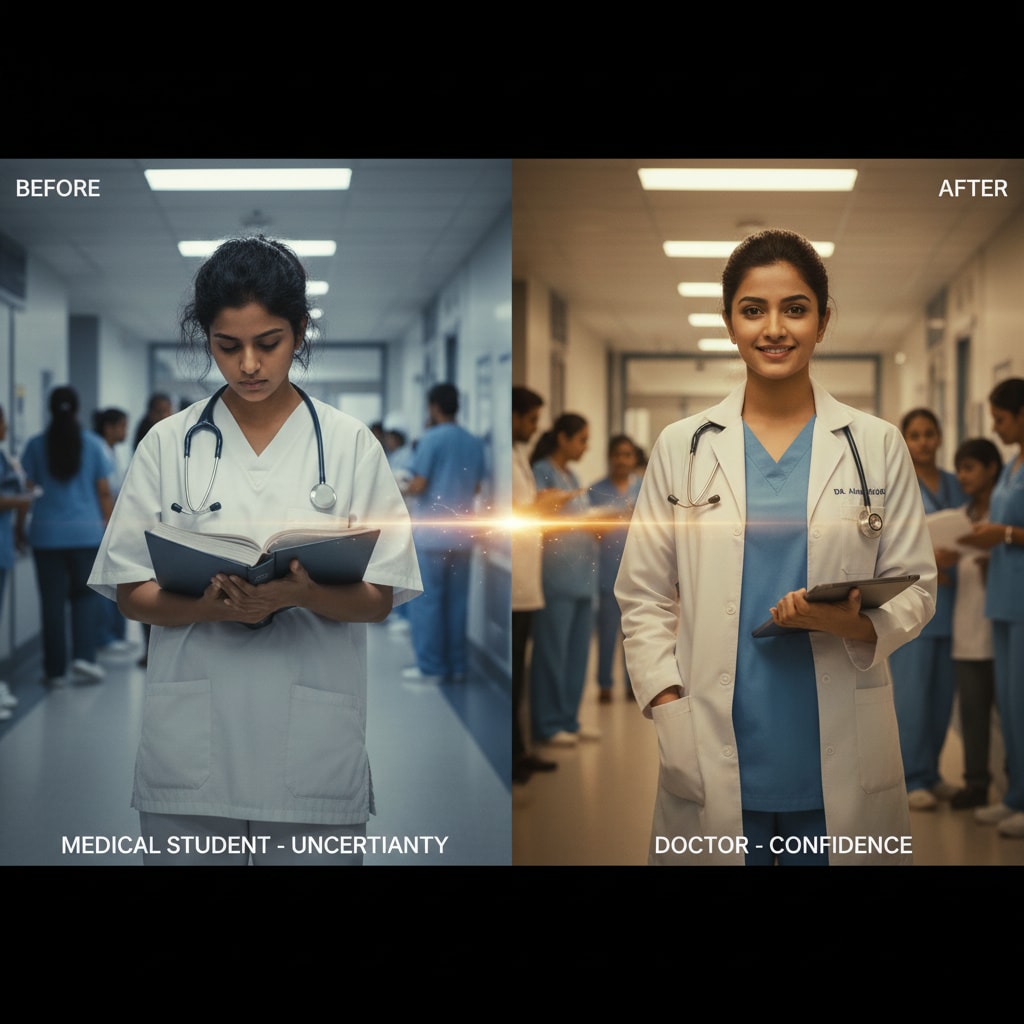
Create Doctor Photo Prompt Videos in the Filmora Mobile App (Trending Format!)
The Filmora mobile app makes doctor photo prompt video edits super easy. Just pick a preset doctor scene and your photo becomes a short viral TikTok or Instagram Reel with one tap—perfect for content creators doing before/after, professional intros, and roleplay.
- Doctor Video Presets – Ready-made hospital, surgery room, and healthcare templates for Nano Banana Pro.
- No Prompt Needed – Upload selfie → select doctor style → video posts made in seconds.
- Full Custom Prompts – Advanced mode lets you write your own doctor photo prompt text.
- Animate Your Doctor Look – Static doctor image transforms into an animated short for TikTok or YouTube.
- Music & SFX Library – Built-in hospital sounds, paging, and energetic music to match your video.
Doctor Photo Prompt Text: Add Badges & Custom Captioning
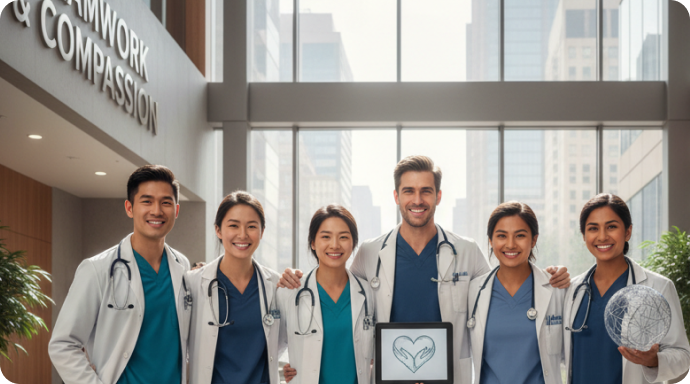
Doctor Photo Prompt Text: Add Badges & Custom Captioning
Nano Banana Pro's AI can add "Dr." badges, lanyard text, and hospital clinic names right into your doctor photo prompt. For ultimate control, use Filmora's editor to place custom speech bubbles, department names, and professional overlays for your AI doctor photo effect. Enhance your Gemini doctor photo prompt results with personalized text, credentials, and medical specialty labels—perfect for creating authentic-looking doctor AI photos for LinkedIn, medical profiles, or realistic doctor image prompts that stand out on social media.
- 🩺 Doctor Speech Bubbles – Add classic ID badges, prescription script bubbles, name boxes, and more to your doctor photo.
- 🔤 Professional Fonts – Choose from hospital fonts, ID tag styles, or typewriter medical notes for your prompts.
- 🖊️ Text Effects – Curve, shade, or position captions anywhere—perfect for doctor memes or medical influencer posts.
FAQs about Doctor Photo Prompt
- Start with the subject: Begin with "doctor," "physician," or "medical professional"
- Add appearance details: Specify age range, gender, ethnicity, and attire (white coat, scrubs, stethoscope)
- Define the setting: Hospital corridor, clinic room, surgery theater, or medical office
- Specify style: Use terms like "realistic," "hyper-realistic," "cinematic," or "professional photography"
- Include lighting: Mention "professional lighting," "natural light," or "studio lighting"
- Set image quality: Add "DSLR quality," "4K," or "high resolution" for better results
When using tools like Gemini doctor photo prompt generator, you can leverage its advanced language understanding by being conversational yet specific. For example, try prompts like: "Create a realistic portrait of a 30-year-old female doctor in white lab coat, holding medical chart, standing in bright modern hospital, professional photography, natural lighting, DSLR quality." The Gemini AI doctor generator excels at interpreting detailed, natural language descriptions to produce highly realistic medical professional images.
How to Use Doctor Photo Prompt in Filmora or AI Generators
Want to create professional doctor photo prompt images for your profile, content, or trending videos? Even if you’re a beginner, this workflow makes generating viral doctor-themed photos super fast. Paste your doctor photo prompt below and follow these steps for results fit for TikTok, Instagram, and YouTube.
Step 1 Open AI Image Generator

Step 2 Paste Your Doctor Photo Prompt

Step 3 Download or Edit Your Doctor Photo

-
1:Open AI Image Generator
Launch Filmora or your favorite AI generator, start a new project, and open the "AI Image" tool from the media panel. -
2:Paste Your Doctor Photo Prompt
Select a supported model, paste your doctor photo prompt, and click "Generate" to make your doctor photo. -
3:Download or Edit Your Doctor Photo
After the image is created, preview and download your AI doctor photo. You can also drag it to your timeline for video editing or post directly to social media.
More Than Doctor Photo Prompt Generation
Filmora isn’t just for doctor photo prompt images. You can use AI here to make all kinds of profile pictures, portraits, comic effects, and even generate videos using custom prompts or upload your own photos for new looks.








