

 100% Security Verified | No Subscription Required | No Malware


 ChatGPT
 Perplexity
 Gemini
 Claude
 Grok
Grok
This preset pack, Baby Video Filters for YouTube: Clean Everyday Storytelling, is designed for family vloggers who want simple, repeatable looks for baby milestones and monthly update videos without overediting your childs natural charm.
Below you will find 12 Filmora filter styles that keep skin tones soft, colors gentle, and memories timeless, along with clear tips on when to use each look so your YouTube baby channel stays consistent and easy to edit.
In this article
Soft Natural Daylight Looks for Everyday Baby Moments
Cotton Cloud Soft
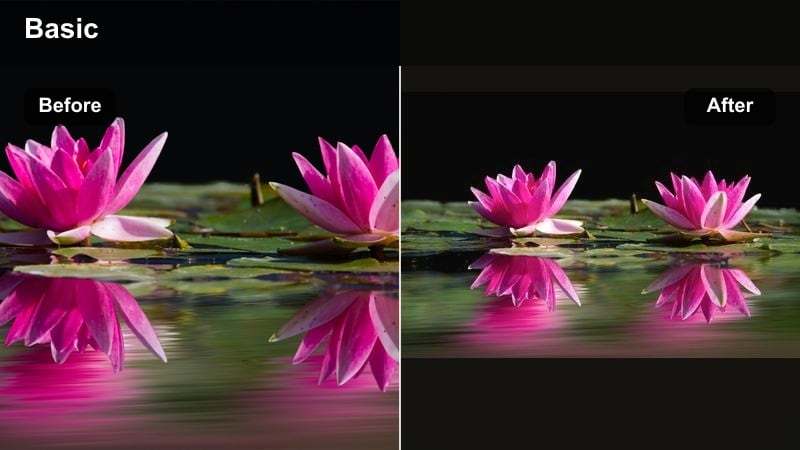
- Effect look: Very gentle brightening with soft contrast and a slight warm tint that keeps baby skin tones creamy without looking filtered.
- Best for: Morning playtime near a window, first smiles on the couch, and everyday baby clips filmed in natural daylight for YouTube vlogs.
- Editing tip: Lower the filter strength to around 60-70 percent if your original footage is already bright to avoid washing out tiny facial details.
Cotton Cloud Soft is ideal when you want your baby vlogs to feel light and airy without losing the real life texture of skin and clothing. It gently lifts exposure and warmth so daytime clips look fresh, letting little expressions stand out while keeping whites from turning too harsh.
In Filmora, apply this filter to your daylight B roll, then fine tune intensity with the slider so it matches how bright your original room actually feels. If you shoot several clips in the same spot, copy and paste the filter settings across your timeline to keep your YouTube baby videos visually consistent.
Use Filmora AI Tools to Match Your Baby Filters Across Clips
Filmoras AI driven color tools help you copy the same baby video filters for YouTube across different cameras, rooms, and shooting days so your family channel feels consistent even as your routine changes.
Once you find a look you love for newborn vlogs or monthly updates, use AI assisted color matching to bring new clips closer to that style before adding your favorite baby filter preset.
 secure download

Preview Baby Filters on Sample Footage Before Editing a Full Vlog
Instead of testing directly on your main timeline, import a few short clips from different baby scenarios like milestones, monthly updates, and playtime and try each filter on them first.
This mini demo project lets you quickly see which newborn vlog effect looks best under your usual lighting so you can apply it confidently to longer videos.
secure downloadCombine Filters and LUTs Gently for a Polished Baby Channel Look
If you use LUTs to style your channel, keep them subtle and add baby friendly filters on top, avoiding heavy cinematic looks that crush shadows or distort skin color.
A mild neutral LUT plus a soft baby video filter for YouTube is usually enough to make your channel look professional while staying true to real life memories.
secure downloadNursery Dayglow
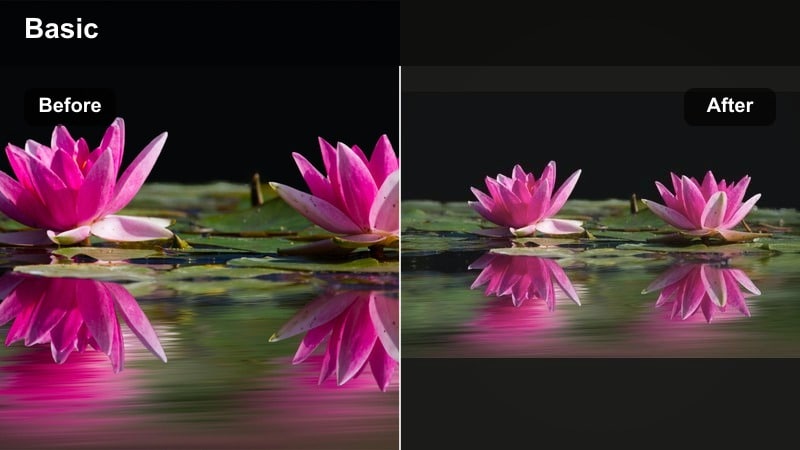
- Effect look: Soft pastel boost with a tiny bump in saturation that keeps nursery colors playful but still easy on the eyes.
- Best for: Crib shots, nursery tours, and toy shelf close ups where you want wall art, blankets, and pastel toys to gently pop on YouTube.
- Editing tip: If colorful toys start to look too intense, reduce saturation in Filmora by 5-10 points while keeping the brightness lift from the filter.
Nursury Dayglow is perfect for showing off your babys room decor, crib bedding, and favorite soft toys with just a bit more life than your camera captures on its own. It respects skin tones while boosting pastels so your set design looks intentional rather than flat.
Apply it to your nursery walkthroughs and crib B roll, then check a close up of your babys face to confirm cheeks stay natural. If colors feel too strong, back off global saturation slightly while leaving the filter in place so you keep that gentle, sunny finish.
Window Light Whisper
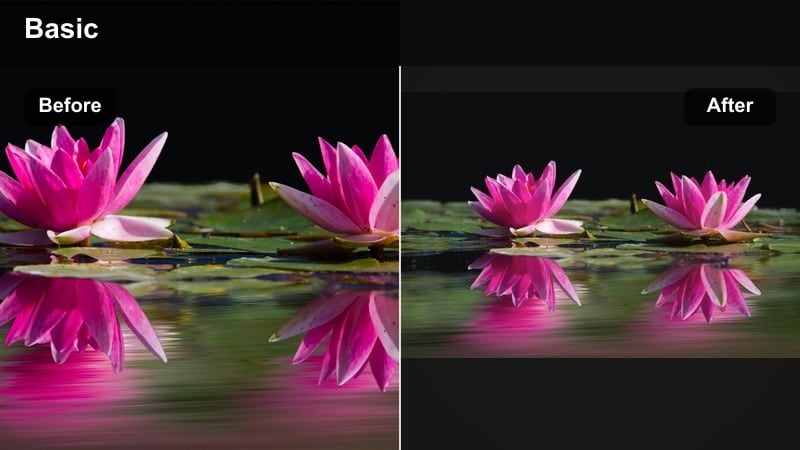
- Effect look: Soft highlight roll off with reduced harsh shadows to smooth out sharp daylight hitting babys face.
- Best for: Baby lying near a bright window, tummy time on a play mat, or parent holding baby in front of a sunny balcony door.
- Editing tip: Use this filter first, then gently lower overall highlights if the window is still distracting so the viewer focuses on babys expression.
Window Light Whisper helps calm down strong contrast from direct window light so you keep the airy feeling without blown out backgrounds. It smooths transitions between bright and dark areas, making your babys eyes and smile easier to see on small phone screens.
In Filmora, drop this filter onto any clip with a bright window behind or beside your subject, then fine tune highlights in the Color panel. Slightly underexposed footage responds especially well, giving you a balanced, professional look for your YouTube baby creator channel.
Warm Memory Filters for Cozy Evening Baby Scenes
Golden Snuggle Glow
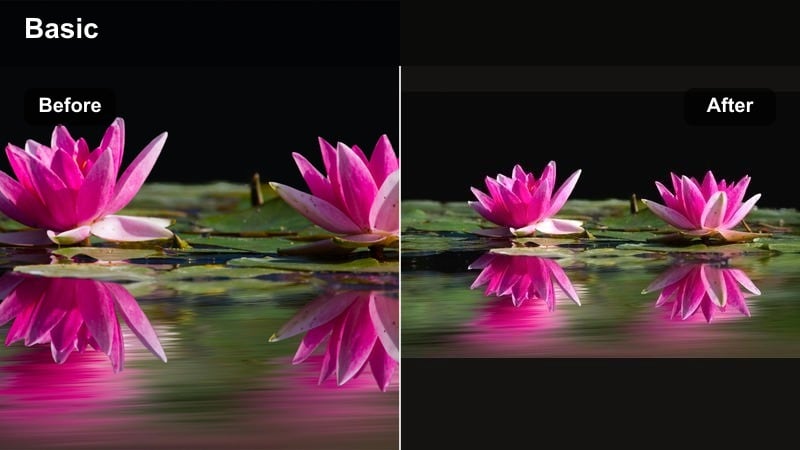
- Effect look: A warm, golden tint with lifted mids that makes bedtime routines and snuggles feel like soft memory flashbacks.
- Best for: Nighttime cuddles on the couch, reading bedtime stories, and quiet evening baby updates in warm indoor light.
- Editing tip: If your bulbs are already very yellow, lower the filter intensity and pull the white balance slightly toward neutral for a cleaner warm look.
Golden Snuggle Glow wraps your evening scenes in a cozy warmth that feels like a memory, ideal for end of day recaps and bedtime routines. It makes lamplight look intentional and cinematic rather than simply dim, helping your baby and parent faces stand out.
When editing in Filmora, watch for skin tones tipping into orange and correct by slightly cooling the temperature or nudging tint toward magenta. Use this filter on shots that carry emotional weight so your nighttime vlog segments feel inviting instead of dull.
Lamplight Lullaby
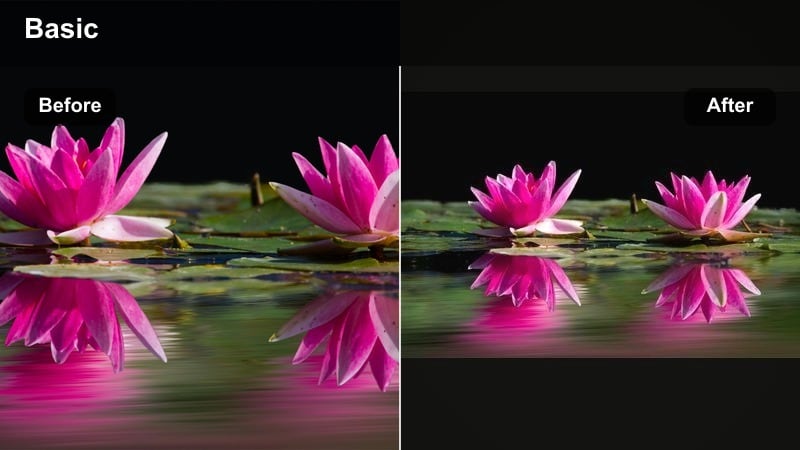
- Effect look: Soft, low contrast filter that leans gently warm while smoothing noisy shadows in lamp lit rooms.
- Best for: Rocking chair moments, quiet breastfeeding clips, and night routine storytelling shot with a single lamp or night light.
- Editing tip: Pair this filter with a slight noise reduction in Filmora when your ISO was high to keep the scene dreamy instead of grainy.
Lamplight Lullaby is designed for those near dark nursery scenes where you want to capture the mood without drawing attention to camera noise. It reduces contrast and noise so your viewer sees a calm, dreamy atmosphere instead of crunchy shadows.
After applying this filter in Filmora, add mild noise reduction and avoid heavy sharpening, especially around your babys face. This combination keeps your night shots gentle and emotional, preserving the privacy and softness of bedtime vlogs on YouTube.
Evening Story Softgrain
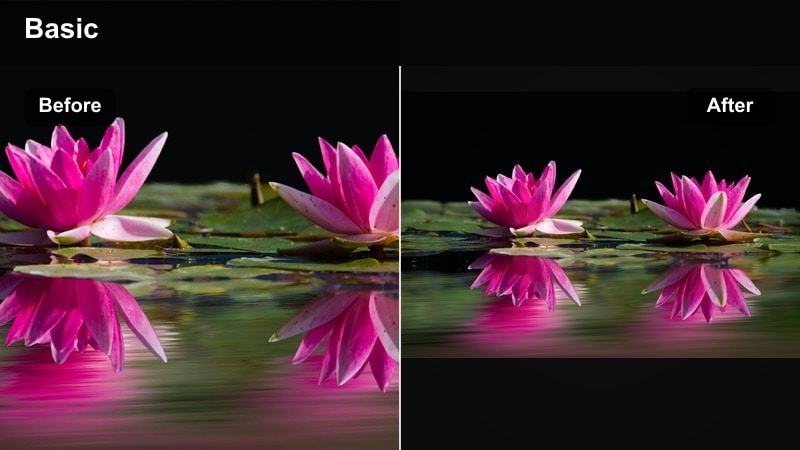
- Effect look: Subtle film style softness with a barely there grain that adds a nostalgic feel to family evening clips.
- Best for: End of day recaps, monthly update sit down videos, and cozy living room scenes that you want to feel like old home movies.
- Editing tip: Use this on A roll monthly update footage and keep B roll filters similar to avoid jarring changes when you cut between shots.
Evening Story Softgrain gives your baby channel a timeless, home movie aesthetic without making footage look old or damaged. The gentle grain and reduced contrast help evening recaps feel intimate and warm, perfect for talking through milestones on camera.
Apply this filter as your main look for monthly update A roll in Filmora, then match your B roll with similar warmth and contrast. Saving it as a preset ensures each episode in your series has a consistent style that viewers instantly recognize in their subscription feed.
Bright Playtime Filters for Baby Milestones and Monthly Updates
Milestone Bright Bloom
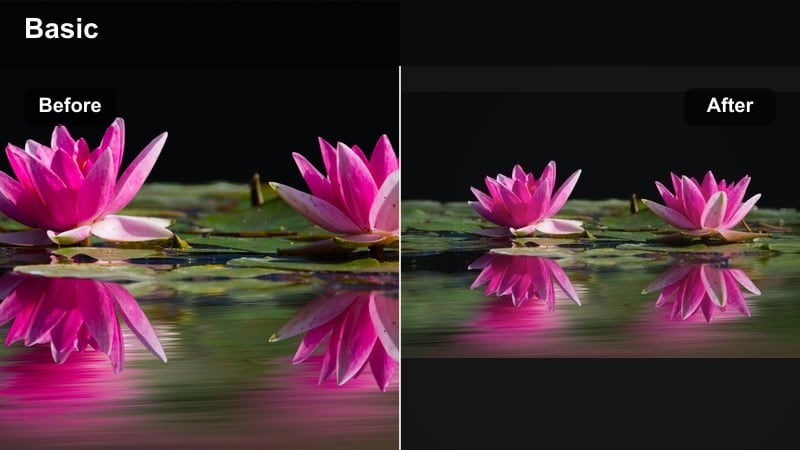
- Effect look: Clean, bright boost with crisp whites and gentle vibrance designed to highlight milestone props and outfits.
- Best for: Monthly milestone blanket photos, day by day progress compilations, and baby memory video filter edits for YouTube.
- Editing tip: When filming monthly cards or wooden milestone discs, slightly lower exposure so this filter can lift brightness without clipping text.
Milestone Bright Bloom is built to make numbers, lettering, and outfit details pop clearly on YouTube and mobile screens. It brightens whites and adds just enough vibrance so blankets, cards, and props read instantly without overpowering your babys face.
In Filmora, use this filter for all overhead milestone shots, then zoom in slightly or crop vertically for YouTube Shorts and Reels. Always double check that text remains sharp by adding a touch of contrast instead of extra exposure if things look washed out.
Playmat Pop Soft
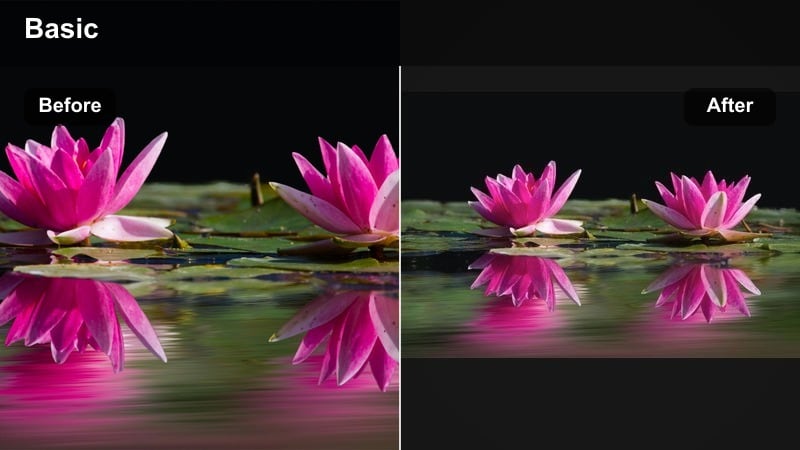
- Effect look: Targeted vibrance lift with controlled contrast that keeps colorful playmats and toys fun but not visually chaotic.
- Best for: Tummy time, rolling over milestones, and first time grabbing toys on a colorful mat in baby milestone vlogs.
- Editing tip: If your playmat is extremely bright, combine this filter with a slight vignette to pull eyes back to babys face in the center.
Playmat Pop Soft is tailored for busy backgrounds full of toys, patterns, and bright shapes. It raises vibrance enough for toys to look lively while managing contrast so the frame does not feel overwhelming or distract from your babys expressions.
When editing in Filmora, apply this filter and then add a subtle vignette effect to darken the corners of the frame. This guides viewers straight to your baby during big moments like first rolls or grabs, even when the mat design is loud and colorful.
First Steps Focus
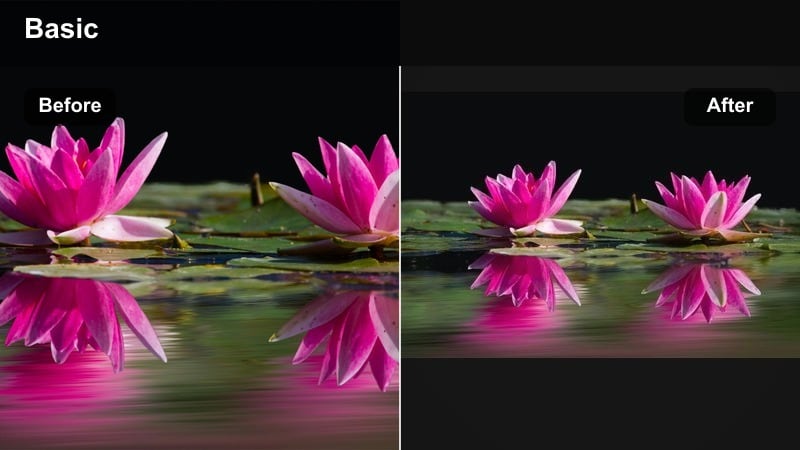
- Effect look: Slight clarity boost with soft edge darkening to subtly guide attention toward the center of the frame.
- Best for: First steps, first crawl, and high energy milestone clips where baby moves quickly across the scene in your YouTube video.
- Editing tip: Slow the clip slightly in Filmora and add this filter so important milestone moments stay visible even if your original framing was rushed.
First Steps Focus is designed to rescue fast, imperfect milestone footage and keep attention where it matters. The gentle center emphasis and clarity boost help your babys movements remain readable even when the background is busy or your framing is a bit off.
In Filmora, slow your clip to around 80-90 percent speed, apply this filter, and trim away shaky lead in and lead out. The combination of mild slow motion and guided focus ensures the exact moment of first steps or first crawl becomes the clear star of your YouTube short or vlog.
YouTube Ready Baby Vlog Styles for Newborn and Monthly Updates
Newborn Vlog Clean
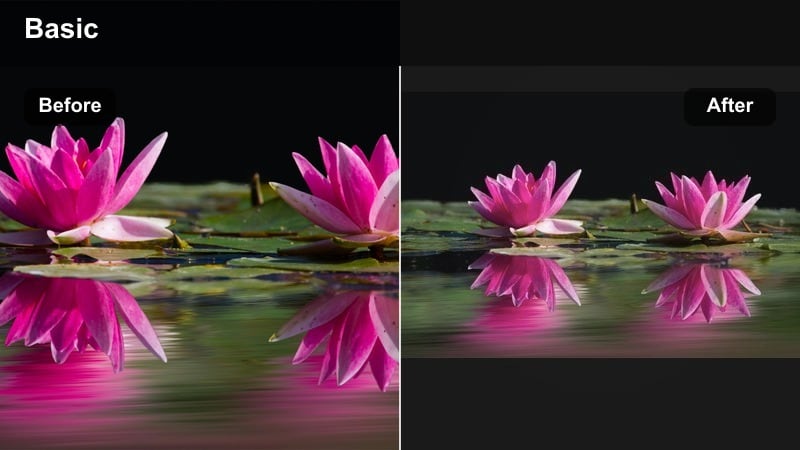
- Effect look: Very soft contrast and reduced sharpness designed to flatter newborn skin while keeping the scene bright and fresh.
- Best for: Newborn hospital vlog footage, first week at home clips, and any close up newborn shots on your YouTube channel.
- Editing tip: Avoid extra sharpening or texture sliders after this filter so delicate newborn features remain gentle and natural.
Newborn Vlog Clean is built for close ups of tiny faces, fingers, and toes, where harsh contrast can feel unflattering. It smooths tones just enough to reduce redness while still looking honest and documentary style for your audience.
Apply this filter to all newborn A roll and B roll in Filmora, and resist stacking strong skin smoothing effects on top. If certain areas still feel too textured, use a very light blur mask or crop tighter rather than pushing clarity or noise reduction too far.
Family Vlog Neutral
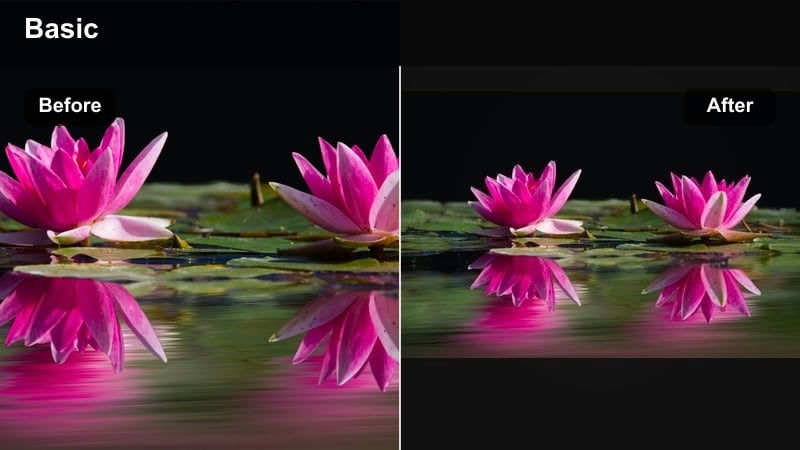
- Effect look: Balanced, YouTube ready profile that slightly lifts brightness and saturation without shifting color tone strongly warm or cool.
- Best for: Day in the life family vlogs, talking to camera intros, and regular weekly uploads that mix parent and baby footage.
- Editing tip: Use this as your default YouTube baby filter and pair it with a simple channel wide thumbnail style for clean branding.
Family Vlog Neutral works like a polished base look for your whole channel, keeping different rooms, outfits, and skin tones cohesive. It subtly elevates brightness and color without adding a strong mood, which is ideal for everyday storytelling and mixed family content.
In Filmora, set this as your default filter preset and apply it to most clips before fine tuning exposure or white balance. Consistent use across intros, outros, and weekly uploads helps your baby YouTube creator brand feel professional and recognizable.
Memory Montage Softfade
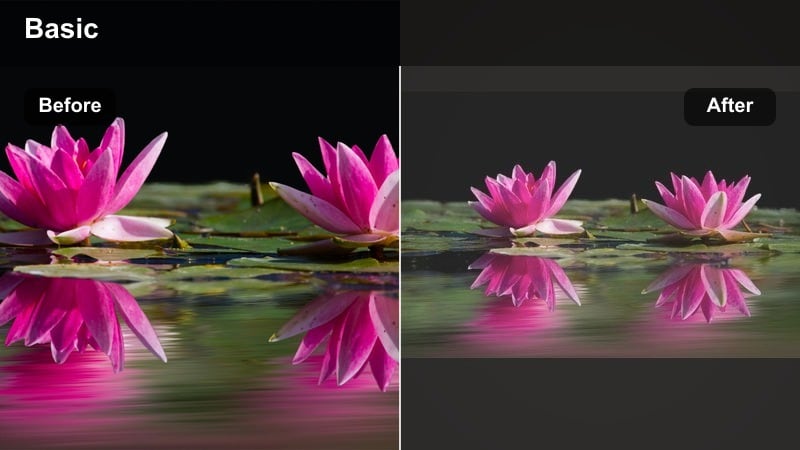
- Effect look: Soft fade in contrast and slight matte blacks that make compilations feel like gentle memory sequences.
- Best for: Baby memory video filter edits, monthly recap montages, and one year first year highlight videos for YouTube and TikTok crossposting.
- Editing tip: Apply this filter to your B roll clips only, leaving talking segments more neutral so viewers feel the shift into memory mode.
Memory Montage Softfade turns simple everyday clips into emotional highlight reels with a lightly faded, nostalgic finish. The softened blacks and lowered contrast signal to viewers that they are watching a memory or recap instead of live narration.
Use this filter on B roll in Filmora while keeping your voiceover or talking head shots with a neutral look such as Family Vlog Neutral. This visual contrast helps structure your story, clearly separating present day updates from flashback style baby memories in playlists and anniversary videos.
Tips for Using Baby Youtube Creator Filters in Filmora
- Film near windows or open doors whenever possible so your baby filters have better natural light to work with.
- Keep one main filter preset for your YouTube baby channel and only switch styles for special episodes or memory montages.
- Reduce filter intensity on close up newborn shots where small changes in contrast can quickly look overprocessed.
- Always preview your edited baby videos on a phone screen since most viewers will watch your channel on mobile.
- Save filter and color settings as custom presets in Filmora to speed up editing of recurring monthly update videos.
- Avoid extreme color shifts when you plan to reuse the same clips for TikTok, Instagram Reels, and YouTube Shorts.
- Record a short white wall or plain blanket clip in each room to help you quickly balance color before applying filters.
- Trim shaky or rushed lead in footage from milestone moments and let the filter highlight the key few seconds that matter.
With a handful of gentle, repeatable baby video filters for YouTube, you can turn everyday moments, monthly updates, and big milestones into clear, warm stories your audience will want to follow as your child grows.
As you build your preset library in Filmora, choose one or two signature looks from this pack and keep them consistent so your baby channel stays easy to edit and instantly recognizable across every new upload.
secure downloadNext: Best Baby Video Filters for TikTok Milestones and Short Clips
