

 100% Security Verified | No Subscription Required | No Malware


 ChatGPT
 Perplexity
 Gemini
 Claude
 Grok
Grok
These bakery oven cooking cinematic filter presets are designed for content creators who want every rising loaf, melting butter, and swirl of steam to feel like a scene from a food film.
Use these filters in Filmora to turn ordinary oven shots and countertop prep into warm, story-rich visuals that highlight texture, heat, and the cozy atmosphere of your bakery or home kitchen.
In this article
Golden Oven Glow and Fresh-Baked Mornings
Sunrise Baker Warmth
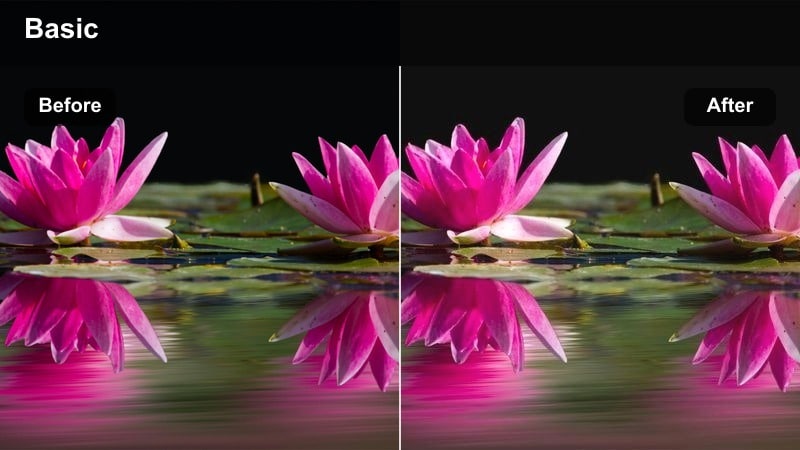
- Effect look: Soft golden warmth with lifted shadows and a gentle matte finish that mimics early morning bakery light.
- Best for: First batch of pastries leaving the oven, slow-pour coffee shots, and quiet opening routines in a bakery kitchen.
- Editing tip: Lower contrast slightly if you shoot in harsh overhead light so skin tones and dough stay creamy instead of orange.
In Filmora, the Sunrise Baker Warmth preset wraps your oven scenes in a cozy golden glow that looks like natural sunrise light. By lifting shadows and adding a subtle matte finish, it keeps your trays, countertops, and apron details visible without harsh edges, so the focus stays on the gentle motion of baking rather than stark contrast.
This filter works especially well when you are building a morning routine sequence that moves from preheating the oven to pulling out the first bakes. Combine it with slow push-ins and slider shots, then fine-tune exposure with Filmora color controls so the warmth feels intentional and inviting, not overpowering, across your entire timeline.
Match Warm Bakery Tones with AI Color Tools
Use Filmora AI Color tools to quickly align the warmth of your oven light across shots captured on different days or cameras. Once the baseline color is consistent, your bakery oven cooking cinematic filters will look more seamless and professional.
Try syncing white balance across your oven, prep, and serving clips first, then layer Sunrise Baker Warmth and other presets to add story-driven emotion instead of just fixing exposure issues.
 secure download

Preview Bakery Oven Filters in Real Time
Filmora lets you hover to preview filters on your oven, countertop, and serving clips in real time. This makes it easy to compare warm, matte, or high-contrast looks on the same shot without committing to a grade.
Test a few presets on a short sequence that includes oven interiors, prep close-ups, and final serves so you can see how consistently each look carries through your entire baking story.
secure download1000+ Video Filters and 3D LUTs
Beyond these bakery oven cooking cinematic filters, Filmora includes a large library of creative effects, film-style looks, and 3D LUTs. You can stack a subtle LUT on top of a bakery preset to fine-tune contrast and color without losing the cozy warmth you started with.
Keep LUT intensity low and use Filmora HSL and basic color controls to nudge individual hues, so crusts stay appetizing, steam looks detailed, and skin tones remain natural around the oven.
secure downloadButter Brown Crust
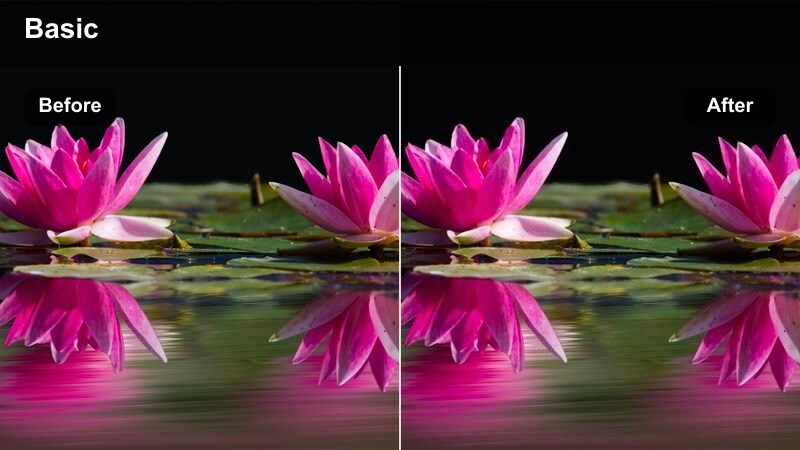
- Effect look: Rich caramel tones with deeper contrast that emphasizes browned crusts and glossy glazes.
- Best for: Close-ups of bread, pies, and pastries as they finish baking and darken to a perfect golden brown inside the oven.
- Editing tip: Dial back saturation on reds and oranges if your oven interior is already very warm to keep crusts looking appetizing, not burned.
Butter Brown Crust in Filmora intensifies the caramel tones that make baked goods look irresistible on screen. By pushing contrast and warmth into the midtones, it draws attention to the glossy sheen of glazes, the crackle on bread crusts, and the deep gold edges of pastries just before they come out of the oven.
Use this preset on your tight oven-window shots and macro details, and then fine-tune saturation in Filmora Color to avoid tipping into oversaturated reds. It is especially effective when paired with neutral or softly graded prep shots, helping the final bake moment feel like a transformation reveal.
Morning Counter Soft
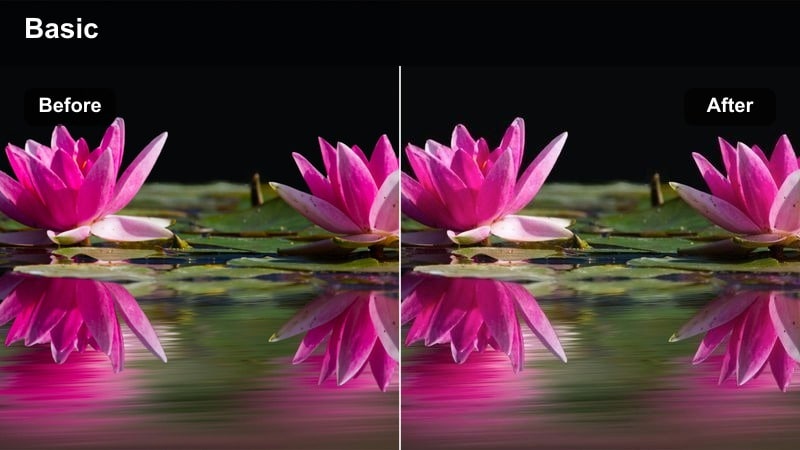
- Effect look: Soft, low-contrast highlights with a subtle haze that makes countertop prep feel airy and cinematic.
- Best for: Mixing dough, kneading shots, and arranging pastries on trays beside the oven during early hours.
- Editing tip: Increase clarity slightly on your subject while keeping overall contrast low to keep hands and tools crisp against a soft backdrop.
Morning Counter Soft is designed to turn ordinary prep footage into gentle, cinematic visuals that feel like the calm before the rush. The reduced contrast and added haze smooth out harsh edges from metal tools and countertops, making dough, flour, and hands the visual focus.
In Filmora, you can combine this preset with subtle sharpening or clarity on your subject using the detail controls. This keeps kneading hands, rolling pins, and pastry edges crisp while the background remains soft and dreamy, perfect for storytelling openings or time-lapse prep sequences.
Inside the Oven: Heat, Steam, and Texture
Steam Rise Cinematic
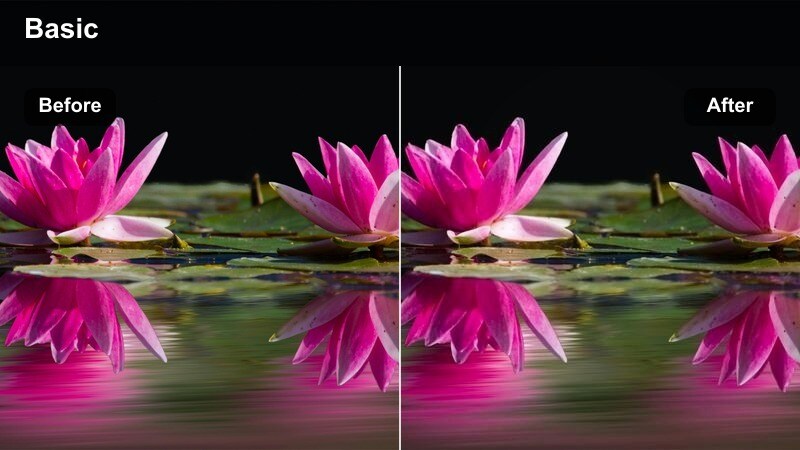
- Effect look: Cooler shadows with crisp micro-contrast that highlights steam trails and hot air movement.
- Best for: Slow-motion shots of steam escaping as the oven door opens or when trays are pulled out toward the camera.
- Editing tip: Shoot at a higher frame rate and slightly underexpose so this filter can pull detail from the steam without blowing out highlights.
Steam Rise Cinematic uses cooler shadows and fine contrast adjustments to carve definition into the steam clouds that burst from your oven. The result is a dramatic, almost tactile sense of heat, where wisps of steam and vapor become the star of the frame instead of blowing out into flat white.
In Filmora, apply this preset to your slow-motion oven-door reveals or tray pulls, then adjust exposure and highlight roll-off so steam holds detail all the way through the motion. Combined with a subtle sound design track of oven doors and crackling crusts, it turns a simple open-and-pull shot into a standout cinematic beat.
Ember Rack Contrast
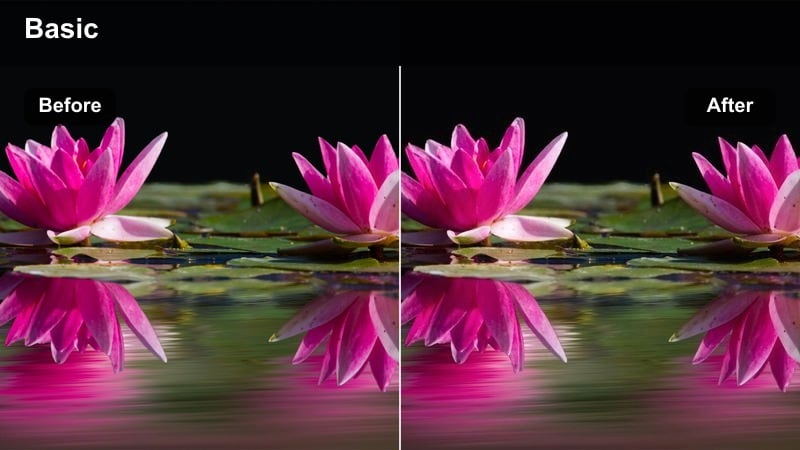
- Effect look: High contrast, deep shadows, and subtle orange highlights that mimic ember-like oven heat.
- Best for: Low-light shots inside the oven, racks sliding in and out, and dramatic angles that accentuate metal and flames.
- Editing tip: Raise shadow detail slightly if your oven interior is very dark to avoid crushing the shape of trays and loaves.
Ember Rack Contrast pushes your inside-the-oven clips toward a bold, dramatic aesthetic that feels like looking into a glowing firebox. Deep shadows shape the racks and trays, while the warm highlights emphasize reflections on metal and the edges of your bakes as they catch the hottest parts of the oven.
Use this preset in Filmora for just a few hero shots within your sequence to create visual peaks of intensity. After applying, adjust the shadow slider or curves to recover enough detail that the silhouette of each loaf or tray remains readable, keeping the look punchy but not muddy.
Soft Flour Haze
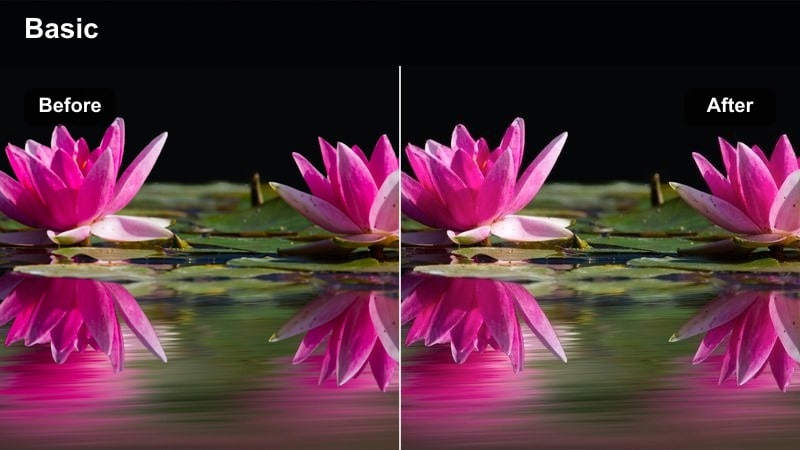
- Effect look: Desaturated backgrounds with lifted blacks and a gentle bloom on bright areas, mimicking flour dust in the air.
- Best for: Flour tosses, hand claps, and overhead shots as trays slide into the oven with light catching particles.
- Editing tip: Add a slight vignette after applying this filter to keep attention on the action when flour or crumbs float across the frame.
Soft Flour Haze leans into the floating dust and crumbs that naturally fill an active bakery, turning them into a dreamy visual element. By lifting blacks and softening edges around highlights, it creates a gentle bloom that makes airborne particles glow against more muted surroundings.
In Filmora, this preset shines when you combine it with backlit shots of flour tosses or tray slides. After applying the filter, add a light vignette and adjust saturation so the background stays subtle, letting the glowing flour and crumbs guide the viewer’s eye through the frame.
Cozy Kitchen Storytelling Around the Oven
Family Bake Evening
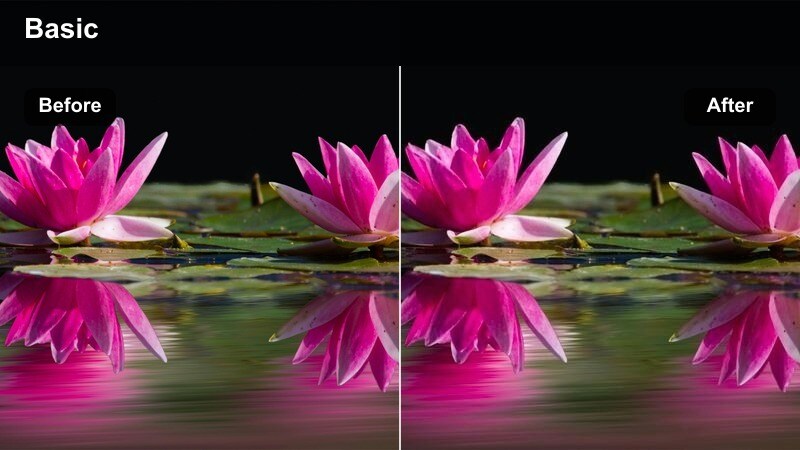
- Effect look: Warm midtones and gentle skin-tone protection that keeps faces natural under mixed kitchen lighting.
- Best for: Family or friends gathered around the oven, sharing reactions as trays come out and tasting the first bites.
- Editing tip: Slightly reduce vibrance on colorful clothing so the viewer's eye stays on expressions and the fresh bakes.
Family Bake Evening prioritizes people and emotion, wrapping your kitchen in a cozy warmth while preserving accurate skin tones. The preset evens out mixed lighting from overheads, oven glow, and window light, helping faces look natural and flattering even in tricky home setups.
Use it in Filmora on all your reaction shots around the oven, from kids peeking through the door to friends sampling cookies. After applying, use the vibrance and saturation sliders to tame bright clothing or decor so expressions and freshly baked treats remain the visual center of your story.
Countertop Journal
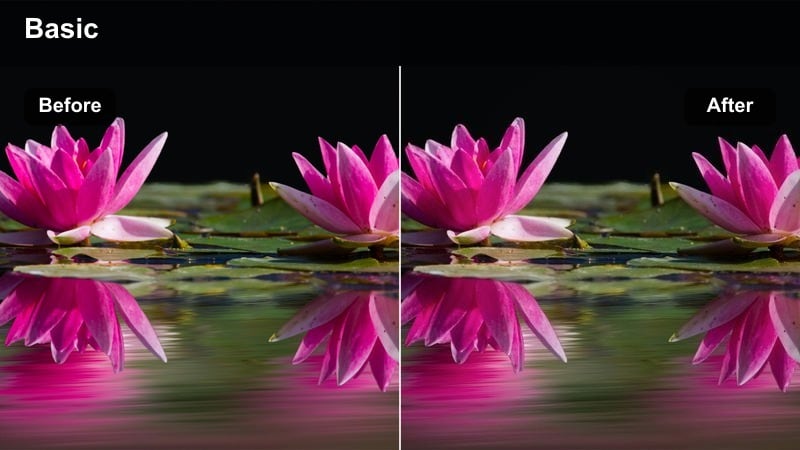
- Effect look: Muted colors with subtle film-like grain to emulate a cozy kitchen diary or vlog aesthetic.
- Best for: Narrated baking vlogs, recipe walkthroughs, and static shots of timers, handwritten notes, and oven dials.
- Editing tip: Lower the grain strength on mobile footage to avoid noisy shadows around the oven doorway and utensils.
Countertop Journal gives your baking videos a soft, analog-inspired look that feels like paging through a cozy recipe notebook. Colors are gently muted and film-like grain adds texture, making static shots of timers, notebooks, and oven controls feel intentional and story-driven rather than filler.
In Filmora, apply this preset to your A-roll intros, recipe steps, and chapter-marker shots. If you are editing mobile footage, reduce the grain strength in the effect settings so shadows and darker corners near the oven stay clean while still retaining that nostalgic, diary-style mood.
Evening Amber Kitchen
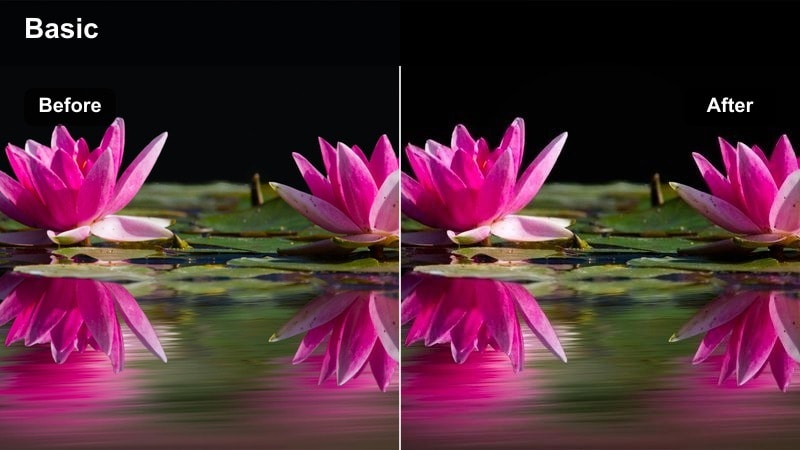
- Effect look: Amber-tinted highlights with softened blues and greens for a rich evening-in-the-kitchen atmosphere.
- Best for: Late-night baking sessions, cleaning up around the oven, and reflective storytelling voiceovers.
- Editing tip: Use gentle fade-in and fade-out transitions with this filter to make your sequence feel like a calm evening montage.
Evening Amber Kitchen leans into the natural glow of an oven at night, tinting highlights with rich amber while softening cooler tones. This creates a relaxed, end-of-day atmosphere that works perfectly for late-night baking, quiet cleanups, or reflective voiceovers about your baking journey.
In Filmora, apply this preset to sequences where the oven light acts as the primary source, then avoid adding strong cool lights that might clash with the tone. Pair it with slow dissolves and gentle background music to build soothing end-of-video montages that feel like closing a warm kitchen chapter.
Bakery Display, Plating, and Final Serves
Display Case Cinema
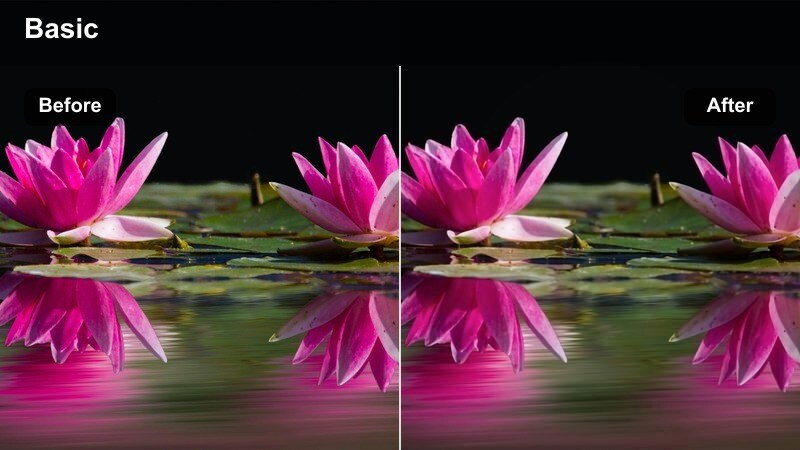
- Effect look: Clean contrast with slightly cooler whites and boosted clarity on glass and metal surfaces.
- Best for: Shots moving from the oven to the bakery display, tracking across trays and labels in a storefront.
- Editing tip: Reduce highlights a bit to avoid strong reflections on display glass, especially under bright overhead lighting.
Display Case Cinema turns your storefront and counter displays into polished, cinematic visuals that feel ready for a commercial. The filter enhances clarity on glass, metal, and label details while keeping whites clean, helping viewers appreciate the transition from hot oven trays to beautifully arranged shelves.
In Filmora, use this preset on tracking shots that glide along your display case, then tweak highlight levels to control reflections and glare. It pairs well with warmer oven-focused presets earlier in the video, visually signaling the move from baking to selling and serving your creations.
Plate and Serve Focus
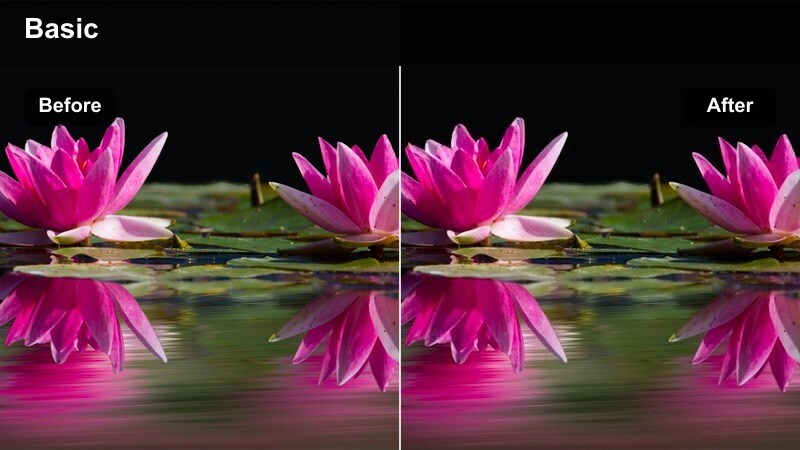
- Effect look: Subtle vignette with enhanced midtone detail that pulls attention to plated bakes on the table.
- Best for: Serving baked goods from oven tray to plate, hero shots on cutting boards, and tight overhead plating compositions.
- Editing tip: Combine with a shallow depth of field in-camera so the vignette and focus work together on the plated bake.
Plate and Serve Focus is built to spotlight your finished bakes at the exact moment they leave the tray and hit the plate. A gentle vignette and boosted midtone detail subtly darken the edges of the frame while sharpening textures in the center, highlighting crumbs, flakes, and icing details.
In Filmora, apply this preset to your hero plating shots and thumbnail-worthy angles, then combine it with clips captured at a shallow depth of field. The combination of optical blur and graded vignette naturally guides the viewer’s attention to the star of the scene, perfect for intros, outros, and social snippets pulled from your edit.
Bakery to Table Journey
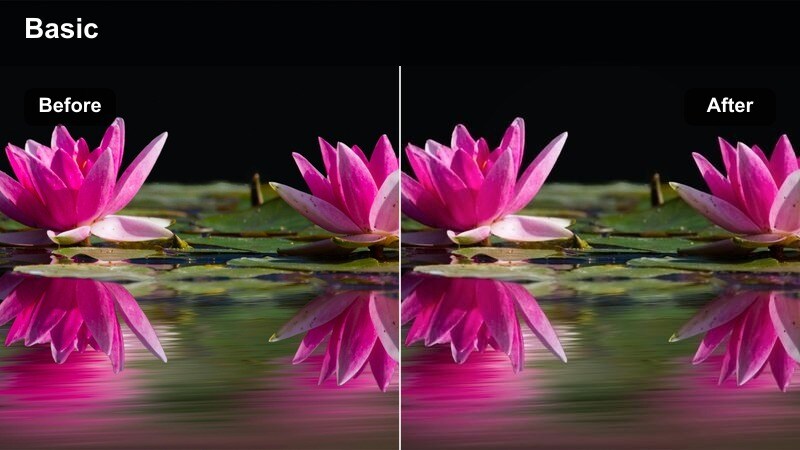
- Effect look: Gently boosted saturation and smoother contrast that connects oven, counter, and serving table in one cohesive look.
- Best for: Montage sequences showing the full journey from dough mixing to oven to final serving at a table or café corner.
- Editing tip: Apply this filter across multiple locations in the same timeline to maintain visual continuity in your story.
Bakery to Table Journey is designed as a unifying grade for your entire baking narrative, from raw dough to the final serve. Its balanced saturation and smooth contrast work across different locations and lighting conditions, making cuts between oven, counter, display, and table feel cohesive and intentional.
Use this preset in Filmora as your backbone look for multi-location montages or full recipe videos. Apply it across all the key beats, then make small exposure and white balance tweaks per clip so the color story stays consistent while each shot still looks properly lit and appetizing.
Tips for Using Bakery Oven Cooking Cinematic Filter Filters in Filmora
- Film your oven and prep scenes slightly flatter in-camera so the bakery oven cooking cinematic filter has more room to shape contrast and color in Filmora.
- Group clips by location such as inside oven, countertop, display, and table, then apply similar presets within each group for smoother visual transitions.
- Check how crusts and glazes appear on different screens and lower saturation if they start to look too dark, burnt, or artificially orange after grading.
- Layer subtle kitchen sound design like oven doors, timers, and low ambience under your graded footage to support the cinematic mood your filters create.
- Save custom variations of your favorite bakery presets with exposure tweaks for morning, afternoon, and evening sessions to speed up your workflow.
- Use Filmora keyframing to gradually blend between softer prep filters and stronger oven filters during transitions like tray loading or oven openings.
- Combine filters with light sharpening on hero shots only, so details in crusts and toppings stand out without making the whole sequence look overly crisp.
- Export short test clips with different filter combinations and review them on mobile before committing to a full-length bakery video grade.
With the right bakery oven cooking cinematic filter applied in Filmora, every rise, crackle, and swirl of steam can feel like part of a crafted food film rather than simple kitchen footage.
Experiment with these presets across oven, prep, and serving shots, then refine exposure and color so your entire baking story feels cohesive, warm, and unmistakably yours.
secure download