

 100% Security Verified | No Subscription Required | No Malware


 ChatGPT
 Perplexity
 Gemini
 Claude
 Grok
Grok
The Coffee Beans Cinematic Filter pack in Filmora is designed for content creators who want their coffee videos to feel rich, cozy, and film-like in just a few clicks.
Whether you are filming espresso shots, latte art, or slow-motion coffee bean pours, these cinematic filters help you shape mood, deepen contrast, and highlight warm tones so your coffee content stands out on any platform.
In this article
Cozy Roastery and Coffee Bar Scenes
Espresso Noir
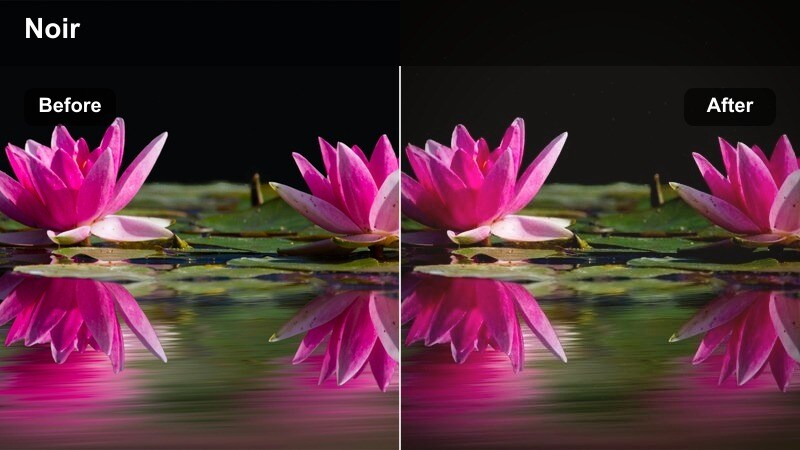
- Effect look: Deep contrast with rich browns, subtle fade in highlights, and a slightly desaturated background for a moody coffee bar vibe.
- Best for: Dark roast beans, espresso shots at the bar, moody cafe B-roll, and YouTube intros for coffee channels.
- Editing tip: Lower exposure slightly, then add a touch of vignette to keep the viewer's eye on the cup and crema details.
Espresso Noir gives your coffee bar footage a dramatic, noir-inspired finish that emphasizes dark roasts, glossy crema, and the intimate feel of low-light cafes. By deepening contrast and gently fading highlights, this Coffee Beans Cinematic Filter helps your espresso pours and bar-top details look cinematic without requiring complex manual color grading.
In Filmora, apply Espresso Noir to clips of baristas pulling shots, grinding beans, or wiping down the counter to instantly create a cohesive visual identity for your coffee channel or cafe brand. For best results, combine it with subtle camera movements and controlled lighting, then fine-tune exposure and vignetting inside Filmora so the cup becomes the natural focal point of the frame.
Let Filmora's AI refine your coffee bean color palette
After choosing a Coffee Beans Cinematic Filter like Espresso Noir, Filmora's AI color tools help you quickly refine exposure, contrast, and skin tones while preserving the deep browns and rich shadows that define your coffee look. This gives you a polished cinematic grade even if your original footage comes from different cameras or lighting setups.
Use AI-driven adjustments to normalize clips from various corners of a cafe, then keep your beans, crema, and cups looking consistent across long edits, YouTube episodes, or ad campaigns. The AI tools in Filmora let you focus on storytelling instead of wrestling with technical color work.
 secure download

Preview coffee filters in real time before you commit
Filmora lets you hover over filters like Espresso Noir, Bar Top Amber, or Golden Pour and see instant previews directly on your coffee clips. This makes it easy to test different Coffee Beans Cinematic Filters against the same espresso pour, latte art, or bean scoop without rendering or guesswork.
As you scrub the timeline, you can quickly choose the style that best suits your YouTube intro, Instagram Reel, or cafe promo video. Real-time previews help you build a consistent aesthetic faster, especially when you are experimenting with multiple looks across a full coffee story.
secure downloadCombine filters and LUTs for signature coffee aesthetics
You can stack Coffee Beans Cinematic Filters with Filmora LUTs to build a custom, reusable style that matches your cafe, roasting brand, or creator identity. Start with a filter that sets the mood, then layer a LUT to refine overall color, contrast, and tonal balance for your coffee beans and drinks.
Once your look is dialed in, save it as a preset so every future brew tutorial, product promo, or latte-art reel can share the same cinematic flavor. This workflow keeps your branding consistent across platforms while saving time on repetitive color grading tasks.
secure downloadBar Top Amber
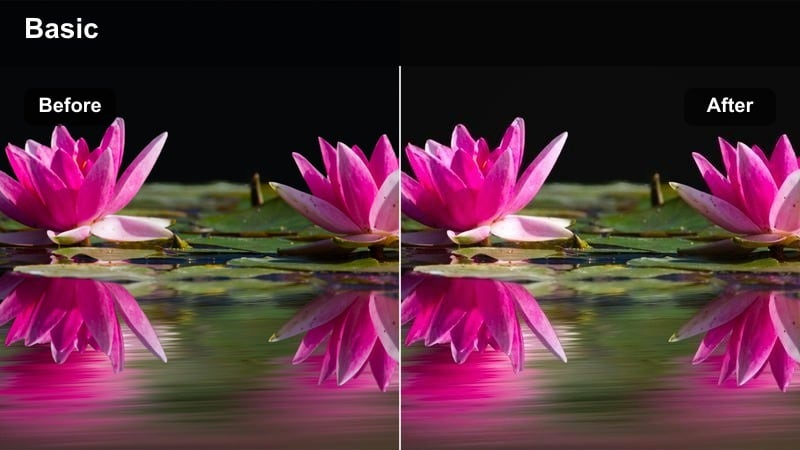
- Effect look: Warm amber highlights, soft shadows, and gentle bloom around practical lights for an inviting coffee bar feel.
- Best for: Bar-top latte pours, coffee tasting flights, and talking-head reviews filmed inside cozy roasteries.
- Editing tip: Reduce saturation in the background while keeping warmth, so the coffee cup and hands remain the main visual focus.
Bar Top Amber wraps your cafe scenes in golden, welcoming light, perfect for storytelling around tastings, latte pours, and cozy bar moments. The amber highlights and soft shadows make wooden counters, ceramic cups, and metal tools look rich and inviting without overpowering your subject.
Inside Filmora, apply Bar Top Amber to medium and wide shots of your bar area and then fine-tune saturation with HSL so backgrounds stay warm but not distracting. When filming hosts or baristas on camera, slightly reduce color in skin tones while leaving the coffee and bar elements glowing to guide the viewer toward the drink.
Mahogany Barrel
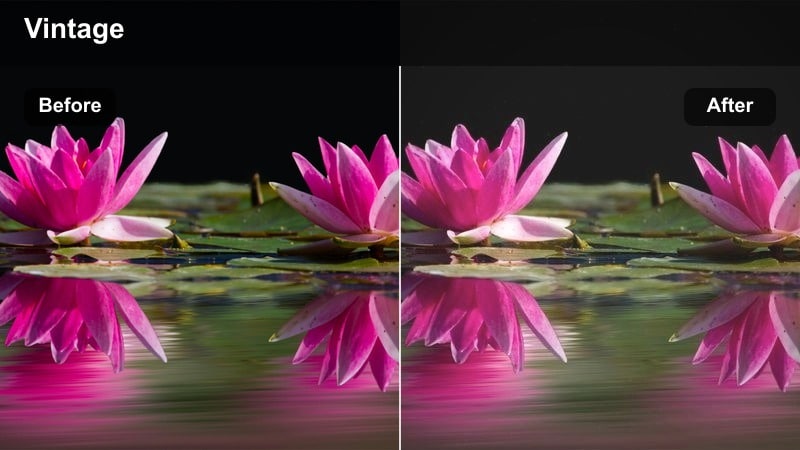
- Effect look: Muted highlights, lifted blacks, and deep mahogany browns for a vintage roastery cellar aesthetic.
- Best for: Bean storage shots, burlap sacks, wooden barrels, and slow pans around the roastery interior.
- Editing tip: Add a slow zoom-in keyframe to match the vintage mood and emphasize the texture of the beans and wood.
Mahogany Barrel gives storage areas and roastery interiors a nostalgic, cellar-like atmosphere with lifted blacks and deep brown tones. The filter mutes bright highlights and leans into rich mahogany hues, turning simple shots of burlap sacks or wooden barrels into textured, story-rich visuals.
Use this filter in Filmora for B-roll that connects your audience to the origin and care behind your beans, such as slow pans through storage rooms or closeups of filled barrels. Pair it with gentle camera movements, film grain overlays, and minimal sharpening so the vintage look feels intentional and cinematic rather than overly processed.
Macro Coffee Bean Closeups and Texture Shots
Velvet Roast
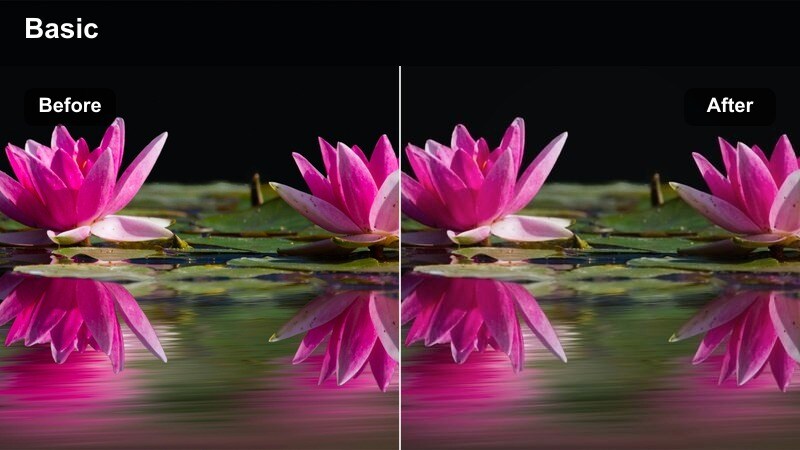
- Effect look: Smooth contrast, rich midtones, and subtle clarity for velvety-looking coffee beans and smooth gradients.
- Best for: Macro closeups of beans in motion, slow pours from scoops, and hero product shots for coffee brands.
- Editing tip: Use a slightly slower shutter and add a touch of motion blur in post to pair with the soft yet rich color profile.
Velvet Roast is tailored for macro shots where bean texture and surface detail matter most. The filter boosts midtones and adds a controlled clarity that makes roasted beans look velvety and premium without harsh edges or crunchy contrast.
When editing in Filmora, apply Velvet Roast to tight product shots, scoops of beans, or macro motion sequences used in ads and hero banners. Combine it with slow motion, gentle motion blur, and side lighting to accentuate micro-textures, then adjust midtones instead of global exposure to retain the cinematic roll-off.
Copper Harvest
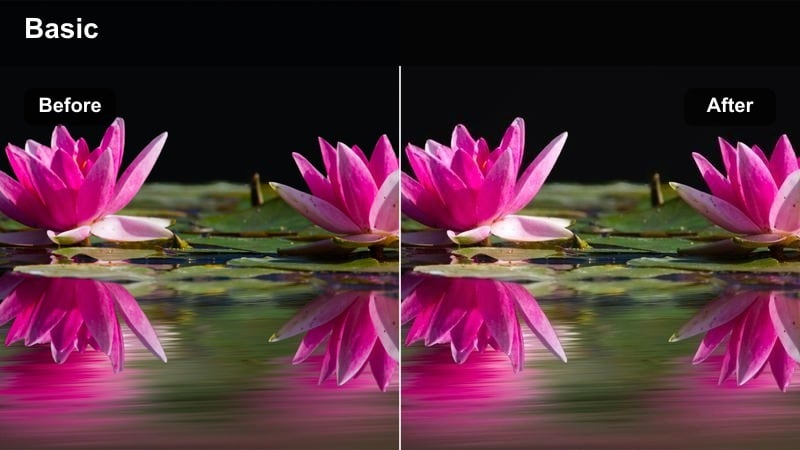
- Effect look: Copper-tinted highlights and deeper reddish browns that make roasted beans glow with warmth.
- Best for: Hand scooping beans, beans tumbling from a roaster, and slow-motion shots for social media teasers.
- Editing tip: Add a slight speed ramp during the most dynamic movement to emphasize the copper gleam on the beans.
Copper Harvest emphasizes the kinetic energy of roasting and pouring with glowing copper highlights and rich reddish browns. It transforms movement-heavy shots, like beans tumbling out of a roaster or flowing through a chute, into eye-catching visuals ideal for teasers and short-form content.
In Filmora, use Copper Harvest on dynamic B-roll and then add speed ramps at the most visually striking moments to sync with music or transitions. Adjust red and orange HSL sliders for brand-specific color control, and use masks if needed to keep surrounding metal or background elements from shifting too far into copper tones.
Matte Cacao
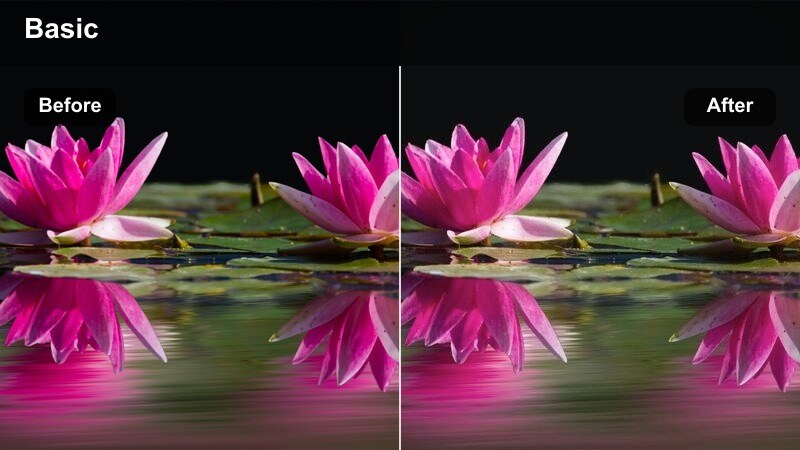
- Effect look: Soft matte finish with reduced highlights and chocolatey shadows for a calm, editorial feel.
- Best for: Flat-lay bean arrangements, packaging details, and Instagram reels with a slower, aesthetic pacing.
- Editing tip: Combine with a gentle fade-in transition and lo-fi background music for cohesive, aesthetic coffee reels.
Matte Cacao gives your coffee visuals a soft, editorial-grade matte finish with chocolatey shadows and gently subdued highlights. It works particularly well for flat-lay compositions and product styling where you want a calm, design-forward atmosphere rather than punchy contrast.
Apply Matte Cacao in Filmora to overhead shots of beans, packaging, and accessories, then pair it with slower pacing, minimal camera movement, and lo-fi soundtracks. Use vignettes and highlight reduction to smooth out reflections on bags or glossy surfaces, enhancing the refined, magazine-like aesthetic of your coffee brand content.
Pour-Over, Espresso, and Brew Ritual Moments
Steam and Amber
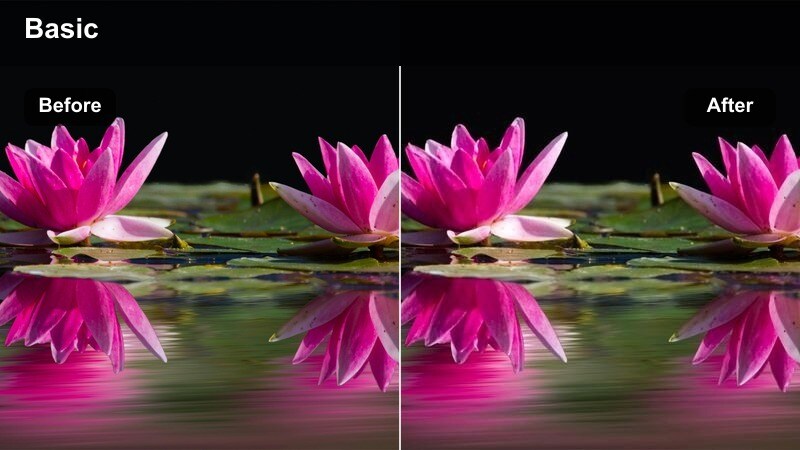
- Effect look: Soft bloom on highlights, warm amber midtones, and gentle contrast for glowing steam and cups.
- Best for: Steam rising from cups, French press plunges, and slow pour-over sequences in tutorials and reels.
- Editing tip: Lower sharpness slightly to make steam and glass reflections look dreamier and more cinematic.
Steam and Amber is built to romanticize steam, glass, and reflective surfaces during brewing rituals. The warm midtones and subtle highlight bloom make coffee cups and kettles glow, adding a dreamy quality that is ideal for morning routines, ASMR-style brews, and closeup tutorial shots.
Within Filmora, apply this filter to clips featuring steam, gentle pours, and glassware, then slightly reduce sharpness so the blooming highlights appear smooth and cinematic. Use backlighting in your original shoot, and if the background becomes too bright, add masks or local exposure adjustments to keep attention on the cup and swirling steam.
Golden Pour
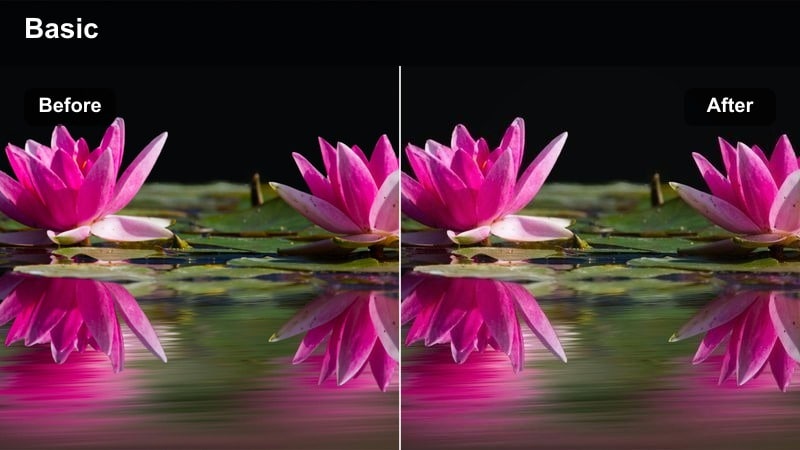
- Effect look: Golden highlights and slightly cooled shadows that make coffee streams and crema stand out.
- Best for: Slow-motion espresso shots, drip coffee streams, and vertical reels focused on the pour itself.
- Editing tip: Use keyframes on saturation to slightly increase color during the peak of the pour for extra emphasis.
Golden Pour is optimized for capturing the drama of liquid motion, elevating espresso flows and drip streams with glowing highlights and cool-leaning shadows. This separation between warm coffee and cooler surroundings naturally draws the eye to the pour and crema texture.
In Filmora, use Golden Pour on macro or medium shots of coffee streams, then enhance the moment by keyframing saturation boosts at the most visually satisfying part of the pour. For social content, cut these sequences to music beats and apply gentle slow motion so the golden tones and crema swirls feel luxurious and captivating.
Ritual Mocha
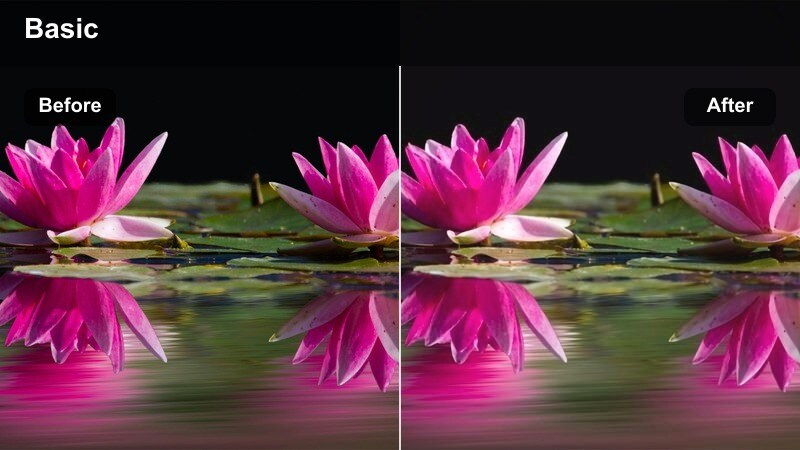
- Effect look: Mocha-toned midtones, gentle filmic fade, and cozy warmth that turn simple brews into storytelling moments.
- Best for: Morning brewing montages, lifestyle vlogs, and soft B-roll of simple home coffee rituals.
- Editing tip: Layer subtle ambient sound and keep cuts longer to match the relaxed, nostalgic tone of this filter.
Ritual Mocha adds a soft, nostalgic feel to everyday coffee moments with warm mocha hues and a subtle filmic fade. It is designed for lifestyle content, morning routines, and home brewing sequences where emotion and atmosphere are more important than punchy contrast.
Apply Ritual Mocha in Filmora to vlogs and montage sequences that follow your daily coffee ritual, from grinding beans to the first sip. Use longer cuts, ambient room tone, and gentle crossfades to match the relaxed mood of the grade, letting the mocha palette tie multiple clips together into a cohesive story.
Brand Promos and Social Media Coffee Content
Brand Brew Cinematic
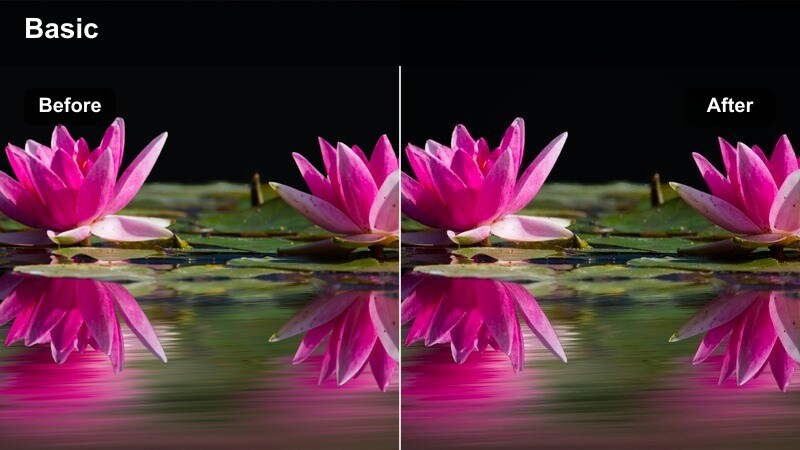
- Effect look: Clean, high-contrast look with slightly boosted saturation and crisp details tailored for branded coffee videos.
- Best for: Product promos, sponsored posts, coffee subscription ads, and logo reveals set around beans and cups.
- Editing tip: Keep camera movement minimal and use locked-off shots so the strong contrast does not feel chaotic on social feeds.
Brand Brew Cinematic delivers a sharp, high-contrast finish that keeps coffee products, packaging, and logos looking bold and professional. Slightly increased saturation helps brand colors stand out in crowded social feeds while preserving clean whites and deep, appealing browns.
In Filmora, use this filter for tabletop promos, hero banners, and ad creatives, relying on locked-off shots or slow slider moves to avoid overwhelming viewers with motion and contrast. After applying the filter, fine-tune key brand hues with HSL and verify legibility of logos and text overlays on both desktop and mobile screens.
Reel Ready Roast
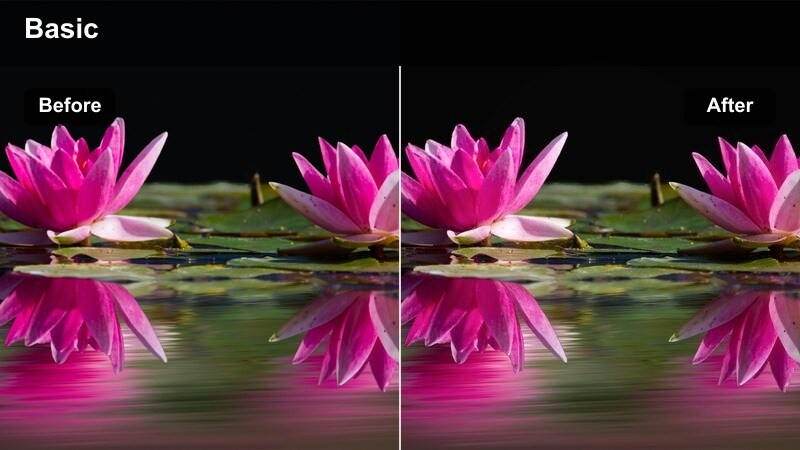
- Effect look: Punchy contrast, bold warm tones, and a slight vignette designed to grab attention in vertical feeds.
- Best for: Instagram Reels, TikTok coffee transitions, and fast-paced shorts featuring beans and latte art.
- Editing tip: Pair this filter with quick cuts, text overlays, and beat-synced transitions to maximize retention in the first three seconds.
Reel Ready Roast is engineered for vertical platforms where you need to capture attention instantly. Its punchy contrast, vivid warm tones, and gentle vignette make latte art, bean closeups, and quick transitions pop against busy backgrounds in Instagram Reels or TikTok.
Apply this filter in Filmora after cropping or framing your clips for 9:16, then build sequences with rapid cuts, on-beat transitions, and bold text overlays. Shoot with extra headroom to keep key coffee details centered, and test your final export on a mobile device to ensure important elements remain within the safe area of the vertical frame.
Studio Bag Showcase
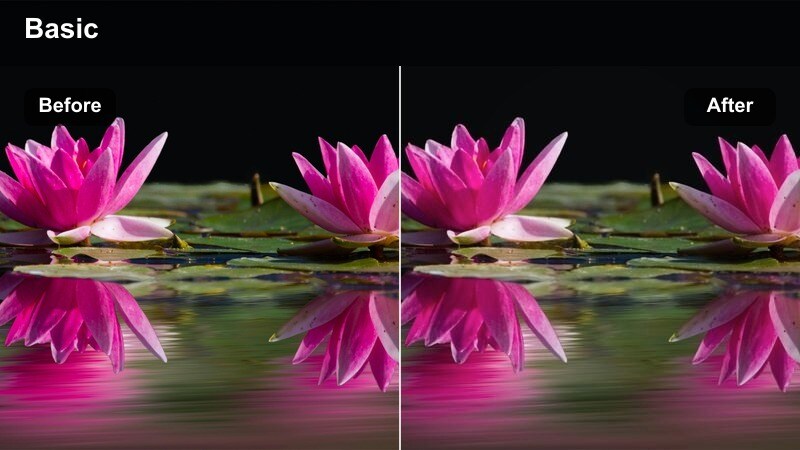
- Effect look: Neutral yet cinematic look that keeps whites clean, browns rich, and packaging colors accurate for studio-style shots.
- Best for: Tabletop product shoots, unboxings, and website hero videos focusing on coffee bean bags and branding.
- Editing tip: Lock white balance using a gray reference in-camera, then apply this filter to maintain a professional studio appearance.
Studio Bag Showcase is designed for controlled lighting environments where accurate color and clean presentation are essential. It keeps backgrounds neutral, whites true, and browns rich so your coffee bags and branding elements look polished on websites, online shops, and ad creatives.
Use this filter in Filmora for unboxings, tabletop product spins, and hero shots of your packaging. Maintain consistent white balance when shooting, then apply Studio Bag Showcase across all angles and adjust exposure per clip; once you love the look, export a LUT or preset so future campaigns can match the same professional, studio-grade aesthetic.
Tips for Using Coffee Beans Cinematic Filter Filters in Filmora
- Shoot coffee beans and cups near natural side light, then apply a Coffee Beans Cinematic Filter so textures, crema, and steam catch the light beautifully.
- Lock your white balance in-camera before using coffee filters to keep browns consistent and avoid color shifts across different shots or locations.
- Use Filmora keyframes to animate exposure, saturation, or zoom with filters like Golden Pour or Mahogany Barrel for more dynamic, story-driven coffee sequences.
- Combine filters with subtle film grain and vignettes in Filmora to enhance the cinematic mood without overpowering fine details in beans and latte art.
- When editing vertical reels, apply filters after cropping to 9:16 so vignette strength, contrast, and framing feel optimized for mobile viewing.
- Test different Coffee Beans Cinematic Filters on the same clip using Filmora's real-time preview to quickly choose the best look for your brand or channel.
- Use masks and HSL controls with filters like Copper Harvest or Brand Brew Cinematic to protect logo colors while still enriching overall coffee tones.
- Save your favorite filter plus LUT combinations as custom presets in Filmora so every future coffee project can match your signature aesthetic in one click.
The Coffee Beans Cinematic Filter presets in Filmora give content creators an easy way to turn everyday coffee footage into rich, story-driven visuals that look ready for YouTube, ads, or social feeds.
Start by choosing a filter that matches your scene, refine it with Filmora's AI and color tools, then save your favorite combo as a preset so every future coffee video keeps the same cinematic signature.
secure download