

 100% Security Verified | No Subscription Required | No Malware

Capturing the true essence of a property requires more than just a high-quality camera. Real estate agents and property videographers need precise color grading to highlight interior details, natural lighting, and architectural features. That's where our Free Professional Real Estate LUT Bundle comes in.
Designed specifically for property tours, interior walkthroughs, and listing videos, this LUT pack ensures consistent, cinematic color grading with just one click. Whether you're editing a sunlit living room or a moody basement suite, these LUTs deliver professional results fast.
In this article
Sunlit Interiors
Sunlit Warm
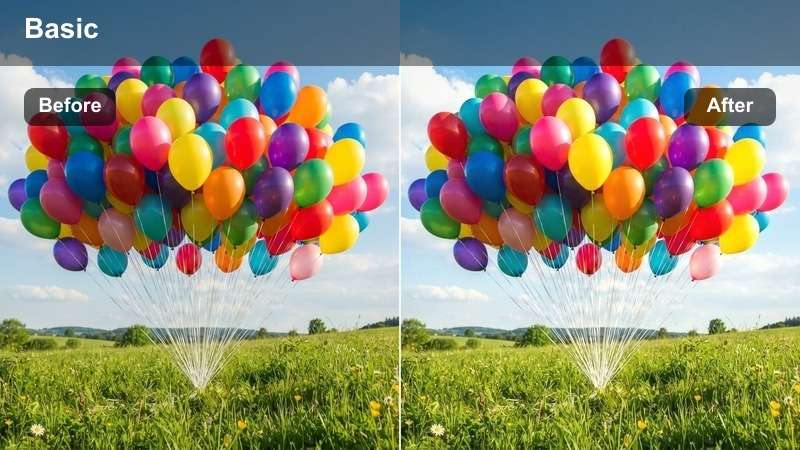
- Effect look: Warm golden tones with soft highlights
- Best for: Morning property walkthroughs with natural light
- Editing tip: Use at 80-100% intensity to preserve natural skin tones in agent walkthroughs
The Sunlit Warm LUT enhances the natural warmth of morning light, bringing out golden highlights that make interior spaces feel inviting and lived-in. It's perfect for real estate videos shot during early daylight hours when the sun casts soft, flattering light across hardwood floors and neutral walls.
In Filmora, apply this LUT to footage captured in living rooms or kitchens with large windows. Adjust the intensity slider to maintain a realistic look, especially when agents are on camera. This filter pairs well with slight exposure boosts to brighten shadows without losing detail.
 secure download
 secure download secure download
 Golden Hour Living
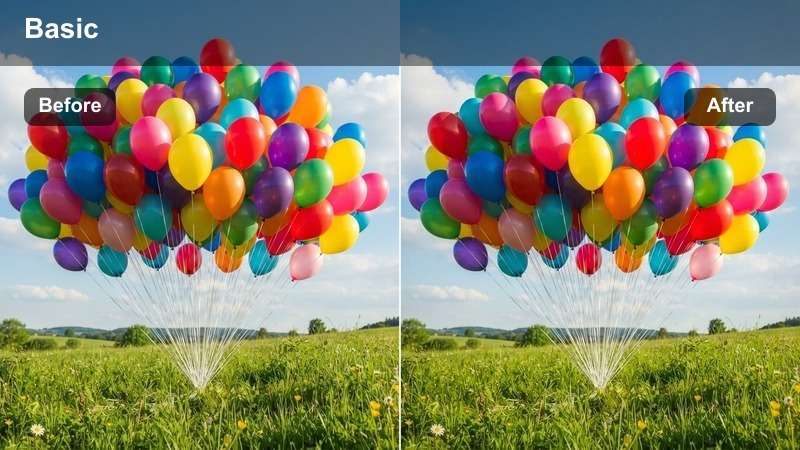
- Effect look: Rich amber highlights and deepened shadows
- Best for: Evening walkthroughs in living rooms and kitchens
- Editing tip: Apply with a slight contrast boost to emphasize wood grain and stone textures
The Golden Hour Living LUT adds warmth and depth to scenes captured during late afternoon or early evening. It enhances ambient lighting from lamps and fixtures, creating a cozy, lived-in atmosphere that appeals to potential buyers.
In Filmora, use this LUT for kitchen or living room footage where artificial and natural light blend. Adjust contrast slightly to bring out textures in cabinetry, countertops, and flooring. This filter is ideal for showcasing homes during golden hour walkthroughs.
Soft Daylight
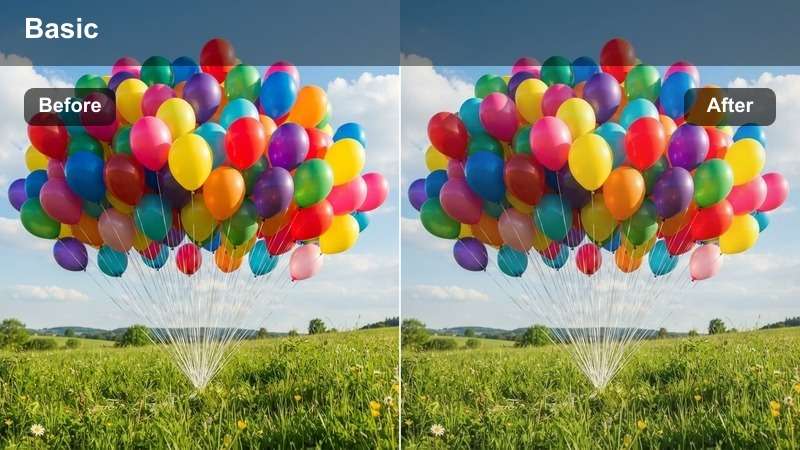
- Effect look: Neutral, balanced tones with lifted midtones
- Best for: Cloudy-day interior shots and neutral decor
- Editing tip: Combine with slight saturation increase to revive muted colors
The Soft Daylight LUT corrects flat, dull footage shot on overcast days by balancing exposure and enhancing midtones. It brings life to neutral interiors without introducing unnatural color casts.
In Filmora, apply this LUT to bedrooms or bathrooms with limited sunlight. Pair it with a slight saturation boost to make fabrics and decor pop. This filter ensures consistent color grading across all rooms, regardless of lighting conditions.
Modern Minimalism
Clean White
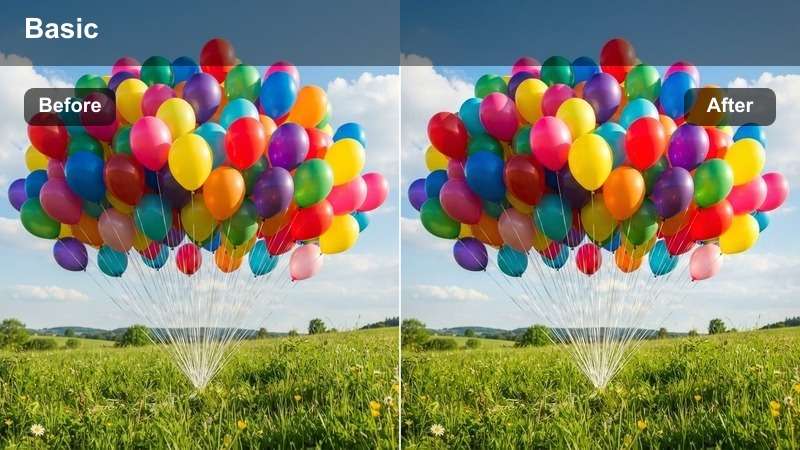
- Effect look: Crisp whites with cool undertones and reduced warmth
- Best for: Contemporary homes with white walls and minimalist design
- Editing tip: Avoid over-sharpening to maintain a sleek, modern look
The Clean White LUT enhances the crisp, modern aesthetic of minimalist interiors by cooling down warm tones and lifting whites. It's ideal for showcasing high-end finishes like matte tiles and glossy cabinetry.
In Filmora, use this LUT for bathrooms or kitchens with all-white fixtures. Keep sharpening subtle to preserve a clean, polished look. This filter helps highlight architectural details and design symmetry in modern homes.
Cool Concrete
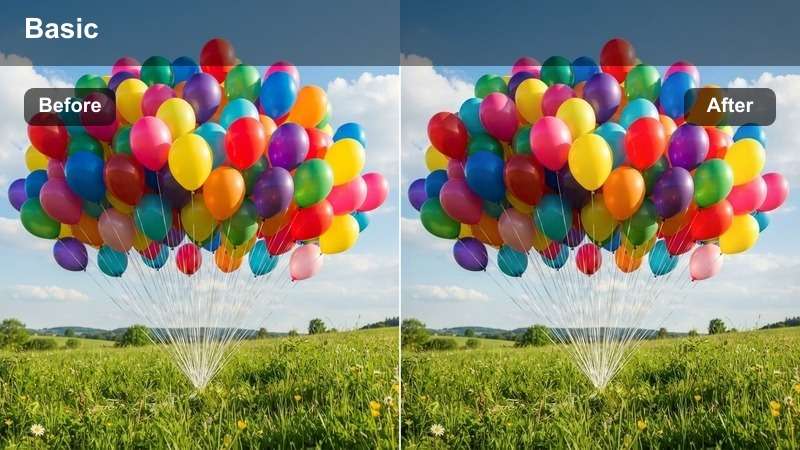
- Effect look: Gray-blue base with desaturated wood tones
- Best for: Loft apartments and industrial-style interiors
- Editing tip: Use with a vignette to draw focus to central architectural features
The Cool Concrete LUT emphasizes raw materials like exposed brick, steel beams, and polished concrete. It creates a modern, urban vibe that appeals to buyers looking for industrial-chic spaces.
In Filmora, apply this LUT to wide-angle shots of open-concept lofts. Add a subtle vignette to guide the viewer's eye toward key design elements. This filter enhances texture contrast for a bold, contemporary feel.
Minimal Gray
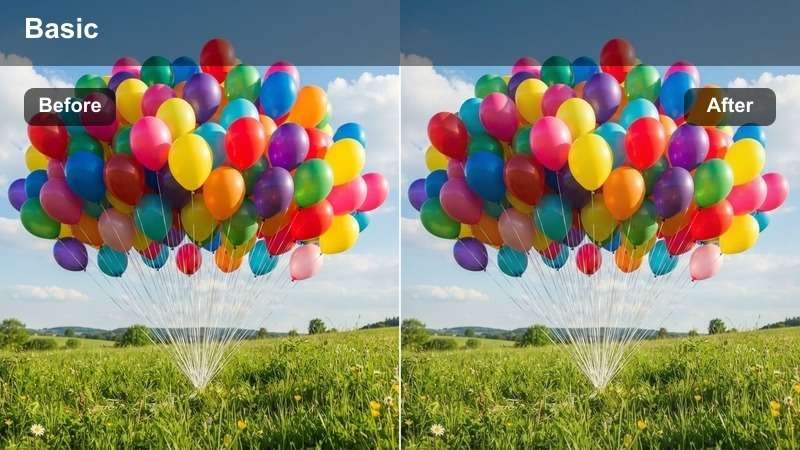
- Effect look: Subtle gray balance with neutral highlights
- Best for: Neutral-toned bedrooms and home offices
- Editing tip: Pair with slight clarity boost to define textures without harshness
The Minimal Gray LUT balances cool and warm grays to create a calm, focused atmosphere. It's perfect for rooms designed for relaxation or productivity, such as bedrooms and studies.
In Filmora, use this LUT to maintain a serene tone in clutter-free spaces. Apply a slight clarity boost to enhance wood grain or fabric texture without introducing noise. This filter supports a minimalist aesthetic with professional polish.
Luxury & Elegance
Elegant Wood
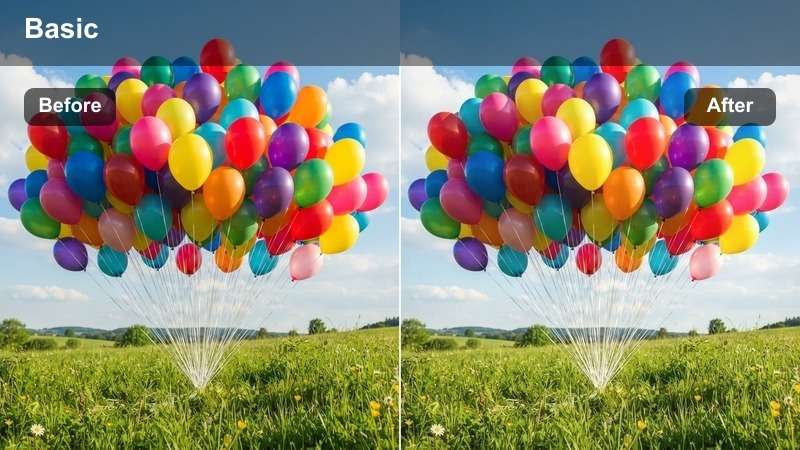
- Effect look: Rich mahogany tones with soft shadows
- Best for: High-end homes with hardwood floors and classic decor
- Editing tip: Use with a slight glow effect to enhance warmth in wood finishes
The Elegant Wood LUT deepens the richness of dark wood tones, making hardwood floors, paneling, and furniture look luxurious and well-maintained. It adds subtle warmth without overpowering the scene.
In Filmora, apply this LUT to formal dining rooms or studies with classic wood finishes. Pair it with a soft glow effect to highlight luster in polished surfaces. This filter elevates traditional interiors with timeless appeal.
Luxury Marble
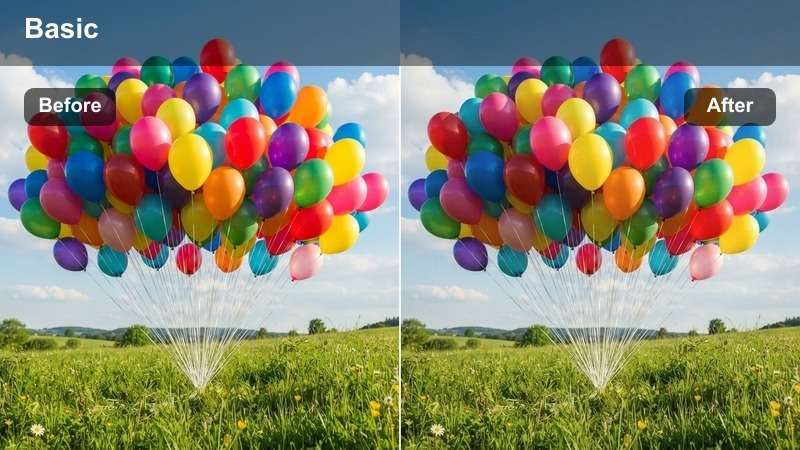
- Effect look: Cool white base with subtle blue undertones
- Best for: Bathrooms and foyers with marble countertops and tiles
- Editing tip: Apply with a slight sharpening mask to highlight veining in stone
The Luxury Marble LUT enhances the pristine look of white marble by cooling down yellow tones and increasing contrast in natural veining. It gives bathrooms and entryways a high-end, spa-like feel.
In Filmora, use this LUT for close-up shots of countertops or shower walls. Apply a sharpening mask to emphasize stone texture while protecting skin tones. This filter makes premium finishes stand out in listing videos.
Classic Chic
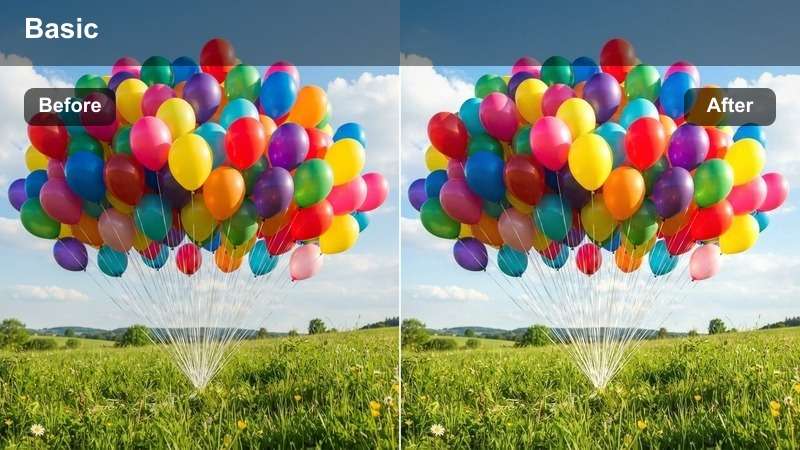
- Effect look: Balanced warm-cool tone with soft saturation
- Best for: Traditional living rooms with curated decor
- Editing tip: Use with a slight vignette to draw attention to focal points like artwork or fireplaces
The Classic Chic LUT blends warm and cool tones to create a harmonious, inviting atmosphere in traditionally decorated rooms. It enhances layered decor without oversaturating colors.
In Filmora, apply this LUT to living rooms with fireplaces, artwork, or vintage furniture. Use slow dolly shots and a subtle vignette to highlight curated details. This filter brings elegance and balance to classic interior designs.
Bright & Airy
Airy White
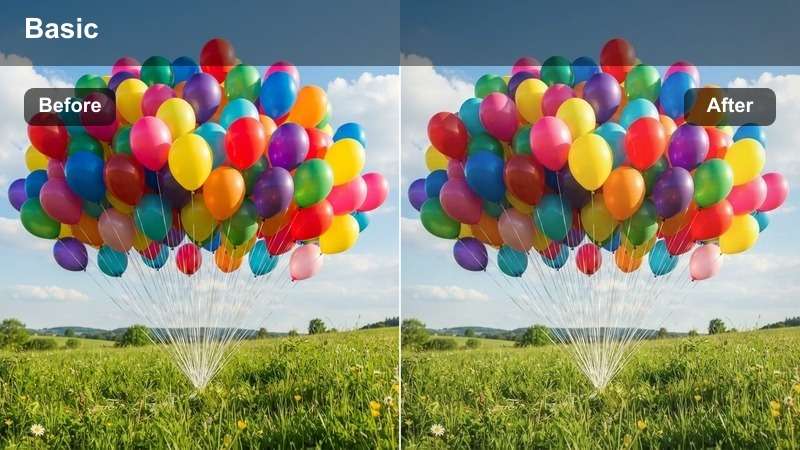
- Effect look: Ultra-light tones with lifted blacks
- Best for: Small spaces and rooms with limited natural light
- Editing tip: Use sparingly on already bright scenes to avoid overexposure
The Airy White LUT brightens shadows and lifts black levels to make compact rooms appear larger and more open. It's ideal for basement bedrooms or windowless bathrooms that need visual expansion.
In Filmora, apply this LUT with intensity between 70-90% to prevent washed-out details. Pair it with wide-angle lenses and mirrors to amplify the sense of space. This filter transforms tight interiors into airy, inviting areas.
Bright Kitchen
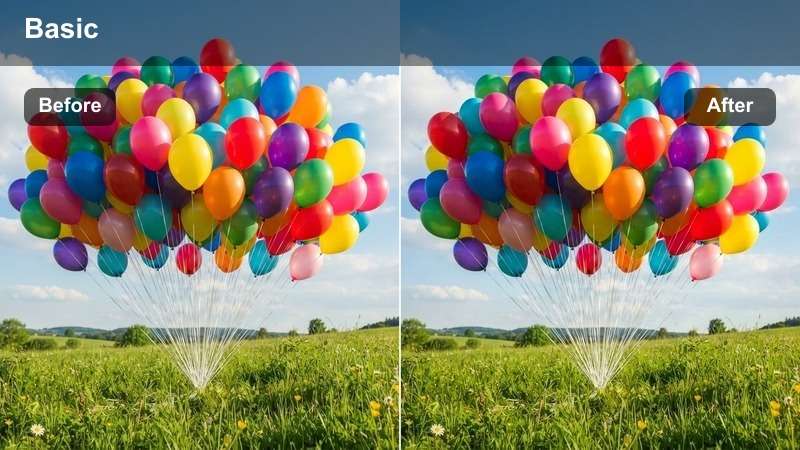
- Effect look: Enhanced whites with slight yellow lift
- Best for: White kitchens and breakfast nooks
- Editing tip: Add a touch of saturation to make food props look appetizing
The Bright Kitchen LUT makes white cabinetry and countertops pop while adding a subtle warmth that makes the space feel functional and welcoming. It's perfect for showcasing clean, modern kitchens.
In Filmora, use this LUT with lifestyle shots featuring coffee mugs or fruit bowls. Add a slight saturation boost to make food props look fresh and appealing. This filter highlights kitchen usability and design.
Light & Airy
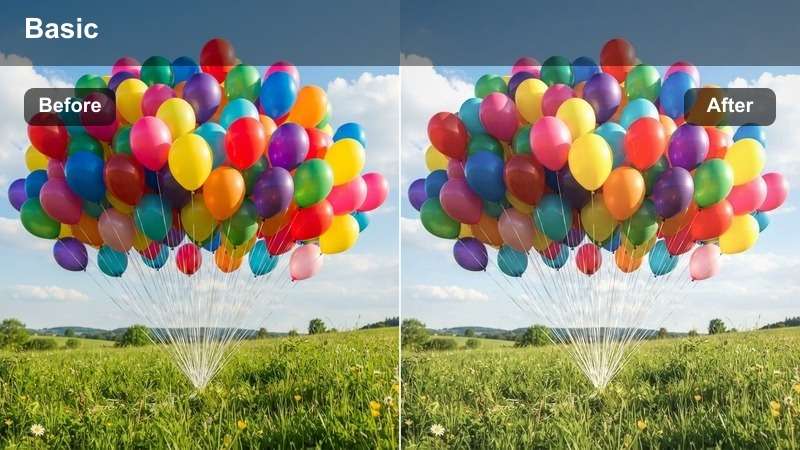
- Effect look: Soft pastel tones with gentle highlights
- Best for: Beachfront properties and coastal-style interiors
- Editing tip: Pair with slow transitions to enhance a relaxed mood
The Light & Airy LUT creates a tranquil, vacation-like atmosphere with soft pastel tones and gentle highlights. It's ideal for coastal homes where relaxation and views are key selling points.
In Filmora, use this LUT with ocean-view footage and natural soundscapes. Pair slow transitions with soft music to enhance the calming vibe. This filter makes beachfront properties feel like a retreat.
Tips for Using Real Estate Lut Download Filters in Filmora
- Always shoot in flat color profile for maximum grading flexibility.
- Use a gray card during filming to ensure accurate white balance.
- Apply LUTs early in your timeline to preview final color during editing.
- Adjust intensity between 70-90% for natural-looking results.
The Free Professional Real Estate LUT Bundle is an essential tool for real estate agents and property videographers who want to deliver polished, consistent, and visually appealing listing videos.
With 12 expertly crafted filters tailored for property tours, interior walkthroughs, and modern homes, you can elevate your content and stand out in a competitive market.
secure download 