

 100% Security Verified | No Subscription Required | No Malware


 ChatGPT
 Perplexity
 Gemini
 Claude
 Grok
Grok
This collection of bright-look filters is designed for content creators who want their Instagram reels pets to look vivid, clean, and full of personality without heavy color grading work.
Use these Instagram reels pet LUT-style presets to instantly brighten fur, boost eye sparkle, and keep skin tones natural so every playful moment feels warm, friendly, and ready to share.
In this article
Sunny Living Room Playtime
Sunny Fur Pop
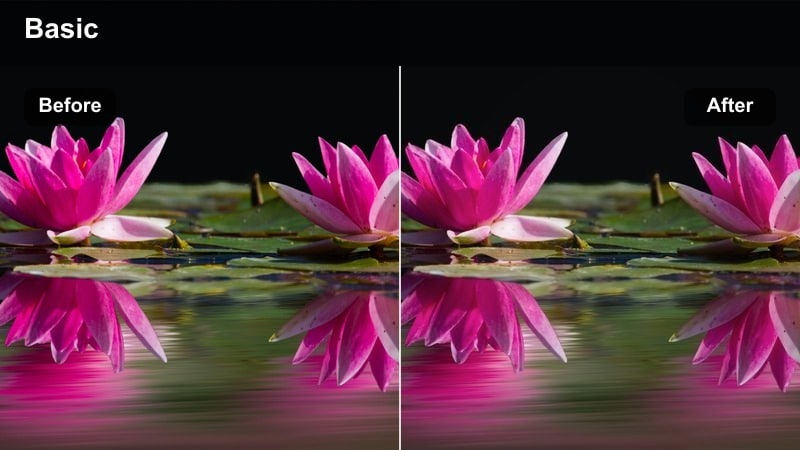
- Effect look: Bright, high-contrast pop that makes fur colors stand out while keeping whites crisp.
- Best for: Indoor pet reels filmed near windows, light-colored couches, and neutral walls.
- Editing tip: Slightly lower contrast if your pet has very dark fur to avoid losing detail in the shadows.
Sunny Fur Pop is ideal when your pet is playing in a naturally lit living room but the raw footage looks a little flat. The filter adds a strong yet clean brightness that makes every fur color more vibrant while protecting white rugs, walls, and pillows from looking blown out. It keeps detail in textures like rugs and cushions so the scene feels polished instead of overexposed.
In Filmora, apply Sunny Fur Pop to your clip, then fine-tune contrast and exposure depending on your pet's fur tone. For darker pets, gently pull the contrast slider down so nose and eye details do not disappear into shadow. You can also add Filmora stabilization for handheld shots and trim to the most energetic two to four seconds, giving you a crisp, bright reel that is ready for Instagram with minimal extra work.
Couch Cuddle Glow
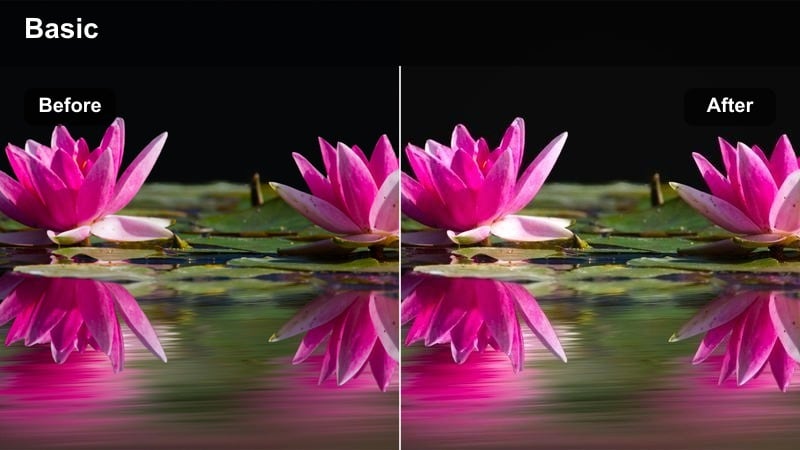
- Effect look: Soft brightening with warm highlights that give cozy cuddle scenes a gentle glow.
- Best for: Pet reels of snuggling on the couch, slow-motion hugs, and close-up head scratches.
- Editing tip: Increase vibrance slightly instead of saturation to keep fur and skin tones natural but lively.
Couch Cuddle Glow adds a gentle, inviting warmth to your indoor cuddle clips, perfect for soft blankets, pillows, and close-up affection shots. It lifts midtones and highlights just enough to create a subtle halo around faces and fur without turning everything orange or washed-out, so both pet and human skin tones stay flattering.
After you apply Couch Cuddle Glow in Filmora, use the Vibrance control to nudge color intensity up while preserving natural fur color and human complexions. For extra tenderness, slow your footage slightly and add a calm music track from Filmora's audio library. A minimal text overlay or heart-shaped sticker placed in the empty space of the frame finishes the warm, bright look for Instagram Reels.
Playmat Bright Boost
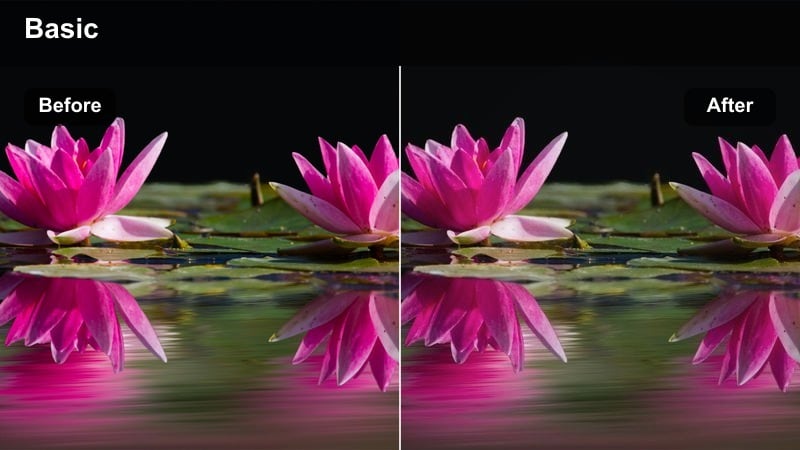
- Effect look: Clean, bright exposure lift with subtle saturation to make toys and pet accessories pop.
- Best for: Floor-level clips of pets playing on mats, blankets, and pet beds in daylight.
- Editing tip: Crop slightly tighter to remove clutter, then apply this filter to focus attention on your pet and toys.
Playmat Bright Boost is made for colorful, low-angle play sessions where toys, blankets, and beds fill most of the frame. The filter adds a neutral brightness that keeps whites and light colors clean, while slightly raising saturation so toys and collars stand out. It avoids heavy contrast, letting you see every tiny movement and expression as your pet rolls, pounces, or chews.
In Filmora, start by cropping the frame vertically for Reels and trimming away any distracting background edges. Apply Playmat Bright Boost, then adjust exposure just enough so your pet remains the brightest subject in the scene. You can also add simple motion graphics or playful stickers from Filmora's library near the edges of the frame to enhance the energetic, bright look without overwhelming your pet.
Backyard Golden Hour Adventures
Golden Tail Trails
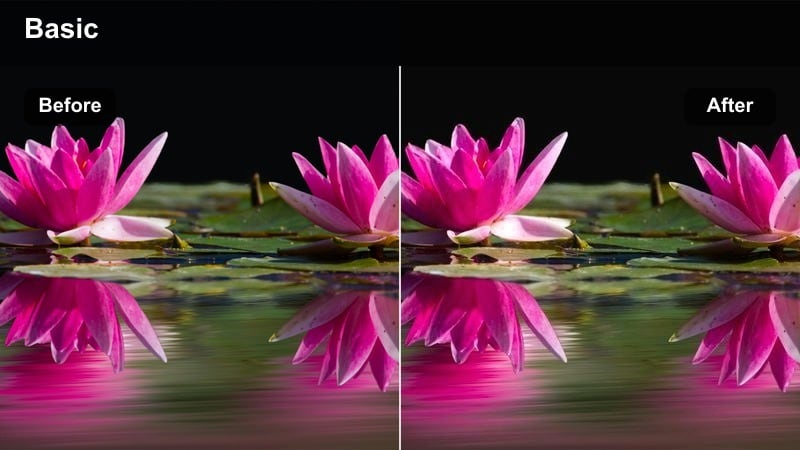
- Effect look: Warm, golden brightness with gentle contrast that makes fur shimmer in late-afternoon sun.
- Best for: Outdoor reels of dogs running in the yard, fetch sessions, and sunset walks.
- Editing tip: Pull back highlights slightly if your footage was shot directly into the sun to keep sky detail.
Golden Tail Trails enhances sunset and late-afternoon footage by leaning into the warm tones that naturally appear at golden hour. It smooths contrast so fur glows without creating harsh silhouettes, and it keeps grass and sky colors balanced so your clip feels cinematic rather than overly filtered. Your dog or cat looks sun-kissed and energetic in every frame.
In Filmora, drop Golden Tail Trails onto your backyard clips and then adjust highlights to protect detail in clouds and bright patches of sky. If your pet is moving quickly, consider using speed ramping to emphasize the most dynamic bursts of movement while the warm filter keeps everything cohesive. Add a simple title at the start with a handwritten font to frame the golden, playful story for your Reel.
Sunny Yard Sparkle
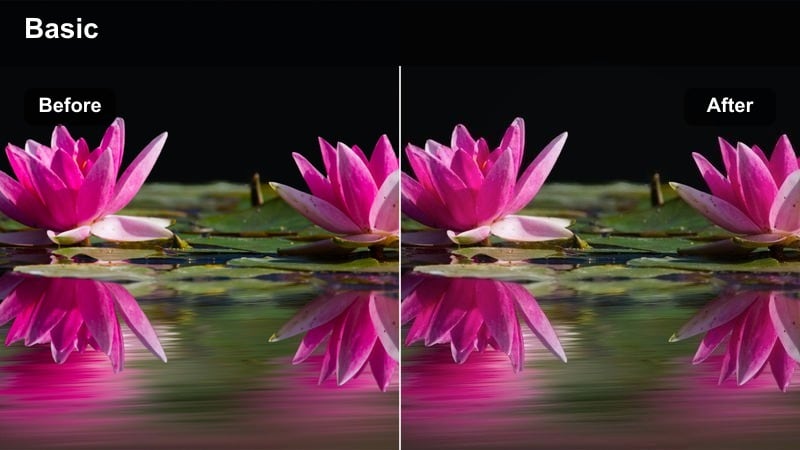
- Effect look: Cooler bright look that cuts midday harshness while keeping grass green and eyes sparkling.
- Best for: Midday backyard play with lots of green grass and fast-moving pets.
- Editing tip: Use a slightly faster shutter or higher frame rate to avoid motion blur, then apply this filter for crisp brightness.
Sunny Yard Sparkle is designed for strong midday sun, when raw footage often looks too harsh and contrasty. The filter cools the overall tone just a touch, softening hard shadows on fur and faces while keeping grass a natural green. It lifts brightness evenly across the frame so your pet remains visible even when zooming from shade into full light.
Once you bring your clips into Filmora, apply Sunny Yard Sparkle and then adjust saturation in the HSL panel if the greens feel too intense for your style. Pair the bright look with slow motion or speed ramps to highlight jumps, catches, and zoomies. A light vignette can help draw the eye back to your pet, making your Reel easier to watch even on small screens.
Fence Line Fun
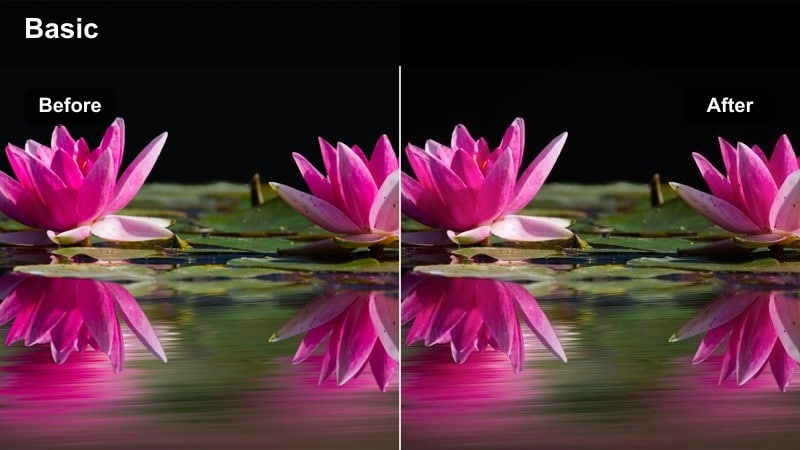
- Effect look: Bright, slightly desaturated look that keeps fences, decks, and background details from stealing attention.
- Best for: Reels where pets sprint along fences, chase each other, or peek through gaps.
- Editing tip: Use a gentle vignette after applying this filter to keep focus on your pet's face as they move.
Fence Line Fun is perfect when your yard has lots of visual clutter like boards, decks, and neighboring houses. The filter brightens the entire frame but reduces saturation a bit, especially in background elements, so your pet does not get lost against busy textures. Motion along the fence becomes a clean, easy-to-follow line through your Reel.
In Filmora, apply Fence Line Fun first, then add a subtle vignette and, if needed, a small contrast bump to your pet specifically using keyframed masks. Trim your clip so the best fence runs, peeks, and jumps land within the first few seconds, keeping viewers engaged. Finish with a simple on-screen caption pinned near your pet to match the clean, bright style of the filter.
Indoor Close-Up Pet Details
Eye Spark Bright
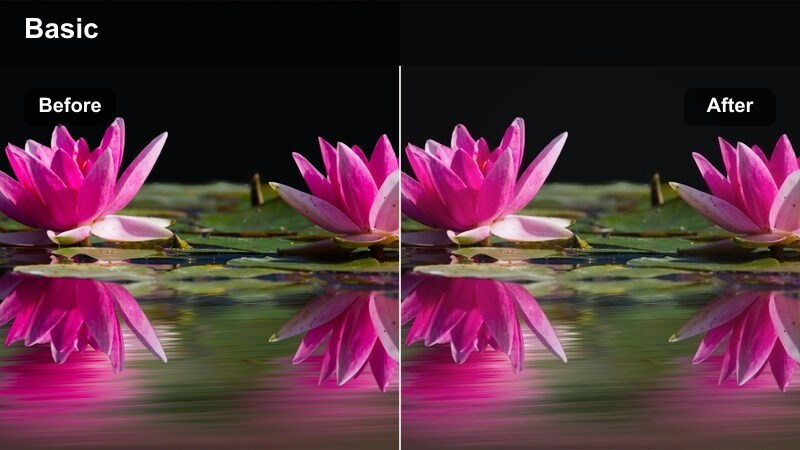
- Effect look: Clean, high-brightness look that sharpens eye reflections and detail in whiskers and fur.
- Best for: Close-up reels of eyes blinking, nose boops, and detailed fur shots near soft light.
- Editing tip: Add a slight sharpen and clarity boost in Filmora after this filter for maximum eye sparkle.
Eye Spark Bright focuses on enhancing tiny details that viewers love in macro pet shots, such as reflections in the eye and individual whiskers. The filter brightens the scene and adds micro-contrast so close-up textures look crisp while keeping background tones soft and subtle. This makes your pet's gaze the clear focal point of the Reel.
In Filmora, apply Eye Spark Bright and then gently increase sharpness and clarity to emphasize reflections without creating a grainy look. Trim your close-up to a short loopable moment like a slow blink or a small head tilt, and consider adding a light sound effect or soft chime to match the polished, detailed visual. The result is a professional-looking close-up that pops in the Instagram Reels feed.
Whisker Soft Glow
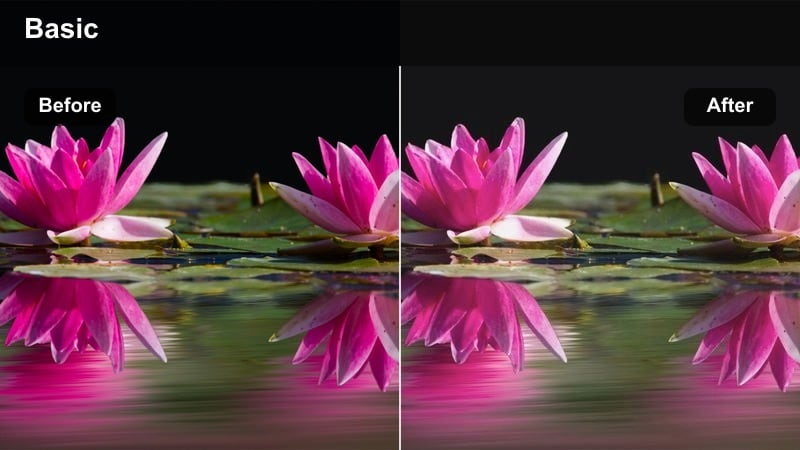
- Effect look: Gentle brightening with lowered contrast that gives whiskers and noses a soft, dreamy feel.
- Best for: Slow-motion clips of cats and small dogs sniffing, yawning, or stretching indoors.
- Editing tip: Reduce sharpness a bit after applying this filter to keep the dreamy look consistent.
Whisker Soft Glow turns simple nose and whisker shots into dreamy, calming moments. By slightly lowering contrast and adding a smooth brightness, it softens hard lines in fur and background objects, creating a gentle haze that flatters every small movement. This is especially effective for sleepy yawns, stretches, and slow sniffs.
After applying Whisker Soft Glow in Filmora, reduce sharpness slightly and consider using slow motion to extend delicate gestures. Pair the clip with ambient music or quiet lo-fi beats to reinforce the relaxed mood. A minimalist text overlay with a short caption can sit over blurred background areas, ensuring nothing competes with the soft, glowing whiskers in the center of the frame.
Paws on Blanket Bright
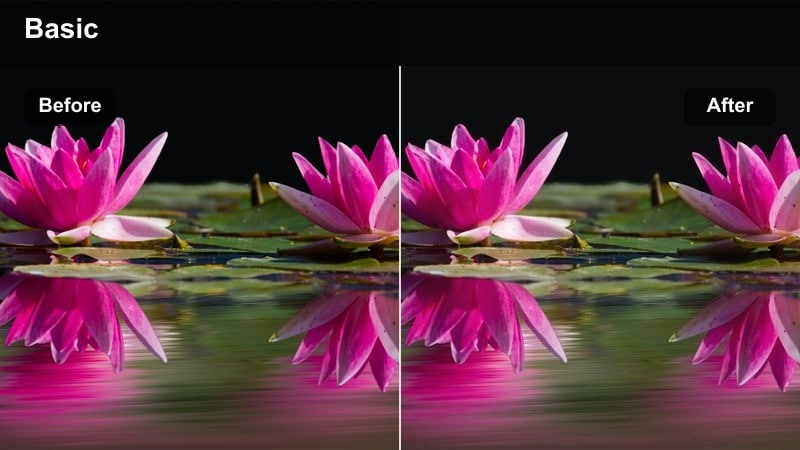
- Effect look: Bright, clean whites and lifted midtones that make blankets and paws look fresh and cozy.
- Best for: Top-down reels of paws kneading blankets, biscuits-making, and tiny paw steps.
- Editing tip: If your blanket is very colorful, reduce saturation slightly to keep the bright look focused on paws.
Paws on Blanket Bright is optimized for overhead shots where paws and fabric fill the frame. The filter brightens whites and midtones, making blankets look clean and inviting while carefully preserving the natural color of paw pads and claws. It is a great match for classic biscuit-making clips or small paw taps on soft textures.
Inside Filmora, rotate and crop your clip for a vertical Reels-friendly composition, then apply Paws on Blanket Bright. If the blanket pattern feels too dominant, use the saturation controls to dial back colors so paws remain the star. Add subtle sound design like soft taps or kneading sounds and loop your clip so viewers can watch the satisfying motion on repeat in their feed.
On-the-Go Pet Vlogs and Walks
Leash Walk Lite
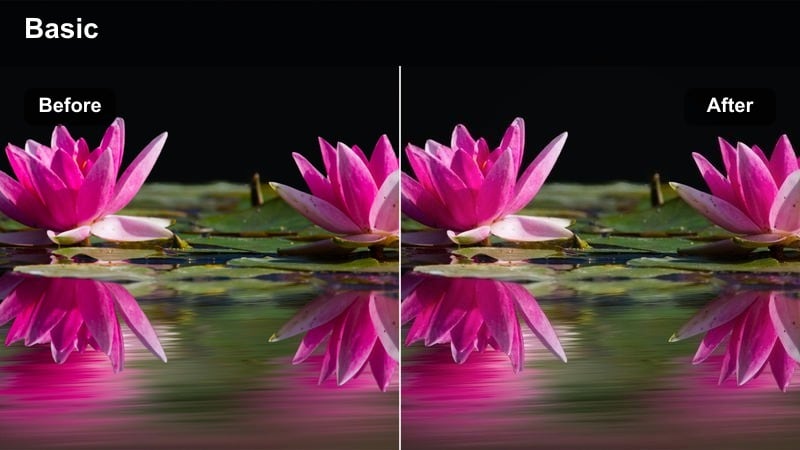
- Effect look: Neutral bright look that lifts sidewalks and streets while keeping fur true-to-color.
- Best for: Point-of-view reels during dog walks, leash shots, and city sidewalk strolls.
- Editing tip: Add a small saturation boost after using this filter if your city background looks too gray.
Leash Walk Lite brightens everyday walking footage without making urban environments look overly stylized. It lifts overall exposure so sidewalks, buildings, and street details become easier to see, while preserving realistic fur tones and leash colors. Your audience gets a clear view of your pet leading the way through the city or neighborhood.
Apply Leash Walk Lite in Filmora, then slightly boost saturation if your scene feels washed out by cloudy weather or concrete surfaces. Stabilize the footage to reduce camera shake from walking, and cut together short clips of turns, crossings, and quick looks back at the camera. Add on-screen text labels for different locations or times of day to turn a simple walk into a bright, engaging mini vlog on Reels.
Car Ride Bright Window
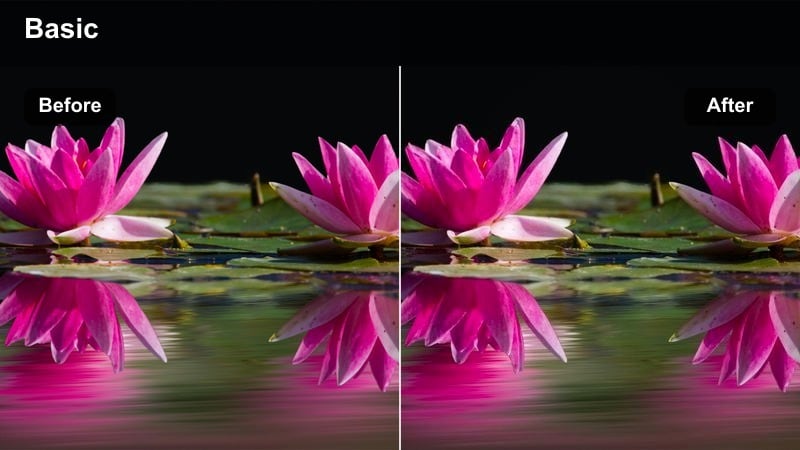
- Effect look: High-bright look that evens out car interiors and bright window light for relaxed travel shots.
- Best for: Pet reels of heads out the window, sitting in the passenger seat, or watching scenery go by.
- Editing tip: Lower exposure slightly before adding this filter if outside light is very strong to avoid blown-out windows.
Car Ride Bright Window tackles high-contrast in-car footage, where dark interiors compete with intense sunlight from the windows. The filter brightens the shadows just enough to reveal your pet and the inside of the car while gently taming the highlights from outside. The result is an evenly lit, cheerful travel vibe perfect for road trip Reels.
In Filmora, reduce exposure a touch if your raw clip includes very bright skies or reflections, then apply Car Ride Bright Window. Use keyframes or simple cuts to highlight your pet's best reactions, like ears flapping in the breeze or focused stares at passing scenery. A fun travel soundtrack and geotag text overlay can turn your bright car clips into a short, shareable story that fits neatly into your pet content series.
Park Path Bright Step
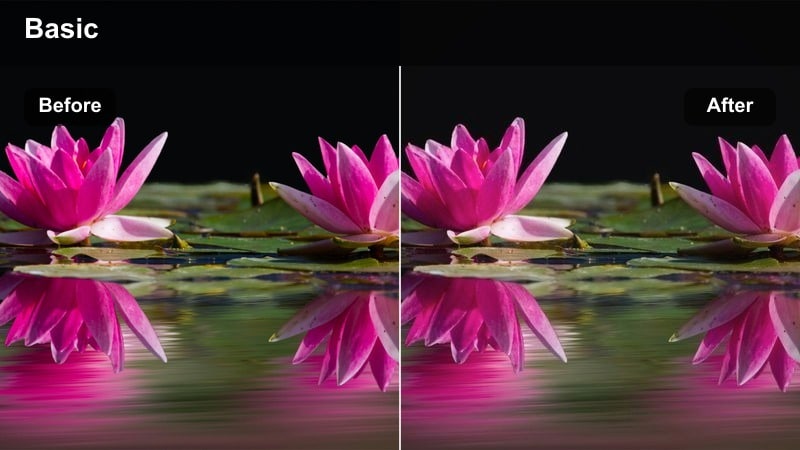
- Effect look: Bright, airy look that lightens tree shade and keeps path textures clear for walk-and-talk reels.
- Best for: Vlog-style clips walking with your pet through parks, paths, and light tree cover.
- Editing tip: If your footage was shot in heavy shade, increase exposure a bit before applying this filter for best results.
Park Path Bright Step is built for shaded park footage where trees, paths, and dappled light can make your pet hard to see. The filter opens up the shadows and adds an airy brightness across the entire frame, allowing both fur details and path textures to remain visible. This helps keep your vlogs easy to follow, even with mixed lighting from foliage overhead.
After importing into Filmora, raise exposure slightly for very dark clips, then apply Park Path Bright Step to unify the look. Cut your walk into short segments where lighting stays roughly consistent, and use simple transitions like fades or quick zooms between them. Pair the bright footage with voiceover or on-screen captions so viewers can enjoy both your story and your pet's clearly lit expressions on the trail.
Tips for Using Instagram Reels Pet Luts Bright Look Filters in Filmora
- Film in natural light whenever possible so bright filters can enhance, not rescue, your pet footage.
- Lock focus on your pet's eyes before recording; bright looks highlight eye detail the most.
- Shoot vertically with a little headroom for text, stickers, and emojis above your pet.
- Avoid mixing very warm and very cool lights in the same shot so bright filters do not cause strange fur tones.
- Lower saturation slightly if colorful toys start to overpower your pet after applying a bright preset.
These bright-look Instagram reels pet filters give content creators an easy way to make every wag, purr, and zoomie stand out on screen.
Combine them with Filmora's simple editing tools to keep your pet reels consistent, vibrant, and ready to share with followers every day.
 secure download

