

 100% Security Verified | No Subscription Required | No Malware


 ChatGPT
 Perplexity
 Gemini
 Claude
 Grok
Grok
A great kitchen lifestyle vlog filter can instantly turn everyday cooking footage into a cozy, cinematic moment your audience wants to live in. With the right mix of warmth, contrast, and softness, your countertops, cookware, and plated dishes all feel more inviting on screen.
Below are 12 Filmora-style filter ideas tailored for kitchen vloggers, from bright and airy morning coffee scenes to golden-hour dinner prep, so you can quickly give every recipe and routine a consistent, lifestyle-ready look.
In this article
Bright Morning Kitchen Routines
Soft Sunrise Brews
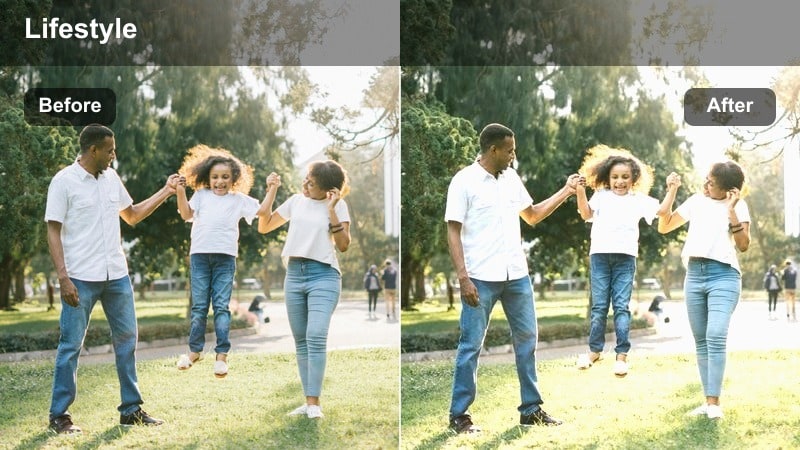
- Effect look: Gentle warm highlights with lifted shadows for a soft, glowy breakfast counter.
- Best for: Morning coffee routines, oatmeal prep, and casual kitchen chat segments near a window.
- Editing tip: Lower the contrast slightly if your kitchen is full of direct sunlight to keep skin and steam looking natural.
Soft Sunrise Brews wraps your kitchen in a subtle, golden lift that feels like real morning light without overexposing your countertops. In Filmora, this style works especially well when you are shooting beside a bright window and want your face, mug, and steam to feel cozy instead of harsh or blown out.
Start by exposing for your face, then apply a warm filter preset with gentle highlight roll-off and raised shadows to protect detail in white tiles and mugs. If cabinets or walls start to skew too yellow, nudge overall temperature back toward neutral and let contrast and shadow controls carry the softness rather than relying on heavy warmth.
Use AI to Match Your Kitchen Vibe Across Clips
Filmora AI Color Palette helps you keep your kitchen aesthetic consistent, even when you record on different days or under changing light. Choose one clip graded with your favorite morning or evening kitchen lifestyle vlog filter and let AI automatically match the rest of your timeline to that mood.
This is ideal when you mix A-roll, B-roll, and handheld shots; instead of manually tweaking each clip, you create one reference look and then push AI matching so your entire cooking episode feels cohesive and on-brand.
 secure download

Preview Kitchen Filters in Real Time
Filmora lets you preview filters live on your cooking clips, so you can instantly see how each look treats your cabinets, countertops, and skin tones. Drop a raw kitchen shot on the timeline, open the Effects or Filters panel, and cycle through several warm, airy, or moody options without committing.
Use split-screen comparison to place two or three candidate filters side by side, which makes it easy to decide whether a bright morning look or a deeper evening tone better fits your current recipe and talking style.
secure download1000+ Video Filters and 3D LUTs
Beyond simple color presets, Filmora offers a full library of filters and 3D LUTs so you can design a signature kitchen look that works for steam, stainless steel, and skin tones. Mix gentle lifestyle filters with warm food-focused LUTs to make your dishes pop while your background stays consistent.
If a built-in filter is close but not perfect, fine-tune it using HSL, curves, and LUT opacity, then save the combo as a custom preset you can reuse across all your cooking series and shorts.
secure downloadFresh Linen Counter
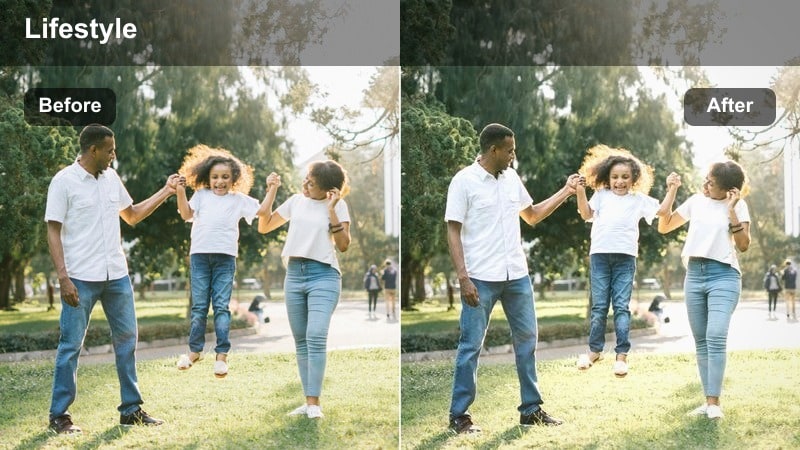
- Effect look: Clean, bright whites with soft desaturated colors for a minimal lifestyle feel.
- Best for: Light, airy kitchen tours, cleaning routines, and minimalist breakfast setups.
- Editing tip: Increase saturation on a secondary layer if your ingredients look washed out, keeping the background neutral but food vivid.
Fresh Linen Counter is ideal if your channel leans minimal and you want your kitchen to look like a lifestyle magazine spread. In Filmora, use this look on shots with lots of white surfaces, marble, or pale wood so the filter can push them toward crisp whites while gently muting the surrounding colors.
To keep your food from disappearing into the neutral palette, duplicate your clip on a higher track, mask around the plates or bowls, and slightly bump saturation and vibrance there. This lets your ingredients stay rich and appetizing while the counters, cabinets, and decor remain soft and understated.
Morning Grain Journal
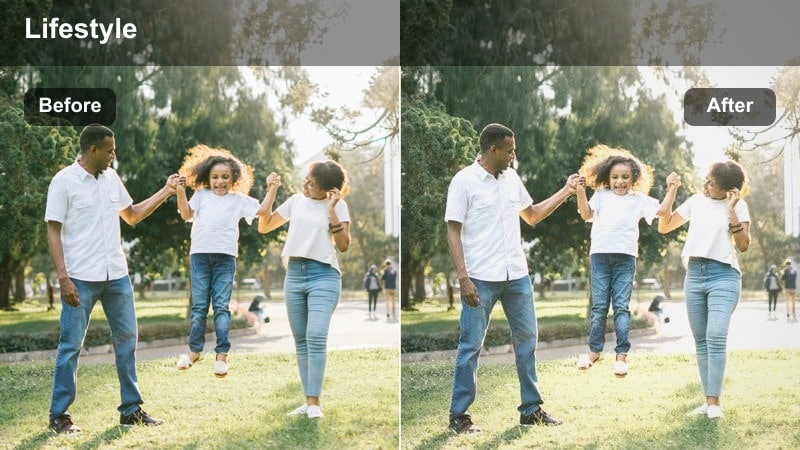
- Effect look: Soft film-style grain with gentle fade for a nostalgic morning-in-the-kitchen vibe.
- Best for: Journaling at the kitchen table, slow breakfast montages, and aesthetic B-roll.
- Editing tip: Use shorter clips with slow motion or subtle camera movement so the grain feels intentional and cinematic, not noisy.
Morning Grain Journal gives your kitchen routines a nostalgic, film-inspired texture that feels perfect for calm, reflective scenes. Apply this filter to slow panning shots of your table, close-ups of hands writing or stirring, and quiet coffee pours to turn everyday moments into aesthetic B-roll.
Inside Filmora, keep ISO low during filming to avoid stacking digital noise with the added grain, then apply a subtle fade in the color controls to soften contrast. Limit grain-heavy grading to well-lit or midtone areas, and if your kitchen is dark, reduce grain intensity in the effect settings so your footage reads as cinematic rather than overly noisy.
Cozy Evening Cooking Sessions
Golden Stove Glow
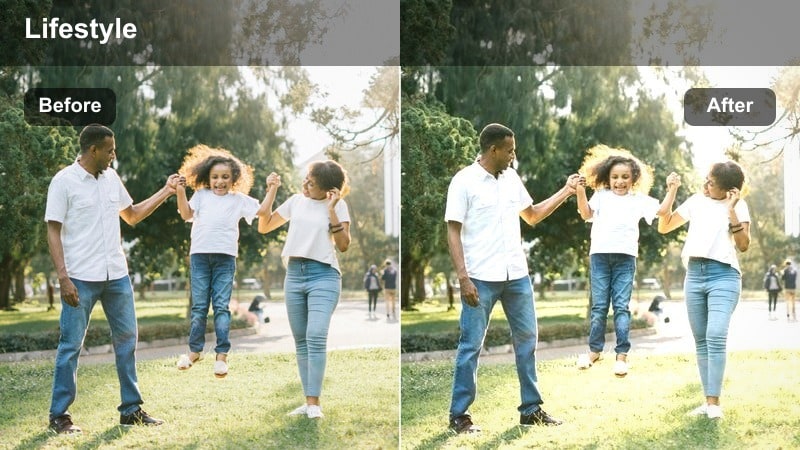
- Effect look: Deep golden warmth with rich contrast that makes overhead stove light feel cinematic.
- Best for: Dinner prep over the stove, sizzling pans, and cozy weeknight recipes.
- Editing tip: Dial back saturation in orange and yellow channels if skin tones start to look too red under warm kitchen bulbs.
Golden Stove Glow leans into the warmth of your kitchen bulbs, turning ordinary stove-top lighting into a cinematic, golden-hour look. Use it on close-ups of sizzling pans, ladles stirring sauces, and side-profile shots of you cooking to amplify the feeling of a comforting, homey dinner.
In Filmora, white-balance your clips to neutral first, then apply the warm filter so the entire frame shifts evenly toward gold. If your skin turns too orange, open HSL controls and selectively reduce saturation in the yellow and orange ranges while keeping highlights rich, so food and cookware still glow without making faces look unnatural.
Copper Pot Evening
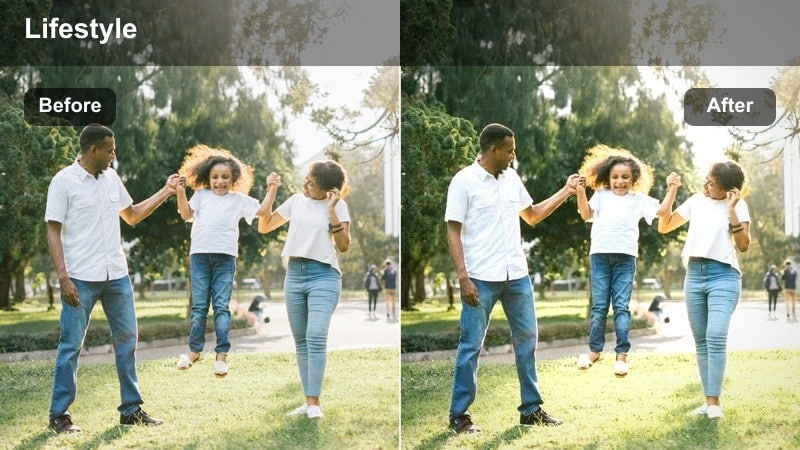
- Effect look: Muted shadows with copper-tinted midtones for an upscale, restaurant-at-home atmosphere.
- Best for: Slow simmer recipes, wine-and-cook vlogs, and date-night dinner setups.
- Editing tip: Push a little vignette around the frame to keep focus on the cooking area and hide clutter at the edges.
Copper Pot Evening is perfect when you want your kitchen to feel like a cozy bistro, with deeper shadows and elegant copper warmth around your pots and pans. Apply it to slower recipes, like simmering stews or risottos, where viewers are there for the atmosphere as much as the instructions.
Within Filmora, deepen the mood by adding a soft vignette and slightly lowering exposure around the edges of the frame, keeping brightness centered on your pot or cutting board. Combine the filter with a shallow depth-of-field shot to blur background cabinets and let the colored midtones around your cookware become the visual centerpiece.
Evening Family Table
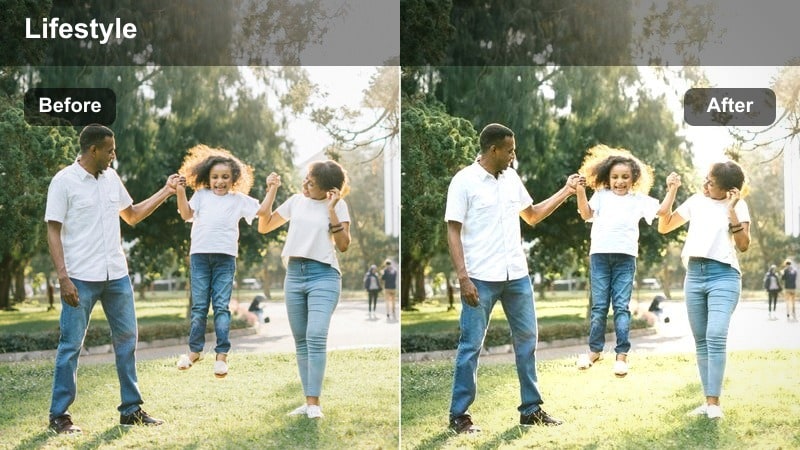
- Effect look: Soft contrast and warm neutrals that make shared meals feel intimate and relaxed.
- Best for: Family dinner scenes, table conversations, and taste-test reactions.
- Editing tip: Use subtle skin-smoothing or light diffusion only on close-ups so the filter's softness does not turn faces too blurry.
Evening Family Table softens your entire scene so shared meals and reactions feel welcoming and relaxed on camera. The filter works best on wider table shots, laughter moments, and family-style spreads where you want the mood to feel candid but still visually polished.
In Filmora, apply gentle warm neutrals and moderate contrast, then selectively enhance reds and greens so main dishes stay rich and appetizing. If you shoot close-ups of faces, consider a light skin-smoothing effect at low intensity and avoid stacking too much additional blur, ensuring details like eyes and smiles remain sharp within the softened atmosphere.
Clean Daylight Meal Prep
Marble Counter Minimal
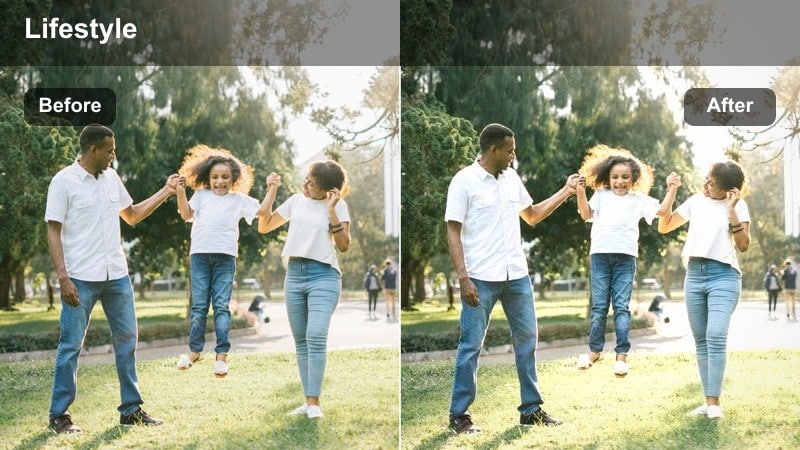
- Effect look: Cool-neutral whites with soft clarity that makes countertops and cutting boards look polished.
- Best for: Meal prep lines, ingredient layouts, and organized fridge or pantry shots in daylight.
- Editing tip: Reduce clarity on skin selectively if your hands look too textured compared to the clean background.
Marble Counter Minimal leans into clean, crisp daylight to showcase organization and prep details. It is perfect for birds-eye views of chopped ingredients, lined-up containers, or fridge tours where you want everything to look tidy and intentional.
Use Filmora to slightly cool your whites and boost midtone clarity so labels, textures, and edges pop against a neutral backdrop. If close-ups make skin on your hands appear overly sharp, add a selective blur or reduce clarity on masked areas while leaving the counters and containers pin-sharp for that polished, minimal aesthetic.
Weekday Batch Bright
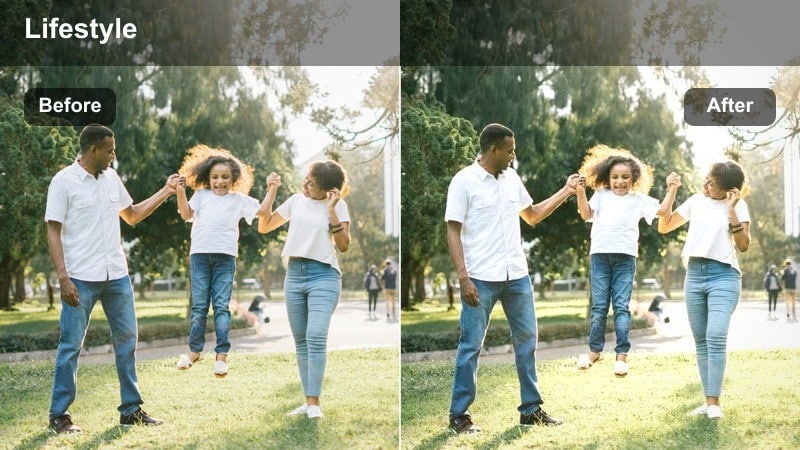
- Effect look: Vibrant, bright tones with a small saturation push for energetic, get-things-done meal prep.
- Best for: Batch cooking sessions, time-lapse chopping, and fridge-stocking vlogs.
- Editing tip: Speed up repetitive actions and layer this filter to keep long prep sequences visually engaging and colorful.
Weekday Batch Bright is built for productivity montages, where viewers watch you chop, portion, and stack meals for the week. Its boosted brightness and gentle saturation push make vegetables, sauces, and containers look lively and motivating, which pairs well with fast-paced edits.
Inside Filmora, combine this filter with time-lapse effects, jump cuts, or split screens to emphasize how much you accomplish in a short period. If your kitchen cabinets are dark, raise exposure slightly on the base clip to avoid introducing noise, then apply the filter and fine-tune saturation so colors feel punchy without turning neon.
Sinkside Daylight Rinse
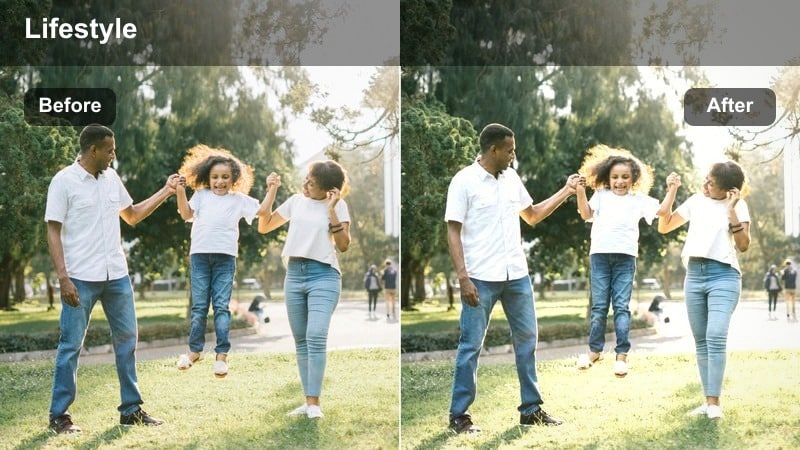
- Effect look: Soft, slightly cool daylight with clear midtones to keep water and stainless steel looking crisp.
- Best for: Dishwashing montages, sink cleaning routines, and utensil close-ups shot near a window.
- Editing tip: Add a subtle slow-motion effect on water splashes to let the clean, cool tones stand out.
Sinkside Daylight Rinse highlights the clean side of your kitchen routine, making water, bubbles, and stainless steel feel fresh and crisp. Use it for sink-focused sequences where you rinse produce, wash pans, or show before-and-after cleaning transformations.
In Filmora, lean into the slightly cool color balance so chrome fixtures, basins, and streams of water read as sparkling clean without turning blue. Slow down key splashes or close-ups with gentle slow motion, then apply the filter and slightly lower harsh highlights to prevent reflections from distracting viewers from the action.
Late-Night Snacks and Tea Breaks
Midnight Counter Chat
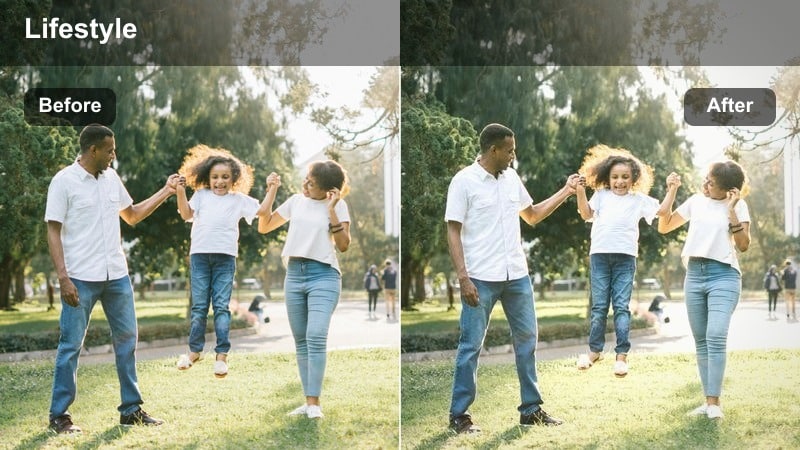
- Effect look: Low-contrast, slightly faded shadows with warm midtones for intimate late-night storytelling.
- Best for: Sit-down talks at the kitchen island, late-night snack vlogs, and personal story segments.
- Editing tip: Record audio close to the mic and keep background music soft so the relaxed visual tone matches a calm soundscape.
Midnight Counter Chat is made for personal, late-night talks where you lean on the counter and share stories with your audience. The reduced contrast and warm midtones soften the entire frame, giving your kitchen an almost diary-like atmosphere that suits more vulnerable or reflective topics.
Use Filmora to gently lift shadows and add a light fade to blacks so nothing in the background feels too harsh or distracting. Pair the visual softness with close-mic audio, quiet background music, and minimal camera movement so the filter and your storytelling carry the emotional weight of the scene.
Herbal Tea Warm Tone
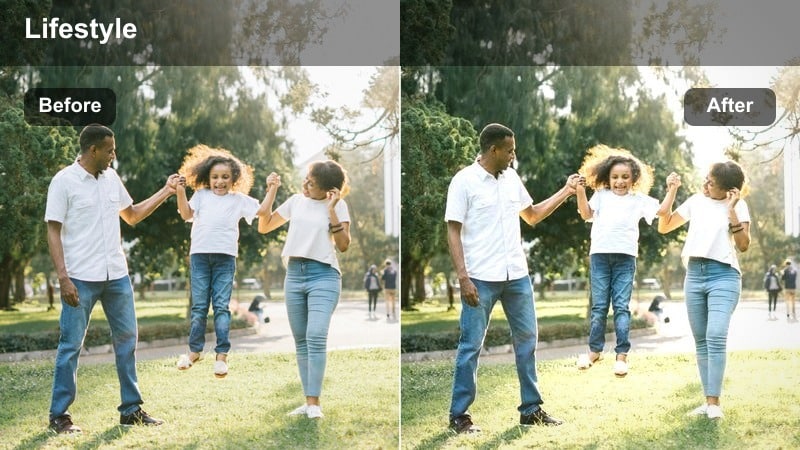
- Effect look: Cozy amber tint with softened highlights to make mugs, kettles, and steam look inviting.
- Best for: Nightly tea rituals, wind-down routines, and relaxing snack prep before bed.
- Editing tip: Capture steam against a darker background and let the warm filter gently brighten the glow without blowing out the cup.
Herbal Tea Warm Tone focuses on the tiny cozy details of your nighttime rituals, from the glow of a kettle to steam rising off a mug. Apply it to tight shots of hands wrapping around cups, tea bags steeping, or small desserts being plated on a dim counter.
In Filmora, set your exposure so the brightest part of the mug is protected, then add the amber-tinted filter to wrap warmth around the steam and your hands. To make steam stand out, shoot against a darker background and, in post, slightly boost midtones while keeping highlights soft, ensuring the glow feels dreamy rather than blown out.
Late Fridge Raid
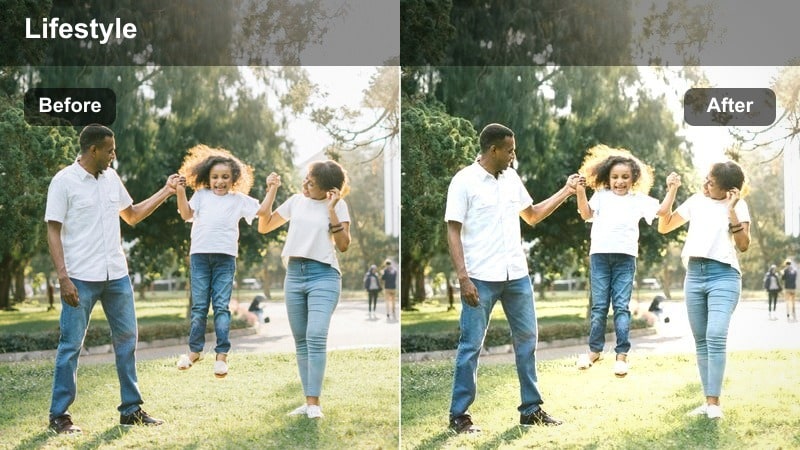
- Effect look: Balanced cool fridge light with subtle warm skin tones so the scene feels playful, not harsh.
- Best for: Opening the fridge at night, snack grabs, and funny late-night kitchen check-ins.
- Editing tip: Add a small handheld camera shake effect for a spontaneous feel, then stabilize only the most distracting clips.
Late Fridge Raid embraces the dramatic contrast of cool fridge light in a dark kitchen but keeps your skin tones warm enough to look flattering. It is ideal for playful, spontaneous shots of you peeking into the fridge, debating snacks, or doing quick late-night updates.
In Filmora, first adjust white balance to tone down extreme blue before applying the filter, then fine-tune so only the fridge interior and nearby surfaces stay distinctly cool. Use subtle handheld shake effects or minimal stabilization to keep the moment feeling real and unscripted, and mask the grade if cabinets or walls shift too blue compared to the rest of your channel aesthetic.
Tips for Using Kitchen Lifestyle Vlog Filter Filters in Filmora
- Shoot a quick white balance reference in your kitchen at the start of each session so Filmora filters and LUTs apply consistently across every clip.
- Create separate Filmora presets for morning, daylight, and evening so you can switch looks fast without rebuilding your color grading from scratch.
- Go easy on overall warmth when your kitchen uses strong yellow bulbs, and rely on targeted HSL adjustments to keep cabinets and skin tones natural.
- Use masking to protect faces and hands from heavy stylization, focusing stronger effects on cabinets, tiles, and background decor.
- Stack gentle filters with warm-tone LUTs at reduced opacity to make steam and food glow while preserving realistic color and contrast.
- Save your favorite kitchen lifestyle vlog filter combinations as custom presets in Filmora so every new episode starts from a consistent visual base.
- Test new filter ideas on a short A-roll and B-roll segment first to check how they handle different angles, surfaces, and lighting in your kitchen.
The right kitchen lifestyle vlog filter can turn regular cooking clips into a cozy, cinematic experience that viewers instantly recognize as your style. With a few go-to looks saved as presets, your kitchen becomes a familiar on-screen world your audience loves to revisit.
Start with one or two favorite filters for mornings and evenings, refine them in Filmora as your lighting or decor changes, and use AI color tools to keep every new recipe, routine, and snack video visually aligned with your brand.
secure downloadNext: Food Steam Warm Tone Lut
