

 100% Security Verified | No Subscription Required | No Malware


 ChatGPT
 Perplexity
 Gemini
 Claude
 Grok
Grok
This collection of TikTok gaming setup LUTs in neon style is built for content creators who want their RGB lights, monitors, and desk setups to explode with color on camera. Each filter is tuned to emphasize glowing LEDs, deepen shadows, and keep your facecam clear so your clips stand out on the For You page.
Use these presets in Filmora to turn ordinary gaming rooms into cinematic neon scenes, whether you stream fast-paced shooters, cozy indie games, or tech desk tours. Pick a filter that matches your LED colors, then fine-tune exposure and contrast for a pro-level TikTok gaming aesthetic in seconds.
In this article
Neon Battlestation Hero Shots
Cyber Emerald Glow
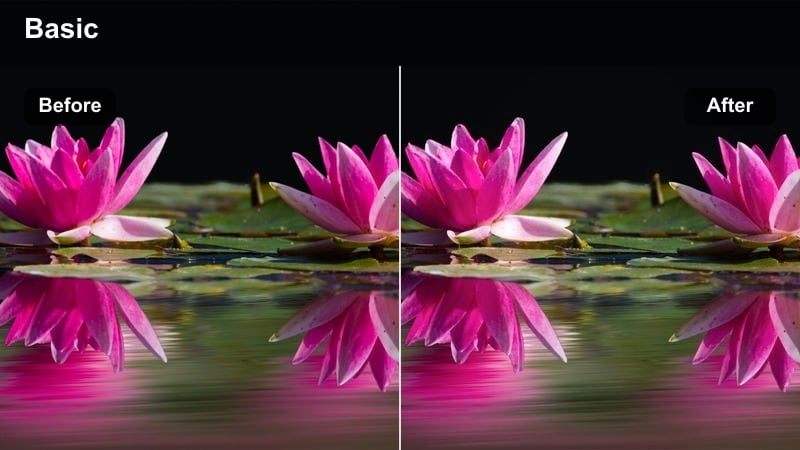
- Effect look: Punchy green and cyan glow that wraps around your gaming desk and monitor edges.
- Best for: TikTok clips featuring ultra-wide battlestations with green RGB strips and animated wallpapers.
- Editing tip: Lower vibrance slightly if your greens start to clip, and add a subtle vignette to pull focus toward the center monitor.
Cyber Emerald Glow is built to turn your green and teal RGB rig into a dramatic cyber lab without sacrificing clarity on your screens. The LUT boosts neon saturation around edges and strips, deepens contrast in the corners of your room, and keeps midtones controlled so your gameplay and icons stay sharp on TikTok.
In Filmora, drop this filter on your battlestation b roll, then fine-tune vibrance and highlights to stop bright LED strips from blowing out. Add a vignette on an adjustment layer, and if your skin tones look too green, duplicate the clip, mask your face, and warm that layer slightly while leaving the background fully neon for a polished creator look.
Dial in your neon colors with AI-powered adjustments
After you choose a neon LUT for your TikTok gaming setup, Filmora's AI color tools help you match the look to your real-world RGB colors. You can nudge greens toward teal, soften harsh magentas, or balance cool backgrounds against warmer skin tones in a few clicks.
Apply your preferred neon filter first, then open the AI color controls to refine hue, saturation, and luminance so your battlestation feels rich and punchy without looking artificial.
 secure download

Preview neon filters on your setup in seconds
Filmora makes it easy to audition multiple neon LUTs on the same TikTok clip so you can quickly see which one flatters your RGB layout, wall color, and monitor brightness. Duplicate your test recording on the timeline and apply a different filter to each layer.
Mute and solo each track to compare options, checking how skin tones, LED strips, and gameplay screens look in vertical format before you commit to a signature style for your channel.
secure downloadBuild a consistent TikTok look with LUTs and filters
To keep your TikTok grid looking cohesive, stack these neon-style filters with Filmora LUTs that share similar color direction. Once you have a combo that fits your brand, save it as a custom preset so every gaming clip opens with the same RGB mood.
This workflow lets you batch apply your signature look across highlights, room tours, and facecam reactions, saving time while keeping your neon style instantly recognizable in the feed.
secure downloadMagenta Arcade Storm
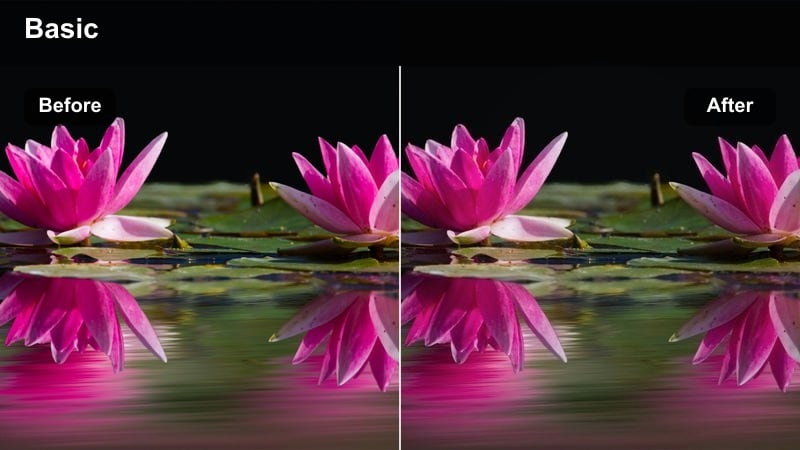
- Effect look: High-contrast magenta and deep blue mix that mimics arcade cabinet lighting.
- Best for: Short TikTok edits of ranked matches, highlight reels, and clutch moments captured from your main monitor.
- Editing tip: Use slightly faster cuts and sync with beat drops because the bold magenta tones really pop on quick transitions.
Magenta Arcade Storm recreates the intensity of classic arcade rooms with a heavy push toward magenta and deep blue. The LUT emphasizes neon panels and reactive wall lights, making every flick shot or combo feel like it is happening inside a stylized game arena.
In Filmora, apply this filter to your best highlight reels, then tighten your edit with fast cuts and beat-synced transitions so the shifting magenta blues match the energy of the soundtrack. If your skin starts to look too purple in facecam frames, add a warm color correction layer over your facecam crop while leaving the background treated with the full filter strength.
Electric Violet Hub
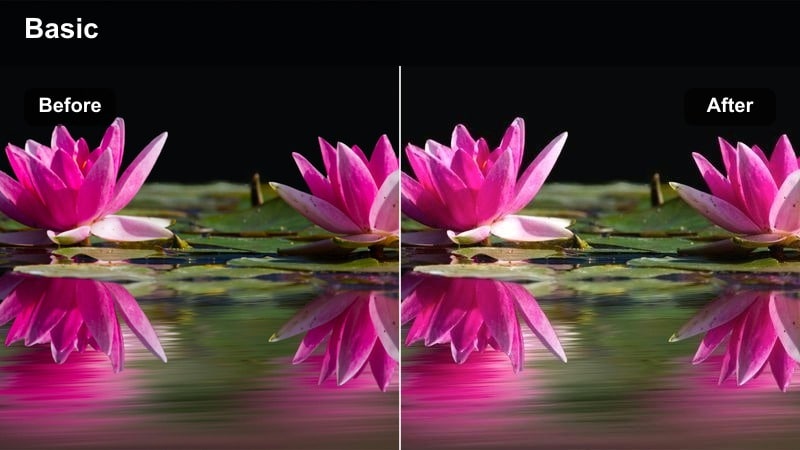
- Effect look: Soft yet saturated violet glow with smooth roll-off in the shadows for a cinematic tech cave.
- Best for: Desk tour TikToks, keyboard ASMR, and aesthetic shots of your PC build and peripherals.
- Editing tip: Slow your camera moves and add gentle zooms so the violet gradients stay silky instead of jittery.
Electric Violet Hub focuses on rich purple tones that transform your gaming space into a futuristic studio. It softens contrast in the shadows while preserving glow on RGB fans, monitors, and ambient strips, making it ideal for aesthetic desk tours and slow, atmospheric shots.
Use this LUT in Filmora on b roll of your PC tower, keycaps, and controllers, then add slow zooms and minimal motion to avoid breaking the smooth violet gradients. For extra depth, lightly blur a duplicate background layer while keeping the primary subject sharpened, so the neon hues melt together around you without losing overall detail.
Streamer Facecam Neon Vibes
Neon Soft Stream
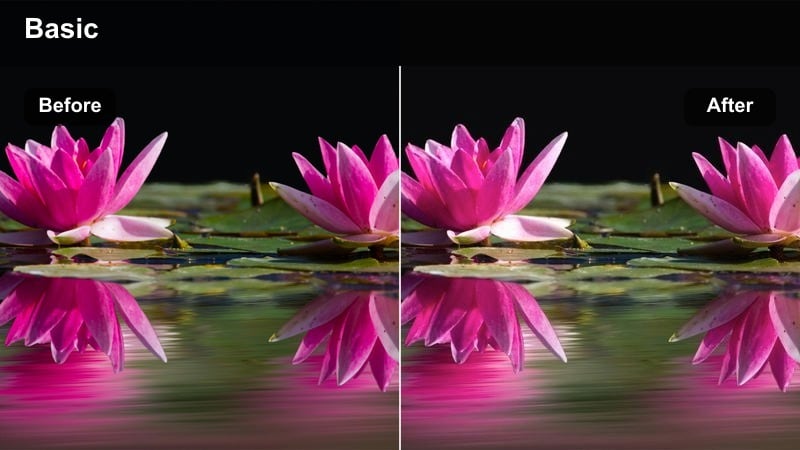
- Effect look: Balanced neon saturation with softened skin and gentle teal-magenta background contrast.
- Best for: Facecam-centered talking clips, stream highlight reactions, and gaming commentary on TikTok.
- Editing tip: Keep your key light slightly brighter than your RGB so your face remains the focal point under the filter.
Neon Soft Stream is designed for creators who want a clean, flattering facecam look without sacrificing their RGB background. The LUT evens out skin tones, smooths transitions between teal and magenta lights, and keeps overall contrast moderate so your expressions are easy to read on mobile screens.
In Filmora, apply this filter to your portrait clips and fine-tune exposure so your key light wins over the background LEDs. Add a subtle sharpen effect to your facecam crop and, if needed, slightly boost saturation on the background using masks so your room glows softly while your face stays natural and detailed.
Cyber React Pop
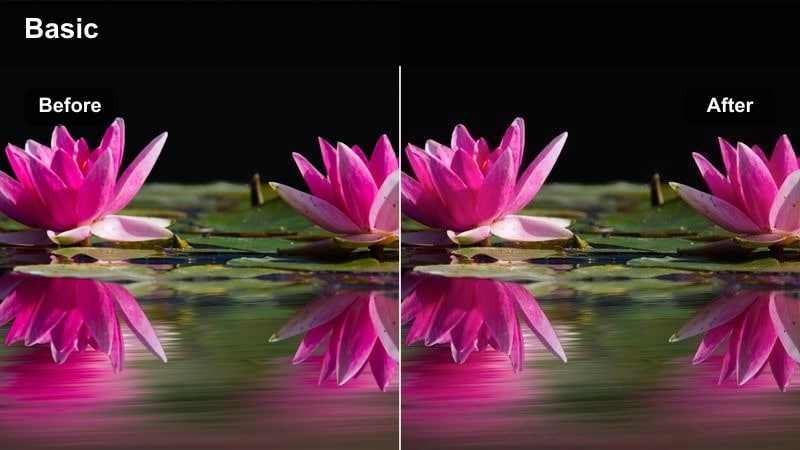
- Effect look: Fast-feeling, contrast-heavy neon with extra brightness on highlights for big reactions.
- Best for: Quick reaction TikToks, jump scares, and loud celebratory clips in competitive games.
- Editing tip: Cut out dead air and sync your biggest facial expressions with the brightest parts of the filter using keyframes.
Cyber React Pop is tuned for explosive moments, pushing contrast and highlight brightness so every cheer, scream, or surprise reads instantly. The filter intensifies neon blues and pinks around you while keeping your face slightly lifted in exposure, which helps reactions stand out in fast-scrolling feeds.
After applying this LUT in Filmora, trim your clips aggressively to remove downtime and use keyframed exposure or brightness to make the frame flare slightly during peak reactions. Pair the effect with audio beat detection so light surges align with sound spikes from your voice, alerts, or music drops for maximum impact.
RGB Chill Lounge
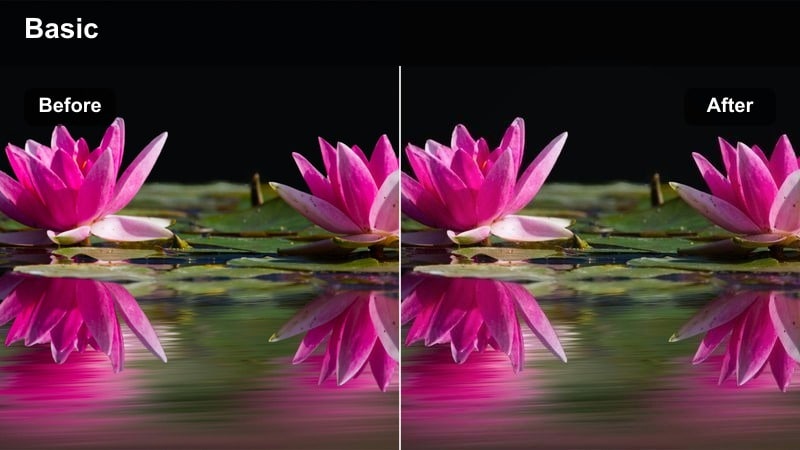
- Effect look: Muted contrast with rich teal and rose neon that feels cozy rather than aggressive.
- Best for: Cozy gaming nights, story-driven playthrough clips, and chill TikTok updates from your streaming room.
- Editing tip: Slow your footage slightly and add lo-fi music so the relaxed neon palette matches your pacing.
RGB Chill Lounge softens your scene with a gentler contrast curve and warm teal-rose color mix, perfect for laid-back streams or late-night chat clips. It keeps blacks from crushing while retaining enough saturation so your LED strips and panels still look stylized.
Use this LUT in Filmora on slow-paced content, then experiment with subtle slow motion, lo-fi tracks, and reduced clarity to reinforce the relaxed mood. You can selectively sharpen your face or controller using masks to keep the focus crisp while the rest of the frame melts into a dreamy neon haze.
Desk Aesthetic and RGB Detail Shots
Pixel Strip Flare
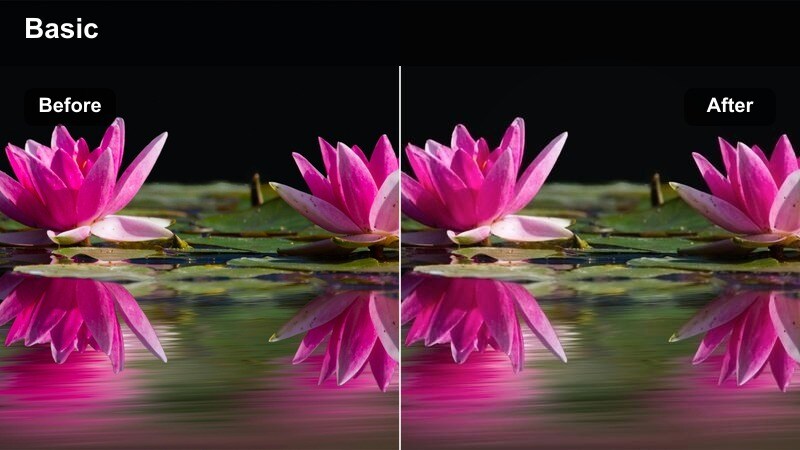
- Effect look: Bright, multi-color neon enhancement that makes LED strips and nanolights look extra luminous.
- Best for: Close-up TikToks of RGB light strips, wall panels, and animated lighting setups around your desk.
- Editing tip: Shoot at a slightly underexposed level so the filter can pull back intense glow without clipping whites.
Pixel Strip Flare is built to turn your LED strips, nanolights, and wall panels into the main characters of your TikToks. It amplifies brightness and saturation along the light sources while darkening surrounding areas, giving each gradient and animation more punch.
In Filmora, apply this LUT to close-up panning shots of your LEDs, then fine-tune exposure and highlights so the brightest segments stay detailed. Add slow pans or small speed ramps over colorful transitions, and consider layering a subtle glow or bloom effect to exaggerate the neon flare without sacrificing sharpness.
Keyboard Neon Focus
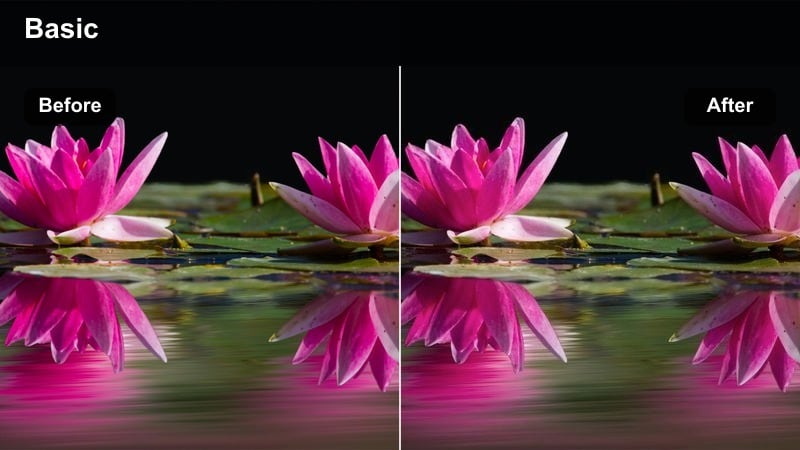
- Effect look: Sharp, saturation-boosted neon that emphasizes keycaps, RGB underglow, and desk reflections.
- Best for: Mechanical keyboard TikToks, mouse close-ups, and desk accessory b-roll for gaming edits.
- Editing tip: Get low and shoot across the keys to create depth, then use the filter to intensify color along the rows.
Keyboard Neon Focus is tuned to highlight fine details in your peripherals, from RGB keycaps to mouse underglow and metallic desk accessories. The LUT increases micro-contrast and saturation around small light sources, helping every row of keys and reflective surface stand out.
Apply this filter in Filmora to low-angle shots that skim across your keyboard, then boost contrast slightly to deepen shadows between the keys. If you have a glossy desk mat or reflective surface, selectively enhance saturation and contrast in the lower half of the frame to double the impact of your neon reflections.
Tower Core Neon
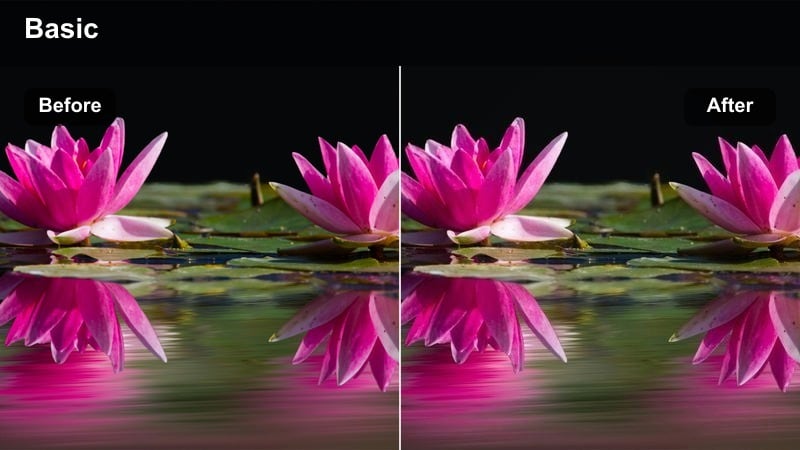
- Effect look: Cool-tinted neon with extra clarity and glow inside your PC tower and components.
- Best for: PC build TikToks, GPU close-ups, fan and coolant shots, and static RGB showcase angles.
- Editing tip: Stabilize your footage slightly in Filmora so tiny handheld shakes do not break the clean PC lines.
Tower Core Neon is all about making your PC case look like the glowing heart of your setup. It adds cool neon emphasis to fan lighting, coolant tubes, and RGB components while sharpening fine details on cables, heatsinks, and shrouds.
In Filmora, use this LUT on slow pans and macro shots of your build, then enable mild stabilization to smooth any handheld shake without warping the frame. You can mix in a gentle zoom or parallax effect on static shots, allowing the neon-rich interior to feel more alive and three-dimensional for TikTok viewers.
Dynamic Gameplay and Screen-Focused Shots
HUD Neon Intensify
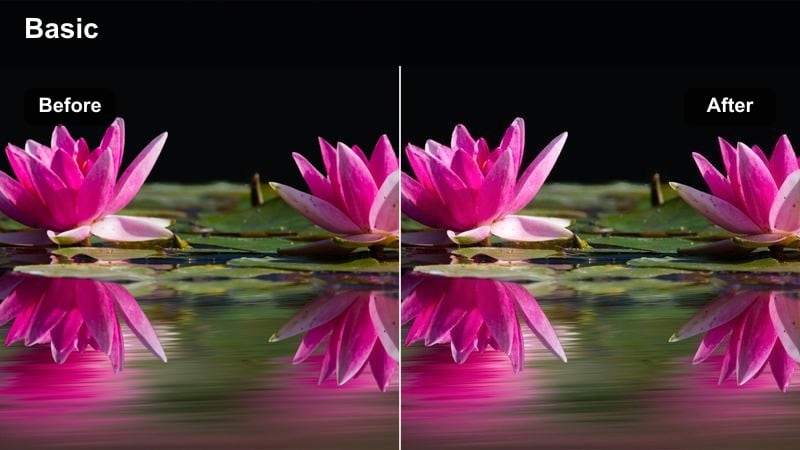
- Effect look: Increased contrast and saturation on UI elements, with deeper blacks around the edges of the frame.
- Best for: Gameplay capture TikToks that focus on HUD elements, scoreboards, and ability icons.
- Editing tip: Crop to vertical early and keep HUD details inside the safe area so the neon emphasis stays in frame.
HUD Neon Intensify is optimized for screen recordings and capture-card footage where menus, scoreboards, and ability icons need to pop. The LUT deepens blacks, boosts color in HUD elements, and subtly darkens the outer frame to draw attention toward the center of the action.
In Filmora, crop your gameplay to vertical first, then apply this filter and adjust highlights so white text does not blow out. Use keyframed exposure or contrast to adapt between bright menus and dark arenas, keeping information visible while preserving the dramatic neon look throughout your TikTok clip.
Neon Map Nightshift
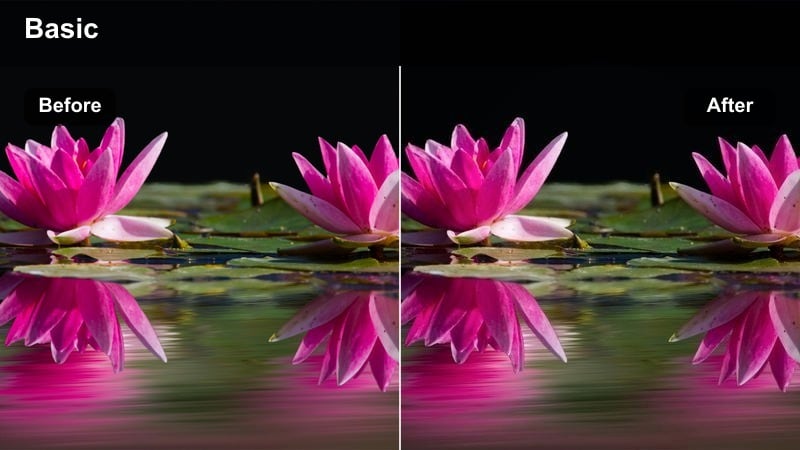
- Effect look: Cool neon blue and cyan push that brightens dark maps and keeps details in shadowy corners.
- Best for: Night maps, cyberpunk levels, and dark gameplay clips that normally get crushed on TikTok compression.
- Editing tip: Raise midtones rather than overall exposure so your blacks stay rich while maps become more readable.
Neon Map Nightshift targets dark, moody maps that often lose detail after TikTok compression. The LUT pushes cool blues and cyans, lifts midtones, and preserves deep blacks so alleyways, rooftops, and neon signs remain readable on smaller screens.
Apply this filter in Filmora to any night or cyberpunk level footage, then preview your export on a phone to confirm that shadow detail holds up. If areas look too muddy, gently raise shadows and midtones while keeping contrast intact so the map feels bright enough for TikTok without losing its after-dark atmosphere.
FPS Velocity Neon
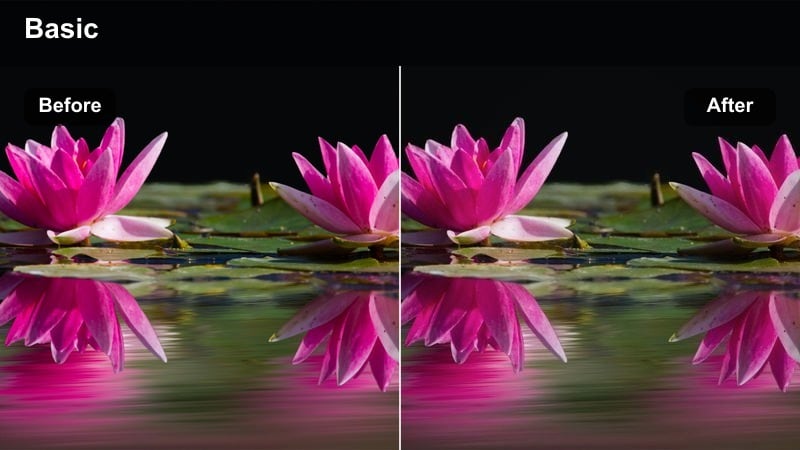
- Effect look: Aggressive neon contrast and saturation tuned for fast motion and quick camera snaps.
- Best for: High-speed FPS clips, flick shots, and montage edits of intense arena fights.
- Editing tip: Add motion blur and speed ramps on your best plays so the neon streaks emphasize movement.
FPS Velocity Neon is built to keep up with fast shooters and rapid camera movement, strengthening edges and saturating neon highlights without turning the frame into a blur. It helps muzzle flashes, ability effects, and UI hitscan indicators read clearly even in hectic fights.
Use this LUT in Filmora for your best flicks and multi-kills, then layer on speed ramps and motion blur for added intensity. Align big plays with beat drops in your soundtrack and let the boosted neon streaks underline each movement, giving your FPS montages a clean, high-energy finish that stands out on TikTok.
Tips for Using Tiktok Gaming Setup Luts Neon Style Filters in Filmora
- Shoot your TikTok gaming clips slightly darker than normal so the neon filters have room to boost glow without blowing out highlights.
- Lock your white balance before recording so your RGB colors stay stable when you apply bold neon styles in Filmora.
- Frame your shots vertically in camera or crop early in the edit to make sure key RGB elements and your facecam stay inside the TikTok-safe area.
- Add a subtle vignette or blur to the outer edges of the frame so viewers focus on your monitors, tower, or reactions.
- Test each filter on both your gaming monitor and your phone screen to confirm the neon look reads clearly in the TikTok feed.
- Use different filters for facecam and gameplay layers if needed, then blend them by matching overall warmth and saturation.
- Keep shutter speed high enough during fast gameplay recordings so neon edges stay sharp under high-contrast filters.
- Batch apply your chosen neon preset to multiple clips in a single Filmora project to keep a unified look across an entire TikTok series.
With the right TikTok gaming setup neon filters, your RGB battlestation can look as powerful on camera as it feels when you play, turning every highlight into a scroll-stopping moment.
Load these presets in Filmora, experiment with a few key adjustments, and lock in a neon style that makes your gaming content instantly recognizable in the feed.
secure download