

 100% Security Verified | No Subscription Required | No Malware


 ChatGPT
 Perplexity
 Gemini
 Claude
 Grok
Grok
Warm baby video filters are perfect for giving your nursery clips and milestone videos a soft, golden glow that feels cozy and timeless. With the right warm tones, your babys skin looks naturally radiant and your home feels sunlit and inviting, even on cloudy days.
This guide walks family creators and lifestyle vloggers through Filmora filter ideas designed around golden nursery tones and a gentle sunlit newborn video look. Use these presets as inspiration to build your own signature warm baby aesthetic for morning nursery clips and milestone moments.
In this article
Soft Morning Glow Filters for Nursery Clips
Hazy Sunrise Warmth
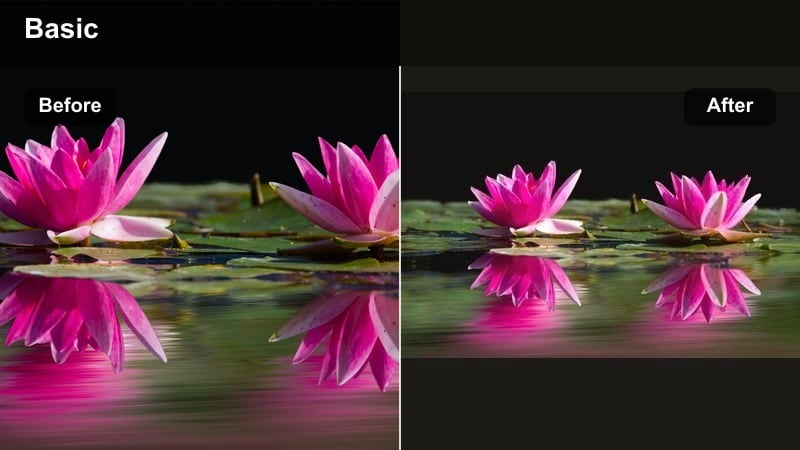
- Effect look: Soft, slightly hazy glow that smooths baby skin and warms shadows for a gentle sunrise feel.
- Best for: Morning nursery clips by the window, quiet wake-up routines, crib close-ups.
- Editing tip: Lower contrast slightly and nudge temperature just a bit warmer; keep highlights under control to protect tiny skin details.
Hazy Sunrise Warmth is ideal when you want your morning nursery clips to feel like they are wrapped in soft, early light. In Filmora, you can combine a mild glow or soft focus effect with a gentle temperature increase so baby skin looks smooth and luminous without losing texture.
Use this look on crib shots and close-ups where the window is nearby, then fine-tune exposure with Filmoras color tools to hold detail in cheeks and eyelashes. The goal is a dreamy veil of warmth that still feels natural and true to how your nursery looks in the quiet hours.
Use Filmoras AI Color Tools for Consistent Warm Baby Tones
Filmoras AI-driven color tools help you keep your warm baby video filters consistent from clip to clip, even if you filmed on different days or in mixed lighting. Once you dial in a golden nursery tone you love, AI adjustment can quickly match new footage to that look.
Save a favorite warm baby preset, then use AI color matching to apply that aesthetic to future nursery clips and milestone videos. This makes your family channel feel cohesive and professional without needing deep color-grading experience.
 secure download

Preview Warm Baby Filters on Real Nursery Footage
Before you commit to a look, try stacking Filmora filters on short test clips of your baby in the crib, on the playmat, and in your arms. This shows how warm tones react to different fabrics, wall colors, and skin tones.
Toggle filters on and off as you watch the timeline so you can compare a natural clip to a warmed version. Aim for a subtle golden shift that looks cozy and flattering, not overly stylized or orange.
secure downloadCombine Filters and LUTs for a Polished Warm Aesthetic
Filmora lets you blend creative filters with LUTs, giving your warm baby videos both color style and subtle cinematic depth. Start with a gentle LUT for base contrast and color, then layer a warm baby filter to fine-tune skin and nursery tones.
Keep your adjustments light so you do not lose the natural charm of your babys expressions. A simple LUT plus a warm filter is often enough to create a recognizable look you can repeat in every episode of your family vlog.
secure downloadButtery Blanket Glow
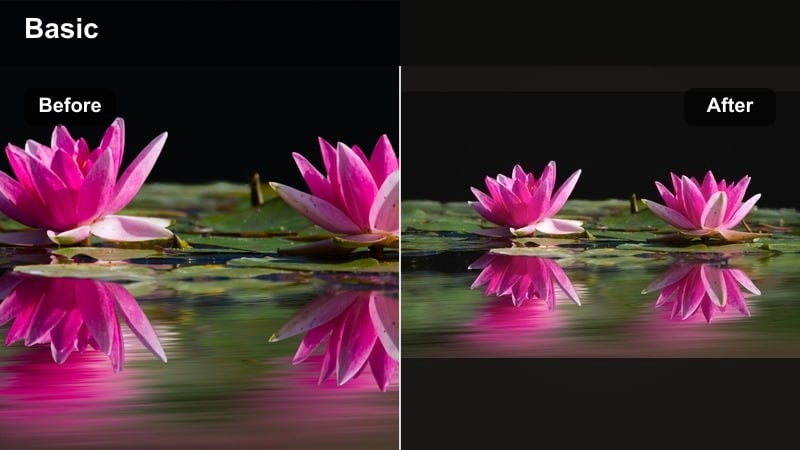
- Effect look: Creamy warm tones that gently brighten midtones and make blankets and onesies look rich and cozy.
- Best for: Tummy time on neutral blankets, playmats, and minimalist nursery sets.
- Editing tip: Lift midtones for a soft pop, add mild film grain at low strength to keep the image from looking too plastic.
Buttery Blanket Glow focuses on enhancing the soft fabrics around your baby, turning simple blankets and onesies into a cozy, editorial backdrop. In Filmora, raise midtones and add a warm tint so neutrals shift toward cream and gold without overpowering skin.
This style is perfect for tummy time and flat-lay inspired shots. Apply a subtle film grain or texture filter so the buttery look feels organic, then slightly reduce saturation on strong colors to keep the emphasis on your babys expressions and the gentle glow of the textiles.
Nursery Sunbeam Soft
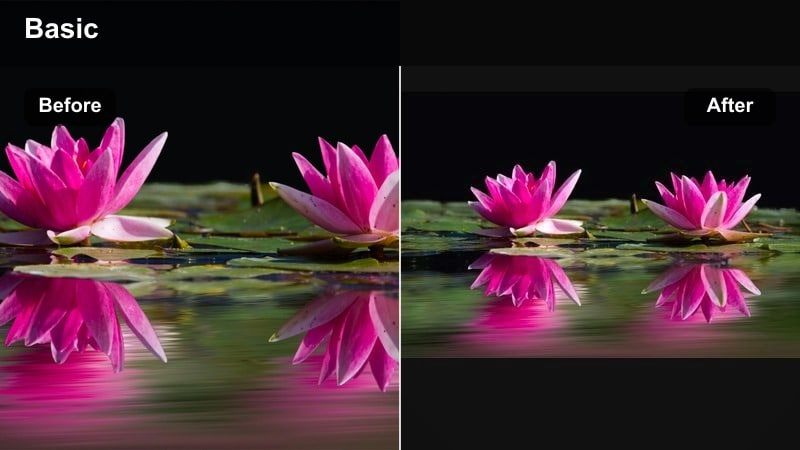
- Effect look: Directional warm light with softened edges that mimics a subtle sunbeam across the crib.
- Best for: Crib shots with light stripes, hands reaching through the bars, baby stretching after a nap.
- Editing tip: Use a soft vignette and targeted highlight roll-off so the bright spots stay gentle and never look harsh on baby skin.
Nursery Sunbeam Soft helps you fake a perfect ray of sunshine even when natural light is inconsistent. In Filmora, combine a warm filter with gradients or vignettes to gently brighten one side of the frame, mimicking a window beam.
This works beautifully on nap-time stretches and crib details. Control highlights with Filmoras tone curves or highlight sliders so the virtual sunbeam looks inviting, not blown out, and ensure baby skin retains smooth, natural texture across the light falloff.
Golden Skin Tones for Newborn and Infant Clips
Golden Peach Skin
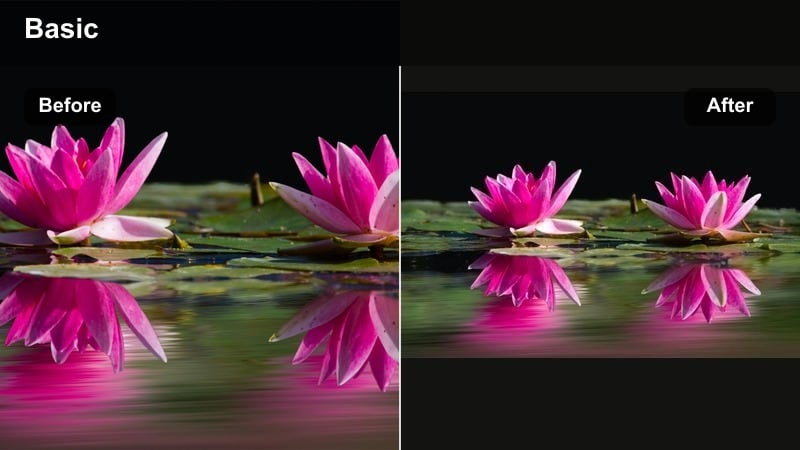
- Effect look: Warm, peachy skin tones that keep cheeks soft and natural while gently brightening the face.
- Best for: Close-up newborn footage, first smiles, tiny hand and foot details.
- Editing tip: Increase warmth mostly in midtones; keep saturation modest so delicate baby skin does not appear too orange or sunburned.
Golden Peach Skin is tailored for flattering, close-up shots where every tiny feature matters. In Filmora, focus your warmth boost in the midtones and lightly adjust the red and orange channels so cheeks look softly peach rather than overly rosy.
This filter style is ideal for first smiles, macro hand and foot clips, and skin detail shots for milestone videos. Use Filmoras skin-tone friendly adjustments and keep saturation restrained so your baby appears naturally radiant, especially when viewed on larger screens.
Sunlit Cotton Warmth
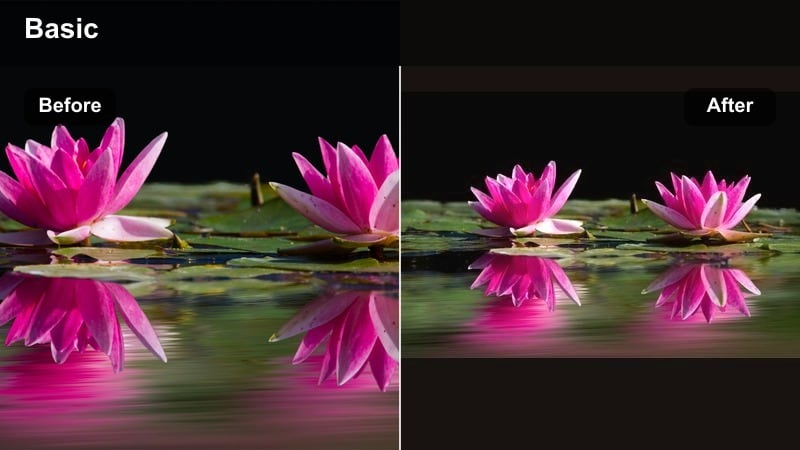
- Effect look: Balanced warm glow on both skin and white fabrics, keeping whites creamy instead of yellow.
- Best for: Onesie close-ups, swaddled newborn clips, baby in a white or cream outfit.
- Editing tip: Use the white balance eyedropper on a neutral part of the onesie, then slowly warm the image to preserve clean, creamy whites.
Sunlit Cotton Warmth is designed to keep white onesies and swaddles looking clean while still giving skin a gentle golden lift. Start in Filmora by setting white balance using the onesie as your neutral reference, then warm the clip gradually.
If whites drift too yellow, use HSL controls to trim yellows while leaving overall warmth intact. This approach is perfect for lifestyle vlogs and product shots where you showcase baby outfits and want them to appear fresh, soft, and true to color.
Honey Nap Time
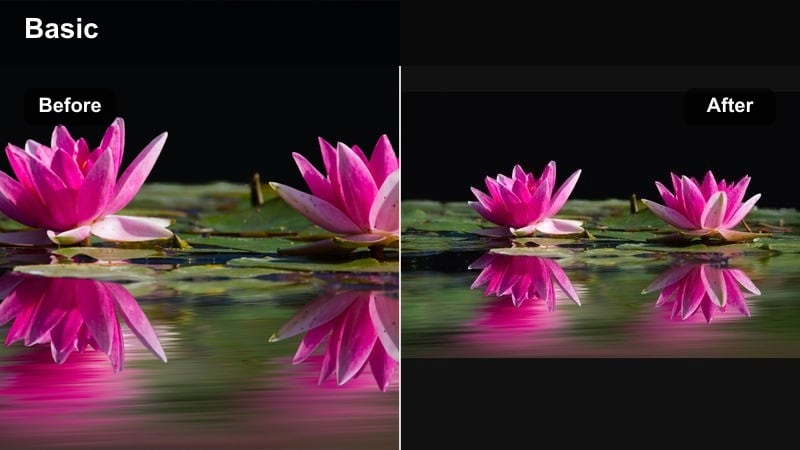
- Effect look: Soft honey tones in the shadows and midtones that add depth while keeping highlights clean.
- Best for: Nap-time clips in dimmer rooms, rocking-chair moments, baby on a parents chest.
- Editing tip: Lift shadows slightly before adding warmth so dark areas do not turn muddy; keep contrast gentle.
Honey Nap Time adds a cozy, storybook feel to dim indoor scenes, where shadows can otherwise look dull or gray. In Filmora, start by gently lifting the shadows and blacks, then introduce a warm tint to the darker areas for that honeyed depth.
Apply this look to rocking-chair moments, chest naps, and bedtime routines. Keep contrast low and use a touch of midtone sharpening so eyelashes, tiny fingers, and fabric textures remain defined without making the scene feel harsh or noisy.
Sunlit Milestone Video Looks
First Steps Sun Kiss
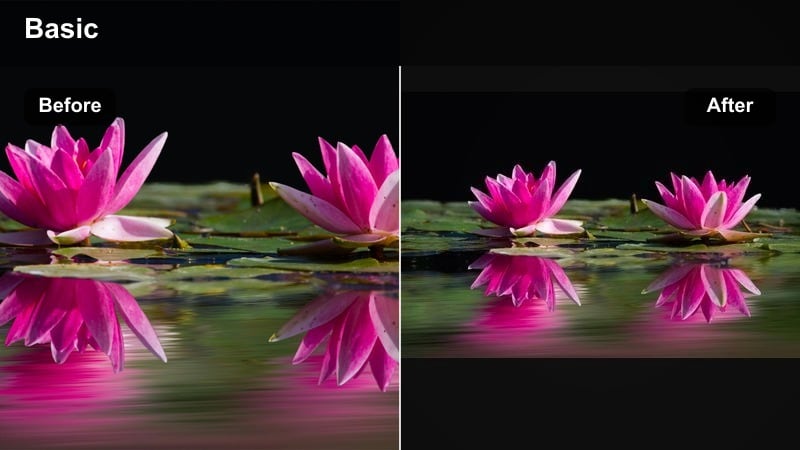
- Effect look: Bright, golden highlights with slightly lifted shadows for an energetic, sun-kissed feel.
- Best for: Sunlit milestone videos like first steps, first time standing, or crawling toward the camera.
- Editing tip: Use gentle stabilization, then add the filter; slightly reduce highlight intensity so faces remain visible even in strong light.
First Steps Sun Kiss is made for high-energy, bright clips where your toddler is moving quickly through pools of light. Stabilize the footage in Filmora first, then apply a warm, contrasty filter that brightens the scene without blowing out skin tones.
Dial back highlights and boost midtones so little faces and eyes stay readable as they cross brighter areas. This look works well for living-room milestones or outdoor steps taken near big windows, giving your footage a joyful, sun-kissed finish.
Golden Playtime Bounce
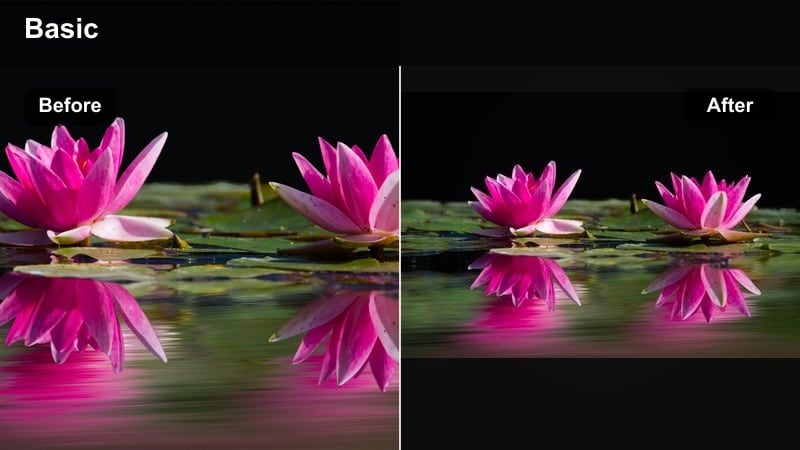
- Effect look: Warm, punchy colors with a slight boost in saturation and contrast for playful, bouncy energy.
- Best for: Play sessions on the floor, toy close-ups, sibling interactions in a bright room.
- Editing tip: Increase saturation in reds and yellows slightly, but counter with a tiny contrast reduction so baby skin does not look oversharpened.
Golden Playtime Bounce leans into color and fun, making toys and decor pop while keeping baby skin flattering. In Filmora, selectively increase saturation for reds, yellows, and oranges so blocks, plushies, and playmats carry most of the vibrancy.
By slightly easing off global contrast, you can avoid harsh edges on faces and keep the warm tone soft. This style is perfect for floor play, sibling interactions, and any clip meant to feel upbeat and lively in your family vlogs.
Milestone Sunset Hug
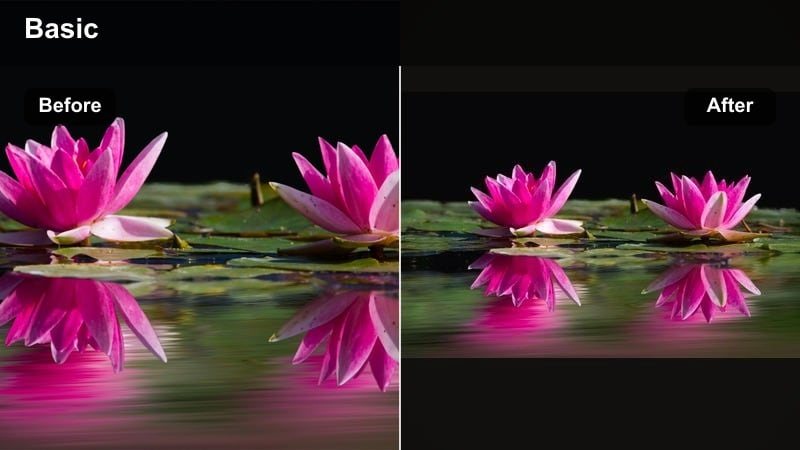
- Effect look: Warm, amber-leaning tones with lowered highlights for a cinematic sunset family feel.
- Best for: Outdoor milestone shoots, sunset walks with baby, family hugs on the porch.
- Editing tip: Add a subtle fade to the blacks and a light vignette for a cinematic, memory-film style look.
Milestone Sunset Hug is your go-to for outdoor golden hour footage where you want a nostalgic, cinematic mood. In Filmora, reduce highlights slightly, warm the overall image toward amber, and apply a mild fade to the blacks for a film-inspired softness.
Use this style for porch hugs, stroller walks at sunset, or backyard family shots. A light vignette can help center attention on your faces, while color adjustments keep sky and foliage harmonized with the amber warmth wrapping around your family.
Building a Cozy Warm Nursery Aesthetic
Creamy Nursery Journal
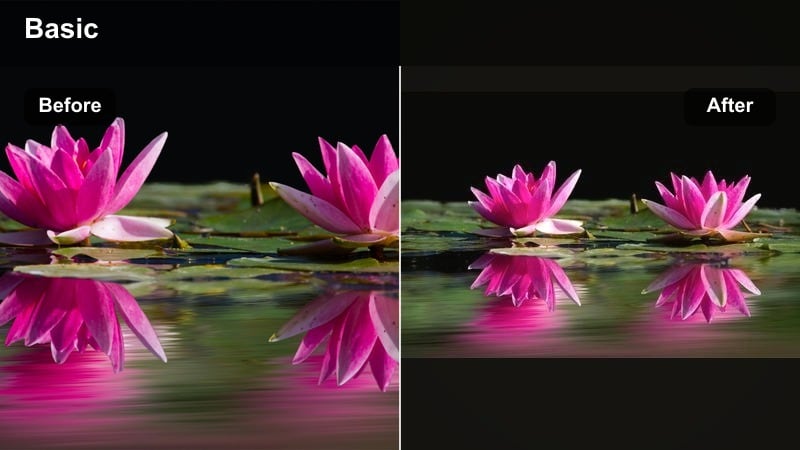
- Effect look: Soft, journal-style warmth with muted colors and gentle contrast for calm storytelling.
- Best for: Daily vlog entries, voiceover nursery tours, quiet routine montages.
- Editing tip: Slightly desaturate blues and greens, keep yellows warm but controlled, and add a touch of film grain for a documentary feel.
Creamy Nursery Journal is all about calm, reflective storytelling with a consistent visual tone. In Filmora, lower saturation on cooler colors, keep yellows and neutrals warm, and maintain low contrast so your nursery feels soft and inviting.
This look works beautifully for daily vlogs, voiceover routines, and montage sequences. Add a light film grain filter and reuse the same preset across episodes so viewers instantly recognize the gentle, journal-style atmosphere of your nursery clips.
Golden Nursery Tones
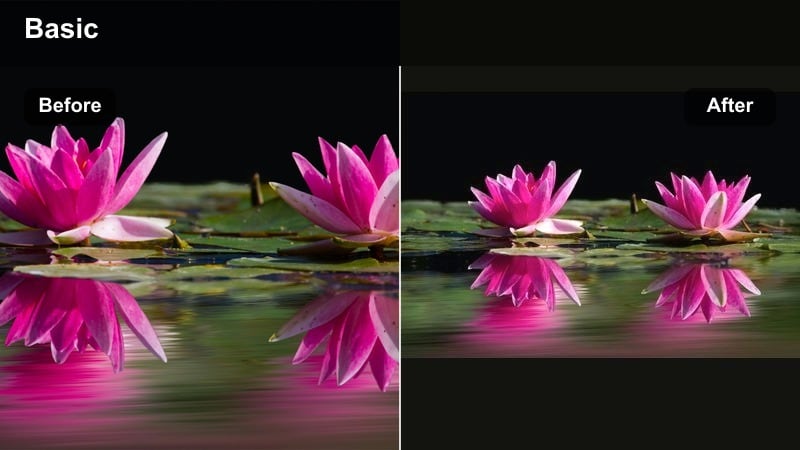
- Effect look: Even, golden warmth across walls, furniture, and skin for a cohesive nursery color story.
- Best for: Room tours, crib reveals, styling shots of decor and baby gear in the nursery.
- Editing tip: Warm the image, then selectively cool any overly orange items using HSL so the room stays neutral-golden, not saturated.
Golden Nursery Tones creates a unified color story so your entire room feels like it belongs in the same warm world. In Filmora, apply a global warm tint, then use HSL sliders to tame any decor that turns too orange or saturated.
This is ideal for room tours, crib reveals, and decor showcases. By balancing walls, furniture, and skin in the same gentle golden range, your nursery becomes a recognizable backdrop that anchors your brand across platforms.
Soft Family Cuddle Warmth
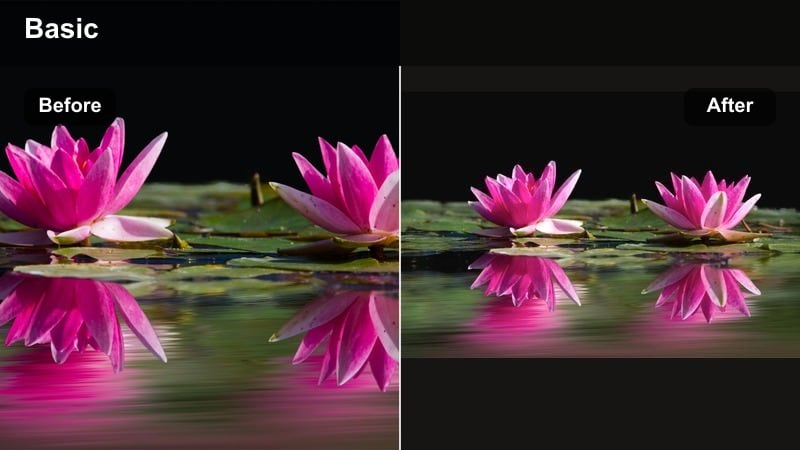
- Effect look: Gentle, low-contrast warmth with smooth skin tones that flatter both baby and parents.
- Best for: Bedtime cuddles, couch snuggles, family introductions with baby.
- Editing tip: Lower contrast and clarity slightly on the whole clip, then add a bit of sharpening only to eyes for emotional focus.
Soft Family Cuddle Warmth flatters everyone in frame, making bedtime and couch clips feel like soft, shared memories. In Filmora, reduce contrast and clarity just enough to smooth skin, then add targeted sharpening or masking around eyes so expressions remain crisp.
Use this look for family introductions, grandparents meeting baby, and quiet cuddle sessions. A subtle warm tint helps connect all skin tones while dimming busy background areas lets your emotional moments stay front and center.
Tips for Using Baby Warm Tone Filters in Filmora
- Film near windows with sheer curtains so your warm filters enhance natural light instead of trying to fix harsh shadows.
- Lock your white balance in-camera when possible to avoid sudden color shifts that are harder to correct later.
- Keep warmth subtle on very young newborns so their skin looks natural and healthy, not overly tinted.
- Use similar warm settings across B-roll and talking clips so your whole vlog episode feels cohesive.
- Test different warm presets on both phone and camera footage to confirm they translate well across devices.
- Export a short test video and watch it on your phone, tablet, and TV to be sure the warmth feels good on all screens.
Warm baby video filters can transform everyday nursery and milestone clips into golden, cozy memories that feel consistent across your family content. By gently warming skin tones, softening contrast, and leaning into golden nursery tones, you can build a signature look that still feels honest and real.
Experiment with a few of these warm styles in Filmora, then save the combination that best fits your home and lighting as a custom preset. Once you love your warm aesthetic, you can explore cooler baby looks next to balance your feed and highlight different moods and seasons.
secure download