

 100% Security Verified | No Subscription Required | No Malware


 ChatGPT
 Perplexity
 Gemini
 Claude
 Grok
Grok
This warm golden tone cinematic LUT-inspired filter collection is designed for content creators who want rich sunset hues, soft contrast, and a filmic glow without complex color grading.
Use these filters to infuse your videos with cozy amber highlights, gentle shadows, and a polished cinematic atmosphere that feels instantly story-driven and professional.
In this article
Golden Hour Street Scenes
Sunlit Boulevard
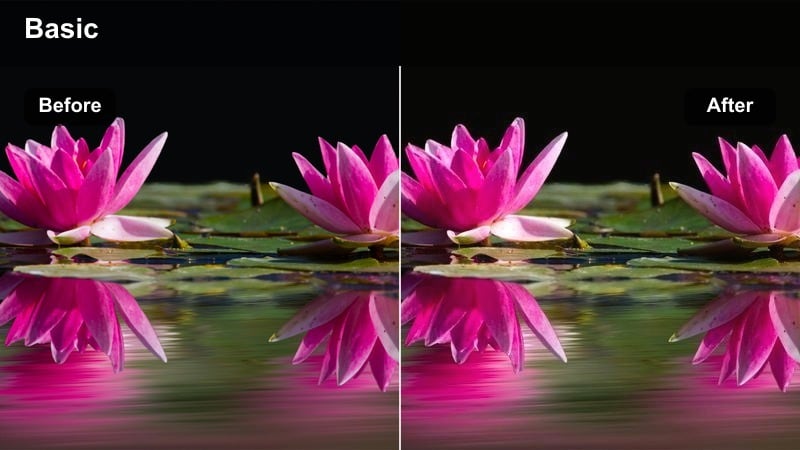
- Effect look: Soft golden wash with lifted shadows and a subtle filmic fade that mimics late afternoon sun on city streets.
- Best for: Urban vlogs, travel walks, handheld street cinematics where you want a relaxed, dreamy city atmosphere.
- Editing tip: Dial back exposure slightly and add a gentle vignette to keep bright sidewalks and sky from overpowering skin tones.
In Filmora, Sunlit Boulevard wraps your city footage in a gentle golden layer that smooths out harsh contrast and creates that flattering late-afternoon glow. The lifted shadows keep details in doorways, sidewalks, and building facades visible, while the subtle fade emulates a soft, film-inspired roll-off rather than a harsh digital look.
Use this filter on walking b-roll, POV shots, and creator monologues recorded on busy streets to instantly add warmth and cohesion. Combine it with Filmoras easy exposure, vignette, and stabilization tools so your golden-toned footage looks intentional, cinematic, and ready for vlogs, reels, or travel films.
Warm Golden Cinematic Color in a Few Clicks
Filmora lets content creators recreate a warm golden tone cinematic LUT feel with intuitive color controls and AI-powered color matching. You can quickly align the look of multiple clips so every frame shares the same rich amber atmosphere.
Save your favorite golden adjustments as custom presets, then apply them to entire projects so your channel maintains a consistent cinematic warmth without manual grading on every clip.
For a portable color-only version of the look, Filmora can export compatible color adjustments from a selected clip as a standard .cube LUT for reuse in Filmora, DaVinci Resolve, Adobe Premiere Pro, or Final Cut Pro.
 secure download

Preview Warm Golden Filters in Real Time
With Filmoras filter library, you can browse warm golden tone looks and see them applied to your footage instantly in the preview window. This lets you compare subtle variations in glow, contrast, and saturation before committing to a specific style.
Real-time previews make it simple to fine-tune intensity and layering, so each scene gets the exact level of cinematic warmth that supports your story rather than overpowering it.
secure download1000+ Video Filters and 3D LUTs
Filmora includes an extensive library of filters and 3D LUT-style tools, so you can stack warm golden looks with precise tonal adjustments. This helps you refine highlights, midtones, and shadows while keeping skin tones natural and details sharp.
Start from a warm golden preset, then tweak HSL and other advanced controls to create a signature cinematic grade you can reuse across multiple videos.
secure downloadAmber Crosswalk
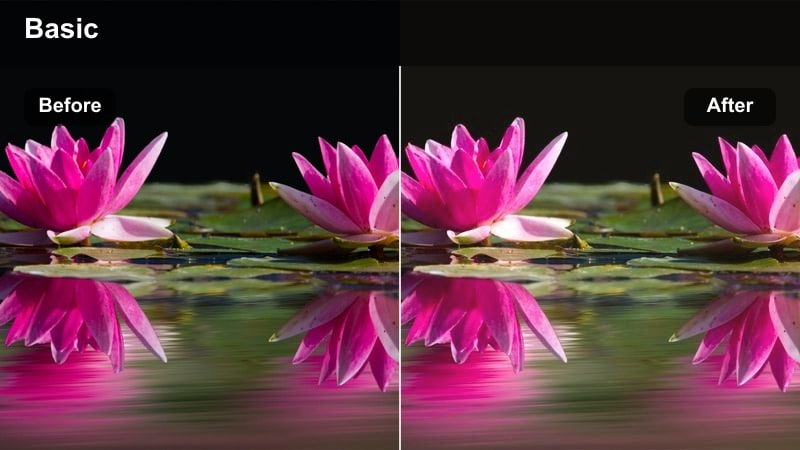
- Effect look: Rich amber midtones and gentle contrast with a slight matte finish for stylized city transitions.
- Best for: Time-lapses of traffic, b-roll of crosswalks, and establishing shots of busy intersections at sunset.
- Editing tip: Speed up your clips and add subtle motion blur so light trails and warm tones feel smooth and cinematic.
Amber Crosswalk in Filmora deepens the midtones of your footage, giving cars, pedestrians, and road markings a glowing, stylized warmth. The matte finish softens hard highlights and shadows, which helps crosswalk and traffic scenes feel like intentional cinematic transitions rather than basic b-roll.
Apply this filter to hyperlapse sequences, sped-up street moments, or interval shooting around intersections to create dynamic scene bridges in vlogs or documentaries. Pair it with Filmoras motion blur effects and speed ramping so the rich amber streaks of light and movement feel cohesive and story-driven.
Golden Alleyway
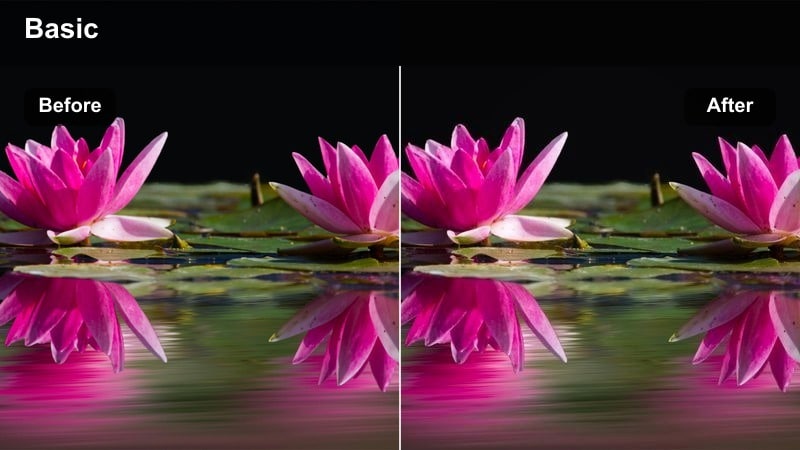
- Effect look: Muted highlights and warm golden shadows that turn narrow streets into moody, film-inspired locations.
- Best for: Street documentaries, moody urban portraits, and storytelling sequences in side streets or alleyways.
- Editing tip: Lower saturation slightly and lean on contrast to keep the scene gritty while still glowing with warmth.
Golden Alleyway dials down harsh specular highlights while infusing shadows with a warm golden tint, giving alleys and side streets a cinematic, almost set-designed feel. The restrained highlight detail keeps neon, lamps, and reflected light from clipping while still preserving atmosphere.
Use this filter on character walk-and-talks, documentary cutaways, or portrait shots framed against textured walls. In Filmora, combine it with local contrast, mask-based adjustments, and a touch of film grain to balance the gritty realism of the location with a polished golden mood that suits narrative storytelling.
Intimate Indoor Moments
Candlelit Dialogue
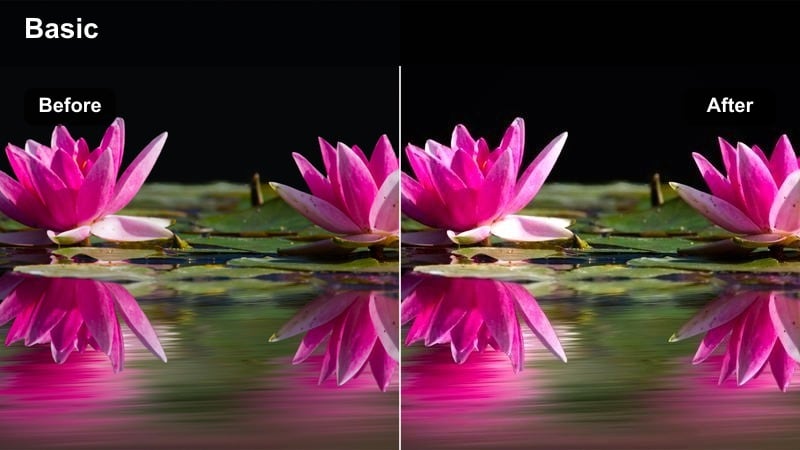
- Effect look: Soft, low-contrast glow with strong golden highlights that mimic cozy candlelight on faces.
- Best for: Sit-down interviews, emotional conversations, and talking-head content shot in warm indoor spaces.
- Editing tip: Reduce sharpness slightly and add gentle film grain to enhance the intimate, cinematic texture.
Candlelit Dialogue gives your indoor scenes a delicate golden halo, smoothing harsh edges and emphasizing warm highlights on cheeks, hair, and eyes. The low-contrast profile helps reduce distractions in the background, allowing faces and emotions to become the clear focal point.
Apply this filter to interviews, podcast-style videos, or emotional storytelling clips shot in bedrooms, studios, and living rooms. Inside Filmora, pair it with light grain, softened sharpness, and subtle background blur so your talking-head footage feels like a carefully lit scene from a film, not a flat webcam capture.
Sunny Window Portrait
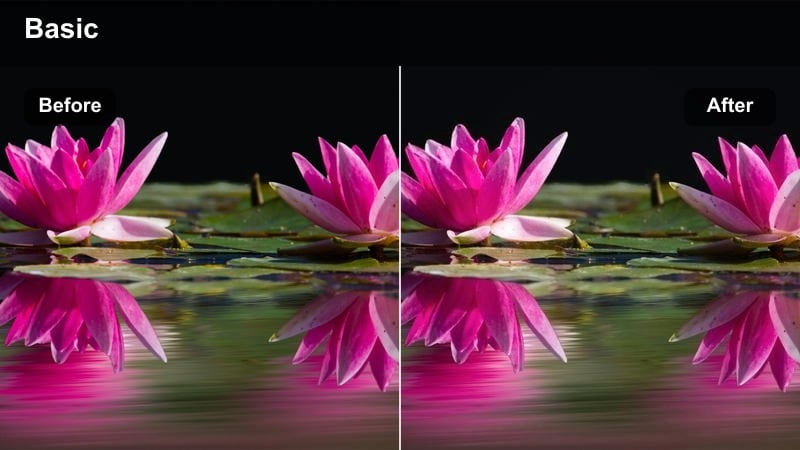
- Effect look: Bright golden highlights streaming from windows with slightly lifted blacks for a modern film look.
- Best for: Desk setups, lifestyle b-roll, creators filming near big windows or balconies during the day.
- Editing tip: Use subtle exposure keyframing to keep detail in bright windows while maintaining the warm glow.
Sunny Window Portrait emphasizes the natural light pouring in from windows, turning it into a golden, cinematic key light that flatters both skin tones and interior details. The slightly lifted blacks introduce a modern, airy film aesthetic that works well for lifestyle and productivity-focused content.
Use this filter when filming desk tours, work-from-home vlogs, or casual creator updates near a large window. In Filmora, adjust exposure keyframes and highlight roll-off to preserve texture in curtains and skies, then fine-tune warmth so the room feels sun-soaked but still clean and professional on all screens.
Coffeehouse Notes
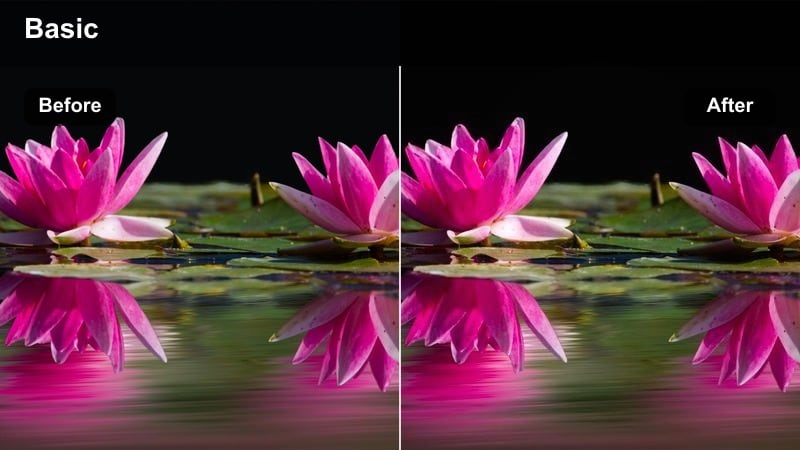
- Effect look: Rich caramel warmth with softly darkened edges that evoke a cozy cafe environment.
- Best for: Study vlogs, laptop work sessions, creative planning moments filmed indoors or in coffee shops.
- Editing tip: Lower midtone contrast just a touch to stop dark wood tables from crushing to pure black.
Coffeehouse Notes adds a caramel-toned warmth to midtones and gently darkens frame edges, subtly mimicking the feel of sitting in a cozy cafe. The look flatters wood textures, laptops, notebooks, and mugs while keeping the focus on your hands and face as you work.
Apply this filter to study sessions, planning montages, or creative journaling clips to instantly convey comfort and focus. In Filmora, balance midtone contrast and saturation so cafe interiors feel rich but not muddy, then mix in ambient sound and music to fully immerse viewers in the warm, cinematic workspace you have created.
Sunset Travel Landscapes
Horizon Glow
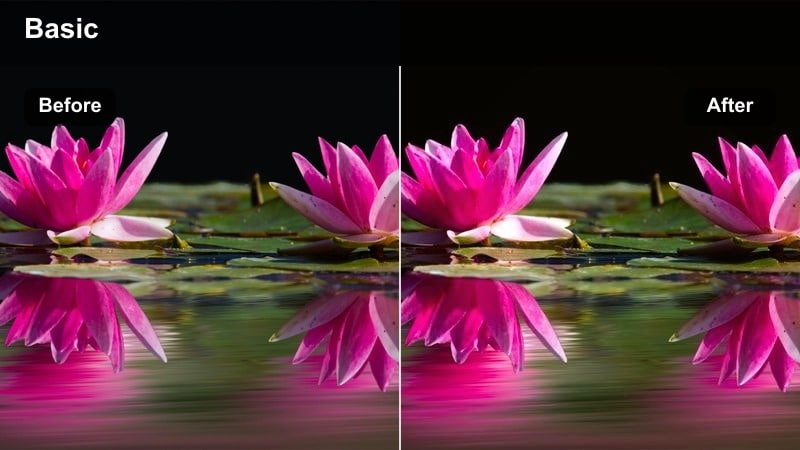
- Effect look: Expansive golden highlights with gently cooled shadows to keep distance and depth in wide shots.
- Best for: Travel montages, drone shots over cities or coastlines, and cinematic establishing views at sunset.
- Editing tip: Use gradual zoom or slow pans to let the warm gradient in the sky become part of the storytelling.
Horizon Glow stretches warm tones across the brighter parts of your frame while slightly cooling shadows, giving skylines and landscapes a balanced, cinematic depth. Buildings and terrain retain separation and dimension, while the sky picks up a rich golden gradient perfect for establishing shots.
Use this filter on drone footage, wide urban vistas, and coastal sunsets to anchor the mood of your travel videos. In Filmora, pair it with slow pans, smooth zooms, or stabilized gimbal moves so the evolving sky gradient and glowing horizon guide viewers gently into your next scene.
Rooftop Gold
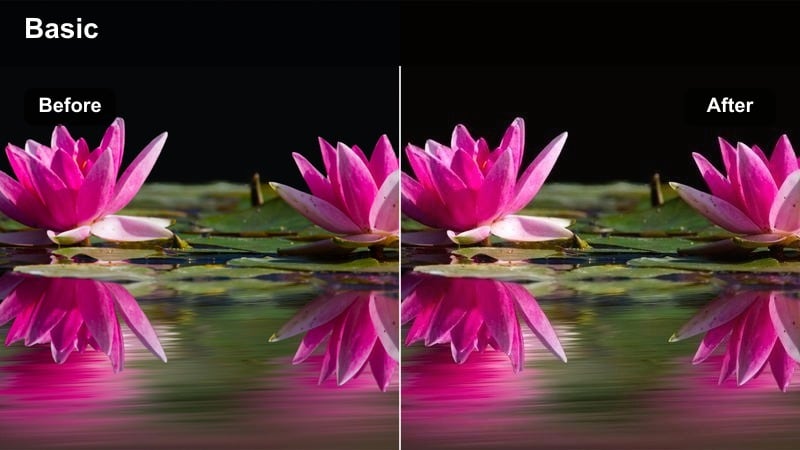
- Effect look: Sleek amber highlights on building edges with a subtle cinematic fade in the shadows.
- Best for: Rooftop hangouts, creator monologues filmed above the city, and lifestyle shots with skyline backdrops.
- Editing tip: Add a slight tilt-shift blur on distant buildings to keep focus on your subject while the gold edges frame the shot.
Rooftop Gold sculpts city skylines with amber-tinted edges, making glass, concrete, and metal surfaces shimmer as they catch the last light of day. The gentle fade in the shadows prevents the scene from becoming too contrasty, which helps your subject stand out cleanly against the glowing backdrop.
Apply this filter to talking-head intros, rooftop b-roll, or lifestyle portraits at golden hour. In Filmora, combine it with tilt-shift blur or selective focus so your subject remains crisp while the golden-edged buildings separate softly into the distance, creating a premium, cinematic feel ideal for YouTube and social platforms.
Bridge at Dusk
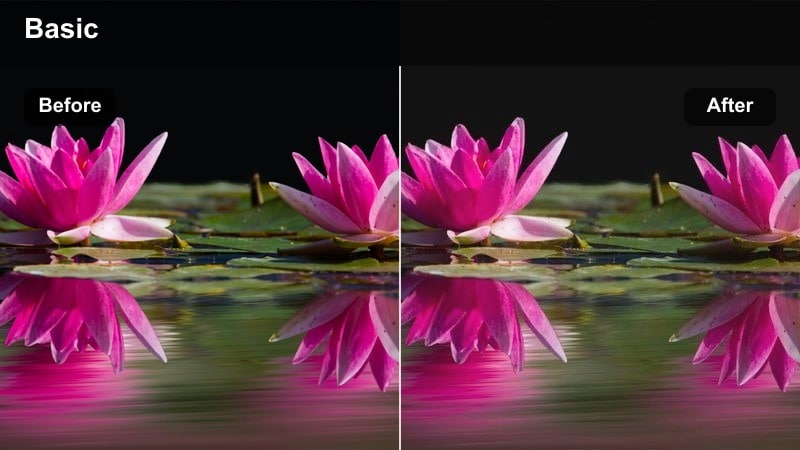
- Effect look: Warm highlights across structures and a gentle golden haze that softens distant elements.
- Best for: Bridge walks, cycling shots, and travel transitions filmed near water or major urban bridges at dusk.
- Editing tip: Slow your footage slightly and add gentle music so the warm filter turns simple walks into reflective moments.
Bridge at Dusk coats bridge cables, railings, and streetlights in a warm glow while adding a mild golden haze that gradually softens the background. This creates a contemplative, end-of-day atmosphere ideal for reflective or transitional sequences in your edits.
Use this filter on walking shots, cycling POVs, and tracking shots along rivers or highways. Inside Filmora, slow your footage just enough to let the haze and highlights breathe, then layer in calm, melodic music so even simple bridge crossings feel like meaningful cinematic beats within your story.
Narrative B-Roll Stories
Memory Flashback
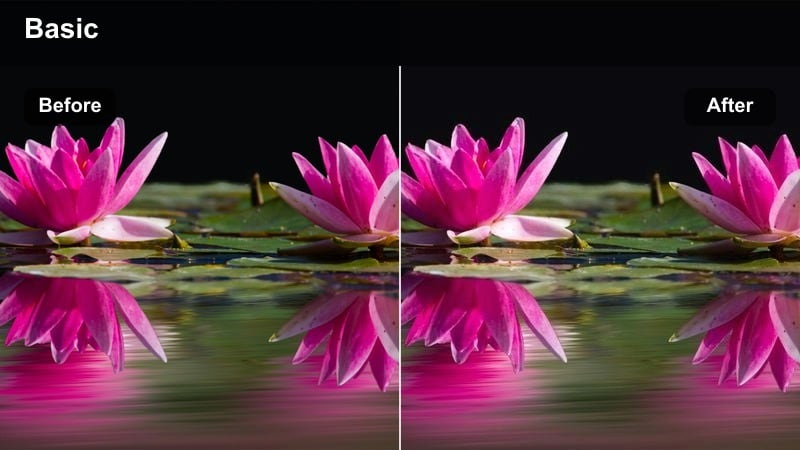
- Effect look: Soft focus feel with hazy golden highlights and slightly desaturated colors for nostalgic sequences.
- Best for: Flashbacks, childhood stories, reflective journaling videos, and montage cutaways.
- Editing tip: Combine with slow crossfades and light overlays to fully sell the dreamy, memory-like quality.
Memory Flashback reduces overall saturation while adding a gentle golden haze and soft-focus impression, instantly signaling that viewers are watching a recollection rather than present-day footage. Edges feel less sharp, and the warm glow gives everyday details a sentimental, remembered quality.
Apply this filter to b-roll of old photos, family spaces, or symbolic objects when you are narrating past events. In Filmora, enhance the effect with slow dissolves, subtle light leak overlays, and slightly slower pacing so the golden haze supports a dreamy, reflective storytelling style.
Storyteller Glow
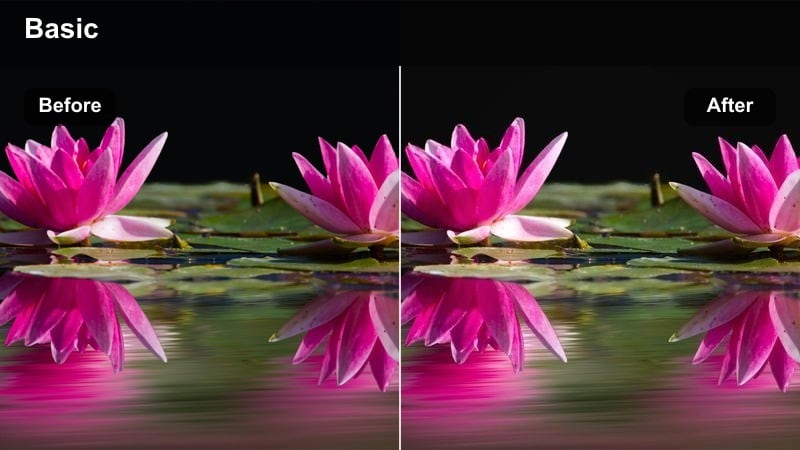
- Effect look: Focused warmth on faces with slightly darkened backgrounds that frame the storyteller in golden light.
- Best for: Narrated reels, confessionals, and creator storytelling content centered on a single subject.
- Editing tip: Use a medium close-up and keep the background simple so the warm glow on the face carries the scene.
Storyteller Glow brightens and warms skin tones while subtly deepening the background, creating a natural vignette effect that keeps attention on your subject. Eyes, expressions, and micro-reactions are emphasized, making it ideal for emotionally driven or personal narratives.
Use this filter for confessionals, behind-the-scenes stories, or commentary pieces where your voice and face lead the video. In Filmora, choose medium close-up framing, control background clutter, and optionally add a slight vignette so the golden light on your face becomes the visual anchor for the entire scene.
City Journal
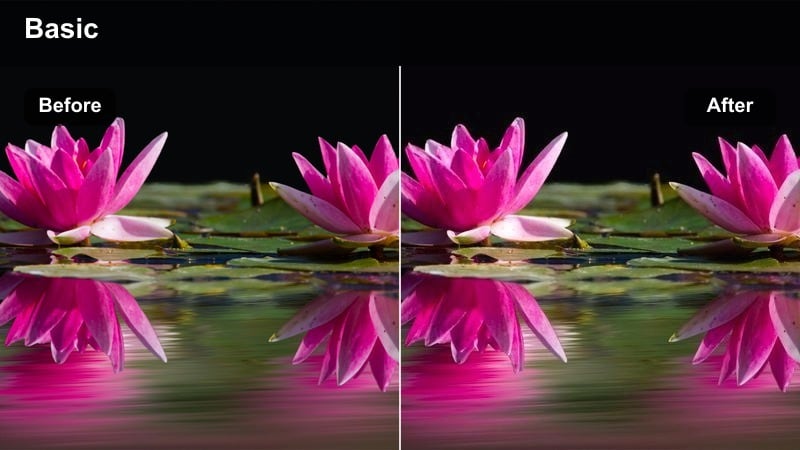
- Effect look: Balanced golden tones that sit between documentary realism and stylized cinema for moving city diaries.
- Best for: Daily vlogs, diary-style narration over city b-roll, and reflective walking monologues.
- Editing tip: Alternate between handheld and locked-off shots so the warm golden grade feels like a curated journal, not raw footage.
City Journal applies a moderate golden tint that enhances mood while keeping colors believable, making your urban footage feel both authentic and editorially polished. It is designed to sit comfortably between raw documentary and full cinematic stylization.
Use this filter for recurring vlog sequences, daily city walks, and journal-style updates filmed on the move. Inside Filmora, maintain visual consistency by reusing this grade across episodes, and mix handheld, tripod, and simple slider shots so the warm golden tone reads as a deliberate visual signature for your channel.
Tips for Using Warm Golden Tone Cinematic Lut Filters in Filmora
- Shoot during natural golden hour whenever possible so the filter enhances real light instead of trying to fake it.
- Expose slightly darker than usual to protect highlights, then use warm filters to lift and color your footage.
- Keep white balance just a bit cooler in-camera; the warm filter will bring the tone back to a rich golden hue.
- Use masks to apply extra warmth only to backgrounds while keeping faces closer to natural skin color.
- Lower saturation in orange and yellow channels if your footage starts looking too heavily filtered.
- Combine warm golden tone filters with gentle film grain to create a subtle analog cinematic texture.
- Add a soft vignette when using warm filters so viewers stay focused on the subject rather than bright edges.
- Match your music to the visual warmth by choosing softer, more melodic tracks for golden-toned edits.
A warm golden tone cinematic LUT-style filter is a simple way to give your videos emotional depth, flattering skin, and a polished, film-inspired atmosphere.
Explore Filmoras filters, stack subtle adjustments, and develop a signature golden look that makes your content instantly recognizable across platforms.
secure download