With advanced AI algorithms that are available to the general public, AI art is no longer a niche experiment. It has become one of the most popular topics in the art world, sparking debates about originality, authorship, and the future of creativity. Let's know everything about AI art.
Definition
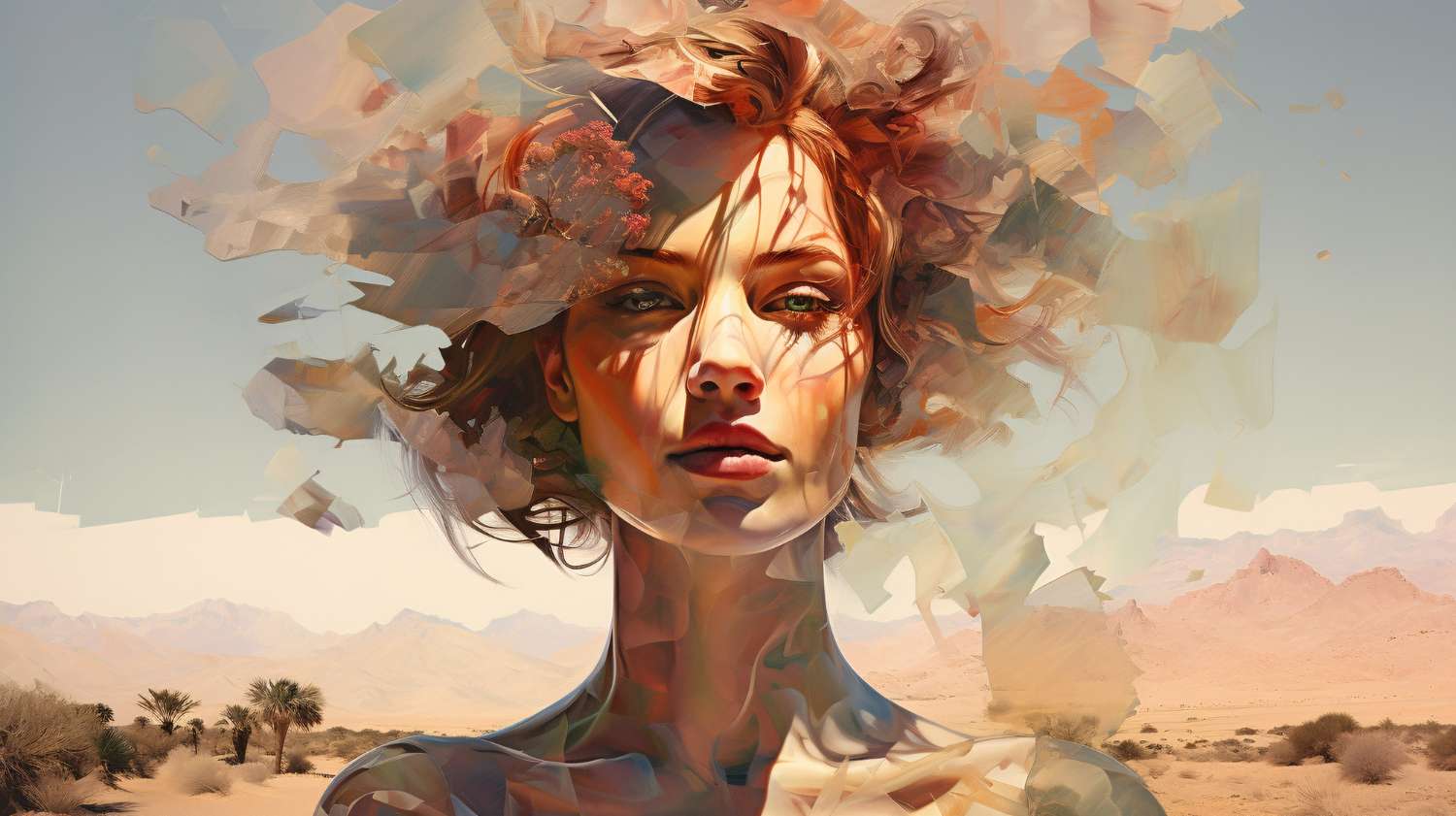
AI art refers to any artwork, from still images and videos to 3D models, created entirely or partially by artificial intelligence algorithms. These systems are trained on massive datasets containing millions of images, artistic styles, and visual concepts.
The artist provides prompts, text descriptions, parameters (such as the style, color palette, or resolution), or reference images, and the AI processes those instructions and generates visuals that match or creatively interpret the request.
Characteristics of AI Art
AI-generated art has many distinctive traits, and understanding them helps creators and audiences appreciate its strengths and little quirks.
Diverse Styles:
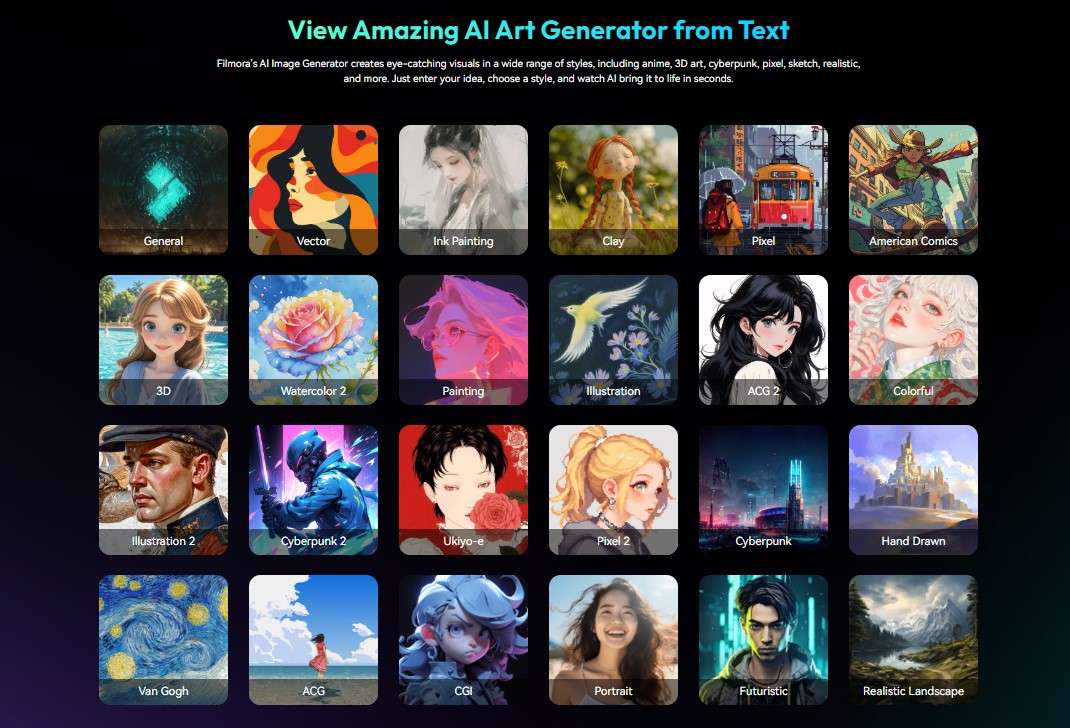
One of the biggest strengths of AI art generators is the ability to mimic or combine styles. You can generate a photorealistic cityscape, a Renaissance-style portrait, or a mash-up that blends cubism with cyberpunk. This flexibility allows artists to experiment with some artistic combinations they would never attempt by hand.
Complex Details:
AI can help you create intricate backgrounds, elaborate patterns, and tiny visual flourishes that would take hours (or days) to paint or render manually. For instance, an AI-generated dragon might have every individual scale textured with realistic reflections, and you can instantly use it as a promotional poster.
Unexpected Elements:
It can sometimes add unexpected twists. For example, you might get a sky made of clock faces, a tree growing upside down. Sometimes, it looks great, but it can also look a bit out of place. Some artists embrace this unpredictability, while others dislike it.
High Resolution:
Many modern AI models can give you outputs at resolutions suitable for large-format printing or professional digital work. You can use some of its creations for gallery displays, marketing campaigns, and even physical merchandise.
Speed and Iterability:
Compared to traditional art, AI generates content extremely quickly, enabling rapid experimentation and iteration.
Common Types of AI Art
AI art takes several forms, each with its own creative potential. We will outline the most popular ones and give you clear examples of how they work.
Text-to-Image Generation
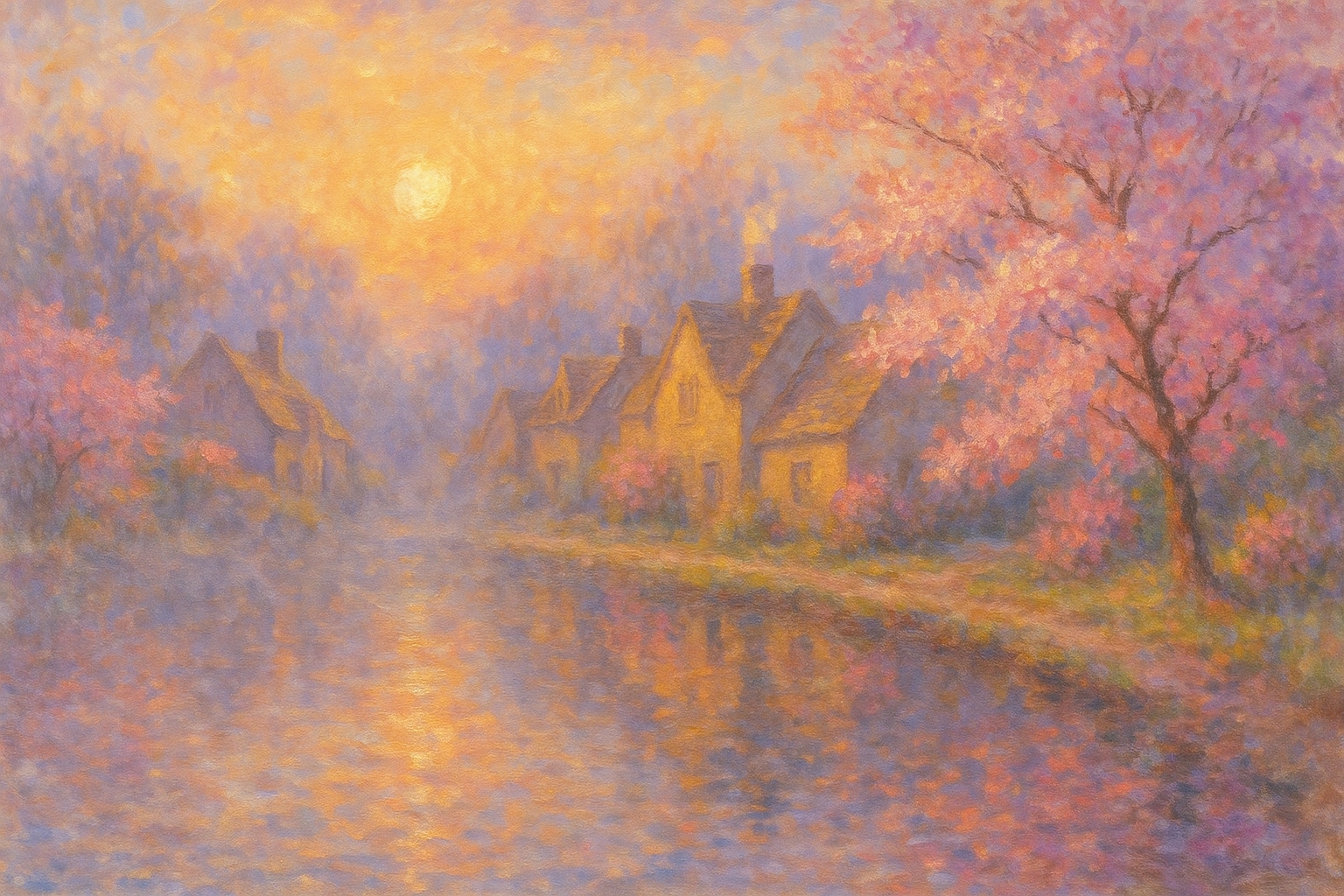
For an AI art generator, you need to describe what you want to see in words, and the AI will create the picture.
Style Transfer
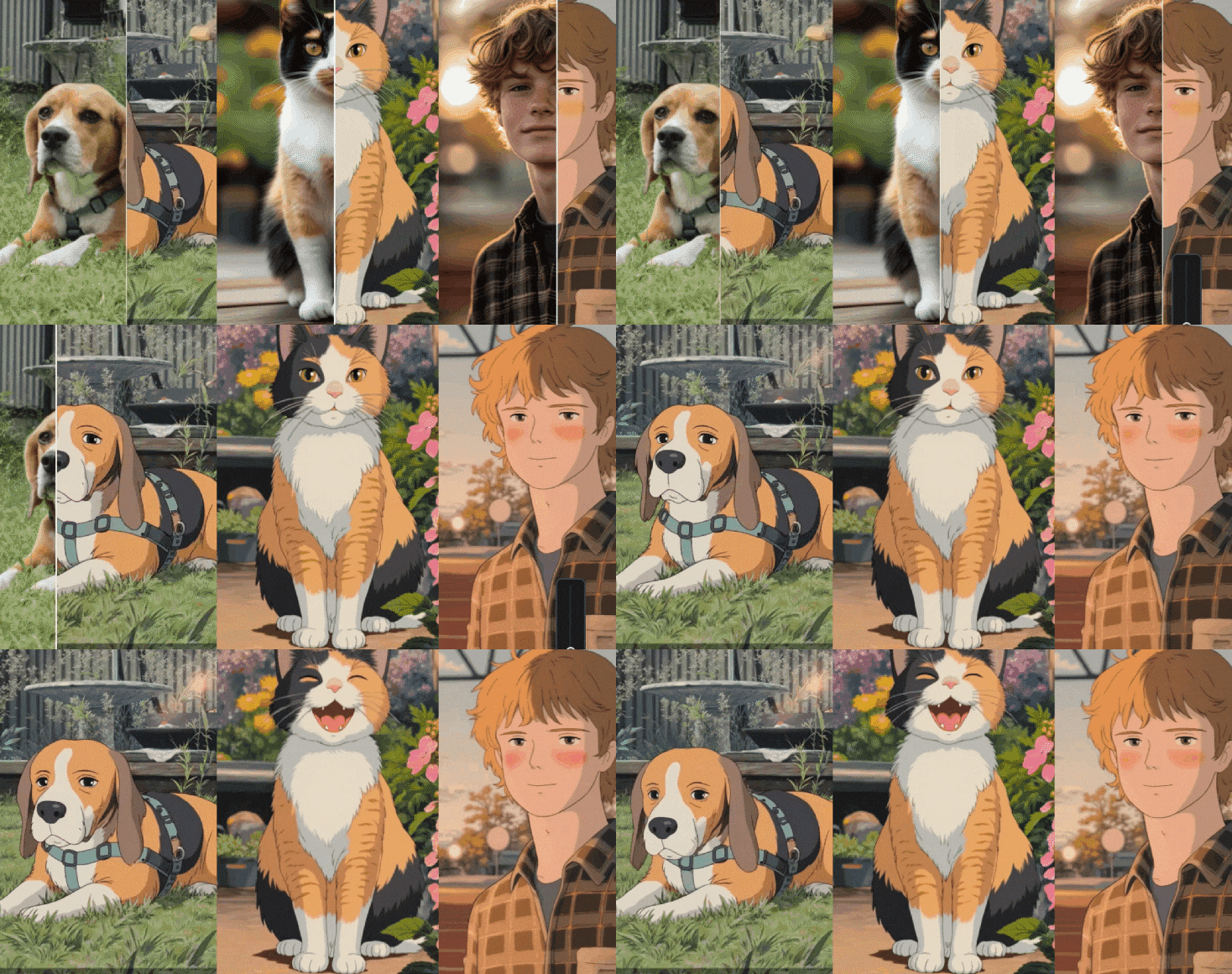
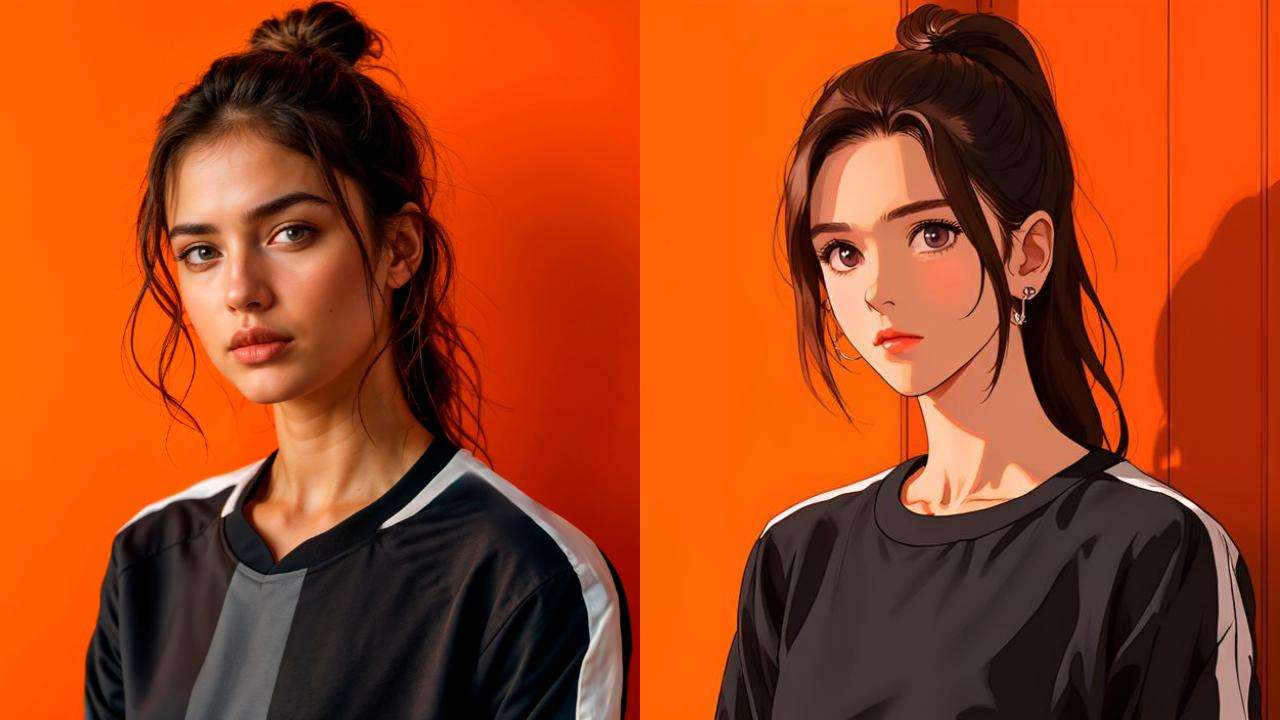
In AI style transfer, the AI takes the content of one image and applies the style of another. Imagine transforming a simple selfie into a portrait that looks like it was painted by Van Gogh or making a city skyline appear as if it's carved from marble.
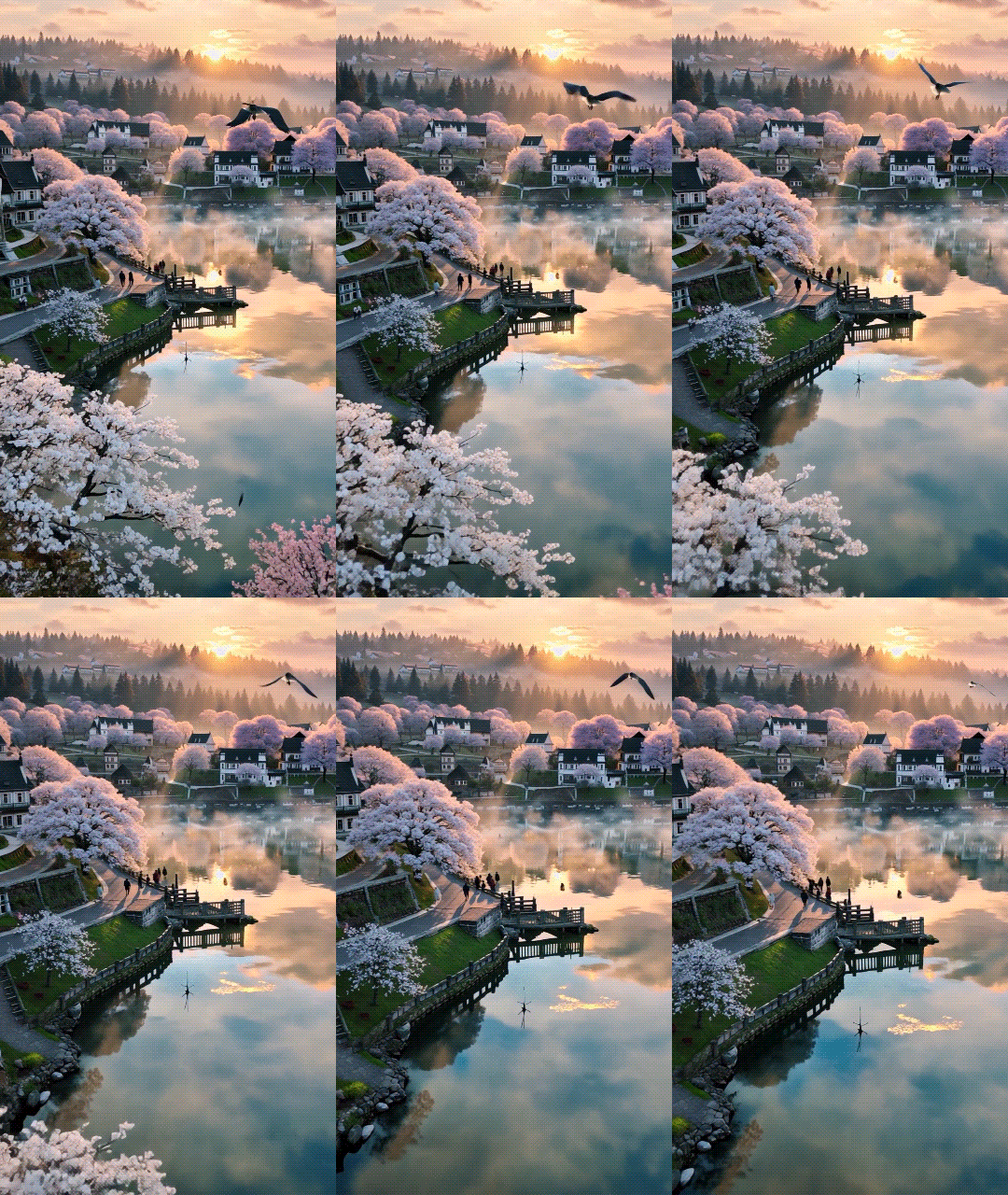
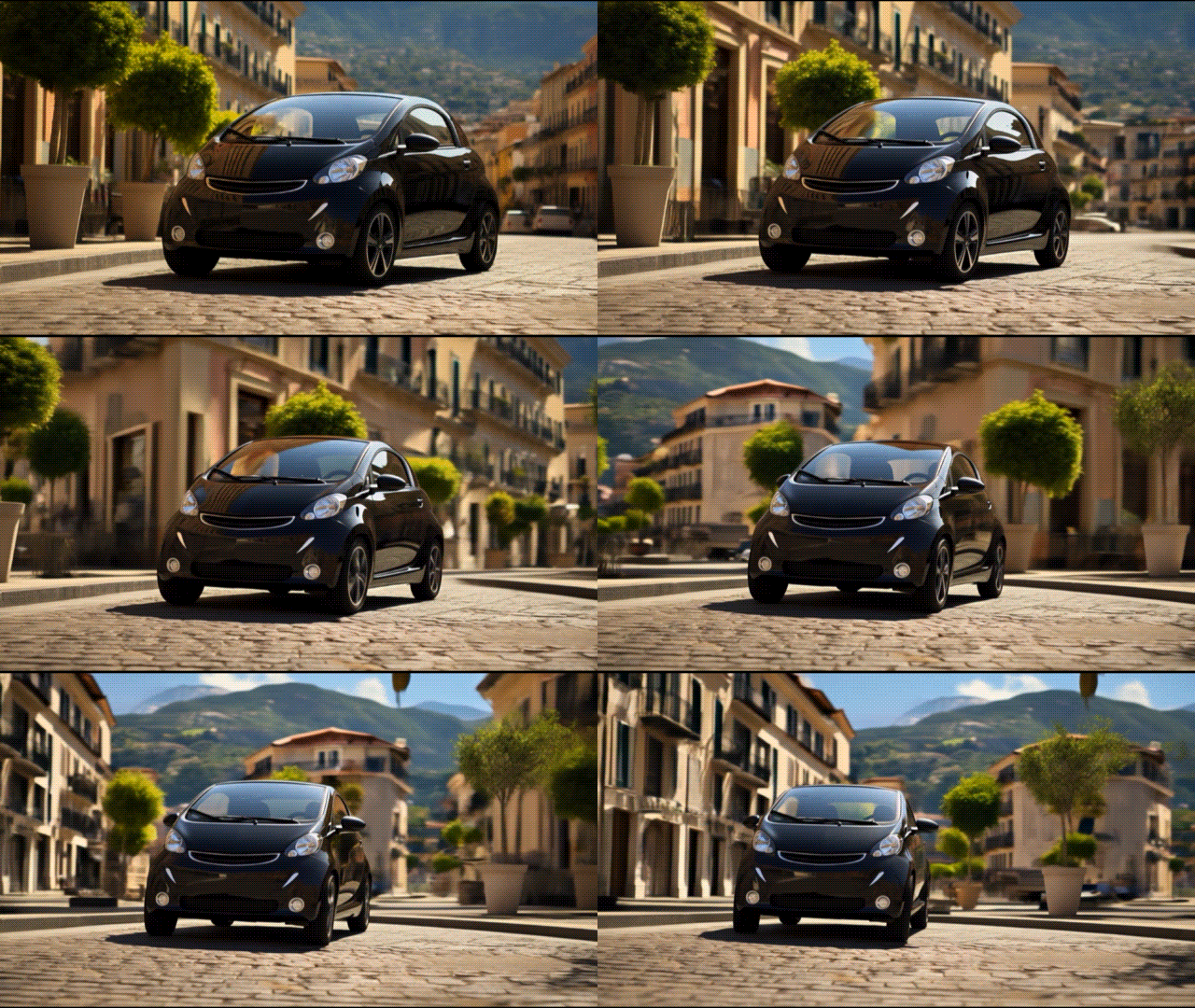
Instead of generating a still image, the AI goes a step further and interprets your prompt as a sequence of moving frames. This AI text-to-video feature can be used to create cinematic clips, animated concept art, looping visuals for social media, or a short promo video.
Image to Video
AI image to video can also be viewed as a type of AI art. You start the process with one image, and based on a text prompt or a pre-defined image transformation template, you can give the AI instructions to pan across landscapes, animate characters, or transition between scenes. This is perfect for turning static concept art into teaser videos or presentation material.
Here's an example of a still image transformed with AI instructions.
General Applications and Techniques of AI Art
Genre-Specific Applications for AI Art
Digital Marketing and Advertising:
If you need a striking ad image for a campaign launching next week, the AI can produce dozens of concepts while you are sleeping, allowing you to test different visual approaches quickly.
Concept Art for Games and Movies:
Movie directors and game developers can visualize their ideas early in the production process, helping them lock onto their creative vision before expensive production work begins.
Book and Album Covers:
Musicians and literary authors can let the AI read or listen to their work and create artwork that corresponds to the main theme in their art. For example, you can get fantasy novel cover art with medieval-inspired details.
Combine AI Art with These Creative Techniques
Human-AI Collaboration:
If you treat AI outputs as first drafts, as an artist, you might generate 10 variations of a particular character design and then pick one to refine by hand.
Post-Processing in Editing Software:
AI art often benefits from tweaks in popular tools like Photoshop, Lightroom, or Filmora. Adjust the contrast, fine-tune colors, or composite multiple AI images to make any AI art ready for an art gallery.
Prompt Engineering for Style Consistency:
It's important to explain things to AI tools the right way. To maintain visual coherence, use the same stylistic tags, like "in the style of 1980s anime with pastel tones," across all prompts for one project.
The Two Most Important Artistic Considerations for AI Art
Originality and Authorship
Is AI art truly "art" if a machine has created it? Does the creative credit belong to the prompter, the model's developers, or the original art the AI was trained on? These questions are shaping ongoing legal cases and public debates.
Ethical Use of Training Data
As it currently stands, many AI models are trained on copyrighted works without real permissions. Real artists are calling for transparent sourcing of training materials to ensure fair use and protect their intellectual property.
What is the Best Tool for Creating AI Art?
The best tool you can use for AI art is Wondershare Filmora, a powerful image and video editor that generates amazing and accurate AI creations. Here's a quick rundown of the most important AI art features that you can look forward to.
Use Filmora as an AI Art generator to create amazing AI art images from text prompts. Pick from various preset image styles such as cyberpunk, clay, Van Gogh, Pokemon and more. Choose from preset image ratios and generate four images simultaneously with the same prompts.
AI Idea to Video
Convert a simple idea into a complex script and then turn that script into a captivating story. This feature is designed for creative storytellers who have something important to say.
AI Image to Video
Upload your selfie and watch yourself transform into a superhero, astronaut, or anything else that comes to mind. Powered by Veo 3, this is a very neat feature for everyone.
AI Image Stylizer
Its AI image style transfer feature lets you upload your photo and pick from countless image style presets. Change them seamlessly until you find something that resonates with you.
Troubleshooting Common Issues in AI Art
Overly Abstract or Unclear Outputs
Solution
Refine your prompt with more specific details. Mention colors, lighting, perspective, and provide style references if possible.
Inconsistent Quality Across Multiple Images
Solution
These types of variations are often the result of changing settings. For consistent results, stick to the same model, resolution, and prompt format.
Artifacts or Glitches in Images
Solution
Elements like strange textures, distorted faces, or odd object shapes can be edited out using AI-powered cleanup tools that you can find in Filmora.




 Secure Download