AI Christmas Family Portrait Prompts:
Cozy, Cinematic, and Heartwarming
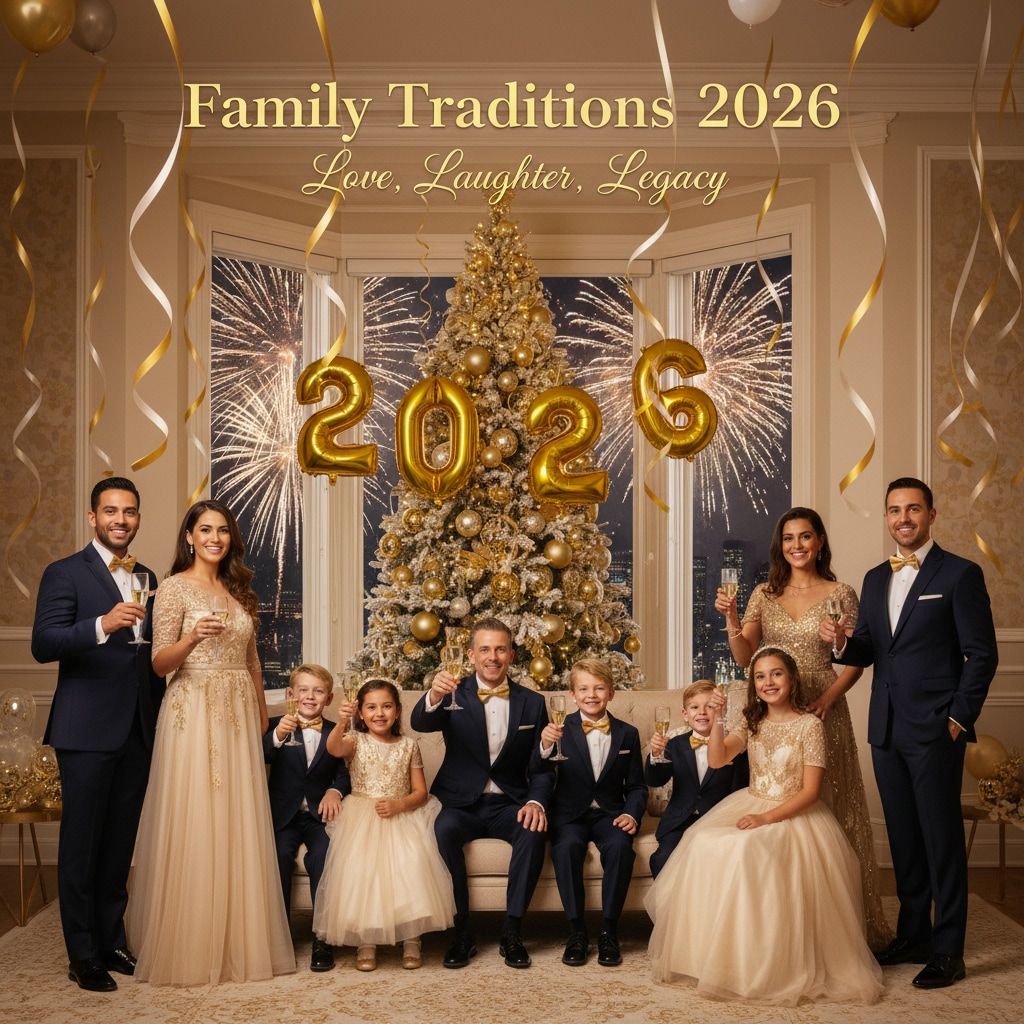
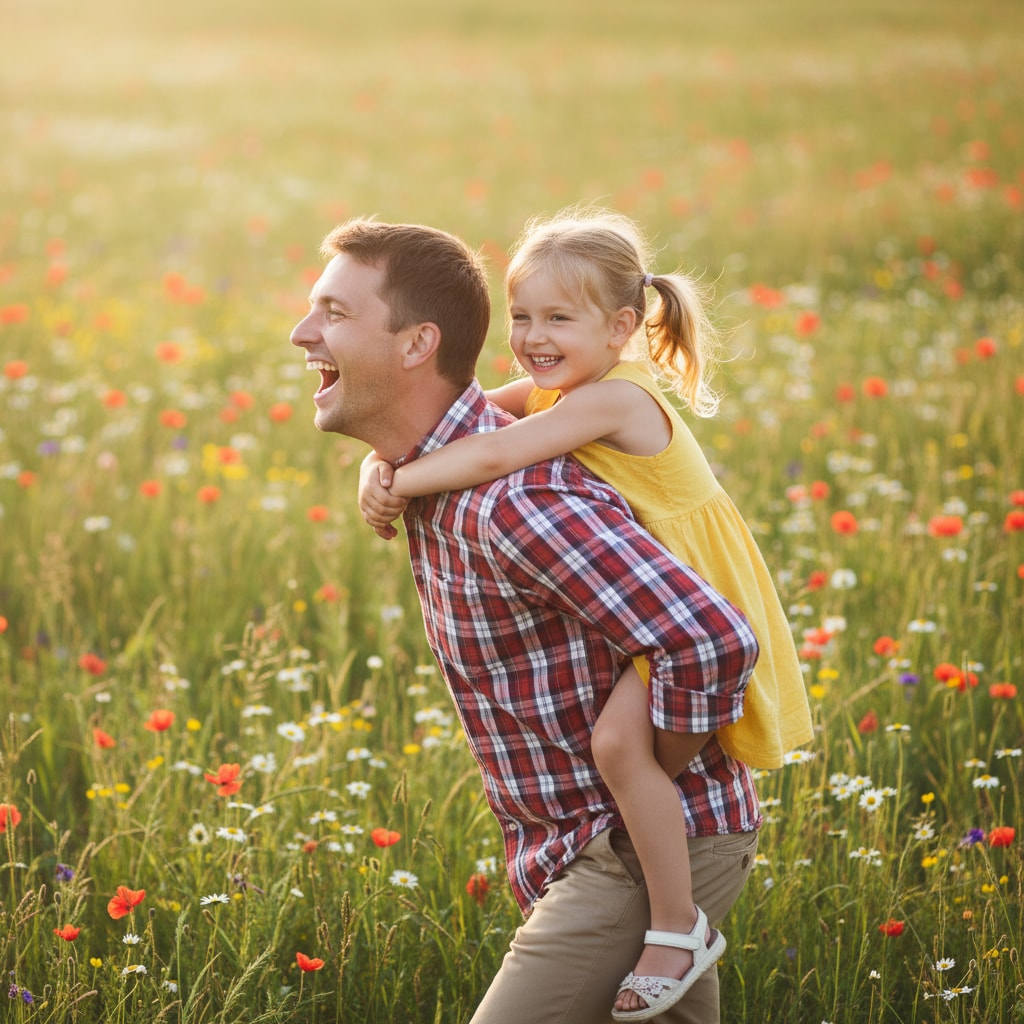
These AI Christmas family portrait prompts are designed for use with Nano Banana Pro in Filmora. They cover a wide range of scenes: matching Christmas pajamas, families by the fireplace, kids opening presents, winter street scenes, and group photos with parents, grandparents, and pets. Just click a sample image, copy the prompt, paste it into Filmora’s AI Image Generator, choose Gemini or Nano Banana Pro, and generate Christmas portraits that look ready for cards, albums, and timelines.
Loading more templates...
 Category:
 Duration:
 Aspect Ratio:
Create Magical AI Christmas Family Photos
With Filmora's Built-in AI Tools
Want your Christmas cards and family albums to look like they were shot in a professional studio? With AI Christmas family photo prompts and Filmora’s AI Image and AI Image-to-Video tools, you can generate cozy, cinematic portraits for any family setup—then polish them with one editor.
Turn Holiday Prompts into Christmas Family Portraits with AI Image Generator
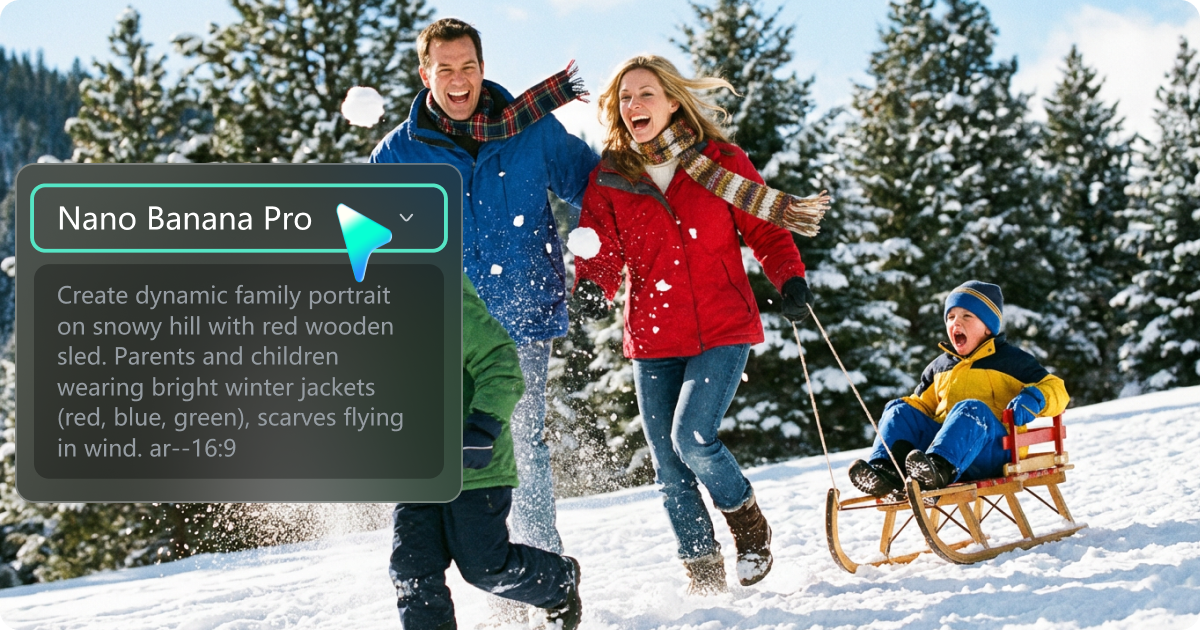
Turn Holiday Prompts into Christmas Family Portraits with AI Image Generator
Copy any of our AI Christmas family portrait prompts into Filmora’s AI Image Generator and let AI build warm, festive family portraits around your text or reference image. Describe outfits, decorations, lighting, and family roles, then generate high-quality images ready for cards, prints, and social media.
- Generate Christmas Family Photos from Text: Use detailed prompts to control composition, camera angle, outfits, and props (tree, stockings, garlands, gifts, snow).
- Use Reference Photos: Upload a real family photo and guide the AI to enhance it with Christmas outfits, backgrounds, and decor while preserving faces.
- High-Resolution Output: Create 4K-ready portraits for framed prints, holiday cards, and full-screen social posts.
Turn Christmas Family Photos into Animated Holiday Cards
Bring Your AI Christmas Photos to Life with AI Image to Video
Go beyond static photos and turn your portraits into animated Christmas greetings. With Filmora’s AI Image to Video, you can create short clips where lights twinkle, snow falls softly, and the camera gently moves across the family.
- Animated Holiday Cards: Add subtle camera pans, zooms, and light flickers for modern digital Christmas cards.
- Social-Ready Clips: Export vertical or horizontal videos for Reels, Shorts, TikTok, and Stories.
- Festive Motion Effects: Simulate falling snow, glowing fairy lights, and soft depth-of-field movement.
- Perfect for E-cards & Invitations: Turn your AI portraits into inviting video loops you can send or post.
A Complete Christmas Photo & Video Editor for Families
A Complete Christmas Photo & Video Editor for Families
After generating your AI Christmas family images, use Filmora’s editing tools to make them feel even more magical. Adjust colors, smooth skin, add snow overlays, and design full slideshow videos with music—everything in one place.
- Portrait Filters & Color Grading: Apply warm, cozy Christmas looks, cinematic contrast, or soft vintage styles to match your holiday theme.
- AI Object Remover: Remove distracting elements, cluttered backgrounds, or unwanted people from your holiday photos in seconds.
- Background & Overlay Effects: Add bokeh lights, snow overlays, sparkles, and festive frames to make portraits ready for cards and social posts.
You can also combine AI Christmas family portraits with video templates, background music, and animated titles to build complete Christmas recap videos, year-in-review slideshows, and family highlight reels.
FAQs About AI Christmas Family Portrait Prompts
1) People: who is in the portrait (parents, kids, baby, grandparents, pets).
2) Setting: fireplace, Christmas tree, snowy forest, living room, church, or city street with holiday lights.
3) Styling: outfits (matching pajamas, red-and-green knit sweaters, elegant evening wear), lighting, and camera angle.
4) Mood: cozy, joyful, cinematic, vintage, candid, or studio-style.
Combine these into 1–2 clear sentences and mention “high-quality, face-preserving portrait” for more consistent results.
How to Use AI Christmas Family Portrait Prompts in Filmora?
Not sure how to use AI Christmas family photo prompts to create beautiful holiday photos? Filmora makes the process simple: paste your prompt, add a reference photo if you like, generate, and export—no photography studio or advanced editing skills required.
Step 1 Open Filmora and Go to AI Image

Step 2 Generate Christmas Family Portraits from Text or a Reference Photo

Step 3 Download, Edit, and Export Your Christmas Portraits

-
Step 1: Open Filmora and Go to AI Image
Download, install, and launch Filmora, create a new project, click "Stock Media", then choose "AI Image" from the AI Media panel. -
Step 2: Generate Christmas Family Portraits from Text or a Reference Photo
Select the Nano Banana Pro model, then paste your AI Christmas family portrait prompt. You can also upload a real family photo as a reference if you want the AI to preserve faces. Click "Generate" to create Christmas-themed portraits based on your description. -
Step 3: Download, Edit, and Export Your Christmas Family Photos
Once the images are generated, preview and download your favorites. Drag them onto the timeline to adjust colors, add text (like “Merry Christmas from the Smith Family”), or create slideshow videos. Finally, export as high-resolution images or short video clips ready for printing or sharing.
More Than Just a AI Christmas Family Photo Generator
Filmora is more than an AI Christmas family photo generator. It lets you turn all kinds of prompts and reference photos into festive images and videos—then refine everything with the same editing toolkit. From holiday portraits and family photos to seasonal cards and full recap videos, you can design a consistent visual style for your entire Christmas and New Year content.