
Easter Bunny Video Templates:
Copy, Customize & Share in Minutes
Join the Easter Bunny Video trend and create magical, festive clips in just minutes! Bring your videos to life with dancing bunnies, colorful Easter eggs, spring flowers, and playful overlays using these ready-made templates. Perfect for TikTok, Instagram Reels, Stories, and YouTube Shorts—simply select a template, tap to edit, and customize your AI-generated Easter Bunny Video for instant social sharing. No complicated steps, just fun, shareable Easter content. Explore these popular Easter Bunny Video effects today!
Loading more templates...
 Category:
 Duration:
 Aspect Ratio:
Create Trending Easter Bunny Videos
for Any Platform with AI
Make this Easter unforgettable with custom AI-generated Easter Bunny Videos! Perfect for family, kids, or going viral on TikTok, Instagram Reels, and YouTube Shorts. Simply upload a photo or clip, use smart AI prompts, and let Filmora's AI image generator powered by Google's Nano Banana model turn it into magical Easter Bunny animations. Add playful overlays, colorful eggs, spring flowers, and cute effects in seconds—making your Easter Bunny Video stand out on any social feed instantly!
Turn Any Photo Into An Easter Bunny Video Effect
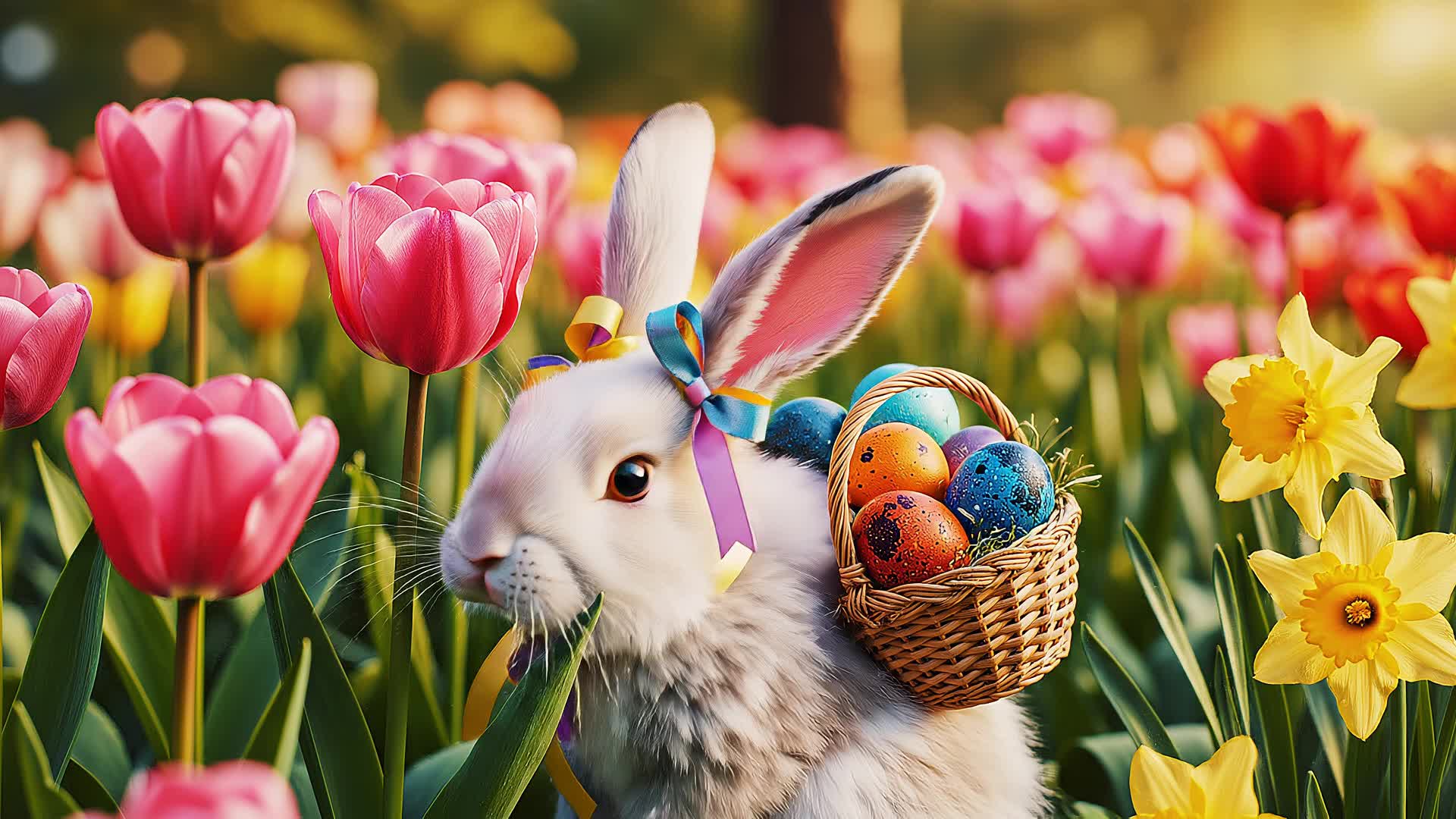
Turn Any Photo Into An Easter Bunny Video Effect
Make your Easter Bunny Video in any style—classic animated bunny, cute cartoon, or even a magical hopping bunny for stories and shorts. Just describe the scene you want, and Filmora's AI creates the perfect video, with seamless transitions and realistic effects to match the Easter vibe.
- 🐇 Easy AI Prompts - 10+ popular Easter Bunny video ideas and trending templates included.
- 🥚 All Video Styles - Cartoon, realistic, pastel, or vintage. Works for TikTok, Instagram, or YouTube Shorts.
- 🌷 Upload Your Own - Use your child's or pet's photo for personalized Easter Bunny videos.
How Easter Bunny Video Templates Work in Filmora App
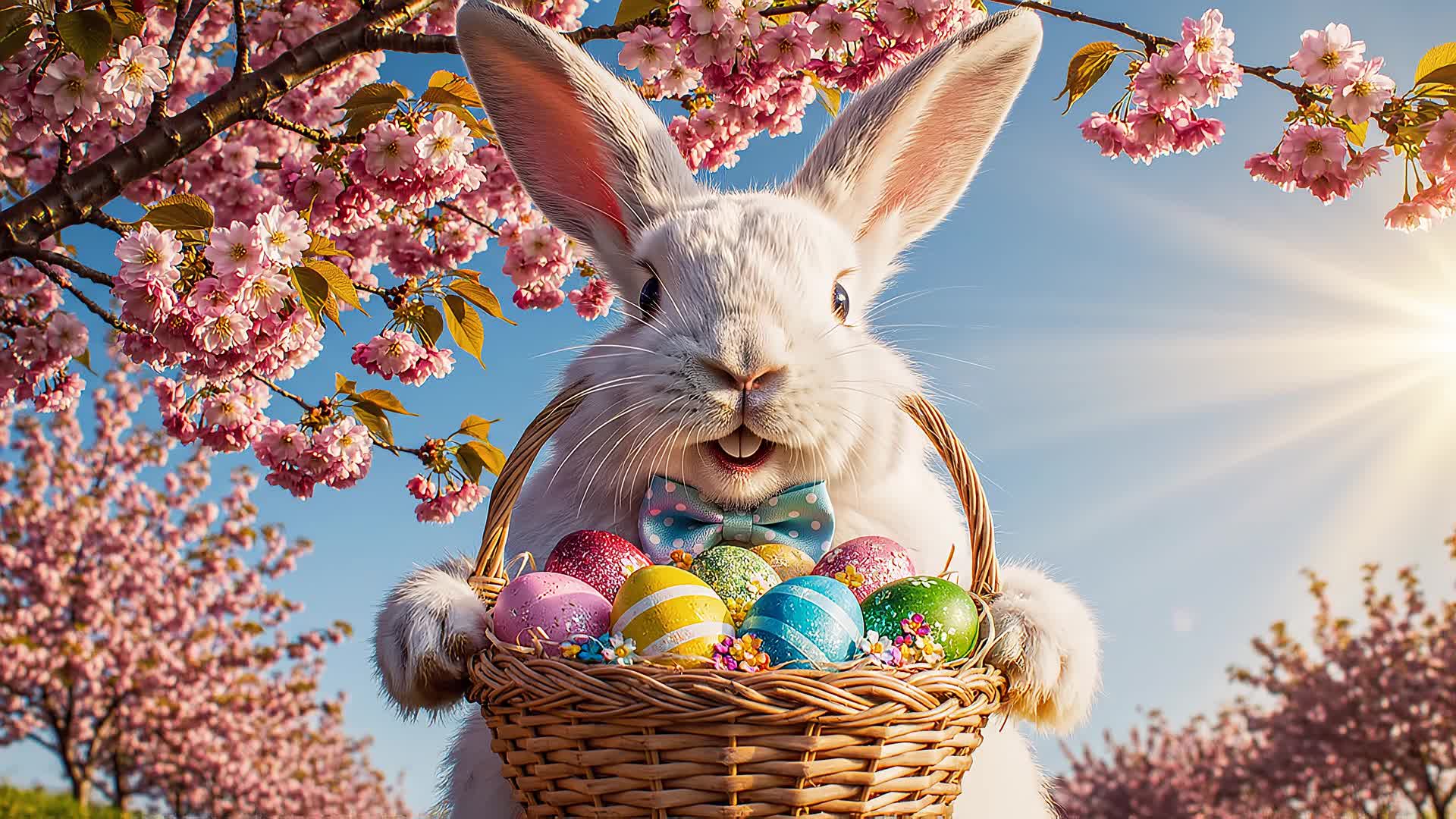
How Easter Bunny Video Templates Work in Filmora App
The Filmora mobile app makes it easy to create Easter Bunny Videos in minutes. Choose from pre-built Easter Bunny scenes, upload your photos, and customize messages for a unique Easter greeting or viral story.
- Ready-to-Use Templates - Bunny dances, egg hunts, spring meadows, and more Easter graphics.
- Instant Bunny Videos - Upload photo → Select bunny template → Get your video instantly.
- Full Edit Options - Add your own Easter text or personalize with AI features.
- Photo-to-Video Animator - Makes animated Easter Bunny videos with your own photos.
- Music & Sound FX - Includes happy Easter jingles and bunny sound effects.
Add Easter Greetings and Bunny Text Effects
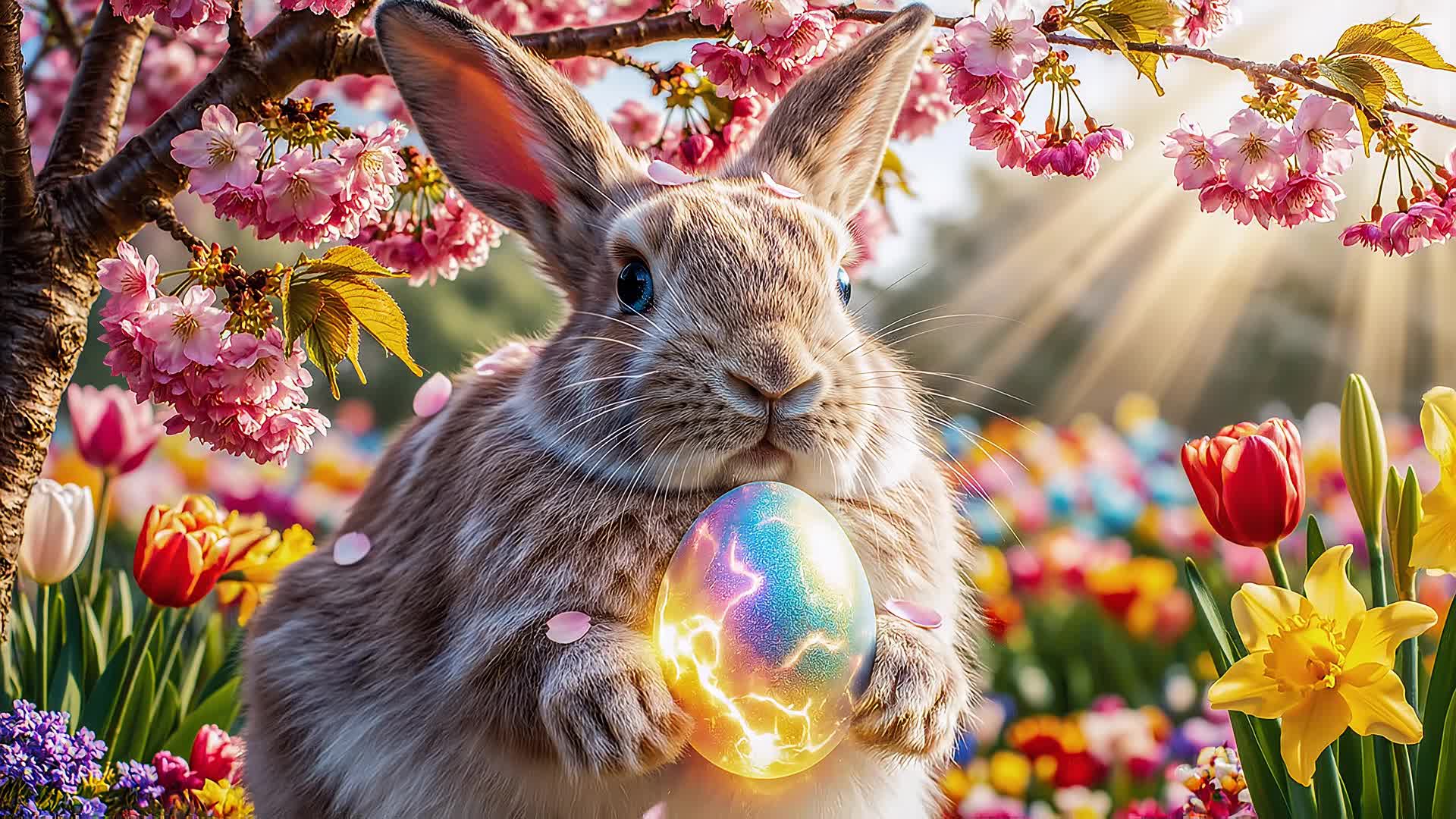
Add Easter Greetings and Bunny Text Effects
Enhance your Easter Bunny Video by adding cute greetings, spring-themed stickers, and animated speech bubbles using Filmora's Comic Text Tools. Choose from handwritten Easter fonts, bunny ears overlays, and pastel captions for a festive look loved on TikTok and Instagram.
- 🐰 Easter Speech Bubbles - Pastel clouds, bunny ears, and custom captions for your video.
- 🔤 Bunny Fonts - Playful handwriting, springtime action, Japanese/Korean/Chinese language support included.
- 🎨 Video Text Effects - Rainbow shadows, soft glows, animated popping text, and themed backgrounds.
FAQs for AI Easter Bunny Video Creation
- Pick a video editor or AI tool with Easter Bunny Video effects, such as Filmora, CapCut, TikTok filters, or any AI video generator.
- Upload or record your photo or video clip.
- Apply the Easter Bunny effect or use a dedicated Easter Bunny Video generator.
- Customize the bunny’s position, animations, or add festive text and decorations.
- Export and share your Easter Bunny Video across TikTok, Instagram Reels, YouTube Shorts, or other social platforms.
How to Create an Easter Bunny Video with Filmora
The popular Easter Bunny Video trend is easy to try using Filmora and other AI video generators. Simply follow these steps to insert the Easter Bunny into your video, perfect for sharing on TikTok, Instagram, or YouTube. No editing experience needed—this step-by-step guide shows you how to create and share your own Easter Bunny Video in under a minute.
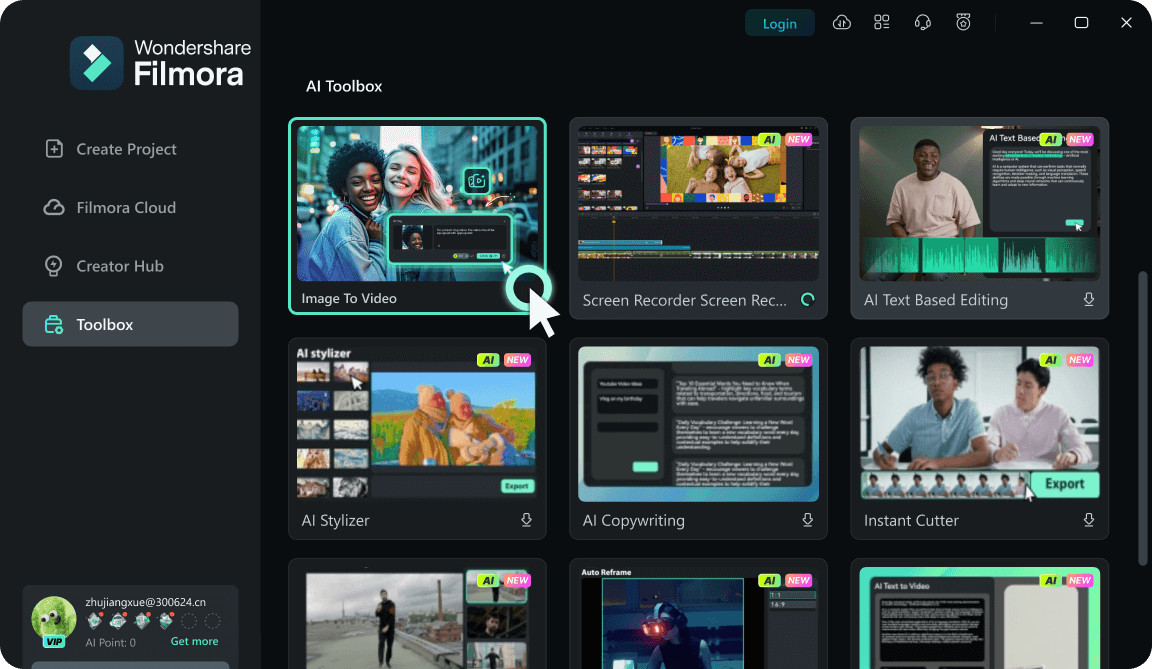
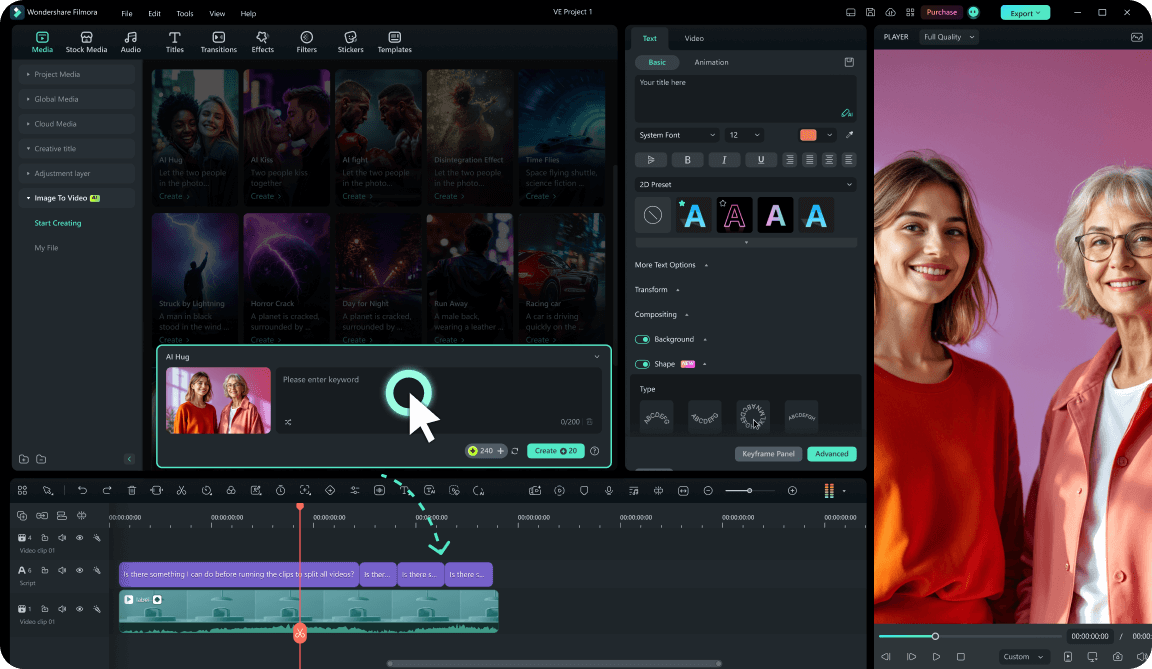
Step 1 Start Filmora and Choose Your Clip
Step 2 Add Easter Bunny Video Effect or Animation
Step 3 Export and Share Your Easter Bunny Video
-
1:Start Filmora and Choose Your Clip
Open the latest version of Filmora, create a new project, and import the clip or image where you want the Easter Bunny to appear. -
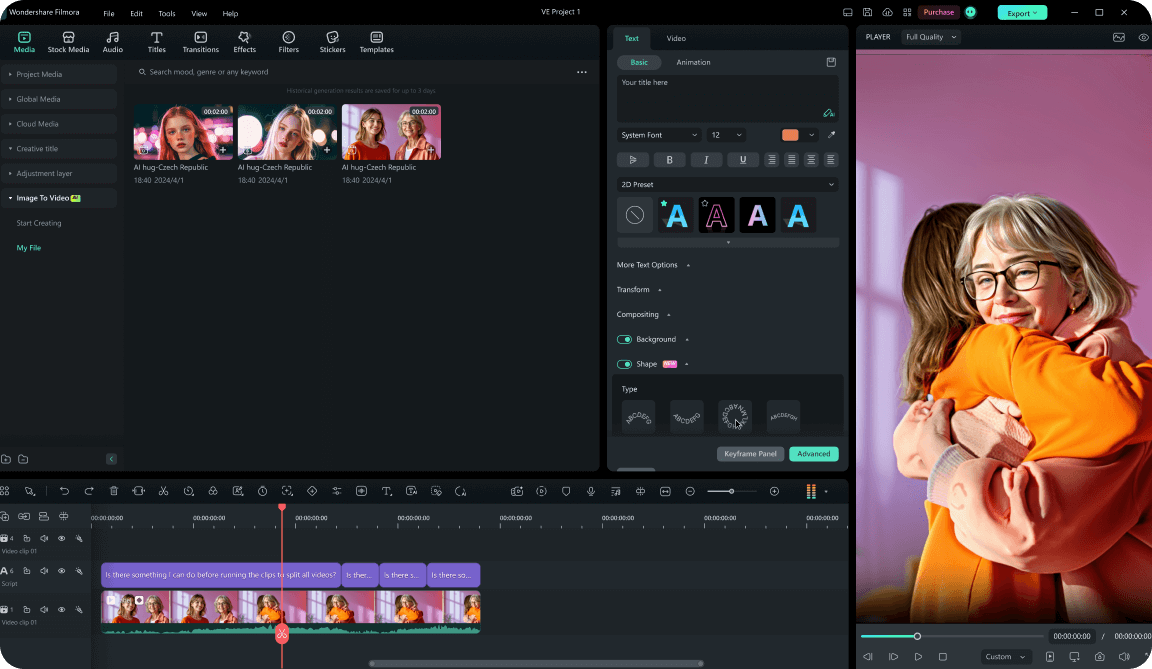
2:Add Easter Bunny Video Effect
Find the Easter Bunny effect, animation, or AR sticker in your video editor, and place it into your frame—move, resize, and tweak it for the perfect look. -
3:Export and Share Your Easter Bunny Video
Preview, download, and export your Easter Bunny Video. Instantly share on TikTok, Instagram, YouTube, or send to friends for Easter.