
Easy New Year Glitter & Sparkle Effect Prompts:
Copy, Paste & Shine
Want to trend with a glitter or sparkle overlay for New Year? Use these New Year Glitter & Sparkle Effect Prompts to create viral party photos and dazzling video edits in seconds. Simply browse the popular effect prompts below, tap any image, copy the prompt, and paste it into your favorite AI tool. Instantly get sparkling visuals that stand out on TikTok, Instagram, Snapchat, YouTube, and more.
Loading more templates...
 Category:
 Duration:
 Aspect Ratio:
New Year Glitter & Sparkle Effect Prompt for Viral Photos & Reels
Searching for the trending New Year Glitter & Sparkle Effect Prompt seen on TikTok, Instagram, or YouTube? With Filmora’s powerful AI image generator using Google's Nano Banana model, you can instantly add sparkling New Year vibes to any photo or video. Create eye-catching posts, glow-up selfies, and celebration videos—perfect for social media collages, profile updates, or viral short-form content.
See the difference with ultra-realistic glitter, shimmer overlays, and sparkling light bursts that look great on anything from countdown party moments to memory recap reels.
Apply Sparkle & Glitter Prompts to Any New Year Content
Apply Sparkle & Glitter Prompts to Any New Year Content
Use the New Year Glitter & Sparkle Effect Prompt on group party pics, solo countdown shots, or reels! Just describe the style—festive glitter, radiant sparkles, golden or silver burst—and Filmora’s AI applies it to your layout. Works for TikTok, Instagram, YouTube Shorts or any platform you want to stand out on.
- Paste the Prompt Instantly – Grab the New Year Glitter & Sparkle Effect Prompt and use it for photos, videos, or reels.
- Customize Glitter Styles – Switch between gold, silver, rainbow, or bokeh sparkles for your vibe.
- Add Reference Photos – Upload inspo or reference shots to match your dream effect.
Create Trendy Glitter Reels with Filmora New Year Templates
Create Trendy Glitter Reels with Filmora New Year Templates
The Filmora mobile app includes the New Year Glitter & Sparkle Effect Prompt in ready-made templates, so you can turn snaps or selfies into viral reels in seconds—no advanced editing required.
- Glitter & Sparkle Presets – Instantly add shimmer and spark to any photo or video.
- No Prompt Needed – Just upload, pick your sparkly template, and share.
- Go Custom If You Want – Input your own glitter variations, mix styles, or up the sparkle intensity.
- Share as Video Reels – Effortlessly turn photos into animated glitter reels for New Year posts.
- Music & SFX Built-In – Pair with fun party sound effects or trending New Year audio.
Edit Glitter Text & Captions for a Festive Look
Edit Glitter Text & Captions for a Festive Look
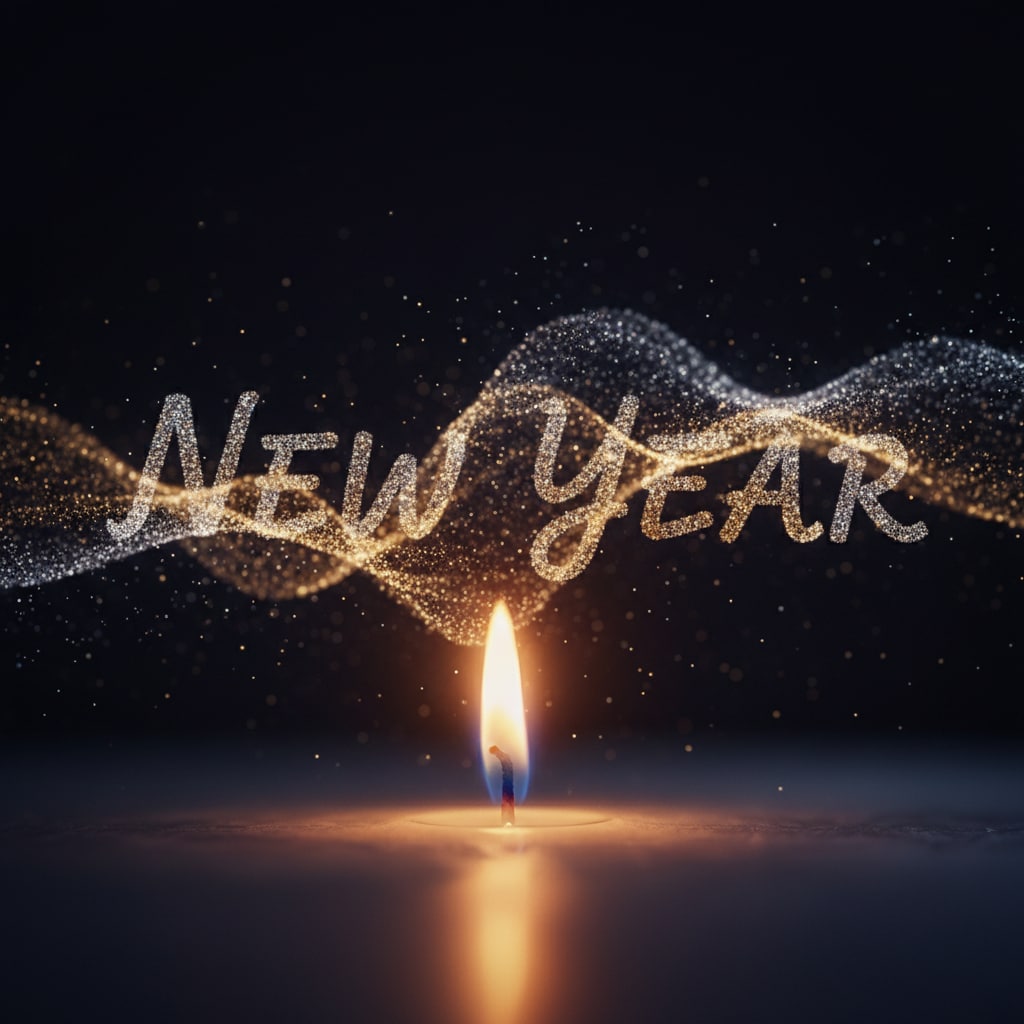
After applying your New Year Glitter & Sparkle Effect Prompt, use Filmora’s tools to add celebratory text, animated captions, and festival fonts. Decorate your posts with “Happy New Year” in glowing styles, fun effects, and shiny overlays.
- ✨ Shimmering Captions – Add glowing "Happy New Year," countdown timers, or sparkle-text boxes.
- 🌟 Festive Fonts – Choose bright metallics, handwritten sparkles, glitter outlines, and global language support.
- 🎉 Text Effects Toolbox – Apply shadows, color gradients, curved lines, or sparkling textures with one click.
FAQs for New Year Glitter & Sparkle Effect Prompt
- Open your preferred AI photo or video generator (like Filmora, Midjourney, or any platform supporting prompts).
- Select an image or video, or start a new project.
- Paste or type in a New Year Glitter & Sparkle Effect Prompt (example: "portrait with shimmering New Year glitter and sparkle effect, dazzling lights").
- Click "Generate", and the tool will apply the sparkly effect instantly.
- Download and share your glittery photo or video for New Year posts, TikToks, or Reels.
How to Apply the New Year Glitter & Sparkle Effect Prompt in Filmora?
Want to make your photos or videos pop for the New Year? Here’s how anyone can use the New Year Glitter & Sparkle Effect Prompt in Filmora to create dazzling, viral-ready edits for social media. Just follow these beginner-friendly steps and get your sparkly effect in under a minute for TikTok, Instagram, or YouTube content.
Step 1 Open the AI Image Generator in Filmora

Step 2 Paste the New Year Glitter & Sparkle Effect Prompt

Step 3 Download and Use Your Glitter & Sparkle Content

-
1:Open the AI Image Generator in Filmora
Launch the latest version of Filmora, create a new project, click "Stock Media," and pick "AI Image" to get started with glitter & sparkle effects. -
2:Paste the New Year Glitter & Sparkle Effect Prompt
Select your AI model, type or paste your New Year Glitter & Sparkle Effect Prompt (example: “sparkle, glitter, New Year, shimmering lights”), and click "Generate." -
3:Download and Use Your Glitter & Sparkle Content
After generating your sparkly image or video, preview, download, edit, and share directly to social media. Ready for viral New Year posts!
Go Beyond—Create with Every Trending Effect, Not Just Glitter!
Filmora isn’t only for using the New Year Glitter & Sparkle Effect Prompt. You can generate different photo styles, make AI-powered videos from any prompt or image (including viral sparkle and shimmer effects), and edit them with top creative tools for social posts, all in one place.







