
16+ St. Patrick’s Day AI Prompts:
Copy, Paste & Go Viral
Want to create fun St. Patrick’s Day videos with green sparks, shamrock overlays, or leprechaun magic? These AI St. Patrick’s Day prompts are ready for all your TikTok, Instagram, and Snapchat content.
Browse all St. Patrick’s Day AI prompts, tap the image, copy-and-paste into your editor, and get festive results instantly.
Loading more templates...
 Category:
 Duration:
 Aspect Ratio:
Create Trending St. Patrick’s Day AI Photos & Videos
With Nano Banana Pro Prompts
Looking for St. Patrick’s Day photo or video ideas? Want instant St. Patrick’s Day themed content to share on TikTok, Instagram, or YouTube? Filmora's advanced AI image generator powered by Google's Nano Banana model creates festive green overlays, shamrock stickers, rainbow effects, and party scenes in seconds—all perfect for St. Patrick’s Day.
Generate viral St. Patrick’s Day edits to match the top social trends. Achieve eye-catching visuals and themed effects that stand out in your feed or videos for Reels, Shorts, and Stories.
Apply St. Patrick’s Day Prompts for Instant Festive AI Art
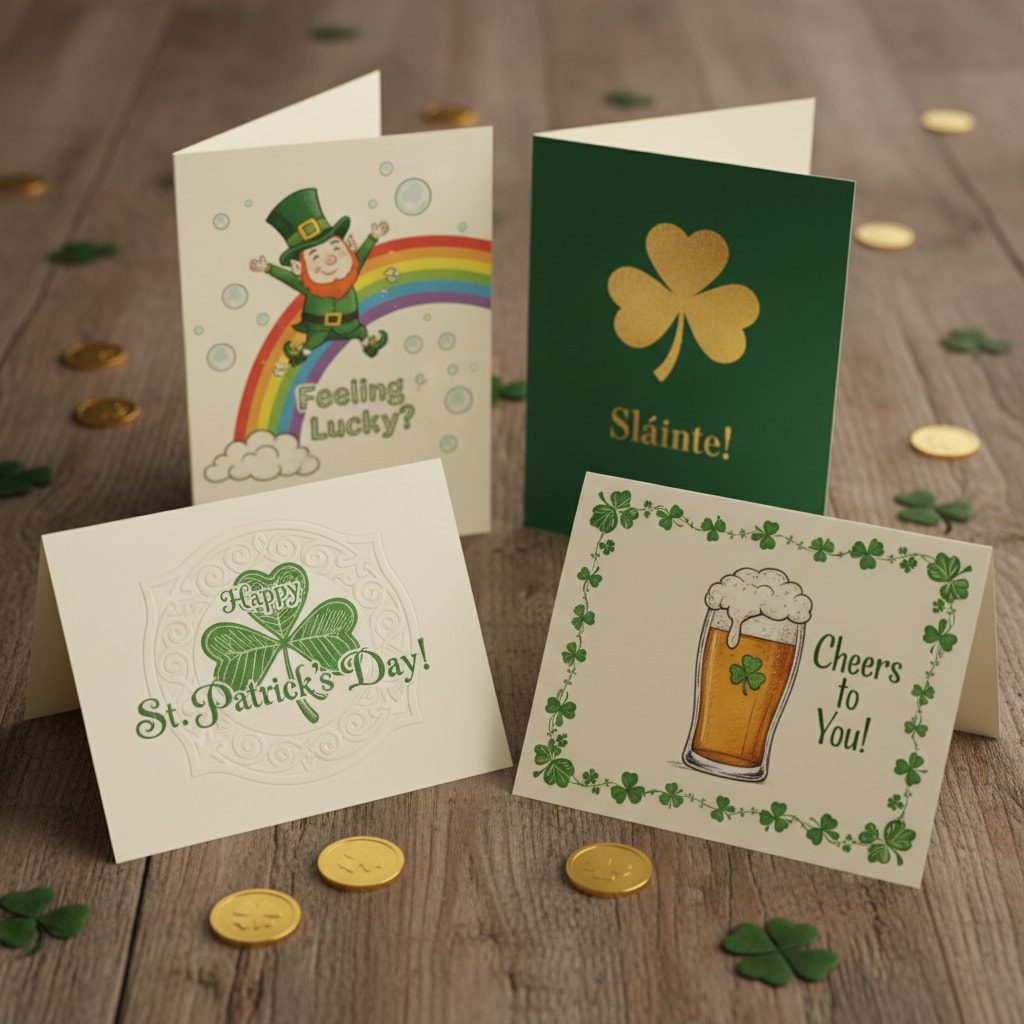
Apply St. Patrick’s Day Prompts for Instant Festive AI Art
Create St. Patrick’s Day themed content for any platform in seconds—generate viral green photo overlays, 4-panel leprechaun stories, rainbow and gold effects, or classic party scenes just by using ready-to-go prompts. With Filmora’s AI Image Generator (powered by Nano Banana), get themed art and layouts tailored for social sharing or celebrations—no art skills needed.
- Copy-Paste St. Patrick’s Day Prompts - 16+ festive, creative St. Patrick’s Day AI prompts.
- On-Trend Visual Styles - Green sparkle, shamrock frames, cartoon leprechauns, and party infographics.
- Photo & Selfie Support - Easily upload your selfie to instantly get a St. Patrick’s Day themed transformation.
Make St. Patrick’s Day AI Videos with Filmora Nano Banana Pro Templates
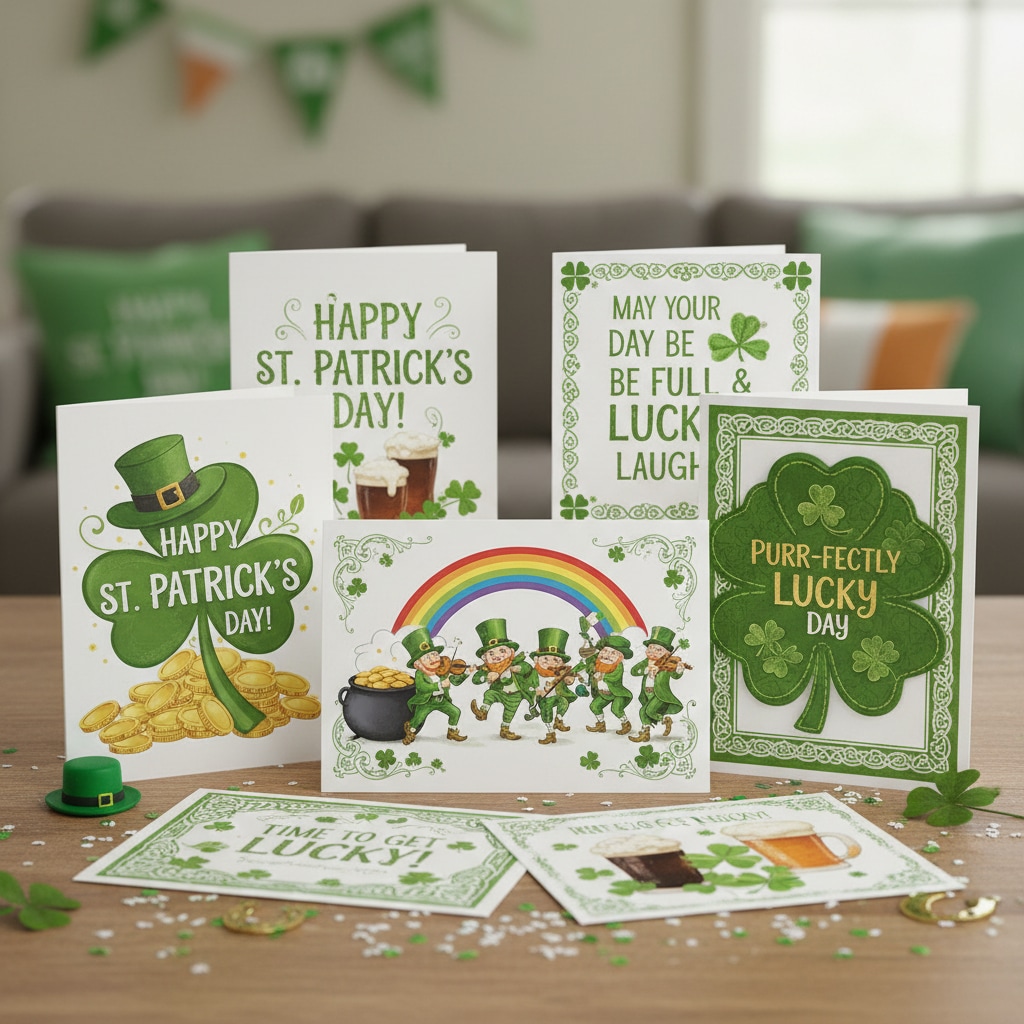
Make St. Patrick’s Day AI Videos with Filmora Nano Banana Pro Templates
The Filmora mobile app has St. Patrick’s Day themed Nano Banana Pro templates. Turn photos into St. Patrick’s Day video reels with festive backgrounds, AR leprechaun stickers, fun animations, and trending sound effects—all on your phone.
- St. Patrick’s Day Video Templates - Instantly themed party invites, TikTok reels, and Instagram stories.
- No Prompt Needed - Upload photo → Choose St. Patrick’s Day template → Generate your video.
- Customize or Auto-Create - Add your own text or go fully auto with simple uploads.
- Animate Your Selfies - Turn static party pics into dynamic green celebrations automatically.
- Leprechaun SFX Library - Built-in St. Patrick’s sound effects and themed music for your videos.
Add St. Patrick’s Day Lettering & Festive Text Effects
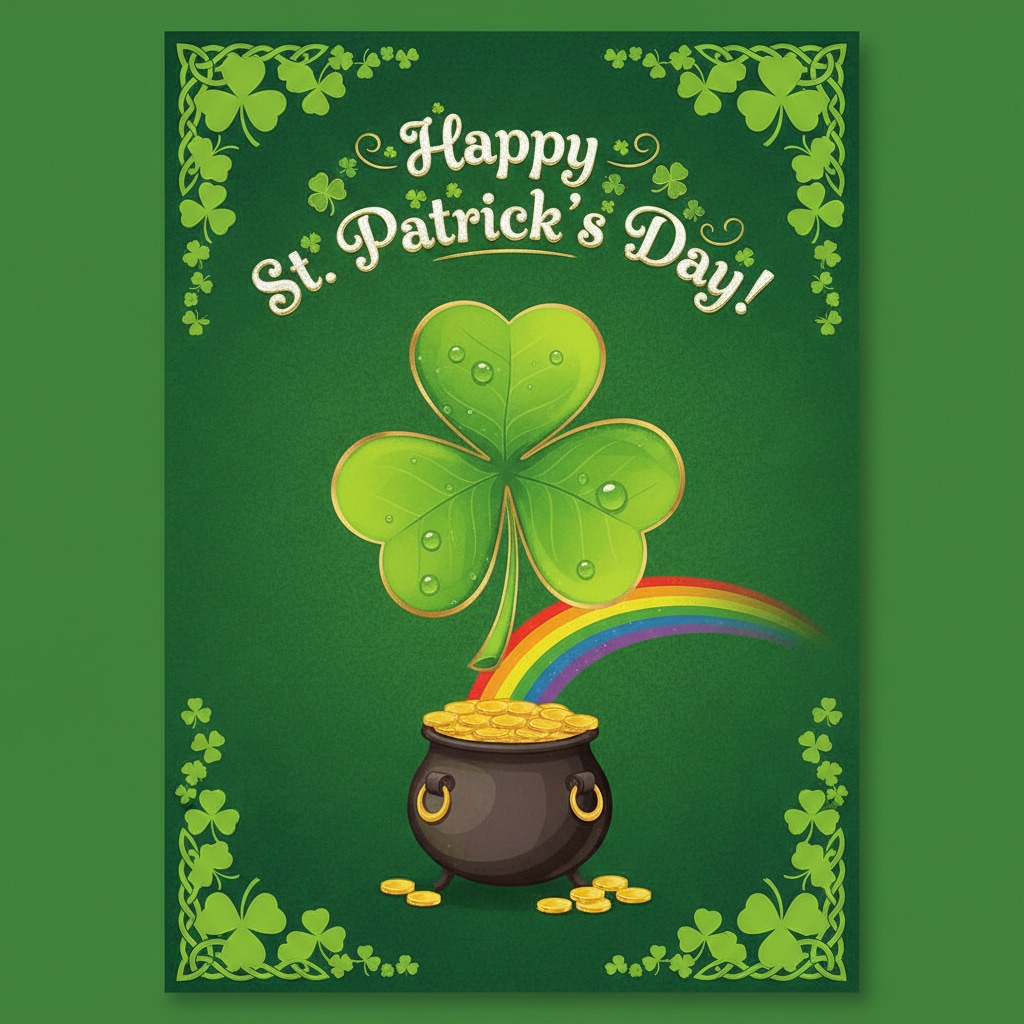
Add St. Patrick’s Day Lettering & Festive Text Effects
Filmora’s Comic Text Tools give you full control to add playful, themed speech bubbles, captions, and party fonts to your St. Patrick’s Day content. Automatically apply green, gold, and rainbow text effects to match the holiday’s trending social look.
- ☘️ St. Patrick’s Day Speech Bubbles – Add themed chat clouds, green captions, festive borders, and gold accents with custom tails.
- 🔤 Irish Party Fonts – Bold St. Patrick’s fonts, Celtic style, lucky gold text, and sound FX overlays (SHAKE, POP, CHEER!).
- 🎨 Easy Styling Tools – Curved and outlined text, rainbow color emphasis, drop shadows, and sparkle effects.
St. Patrick’s Day FAQs
- Open your favorite editing or AI photo app (like Filmora, CapCut, or TikTok).
- Select a St. Patrick’s Day effect, filter, or template.
- Upload your video or photo, or use a trending AI prompt for green or Irish-themed visuals.
- Apply effects and tap to generate — many templates auto-add clovers, hats, and festive text.
- Download and share directly to Instagram, TikTok, or Snapchat for maximum reach.
How to Make St. Patrick’s Day AI Videos & Photos in Filmora
Want a viral St. Patrick’s Day post? Filmora lets you create trending St. Patrick’s Day videos or themed photos using AI, even if you’re new — just pick a green effect, use a St. Patrick’s prompt, and get results in seconds. Follow this step-by-step guide to get your content ready for Instagram, TikTok, or YouTube.
Step 1 Open the AI Image Generator in Filmora

Step 2 Enter a St. Patrick’s Day Prompt or Effect

Step 3 Download & Share Your St. Patrick’s Day Content

-
1:Open the AI Image Generator in Filmora
Start Filmora, create your project, then click "Stock Media" and select "AI Image" to get started on your St. Patrick’s Day design. -
2:Enter a St. Patrick’s Day Prompt or Effect
Select the AI model, then type in a prompt like "St. Patrick’s Day party pic," "green shamrock filter," or "leprechaun selfie effect," and click "Generate" for instant results. -
3:Download & Share St. Patrick’s Day Photo/Video
Preview your festive image or video, download, edit or drag to the timeline, then export and share on your favorite social platform for maximum St. Patrick’s Day reach.
More Than Just St. Patrick’s Day Effects
Filmora is not only for generating St. Patrick’s Day AI content. You can also make videos, photos, and other themed effects year-round, combining trending editing tools and AI features for TikTok, Instagram, and YouTube.







