

 100% Security Verified | No Subscription Required | No Malware


 ChatGPT
 Perplexity
 Gemini
 Claude
 Grok
Grok
These cool couple video filters are designed for modern creators and urban lifestyle editors who want a fresh, blue-toned contrast in their romantic edits. With subtle cinematic depth and clean highlights, they make every glance, laugh, and handhold feel like a scene from a city love story.
Whether you are cutting a quick TikTok recap of a rooftop date or building a polished YouTube vlog of nighttime couple adventures, these cool couple video filters balance skin tones with blue romance tones so your footage stays clean, stylish, and ready to post fast.
In this article
Soft Blue Romance for Daytime Dates
Skyline Soft Bloom
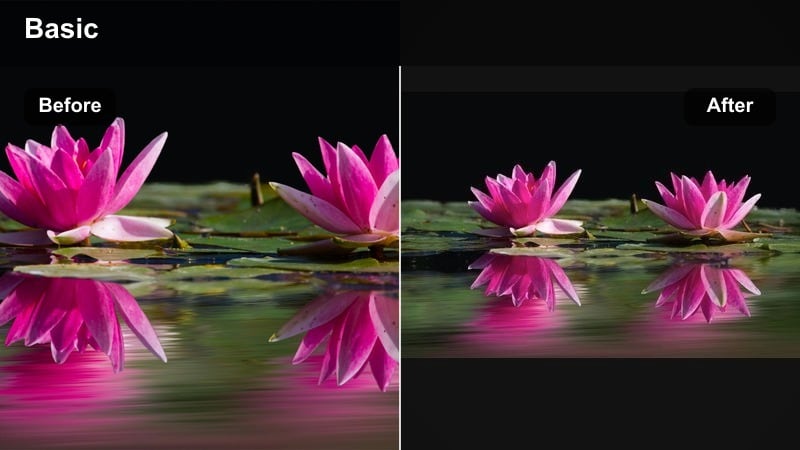
- Effect look: Soft cool cast with gentle bloom on highlights and slightly lifted shadows for a dreamy couple aesthetic
- Best for: Golden-hour rooftop walks, balcony coffee moments, soft daylight couple B-roll
- Editing tip: Lower contrast slightly if your footage is already high dynamic range so skin stays smooth and not overly crisp against the sky.
Skyline Soft Bloom gives your couple clips that airy, blue-tinted glow that feels made for rooftop views and skyline backdrops. In Filmora, it subtly lifts the shadows while adding a cool cast to the sky, so buildings and clouds look cinematic without overpowering your couple.
Use this filter on handheld daytime B-roll, slow pans across the city, and close-up laughs on balconies. Pair it with gentle motion blur or slow motion in Filmora to turn everyday daylight moments into soft, romantic sequences that still look clean and modern.
Speed up grading with AI-powered cool couple looks
Filmora’s AI color tools help you lock in blue romance tones and a clean date video look in a few clicks, even if you are not a color expert. Start from these cool couple video filters, then let AI refine exposure, white balance and skin-tone balance automatically.
Once you land on a look you love, save it as a preset and reuse it across all your urban dates and nighttime couple edits, keeping your channel visually consistent without spending hours in manual grading.
 secure download

Preview cool couple filters on real footage
Drop a short clip of an urban date or a nighttime walk into Filmora and cycle through these cool couple video filters to see how they react to real street lights, neon signs and apartment interiors.
Use split-screen preview or side-by-side comparison to quickly test blue romance tones against a warmer version, then choose the one that matches your brand and storytelling style.
secure downloadPair filters with LUTs for deeper blue romance tones
If you want an even richer cinematic finish, stack these cool couple video filters with subtle LUTs that push blues and cyans while keeping skin tones soft. Apply the LUT lightly, then use the filter to fine-tune contrast and saturation.
For fast workflows, create a combo preset that saves your favorite filter plus LUT intensity so you can apply a complete cool couple look to any new urban date project in one click.
secure downloadMetro Pastel Cool
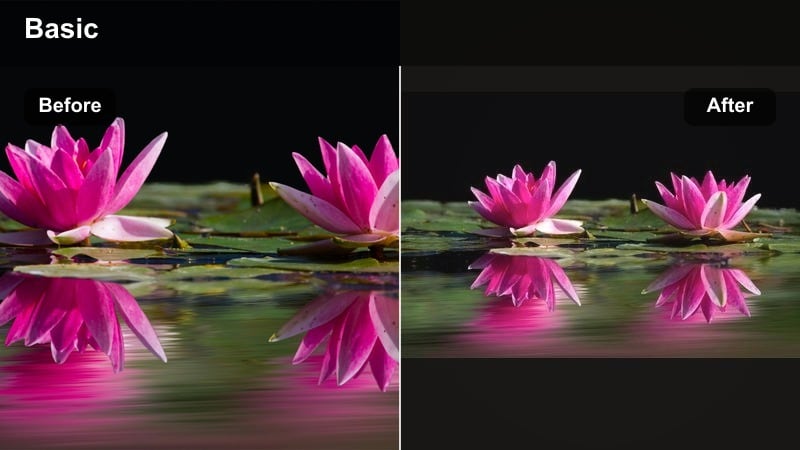
- Effect look: Pastel blues with muted greens and gently desaturated reds for a minimal, editorial date look
- Best for: Cafe dates, bookshop wandering, lifestyle vlogs with a clean couple aesthetic
- Editing tip: Use a subtle sharpening pass on eyes and hair while keeping overall clarity low to hold that soft magazine-style finish.
Metro Pastel Cool leans into a soft, editorial palette that turns everyday cafe or bookstore clips into polished lifestyle content. In Filmora, it lightly mutes bold colors while giving blues a pastel touch, which keeps your frames minimal and on-trend.
Apply it to sit-down coffee chats, over-the-shoulder reading shots, and slow pans across interior decor. Combine this filter with Filmora’s subtle vignette and lightweight sharpening on facial features so your couple stays crisp and expressive inside an overall gentle, pastel world.
City Breeze Matte
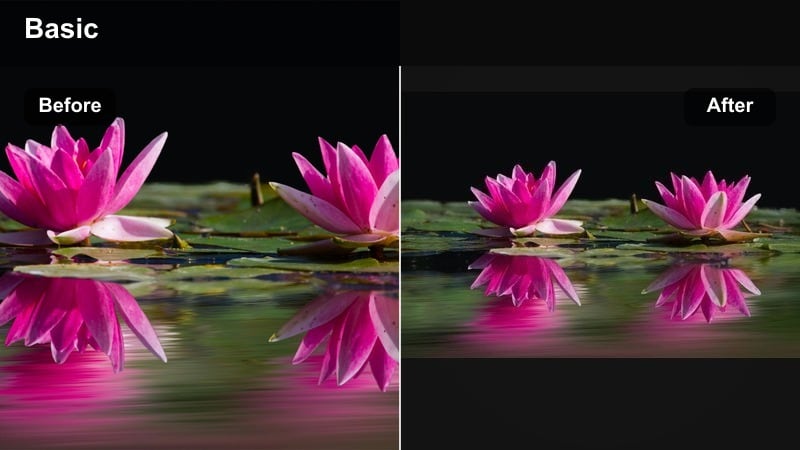
- Effect look: Cool matte finish with slightly lifted blacks and subtle teal blues in the shadows
- Best for: Street walking sequences, handheld couple montages, city parks and sidewalks
- Editing tip: If your shadows feel too faded, add a gentle S-curve only in the tone curve tool and keep the black point just above pure black.
City Breeze Matte gives your city-walk B-roll a relaxed, cinematic feel with raised blacks and teal shadows. In Filmora, this look is great for sequences where your couple is moving through streets, parks, or crosswalks and you want a stylish but not too dramatic grade.
Use it on montage cuts, jump cuts, and hyperlapses of your couple exploring the city. Pair the matte look with Filmora’s speed controls and music beat cuts so the soft color grade supports a dynamic, vlog-style rhythm without overwhelming viewers.
Blue-Toned Romance for Nighttime Couple Edits
Neon Ice Date
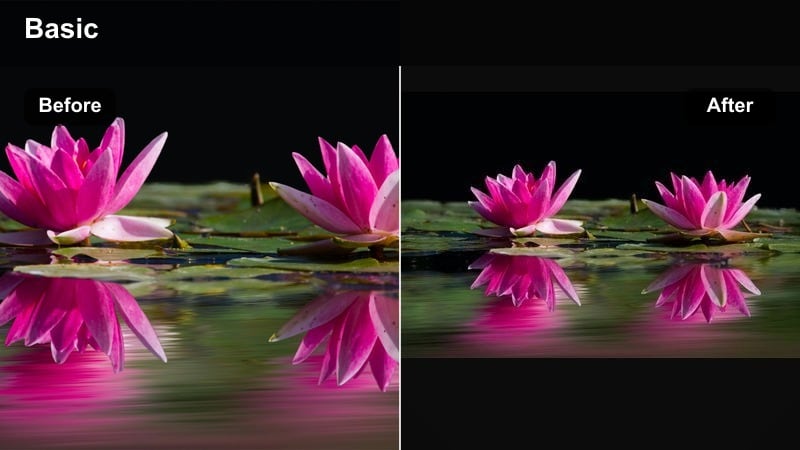
- Effect look: Cool blue emphasis on highlights with subtle magenta in midtones for neon-lit streets
- Best for: Night market dates, city lights B-roll, rainy sidewalk shots under signs
- Editing tip: Dial back saturation on bright signage to avoid color clipping and keep the couple as the focus of the frame.
Neon Ice Date is tuned for busy night streets, pushing blues and magentas so neon signs and reflections pop in a cinematic way. In Filmora, it helps organize the chaos of city lights by giving your highlights a cohesive cool tone that still feels vibrant.
Apply it to walking shots past storefronts, reflections in puddles, and overhead sign glows. Combine the filter with Filmora’s HSL controls to tame over-saturated signs while keeping your couple bright, then add a touch of slow motion or stabilization for smooth, dreamy nighttime sequences.
Midnight Chill Duo
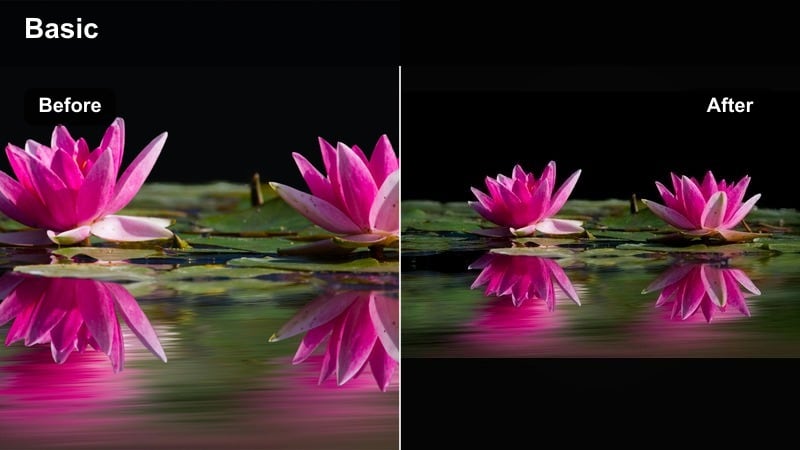
- Effect look: Deep blues in shadows with crisp neutral highlights for a clean low-light couple look
- Best for: Rooftop nights, skyline viewpoints, late-night drives and parking-lot scenes
- Editing tip: Bring down noise with Filmora’s denoise tool before color; then sharpen lightly so the blue shadows feel smooth, not grainy.
Midnight Chill Duo focuses on rich, deep blues in the dark areas while preserving neutral, readable highlights on faces and key details. In Filmora, this makes low-light rooftop or parking-lot scenes feel intentional and cinematic instead of underexposed.
Use it on static tripod shots of city skylines, cozy car interiors, and close-up conversations under streetlights. Run a denoise pass first, then add the filter, and finish with selective sharpening on eyes and hair so your couple looks crisp against a moody midnight backdrop.
Arcade Cool Glow
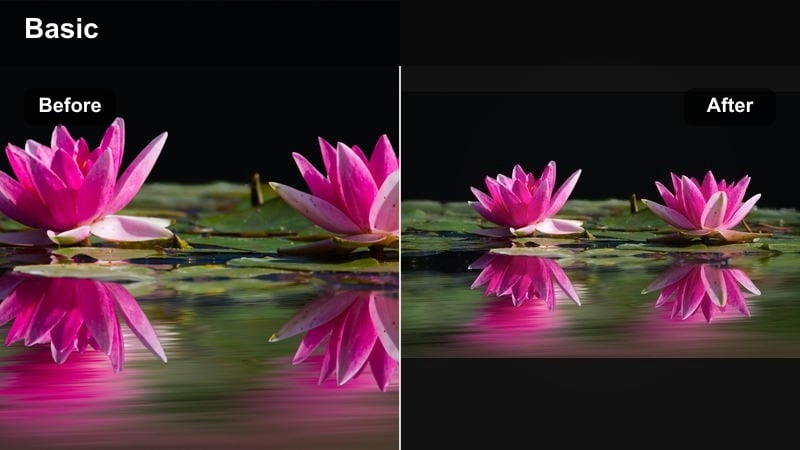
- Effect look: Blue-green glow with slightly boosted saturation and strong contrast on edges
- Best for: Arcade dates, bowling alleys, gaming cafe nights and indoor LED setups
- Editing tip: Reduce global contrast a little if your original footage has harsh spotlights so you keep detail in both faces and highlights.
Arcade Cool Glow is built for neon-heavy indoor spaces, where LEDs and screens create colorful splashes everywhere. In Filmora, it enhances blue-green tones and edge contrast so the environment feels energetic while your couple still stands out.
Apply it to gaming shots, bowling lanes, and any scene with colorful LED strips. Combine the filter with Filmora’s vignette and a small contrast reduction to protect skin details, then sync cuts to upbeat music so the glowing colors and quick edits amplify the fun date-night energy.
Cool and Clean Date Video Looks
Minimal Cool Crisp
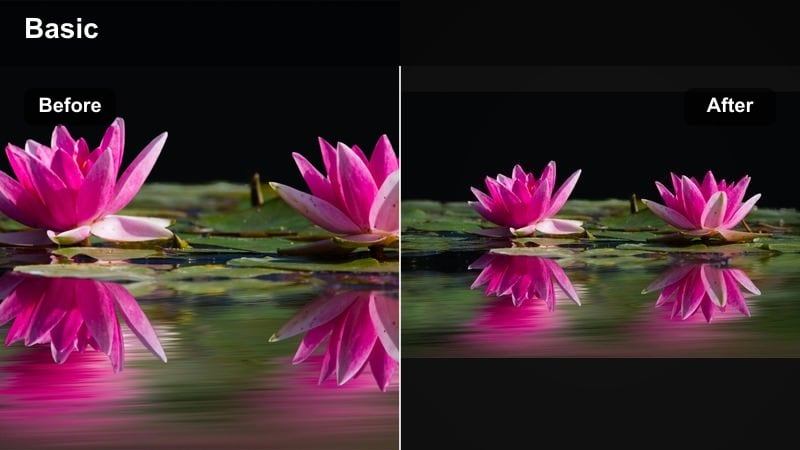
- Effect look: Neutral cool balance with bright whites and slightly softened contrast for a clean vlog feel
- Best for: Talking segments, sit-down couple Q and A, casual room tours and mirror shots
- Editing tip: Lower saturation in the background and keep skin-tone saturation slightly higher to give a subtle depth without heavy grading.
Minimal Cool Crisp is a go-to filter when your couple content leans more vlog than montage. In Filmora, it brightens whites and adds a gentle cool shift, which keeps your frame fresh and modern without drawing attention away from your dialogue.
Use it for intros, Q and A sessions, and room tours. Pair the look with a slight background desaturation using Filmora’s color tools, and keep skin tones a bit richer so your couple pops subtly from the environment while maintaining a cohesive, clean aesthetic across your channel.
Gallery Cool Neutral
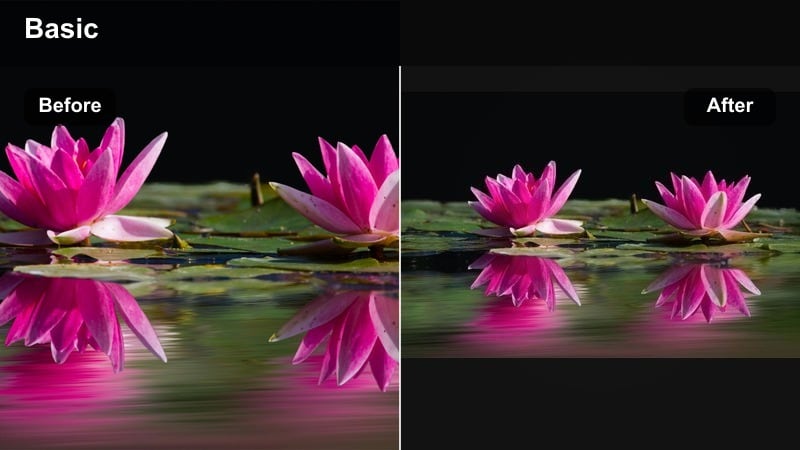
- Effect look: Light cool shift with low saturation and gentle contrast, mimicking a lifestyle photo gallery
- Best for: Clothing hauls, museum dates, white-wall apartments and minimalist spaces
- Editing tip: If your scene feels too flat, add a touch of local contrast only to the couple using masks instead of boosting global clarity.
Gallery Cool Neutral trims saturation and adds a mild cool tone that feels inspired by minimalist lifestyle photography. In Filmora, it works especially well in white or neutral spaces where you want the grade to be understated but still styled.
Apply it to museum walkthroughs, wardrobe try-ons, and slow shots in bright apartments. Use Filmora’s masking tools to gently boost contrast on your couple only, so they remain the emotional anchor while the environment stays soft and gallery-like.
Subway Fresh Frame
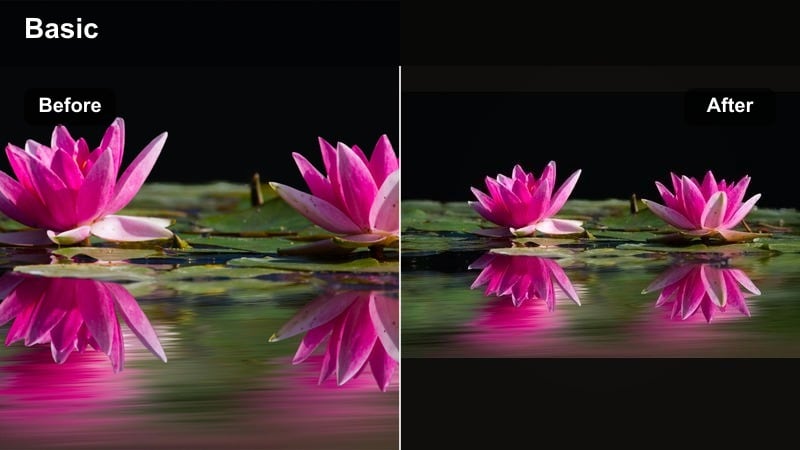
- Effect look: Clean contrast with cool shadows and slightly warm skin tones for a fresh, urban-ready look
- Best for: Subway rides, train platforms, city commute B-roll and candid transitions
- Editing tip: Use speed ramps and this filter together; apply the grade first, then ramp the clips so your tones feel consistent through motion.
Subway Fresh Frame balances cool urban shadows with warmer skin tones so your couple looks flattering even under harsh train-station lights. In Filmora, it adds clean contrast that works great for fast-moving commute shots and in-between transitions.
Use it for shots of doors opening, trains passing, and candid platform moments. Apply the filter first, then add speed ramps and motion blur in Filmora so your color stays consistent while the pacing shifts, giving your whole travel sequence a unified, city-ready finish.
Cinematic Cool Filters for Urban Couple Stories
Highline Blue Contrast
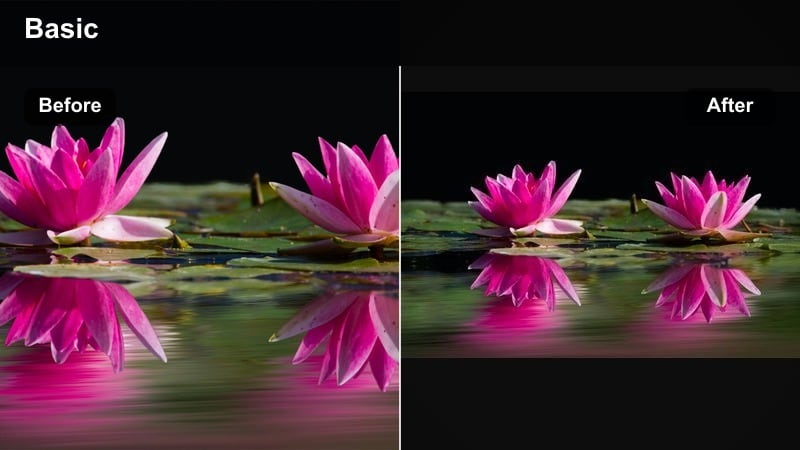
- Effect look: Punchy blue contrast with rich blacks and cool midtones for a bold cinematic style
- Best for: Montage sequences, B-roll overlays, dramatic slow-motion couple shots
- Editing tip: If edges look too harsh, soften the image slightly with a small blur and reduce sharpening on export.
Highline Blue Contrast dials up blues and deep blacks to create a bold, trailer-like finish that grabs attention on social feeds. In Filmora, this filter is perfect for highlight reels and hook moments where you want your couple story to feel like a mini movie.
Use it on slow-motion walks, skyline reveals, and dramatic profile shots. Combine the filter with Filmora’s cinematic titles and sound design, and consider softening overall sharpness slightly so the intense contrast still feels polished and watchable on mobile screens.
Concrete Cool Fade
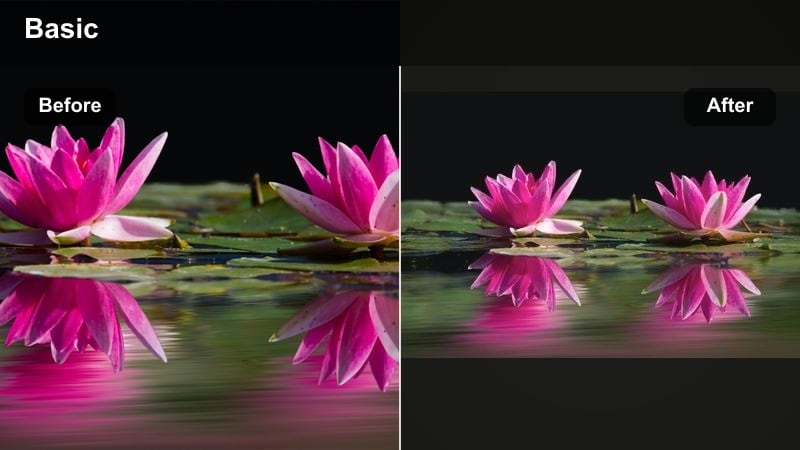
- Effect look: Desaturated cool tones with gentle fade in highlights and shadows for understated storytelling
- Best for: Walking talks, reflective voiceovers, documentary-style couple narratives
- Editing tip: Lower audio music levels a bit and lean on ambient street sounds so the calm visual grade pairs with a relaxed soundscape.
Concrete Cool Fade pulls saturation back and adds a soft fade to both highlights and shadows, giving your couple clips a grounded, documentary vibe. In Filmora, it works well when you want viewers to focus more on conversation and emotions than flashy visuals.
Apply it to continuous walking dialogues, introspective moments, and voiceover overlays of your couple exploring the city. Pair the grade with lower music levels and stronger ambient sounds, using Filmora’s audio mixer so the calm visuals and natural audio feel in sync.
Bridge Sapphire Flare
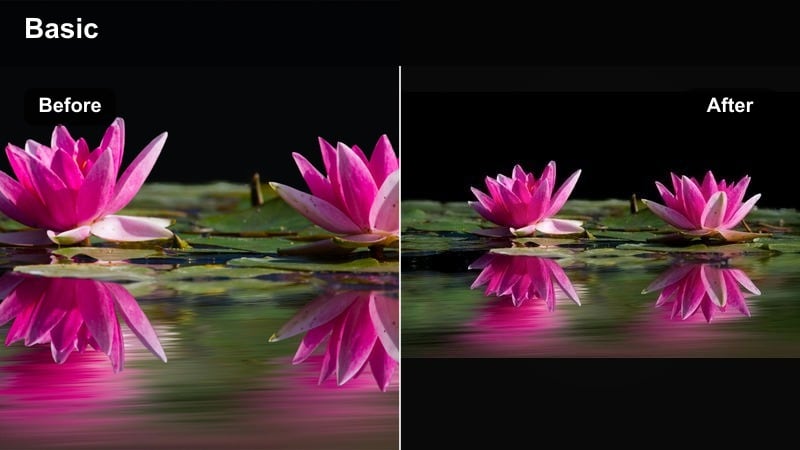
- Effect look: Saturated sapphire blues with boosted lens flares and crisp, bright highlights
- Best for: Bridge walks, waterfront dates, sun-flare backlit couple silhouettes
- Editing tip: If blues start to overpower, pull back the blue channel in saturation but keep luminance high to maintain that glowing water and sky.
Bridge Sapphire Flare pushes blues into a rich sapphire range and helps flares and reflections stand out around bridges and water. In Filmora, it turns simple river walks and skyline backdrops into striking, postcard-like scenes that still feel romantic.
Use it at golden hour by the water, on bridges, or anywhere you capture silhouettes and flares. Adjust blue saturation slightly if needed and add a little film grain in Filmora so the intense blues feel cinematic and organic rather than overly digital.
Tips for Using Couple Cool Tone Filters in Filmora
- Shoot with consistent white balance in-camera so your cool couple filters behave predictably across clips.
- Expose a little brighter than usual for nighttime couple shots to protect detail when you deepen the blues.
- Use masks to apply stronger cool tones to the background while keeping the couple’s skin more neutral.
- Create a dedicated couple preset folder in Filmora so your favorite cool date looks stay organized.
- Always test your final graded video on a phone screen, since most viewers will watch your couple edits on mobile.
- Combine filters with gentle adjustments to contrast, saturation and HSL in Filmora instead of relying on a single slider.
- Save different cool-tone variations as presets for day, dusk and night so you can swap looks quickly during editing.
- Use Filmora’s split-screen preview to compare two cool couple filters side by side before committing to one.
Cool couple video filters with blue romance tones can instantly turn casual urban dates into stylish, cinematic memories, especially when you balance clean contrast with flattering skin tones.
Load these presets in Filmora, adjust them to match your own couple aesthetic, and then explore family video filters next to keep a cohesive visual style across every story you share.
secure downloadNext: Discover Family Video Filters for Warm, Connected Stories
