

 100% Security Verified | No Subscription Required | No Malware


 ChatGPT
 Perplexity
 Gemini
 Claude
 Grok
Grok
These cool TikTok video filters are built for creators who want crisp, modern edits that cut through the scroll, from urban streetwear clips to polished product drops.
Use these Filmora presets as a starting point for blue tone video filters, clean digital short video effects, and neon-soaked night scenes that feel instantly on-trend for TikTok and beyond.
In this article
Daytime City Vibes for Streetwear and Lifestyle
Urban Chrome Pop
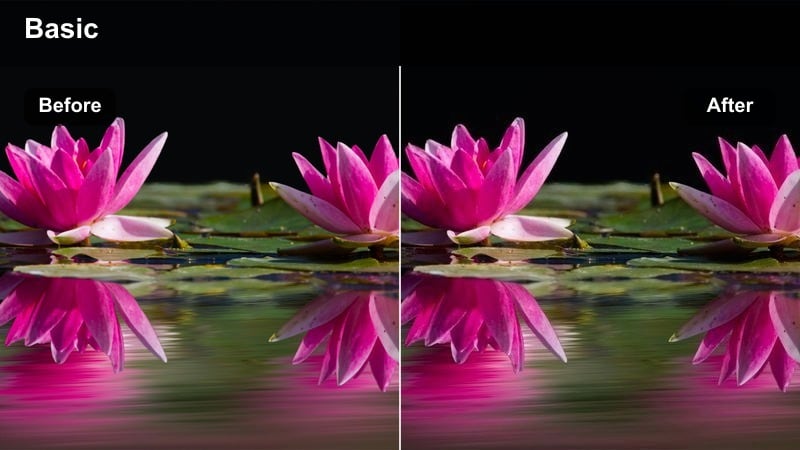
- Effect look: High-contrast city colors with crisp whites and subtle blue shadows for a polished chrome vibe.
- Best for: Streetwear fit checks, walking shots through downtown, lifestyle B-roll in modern neighborhoods.
- Editing tip: Slightly lower saturation on reds to keep skin tones natural while letting signage and buildings pop.
Urban Chrome Pop is a punchy, cool-toned filter that makes city lines sharper, deepens shadows, and gives glass, metal, and pavement a clean chrome-style shine. In Filmora, it is ideal when you want your outfit, sneakers, and accessories to stand out against a detailed urban background without losing clarity in highlights or crushing darker areas.
Apply this filter to your TikTok walking transitions and fit checks, then fine-tune contrast and saturation in Filmora to control how aggressive the chrome look feels. Combine it with 60 fps slow motion for bag swings or footwork, and add a subtle vignette so the viewer focuses on you while the city stays stylishly defined around the edges.
Dial In Consistent Cool Tones with Filmora's AI Tools
Filmora's AI-powered color tools help you keep your cool TikTok video filters consistent across different phones, lenses, and city locations. When your outfits and brand colors always sit in the same cool blue range, your grid immediately looks more intentional and premium.
Use AI Color Match to sync the overall tone between bright daytime streetwear clips and darker indoor scenes, so viewers feel a smooth visual story as they swipe through your account.
 secure download

See Cool TikTok Filters in Action on Real City Footage
Load a mix of streetwear clips, product close-ups, and night city B-roll into a single Filmora timeline and preview these cool TikTok filters back-to-back. Watching how each style treats blue shadows, neon accents, and skin tones makes it easier to choose a signature look for your main feed.
Once you find a filter that fits your brand, save that preset for your core TikTok posts and reserve bolder or experimental looks for Stories, Reels, or limited-time campaigns.
secure downloadTurn Filters into Reusable Looks with LUTs
After you dial in a cool TikTok video filter you love in Filmora, save it as a custom LUT so you can reapply the same look in one click on every new project. This keeps your daytime city scenes, desk setups, and neon night edits visually aligned across TikTok, Reels, and Shorts.
Apply the LUT at the start of your edit, then only tweak exposure and contrast per clip, which speeds up your workflow and preserves a consistent brand identity.
secure downloadConcrete Soft Matte
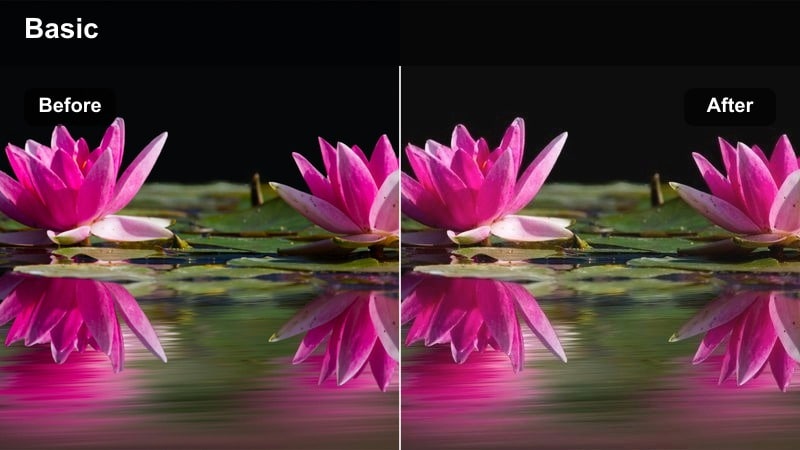
- Effect look: Muted midtones, soft matte contrast, and a gentle blue tint in shadows for a polished editorial feel.
- Best for: Lookbooks on staircases, rooftop hangs, and side-street photo-walk style clips.
- Editing tip: Use Filmora's sharpen at a low value to bring back texture in sneakers and denim that matte curves can soften.
Concrete Soft Matte turns harsh urban concrete into a smooth, editorial backdrop with lifted blacks and soft contrast. Blues sink into the shadows just enough to feel cool and modern, while midtones stay muted so your outfit and pose become the focal point of the frame.
In Filmora, apply this filter to rooftop, staircase, or alleyway footage, then gently boost sharpening to keep fabrics and sneaker details crisp. Use negative space like blank walls or open sky, and layer minimalist on-screen text in clean fonts so your TikTok edits look like pages from a high-end lookbook.
Minimal Glass Day
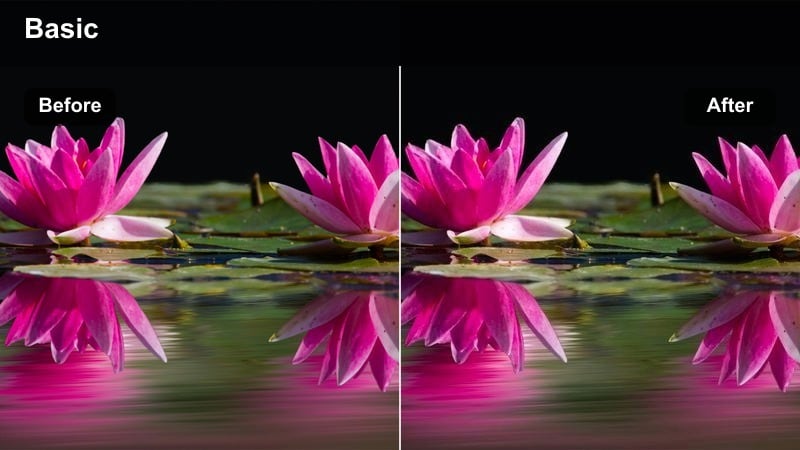
- Effect look: Clean whites, gentle blue highlights, and subtle clarity for a glassy, techy daytime aesthetic.
- Best for: Office window shots, coffee shop productivity clips, and tech gadget city desk setups.
- Editing tip: Boost Filmora's highlight roll-off to avoid blown-out windows while keeping that bright, minimal look.
Minimal Glass Day is designed for tech creators and productivity vloggers who shoot around big windows, glossy desks, and screens. It keeps whites bright and neutral while pushing a cool tone into highlights so your workspace feels airy, digital, and modern without harsh contrast.
Use this filter in Filmora on office, cafe, and co-working shots, then fine-tune highlight roll-off to preserve detail outside windows. Add simple push-in keyframes or subtle zooms that mimic app UI motion, and overlay screen recordings or UI elements to create a cohesive tech aesthetic for your TikTok tutorials and workday montages.
Blue Tone City Cuts for Cool Modern Feeds
Icy Asphalt
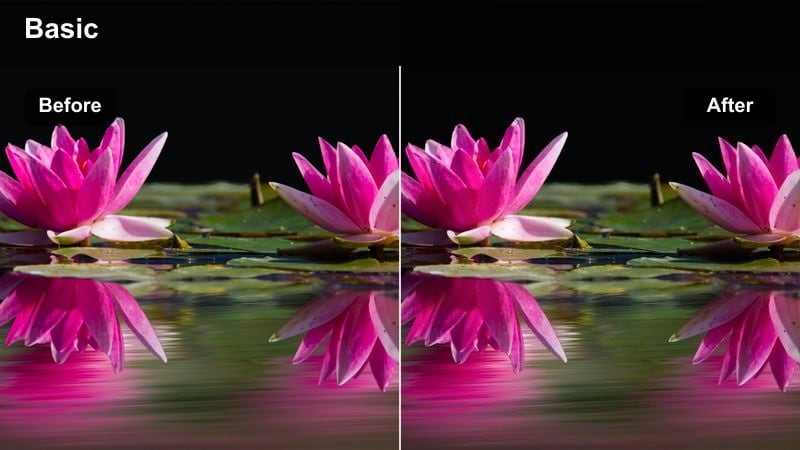
- Effect look: Deep cool shadows with cyan-leaning blues and desaturated backgrounds to emphasize motion.
- Best for: Skate clips, bike rides, and handheld city runs filmed at golden hour or overcast days.
- Editing tip: Use Filmora's speed ramping on push-offs or jumps to make the cool tones hit right on beat changes.
Icy Asphalt pulls warm tones out of the street and leans into cyan, turning regular pavement into a sleek runway for skate and motion-heavy clips. Background saturation drops slightly so boards, bikes, and outfits carry the most color energy while the city reads as a cool, cinematic backdrop.
Drop this filter onto your fast-paced runs in Filmora, then use speed ramping to accent big moves like kickflips, sprints, or turns so the tonal shift emphasizes transitions in your soundtrack. Add a touch of warmth back into midtones with color controls to keep skin tones natural while the streets stay icy and stylized.
Metro Cool Linear
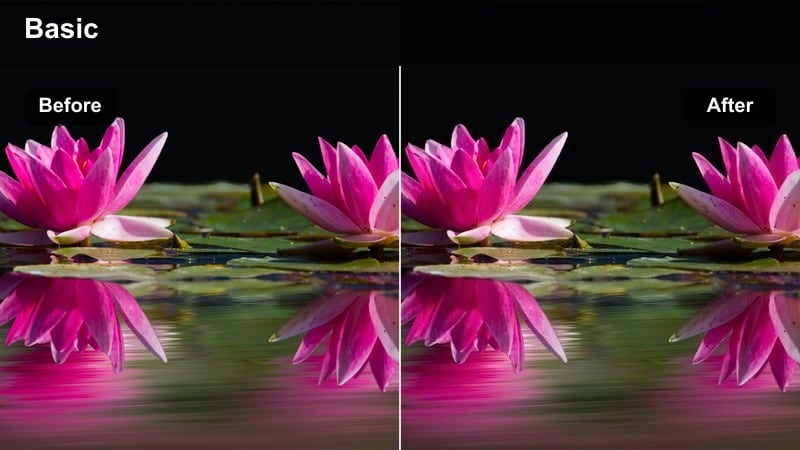
- Effect look: Linear cool gradient from shadows to midtones with clean highlights for sharp subway and transit visuals.
- Best for: Subway station shots, train window reflections, escalator sequences, and commute B-roll.
- Editing tip: Add a gentle Filmora tilt-shift blur to the top and bottom of the frame to push attention toward the center tracks.
Metro Cool Linear is built for subways, tram platforms, and futuristic walkways, where long lines and vanishing points dominate the frame. The filter lays a cool gradient across shadows and midtones while preserving crisp highlights on lights, signage, and metallic surfaces.
In Filmora, pair this look with tilt-shift blur to softly frame escalators, train doors, or tracks, and cut on beat to match doors opening, trains arriving, and footsteps on stairs. Use multiple angles from the same station with this filter applied so your TikTok commute edits feel cohesive and cinematic even when shot on the go.
Skyline Cool Fade
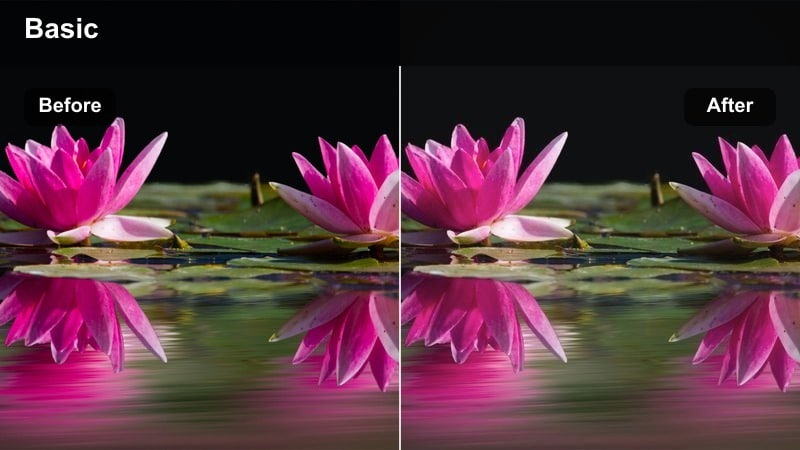
- Effect look: Faded blue skies, lifted blacks, and a soft haze over distant buildings for calm, cool cityscapes.
- Best for: Drone flyovers, balcony views, and slow panning shots of high-rise skylines.
- Editing tip: Dial a slight Filmora grain layer on top at low opacity to add cinematic texture to the smooth blue gradients.
Skyline Cool Fade is tuned for wide city views, giving skyscrapers and distant streets a gentle blue haze that feels calm and cinematic. Blacks are lifted slightly and highlights are softened, which helps balcony shots, drone clips, and timelapses flow smoothly without harsh contrast jumps.
Apply this filter in Filmora to blue hour flyovers or panoramic pans, then add a low-opacity grain overlay for extra texture. Use slow, confident camera moves and consider duplicating and reversing clips to create mirrored pans, so your TikTok skyline edits feel polished and loop-friendly without distracting from the soothing cool tones.
Product Showcases with Clean Digital Effects
Studio Clearline
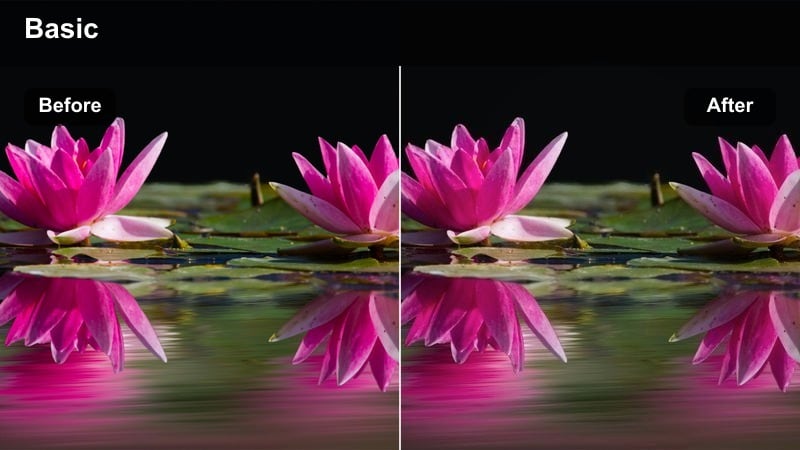
- Effect look: Neutral whites, slightly cool midtones, and crisp micro-contrast to highlight product edges and logos.
- Best for: Desk setups, unboxings, tech product reveals, and packaging close-ups.
- Editing tip: Use Filmora's focus keyframing to rack focus from your hands to the product logo while this filter sharpens details.
Studio Clearline is tailored for clean product shots where sharp edges and readable logos are essential. The filter keeps whites neutral with a small cool shift, boosts micro-contrast around contours, and ensures packaging textures and typography remain crisp on vertical TikTok playback.
Use this filter in Filmora on unboxings, top-down desk setups, and close-up reveals, then animate focus keyframes to guide the viewer from your hands to key features or branding. Keep backgrounds minimal, and complement the look with simple text callouts or spec labels so your product feels like the hero in a modern digital catalog.
Brand Neon Edge
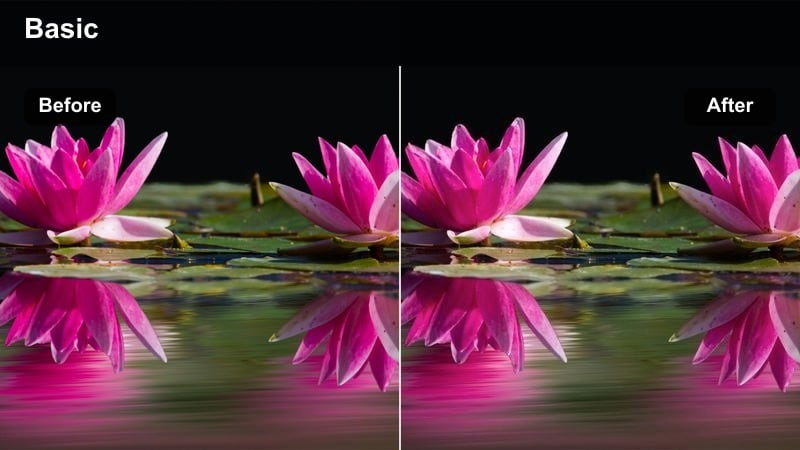
- Effect look: Cool white balance with boosted cyan and magenta edges that give products a soft neon aura.
- Best for: Streetwear product shots, sneaker close-ups, and lifestyle accessory reels in urban interiors.
- Editing tip: Place tiny neon accent lights behind the product so the filter can catch edges and glow without blowing out highlights.
Brand Neon Edge wraps your products in a subtle cyan and magenta halo, ideal for sneakers, streetwear pieces, and accessories placed in dim, urban interiors. The cool balance and edge-focused glow create a city-inspired aesthetic that feels trendy without overpowering the original colors of your items.
In Filmora, combine this filter with small RGB lights hidden behind shelves or under tables so edges catch a controlled neon rim. Sample those cyan or magenta tones for your text and price tags, then optionally stack a gentle glow effect on high-contrast zones to create TikTok-ready product loops that pop in the feed.
Spec Sheet Digital
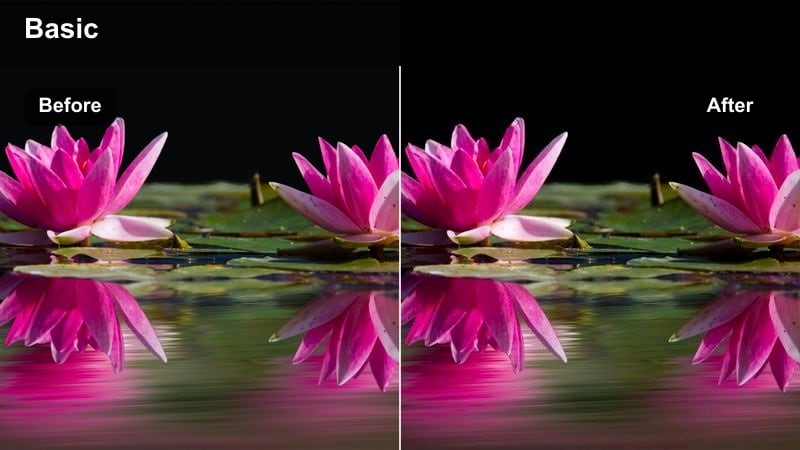
- Effect look: Cool, low-saturation colors with boosted clarity for text overlays and UI-style graphics.
- Best for: Tech spec breakdowns, software feature reels, and app walkthroughs with overlaid screen graphics.
- Editing tip: Use Filmora's screen blend mode on white line graphics so this filter keeps everything legible without heavy contrast.
Spec Sheet Digital is optimized for educational and tech-focused TikToks that rely on on-screen text, icons, and UI graphics. It slightly cools and desaturates the base footage, while boosting clarity so small fonts and line diagrams remain readable even on smaller devices.
Apply this filter to workspace or screen-recorded clips in Filmora, then overlay white lines, arrows, and labels using screen or add blend modes. Time each overlay to your taps, clicks, and gestures, and keep segment lengths short so viewers can easily follow complex feature breakdowns in a clean, digital style.
Night Neon Edits for After-Dark TikToks
Midnight Neon Rush
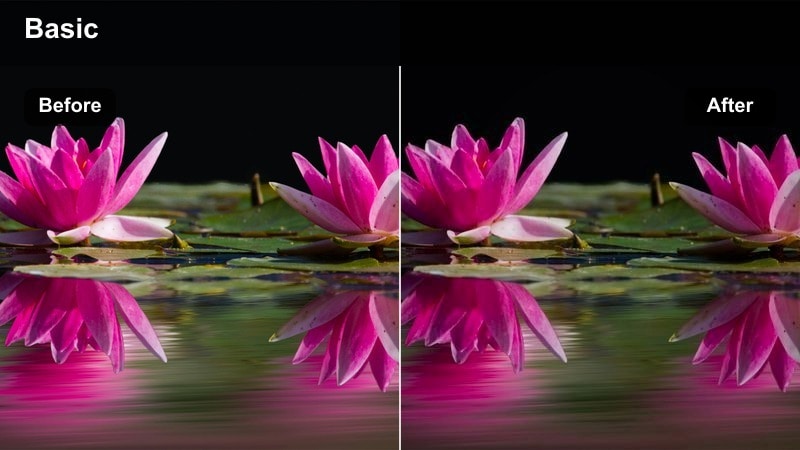
- Effect look: Crushed blacks with intense blue and purple neon highlights for high-energy night streets.
- Best for: City crosswalks, car light trails, night market B-roll, and fast-paced street transitions.
- Editing tip: Use Filmora's glow and motion blur on light sources to stretch neon signs and car lights during quick pans.
Midnight Neon Rush is all about high-energy nightlife, pushing blacks deep while turning neon blues and purples into electric accents. Crosswalks, headlights, and storefronts pick up vivid color, making even simple street shots feel like scenes from a music video or cyberpunk trailer.
In Filmora, apply this filter to your night city B-roll, then add glow and motion blur to moving lights to create dramatic streaks during pans and whip transitions. Cut on light streaks to hide jumps between shots, and experiment with short reversed clips so neon trails flow in both directions while the color palette stays consistently bold.
Cyber Street Glow
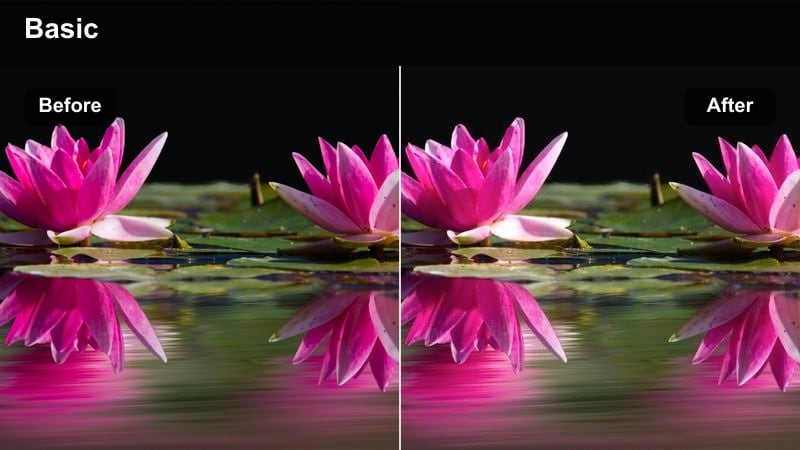
- Effect look: Teal and magenta color split with lifted shadows so faces stay visible in dark alleyways and side streets.
- Best for: Streetwear night shoots under signs, alleyway poses, and rooftop parking lot reels.
- Editing tip: Drop saturation on yellow and green channels to remove strange streetlight color and keep the cyber palette clean.
Cyber Street Glow leans into a teal-magenta split-tone look that feels instantly futuristic while keeping shadows lifted enough to see faces and outfit details. It is perfect for alleys, parking garages, and rooftop shots where neon signs or car park lights provide dramatic, directional lighting.
Use this filter in Filmora on static poses and slow camera moves, then reduce yellow and green saturation to kill off unflattering sodium streetlights. Add freeze frames on your strongest poses and overlay glitch or light leak effects so your TikTok edits keep moving visually, even when the subject is still.
Blue Hour Loop
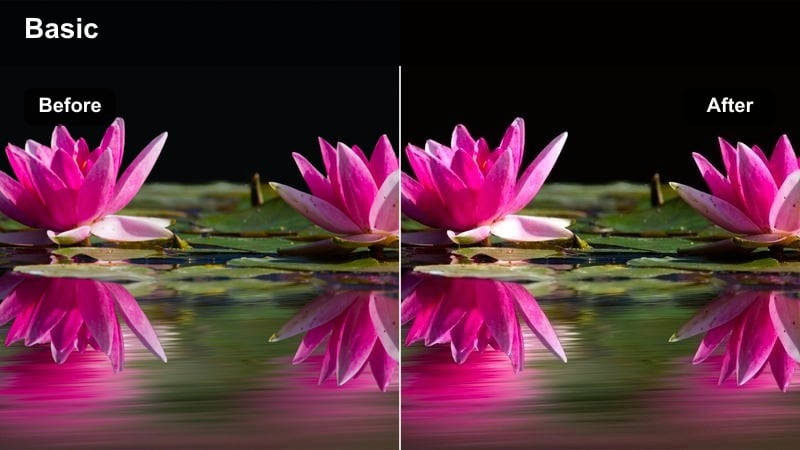
- Effect look: Rich blue shadows and gentle orange highlights tuned for the short window between sunset and full night.
- Best for: Balcony talks, reflective vlogs, and slow pans of glowing windows and streets at blue hour.
- Editing tip: Record slightly underexposed and let the filter lift shadows to keep neon signs readable without killing the mood.
Blue Hour Loop focuses on the brief period when the sky is deep blue and city lights just begin to glow. It adds richness to blue shadows, preserves soft orange highlights on windows and skin, and keeps contrast gentle so your vlogs and reflections feel intimate and cinematic.
In Filmora, underexpose your footage a touch in-camera, then let this filter lift the shadows to balance your face and the skyline. Trim your clips so the first and last frames match, then build seamless loops for TikTok by aligning subtle motions like turning from the view to the camera, giving your feed a calm, hypnotic nighttime aesthetic.
Tips for Using Cool Tiktok Video Filters in Filmora
- Shoot with slightly lower contrast in-camera so Filmora's cool filters have room to shape the look without crushing details.
- Lock white balance while filming in the city so blue tone filters do not shift unpredictably between clips.
- Record at 60 fps for walking shots and streetwear transitions to get smoother slow motion with crisp digital effects.
- Use consistent framing for product shots so your clean digital filters line up well with text overlays and graphics.
- Pair neon night filters with stable gimbal shots to keep glowing signs readable and avoid messy motion blur.
- Favor simple backgrounds and clear lines in the scene to make modern, minimal filters feel intentional and premium.
- Stack light grain at very low opacity to keep cool filters looking cinematic instead of overly digital.
- Test filters on both front and rear camera footage to make sure skin tones stay natural across all your content.
Cool TikTok video filters built around blue tones, clean digital effects, and neon city color give tech creators and streetwear influencers a fast way to define their visual identity.
Use these Filmora presets as modular building blocks across city scenes, product showcases, and night neon edits, then refine your favorites into a signature look you can carry over to Instagram Reels and beyond.
secure download