

 100% Security Verified | No Subscription Required | No Malware


 ChatGPT
 Perplexity
 Gemini
 Claude
 Grok
Grok
The right glowing skin tone video filter can turn flat, dull footage into radiant portraits that feel cinematic and professional in seconds.
Whether you film beauty tutorials, vlogs, or branded content, these Filmora presets help you smooth and brighten skin while keeping tones believable and true to life.
In this article
Golden Hour Portrait Glow
Soft Golden Glow
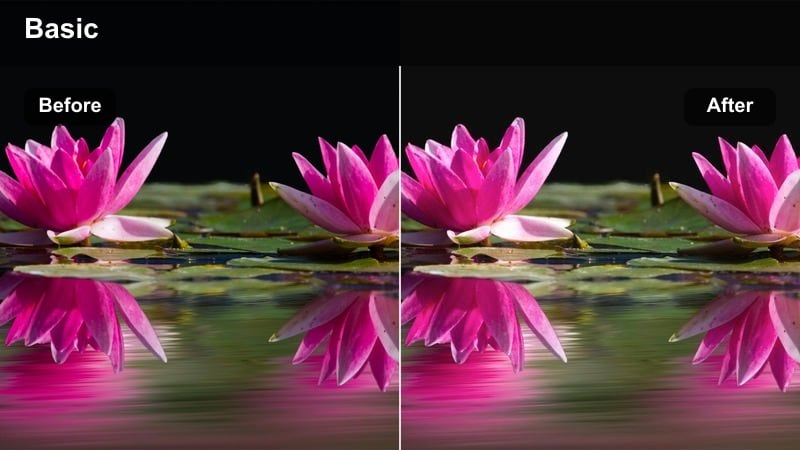
- Effect look: Gentle golden highlight that adds a sun-kissed radiance to faces without overexposing the scene.
- Best for: Beauty vlogs, lifestyle reels, and talking-head videos shot near windows or during late afternoon.
- Editing tip: Lower the filter intensity to 60-70 percent if your source footage is already warm to avoid orange-looking skin.
Soft Golden Glow wraps your subject in a warm, flattering halo that mimics late-afternoon sunlight, perfect for creating cinematic portraits straight out of Filmora. Apply this glowing skin tone video filter on clips where faces feel a bit flat, then fine-tune intensity and exposure so the highlight lifts cheekbones and forehead without blowing out details.
In Filmora, combine Soft Golden Glow with subtle skin smoothing and eye sharpening to keep faces luminous yet natural. Turn on scopes to watch your highlights, and if values push too high, slightly reduce exposure or adjust tone curves before the filter so you get creamy, radiant skin instead of clipped hotspots.
AI-Assisted Color Tuning for Natural Skin Glow
Filmora's AI-powered color tools quickly balance exposure and white balance so your glowing skin tone video filters sit on a clean, neutral foundation. Let AI handle the first pass to remove color casts from mixed lighting, then refine the look for each portrait.
Once the base is corrected, use Filmora's HSL and tone controls to gently adjust oranges and reds so every complexion stays true-to-life while still looking polished and radiant.
 secure download

Preview Glowing Skin Filters in Real Time
Filmora lets you hover over each glowing skin tone video filter and preview the result instantly on your footage, so you can compare several glow styles without committing a single change. This makes it easy to see how different levels of warmth, softness, and contrast affect each face.
Use a close-up clip from your beauty or vlog content, then cycle through multiple presets to find the one that best matches your channel aesthetics and your subject's undertones before you start fine-tuning.
secure downloadCombine Filters with Portrait LUTs for Cinematic Faces
For a more cinematic finish, layer your glowing skin tone video filter with a gentle portrait LUT inside Filmora. The filter handles softness, smoothness, and glow on skin, while the LUT adds richer contrast and a cohesive color grade that fits your overall video style.
Keep LUT intensity low so it does not overpower your skin tones. Let the beauty filter do most of the heavy lifting and use the LUT mainly to unify your footage across scenes, especially when editing series, playlists, or branded content.
secure downloadSunset Rose Sheen
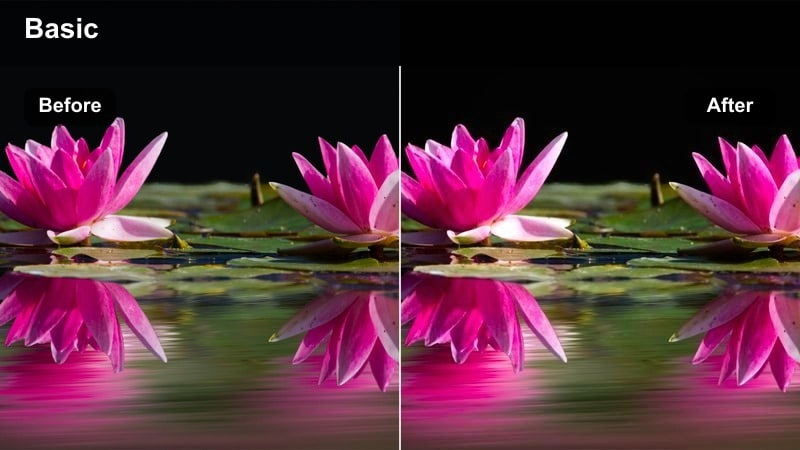
- Effect look: Adds a subtle rose tint and lifted midtones to mimic soft sunset light across cheeks and forehead.
- Best for: Romantic portraits, engagement shorts, and storytelling vignettes with close-up faces.
- Editing tip: Pair with a slight vignette to keep attention on the subject's face and enhance the cinematic mood.
Sunset Rose Sheen introduces a gentle rose wash to midtones, creating flattering, blush-like warmth that feels like real sunset light. It is ideal when you want faces to look romantic and cinematic without heavy color grading or complex masks.
In Filmora, drop this skin tone filter on couples shots, lifestyle B-roll, or emotional close-ups, then add a light vignette and mild contrast boost. If outfits are cool-toned, reduce saturation slightly so the rose tint stays refined and does not clash with blues or greens in the frame.
Amber Warm Portrait
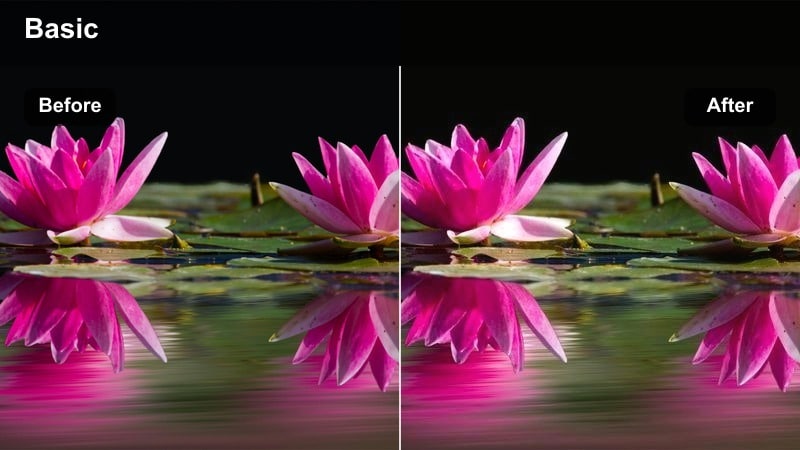
- Effect look: Rich amber warmth in highlights and midtones, with gentle contrast for a photo-like portrait finish.
- Best for: Instagram Reels, brand portraits, and influencer content shot indoors with soft lighting.
- Editing tip: Boost sharpness slightly on eyes and lashes to balance the softness this filter adds to skin.
Amber Warm Portrait adds a rich, honeyed glow that feels like a professional studio grade, enhancing highlights and midtones for print-like portraits. It subtly sculpts facial features with controlled contrast while keeping skin smooth and luminous.
Apply this skin tone filter in Filmora on influencer shots, branded talking heads, or lookbook content, then fine-tune contrast for different complexions. For deeper skin tones, ease back contrast to protect shadow detail and use HSL to keep oranges and reds balanced so lips and blush do not become oversaturated.
Studio Beauty & Tutorial Lighting
Airbrushed Soft Focus
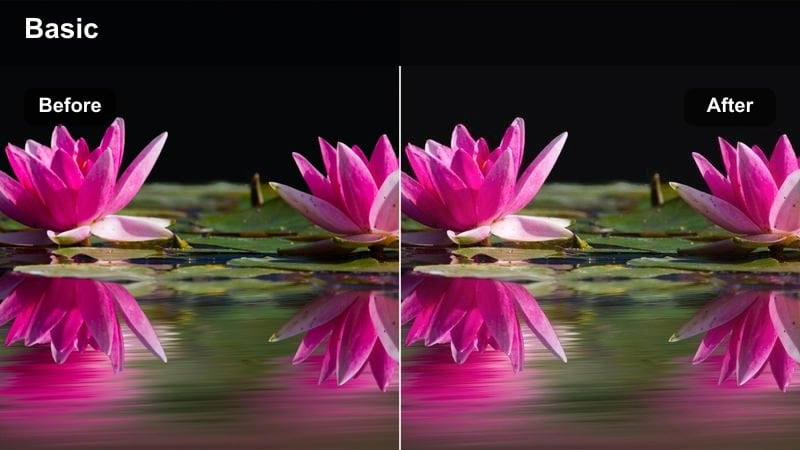
- Effect look: Delicate skin smoothing with a soft-focus bloom that keeps facial details intact.
- Best for: Makeup tutorials, skincare demos, and beauty brand product videos under ring lights.
- Editing tip: Use a mask to limit smoothing to cheeks and forehead so eyes, brows, and lips stay crisp.
Airbrushed Soft Focus creates a subtle blur over minor imperfections while preserving pores and fine details, which is crucial for trustworthy beauty content. It adds a light bloom to highlights, giving ring-lit faces a polished, camera-ready finish without looking plastic.
Inside Filmora, combine this video skin filter with masking tools to target only skin areas, leaving brows, lashes, and lip lines sharp. Avoid maxing out blur; instead raise intensity just until blemishes fade into the background so viewers still see real skin texture in your tutorials and reviews.
Studio Glass Skin
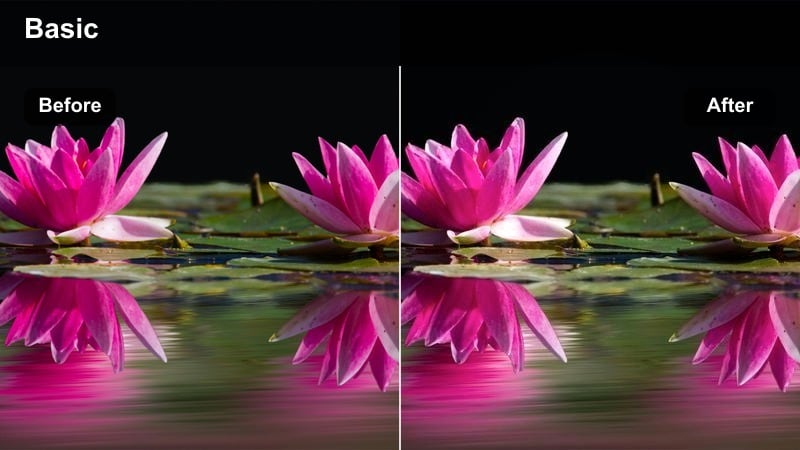
- Effect look: High-shine, dewy skin effect with bright highlights and clear, luminous complexion.
- Best for: K-beauty inspired videos, skincare routines, and glossy editorial-style portraits.
- Editing tip: Lower clarity on the background while keeping the face sharp to accentuate the glassy skin effect.
Studio Glass Skin is designed to mimic dewy, editorial skin seen in skincare campaigns, pushing highlight sheen on cheekbones, nose, and forehead. It keeps tones clean and bright while amplifying the perception of hydration and glow.
Use this filter in Filmora on close-up skincare routines or K-beauty content, then reduce background clarity or add a light blur so the face becomes the focal point. If the T-zone starts to look oily, slightly tame highlight intensity with curves or a subtle gradient over the forehead to maintain a curated, glassy effect.
Clean Beauty Neutral Glow
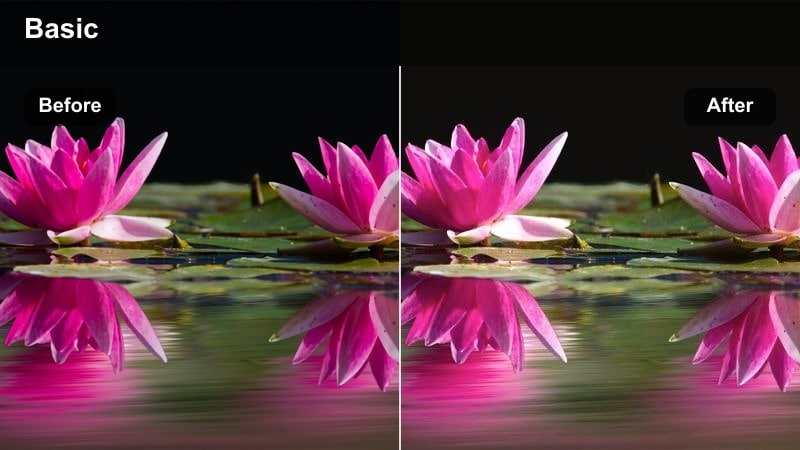
- Effect look: Balanced tones with a soft neutral warmth that flatters every complexion without strong color shifts.
- Best for: Dermatology explainers, professional tutorials, and product shots with models of varied skin tones.
- Editing tip: Keep white balance close to neutral before applying this filter to preserve accurate product colors.
Clean Beauty Neutral Glow is a versatile skin tone filter that adds understated warmth and brightness without pushing any strong hue. It is ideal for professional or educational content where product and skin color accuracy matter but you still want polished, glowing faces.
In Filmora, first correct white balance so whites and grays look neutral, then apply this filter to unify faces shot under different studio setups. Scrub through group shots to confirm every skin tone stays natural, and if one leans too warm or cool, refine oranges and reds in HSL until the whole frame feels consistent.
Indoor Vlog & Lifestyle Warmth
Cozy Apartment Glow
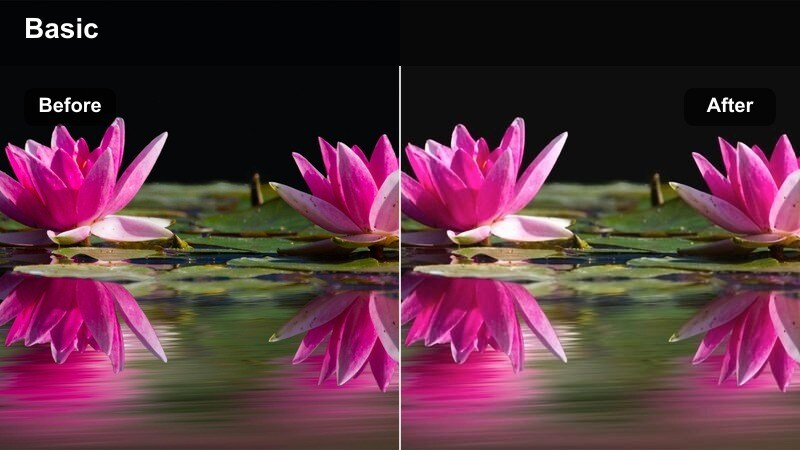
- Effect look: Soft warm tint with lifted shadows that brightens faces in low-light living spaces.
- Best for: Home vlogs, casual sit-down chats, and day-in-the-life videos in apartments or bedrooms.
- Editing tip: Add slight noise reduction before this filter if your footage is grainy to keep skin looking clean.
Cozy Apartment Glow is tailored for low-light indoor vlogs, gently lifting shadows and adding warmth so skin looks inviting even in dim rooms. It recovers detail in faces without amplifying harsh noise, giving creators a way to rescue footage shot on the fly.
In Filmora, run mild noise reduction on grainy clips first, then apply this skin tone filter to brighten and warm your on-couch or bedroom storytelling. Correct any blue or green color cast from windows or overhead bulbs before adding the glow so the final warmth feels clean, not muddy.
Desk Setup Soft Radiance
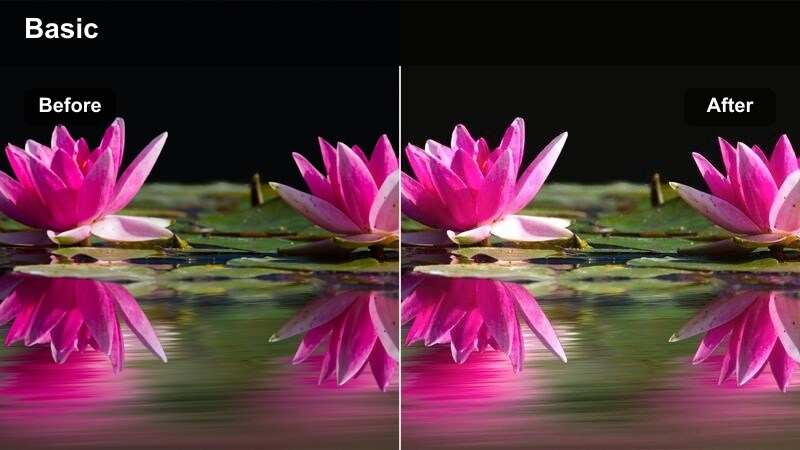
- Effect look: Soft, low-contrast glow that evens out skin under monitors and desk lamps with hint of warmth.
- Best for: Productivity vlogs, streaming highlights, and tech desk setups with talking-head shots.
- Editing tip: Use this filter with a slightly cooler white balance so skin stays fresh instead of overly warm.
Desk Setup Soft Radiance is designed for creators filming at their computers, where mixed screen and lamp light can make skin look dull or uneven. The filter softens contrast, lifts midtones, and adds a touch of warmth so your face looks fresh, even when RGB lights are in the background.
Inside Filmora, cool down white balance a bit before applying this video skin filter to avoid overly orange tones from warm desk lamps. If monitor light casts heavy blue or green spill, reduce saturation for those hues first, then let the filter focus on delivering a clean, flattering glow on your talking-head shots.
Morning Routine Glow Wash
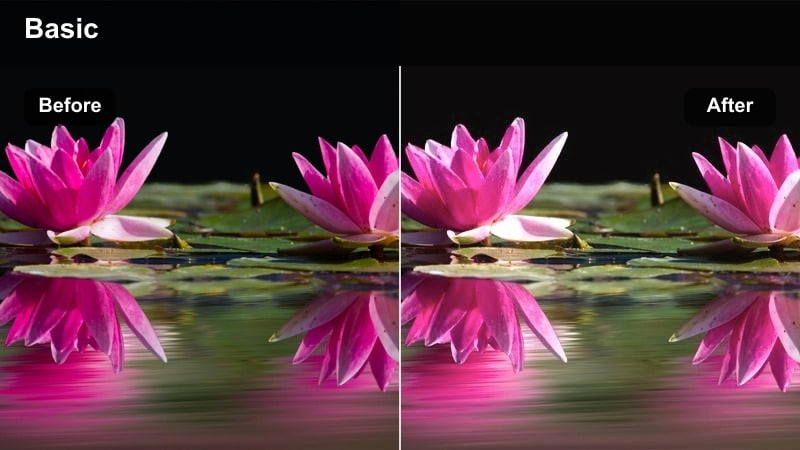
- Effect look: Brightened exposure and soft pastel warmth, making skin look fresh and well-rested.
- Best for: Morning routine vlogs, self-care content, and lifestyle shorts filmed in bedrooms and bathrooms.
- Editing tip: Reduce saturation in yellows slightly to keep bathroom lighting from making skin look sallow.
Morning Routine Glow Wash brightens your entire frame and adds a light, pastel warmth that suggests natural morning light. It makes skin appear rested and energized, ideal for self-care narratives, get-ready-with-me videos, and wake-up vlogs.
Use this glowing skin tone filter in Filmora on mirror shots and handheld morning clips, gently dialing back yellow saturation if bathroom bulbs skew too warm. Expose for faces by lifting brightness and then controlling highlights with curves so windows retain some detail while skin stays luminous.
Outdoor Creator & On-the-Go Shots
Street Daylight Glow
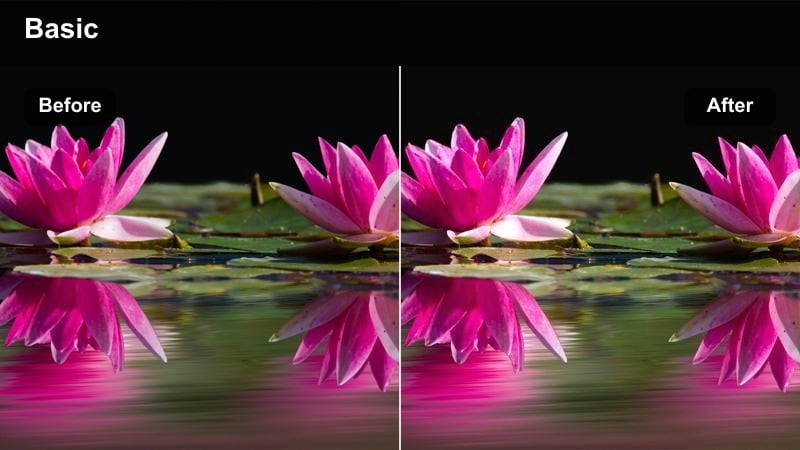
- Effect look: Balanced contrast and subtle warmth that tames harsh midday light on skin during street shoots.
- Best for: City vlogs, travel content, and walk-and-talk TikToks filmed outdoors in bright daylight.
- Editing tip: Lower highlights and slightly soften contrast after applying the filter to reduce mid-day harshness.
Street Daylight Glow is built to rescue faces shot under unforgiving midday sun, smoothing contrast and adding mild warmth so skin looks more flattering. It helps control overexposed areas on cheeks and forehead while preserving enough punch for energetic city or travel footage.
In Filmora, apply this filter to your outdoor walk-and-talks, then fine-tune highlights and contrast to minimize harsh shadows from buildings or overhead light. For best results, try filming in open shade first, then use the filter to add glow and cohesion across clips captured in different parts of the city.
Park Evening Soft Skin
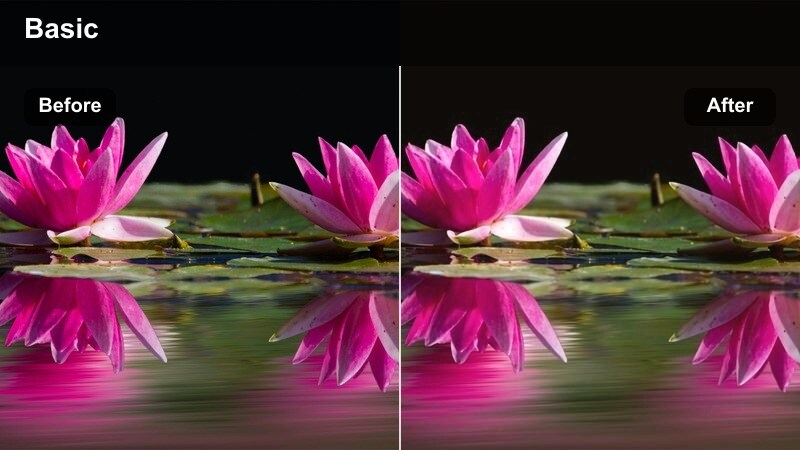
- Effect look: Gentle evening warmth with softened shadows to make dusk footage feel calm and flattering.
- Best for: Outdoor chats, jogging vlogs, and casual hangout scenes shot around sunset in parks or open spaces.
- Editing tip: Increase saturation slightly in oranges to keep faces lively when overall scene light is low.
Park Evening Soft Skin adds a calm, twilight warmth to dusk footage, smoothing out muddy shadows and reviving skin tones as natural light fades. It is perfect for relaxed, reflective scenes where you want faces to remain readable and flattering even when the sky is dim.
Apply this Filter in Filmora to your jogging vlogs or park conversations, then gently lift saturation in oranges so faces do not look washed out. Avoid raising shadows too aggressively, as dusk footage can reveal noise; instead, let the filter work first, then use selective adjustments only where the subject's face needs a small boost.
Travel Warm Sun Kiss
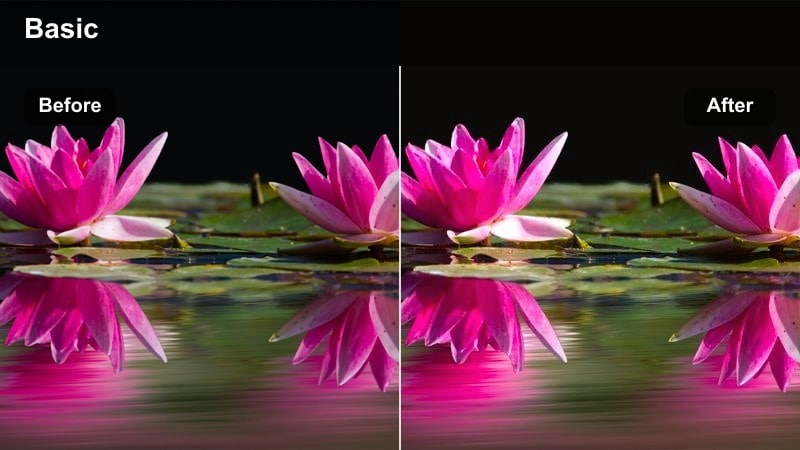
- Effect look: Cinematic warm highlights and slightly deeper shadows that give travelers a bronzed, holiday glow.
- Best for: Travel vlogs, beach walks, and rooftop city views where faces are the focus.
- Editing tip: Use this filter lightly on very fair skin to prevent an artificial tan look.
Travel Warm Sun Kiss delivers a bronzed, cinematic look that instantly gives your travel footage a holiday vibe, deepening shadows while warming highlights on skin. It works especially well at golden hour, when you want to emphasize sunkissed cheeks and nose without a full custom grade.
In Filmora, apply this glowing skin tone video filter to beach, rooftop, or street scenes where your face is the story anchor. Adjust intensity based on skin tone, using lower values for very fair subjects and gently nudging the orange hue toward yellow if the grade shifts your natural undertone too far from reality.
Tips for Using Glowing Skin Tone Video Filter Filters in Filmora
- Always correct white balance first so your glowing skin tone video filter does not have to fight mixed color temperatures from windows and bulbs.
- Test each chosen skin tone filter on multiple clips and lighting setups before locking it in as a signature preset for your channel.
- Watch the scopes in Filmora to ensure highlights on foreheads, noses, and cheeks stay under clipping when you boost glow.
- Lower filter intensity on footage that is already warm to prevent overly orange, unrealistic skin tones in your final render.
- Use masks to confine stronger glow and smoothing to faces while keeping hair, clothes, and backgrounds crisp and detailed.
- Tweak HSL sliders for oranges and reds to match every subject's natural undertone, especially in multi-person or brand shoots.
- Export short test clips and review them on phones, tablets, and laptops to confirm that skin looks good on all common screens.
- Combine subtle skin smoothing with targeted sharpening on eyes and lips instead of stacking many heavy beauty filters at once.
With the right glowing skin tone video filter, your portraits can look polished, cinematic, and brand-ready without hours of manual color work. Filmora's presets give you fast access to warm, flattering looks that stay believable on every complexion.
Experiment with these Filmora filters, adjust intensity to match each lighting scenario, and save your favorite settings as custom presets. Over time, you will build a recognizable glow that makes your content feel cohesive and instantly identifiable to your audience.
secure download