

 100% Security Verified | No Subscription Required | No Malware


 ChatGPT
 Perplexity
 Gemini
 Claude
 Grok
Grok
Turn your couple moments into cinematic love stories with romantic Instagram Reels filters that enhance warmth, glow, and emotion in every frame.
Below are 12 Filmora-ready filter ideas tailored for romantic Instagram Reels couple videos, with scene-based suggestions so you can match the perfect look to each date, proposal, or anniversary clip.
In this article
Golden Hour Dates and Sunset Walks
Sunset Soft Glow
- Effect look: Warm, hazy glow with soft contrast that wraps couples in gentle sunset light.
- Best for: Handheld sunset walks, beachside dates, and golden hour rooftop moments.
- Editing tip: Lower sharpness slightly and add a touch of vignette to keep focus on the couple's faces.
In Filmora, Sunset Soft Glow works beautifully when you want your Instagram Reels couple clips to feel like a sun-drenched memory. Apply a warm LUT or filter, then soften overall contrast so highlights roll off gently and the entire frame is bathed in a delicate amber haze that flatters skin tones and sky colors.
To make the most of this look, record during true golden hour when the sun is low and directional, then fine-tune warmth and highlights in Filmora to keep the glow strong without clipping details. Light vignetting and slightly reduced sharpness help your audience lock onto the couple, turning simple walking or laughing shots into cinematic romantic moments that loop perfectly on Reels.
Match Romantic Filters to Your Reel's Mood with AI
Filmora's AI-driven color tools help you quickly match the perfect romantic filter to your couple reel, whether you are going for soft pastels, golden warmth, or moody city lights. Instead of guessing, you can analyze the footage and let AI guide color balance, contrast, and saturation.
Once Filmora suggests a base color mood, you can nudge warmth, tint, and vibrance to sync the look with your story beats, from first glances at sunset to a final kiss under city lights. This keeps every shot in your reel visually cohesive, even if they were filmed in different locations or lighting conditions.
 secure download

See Romantic Couple Filters in Action
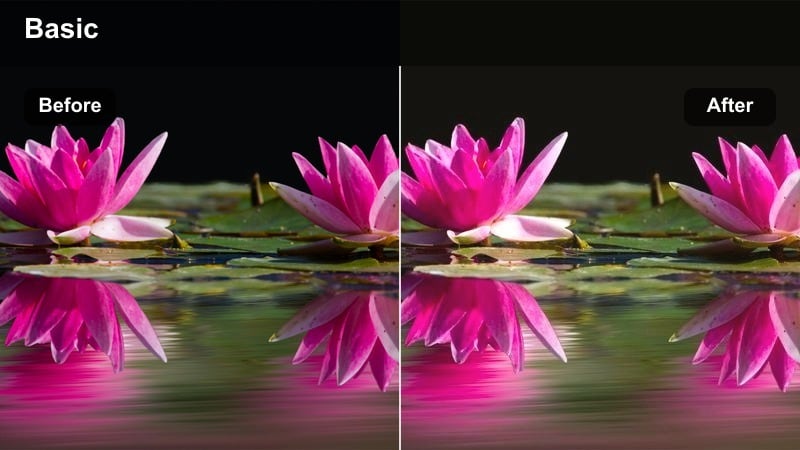
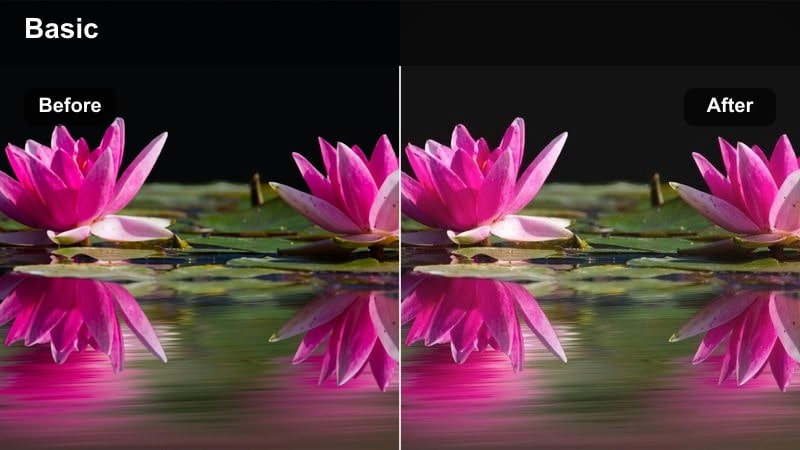
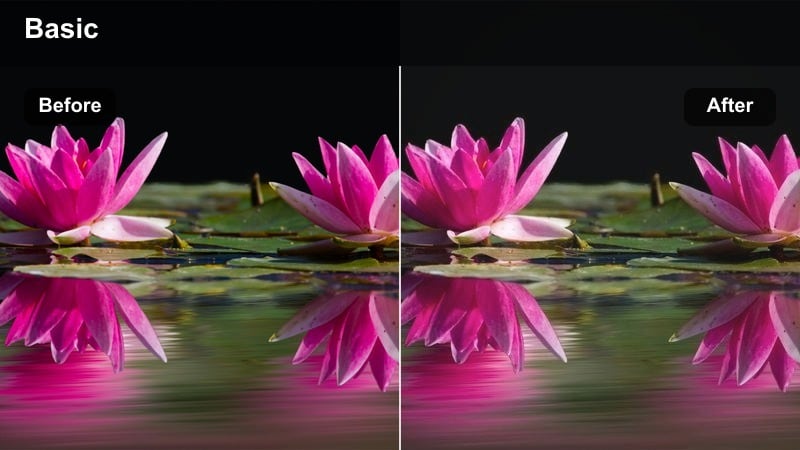
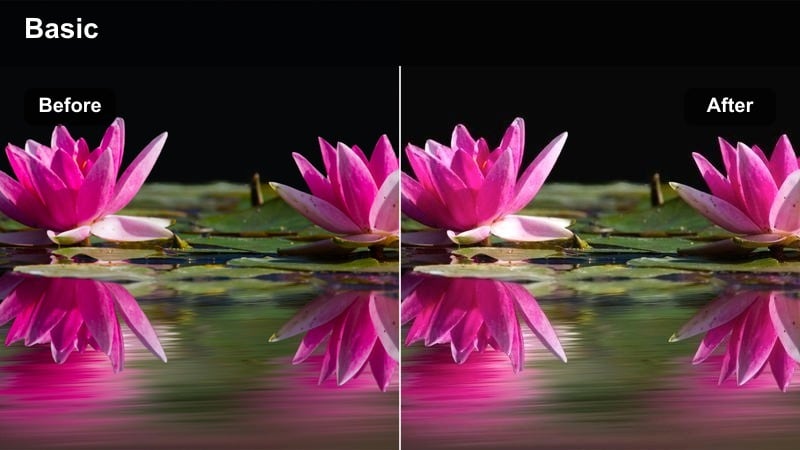
Before you commit to one romantic look, Filmora lets you preview how different filters reshape the mood of the same couple clip. You can jump from a soft, golden date vibe to a cool, cinematic city style in seconds and compare the feeling each one creates.
Use side-by-side previews to test how each filter reacts to your lighting, outfits, and background colors. This makes it easier to match your chosen LUT to your music tempo, transitions, and overall storytelling style for Instagram Reels.
secure download1000+ Video Filters and 3D LUTs
Filmora includes an extensive library of over a thousand filters and 3D LUTs, so you can craft a signature romantic look that goes beyond basic color tweaks. From dreamy glows and pastel washes to bold cinematic tones, there is a preset for almost every couple aesthetic.
You can stack filters, adjust their intensity, and save your favorite combinations as custom presets. This means every new Instagram Reel can match the same romantic style in just a few clicks, keeping your grid visually consistent and on-brand.
secure downloadAmber Sunset Kiss
- Effect look: Rich amber tones, lifted shadows, and gentle film-style fade for nostalgic sunsets.
- Best for: Silhouette kisses against the sun, lens-flare-heavy shots, and horizon-facing poses.
- Editing tip: Increase backlight exposure slightly so the amber tones wrap around the couple's outline without losing detail.
Amber Sunset Kiss is ideal when you want your Instagram Reels to feel like a sun-soaked flashback to a perfect evening together. In Filmora, you can start with a warm LUT, then raise the shadows and slightly fade the blacks so the image gains that soft, film-inspired nostalgia that works beautifully for silhouettes and backlit hugs.
Position your couple between the camera and the sun, capture subtle movements like hair in the breeze or a gentle kiss, and then fine-tune exposure in Filmora to preserve the glowing outline without crushing detail. A touch of film grain and softened highlights completes the timeless, romantic look that feels made for looping Reels.
Pastel Evening Date
- Effect look: Soft pastel highlights with cooler shadows and a dreamy, airy finish.
- Best for: Late-evening park strolls, fairground dates, and skyline overlook shots.
- Editing tip: Slightly desaturate busy backgrounds so the pastel tones on the couple and sky stand out more clearly.
Pastel Evening Date gives late blue-hour scenes a delicate, dreamy quality that is perfect for romantic Reels with a softer mood. In Filmora, apply a cooler tint to shadows while keeping highlights subtly warm, then lower overall contrast so light sources blend smoothly, producing gentle pastel skies and flattering skin tones.
This look shines when there are colorful lights or fading daylight in the background, like fairground rides or city skylines. Use Filmora to dial back saturation on distracting elements and keep your couple slightly brighter than the surroundings, ensuring they stay the focal point while the pastel backdrop adds an ethereal, storybook feel.
Cozy Indoor Moments and At-Home Vibes
Warm Living Room Hug
- Effect look: Soft warm highlights, creamy skin tones, and slightly muted shadows for a homely feel.
- Best for: Couch cuddles, kitchen dance reels, and lazy Sunday morning clips.
- Editing tip: Reduce saturation on strong indoor lights and boost midtone warmth to keep skin tones flattering.
Warm Living Room Hug is designed to turn ordinary at-home moments into intimate, cozy vignettes perfect for couple Reels. In Filmora, lean into warm midtones and soft highlights to make lamp light or window light feel inviting, while gently muting heavy shadows so the scene looks smooth rather than harsh.
After applying your chosen LUT or filter, fine-tune saturation on strong yellows and oranges from bulbs so they stay pleasant rather than overpowering. A subtle vignette or background blur from Filmora's effects can deepen the sense of closeness, pulling the viewer into the shared laughter, cuddles, or spontaneous kitchen dances.
Candlelight Romance
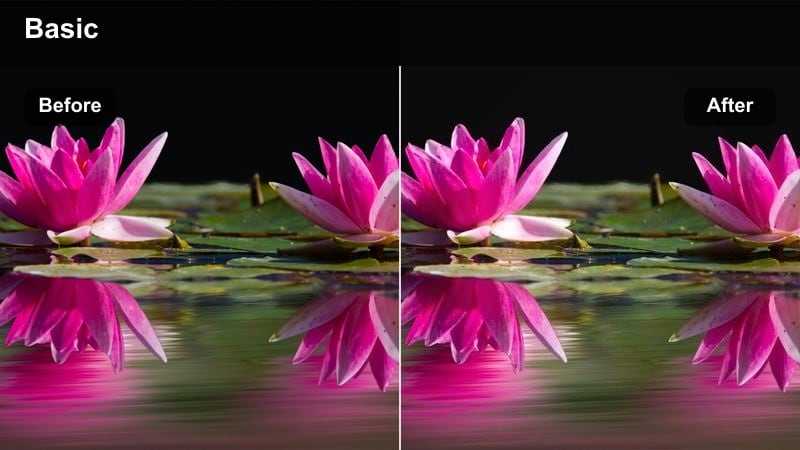
- Effect look: Deep shadows, glowing highlights, and golden midtones that mimic candlelit scenes.
- Best for: Indoor dinner setups, surprise proposals, and intimate slow-dance reels.
- Editing tip: Drop overall exposure slightly, then lift the midtones to keep the couple visible while keeping backgrounds dark and moody.
Candlelight Romance focuses on preserving the magic of low-light scenes where candles and small lamps are the main sources of illumination. In Filmora, start by lowering global exposure, then selectively brighten midtones so faces remain readable while the background falls into a velvety, cinematic darkness that frames the couple.
Golden midtones and a bit of highlight bloom help each flame sparkle, creating a halo around glasses, hands, and faces during close-up shots. Avoid over-smoothing the image; leaving a touch of grain or texture in Filmora adds authenticity, making your Instagram Reels dinner dates and proposals feel like scenes from a romantic movie.
Soft Bedroom Morning
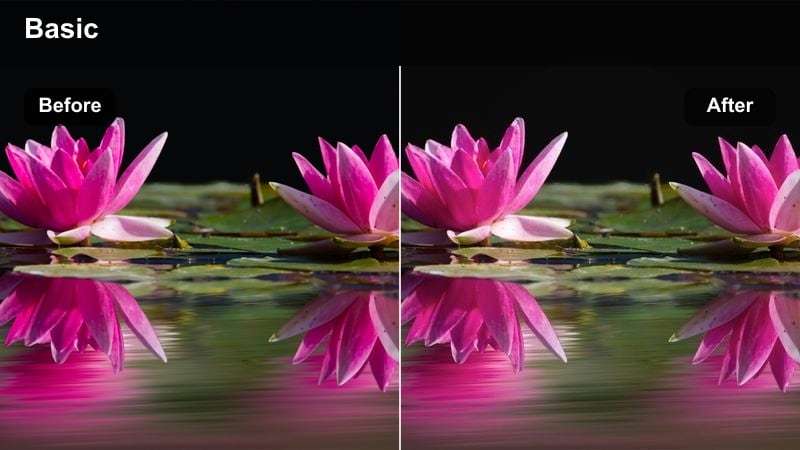
- Effect look: Bright, low-contrast look with milky whites and subtle warm tint for a gentle morning vibe.
- Best for: Morning coffee in bed, pillow-talk reels, and window-side cuddles.
- Editing tip: Slightly lift blacks for a faded film look while keeping highlights under control to avoid blown-out windows.
Soft Bedroom Morning is made for calm, intimate clips full of light and tenderness, where you want the room to feel like a soft cloud. In Filmora, you can raise exposure and lift the black levels to create gentle, milky shadows while dialing down contrast so there are no harsh edges on faces, bedding, or curtains.
Combine this with a subtle warm tint to keep skin looking healthy against bright whites, and use Filmora's highlight controls to stop window areas from blowing out completely. Slow zooms and minimal transitions complement this look, letting quiet gestures like shared coffee or smiles carry the reel's emotion.
City Dates and Night City Lights
Neon City Romance
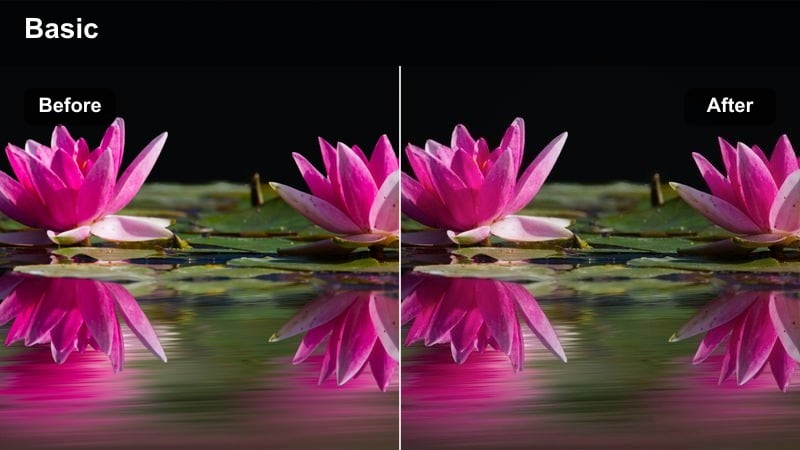
- Effect look: Enhanced neon colors, cool shadows, and subtle bloom around bright signs for a modern city-love feel.
- Best for: Street-side night walks, arcade dates, and city center reels packed with lights.
- Editing tip: Boost saturation in specific neon hues while keeping skin tones natural by slightly lowering overall saturation.
Neon City Romance brings out electric pinks, blues, and purples from billboards and signs while maintaining flattering skin tones for your couple shots. In Filmora, you can cool down shadows and selectively push the saturation of neon hues, then add a touch of glow or bloom to highlights to create that dreamy, cyber-romantic night vibe.
Use this look when filming near arcades, city centers, or busy streets filled with LED signs and reflections. After applying the filter, tweak overall saturation slightly downward so the couple does not look oversaturated, while using color-specific adjustments to make the background lights pop, giving your Instagram Reels a polished, modern romance aesthetic.
Cinematic Street Date
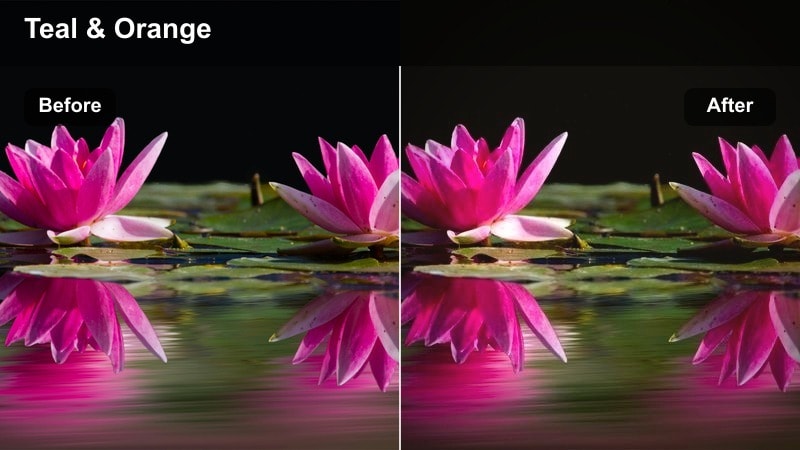
- Effect look: Moody teal shadows with warm highlights and a subtle filmic fade for classic city romance.
- Best for: Holding hands across crosswalks, taxi rides, and street food night dates.
- Editing tip: Add a slight letterbox crop to fake a widescreen look and keep camera movement smooth for cinematic pacing.
Cinematic Street Date uses the popular teal-and-warm color pairing to transform everyday city scenes into movie-style sequences. In Filmora, shift shadows toward teal and warm up key light sources like street lamps or storefronts, then introduce a gentle fade in the blacks to soften the overall image and add a filmic texture.
This treatment works best with simple story beats, such as crossing a wet crosswalk, sharing food, or leaning into each other in the back of a cab. Add a letterbox crop and stabilize handheld clips using Filmora's tools to create a smooth, cinematic flow that feels perfect for narrative-driven Instagram Reels.
Fairy Light Date
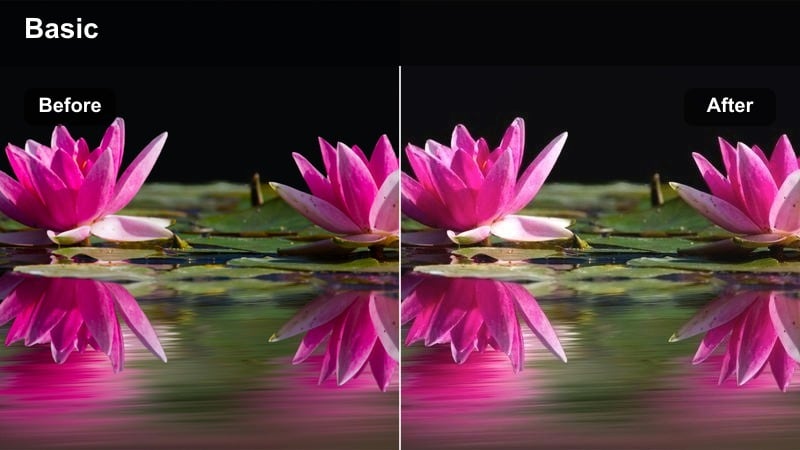
- Effect look: Soft, slightly warm highlights with bokeh-friendly contrast tuned for string lights and lanterns.
- Best for: Outdoor terrace dinners, garden string-light paths, and city rooftop lounges at night.
- Editing tip: Lower clarity and slightly increase bloom around highlights so fairy lights feel dreamy without losing facial detail.
Fairy Light Date is crafted to make string lights, lanterns, and small bulbs sparkle around your couple like floating stars. In Filmora, you can reduce clarity, warm the highlights, and lightly increase glow so each point of light turns into a soft bokeh orb while faces remain gently defined and appealing.
Position the couple a few steps away from the lights so they blur naturally in the background, then use Filmora to adjust contrast and highlight bloom until the scene feels magical rather than blown out. This filter style is perfect for slow-motion twirls, rooftop toasts, or quiet conversations under a canopy of lights in looping Reels.
Travel, Adventures, and Getaway Romance
Coastal Getaway Romance
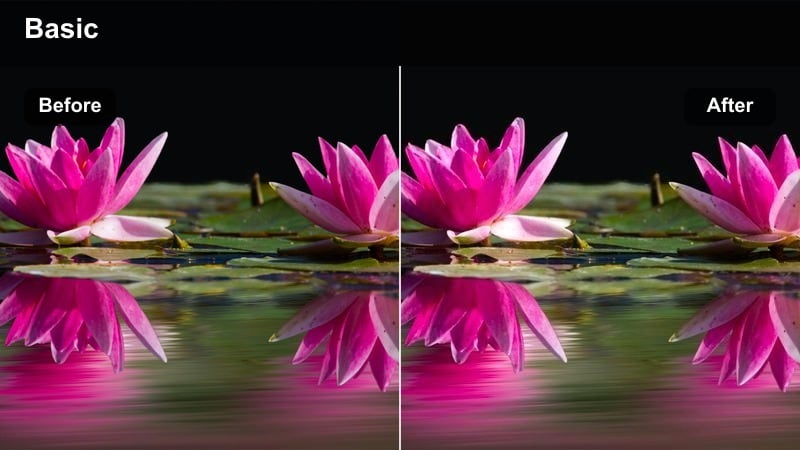
- Effect look: Clean, bright look with soft cyan skies, gentle warmth, and balanced skin tones for seaside scenes.
- Best for: Beach walks, cliffside overlooks, and boat ride reels with open horizons.
- Editing tip: Increase exposure slightly and reduce contrast so waves and sky feel light while faces remain clear.
Coastal Getaway Romance is tailored for seaside escapes where you want the water and sky to feel fresh and open, not overly saturated. In Filmora, raise exposure a bit and soften contrast so the ocean and clouds look airy, then pull cyan hues a touch brighter for a crisp but gentle color palette.
To keep your couple the focus, balance warmth and skin tones against the cooler background, ensuring faces do not appear washed out. This filter style suits sweeping drone shots, walking hand-in-hand along shorelines, and playful clips on docks or boats, giving your travel Reels a breezy, love-on-vacation mood.
Mountain Road Trip Love
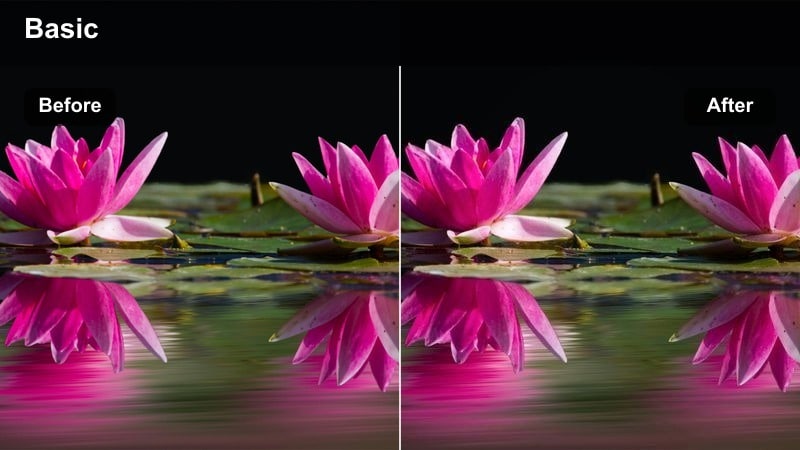
- Effect look: Slightly muted colors, gentle contrast, and a hint of cool shadows for relaxed travel romance.
- Best for: Scenic overlook reels, car window shots, and hiking path moments with sweeping landscapes.
- Editing tip: Lower saturation in greens and blues to keep backgrounds calm, then slightly warm midtones to keep skin lively.
Mountain Road Trip Love tones down the intensity of natural colors so your landscapes feel cinematic and calm rather than overly vibrant. In Filmora, reduce saturation in greens and blues and soften contrast, then add a faint coolness to shadows so mountain ranges and forests take on a relaxed, moody character.
To prevent the couple from blending into the background, gently warm midtones and keep their exposure a touch higher than the scenery. This approach is ideal for sequences that mix wide scenic shots with close-up moments at overlooks, on trails, or leaning against the car, giving your Reels a cohesive, wanderlust-filled love story.
Film Travel Diary
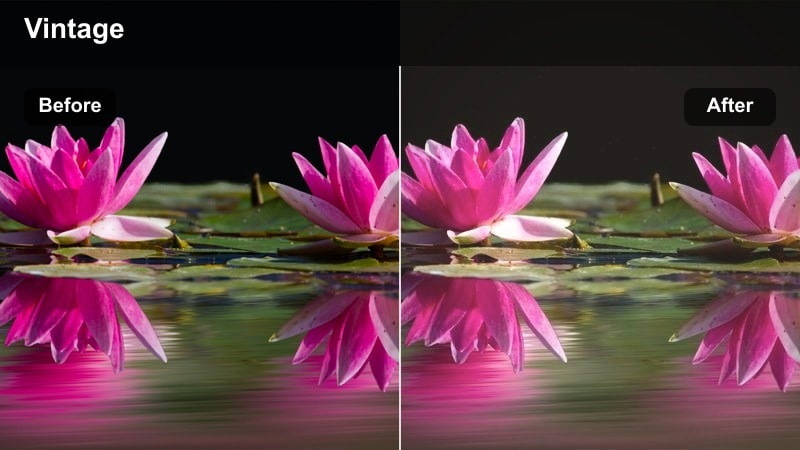
- Effect look: Soft film grain, gentle faded blacks, and warm highlights for a nostalgic travel diary vibe.
- Best for: Travel montage reels showing multiple destinations and candid couple moments.
- Editing tip: Keep clips short and use jump cuts synced to the music beats so the film look feels dynamic yet romantic.
Film Travel Diary is perfect for compiling multiple trips and destinations into one cohesive romantic montage. In Filmora, apply a vintage-style LUT, soften blacks for a slightly faded look, and add a layer of fine film grain so every clip feels like a memory recorded on old film stock.
This filter works especially well with energetic editing: trim clips short, use rhythmic jump cuts, and sync transitions to your soundtrack's beats. Overlay simple text labels for dates or locations, and your Instagram Reels will feel like a warm, nostalgic scrapbook of all the places you have explored together.
Tips for Using Instagram Reels Couple Video Luts Romantic Filters in Filmora
- Shoot with a consistent frame rate and exposure so your romantic filters apply evenly across the entire reel.
- Match filter intensity to the song's mood; softer ballads pair well with gentle fades, while upbeat tracks can handle bolder colors.
- Keep skin tones natural by adjusting warmth and saturation after applying any strong stylistic filter.
- Use simple transitions so the focus stays on the couple and the emotion, not flashy effects.
- Export in vertical 9:16 and preview in Filmora's safe areas to make sure important details are not cropped on Instagram Reels.
- Create and save custom presets in Filmora for your favorite looks so you can quickly reuse them across multiple Reels. For projects shared with another editor, Filmora can also export compatible color adjustments from a selected clip as a standard .cube LUT for use in DaVinci Resolve, Adobe Premiere Pro, or Final Cut Pro.
- Mix wide establishing shots with close-ups and let your chosen LUT tie the different perspectives into one cohesive story.
- Test a filter on a short clip first, then fine-tune color and exposure before applying the same look to the full reel.
With the right romantic filters, every Instagram Reels couple video can feel like a mini love movie, from quiet mornings to neon city nights.
Experiment with these 12 scene-based looks in Filmora, then refine them into your own signature couple style that viewers instantly recognize in their feeds.
secure download