

 100% Security Verified | No Subscription Required | No Malware


 ChatGPT
 Perplexity
 Gemini
 Claude
 Grok
Grok
The Kitchen Rustic Cooking Filter preset pack is designed for content creators who want their cooking videos to feel warm, cozy, and lived-in, like a Sunday meal in a countryside kitchen.
These filters add earthy tones, soft contrast, and gentle grain that highlight textures in food, wooden countertops, and cast-iron pans, helping your kitchen content stand out on YouTube, TikTok, and Instagram.
In this article
Morning Prep in a Sunlit Rustic Kitchen
Golden Morning Chopping
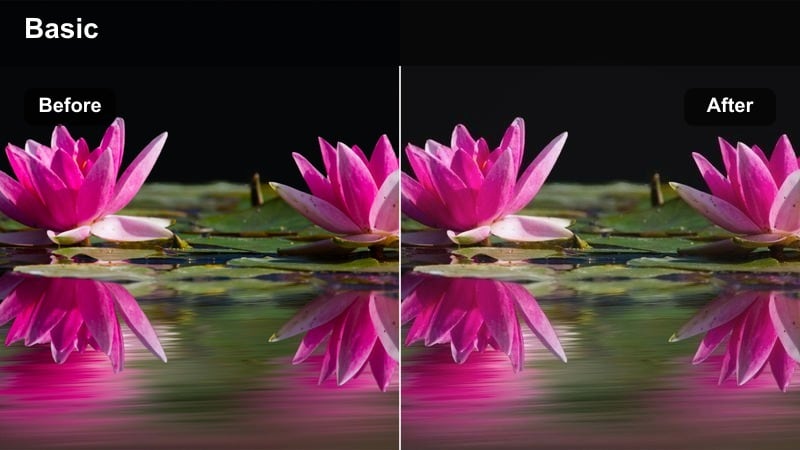
- Effect look: Soft golden highlights with slightly lifted shadows that recreate early morning sun across a rustic kitchen counter.
- Best for: Overhead chopping shots, mise en place sequences, and gentle B-roll of ingredients on wooden boards.
- Editing tip: Lower the exposure slightly if your window light is strong, then add a subtle vignette to keep focus on the cutting board.
Use Golden Morning Chopping when you want your prep shots to feel like calm, sunlit starts to the day. In Filmora, this preset warms up neutral scenes, gently lifting the shadows so details in vegetables, knives, and wood grain stay visible without feeling harsh.
Apply the filter first, then fine-tune exposure with the basic color controls until whites in onions, garlic, or flour sit just below clipping. A light vignette from Filmoras effects panel will guide the eye to the chopping area, giving your overhead prep sequences a cozy, rustic cooking aesthetic that works perfectly for recipe intros and step-by-step breakdowns.
Warm Rustic Color Palette Tuned for Kitchen Scenes
The Kitchen Rustic Cooking Filter presets are tuned to emphasize warm browns, creams, and gentle amber highlights that bring out the best in wooden countertops, iron pans, and homestyle dishes. This palette helps unify mixed kitchen footage so everything feels like it belongs in the same cozy space.
Inside Filmora, you can combine these presets with color tools to keep skin tones natural while still leaning into earthier hues. Adjust overall intensity with the effect strength slider to match different cameras or lighting conditions without losing the warm, inviting mood.
 secure download

Scene-Based Filters for Complete Kitchen Stories
Each Kitchen Rustic Cooking Filter preset is built around a specific moment in your cooking process, from sunrise prep to evening cleanup. That means you can shift filters between scenes while still keeping one cohesive rustic mood across the entire timeline.
In Filmora, drop different presets on prep, stovetop, baking, and serving clips, then refine exposure and white balance scene by scene. This scene-based approach lets you guide viewers through a complete, cinematic kitchen story without your grades feeling repetitive or disconnected.
secure download1000+ Video Filters and 3D LUTs
Beyond the Kitchen Rustic Cooking Filter pack, Filmora includes 1000+ filters and 3D LUTs so you can match your kitchen content to any visual style. From vintage film looks to modern food-commercial vibes, you can layer additional effects over these rustic presets when you need extra polish.
Use LUTs and filters together to quickly build a repeatable grading workflow. Save your favorite rustic combinations as custom presets so every new kitchen video starts with the same consistent, branded aesthetic.
secure downloadFarmhouse Sunrise Steam
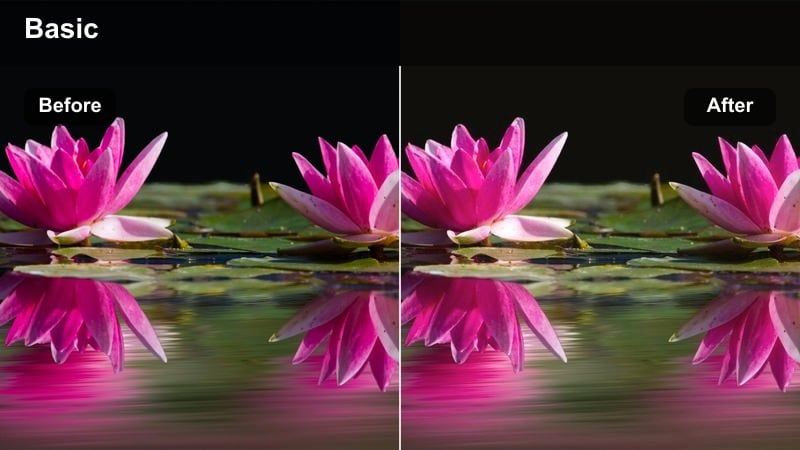
- Effect look: Muted contrast with creamy whites and warm midtones that emphasize steam and gentle light beams.
- Best for: Close-ups of coffee brewing, kettles steaming, and first sizzles in a pan on a rustic stove.
- Editing tip: Slow down the clip slightly and raise clarity just a touch to make the steam and vapor stand out against the background.
Farmhouse Sunrise Steam is ideal for capturing slow, ritualistic morning moments like coffee brewing and kettle boils. The filter softens overall contrast while keeping midtones warm, so steam appears more defined against the background without feeling too sharp.
In Filmora, apply this preset, then use the speed controls to slow your clip to around 80 or 90 percent for a smoother, cinematic feel. Slightly boosting clarity or texture will help the vapor separate from the ambient light, making your rustic morning sequences especially engaging in vertical content for TikTok or Reels.
Simple Wooden Counter Start
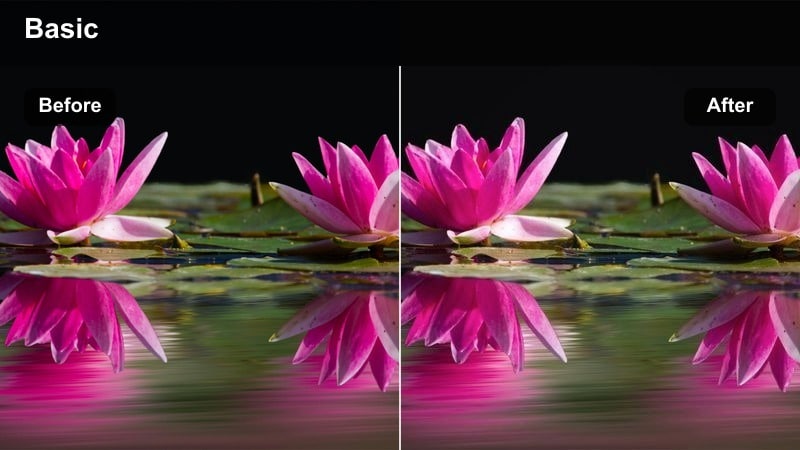
- Effect look: Clean, slightly desaturated color with warm browns that highlight wood grain and simple rustic surfaces.
- Best for: Intro shots of bare countertops, ingredient layouts, and kitchen utensil flat lays before cooking begins.
- Editing tip: Add a slow push-in or slide movement and reduce saturation of colorful packaging to keep the frame feeling natural and rustic.
Simple Wooden Counter Start is designed for minimal, scene-setting shots that introduce your kitchen before cooking begins. The filter dials back saturation slightly while enhancing warm browns so wood grain, linens, and ceramics feel calm and timeless.
After applying it in Filmora, use keyframed scale or position changes to create a gentle push-in or slide across your flat lay or empty counter. If you have bright packaging in frame, reduce saturation selectively with Filmoras color tools so the focus stays on organic textures rather than modern branding.
Hearty Stovetop Cooking and One-Pot Meals
Cast-Iron Rustic Stew
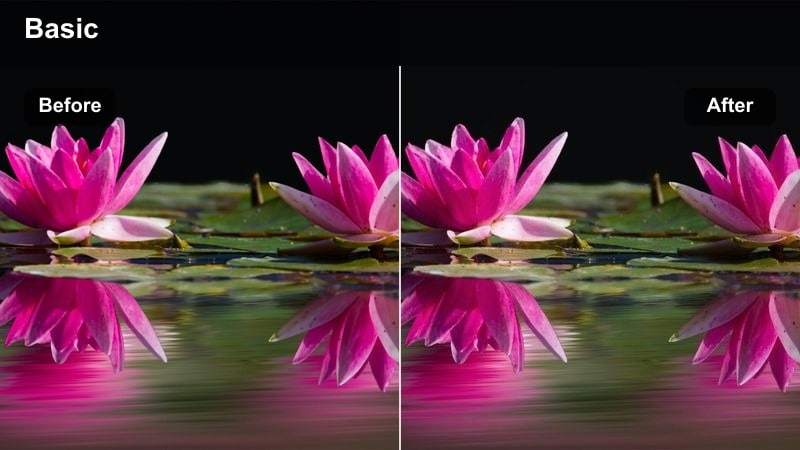
- Effect look: Deep, earthy tones with rich browns and subtle teal shadows that add weight and depth to hearty dishes.
- Best for: Overhead and side shots of stews, soups, and braises simmering in cast-iron pots on an old-style stove.
- Editing tip: Increase contrast slightly and add a little sharpening to accent bubbles, textures, and edges in the simmering food.
Cast-Iron Rustic Stew leans into deeper, earthy tones that make slow-cooked dishes feel rich and comforting. The warm browns combined with gentle teal shadows give stews and braises a cinematic, slightly moody restaurant-quality look.
In Filmora, apply this filter to your overhead or side stovetop shots, then nudge contrast and sharpness up to bring out bubbles and surface texture. Use short cuts between wide and close-up angles to show depth in the pot, and keep exposure slightly on the darker side so the warmth in the midtones really stands out.
Sizzling Pan Country Style
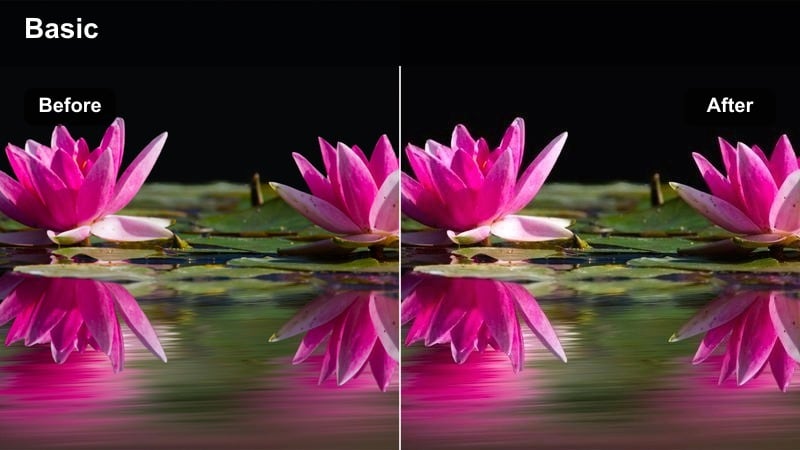
- Effect look: High micro-contrast with warm highlights that make oil, browning, and sear marks stand out on the stovetop.
- Best for: Close-ups of sizzling pans, browning meat or vegetables, and country-style skillet dishes.
- Editing tip: Use short, tight cuts and raise saturation slightly on oranges and browns to accentuate the sear and texture.
Sizzling Pan Country Style is built to emphasize texture, heat, and motion in close-up pan shots. The filter adds micro-contrast and warmth to highlights so oil glisten, sear marks, and browning feel bold and appetizing.
After applying it in Filmora, trim your clips into short, punchy cuts that sync with sizzling audio for extra impact. Slightly boost saturation in the orange and brown ranges using the color tools to make crusts, caramelization, and toasted edges pop without oversaturating the entire frame.
Slow Supper Stove Glow
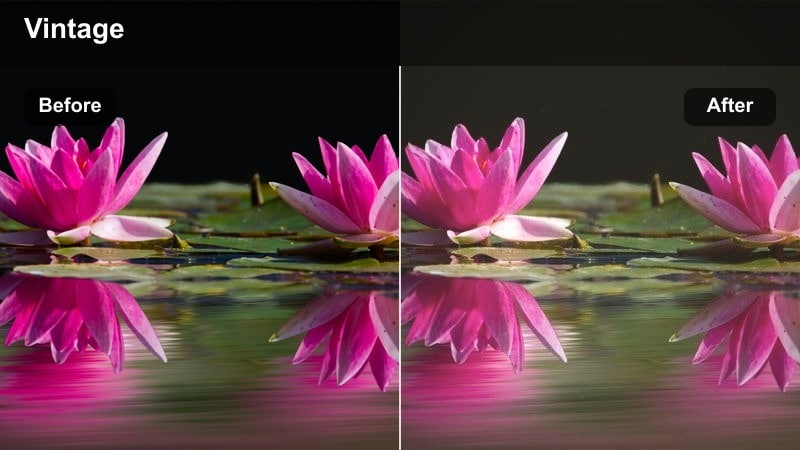
- Effect look: Warm, slightly hazy glow around bright areas with softened edges and gentle vintage-inspired tones.
- Best for: Evening stovetop sequences, slow cooking B-roll, and shots capturing the gentle glow of burners and lamps.
- Editing tip: Reduce sharpness a bit and add slower movements or static shots to let the glow feel intentional and cinematic.
Slow Supper Stove Glow adds a soft, hazy warmth to evening kitchen scenes, perfect for slow simmering and relaxed dinner prep. Highlights from burners and lamps bloom slightly, creating a nostalgic, almost vintage feel without losing important detail.
In Filmora, pair this preset with slower-paced clips, static compositions, or gentle slider moves to let the glow breathe. Reduce overall sharpness just a touch to reinforce the soft mood, and keep your cuts longer near the end of a sequence to transition naturally toward more reflective, end-of-day shots.
Rustic Baking, Oven Moments, and Dough Work
Flour-Dusted Countertop
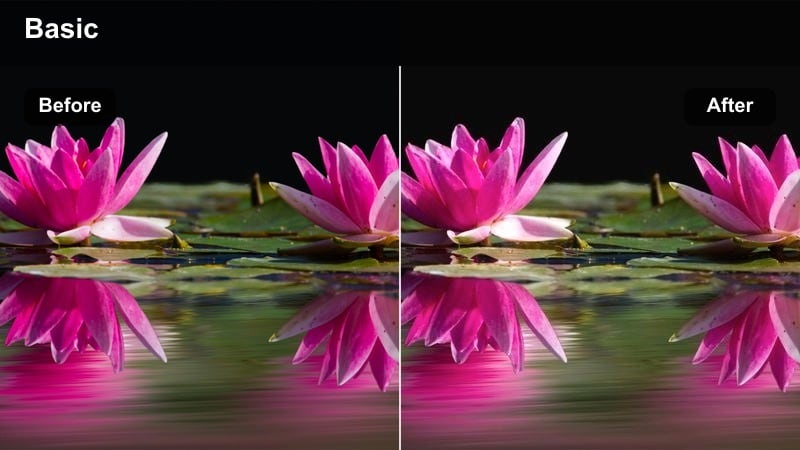
- Effect look: Soft low-contrast image with lifted blacks and warm cream highlights that flatter flour-dusted surfaces.
- Best for: Top-down shots of dough kneading, rolling, and shaping on a rustic wooden or stone countertop.
- Editing tip: Lower clarity slightly for hands and dough to create a nostalgic, handmade feeling in your baking sequences.
Flour-Dusted Countertop is tailored for close-up baking work where texture and touch matter. Lifted blacks and warm cream highlights keep flour from looking too stark or clinical, while maintaining enough detail in dough and hands.
Apply this preset in Filmora to your overhead baking shots, then slightly reduce clarity or use a light blur on duplicate layers if you want an even softer, handcrafted impression. Combine this look with subtle sound design of kneading and dusting flour to build a deeply cozy, homestyle baking sequence.
Oven Door Glow
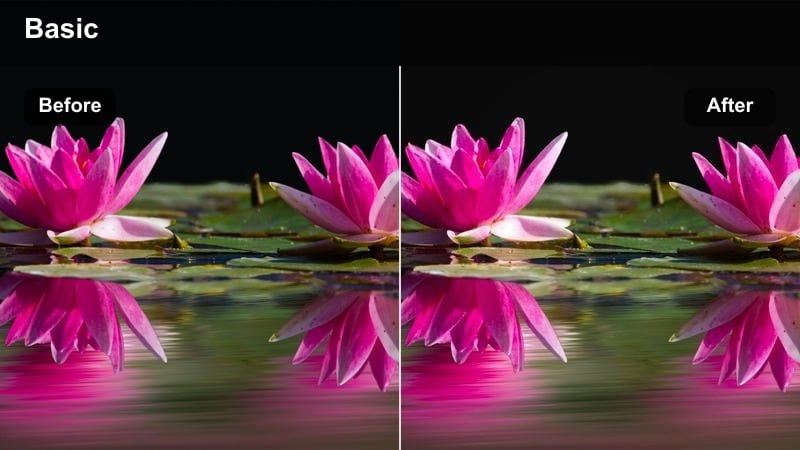
- Effect look: Strong warm highlights and subtle vignette around the frame to make the oven interior the natural focal point.
- Best for: Opening-oven shots, pulling trays out, and peeking through the glass at rustic bread or casseroles.
- Editing tip: Expose for the inside of the oven so details are clear, then let the filter darken the surrounding frame for drama.
Oven Door Glow focuses the viewers attention on the warmth and payoff inside the oven. The filter brightens and warms the interior while gently vignetting the edges, so trays of bread, pies, or casseroles naturally become the hero of the frame.
In Filmora, set your exposure based on the oven interior before applying the preset, then let the vignette and warm highlights exaggerate the reveal. For dramatic sequences, cut from a darker prep shot straight into an oven-door open shot with this filter active to heighten the sense of anticipation and satisfaction.
Country Bakery Table
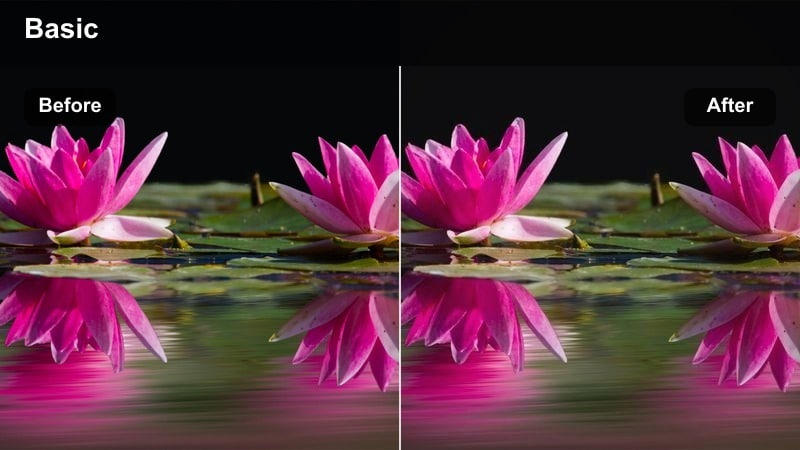
- Effect look: Warm, gently faded colors that mimic a small countryside bakery with natural light and worn wooden tables.
- Best for: Wide shots of trays cooling on a table, pastry arranging, and rustic bread resting on a kitchen island.
- Editing tip: Use slower, deliberate camera moves and avoid fast zooms so the soft, bakery-like feel does not get lost.
Country Bakery Table creates the feeling of a small village bakery with baked goods cooling in soft, natural light. Colors are warm but slightly faded, making pastries, loaves, and trays look inviting without appearing overly saturated or commercial.
After dropping this preset onto your wide cooling or staging shots in Filmora, favor slow pans, tilts, or static compositions that let viewers take in the whole spread. Avoid rapid zooms or jumpy cuts, and instead let your edit breathe so the filter has time to convey that relaxed, small-bakery atmosphere.
Serving at the Table and Family-Style Meals
Family Table Rustic Share
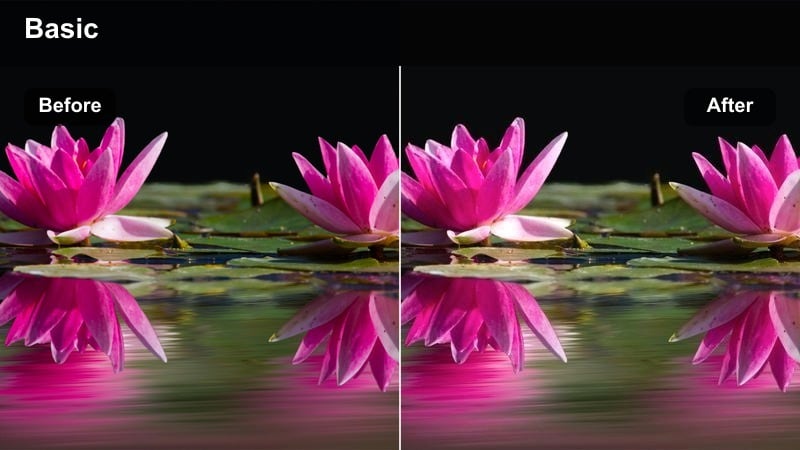
- Effect look: Balanced warmth with soft skin tones and gentle contrast that make shared dishes and hands reaching in feel intimate.
- Best for: Family-style serving shots, passing plates across the table, and shared bowls in the center of a rustic table.
- Editing tip: Trim out awkward pauses and keep only purposeful movement so each reach and gesture feels intentional and warm.
Family Table Rustic Share is all about connection and shared food. The filter smooths contrast and protects skin tones while still adding enough warmth to tie the scene into the broader rustic kitchen aesthetic.
In Filmora, use this preset on overhead or medium-wide table shots where multiple hands are moving in and out of frame. Edit out hesitations and keep clips where gestures overlap, then let the balanced warmth of the filter make the whole scene feel intimate and community-focused for YouTube family vlogs or social food content.
Plated Rustic Hero Shot
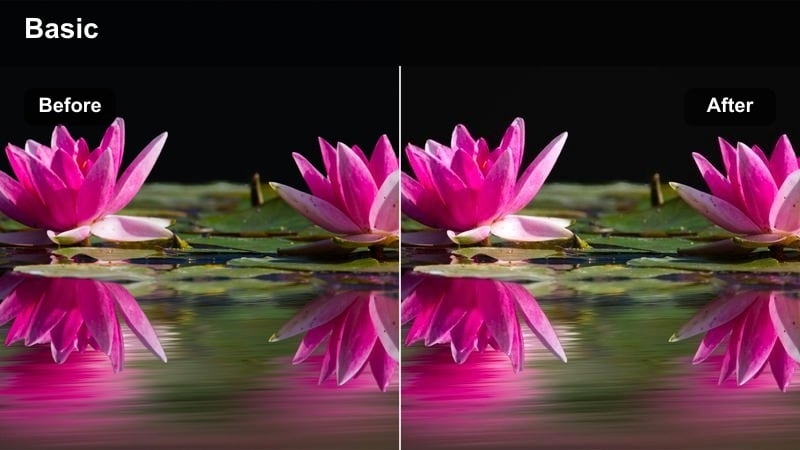
- Effect look: Crisp details with warm highlights and subtle vignette that turn a single plated dish into a rustic hero shot.
- Best for: Final reveal plates, thumbnail hero shots, and short vertical clips for posting finished meals.
- Editing tip: Use a shallow depth-of-field when shooting and avoid over-sharpening in post so the rustic tones feel natural, not crunchy.
Plated Rustic Hero Shot is designed to make your finished dish stand out for outros, thumbnails, and social media loops. The filter adds warmth and a light vignette, while preserving enough crispness to show garnish details, textures, and plating choices clearly.
Once you apply it in Filmora, avoid heavy additional sharpening to keep the look organic. Capture or crop a still frame from your graded timeline for consistent, rustic thumbnails, and consider adding simple text or recipe titles in negative space while the vignette subtly frames your star dish.
Evening Kitchen Wind-Down
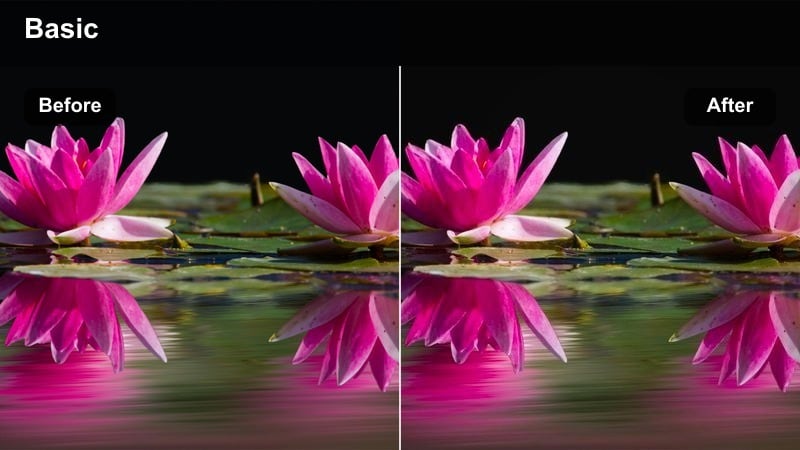
- Effect look: Dim, cozy tones with deeper shadows and amber highlights that mimic late-night kitchen cleanup and quiet moments.
- Best for: Closing scenes, dish stacking, leftover packing, and reflective monologues at the kitchen table.
- Editing tip: Pull saturation back slightly and let the filter’s amber tone carry the mood for an introspective outro sequence.
Evening Kitchen Wind-Down is perfect for ending your video with a softer, reflective mood. The preset embraces deeper shadows and amber highlights so lamps, candles, or under-cabinet lights feel warm, while the rest of the scene gently falls off into darkness.
In Filmora, reduce overall saturation a touch after applying the filter to support a calmer palette, then space out your cuts and add slower music or ambient kitchen sounds. This creates a natural outro where viewers can relax into the cozy atmosphere as your rustic kitchen story comes to a close.
Tips for Using Kitchen Rustic Cooking Filter Filters in Filmora
- Shoot with natural window light whenever possible so the Kitchen Rustic Cooking Filter presets can enhance existing warmth instead of fighting harsh overhead lighting.
- Keep your on-set color palette simple, relying on wood, linen, and ceramics so Filmoras rustic filters do not have to correct clashing bright packaging or neon tones.
- Apply your chosen rustic filter early in the edit, then balance exposure, white balance, and saturation around that final look for more consistent results.
- Group similar scenes on the Filmora timeline and apply the same preset to each batch so prep, cooking, and serving shots feel visually unified.
- Use gentle camera movement and slightly longer takes when working with these presets, giving the cozy, homestyle mood time to register with viewers.
- Adjust filter intensity on a clip-by-clip basis to prevent over-warming highlights, especially in bright kitchens with strong direct sunlight.
- Combine rustic filters with Filmora tools like vignettes, subtle grain, and light leaks to push certain sequences toward a more cinematic, story-driven feel.
- Export a few graded still frames as references so you can match the Kitchen Rustic Cooking Filter look across future episodes or series.
The Kitchen Rustic Cooking Filter preset pack gives content creators an easy way to turn everyday kitchen footage into warm, cinematic stories that feel homely and handcrafted.
Apply these scene-based filters across prep, cooking, baking, and serving moments, then fine-tune exposure and saturation to create a cohesive rustic kitchen aesthetic your audience will instantly recognize.
secure downloadNext: Explore Dessert Showcase Cinematic LUTs for Sweet Final Shots
