

 100% Security Verified | No Subscription Required | No Malware


 ChatGPT
 Perplexity
 Gemini
 Claude
 Grok
Grok
Moody family video filters turn simple home footage into intimate portraits filled with subtle tension, nostalgia, and emotion. With the right blend of contrast, muted color, and soft light, your evening home moments can feel like scenes from a carefully lit drama.
This guide introduces a curated set of Filmora filters designed for storytelling creators and portrait editors who want deeper emotional home video tones. Use them to add deep memory contrast, highlight quiet gestures, and craft family edits that feel timeless rather than casual.
In this article
Soft Shadow Filters for Quiet Family Moments
Dusky Living Room Glow
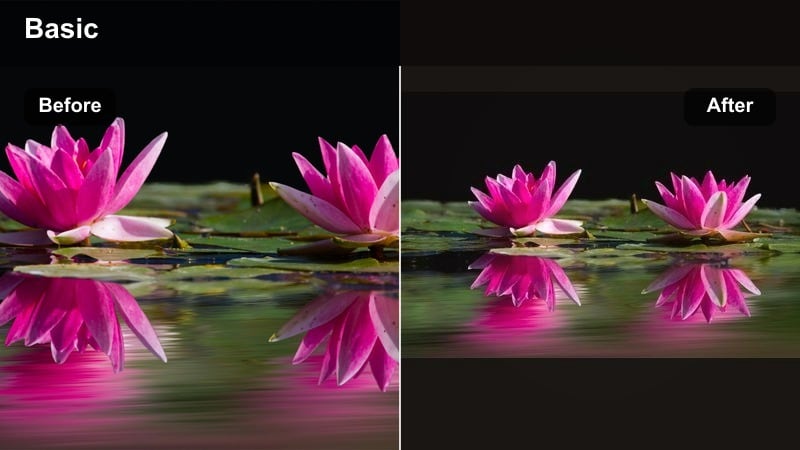
- Effect look: Soft, low-contrast shadows with slightly warmed skin tones and gentle falloff in the corners
- Best for: Evening home moments around the couch, story time, or candid conversations in low light
- Editing tip: Lower overall brightness a touch and add a subtle vignette to keep focus on faces in the center of the frame
Dusky Living Room Glow is built for cozy, end of day scenes where the room is mostly dark and the focus is on faces. In Filmora, the softened contrast and mild warmth create a dim, enveloping atmosphere that makes even small smiles or glances feel private and meaningful.
Use this moody family filter on couch hangouts, movie nights, or quiet chats after dinner. Add a light vignette in Filmora to gently darken the frame edges and guide the viewers attention to the center. For an even more cinematic finish, slightly reduce global exposure and let the filter carry the warmth in the highlights while shadows stay soft and deep.
Dial in Moody Family Tones with Filmora AI Tools
Filmora s AI based color and tone tools make it simple to refine Dusky Living Room Glow until it matches your exact emotional target. Start by applying the filter, then let AI adjust exposure, contrast, and skin tones so dim living room lighting looks intentional instead of underexposed.
Once you like the balance of warmth and shadow, save your adjustments as a custom preset. That way your future evening couch clips can instantly share the same deep, emotional home video tones without rebuilding the grade from scratch.
 secure download

Preview Moody Filters on Real Family Clips
Before grading an entire project with Dusky Living Room Glow, try it on short test clips in Filmora. Place copies of a few living room shots on different tracks, then apply alternative moody family video filters to each one to compare how they handle faces, shadows, and background clutter.
Watch each version in full screen to see which look best fits your story s emotional weight. Use the test you like most as the baseline for the rest of your timeline so the whole edit feels cohesive from the first shot to the last.
secure download1000+ Video Filters and 3D LUTs
Beyond a single preset, Filmora includes a large library of video filters and cinematic 3D LUTs that you can stack with Dusky Living Room Glow. Mix subtle film looks, vignette styles, or HSL tweaks to create a signature family moody tone that you can reuse across projects.
When you find a combination you love, save it as a custom preset or export it as a LUT. This keeps the emotional language of your home movies consistent even when you shoot in different rooms or under different light sources.
secure downloadWhispered Corner Talks
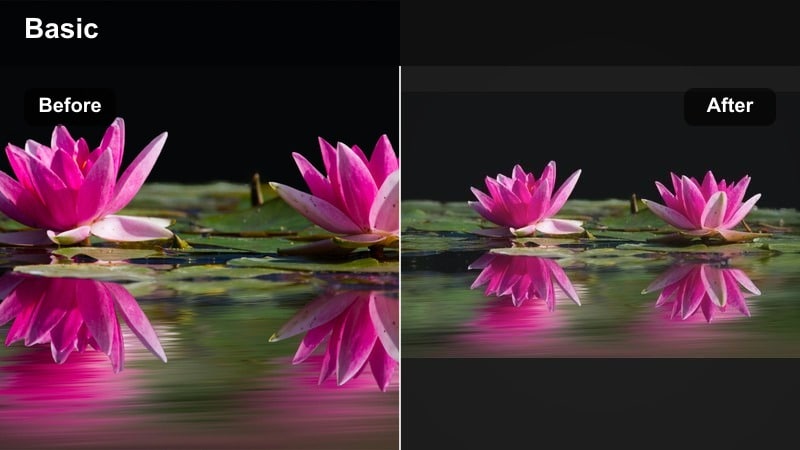
- Effect look: Muted saturation with lifted blacks and soft, hazy edges around the frame
- Best for: Close-up conversations, bedtime chats, and secret-sharing moments in quiet corners of the home
- Editing tip: Crop slightly tighter than usual and let the lifted blacks hide background clutter for a more intimate feel
Whispered Corner Talks softens colors and gently raises the blacks so shadows turn into a velvety haze. This creates a dreamlike bubble around your subjects, ideal for whispered confessions, kid stories, or end of day reflections filmed in small corners of your home.
In Filmora, pair this filter with closer framing and a bit of background blur so the viewer sees only faces, hands, and the quiet details that matter. The muted palette keeps distractions low while the lifted blacks help messy backgrounds fade into a gentle, nostalgic darkness.
Sofa Shadow Hugs
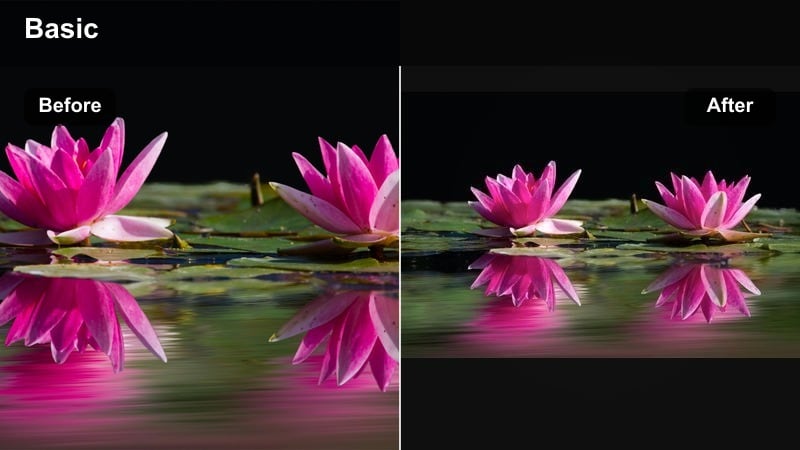
- Effect look: Deepened midtones with slightly crushed blacks and a gentle highlight roll-off on skin
- Best for: Hugs, cuddles, and layered family poses on the couch or bed during late hours
- Editing tip: Use keyframed exposure so the filter stays consistent as people lean in and out of small lamps or TV light
Sofa Shadow Hugs enhances depth by darkening midtones and gently crushing blacks, which makes overlapping arms, hands, and faces feel sculpted against a darker room. It works especially well on cuddle piles, family selfies on the bed, or any scene with layered silhouettes.
Apply this filter in Filmora when your footage is already fairly low lit, then adjust exposure with keyframes as people move closer to or away from lamps and screens. This keeps the emotional, hug centric focus intact while preventing faces from suddenly becoming too bright or too dark between shots.
Faded Memory Tones for Nostalgic Home Stories
Dusty Photo Album
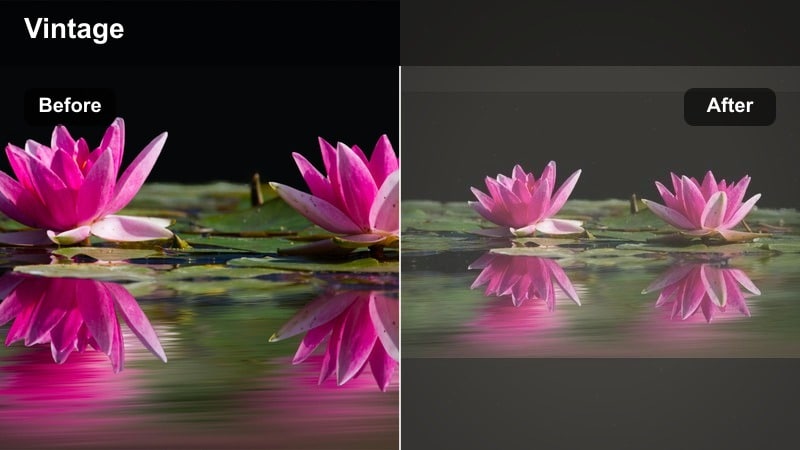
- Effect look: Soft fade in blacks, gentle grain, and yellow-tinted highlights that mimic aged prints
- Best for: Compilations of childhood clips, grandparent visits, and family history storytelling
- Editing tip: Slow down transitions and use gentle crossfades to match the slow, reflective mood of the color grade
Dusty Photo Album is designed to make modern digital footage feel like it has lived in a shoebox for decades. The faded blacks, mild grain, and yellowed highlights evoke old photo prints while still keeping facial details and important gestures clearly visible.
Use this filter in Filmora for memory montages, interviews with grandparents, or retrospectives that span years of family clips. Combine it with slower crossfades, gentle zooms, and relaxed pacing to invite viewers into a reflective mood that fits the aged, nostalgic color treatment.
Sepia Lullaby
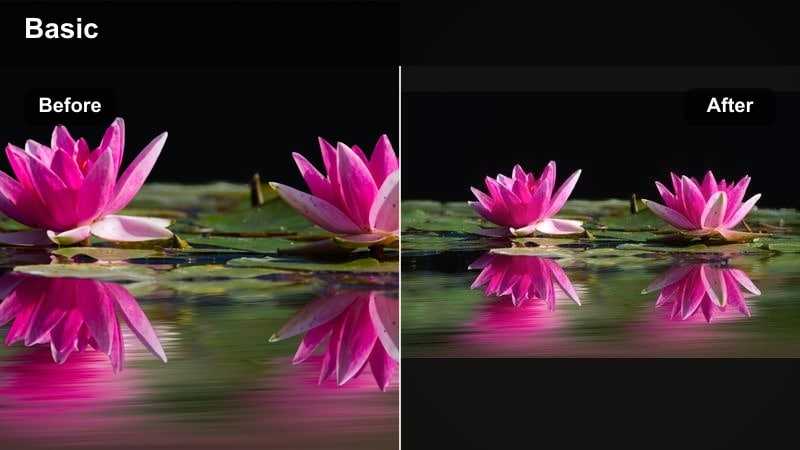
- Effect look: Warm sepia wash with softened contrast and slightly blurred highlights
- Best for: Bedtime routines, rocking chairs, and slow, sleepy scenes with babies or toddlers
- Editing tip: Reduce sharpness by a small amount so the soft tones and gentle movement feel cohesive
Sepia Lullaby wraps your frame in a classic amber tone, softening contrast so everything feels calm and unhurried. It is ideal for rocking chair moments, feeding scenes, or any quiet ritual you want to present as timeless and tender.
In Filmora, lightly reduce sharpness and avoid fast cuts when using this filter. Let shots breathe, and match the softness of the grade with slow camera moves or locked off tripod angles so the viewer settles into the bedtime rhythm along with your subjects.
Rainy Window Remembrance
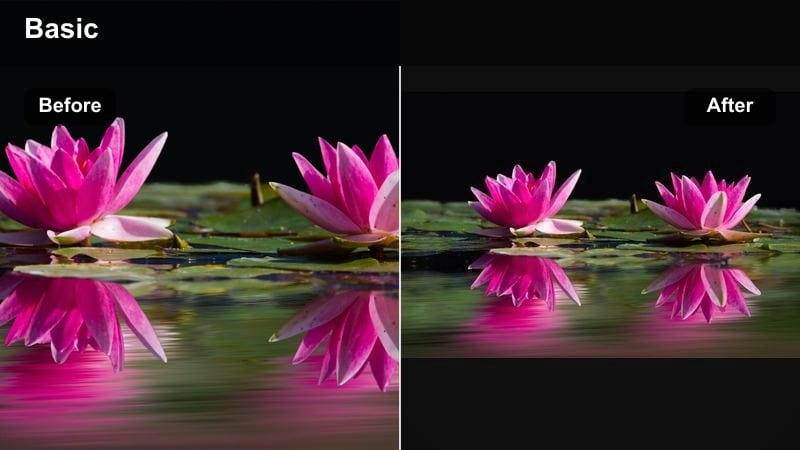
- Effect look: Cool desaturation with gentle cyan shadows and slightly lifted blacks
- Best for: Gazing out windows, reflective narration, and moody rainy-day indoor scenes
- Editing tip: Keep camera movement slow and steady so the subtle color shifts read as emotional rather than distracting
Rainy Window Remembrance cools down your palette, replacing warm hues with subdued blues and cyans that instantly suggest introspection. Lifted blacks prevent the frame from becoming too heavy, preserving detail in darker areas while maintaining a rainy day melancholy.
Apply this filter to shots of kids at windows, family members lost in thought, or voiceover sections that look back on challenging or bittersweet times. In Filmora, keep pans and tilts slow and use restrained music so the gentle cool grade can carry most of the emotional weight.
Deep Contrast Filters for Intense Family Drama
Shadowline Dining Table
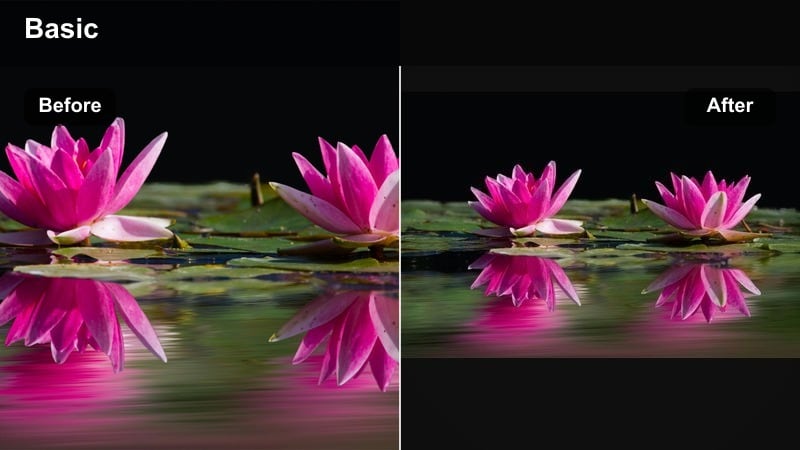
- Effect look: High contrast with rich, deep shadows and crisp separation between light and dark areas
- Best for: Dinner table conversations, toasts, and emotionally charged family discussions
- Editing tip: Expose for faces before applying the filter so the deep memory contrast does not clip skin details
Shadowline Dining Table converts ordinary meals into striking tableaus with sharp lines between light and dark. Candles, overhead fixtures, and practical lamps become powerful spotlights that carve out faces, hands, and glassware against near black backgrounds.
Before applying this filter in Filmora, adjust exposure so faces sit safely in the midtones. After that, the contrast boost will deepen the mood without blowing out highlights or crushing important details. Use it selectively for key scenes where every look and gesture carries story importance.
Hallway Silhouette Echo
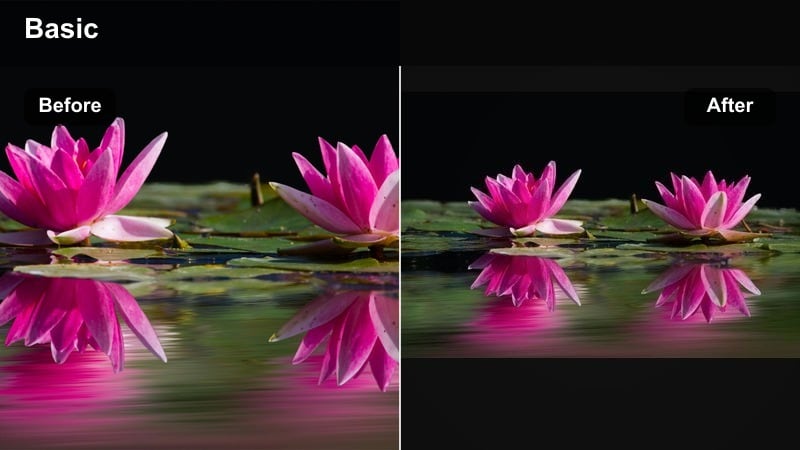
- Effect look: Crushed blacks behind sharp silhouettes with cool highlights edging around figures
- Best for: Walks down hallways, goodbyes at the door, and dramatic entrances into shared spaces
- Editing tip: Frame subjects against doorways or windows to make the silhouette effect stronger and cleaner
Hallway Silhouette Echo is crafted to turn doorways and hallways into dramatic stages. By crushing blacks and emphasizing cool edge highlights, it transforms your subjects into clear silhouettes that can express longing, distance, or reunion in a single outline.
Use Filmora to position these shots at emotional turning points in your edit, like departures, arrivals, or late night pacing. Frame your subject against a brighter doorway or window, then let the filter push everything else into darkness so the silhouette reads cleanly even on small screens.
Ember Lit Arguments
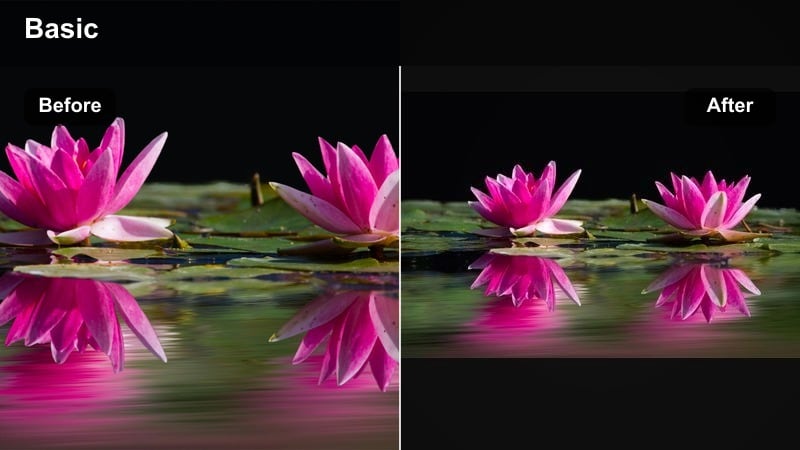
- Effect look: Warm, fiery highlights with saturated reds and deep, almost black shadows
- Best for: Intense conversations, debates, or passionate storytelling around kitchen islands or living rooms
- Editing tip: Reduce saturation in reds slightly if skin begins to look too flushed or unrealistic under strong warmth
Ember Lit Arguments heightens emotional peaks by leaning into strong reds, ambers, and deep shadows that resemble glowing coals. It works well for arguments, passionate debates, or vivid storytelling sessions lit by warm practicals like pendants and lamps.
In Filmora, monitor skin tones as you push this filter; if faces start to look oversaturated, dial back red and orange saturation while keeping the contrast punch. Use this look sparingly in your timeline so its fiery intensity signals scenes where emotions genuinely run high.
Warm Moody Filters for Tender Evening Glow
Lamp Lit Storytime
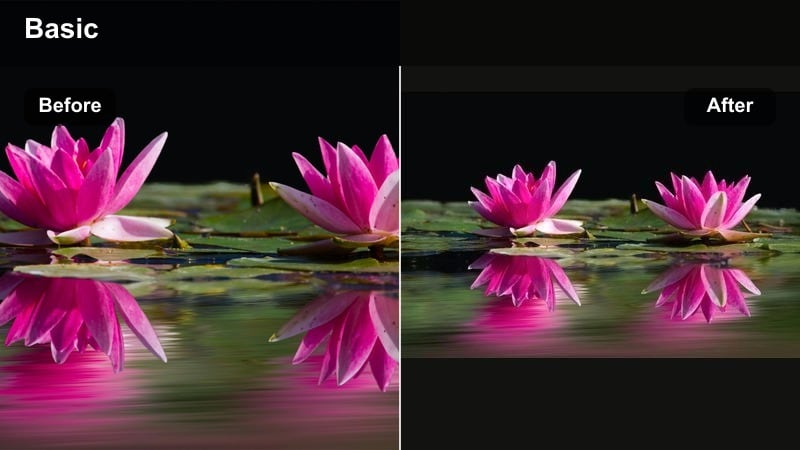
- Effect look: Soft golden highlights, slightly desaturated backgrounds, and gentle midtone warmth on skin
- Best for: Reading stories, board games, and shared laughter around a single warm light source
- Editing tip: Dim ambient audio slightly and highlight page turns or dice rolls to match the intimate glow of the image
Lamp Lit Storytime centers a single practical light and lets everything else fall away. The filter wraps faces in golden highlights while subtly desaturating the background, which keeps the focus on the circle of people around the lamp.
Apply it in Filmora for bedtime stories, game nights, and quiet reading sessions. Pair the warm visual tone with intimate sound design by lowering overall ambience and emphasizing small sounds like page flips, dice rolls, and quiet giggles to support the cozy, storybook feel.
Golden Hallway Goodnights
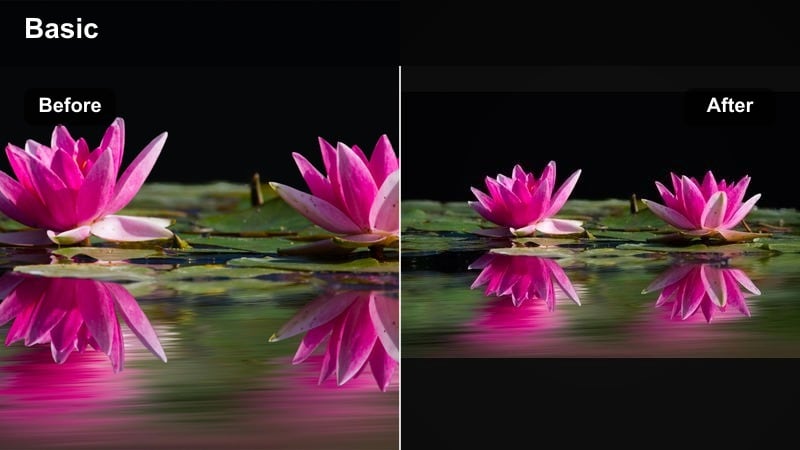
- Effect look: Warm, low-saturation golden tones with lifted shadows and subtle bloom around lights
- Best for: Goodnight hugs at bedroom doors, switching off lights, and last hallway walks of the evening
- Editing tip: Use slow push-in movements or digital zooms to emphasize the gentle farewell feeling
Golden Hallway Goodnights adds a soft halo around practical lights and fills the scene with a light, honey colored glow. Lifted shadows keep corners from becoming too heavy, making the footage feel tender and safe even when much of the frame is dim.
In Filmora, combine this filter with gentle push ins or digital zooms during goodnight hugs or final check ins. The combination of slow movement, lifted shadows, and glowing lights turns routine hallway rituals into satisfying, cinematic closing beats for your family edits.
Fireplace Memory Glow
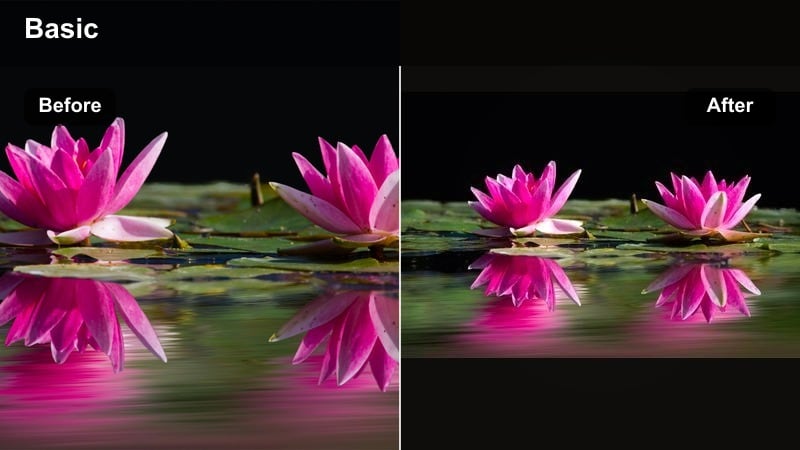
- Effect look: Rich orange and amber highlights with softened contrast and a slight vignette
- Best for: Fireplace gatherings, holiday evenings, and reflective voiceover scenes with family silhouettes
- Editing tip: Layer gentle music or crackling audio to match the slow, glowing warmth of the visuals
Fireplace Memory Glow leans fully into the hearth aesthetic, deepening oranges and ambers while subduing harsh contrast. A slight vignette pulls attention toward the center, where faces and silhouettes are bathed in flickering warmth.
Use this filter in Filmora for holiday celebrations, winter evenings, or reflective sequences narrated over B roll of the family around the fire. Add subtle crackling sound effects and low, steady music so the audio landscape mirrors the slow burning, comforting look on screen.
Tips for Using Family Moody Tone Filters in Filmora
- Shoot slightly darker than usual when planning to use deep moody filters so highlights do not blow out during grading.
- Keep white balance neutral in camera; add warmth or cool mood later with Filmora filters for more precise control.
- Use vignettes and subtle blur with moody filters to hide background clutter in busy home environments.
- Pair slow, steady camera movement with soft moody filters to keep the emotional focus on faces and gestures.
- Match color temperature across all clips in a sequence before applying filters so the tone feels consistent.
- Lower music volume under key dialogue moments so the emotional color grade and spoken words work together.
- Avoid over-saturating reds and oranges when pushing warm family video filters to keep skin tones natural.
- Save versions of your project with different filters applied so you can compare moods before final export.
Moody family video filters help you move beyond simple documentation and into deliberate, emotional storytelling. By shaping shadows, warmth, and contrast, you can make everyday routines feel like scenes from a carefully crafted film.
Experiment with these presets in Filmora across evening home moments and emotional family edits, then refine them into your own signature look. As you repeat this process, your family videos will gain a recognizable visual voice that feels both intimate and timeless.
secure download