

 100% Security Verified | No Subscription Required | No Malware


 ChatGPT
 Perplexity
 Gemini
 Claude
 Grok
Grok
Radiant Turquoise sits between teal and aqua, combining the freshness of blue with the energy of green. It feels clean, optimistic, and slightly futuristic, which is why it works so well for tech brands, lifestyle creators, wellness content, and any video that should feel bright and forward looking. On screen, Radiant Turquoise instantly draws the eye without being as aggressive as pure neon tones.
In video editing and design, this color is perfect for YouTube thumbnails, intros, lower thirds, logo animations, and social media graphics. Used as an accent or main brand color, it can make vlogs, tutorials, and promos feel more modern and trustworthy. Below you will find ready to use Radiant Turquoise color palettes with HEX codes, tailored for creators and Filmora users who want consistent, polished visuals.
In this article
Fresh And Energetic Radiant Turquoise Color Palettes
Digital Surf Break
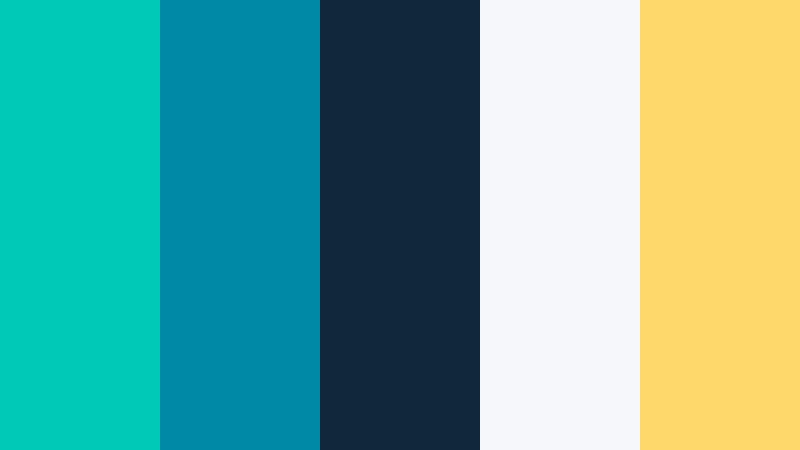
- HEX Codes: #00c9b8, #0089a7, #0f283b, #f5f7fa, #ffd86b
- Mood: Energetic, modern, and slightly futuristic like a sunlit tech surf scene.
- Use for: Great for fast paced tech explainers, sports highlight reels, and bold YouTube thumbnails that need instant impact.
Digital Surf Break is a punchy blend of Radiant Turquoise, deep teal, crisp off white, and a hit of sunshine yellow. The turquoise and teal feel like clear water, while the dark navy anchors the frame and the yellow adds a fast, electric highlight. Together, they create movement and depth that feel instantly dynamic.
Use this palette for kinetic title cards, speed ramps, and motion graphics in tech reviews, sports edits, and creator intros. Radiant Turquoise can be your main accent for lower thirds and icons, while the dark blue carries backgrounds and overlays. The yellow is perfect for key call to action text in thumbnails, video end screens, or chapter markers, keeping everything legible and high contrast across your Filmora timeline.
Pro Tip: Build a Cinematic Radiant Turquoise Look in Filmora
When you commit to a palette like Digital Surf Break, the secret is repeating the same Radiant Turquoise tones from intro to outro. In Filmora, you can sample the exact HEX codes from this palette for your titles, transitions, and graphic shapes, then reuse those presets throughout your project. This keeps your tech explainers and high energy reels looking branded and intentional instead of random.
Try using Radiant Turquoise for your main title text or accent lines, the deep navy as the background bar behind text, and the yellow as the button or subscribe highlight. Save these combinations as custom presets in Filmora so you can drop them onto new sequences, shorts, and social cutdowns without rebuilding your design every time.
AI Color Palette
If you have a reference thumbnail or brand board built around this Radiant Turquoise scheme, you can turn it into a full video look in a few clicks. Filmora's AI Color Palette feature analyzes your reference frame and transfers its color mood to the rest of your clips, including the turquoise water tones, dark blues, and warm highlights.
Import your hero frame with the Digital Surf Break colors, use AI Color Palette to match other shots, and you get consistent Radiant Turquoise grading across A roll, B roll, and overlays. This is especially useful for creator intros, channel trailers, and social ads where everything needs to feel like the same world, even if footage comes from different cameras or days.
 secure download

HSL, Color Wheels & Curves
Once your main look is in place, HSL, color wheels, and curves in Filmora help refine Radiant Turquoise so it feels cinematic instead of flat. Use HSL to target cyan, aqua, and green ranges, nudging them closer to your exact HEX codes while keeping skin tones natural. With the color wheels, you can push mids and highlights slightly toward turquoise, while keeping shadows anchored in deep navy for contrast.
Curves give you fine control over how bright or moody your turquoise highlights appear. Lift the midtones for energetic, daylight edits, or add a gentle S curve to make the palette more dramatic for intros and product shots. For a step by step visual breakdown, Filmora's YouTube tutorials on advanced color grading show how to balance aqua accents with dark backgrounds without losing detail.
secure download1000+ Video Filters & 3D LUTs
To move even faster, Filmora’s video filters and 3D LUTs make it easy to stylize any Radiant Turquoise palette. You can stack a clean, modern LUT on top of your base correction to give footage a consistent teal leaning look, then fine tune saturation so turquoise elements stay vivid without overpowering skin tones.
Browse filters that boost contrast, glow, or softness depending on your style. For example, use crisp, high contrast filters for tech explainers built on Digital Surf Break, or softer filters for lifestyle edits. Once you find a combination that fits your brand, save it as a custom preset so your Radiant Turquoise style is one drag and drop away for every new video.
secure downloadTropical Studio Neon
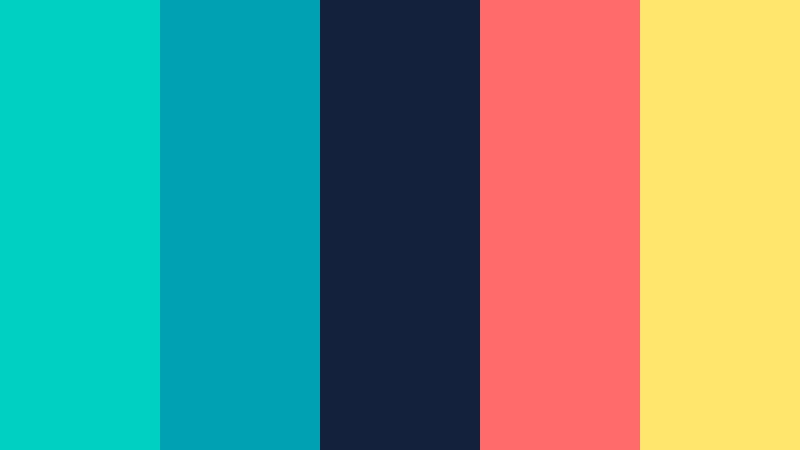
- HEX Codes: #00d0c1, #00a1b2, #14213d, #ff6b6b, #ffe66d
- Mood: Vibrant, playful, and nightlife inspired with a tropical twist.
- Use for: Perfect for music videos, creator intros, and event promos that blend party vibes with polished design.
Tropical Studio Neon throws Radiant Turquoise into a club like, tropical setting with coral red, lemon yellow, and deep midnight navy. The turquoise tones feel like glowing pool water, while the red and yellow act like neon signs cutting through the dark.
This palette shines in high energy edits: festival recaps, dance videos, DJ promos, or channel intros that need a party atmosphere. Use turquoise and navy as your base UI and background colors, then reserve coral and yellow for beats, transitions, and on beat text pops in Filmora.
Aqua Fitness Pulse
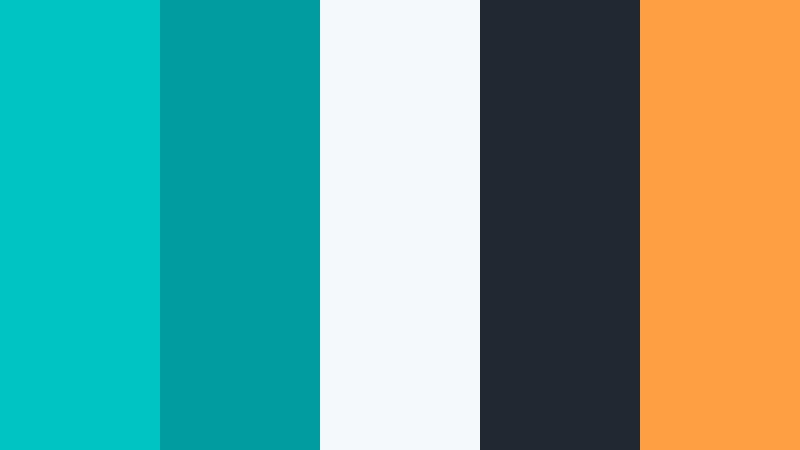
- HEX Codes: #00c4c4, #009c9f, #f4f9fb, #222831, #ff9f43
- Mood: Clean, sporty, and motivating with a bright wellness feel.
- Use for: Ideal for fitness channels, workout overlays, app UI mockups, and energetic social ads.
Aqua Fitness Pulse mixes cool Radiant Turquoise with soft white, charcoal black, and a punchy orange accent. It feels like a modern gym combined with swimming pool freshness, keeping your visuals both active and professional.
Apply this palette to timer graphics, workout labels, and progress bars in your training videos. Let turquoise dominate background shapes and info panels, white keep everything readable, and the orange accent draw attention to reps, sets, or subscribe prompts in thumbnails and reels.
Streaming Gamer Grid

- HEX Codes: #00e0d1, #01a3a4, #222f3e, #10ac84, #feca57
- Mood: High contrast, digital, and competitive with an esports edge.
- Use for: Designed for gaming overlays, Twitch panels, logo stingers, and bold lower thirds.
Streaming Gamer Grid turns Radiant Turquoise into a neon HUD with deep charcoal, bright emerald, and golden accents. It feels like a futuristic control room or an esports arena HUD layered on top of your gameplay.
Use turquoise and emerald as line work, health bars, and panels in your streaming overlays built in Filmora. The dark blue gray holds your face cam frames and chat boxes, while the yellow accent is ideal for kill counts, rank badges, and notification pop ups on YouTube and Twitch branding.
Urban Splash Title Card
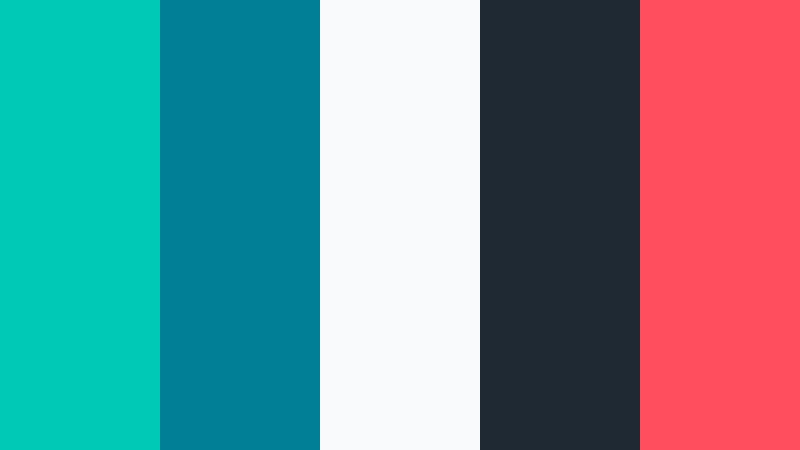
- HEX Codes: #00cab5, #007f96, #f8fafc, #1f2933, #ff4f5e
- Mood: Street smart, creative, and bold with a splash paint feel.
- Use for: Great for vlog title cards, travel reels, and urban lifestyle edits with kinetic typography.
Urban Splash Title Card brings Radiant Turquoise together with petrol blue, clean white, dark charcoal, and a strong red accent. It feels like street art mixed with editorial design, perfect for describing a city lifestyle on screen.
Design bold lower thirds, intro slates, and chapter titles with turquoise blocks, white type, and red underline accents. In Filmora, this palette works beautifully for travel vlogs, skate edits, and city weekend recaps where you want both energy and clarity in every frame.
Soft And Dreamy Radiant Turquoise Color Palettes
Seashell Morning Glow
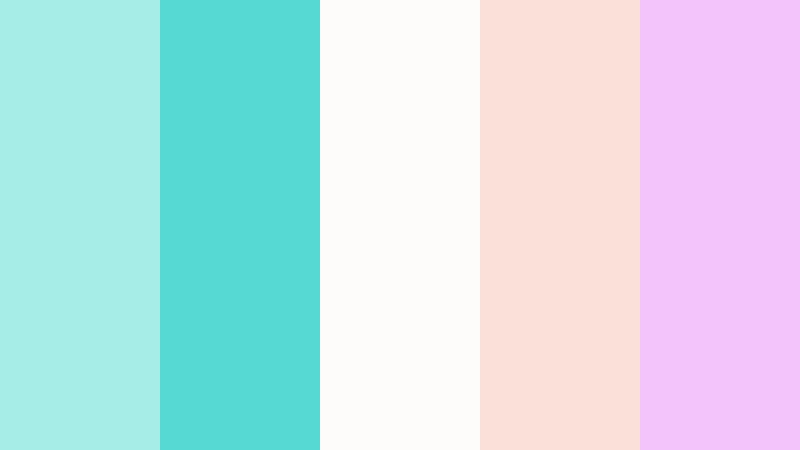
- HEX Codes: #a7ede7, #56d9d2, #fdfcfb, #f9e0d9, #f3c4fb
- Mood: Calm, airy, and pastel dreamy like an early beach morning.
- Use for: Perfect for soft lifestyle vlogs, wedding highlights, and aesthetic B roll sequences.
Seashell Morning Glow softens Radiant Turquoise into pale aqua tones and layers them with blush, cream, and lavender. The result is airy and romantic, like gentle sunrise light on the beach.
Use this palette for wedding title cards, slow motion B roll, and pastel themed thumbnails. Let aqua and cream be your primary background colors, with blush and lavender used sparingly for overlays, text accents, and lower thirds in Filmora to keep the mood delicate and dreamy.
Cloud Drift Journals

- HEX Codes: #c5f4f0, #79d8d0, #e9f2ff, #f7e9ff, #d0d9e8
- Mood: Reflective, soothing, and notebook soft with a journaling vibe.
- Use for: Lovely for study with me videos, calm productivity vlogs, and minimalist title slides.
Cloud Drift Journals leans into muted Radiant Turquoise with powder blues, soft lavender, and gentle grays. It feels like a quiet notebook page or a calm afternoon sky, ideal for content that should reduce stress instead of raise it.
Pair this palette with overhead desk shots, handwriting overlays, and slow transitions. Use turquoise for subtle highlights in text and icons, while the light blues and grays create soft background panels for chapter cards and checklists in your Filmora projects.
Minted Storybook Frame
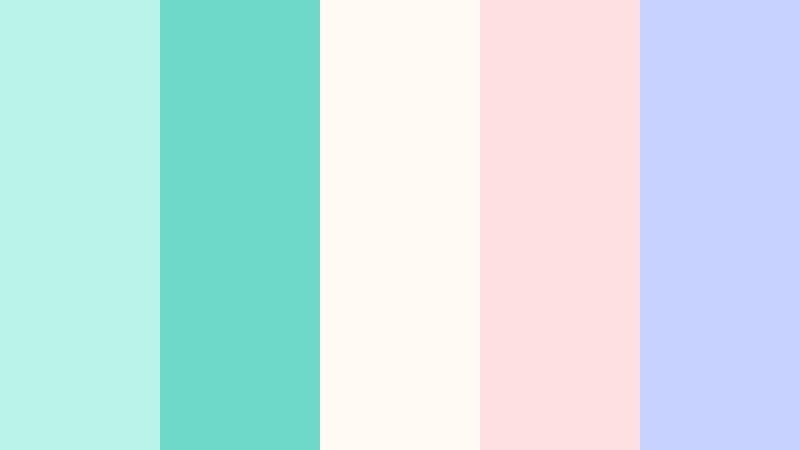
- HEX Codes: #b9f3ea, #6ed9c9, #fffaf3, #ffe0e0, #c7d2fe
- Mood: Whimsical, youthful, and storybook inspired.
- Use for: Great for kids content, cozy reading vlogs, soft product promos, and animated lower thirds.
Minted Storybook Frame turns Radiant Turquoise into a minty, candy like hue mixed with cotton candy pink, cream, and periwinkle. It feels playful and illustrated, like pages from a child’s picture book.
This palette is ideal for animations, kids channels, or cozy reading vlogs. Use mint turquoise for frames and panels, pink for cute badges or stickers, and cream backgrounds to keep everything easy on the eyes in thumbnails, channel art, and animated titles created in Filmora.
Calm Cabin Retreat
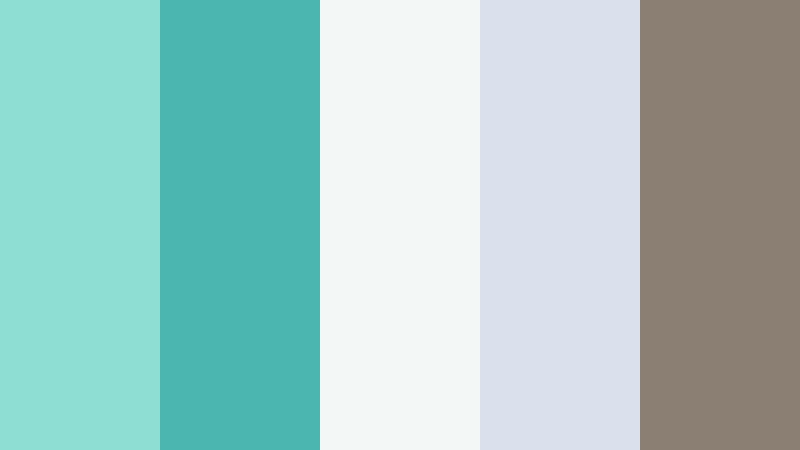
- HEX Codes: #8fded4, #4bb6b0, #f3f7f5, #d9e2ec, #8a7f72
- Mood: Grounded, tranquil, and nature centered with a spa like feel.
- Use for: Use in retreat promos, meditation channels, and slow travel documentaries for a restorative vibe.
Calm Cabin Retreat balances soft Radiant Turquoise with stone grays and a warm, wood like brown. It feels like water and earth meeting in a serene spa or mountain cabin.
Use turquoise as a gentle highlight in overlays and titles, while the neutrals provide calming backgrounds in your Filmora edits. This palette suits slow travel films, cabin tours, yoga flows, and meditation loops where you want your visuals to feel grounded and restorative.
Vintage Poolside Diary
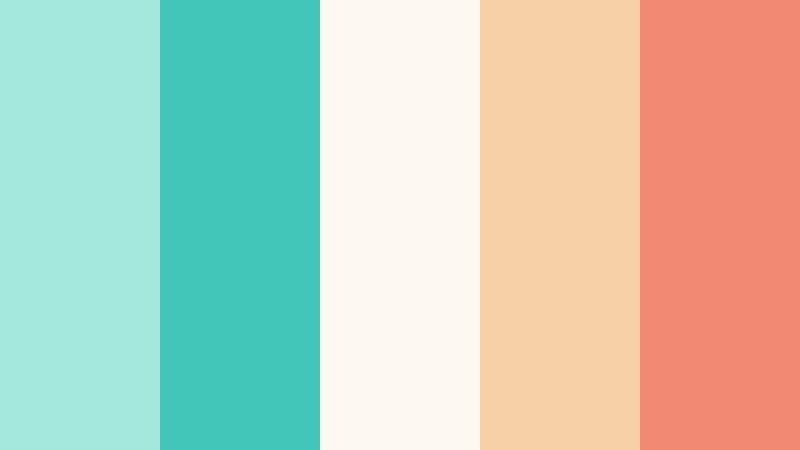
- HEX Codes: #a3e7dd, #41c6b9, #fdf8f2, #f6d1a7, #f18973
- Mood: Nostalgic, sun faded, and cinematic like retro vacation film.
- Use for: Ideal for travel vlogs, summer lookbooks, and stylized color grading presets.
Vintage Poolside Diary pairs Radiant Turquoise with peachy sand tones and softened coral, creating a nostalgic, film like summer look. It evokes faded postcards, Super 8 footage, and poolside memories.
Use turquoise for water elements, title highlights, and borders on postcards styled graphics. The warm tones can grade your footage toward golden hour, especially when combined with Filmora’s film grain or vintage filters for travel vlogs, lookbooks, and summer recap reels.
Sleek And Modern Radiant Turquoise Color Palettes
Minimal Interface Flow
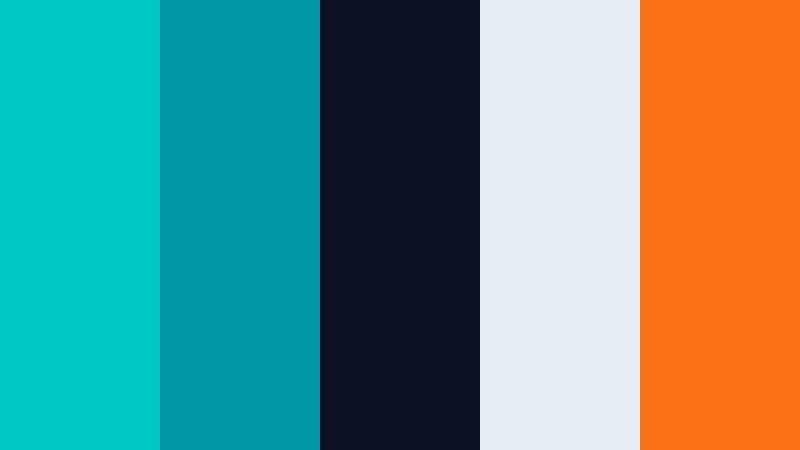
- HEX Codes: #00c7c0, #0098a7, #0b1120, #e5ecf4, #f97316
- Mood: Clean, professional, and product focused with tech startup polish.
- Use for: Best for SaaS explainers, app walkthroughs, UI case studies, and corporate intros.
Minimal Interface Flow places Radiant Turquoise against a nearly black UI base, with soft light grays and a bright orange call to action accent. It feels like a modern dashboard or landing page brought to life in video form.
Use turquoise for icons, progress lines, and highlighted sections of your interface mockups. The deep navy works perfectly for background plates behind your titles and screen recordings in Filmora, while the orange accent draws attention to key features, pricing, or sign up prompts in explainers and product launches.
Futurist Gridline
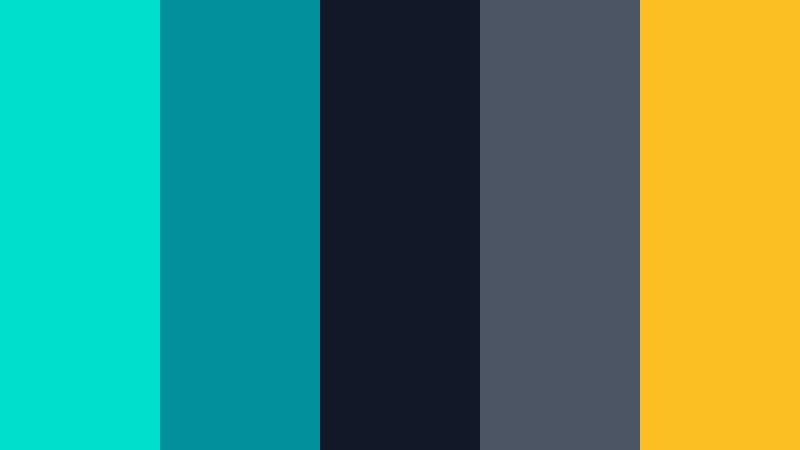
- HEX Codes: #00dfcc, #01909c, #111827, #4b5563, #fbbf24
- Mood: Techy, confident, and forward looking with sci fi hints.
- Use for: Great for motion graphics packs, infographics, and cinematic HUD overlays.
Futurist Gridline turns Radiant Turquoise into an electric glow set against charcoal and slate, with amber highlights. It feels like UI from a sci fi film, strong enough to support data heavy visuals.
Use turquoise for grid lines, data points, and scanning animations, while dark blues support the background. The amber accent is ideal for key stats and metrics in infographics, dashboards, and product demos, all built in Filmora with clean motion graphics.
Studio Loft Branding
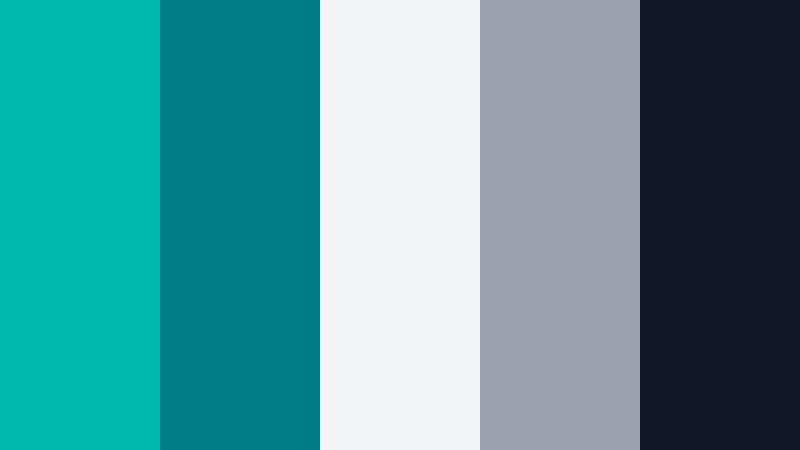
- HEX Codes: #00b9ae, #007c88, #f3f4f6, #9ca3af, #111827
- Mood: Urban, minimalist, and brand ready with editorial cool.
- Use for: Perfect for agency reels, rebrand reveals, LinkedIn content, and portfolio videos.
Studio Loft Branding combines rich Radiant Turquoise with concrete gray, soft white, and deep charcoal. It feels like a design studio showroom: minimal, sharp, and highly curated.
Make turquoise your signature accent across logo animations, section openers, and case study overlays. Use the grays and dark tones as neutral backdrops for text, testimonials, and portfolio shots in Filmora. This palette is strong for B2B content and creative agency branding where you want modern style without loud color overload.
Night Drive Sidebar
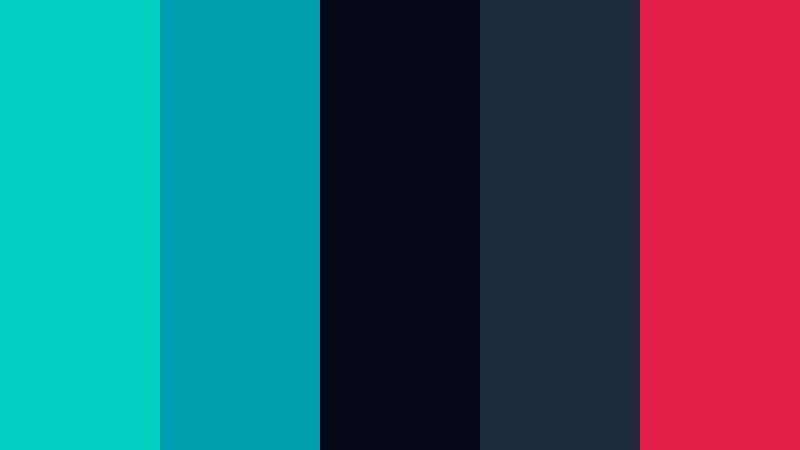
- HEX Codes: #00d1c2, #00a0b0, #020617, #1e293b, #e11d48
- Mood: Moody, cinematic, and late night urban with neon highlights.
- Use for: Use in cinematic vlogs, automotive edits, and moody channel art for a premium edge.
Night Drive Sidebar sets Radiant Turquoise against almost black blues with a hit of magenta red. It feels like a neon reflection on wet asphalt during a city night drive.
Use turquoise for sidebars, split screens, and overlay panels, while magenta highlights key words and markers. In Filmora, this palette works beautifully for cinematic vlogs, night city B roll, car features, and channels that lean into premium, moody aesthetics.
Conference Keynote Wave

- HEX Codes: #00c6c2, #008c99, #e5f3ff, #cbd5e1, #0f172a
- Mood: Trustworthy, polished, and conference ready.
- Use for: Ideal for keynote decks, webinar backgrounds, and educational channels targeting professionals.
Conference Keynote Wave presents Radiant Turquoise in a steady, corporate friendly tone, supported by navy and sky tints. It feels like a modern conference brand: clear, reliable, and visually calm.
Use turquoise in charts, icons, and accent lines, with navy backgrounds for title slides and data summaries. The light blues serve as panel backgrounds behind speaker names, bullet lists, and lower thirds in Filmora. This palette is ideal for webinars, masterclasses, and educational channels where clarity and trust are key.
Tips for Creating Radiant Turquoise Color Palettes
Radiant Turquoise is versatile: it can feel tropical, minimal, futuristic, or soothing depending on how you combine it with neutrals and accent tones. These tips help you build palettes that look great on video, stay readable, and feel consistent with your brand.
- Pair Radiant Turquoise with a deep neutral (navy, charcoal, or near black) to keep text and UI elements readable on thumbnails, titles, and lower thirds.
- Limit bright accent colors to one or two per palette (such as yellow, coral, or orange) so Radiant Turquoise remains the clear hero of your design.
- Use softer turquoise tints and pastels for long form content like vlogs and study videos, reserving the most saturated shades for short, high impact moments.
- Check how your palette looks on both light and dark backgrounds; adjust brightness and contrast in Filmora so text remains legible even on mobile screens.
- Keep branding consistent by reusing the same HEX codes for logo reveals, subscribe buttons, and chapter titles across series and platforms.
- Match your footage to the palette by gently shifting aqua and blue tones toward Radiant Turquoise with HSL controls, rather than oversaturating everything.
- For professional content, combine Radiant Turquoise with cool grays and off whites; for lifestyle or summer content, lean into warm sand, peach, or coral pairings.
- Always preview your palette on a paused frame, a thumbnail mockup, and a motion scene in Filmora to be sure it works in both stills and moving visuals.
Radiant Turquoise is a flexible color that can define your channel’s identity, from energetic esports overlays to calm productivity spaces and polished conference looks. The right palette helps your viewers recognize your brand at a glance and feel the mood you want to create before they even press play.
Use the HEX codes above as a starting point for your thumbnails, intros, titles, and color grading in Filmora. Save your favorite combinations as presets so every new vlog, tutorial, or promo inherits the same Radiant Turquoise style with minimal effort.
As you experiment, do quick A/B tests: swap backgrounds, try different accent colors, and see which palettes get better watch time and clicks. With Filmora’s color tools and ready made filters, you can evolve your Radiant Turquoise look while keeping your brand recognizable across all your content.
secure downloadNext: Cyber Pink Color Palette
