

 100% Security Verified | No Subscription Required | No Malware


 ChatGPT
 Perplexity
 Gemini
 Claude
 Grok
Grok
A simple living vlog filter can instantly turn everyday clips into calm, cozy stories that match your minimalist lifestyle. With the right looks, your videos feel softer, more intentional, and easier on the eyes for viewers who crave slow living content.
Below are 12 Filmora-ready filters inspired by simple, living, vlog moments, each tuned for natural light, muted tones, and gentle contrast so content creators can keep editing fast while staying true to a peaceful aesthetic.
In this article
Soft Morning Routine and Minimal Kitchen Scenes
Dawn Soft Warmth
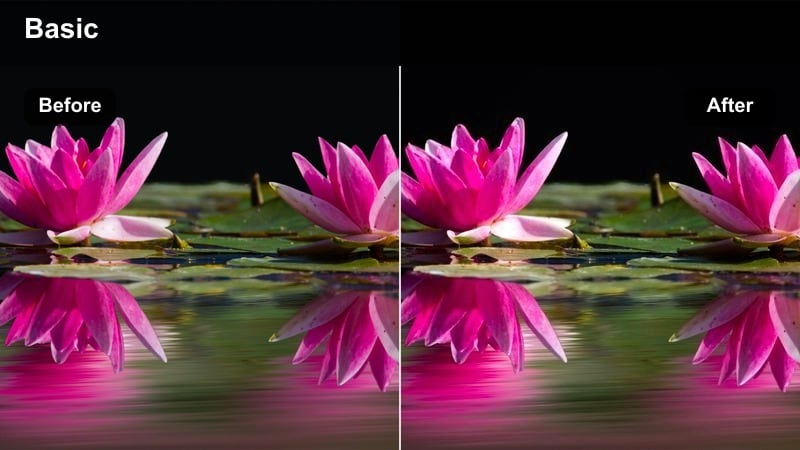
- Effect look: Gentle warm cast with lifted shadows and slightly muted highlights for a tender sunrise feel.
- Best for: Slow morning routines, making coffee, journaling by the window, and quiet kitchen setups.
- Editing tip: Reduce intensity to around 60 percent if your footage is already warm to avoid an overly yellow tone.
In Filmora, Dawn Soft Warmth is ideal for turning raw morning clips into cinematic, sun-kissed moments without heavy grading. The raised shadows keep darker corners of your kitchen visible, while the softened highlights make window light and steam feel gentle instead of harsh.
Apply this filter to your coffee-pouring, toast-making, or journal-writing shots, then fine-tune exposure so white mugs and counters do not blow out. If your footage was captured under warm bulbs or sunrise light, lower the filter intensity slider to keep a balanced, cozy tone that still feels clean and minimal.
Match Your Simple Living Aesthetic with AI-Powered Color
Filmora AI Color Palette helps you copy the calm, neutral tones of your favorite simple living clip and apply them to new footage. Instead of manually tweaking every slider, you can let AI read your reference frame and harmonize colors across an entire vlog.
Load a clip that perfectly reflects your slow living mood, use AI to extract its palette, and then apply that look to morning routines, kitchen scenes, and handheld transitions so every video feels part of the same minimal world.
 secure download

Preview Simple Living Filters in Real Time
Filmora lets you preview filters live so you can compare different simple living looks on the same morning or cleaning clip. This helps you quickly see whether a warm, matte, or airy style best supports your routine without committing to a full grade.
Drop a short clip on the timeline, open the Filters panel, and cycle through options like warm mornings, neutral mattes, or low-contrast evening looks while adjusting intensity until the image feels calm, clear, and true to your space.
secure download1000 plus Video Filters and 3D LUTs
Beyond simple living vlog filters, Filmora includes a large library of creative video filters and 3D LUTs for different moods and camera styles. You can mix these with your minimal looks to keep skin tones accurate while adding subtle cinematic character.
Apply a handheld lifestyle LUT first to unify color and contrast, then stack a soft simple living filter on top. With this workflow, you can switch aesthetics quickly while keeping your channel branding and grading consistent across many uploads.
secure downloadLinen Mist
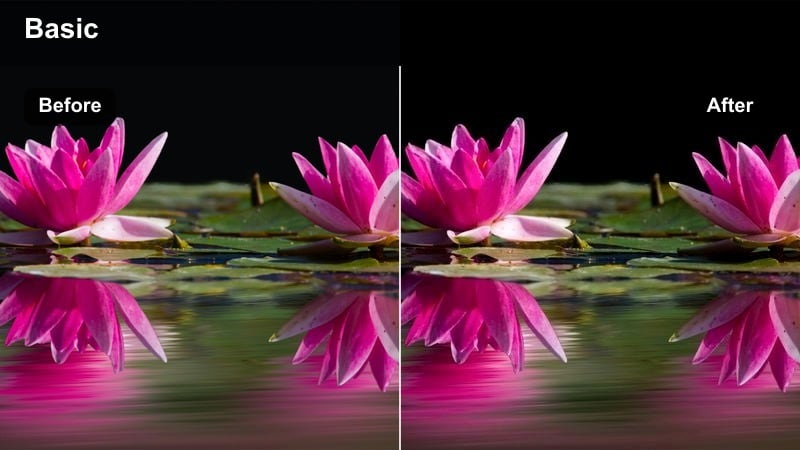
- Effect look: Soft, low-contrast look with cool-neutral whites and gently desaturated colors.
- Best for: Bed-making shots, quiet bedroom montages, and tidy closet or wardrobe clips.
- Editing tip: Slightly increase clarity on your subject after applying this filter to keep fabrics from looking too hazy.
Linen Mist is perfect in Filmora for slow, airy bedroom sequences where you want sheets, curtains, and clothing to feel light and minimal. The low contrast smooths out harsh creases and wrinkles while the cool-neutral whites prevent your space from looking too warm or muddy.
Use it on bed-making, wardrobe organizing, and closet close-ups, then add a touch of clarity to pillows or hands so important textures remain defined. If your walls are colorful, you can also nudge saturation down a bit more to keep the frame aligned with a minimal, neutral palette.
Quiet Kettle
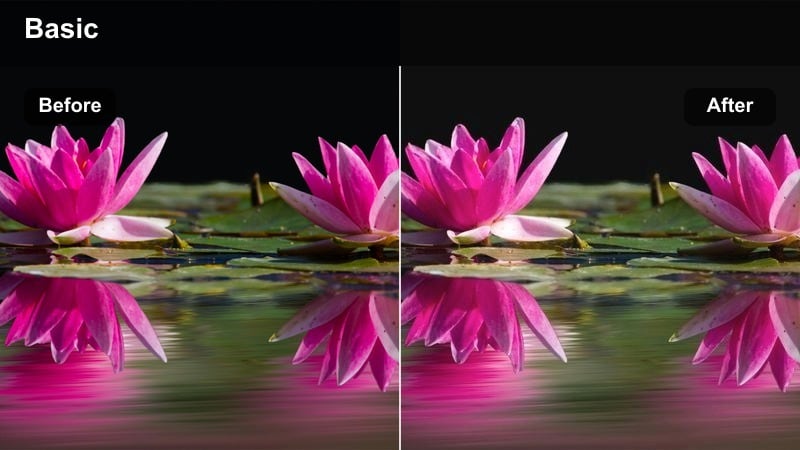
- Effect look: Matte finish with slightly muted colors, soft contrast, and a touch of warmth in midtones.
- Best for: Tea rituals, breakfast prep, and close-ups of hands doing small tasks on a countertop.
- Editing tip: Use gentle zoom-ins or slow pans with this filter to emphasize tactile details like steam and textures.
Quiet Kettle brings a soft, filmic matte to your close-up ritual shots, making steam, wooden surfaces, and ceramic mugs feel cozy and intentional. In Filmora, the muted colors keep distractions low so viewers focus on small actions like stirring tea or smoothing butter on toast.
Apply this filter to tight shots of hands and slow movements, pairing it with subtle keyframed zooms or pans. You can lightly increase sharpness or clarity to keep steam and edges defined, while leaving contrast low so the whole frame maintains a calm, documentary-style softness.
Daylight Cleaning, Organizing, and Desk Moments
Declutter Matte
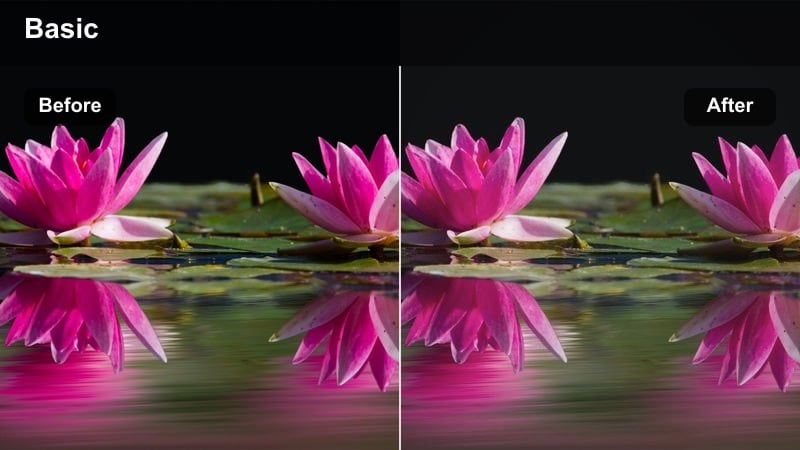
- Effect look: Flat contrast with softened blacks, neutral colors, and subtle grain for an understated documentary feel.
- Best for: Tidying, folding laundry, decluttering drawers, and before-and-after organizing shots.
- Editing tip: Cut faster between clips when using this subtle look so your cleaning montage stays engaging but still calm.
Declutter Matte is made for everyday cleaning vlogs where you want the footage to feel real but quietly cinematic. The softened blacks and gentle grain give your clips a documentary touch, which works especially well in Filmora for before-and-after sequences and time-saver montages.
Apply this filter across an entire cleaning sequence, then adjust exposure and white balance to keep whites neutral and surfaces easy to read. You can add slightly quicker cuts and rhythmic music without losing the relaxed mood, because the matte look holds everything together visually.
Paper and Pen
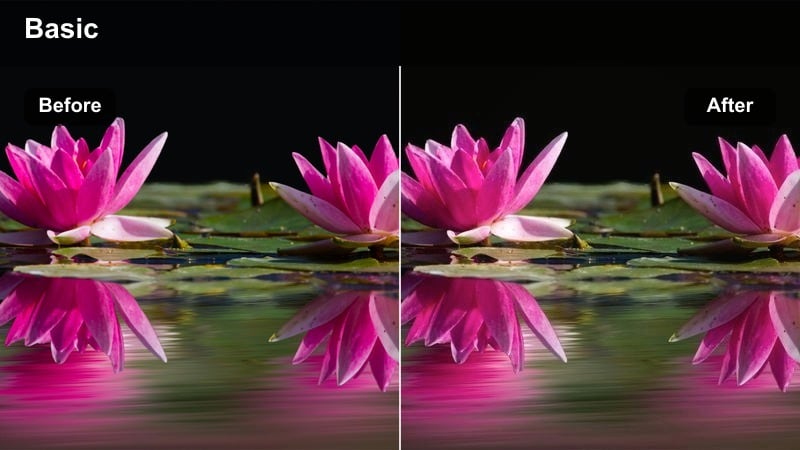
- Effect look: Clean, slightly cool whites with crisp edges and gentle contrast to highlight details.
- Best for: Planning sessions, bullet journaling, and laptop or desk productivity vlogs in natural light.
- Editing tip: Increase saturation by a small amount if your stationery or screens look too muted after applying the filter.
Paper and Pen is tailored for minimal desk shots where you want notebooks, pens, and laptops to look sharp and organized. In Filmora, the cool-leaning whites and gentle contrast make your pages easy to read while avoiding the harshness that comes with strong sharpening.
Use this filter on overhead desk shots, journaling close-ups, and typing scenes, then tweak saturation so accent colors like highlighters or sticky notes still pop subtly. If your walls or furniture are warm-toned, this look will help balance the overall frame, reinforcing a clean, focused workspace aesthetic.
Sunlit Surfaces
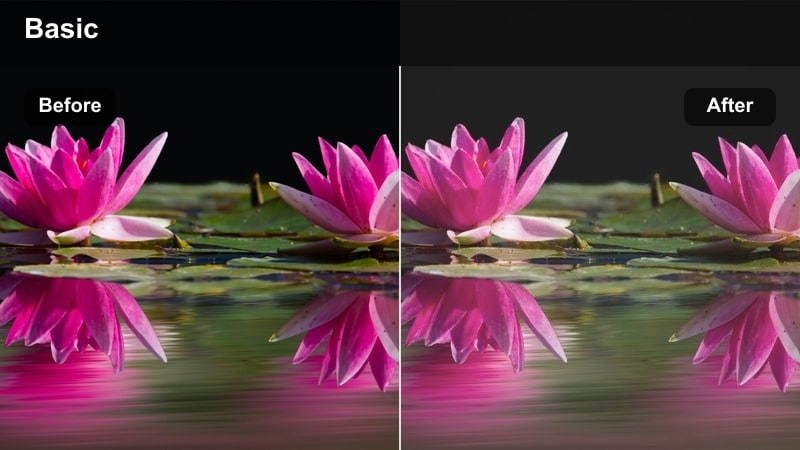
- Effect look: Bright, airy exposure with lifted highlights and reduced saturation for a gentle sun-washed feel.
- Best for: Dusting shelves, wiping counters, and panning across tidy rooms in late-morning daylight.
- Editing tip: Dial back exposure slightly on clips with strong direct sun to keep highlights from clipping.
Sunlit Surfaces infuses your cleaning and organizing shots with a light, floating atmosphere, ideal for footage captured in bright daytime windows. The lifted highlights and lowered saturation in Filmora make white shelves, plants, and decor feel soft and breezy instead of stark.
Apply this filter to panning shots across your living room or kitchen, and to close-ups of wiping or dusting motions. If your original footage has very strong direct sunlight, slightly reduce exposure after adding the filter so you preserve detail in bright areas while maintaining that sun-washed calm.
Handheld Walkthroughs and Lifestyle Transitions
Corridor Calm
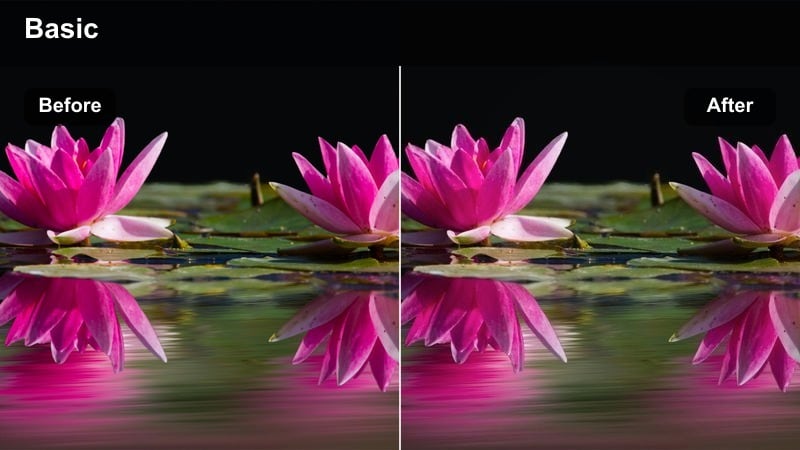
- Effect look: Slight motion-friendly contrast with softened highlights and neutral midtones for walking shots.
- Best for: Handheld walkthroughs of your apartment, moving from room to room, or following daily paths.
- Editing tip: Use gentle stabilization in your editor and keep cuts on natural camera movements to maintain flow.
Corridor Calm is designed for those in-between handheld clips where you walk through halls or move from space to space. The neutral midtones and softened highlights in Filmora keep exposure even as light changes from room to room, helping your footage feel smooth instead of jarring.
Apply this filter to entire walkthrough sequences, then add light stabilization so micro-shakes are tamed without losing an authentic handheld vibe. Cut on natural moments like door openings or turns, and the consistent color from this filter will tie separate shots into one relaxing journey.
Doorway Breeze
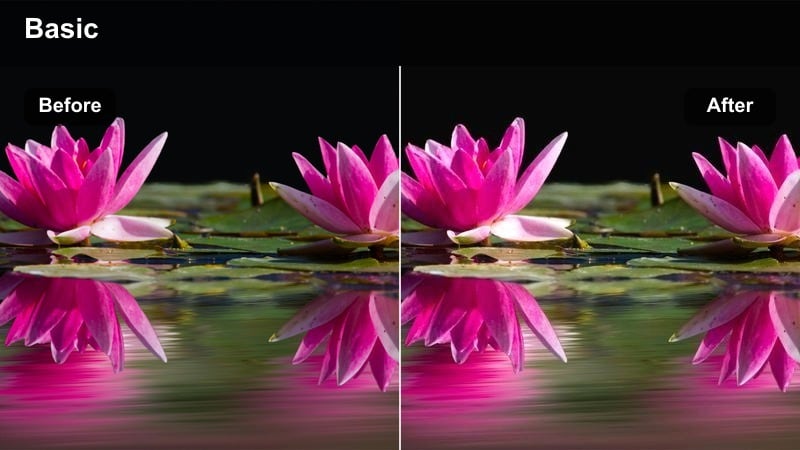
- Effect look: Soft backlight emphasis with slightly lowered contrast and a hint of warm glow around highlights.
- Best for: Opening curtains, stepping onto a balcony, or filming near open doors with bright light behind you.
- Editing tip: Expose for your subject s face, then add the filter so the soft glow in the background does not wash out details.
Doorway Breeze enhances silhouetted and backlit doorway scenes by wrapping bright backgrounds in a gentle glow. In Filmora, the lowered contrast and subtle warmth prevent windows and balcony doors from turning into harsh white blocks, keeping your simple living space soft and inviting.
Use it on curtain-pulling shots, balcony entrances, and door-opening transitions, exposing first for your face or subject. After applying the filter, you can fine-tune highlights with basic controls to protect sky or outdoor details while still letting the doorway feel dreamy and bright.
In-Between Steps
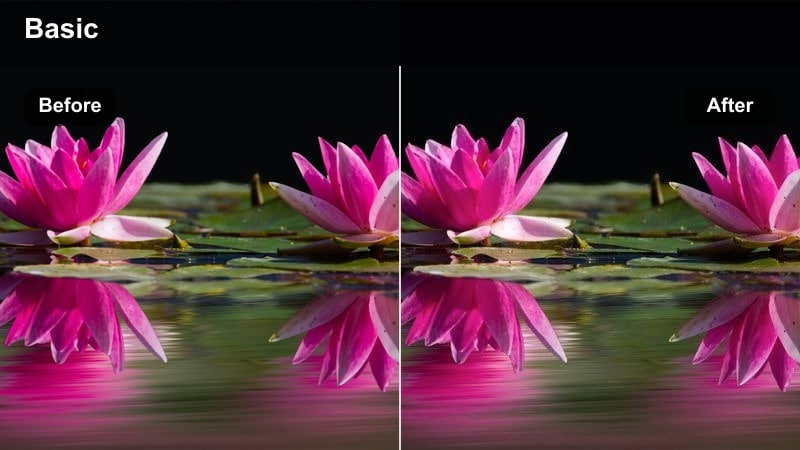
- Effect look: Gentle contrast, slightly muted colors, and a touch of cool tone for hallway and staircase movement.
- Best for: Climbing stairs, walking past mirrors, or capturing quick in-between transitions around the home.
- Editing tip: Cut on footsteps or turns in your body so this filter supports natural rhythm instead of feeling jumpy.
In-Between Steps is best suited to quick lifestyle transitions like climbing stairs, passing mirrors, or moving between tasks. The slight cool tone and muted colors in Filmora help unify clips shot in different corners of your home, so your vlog flows without sudden color shifts.
Apply this filter across your transitional B-roll, then adjust contrast just enough to keep floors and railings defined. Align your cuts with footsteps, door closings, or body turns, and let the understated color grade keep viewers focused on movement and routine rather than visual noise.
Cozy Evening and Wind-Down Simple Living Scenes
Amber Evening
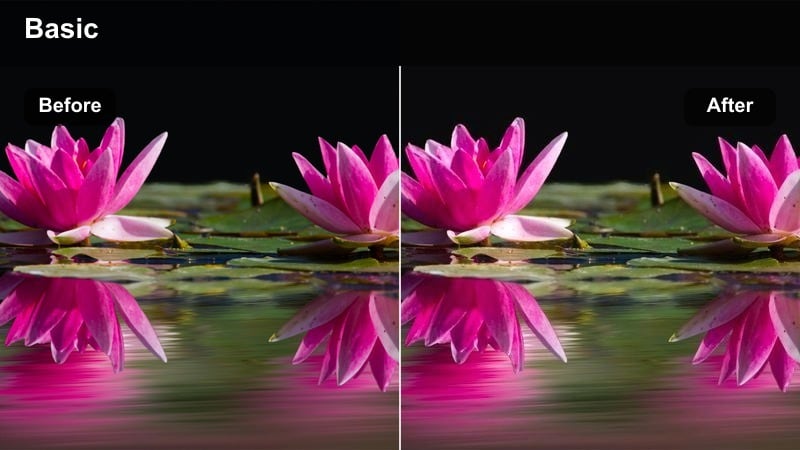
- Effect look: Warm, low-contrast glow with softened shadows and a gentle amber tint in indoor lamps.
- Best for: Reading on the couch, quiet conversations, and lamp-lit living room wind-down vlogs.
- Editing tip: Turn down saturation a bit if your bulbs are very orange so the warmth stays cozy, not overpowering.
Amber Evening gives your nighttime vlogs a golden, storybook feeling perfect for lamps, candles, and fairy lights. In Filmora, the low contrast softens deep shadows so your living room remains visible without introducing harsh noise or losing the intimate atmosphere.
Apply this filter to reading sessions, quiet chats, and broader living room shots where one or two lamps are on. If your bulbs are extra warm, lower saturation or warm color channels slightly after adding the filter so skin tones and fabrics look rich and inviting instead of overly orange.
Night Notes
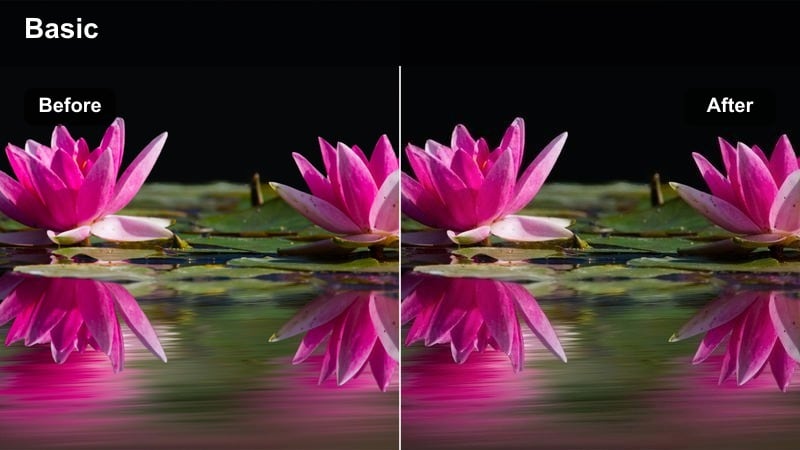
- Effect look: Cool-neutral evening tones with lifted shadows to keep low-light scenes visible and calm.
- Best for: End-of-day journaling, reflecting to camera, or closing thoughts filmed at your desk or bedside.
- Editing tip: Add a light vignette after applying the filter to keep attention on your face or notebook.
Night Notes is a gentle low-light filter that keeps your evening reflections clear without making them look over-processed. In Filmora, the raised shadows help you avoid crushed blacks in the background, while the neutral color balance keeps mixed lighting from looking too yellow or blue.
Use it for final talking clips, desk journaling, and bedside wrap-ups, then add a subtle vignette to guide attention toward your face or notebook. If you notice any grain in darker areas, lightly apply Filmora s noise reduction before or after this filter so the final image stays smooth and restful.
Screen Dim
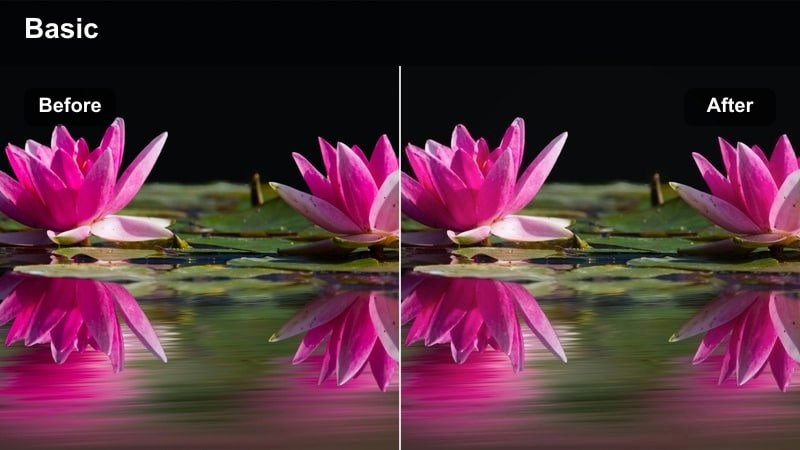
- Effect look: Reduced blue intensity from screens with lowered highlights and softened contrast.
- Best for: Watching videos, editing on a laptop, or checking your phone in a dim living room or bedroom.
- Editing tip: Lower your screen brightness while filming, then apply this filter to avoid clipping and keep eyes relaxed.
Screen Dim is built for low-light clips where laptops, TVs, or phones would normally overpower the frame. In Filmora, this filter softens highlight intensity and trims blue light, making the glow from your devices feel gentler and more aligned with a slow, pre-bed routine.
Apply it to shots of you scrolling, editing, or watching content, and then adjust exposure so your face is still readable next to the screen. If you want the on-screen content visible, keep filter intensity moderate; if mood matters more than legibility, you can increase intensity for an even softer, more atmospheric look.
Tips for Using Simple Living Vlog Filter Filters in Filmora
- Film with as much natural light as possible so your simple living vlog filters only need gentle adjustments.
- Keep your color palette in-frame limited to a few neutral tones so the filters can work consistently across shots.
- Record ambient sounds like kettle whistles, page turns, and footsteps to support the calm mood your visuals create.
- Batch-apply one base filter to all clips, then fine-tune only exposure and white balance per scene to save time.
- Avoid heavy sharpening; let the softness of the filters carry the relaxed, slow living feeling.
- Use AI color matching to keep the same calm aesthetic between cloudy, sunny, and evening shoots.
- Create and save presets for your favorite filter plus LUT combinations so every new vlog starts with a consistent look.
Choosing the right simple living vlog filter can turn ordinary daily tasks into thoughtful, slow stories that viewers come back to for comfort.
Experiment with a few of these looks, save the ones that feel most like you, and build a repeatable preset workflow so every new upload reflects your calm, intentional lifestyle with minimal editing time.
secure downloadNext: Explore Lifestyle Handheld Vlog LUTs for Natural Movement Shots
