

 100% Security Verified | No Subscription Required | No Malware


 ChatGPT
 Perplexity
 Gemini
 Claude
 Grok
Grok
These Filmora cinematic filters are tuned for Sony A7IV S-Log3 footage so you can turn flat profiles into rich, story-driven visuals in a few clicks.
Whether you shoot travel, narrative, weddings, or city b-roll, use these scene-based presets as fast grading starting points that still leave room for your own style.
In this article
Neon Nights and Dusk Cityscapes
Neon Noir Dusk
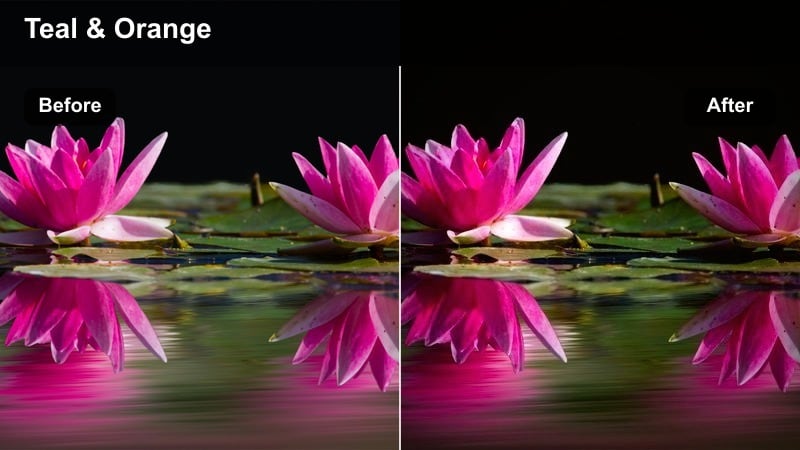
- Effect look: Deep contrast with cool shadows, teal street ambience, and punchy neon highlights that keep skin tones natural.
- Best for: Night city walks, cyberpunk-style b-roll, rainy streets, and moody handheld sequences shot in S-Log3.
- Editing tip: Lower overall saturation slightly, then add a soft vignette to pull attention toward illuminated signs and shop windows.
Neon Noir Dusk is built to take your flat Sony A7IV S-Log3 night shots and give them that dense, graphic neon look without destroying skin tones. Cool shadows and teal ambience carve depth into alleys and sidewalks, while saturated sign colors stay bold and separated from the rest of the frame.
In Filmora, apply this filter on an adjustment layer above your S-Log3 clips, then refine intensity so streetlights stay bright but readable. Combine it with Filmora vignettes and HSL controls to tame magenta and blue on faces, and adjust whites and midtones so neon highlights feel cinematic instead of blown out.
AI-Assisted Color Workflow for Sony S-Log3
Filmora AI tools quickly neutralize Sony A7IV S-Log3 footage so the Neon Noir Dusk look sits on a clean, balanced image. This helps you keep shadow detail while still pushing the cyberpunk mood.
Use AI color matching on one hero night clip, then copy those settings across your sequence before adding cinematic filters for a cohesive neon grade.
 secure download

Preview Cinematic Filters in Real Time
Filmora lets you audition Neon Noir Dusk alongside other Sony A7IV S-Log3 cinematic filters directly on your timeline. You can scrub, play back, and instantly see how each preset responds to shifting neon signs, traffic lights, and moving subjects.
Toggle filters on and off over the same clip to compare mood, and lock in the look that best matches your story before fine-tuning exposure and contrast.
secure download1000+ Video Filters and 3D LUTs
Beyond these Sony A7IV S-Log3 cinematic looks, Filmora includes a large library of filters, overlays, and 3D LUTs you can stack for endless variations. Start with a technical S-Log3-to-Rec.709 conversion LUT, then add creative filters to craft anything from stylized neon to soft filmic travel.
Adjust filter intensity, blend different LUTs, and save your favorite combinations as custom presets so you can reuse the same cinematic palette across series, vlogs, or client projects.
secure downloadRainy Street Glow
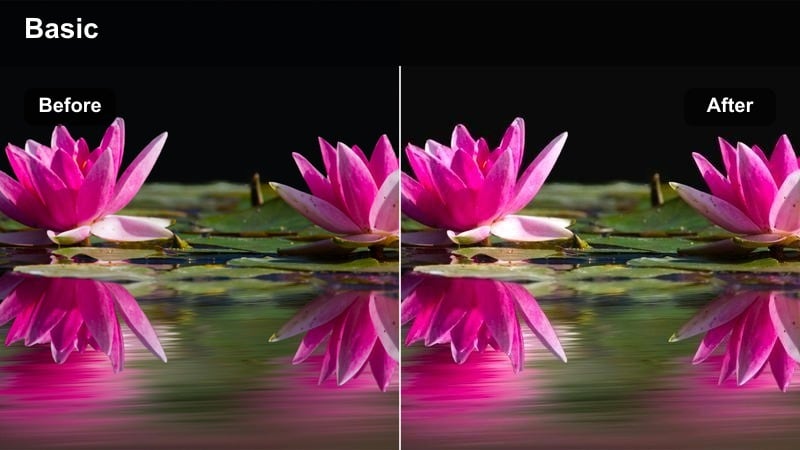
- Effect look: Soft halation-style bloom around lights with warm highlights and cool, slightly desaturated streets.
- Best for: Rainy city nights, taxi windows, reflective crosswalks, and slow-motion drizzle captured in S-Log3.
- Editing tip: Add a subtle blur or glow effect only to highlights, and keep clarity low in the background to emphasize depth and atmosphere.
Rainy Street Glow is designed to enhance the natural reflections and specular highlights you get after dark on wet pavement. It wraps light sources in a gentle bloom while keeping midtones controlled, so your Sony A7IV S-Log3 rain footage feels dreamy instead of muddy.
In Filmora, apply this filter and then layer a glow or blur effect targeted at the brightest parts of the frame. Keep background clarity low and add a touch of contrast to midtones if the scene starts feeling too hazy, preserving that cinematic balance between softness and detail.
Subway Tunnel Grit
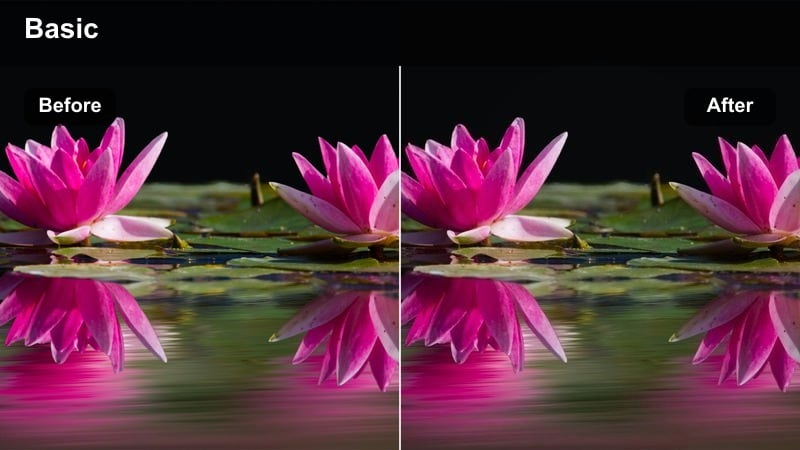
- Effect look: Gritty, high-contrast look with cool steel tones, crushed blacks, and subtle film-style grain.
- Best for: Underground subway platforms, escalator shots, tunnel walk-throughs, and handheld transit sequences.
- Editing tip: Protect skin tones by using selective color on reds and oranges, and avoid pushing the shadows too far to preserve detail in dark corners.
Subway Tunnel Grit leans into the industrial side of your S-Log3 transit footage, emphasizing metal, concrete, and fluorescent lights. It introduces controlled grain and strong contrast to make tunnels and platforms feel tense and documentary-like without turning everything into crushed black.
Inside Filmora, use this filter as a base grade, then fine-tune with HSL to keep reds and oranges clean on faces and signage. Darken the frame edges and let only pockets of light stay prominent so the viewer naturally follows commuters, escalators, or approaching trains through the scene.
Golden Hour Portraits and Street Moments
Sunset Portra Soft
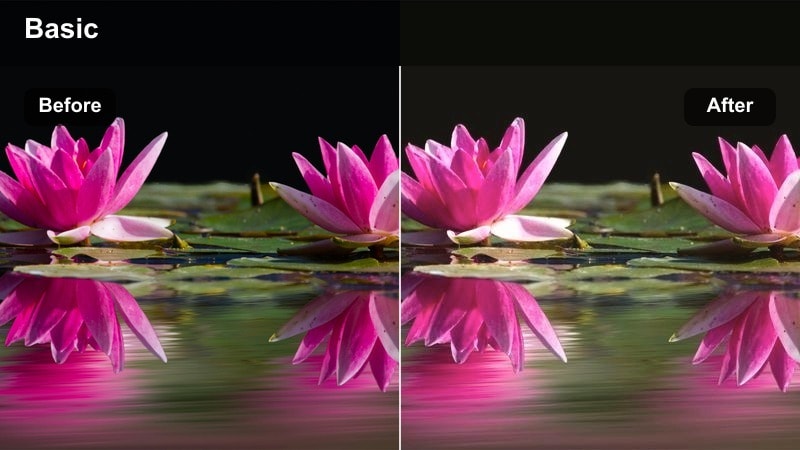
- Effect look: Gentle filmic contrast, pastel highlights, and warm golden midtones designed to flatter skin from S-Log3 captures.
- Best for: Golden hour street portraits, rooftop hangouts, and backlit silhouettes shot on the Sony A7IV.
- Editing tip: Expose S-Log3 one stop brighter in camera, then pull down highlights in Filmora for creamy skies without harsh clipping.
Sunset Portra Soft treats your golden hour S-Log3 footage like a film stock, emphasizing smooth roll-off and flattering skin over heavy contrast. It keeps highlights pastel and controlled so skies stay creamy and your subjects sit naturally in the warm light.
After applying this filter in Filmora, adjust highlight and midtone sliders to reclaim any overexposed areas, especially around the sun. Use color wheels to keep shadows slightly cooler, let warmth live in the midtones, and refine yellow saturation so skin looks natural instead of overly orange.
Street Copper Film
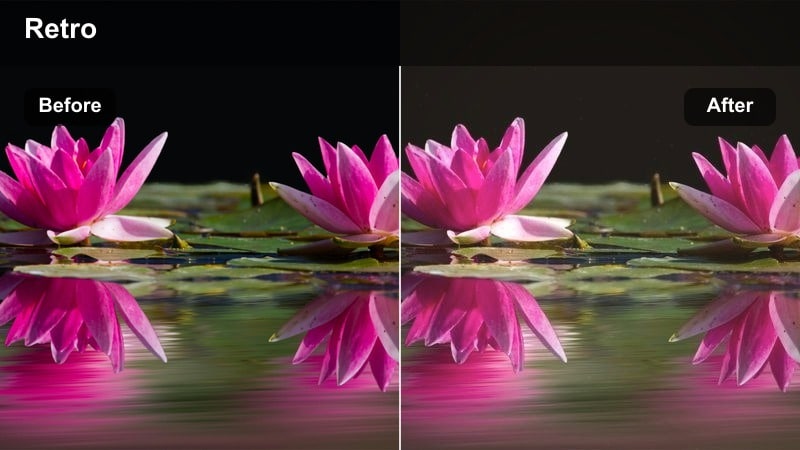
- Effect look: Copper-toned highlights with muted blues, medium contrast, and a subtle analog-style roll-off in the brights.
- Best for: Busy crosswalks, candid street interactions, and lifestyle b-roll during late afternoon or early evening.
- Editing tip: Boost saturation only in oranges and reds to make people and signage pop while keeping the rest of the frame more subdued.
Street Copper Film transforms everyday city movement into a cohesive, stylized palette with warm copper lights and softened blues. It works especially well on Sony A7IV S-Log3 when the sun is low and reflecting off buildings or cars, adding just enough analog character without overpowering the scene.
In Filmora, use this filter on sequences of crosswalks and candid street life, then add selective saturation to oranges and reds so subjects stand out. Slightly reduce global contrast if the frame feels busy, and rely on vignettes or masks to guide attention to your main character or action.
Backlit City Halo
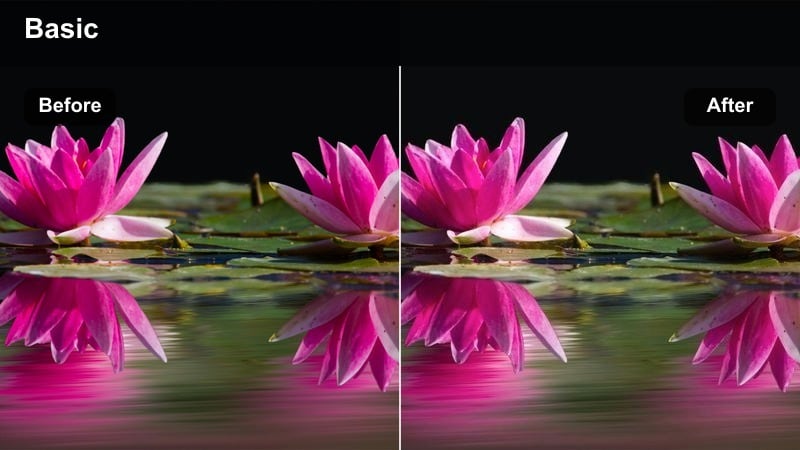
- Effect look: Bright, airy contrast with lifted blacks, glowing backlight, and a hint of warm flare around edges.
- Best for: Backlit walking shots, slow-motion hair movement, and romantic city strolls at golden hour.
- Editing tip: Lift blacks just enough for a modern look, then add clarity selectively to the subject to keep them sharp against the washed background.
Backlit City Halo is tailored for shots where the sun is behind your subject, turning harsh backlight into a soft, modern glow. It lifts blacks slightly for that airy, lifestyle aesthetic while preserving enough contrast that your Sony A7IV S-Log3 footage still feels polished and intentional.
Inside Filmora, apply this filter and then carefully balance exposure so silhouettes are defined but not crushed. Use masks on faces to gently lower exposure if they over-brighten, add a subtle lens flare overlay if needed, and increase clarity only on the subject so they remain crisp against the luminous city background.
Moody Interiors and Story-Driven Scenes
Café Dialogue Warm
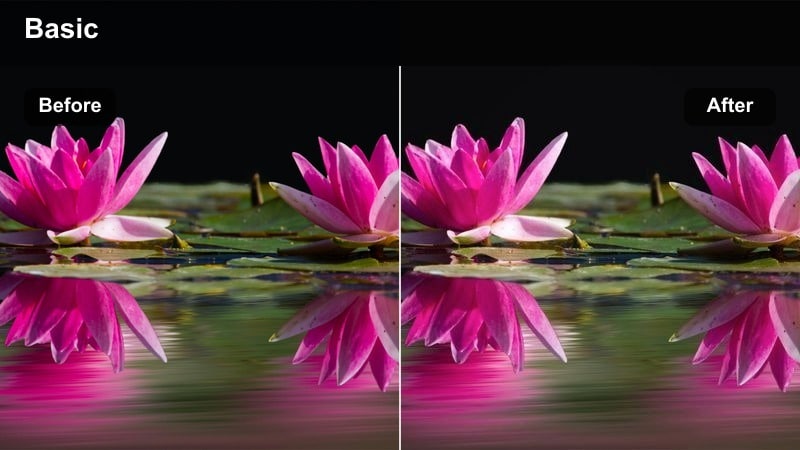
- Effect look: Soft contrast, warm tungsten balance, and gentle falloff in shadows ideal for intimate dialogue setups.
- Best for: Coffee shop conversations, laptop work scenes, and quiet storytelling moments in low light interiors.
- Editing tip: Use Filmora's color temperature slider to fine tune warmth based on your practical lights, keeping whites slightly neutral.
Café Dialogue Warm is tuned to make practical lamps and window light feel cozy and inviting, while still holding detail in your Sony A7IV S-Log3 interior footage. It adds a gentle warmth and controlled contrast that flatters skin and keeps attention on faces and hands.
Apply it in Filmora, then use the temperature and tint sliders to match the specific bulbs or ambient light in your scene. Shape faces with subtle contrast adjustments, slightly darkening the far side from the key light, and desaturate the background a bit so character interactions stay front and center.
Apartment Drama Low-Key
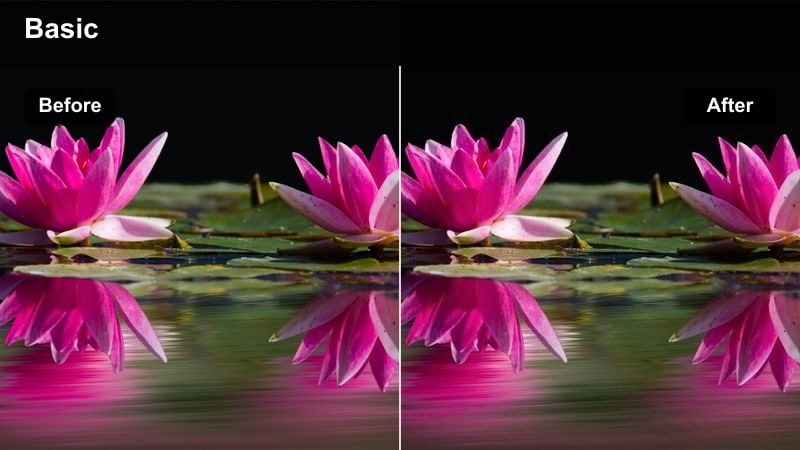
- Effect look: Low-key, cinematic shadows with slightly cool highlights and controlled, rich midtones for narrative drama.
- Best for: Short film scenes, emotional monologues, and night interior sequences shot with practical lamps and window light.
- Editing tip: Crush blacks carefully and keep an eye on noise; if the image breaks down, add light noise reduction before grading.
Apartment Drama Low-Key builds a dramatic, shadow-rich mood ideal for narrative projects shot in small spaces. It emphasizes midtones and cool highlights so S-Log3 interiors feel deliberate and cinematic, not just underexposed.
In Filmora, use this filter for night scenes or emotional beats, paying close attention to noise in darker areas. Apply gentle noise reduction before grading if needed, lift shadow saturation so blacks stay rich, and allow large portions of the frame to fall into negative space to reinforce your character's emotional state.
Workspace Cinematic Neutral
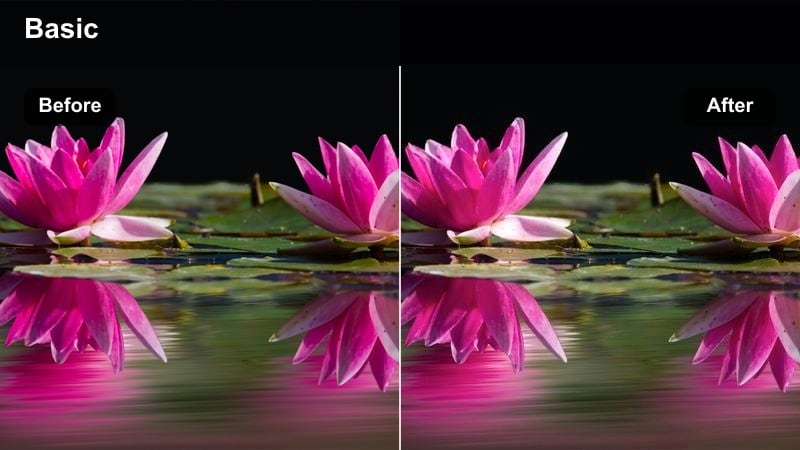
- Effect look: Clean, neutral contrast with slightly cool whites and balanced skin tones, ideal for creator workspaces and tech scenes.
- Best for: Desk setups, editing montages, product shots, and YouTube talking heads captured in S-Log3.
- Editing tip: Keep saturation moderate and use selective sharpening on the subject while leaving the background smoother and softer.
Workspace Cinematic Neutral is built to keep your colors accurate while adding just enough polish for professional content. It gives Sony A7IV S-Log3 desk and studio shots a subtle cinematic finish without damaging brand colors, product tones, or on-screen UI.
Apply it in Filmora to talking heads, B-roll of gear, and monitor close-ups, then use masks to keep screens slightly brighter and sharp. Maintain moderate saturation overall, sharpen only the talent or product, and let the cooler whites and gentle contrast support a clean, tech-forward aesthetic.
Travel Walks, B-Roll, and Establishing Shots
City Travel Teal & Gold
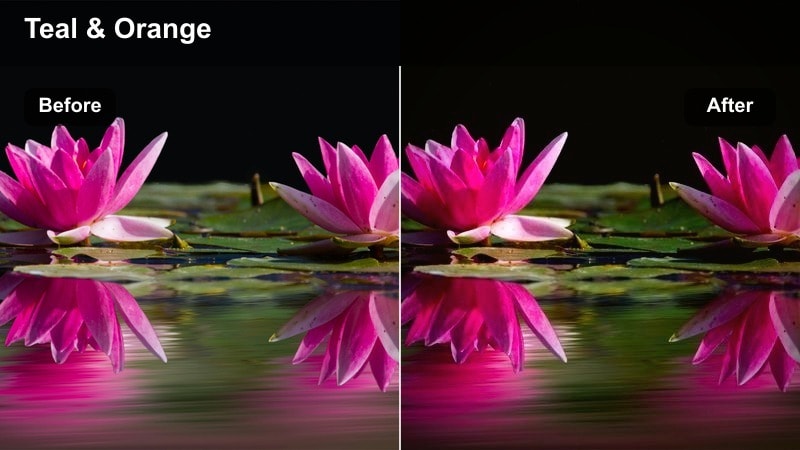
- Effect look: Classic teal and gold cinematic palette with crisp contrast and punchy midtones optimized for S-Log3 dynamic range.
- Best for: City travel montages, drone-style establishing shots, and handheld POV walks through urban streets.
- Editing tip: Dial back teal in the shadows if your scene includes important greenery or colorful architecture you want to preserve.
City Travel Teal & Gold gives your travel sequences a recognizable, blockbuster-inspired palette that makes skylines and city walks instantly cohesive. It pushes shadows toward teal and highlights toward warm gold while taking advantage of Sony A7IV S-Log3 latitude to hold detail in both.
In Filmora, use this filter as the base look for entire travel edits, then slightly reduce teal in shots with lush parks or colorful buildings so those elements stay believable. Combine it with smooth gimbal moves, simple transitions, and consistent exposure tweaks so every clip feels like part of one cinematic journey.
Morning Commute Soft Film
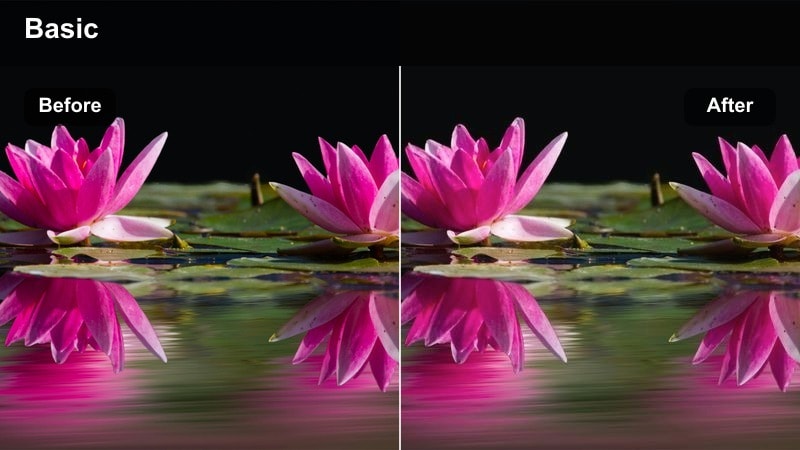
- Effect look: Low-contrast, slightly hazy look with gentle color and lifted blacks that evoke a quiet early-morning mood.
- Best for: Morning train rides, bike commutes, sunrise streets, and subtle travel b-roll sequences.
- Editing tip: Reduce clarity on background elements and keep the subject moderately sharp to separate them without heavy contrast.
Morning Commute Soft Film turns your early-day S-Log3 captures into calm, atmospheric visuals that feel like scene-setters between more intense moments. Lifted blacks, gentle saturation, and a hint of haze create the impression of cool air and quiet routines.
Apply this filter in Filmora to sequences on trams, trains, or quiet streets, then carefully lower clarity in the background while maintaining subject sharpness. Expose slightly brighter in camera, pull highlights down during grading, and pair the look with slower pacing and ambient audio to reinforce the relaxed mood.
Travel Handheld Contrast Boost
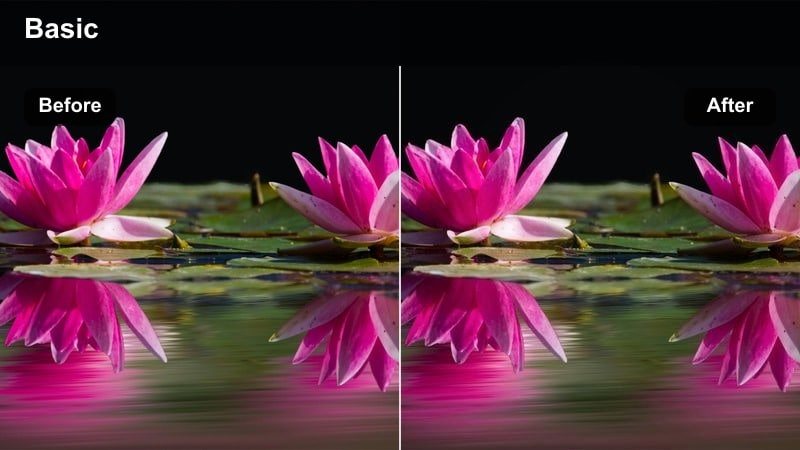
- Effect look: Snappy midtone contrast with crisp edges, slightly cooler shadows, and vivid but controlled saturation.
- Best for: Run-and-gun street b-roll, handheld travel clips, and vlog cutaways with lots of motion.
- Editing tip: Apply moderate stabilization and avoid over-sharpening edges to keep movement energetic but not jittery or harsh.
Travel Handheld Contrast Boost is ideal for energetic b-roll where your Sony A7IV S-Log3 footage needs extra punch to match the pace. It sharpens midtones, cools shadows slightly, and boosts color just enough so markets, alleys, and crowds feel vivid but not oversaturated.
Use it in Filmora on handheld sequences and vlog cutaways, combining the filter with mild stabilization to smooth micro-jitters while preserving natural motion. Adjust exposure and white balance per clip so lighting changes across the day feel cohesive, and gently reduce highlight intensity if skies or bright signs start to clip.
Tips for Using Sony A7iv S-Log3 Luts Cinematic Filters in Filmora
- Expose Sony A7IV S-Log3 slightly brighter in camera to protect shadows, then pull back highlights in Filmora for a cleaner grade with these filters.
- Use adjustment layers for your cinematic filters so you can tweak intensity once and apply it across multiple clips at the same time.
- Always correct white balance before applying strong color filters to avoid strange skin tones and unnatural city light colors.
- Group similar scenes on your timeline and apply the same filter to each group so your film maintains a consistent cinematic mood.
- If your footage looks too digital, slightly lift blacks and reduce clarity after adding a filter to achieve a softer, film-like texture.
- Fine-tune saturation per color channel rather than globally so skies, buildings, and skin all look natural under stylized grades.
With the right Filmora filters tuned for Sony A7IV S-Log3, you can skip hours of manual grading and still deliver cinematic, story-ready footage.
Treat these presets as creative starting points, then refine exposure, white balance, and intensity so every project reflects your signature style.
secure downloadNext: Sony A7III Travel LUTS
