

 100% Security Verified | No Subscription Required | No Malware


 ChatGPT
 Perplexity
 Gemini
 Claude
 Grok
Grok
These Sony ZV-1 content creator LUT-style filters are designed for videographers and creators who want fast, repeatable looks without diving deep into manual color grading.
Use these presets as your starting point in Filmora to match the ZV-1's vibrant profile with cleaner skin tones, punchier contrast, and a consistent aesthetic across vlogs, tutorials, and cinematic B-roll.
In this article
Talking-Head Shots in Studio and Room Setups
Clean Soft Skin Interview
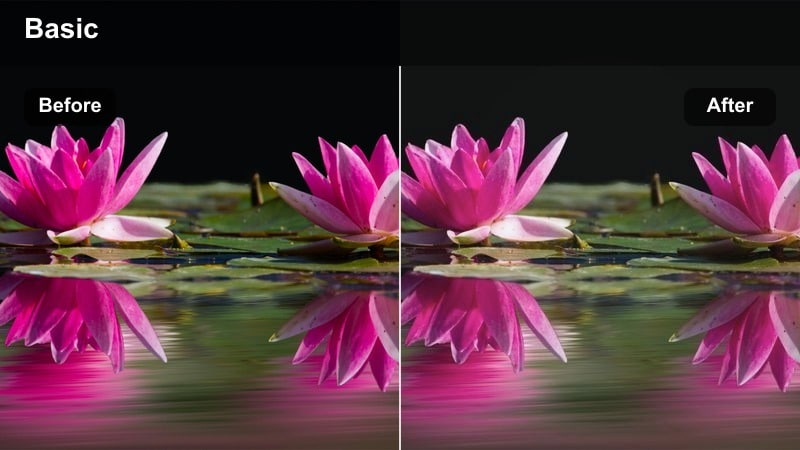
- Effect look: Gentle contrast with softened highlights and natural, flattering skin tones for ZV-1 talking-head shots.
- Best for: YouTube tutorials, explainer videos, and desk setups with controlled lighting.
- Editing tip: Slightly lower clarity and add a bit of vignette to keep attention on your face without losing detail in hair and eyes.
Clean Soft Skin Interview gives Sony ZV-1 talking-head footage a polished, broadcast-ready finish without making faces look overly airbrushed. In Filmora, the look smooths highlight roll-off on the forehead and cheeks, evens out minor color shifts in skin, and adds a subtle contrast curve so your subject stands out clearly against studio or bedroom backdrops.
Apply this filter to your A-roll track, then fine-tune exposure with basic color controls so your skin sits comfortably in the midtones. Combine it with a light vignette and a touch of sharpening around the eyes to guide viewer focus. For consistent uploads, save your adjusted version as a custom preset and use it as your go-to ZV-1 studio look across tutorials, explainers, and interviews.
Speed up your ZV-1 grading with AI-driven color matching
Use Filmora's AI color tools to quickly match your Sony ZV-1 footage to a reference clip or creator you admire, then layer these LUT-style filters on top for the final polish. AI Color Palette analyzes your reference video and adapts your ZV-1 clips so skin tones, shadows, and highlights follow a similar color balance.
This workflow lets you lock in a repeatable channel aesthetic fast. Once the AI has matched your base palette, you can stack one of the ZV-1-specific filters to push the look toward clean tutorials, warm desk vlogs, or cinematic travel without rebuilding grades from scratch.
 secure download

Preview filters live on your Sony ZV-1 clips
Drop a few seconds of your vlog or B-roll into Filmora and cycle through these filters directly on the timeline to see how each style treats ZV-1 skin tones, shadows, and saturated colors. With instant previews, you can quickly identify which look best fits your lighting conditions, from bright studios to moody streets.
Use split-screen preview to compare two or three favorite styles side by side. This makes it easy to decide on a signature look before you commit, so your talking heads, B-roll, and travel shots all share a cohesive aesthetic from video to video.
secure download1000+ Video Filters and 3D LUTs
Filmora includes an extensive library of cinematic filters and 3D LUTs you can stack with these Sony ZV-1 looks. Whether you are going for subtle color refinement or bold creative styles, there are presets tailored for vlogs, travel films, gaming content, and more.
Combine your favorite Filmora filters with custom tweaks to saturation, contrast, and curves, then save them as presets. Over time, you will build a reusable ZV-1 toolkit that lets you grade entire projects in just a few clicks.
secure downloadWarm Creator Desk Glow
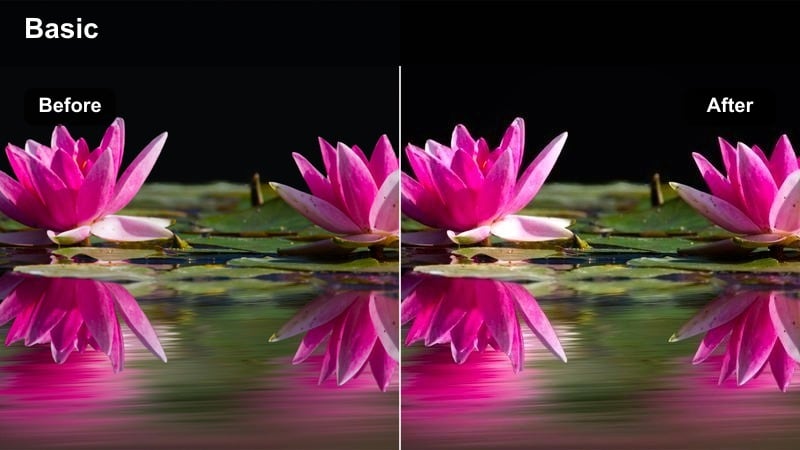
- Effect look: Warm, cozy tone with lifted shadows, ideal for creator desk setups and RGB backdrops.
- Best for: Productivity vlogs, desk tours, and streaming intros shot on the ZV-1.
- Editing tip: Reduce saturation of intense RGB lights slightly so the warm skin tone remains dominant and the scene feels intentional, not noisy.
Warm Creator Desk Glow leans into amber and orange tones to make your ZV-1 desk footage look inviting and cinematic. Shadows are gently lifted so key details like keyboards, controllers, and decor stay visible, while your skin tones remain the visual anchor amid colorful backgrounds.
In Filmora, apply this filter to your A-roll and B-roll desk clips, then use HSL controls to tame overly strong RGB colors from strips or monitors. A small vignette and subtle noise reduction will keep the frame clean and focused, making it perfect for productivity vlogs, desk tours, and webcam-style streaming intros.
Neutral Tech Review Studio
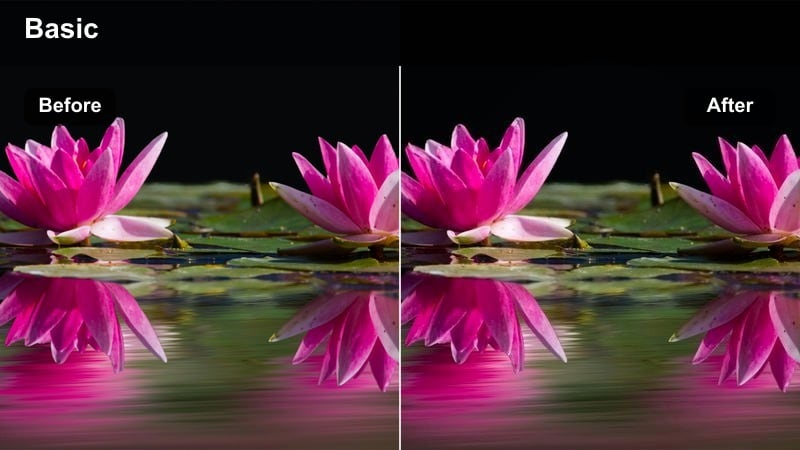
- Effect look: Clean, slightly cool studio look that keeps product colors accurate while softening skin.
- Best for: Tech reviews, unboxings, and tabletop demos where accurate color is important.
- Editing tip: Lower saturation just a touch and boost midtone contrast to make text, logos, and product edges stand out crisply.
Neutral Tech Review Studio is tuned for color-accurate Sony ZV-1 footage, giving you cooler, controlled tones ideal for gadgets and electronics. Whites stay clean, blacks do not crush logos or port details, and skin gets a gentle softening so presenters look rested without losing clarity.
Use this filter on all your review and unboxing angles, then refine exposure so packaging and screens are readable without glare. In Filmora, a small midtone contrast boost and subtle sharpening on product close-ups will help icons, bezels, and textures pop, creating a trustworthy, professional review aesthetic.
Outdoor Vlogs and Street B-Roll
City Vlog Pop
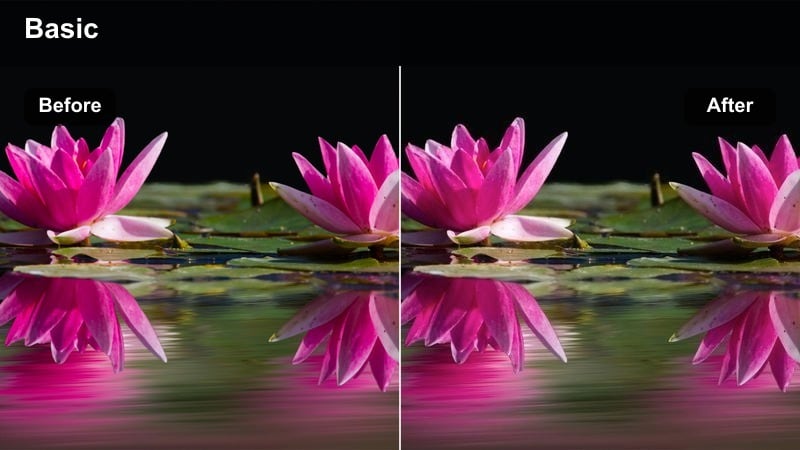
- Effect look: Punchy contrast and vibrant colors that make city streets, signs, and outfits stand out while keeping skin believable.
- Best for: Walking vlogs, city adventures, and travel diaries shot handheld with the ZV-1.
- Editing tip: Stabilize your clips first, then apply the filter and slightly reduce overall saturation for faces if the environment is very colorful.
City Vlog Pop amplifies the natural energy of urban environments by boosting saturation and contrast on your ZV-1 clips. Street signs, storefronts, and outfits look vivid and snappy, while the filter preserves realistic skin tones so you still look natural on camera.
In Filmora, apply this look after you stabilize your walking footage for best results. If the scene feels too intense, gently roll back saturation on reds and yellows while keeping contrast high. This keeps your face readable and your outfit stylish, all while the city behind you remains eye-catching for YouTube and shorts.
Golden Hour Sidewalk Glow
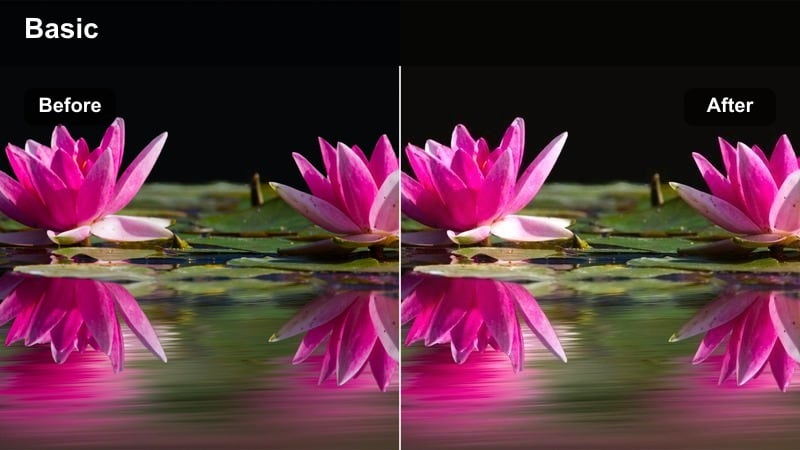
- Effect look: Soft, warm highlights with gentle contrast that emphasize sunset tones on skin and buildings.
- Best for: Sunset walk-and-talk vlogs, urban overlooks, and park paths shot during golden hour.
- Editing tip: Lower highlights slightly and push a tiny bit of orange into the midtones to deepen the golden feel without making whites look yellow.
Golden Hour Sidewalk Glow is tailored to the rich, directional sunlight you get near sunrise or sunset with the ZV-1. It enhances warm highlights around hair and shoulders, softens contrast to protect skin, and subtly boosts saturation in oranges and reds for a romantic, cinematic feel.
When grading in Filmora, combine this filter with minor highlight reduction to retain cloud and sky detail. Adjust midtone warmth until your skin looks sun-kissed but neutral in the whites of eyes and shirts, and use the same preset across your golden-hour B-roll for a cohesive, dreamy vlog sequence.
Moody Street Cinema
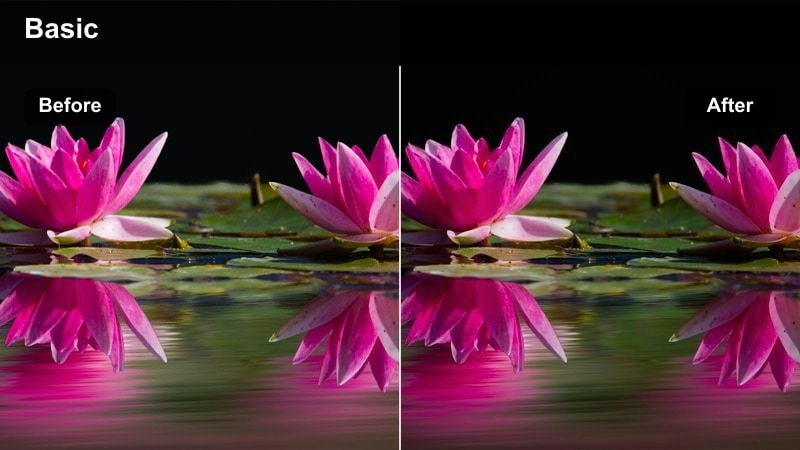
- Effect look: Deeper shadows, cooler midtones, and slightly muted colors for a cinematic, urban mood.
- Best for: Rainy-day vlogs, night streets, alleys, and atmospheric B-roll on the ZV-1.
- Editing tip: Crush blacks modestly and add a small vignette to draw eyes into the frame while preserving important street detail.
Moody Street Cinema pushes your Sony ZV-1 city footage into a darker, film-inspired palette that emphasizes blues and cool grays. Colors are gently desaturated, and shadows are deepened to create dramatic separation between lit areas and the surrounding environment.
Use this look in Filmora for dusk, night, or rainy B-roll, and then refine exposure so key details like faces or umbrellas stay visible. A slight vignette, plus subtle grain if desired, will enhance the cinematic feel, turning everyday alleys and sidewalks into atmospheric scenes suitable for intros, reels, and narrative vlogs.
Indoor Lifestyle, Home Vlogs, and B-Roll
Soft Home Daylight
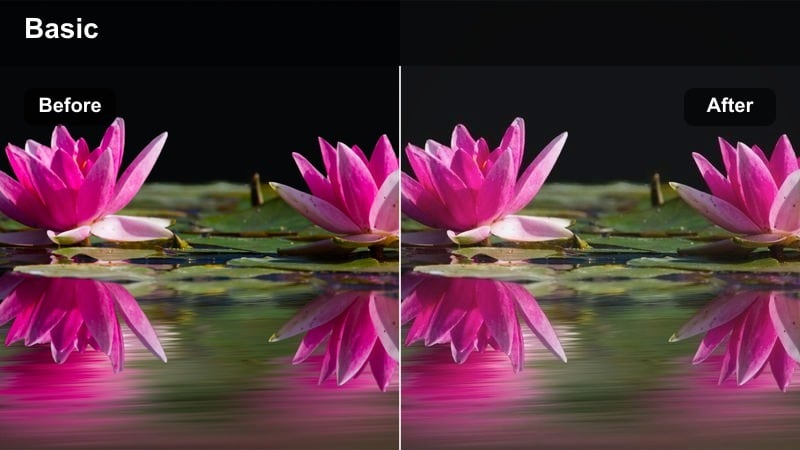
- Effect look: Bright, airy exposure with gentle contrast and clean whites for natural window-lit spaces.
- Best for: Morning routines, home vlogs, and lifestyle b-roll shot near windows in the daytime.
- Editing tip: Raise shadows to keep interior detail visible and slightly reduce highlights if your windows are pure white.
Soft Home Daylight gives your ZV-1 home footage a fresh, lifestyle-ready finish with lifted shadows and carefully controlled highlights. Whites stay crisp without harsh clipping, and the overall contrast is gentle enough to keep faces flattering and interiors welcoming.
In Filmora, apply this filter to your A-roll and cutaway shots around windows, then tweak exposure so that both your subject and decor remain visible. Small adjustments to highlights can recover window detail, while subtle saturation boosts in warm tones make wood, plants, and fabrics feel cozy and photo-ready for social platforms.
Cozy Evening Room Vlog
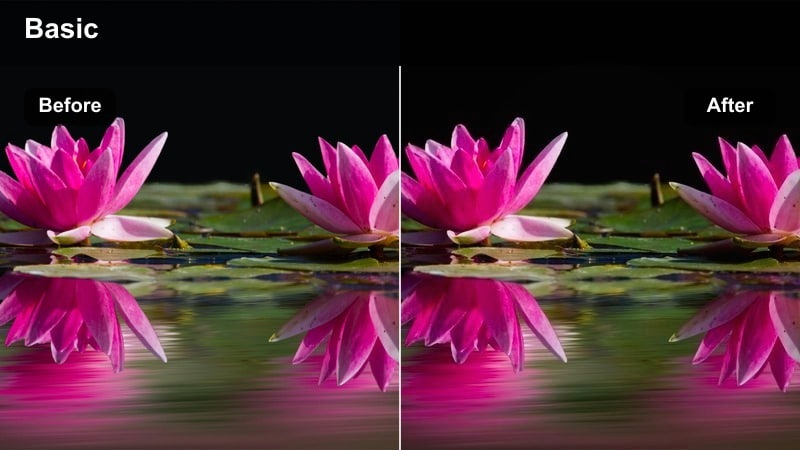
- Effect look: Warm, low-contrast feel with lifted blacks that mimics the look of dim evening lamps.
- Best for: Nighttime chill vlogs, casual storytime videos, and relaxed home updates.
- Editing tip: Lower saturation slightly and warm the midtones a touch if your room lights are very cool LEDs.
Cozy Evening Room Vlog is designed for dim, lamp-lit Sony ZV-1 footage where you want a relaxed, intimate vibe without crunchy noise or harsh contrast. The filter gently raises black levels, warms up midtones, and softens edges to recreate the feel of a quiet evening at home.
Apply it to your night vlogs in Filmora, then refine white balance until skin looks naturally warm rather than orange. If your LEDs are cooler, nudge midtones toward warmth and slightly desaturate extreme colors so the frame feels calm and cohesive, perfect for storytime, check-ins, or unwinding videos.
Product Lifestyle B-Roll
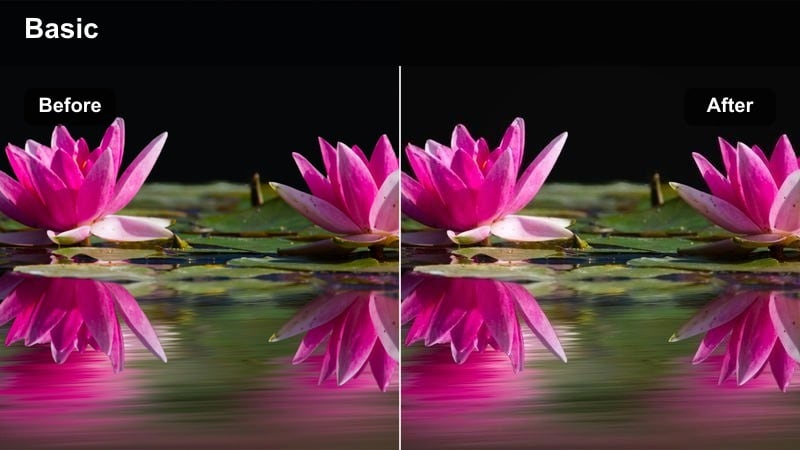
- Effect look: Clean, slightly warm tone with crisp micro-contrast that flatters small objects and hands-on shots.
- Best for: Handheld product b-roll, aesthetic desk clips, and lifestyle inserts in talking-head videos.
- Editing tip: Add subtle slow motion and a bit of sharpen after the filter to make details pop without making the image look harsh.
Product Lifestyle B-Roll enhances close-up ZV-1 shots of gadgets, stationery, skincare, and other lifestyle items by adding micro-contrast and a gentle warmth. Edges look precise, textures on packaging and materials are more tactile, and skin on hands remains flattering.
In Filmora, apply this filter to your B-roll track, then consider slowing the footage slightly and adding mild sharpening for extra clarity. Keeping exposure on the brighter side and lowering overall saturation a bit will make your product shots feel premium and on-brand, especially when cut between neutral or warm talking-head clips.
Cinematic Travel and B-Roll Sequences
Travel Film Soft Teal
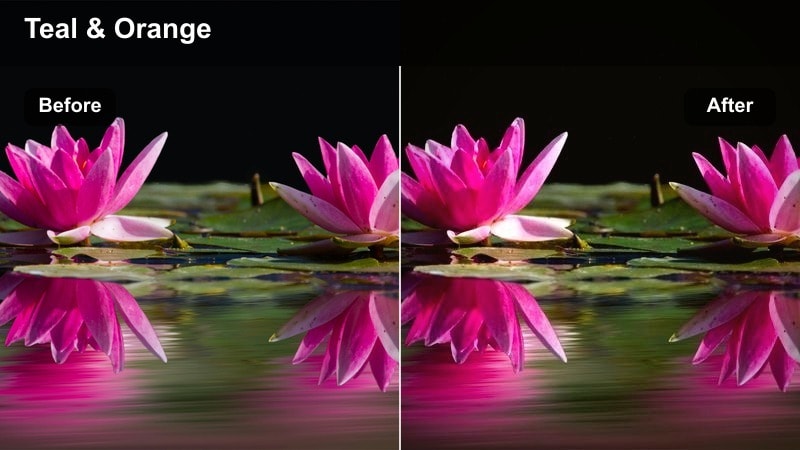
- Effect look: Subtle teal shadows with warm skin, moderate contrast, and a film-inspired curve for scenic travel shots.
- Best for: Travel montages, rooftop views, and cityscape b-roll captured on the ZV-1.
- Editing tip: Use this filter on an adjustment layer above your clips and fine-tune teal in the HSL panel so skies and buildings look cohesive.
Travel Film Soft Teal brings a classic teal-and-warm aesthetic to your Sony ZV-1 vistas, leaning blues and shadows slightly toward teal while preserving natural warmth in faces and sunlit areas. The contrast curve is gentle, giving your travel sequences a cinematic, film-like softness without losing detail.
For best workflow in Filmora, place this filter on an adjustment layer over your travel montage, then fine-tune the teal channel in HSL so skies, water, and buildings share a uniform tone. This lets you keep your A-roll skin consistent while unifying multiple locations into a single, stylized visual story.
Destination Postcard Vibrant
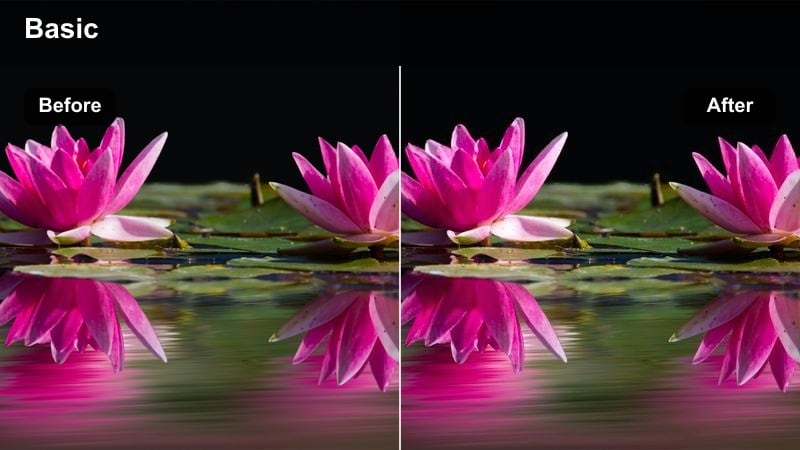
- Effect look: High saturation, bright contrast, and crisp edges that make landmarks and wide shots pop on social feeds.
- Best for: Tourist spots, city landmarks, plazas, and scenic overlook shots meant for thumbnails and shorts.
- Editing tip: Use keyframes to slowly ramp the filter strength from 0 to 100 during an establishing shot for a stylized reveal.
Destination Postcard Vibrant is built for maximum impact, pushing your ZV-1 travel clips into bold, saturated territory that grabs attention in thumbnails and mobile feeds. Landmarks, rooftops, and natural landscapes gain extra punch, while edges are sharpened for crisp detail.
In Filmora, apply this look to your hero shots and establishing scenes, and consider animating the effect strength from subtle to full intensity for a dynamic reveal. If any single color channel becomes too strong, selectively lower its saturation so fine details in architecture, foliage, or clothing remain clear and unclipped.
Slow-Mo Cine Walkway
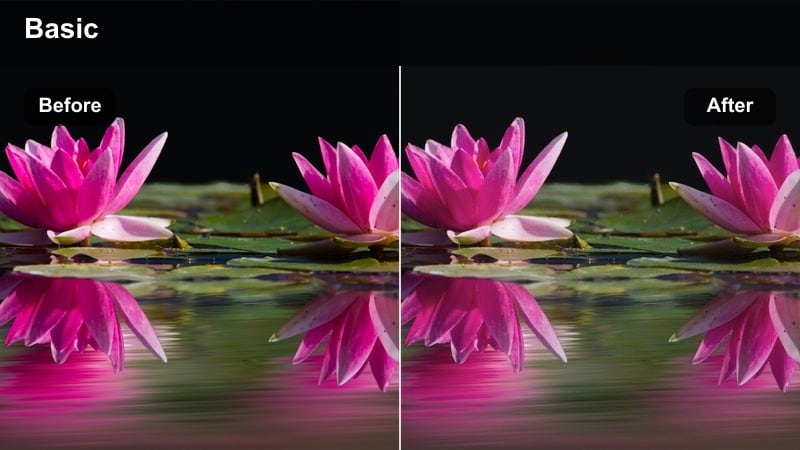
- Effect look: Smooth, low-contrast filmic look with gentle color separation made for slow-motion walking shots and gimbal moves.
- Best for: Slow-motion walk-bys, parallax moves around subjects, and general cinematic b-roll.
- Editing tip: Shoot at a higher frame rate on the ZV-1, slow down in Filmora, then apply this filter and reduce contrast a touch more for extra softness.
Slow-Mo Cine Walkway is optimized for smooth, high-frame-rate ZV-1 footage, giving it a soft filmic contrast curve and delicate color separation. The look works especially well on gimbal moves, walk-bys, and parallax shots where fluid motion and gentle tones matter more than punchy contrast.
After slowing your clips in Filmora, add this filter and slightly lower contrast to emphasize the dreamy feel. A touch of vignette and mild color saturation will keep your subject anchored while the background glides softly, making these sequences ideal for intros, transitions, and montage segments in cinematic vlogs.
Tips for Using Sony Zv-1 Content Creator Luts Filters in Filmora
- Expose slightly darker in-camera on the Sony ZV-1 to protect highlights and let filters bring back shadow detail cleanly.
- Keep your picture profile contrast and saturation modest so Filmora filters have room to shape color and tone without breaking the image.
- Batch your footage by scene type, such as studio, street, or travel b-roll, and apply one consistent filter per scene for a cohesive final video.
- Adjust white balance before applying filters; fixing strong color casts after heavy looks are applied usually leads to muddy skin tones.
- Use Filmora adjustment layers to apply a single filter across multiple ZV-1 clips while still allowing per-clip exposure tweaks underneath.
- Stabilize handheld Sony ZV-1 footage in Filmora before adding strong contrast or sharpening so motion feels smooth and intentional.
- Save your favorite ZV-1 grading combinations as custom presets in Filmora to speed up editing on recurring series or formats.
- Test filters on a short sample sequence first to confirm skin tones, sky detail, and shadows all hold up before batch applying to full projects.
With a thoughtful set of Sony ZV-1 content creator LUT-style filters, you can move from flat, out-of-camera clips to a recognizable channel aesthetic in just a few clicks.
Test these looks on your most common shooting scenarios, refine them into custom presets, and your future vlogs, tutorials, and cinematic sequences will grade faster and look more consistent across every upload.
secure downloadNext: Canon R6 Cinematic LUTS
