

 100% Security Verified | No Subscription Required | No Malware


 ChatGPT
 Perplexity
 Gemini
 Claude
 Grok
Grok
These TikTok video filters for Reels are designed to keep viewers watching, whether you are posting fashion hauls, daily vlogs, or fast-paced viral clips.
Use this collection as a starting point for your own preset stack so you can quickly match filters to your vertical video style and keep your Reels looking consistent across platforms.
In this article
City Fashion Reels with Neon Glow
Urban Neon Pop
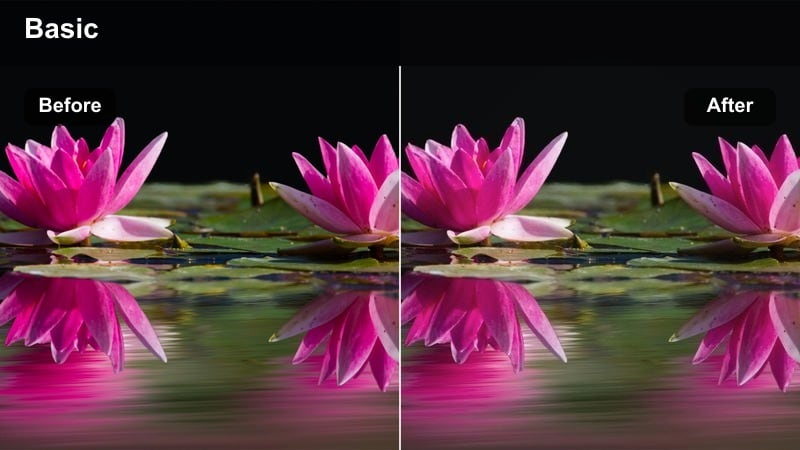
- Effect look: Punchy contrast with saturated neon signs that make outfits and billboards glow against darker city streets.
- Best for: Nighttime fashion reels, streetwear lookbooks, city rooftop transitions, and club entry shots.
- Editing tip: Lower shadows slightly and add a subtle vignette so the brightest neon colors sit near the center of your vertical frame.
In Filmora, Urban Neon Pop is ideal when you want your TikTok video filters for Reels to feel electric without totally crushing detail in darker areas. Start by dialing in exposure with the Color tools, then apply a high-contrast, saturation-boosted filter and push blues, magentas, and cyans so city signs and LED panels glow while keeping skin tones in check.
Use keyframed vignettes and the Masks tool to keep the brightest zones near the center of your vertical frame so outfits stay readable even with heavy color. For extra impact, combine speed ramping with beat-synced cuts so every time a neon sign or billboard fills the screen, the filter and motion work together for a scroll-stopping moment.
Match TikTok Video Filters to Your Reels Brand Colors
Use Filmoras AI-driven color tools to quickly align these TikTok video filters for Reels with the exact tones in your logo, wardrobe, or Instagram feed. Instead of guessing sliders for every clip, generate a palette from a single shot and let Filmora auto-balance the rest of your reel.
Once your palette is dialed in, save it as a reusable preset so every new vertical video filter you try still feels on-brand across TikTok, Reels, and Shorts.
 secure download

Preview Filters on Vertical Clips Before You Post
Drop your fashion reels, daily vlogs, or viral short-form clips into Filmora and preview different TikTok reels filters on a phone-sized canvas. Split-screen comparisons make it easy to see which look keeps skin tones flattering while still delivering bold, cinematic color.
Try stacking filters with subtle HSL and Curves adjustments so you can lock in one or two go-to vertical video filter combos that always work for your niche.
secure downloadTurn Your Favorite Reel Filter into a Cross-Platform Look
After you tune a TikTok video filter for Reels in Filmora, export that look as a LUT so you can reuse the same style in future edits or other apps. This is perfect for creators who want one consistent cinematic look across TikTok, Instagram Reels, and YouTube Shorts.
Saving your adjusted filters as custom presets or LUTs means you can apply your signature grade with a single click, keeping your vertical videos cohesive without redoing color work from scratch.
secure downloadStreet Style Cinema
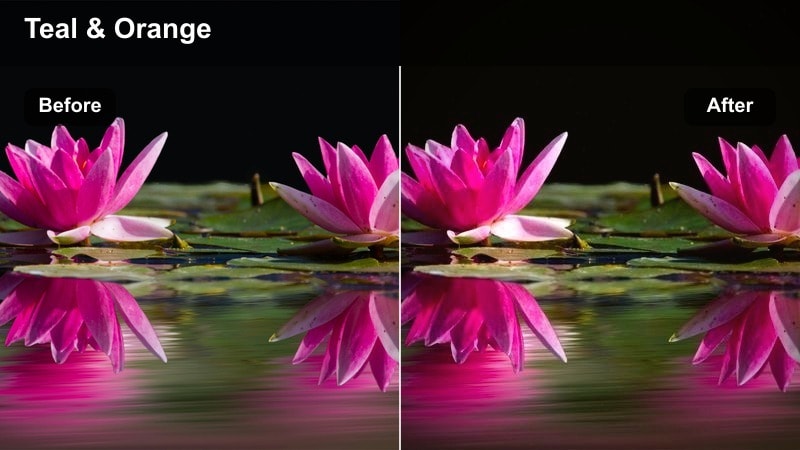
- Effect look: Soft teal shadows with warm skin tones that give street fashion reels a subtle cinematic vibe.
- Best for: Daytime outfit-of-the-day reels, sidewalk walk-throughs, and handheld fashion vlogs.
- Editing tip: Use slow, steady camera moves and add a slight blur transition so the cinematic color grading feels smooth and intentional.
Street Style Cinema uses a classic teal-and-warm-skin grade to turn basic city sidewalks into cinematic backdrops. In Filmora, start with a neutral base filter, then use Color Tuning to cool shadows toward teal and gently warm highlights, making outfits and faces stand out from buildings and pavement.
Stabilize handheld clips with the Stabilization tool and add subtle motion blur transitions between shots so the cinematic tone never feels jarring. Keep your Reels editing filter consistent across all angles in the sequence to maintain a polished, movie-like flow from first frame to last.
Metro Edit Flare
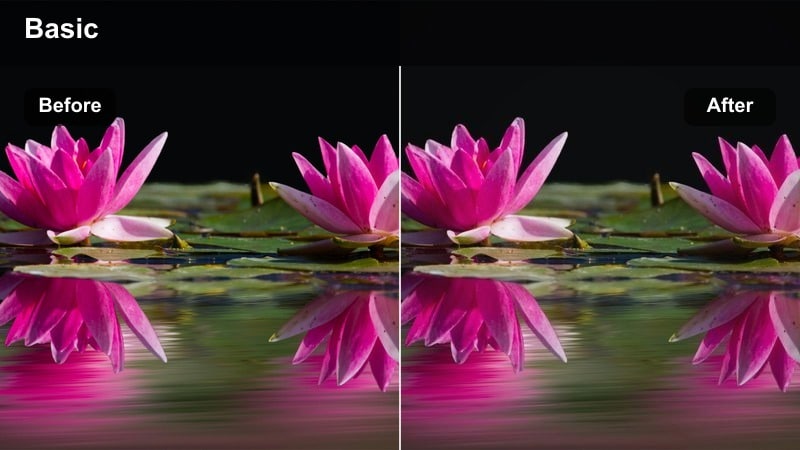
- Effect look: High-contrast urban tones with subtle flares that add energy to moving city backgrounds and quick outfit cuts.
- Best for: Fast-paced fashion transitions in subway stations, escalators, and busy crosswalks.
- Editing tip: Cut on motion like hair flips or steps and use jump cuts to match the filter's dynamic, high-energy style.
Metro Edit Flare amplifies bright overhead lights and shiny city surfaces, perfect for vertical video filters that need to feel edgy and modern. In Filmora, pair a strong contrast filter with lens flare overlays and light leaks from the Effects library to give your escalator and subway shots an energized glow.
Edit to the beat by trimming clips on big movements and using jump cuts or whip-pan transitions so the flares blend seamlessly. You can also add a light grain or sharpening layer to keep details crisp on small screens, making your high-energy TikTok filters for Reels feel intentional rather than chaotic.
Soft Daily Vlog Aesthetic Reels
Morning Soft Wash
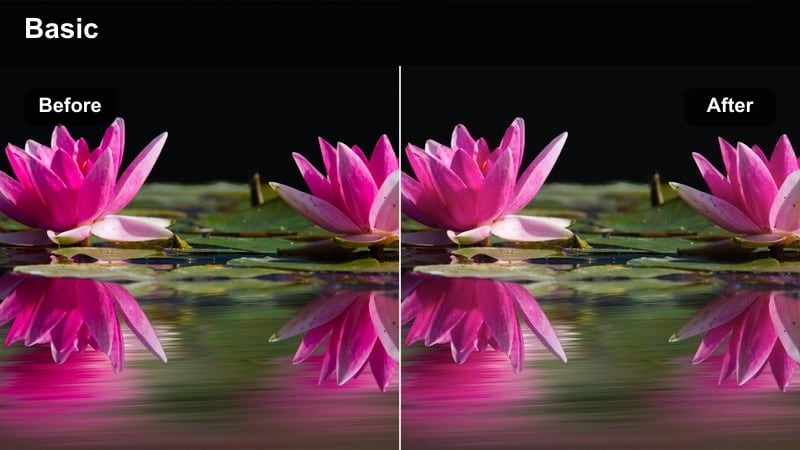
- Effect look: Low-contrast, slightly hazy tones that brighten interiors and make everyday moments feel gentle and cozy.
- Best for: Daily vlogs filmed at home, morning routines, desk setups, and casual talking-to-camera clips.
- Editing tip: Keep your exposure a touch lower in-camera, then use the filter to lift highlights and soften shadows for a clean wash.
Morning Soft Wash is great when you want your Reels editing filter to deliver calm, cozy vibes for slow mornings and soft lifestyle shots. In Filmora, reduce contrast, slightly lower clarity, and add a touch of bloom around highlights so windows and lamps feel bright without blowing out.
Batch apply this vertical video filter to all clips in your morning vlog sequence, then fine-tune exposure clip by clip so skin and blankets look creamy and soft. Add gentle background music and minimal text overlays to keep the focus on your storytelling and aesthetic, not on aggressive color contrast.
Neutral Apartment Diary
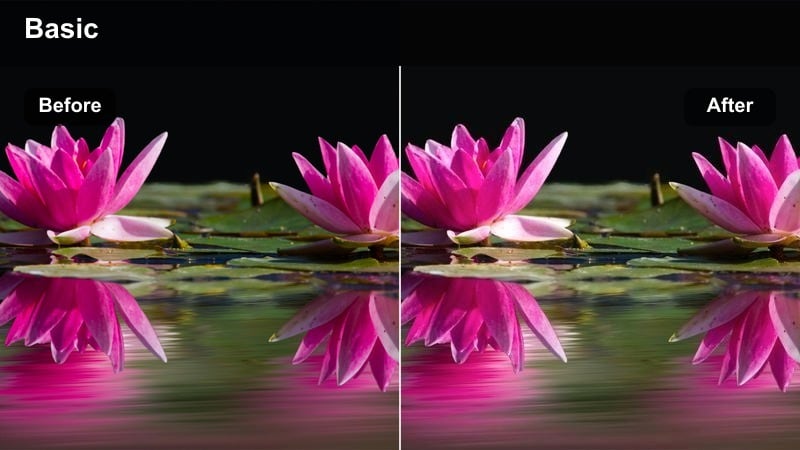
- Effect look: Warm neutrals with soft midtones that keep walls, furniture, and skin tones looking consistent across multiple clips.
- Best for: Story-style Reels, day-in-the-life vlogs, and quiet B-roll around your apartment or studio.
- Editing tip: Batch apply this filter to all your clips, then tweak white balance per clip to keep the overall diary feeling cohesive.
Neutral Apartment Diary is built for creators who film most of their content in one space and want their TikTok reels filter to feel like a recognizable series. In Filmora, start with a warm, low-contrast preset and gently boost midtones so beige walls, wooden furniture, and skin all sit in a cohesive, soft palette.
Use the Color Match feature to align new clips with one hero shot from your apartment so your vertical video filters stay consistent over time. Add recurring on-screen text styles, subtle whoosh transitions, and the same background track to reinforce your diary series identity across platforms.
Clean Creator Desk
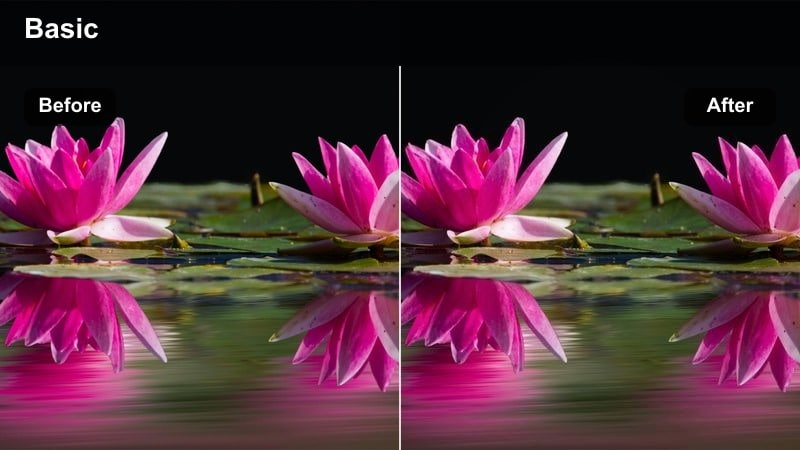
- Effect look: Cool, crisp whites with gentle contrast that highlight screens, notebooks, and hands without overexposing.
- Best for: Desk setup tours, productivity vlogs, planning sessions, and over-the-shoulder B-roll.
- Editing tip: Use top-down angles and keep your frame simple so the filter's clean lines make your workspace look polished on Reels.
Clean Creator Desk is a minimalist vertical video filter that helps desk setups and productivity B-roll look professional and clutter-free. In Filmora, cool your white balance slightly, increase highlights carefully, and add a small contrast bump so paper, keyboards, and screens look sharp without harsh shadows.
Combine this look with top-down shots and slow panning movements, then use simple, high-contrast text labels to call out tools or steps in your workflow. Because this TikTok video filter for Reels leans clean and cool, it pairs well with tech content, digital planning reels, and aesthetic study-with-me clips.
Viral Short-Form Impact Filters
Hyper Punch Vertical
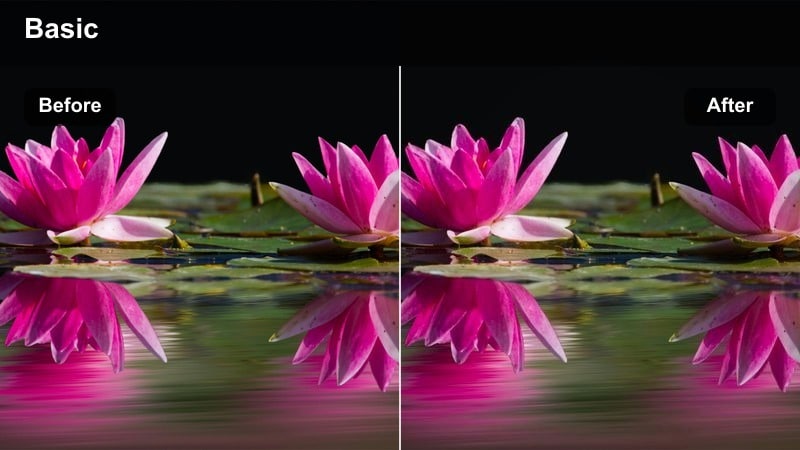
- Effect look: Strong saturation with sharp details that make fast cuts, text, and overlays pop on small screens.
- Best for: High-energy meme-style reels, reactions, comedic skits, and trending sound remixes.
- Editing tip: Keep clips under two seconds and align cut points with the loudest beats so the saturated look never feels overwhelming.
Hyper Punch Vertical is designed for viral short-form video filters where speed and color intensity are the main hook. In Filmora, combine a saturation-heavy preset with sharpening and a bit of clarity so facial expressions, memes, and bold captions stand out even on low-brightness screens.
Use the Beat Detection feature to mark strong audio hits, then snap your micro-clips to those markers so each cut lands with energy. Layer animated stickers, bold fonts, and quick zooms, but keep your background simple so the tiktok filters for reels do not turn the frame into visual noise.
Trend Snap Contrast
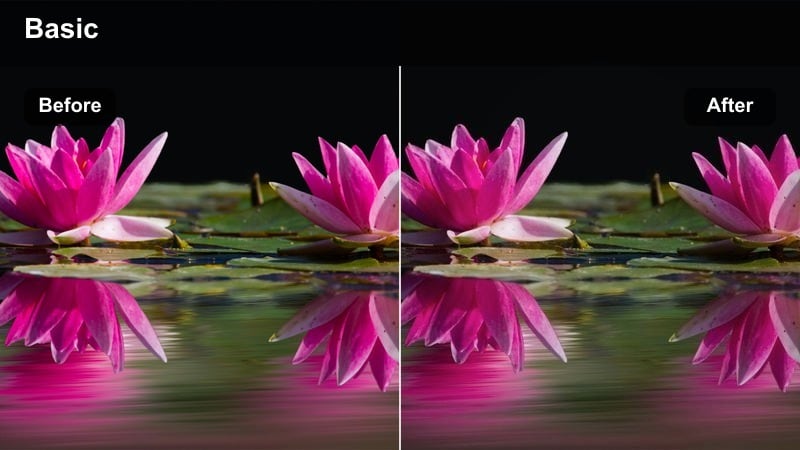
- Effect look: Crisp blacks and bright highlights with slightly cooler tones for a modern, snappy feel.
- Best for: Transition-heavy reels, outfit changes, before-and-after reveals, and quick storytelling hooks.
- Editing tip: Use match cuts on hand waves, jumps, or spins so the strong contrast hides tiny mismatches between clips.
Trend Snap Contrast emphasizes sharp edges and bold light-dark separation, making transitions and reveals feel extra punchy. In Filmora, pick a contrast-forward filter, then use Curves to deepen blacks while protecting highlight detail, especially around windows and light-colored outfits.
Cut multiple takes of the same pose or movement and line them up using the precise timeline zoom, letting the strong contrast mask small continuity differences. Add subtle zoom-in animations on each snap or reveal so your tiktok reels filter feels integrated into the motion instead of just sitting on top of it.
Viral Loop Glow
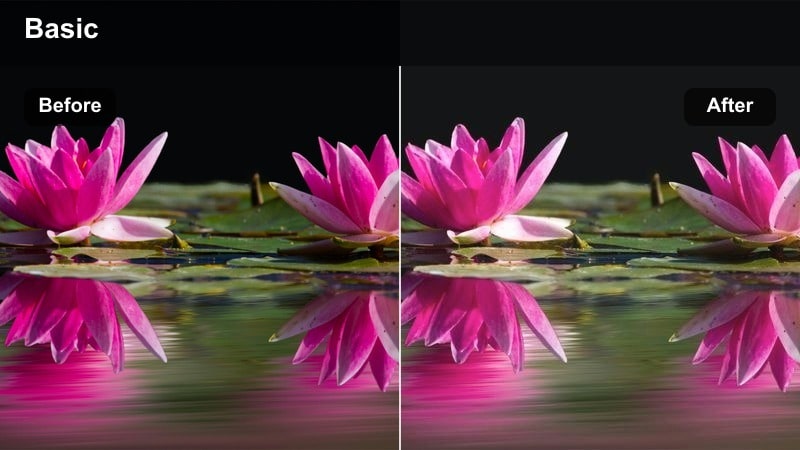
- Effect look: Subtle glow on highlights and softened edges that make looping clips feel dreamy yet still sharp enough for text.
- Best for: Loopable reels like aesthetic motions, POV shots, and satisfying close-up actions.
- Editing tip: Design your clip so the first and last frames match, then apply the filter and add gentle motion blur for seamless loops.
Viral Loop Glow is perfect for satisfying, rewatchable loops where viewers might watch three or four cycles without realizing. In Filmora, design your clip so the action ends in almost the same position it starts, then apply a glow-style vertical video filter and add slight motion blur to smooth the seam.
Use keyframed opacity or cross-dissolves between the end and beginning frames to hide the loop point, and keep text minimal so it does not give the reset away. This reels editing filter works especially well with macro shots, gentle spins, or hand movements that look mesmerizing when looped.
Cinematic Vertical Scenes for TikTok Reels
Golden Hour Cinema Vert
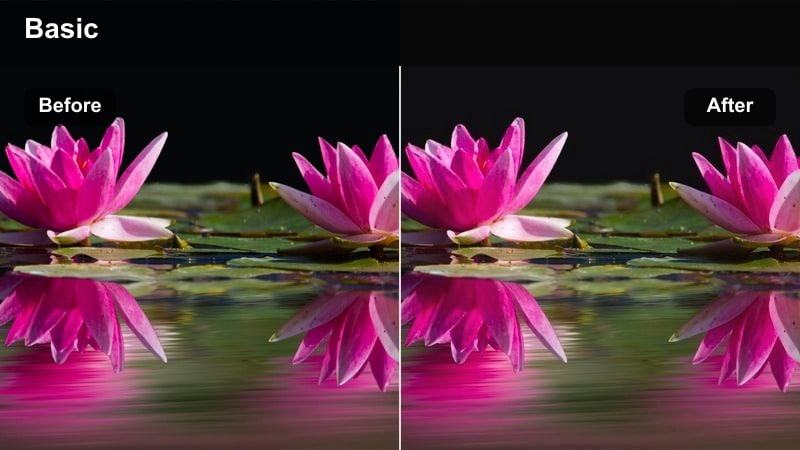
- Effect look: Rich, warm highlights and slightly faded shadows that turn simple outdoor shots into cinematic golden hour scenes.
- Best for: Sunset walks, rooftop hangs, city overlook shots, and romantic outfit reels.
- Editing tip: Shoot with the sun just out of frame and tilt your phone slowly for flares that this filter will amplify beautifully.
Golden Hour Cinema Vert is made for creators chasing that soft, glowing end-of-day look even when the light is not perfect. In Filmora, combine a warm, low-contrast LUT with gentle highlight roll-off so skies stay rich and skin tones turn sun-kissed without going orange.
Push oranges and yellows slightly in saturation while keeping blues a bit muted so the city skyline fades behind your subject. Add slow-motion shots, lens flare overlays, and gentle zooms to make your TikTok video filters for Reels feel like a cinematic montage rather than just a casual selfie clip.
Moody Subway Frame
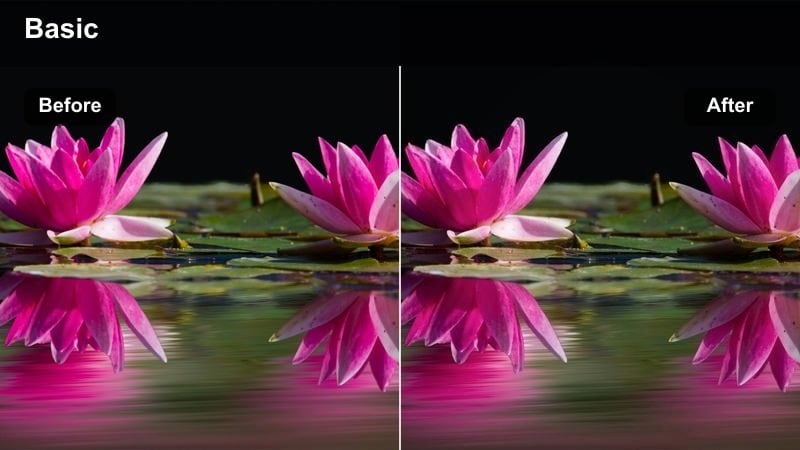
- Effect look: Cool shadows with deep contrast and slightly desaturated colors for a moody, filmic subway feel.
- Best for: Underground commute reels, reflective talking clips, and narrative mini-stories set in transit.
- Editing tip: Hold your phone steady and let the environment move around you so the dramatic color grading drives the emotion.
Moody Subway Frame gives transit scenes a film-inspired look that feels introspective and story-driven. In Filmora, use a cool-toned filter and pull overall saturation down a touch while deepening shadows to emphasize tunnel darkness and carriage interiors.
Add subtle film grain and a slight vignette so viewers focus on your face or text overlays as trains and lights move around you. This tiktok filters for reels style pairs well with beat-by-beat on-screen text, voiceovers, or captions that read like diary entries over the moody commute footage.
City Lux Matte
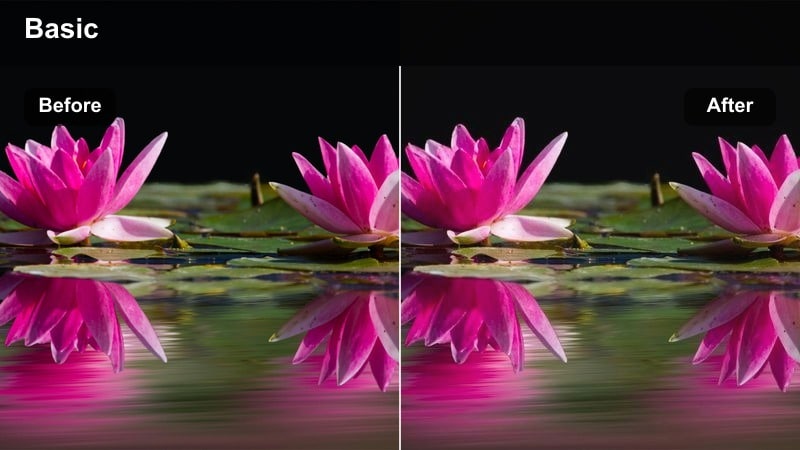
- Effect look: Slightly muted colors with a matte finish and polished highlights that give city reels a luxury brand feel.
- Best for: High-end fashion reels, lifestyle brand promos, and cinematic B-roll in upscale urban locations.
- Editing tip: Slow your footage to 0.75x and use smooth pans so the matte texture reads clearly on mobile without looking blurry.
City Lux Matte is for creators and brands who want their vertical clips to look like a polished campaign instead of a casual post. In Filmora, apply a matte-look LUT, lower overall saturation slightly, and keep highlights clean so reflections in glass and metal feel high-end but not flashy.
Use slow motion at 0.75x or 0.5x with smooth, controlled camera moves, then add minimalistic titles in clean sans serif fonts. When you reuse this TikTok reels filter across multiple city shoots, your vertical content starts to feel like a unified lookbook that viewers can recognize instantly.
Tips for Using Tiktok Filters For Reels Content Filters in Filmora
- Film in vertical-first, keeping your main subject in the center third so filters do not clip or distort important details at the top or bottom of the frame.
- Lock exposure on your phone camera before applying strong contrast or saturation filters to avoid flickering brightness between cuts.
- Build a small stack of two or three go-to TikTok video filters for Reels in Filmora for different scenarios like fashion, daily vlogs, and high-energy trends.
- Test your reel on low screen brightness and with sound off to make sure the filtered visuals and on-screen text still communicate the story clearly.
- Keep skin tones natural by slightly lowering saturation or using Filmoras HSL controls after applying intense viral-style color filters.
- Use the same filter or LUT across all clips in a single reel to avoid jarring shifts in tone, brightness, or mood as viewers watch vertically.
With the right TikTok video filters for Reels, even simple vertical clips can feel cinematic, branded, and ready to hold attention on a fast-moving feed.
Save a few of these looks as presets in Filmora so you can match filters to your fashion reels, daily vlogs, or viral ideas in seconds instead of rebuilding your style every time.
secure download