



 100% Security Verified | No Subscription Required | No Malware


 ChatGPT
 Perplexity
 Gemini
 Claude
 Grok
Grok
Introduction
Image to prompt AI technology translates visual content into structured text prompts that can be used in generative AI tools. Many people use these tools because doing things manually can really take you a lot of time. Moreover, additional efforts would be needed when trying to replicate specific styles or details.
Quick Solution: Turning Images into Prompts Faster
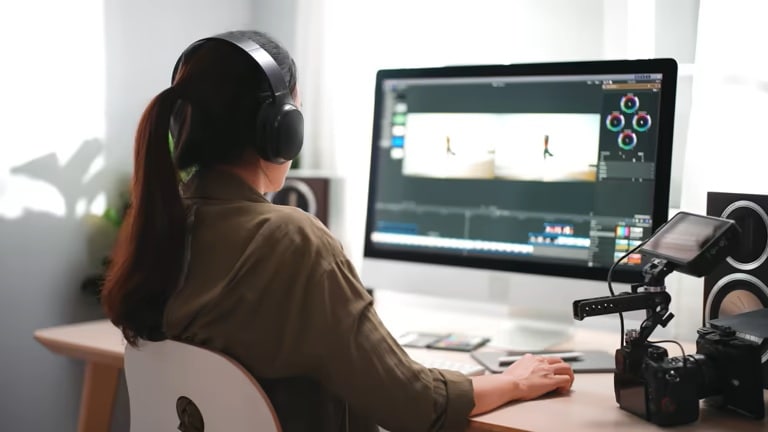
Today, users can convert images into prompts using several approaches, each offering different levels of convenience and functionality:
Common Methods
- Web-based AI platforms – Upload an image and instantly generate a prompt directly in the browser.
- Browser tools and extensions – Analyze images from websites without switching between platforms.
- Software with built-in AI features – Provide prompt generation alongside editing and content creation.
How These Tools Work
Most tools follow a simple process: users upload an image, the AI analyzes visual elements such as objects, colors, and composition, and then generates a descriptive prompt. This prompt can then be used for AI-generated images or videos.
Limitations of Standalone Tools
- They focus only on generating prompts.
- Users must manually copy and transfer prompts to other platforms.
- Switching between tools can slow down the workflow.
- They are often not optimized for video-based content creation.
A More Integrated Approach
Some platforms address these limitations by combining multiple steps into one workflow. Filmora is an example of an all-in-one solution that integrates image-to-prompt generation with image and video creation tools.
This allows users to generate prompts, apply them, and produce content without leaving the platform, making the entire process more efficient and streamlined.
Best Image to Prompt AI Tools
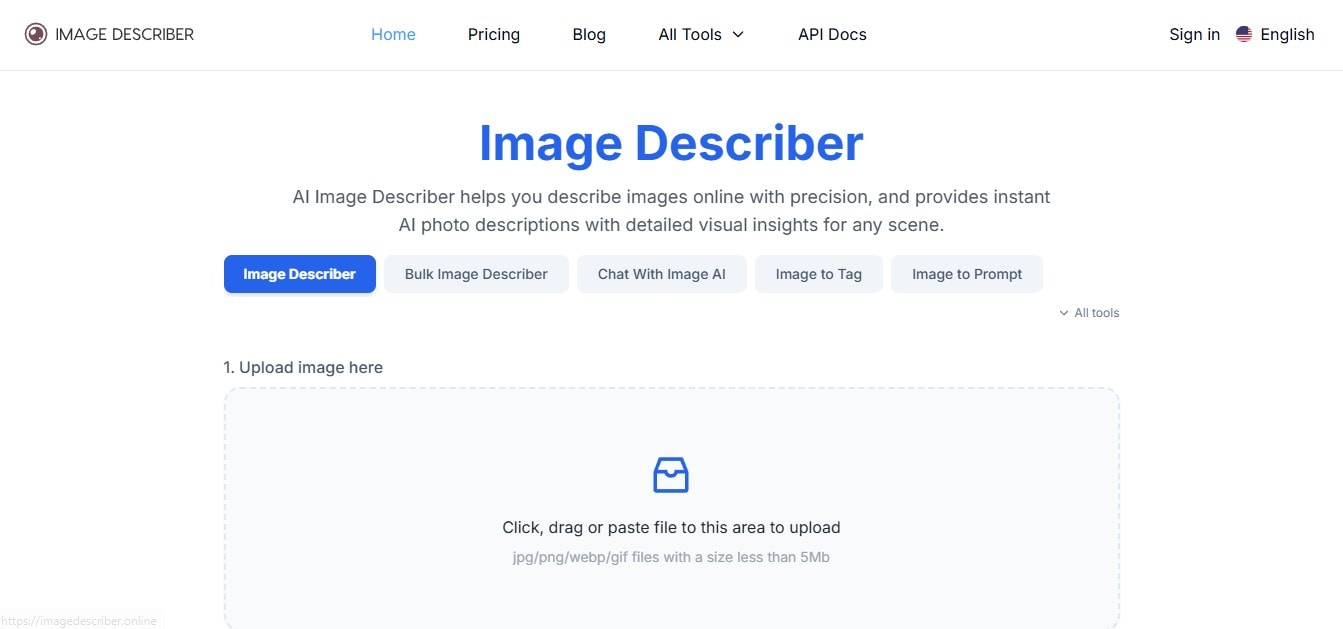
1. Image Describer
Overview:
Image describer is a tool that turns images into text prompts. It is easy to use and works well in your browser.
- Key Features: It generates text prompts from images automatically; it works in your browser; it is fast.
- Pros: Easy to use; no installation required; free access available.
- Cons: The text prompts are basic; limited customization.
- Best For: Users who need quick and simple prompt ideas from images.
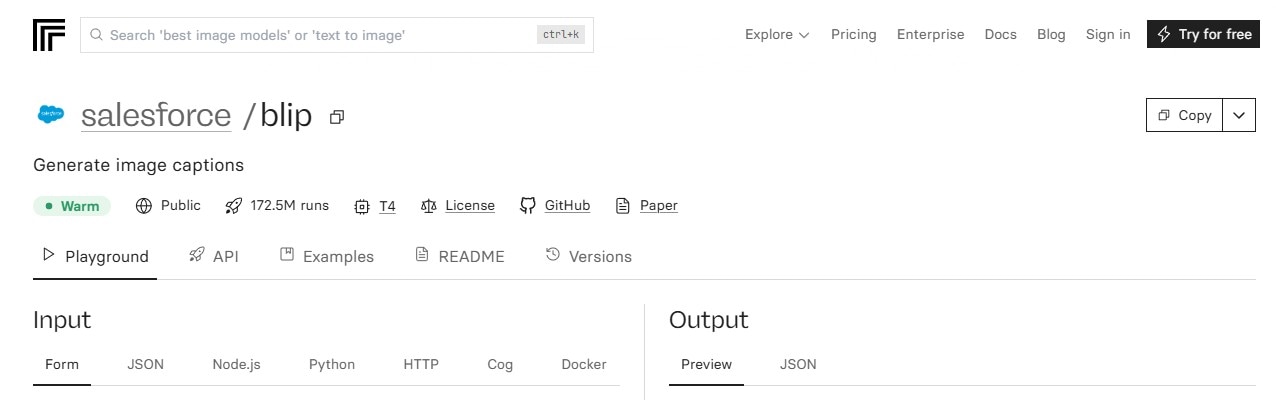
2. Replicate (BLIP Image Captioning Model)
Overview:
Replicate is a tool that hosts top-tier AI models like BLIP. It is a known tool that generates captions and prompts from images with high accuracy and quality.
- Key Features: It has advanced AI models; it generates high-quality text prompts; it has API support for developers.
- Pros: It is more accurate than most basic tools; flexible for different use cases.
- Cons: Requires some technical understanding; it may cost money to use.
- Best For: Developers and advanced users who need text prompts that are on-point.
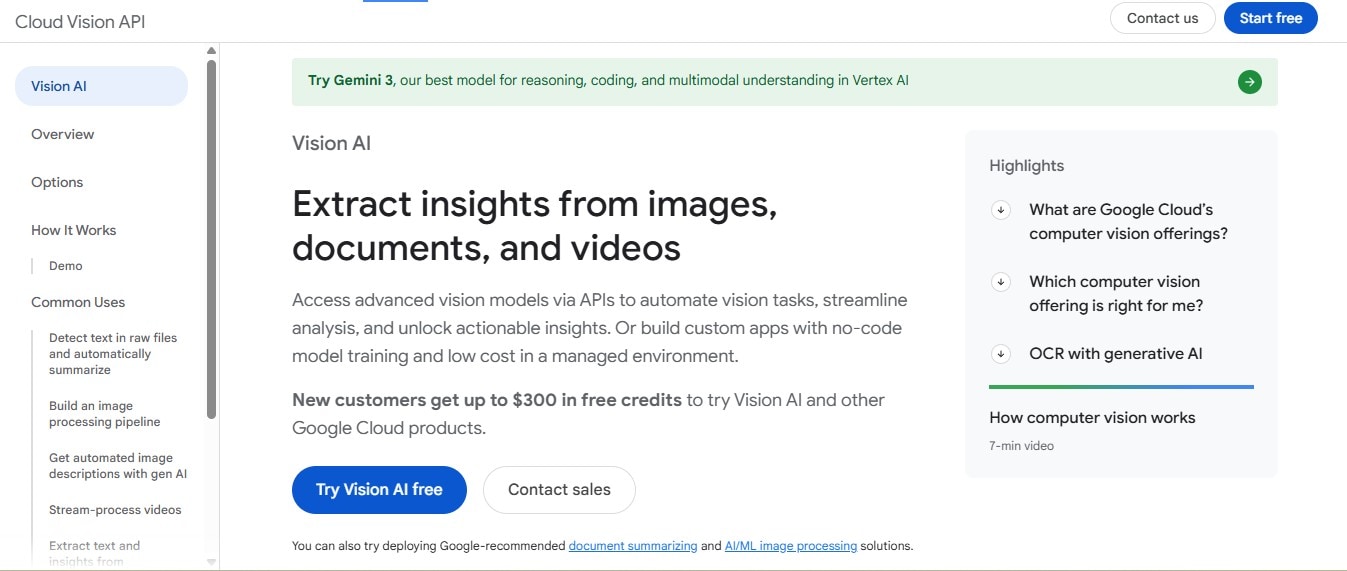
3. Google Cloud Vision AI
Overview:
Google Cloud Vision AI is a tool that analyzes images and extracts labels, descriptions, and metadata that you can use as text prompts.
- Key Features: It detects objects and scenes in images; it generates labels and tags; it is accurate.
- Pros: It is reliable and scalable; it has strong image analysis capabilities.
- Cons: It is not a direct text generator; you need to set it up and use an API.
- Best For: Businesses and developers need structured image data.
4. Caption AI (Online Tools)
Overview:
Caption AI tools focus on generating descriptive captions that can easily be turned into prompts for AI content creation.
- Key Features: It generates captions from images; it has a simple user interface; it offers quick results.
- Pros: It is beginner-friendly; it processes tasks quickly.
- Cons: The text prompts are not very deep; you may need to edit them manually.
- Best For: People who want captions to convert into text prompts.
5. Canva Magic Write (Image + AI Integration)
Overview:
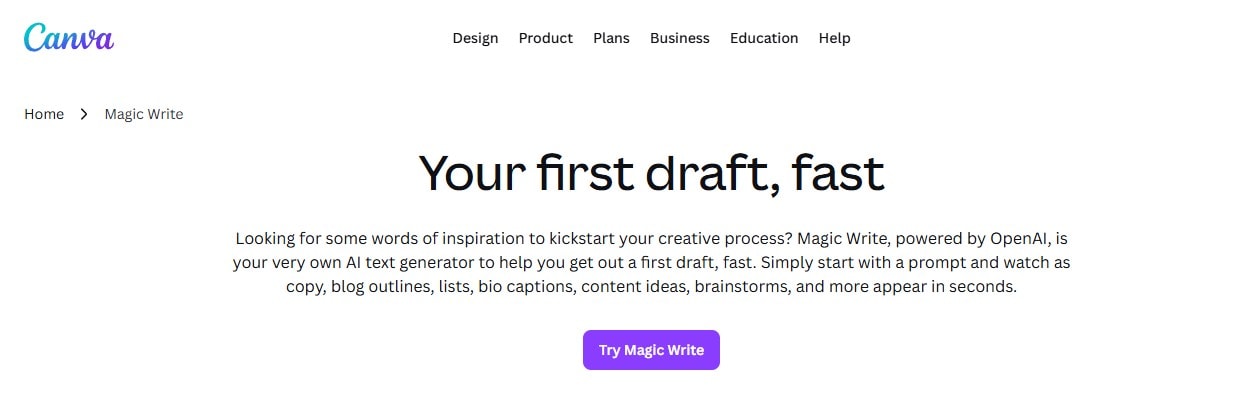
Canva Magic Write is a tool that lets you generate text from images easily. Aside from that, it helps refine text prompts for different projects.
- Key Features: It has an AI-assisted writing tool; integrated design platform; easy prompt refinement.
- Pros: Very user-friendly; combines design and AI tools.
- Cons: Not purely image-to-prompt focused; requires account login.
- Best For: Content creators working on design-heavy projects.
Common Limitations of Image-to-Prompt AI Tools
- Many tools generate only basic descriptions instead of refined prompts.
- Outputs may require manual editing to match creative needs.
- Switching between tools slows down the workflow.
- Most platforms are not built for video-based content creation.
Filmora as a Recommended Solution
Image to Prompt Feature in Filmora
Filmora is a tool that lets you turn images into text prompts directly within its editing environment. This means you do not have to use a different tool to generate text prompts.
Why It’s Different
Unlike the abovementioned tools, Filmora integrates prompt generation into a broader creative workflow. You can generate text prompts and use them to create content without leaving the platform.
This approach reduces time spent switching tools and simplifies the process for both beginners and experienced creators.
Additional Capabilities
- AI-powered image generation
- AI-assisted video creation
- Built-in editing tools for full production
How to Use Image to Prompt and Image to Video in Filmora
Filmora combines Image to Prompt and Image to Video features to help creators turn a single reference image into a fully generated AI video. This workflow allows you to extract visual styles from an image and instantly apply them to video generation without switching tools.
1. Generate a Prompt from an Image (Image to Prompt)
Step 1: Import Your Reference Image
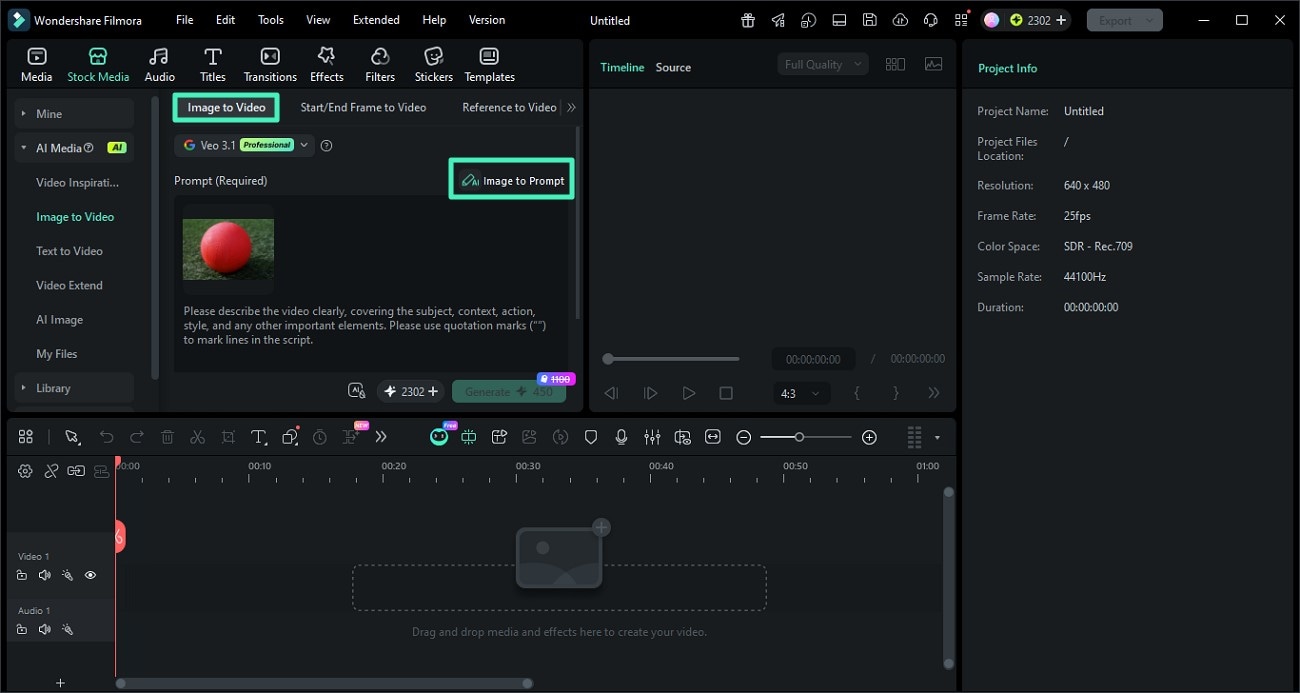
Open Filmora and go to the AI Image to Video feature. Upload the image you want to use as a reference for style, composition, or lighting.
Step 2: Click Image to Prompt
Select the image and click the Image to Prompt option. Filmora will analyze the visual elements such as objects, colors, and style to generate a descriptive prompt.
You can review and edit the generated prompt to better match your desired creative direction.
Step 3: Confirm and Apply the Prompt
Once satisfied, apply the generated prompt. This prompt will now serve as the base for creating AI-generated content with a consistent style.
2. Turn the Prompt into a Video (Image to Video)
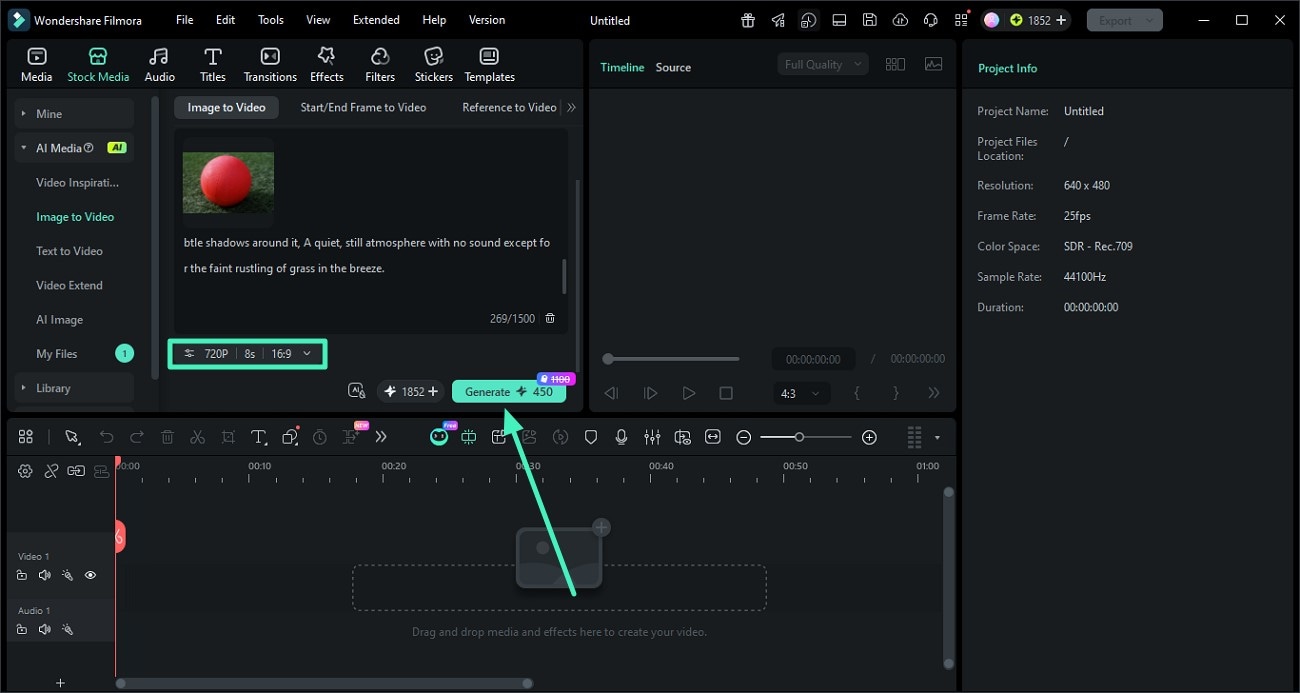
Step 1: Adjust Video Settings
After applying the prompt, configure your video settings such as resolution, aspect ratio, and duration. This ensures your final output matches your target platform like TikTok, YouTube, or Instagram.
Step 2: Generate the AI Video
Click Generate to let Filmora create a video based on your prompt and image reference. The AI will maintain visual consistency in style, lighting, and composition.
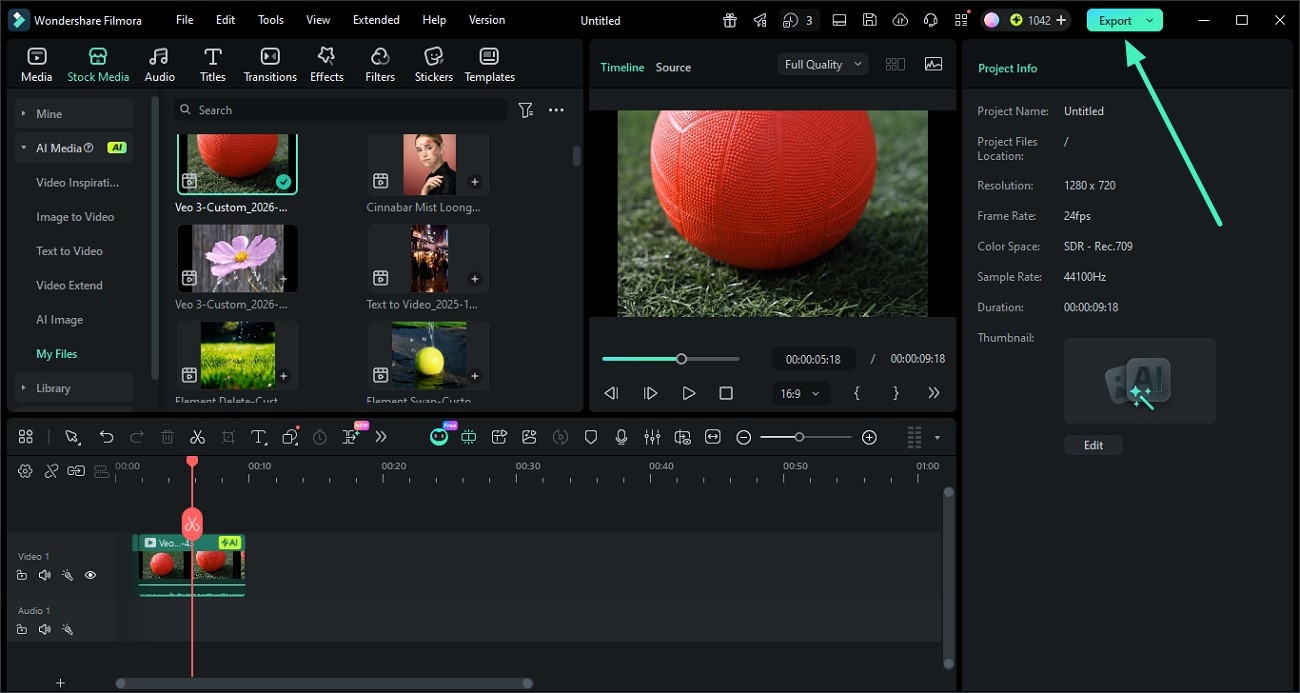
Step 3: Preview and Export
Once the video is ready, preview the result. If everything looks good, click Export to save the video or share it directly to your desired platform.
Conclusion
Images to prompt AI tools make the process of converting visuals into usable prompts easier, but they often operate independently from content creation tools. This separation can slow down workflows and reduce efficiency.
An integrated approach allows users to generate prompts and create content within the same platform, making the process faster and more practical.
Choosing the right tool depends on your own preference and style. Some tools are designed to help you, whether you prioritize simplicity, accuracy, or full creative control. If you prefer a more streamlined experience, consider using an all-in-one solution that combines prompt generation with content creation.
FAQs
Q1: What is an image-to-prompt tool?
It is an AI tool that converts images into descriptive text prompts for use in generative platforms.
Q2: What is the best tool for this purpose?
The best option depends on whether you need detailed prompts, ease of use, or an all-in-one workflow.
Q3: Can I use image prompts for video creation?
Yes, prompts generated from images can be used to create videos, animations, and other visual content.
