
16+ Gemini Fitness Photo Prompts:
Copy, Paste, & Go Viral
Want to post gym selfies showcasing muscle gains, yoga at sunrise, or aesthetic gym progress reels? Try these trending gemini fitness photo prompt ideas already blowing up on social platforms. Just browse these viral-ready Gemini AI fitness prompts, tap an image, copy the prompt, paste it into Gemini, and get studio-quality results for Reels or TikTok in seconds.
Loading more templates...
 Category:
 Duration:
 Aspect Ratio:
Gemini Fitness Photo Prompt: Viral AI Fitness Edits for Socials
Searching for the best gemini fitness photo prompt to upgrade your workout pics? Instantly create trending gym selfies or “before and after” fitness edits using battle-proven gemini fitness photo prompts. Filmora’s AI image generator—powered by Google’s Nano Banana model—makes it easy to create gym progress photos, body transformation edits, inspirational fitness posts, and realistic workout scenes in your style.
Go viral with visually stunning, consistent fitness photos perfect for TikTok, Instagram, YouTube Shorts, Snap, and more. Enter any fitness prompt and see photo edits that grab attention and match real workout trends on social media.
How Gemini Fitness Photo Prompt Works for AI Gym Edits
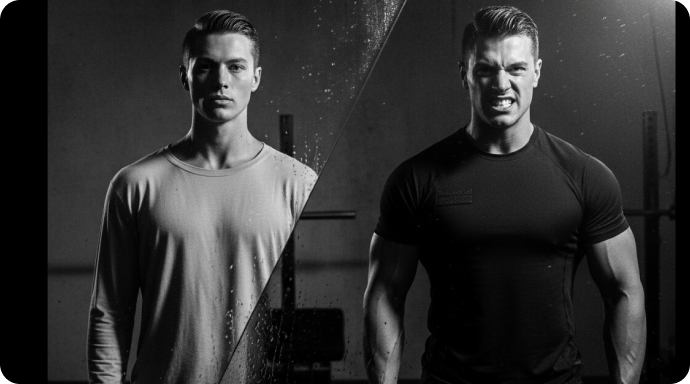
How Gemini Fitness Photo Prompt Works for AI Gym Edits
Pick your edit style—gym progress, runner’s high, yoga studio, or ripped transformation. Copy a gemini fitness photo prompt, customize your details (“red gym set,” “dumbbells,” “mirror selfie”), and let Filmora’s desktop AI instantly generate fitness pictures for reels or posts with authentic vibes, consistent backgrounds, and viral effects.
- Copy-Paste Popular Prompts – Get instant access to 16+ gym, yoga, home workout, and transformation Gemini photo prompts.
- Many Styles Supported – Fitness selfies, group shots, workout memes, before/after edits, influencer aesthetics.
- Upload Reference Images – Keep your face, outfit, or gym location consistent in every AI-generated photo.
Create Gemini Fitness Photo Prompt Videos in Seconds
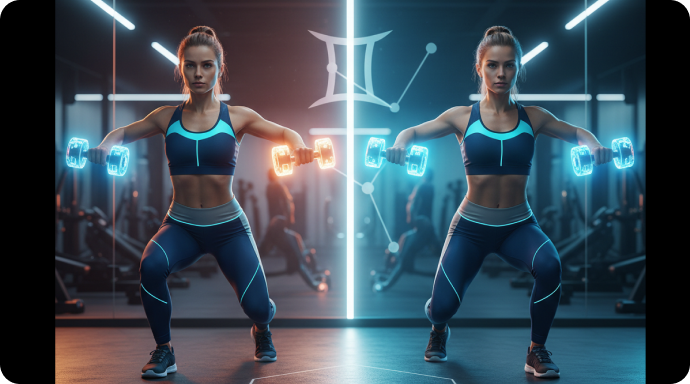
Create Gemini Fitness Photo Prompt Videos in Seconds
The Filmora mobile app lets you go from photo to viral video using the gemini fitness photo prompt effect—no editing skills needed. Upload your gym or progress photo, pick a template, and autogenerate TikTok-style fitness edits and motion slideshows in one tap.
- Trending Fitness Templates – Auto layouts for gym, running, weightlifting, yoga, or before/after transformations with Gemini prompts.
- No Prompt Needed – Just upload your photo, choose a trending template, and generate instantly.
- Full Edit Controls – Power users can customize details or create their own Gemini prompts for fitness video reels.
- Photo-to-Video Transitions – Transform static pics into animated, shareable workout stories.
- Auto Music & Effects – Add trending audio, captions, and SFX made for fitness edits.
Edit Captions & Hashtags for Gemini Fitness Photo Prompt Posts
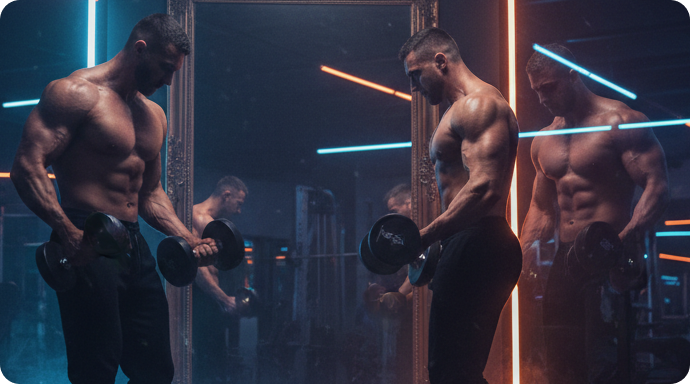
Edit Captions & Hashtags for Gemini Fitness Photo Prompt Posts
Gemini fitness photo prompts don’t just create photo edits—Filmora’s Caption Suite lets you add on-trend hashtags, AI-generated captions, energetic fonts, and “motivational quote” overlays for max engagement on TikTok, Instagram, and YouTube.
- 🗨️ Fitness Overlays – Add calorie counts, set/rep trackers, “Day 1 vs. Day 100” progress, and real-time gym thoughts.
- 🔤 Viral Fonts – Bold meme-style text, script, all caps, and localized fonts for your audience.
- 🎨 Custom Text Tools – Auto-fit captions, curved effect text, shadows, color pop, and sticker add-ons for fitness posts.
FAQs for Gemini Fitness Photo Prompt
- Go to the Google Gemini website or a compatible AI image generator.
- Choose the Gemini model or relevant AI photo feature.
- Paste or type your gemini fitness photo prompt in the input box.
- Click generate and let the AI create your gym-inspired image.
- Download or share your fitness photo on TikTok, Instagram, or Snapchat.
How to Use Gemini Fitness Photo Prompt for AI Gym Photos
Want to make trending gym photos with a gemini fitness photo prompt? Follow this simple guide. You can use these prompts in many AI tools and photo apps—even if you've never tried AI image generation for fitness pics before. Generate gym-style selfies or workout edits for social media in under a minute.
Step 1 Open Your AI Image Generator

Step 2 Paste the Gemini Fitness Photo Prompt

Step 3 Download or Share Your AI Fitness Image

-
1:Open Your AI Image Generator
Start your AI image or photo app, open a project, and go to the AI Image option or Photo section. -
2:Paste the Gemini Fitness Photo Prompt
Select Gemini mode, enter your gemini fitness photo prompt, then generate your fitness image or gym selfie in one click. -
3:Download or Share Your AI Fitness Image
After the AI creates your image, preview it, download, drag to timeline for editing, or share directly to TikTok, Instagram, or Snapchat.
More Than Just a Gemini Fitness Photo Prompt Tool
Filmora isn’t just for creating gym photos from your gemini fitness photo prompt. You can also generate aesthetic workout pics, AI selfie edits, fitness motivation images, or turn fitness prompts into AI videos—all in one editing app.







