

 100% Security Verified | No Subscription Required | No Malware


 ChatGPT
 Perplexity
 Gemini
 Claude
 Grok
Grok
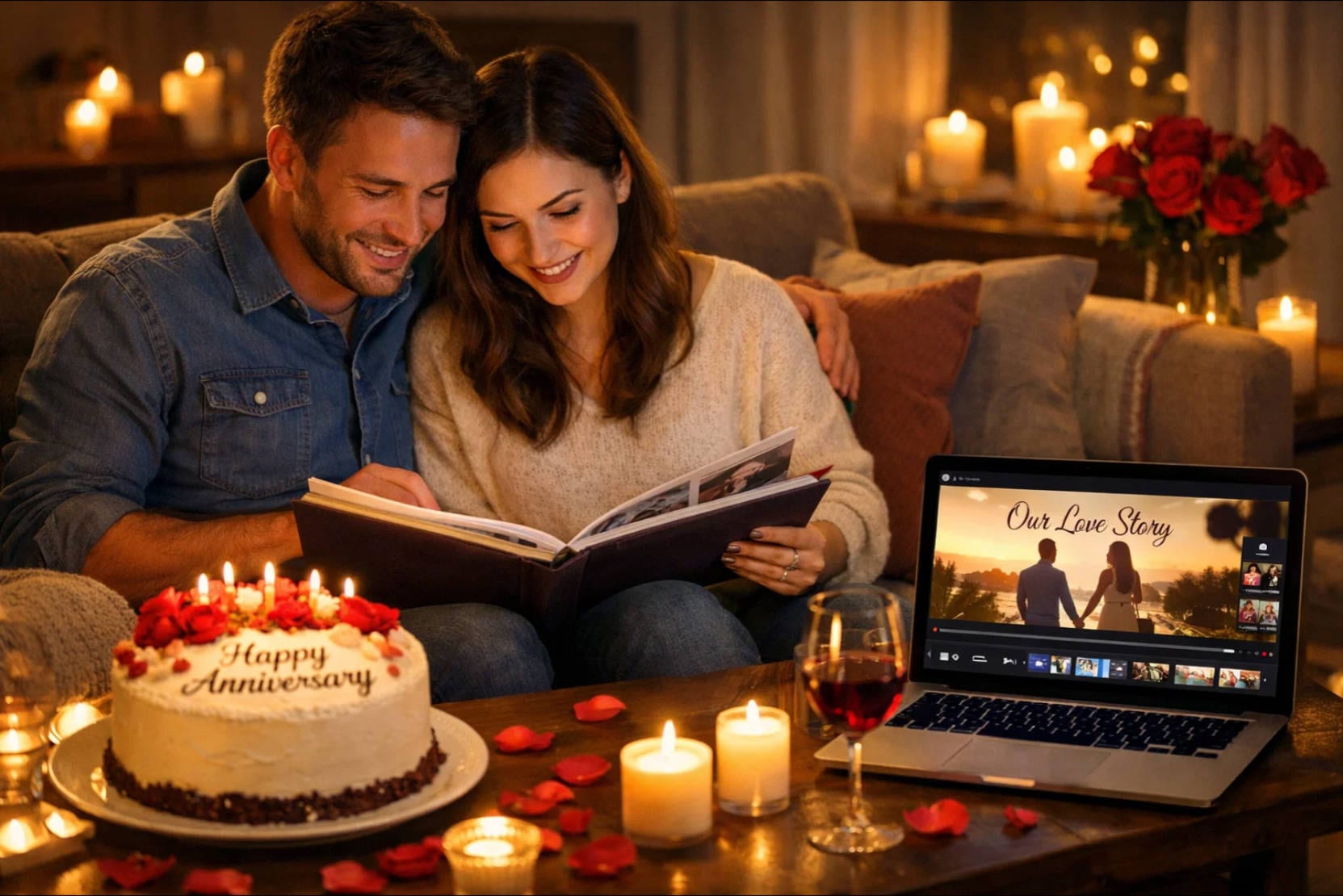
Creating an anniversary video is one of the most meaningful ways to celebrate a special milestone with your partner. Whether it's a wedding anniversary, a work anniversary, or a friendship celebration, a well-crafted anniversary video helps you turn photos, memories, and music into something truly personal.
With an easy-to-use anniversary video maker, you don't need professional editing skills or complex tools. From ready-made templates to simple photo and music editing, this guide will show you how to make an anniversary video step by step, so you can create a heartfelt video and share it in minutes.
In this article
Part 1. Essentials to Include When Creating an Anniversary Video
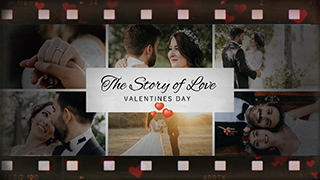
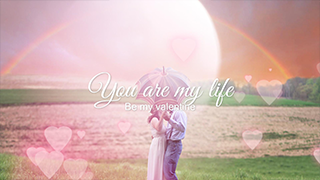
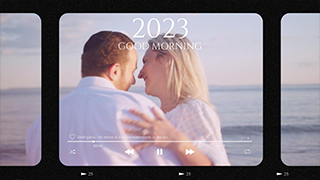
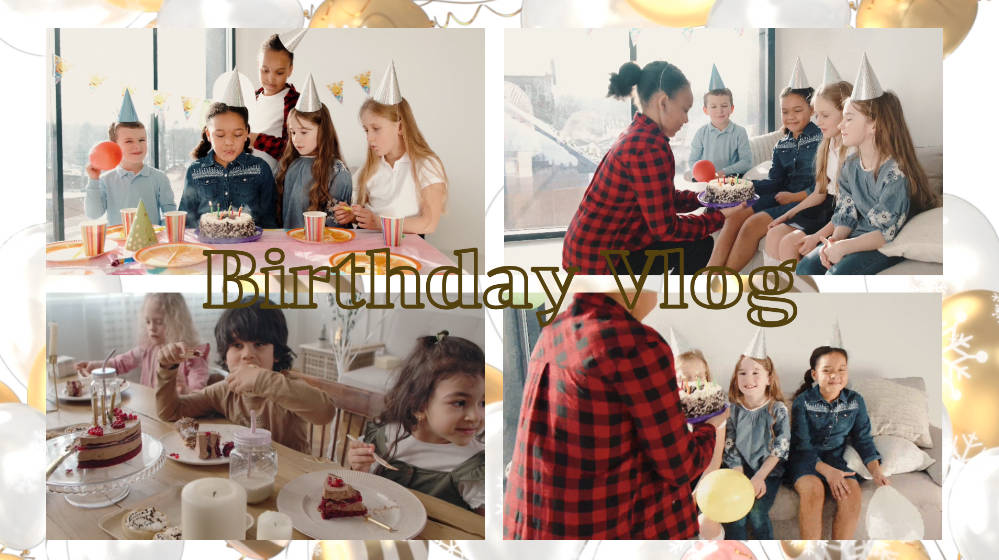
When creating an anniversary video, starting with ready-made templates is the fastest way to bring your ideas to life. Anniversary video templates help you structure your story, match visuals with music, and achieve a polished look without advanced editing skills.
However, a truly memorable anniversary video goes beyond templates alone. To create an emotional and impactful video for your partner, you need to combine storytelling, personal details, and thoughtful editing. These anniversary video templates below include the core elements required to create an engaging anniversary video.
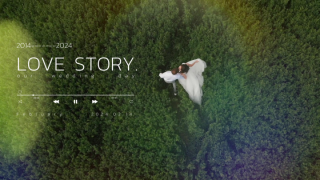
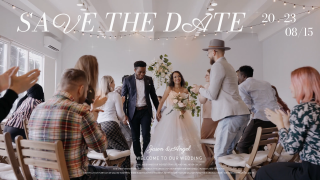
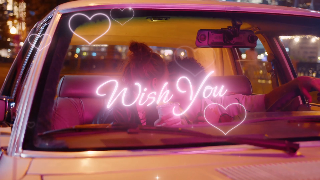
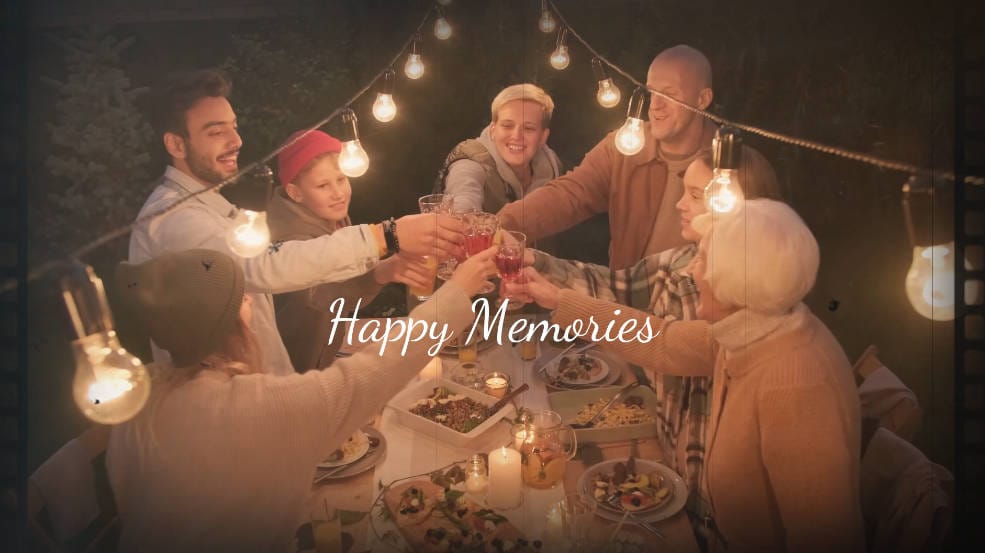
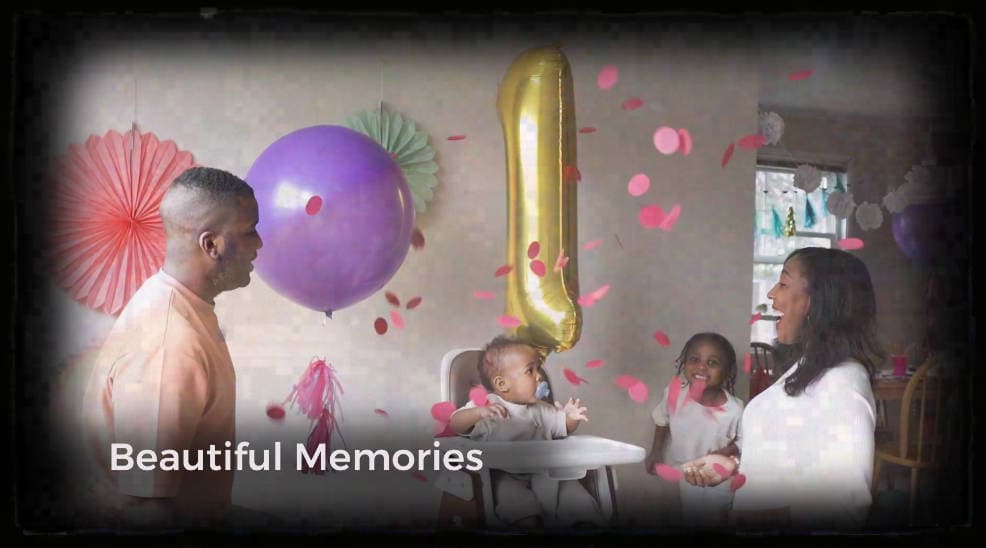
- Free templates for showing different scenes with emotion.
- Vast video/audio effects and creative assets.
- Powerful AI for effortless content creation.
- Intuitive, professional yet beginner-friendly.
- Works on Mac, Windows, iOS, and Android.


Then, we'll explain each factor and how it contributes to an emotionally impactful result.
1. Start With a Heartfelt Intro Message
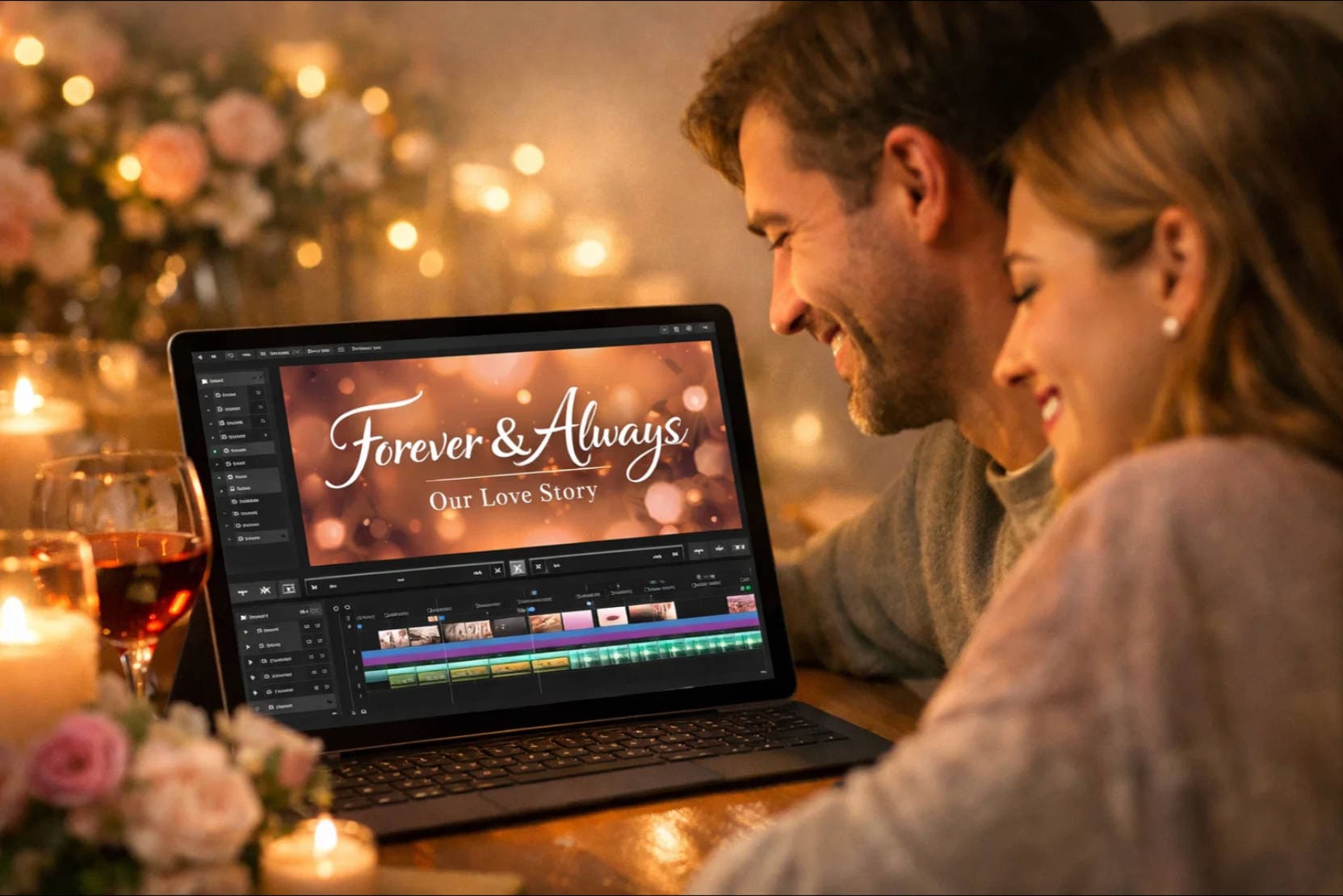
The opening of your anniversary wishes video sets the emotional tone. Begin with a heartfelt message, a meaningful quote about love, or a short dedication to your partner using attractive title styles.
Well-designed text animations and colors that match the mood of the video can instantly draw attention and make your anniversary video feel more personal from the very first frame.
2. Include Rare and Meaningful Photos & Videos
To enhance the emotional impact of your anniversary wishes video, insert pictures and videos of your favorite memories. By adding visuals from the start of your relationship, you both can go back in time and see how far you have come.

3. Tell Your Story in Chronological Order
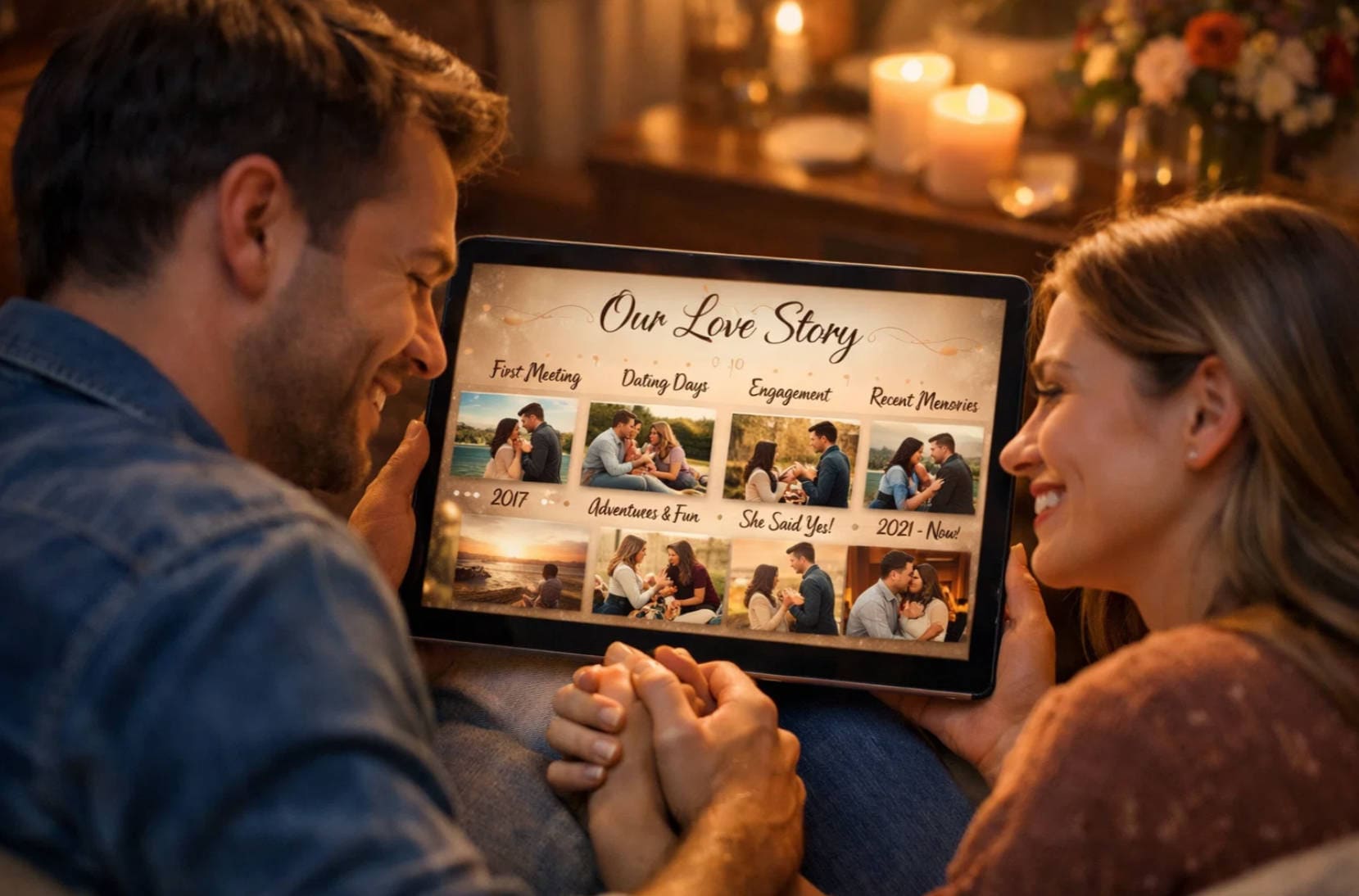
A strong anniversary video follows a clear story. Arrange your photos and clips in chronological order, from the beginning of your relationship to the present.
Many anniversary video makers offer pre-designed templates that help you organize visuals smoothly, ensuring your story flows naturally and is easy to follow.
4.Personal Touches Add the Emotions
By adding a voiceover of your narration, you can express your true feelings to your partner. Additionally, you can include inside jokes or funny anecdotes in the video through text or heart emojis and stickers. With the right use of your selected video editing software, adding transitional elements that have an emotional connection will make this video the best anniversary gift.
5.Music Will Complement Your Message
Every couple has a favorite song that they can resonate with, so download your music and add it to your video anniversary wishes project. If you don't have a favorite song, you can generate an AI song or a melody you both connect with.

6.Add a Message or a Sticker in the Closing
As the video ends, add a heartfelt message for your loved one to tell them what you feel. This message can also cover your resolutions for the next year together and the milestones you want to achieve. Adding a smooth transition and ending the video with a cute sticker can add to the professional effect of your anniversary wishes video.

7.Impress Your Partner With Your Professional Editing
Even though emotions count, crafting a good video will make your partner appreciate your video-editing skills. Therefore, choose smooth transitions to move from one frame to the other and use colors that align with your personality. You can also use effects and filters to make your video look like the movies.
Part 2. Make an Anniversary Video with the Right Tool
As discussed above, creating a heartfelt anniversary video can be challenging—especially for those who are introverted or find it difficult to express emotions through words alone. Turning meaningful memories into a touching digital message often requires both creativity and the right set of tools to add a personal touch.
To support this process, using a reliable anniversary video maker becomes essential. One such option is Wondershare Filmora, a versatile solution designed to help users transform anniversary video templates into personalized and emotionally engaging videos.
How Filmora Supports Every Key Element of an Anniversary Video
| What You Need For Anniversary Video | What Filmora Offers |
| Intro Message | Dynamic titles and editable text with text animations and automatic captions |
| Storytelling | Advanced features like Smart Scene Cut or montage creation to structure your anniversary video |
| Personal Touches | Access to customizable Video Effects and AI Stickers to reflect your unique style |
| Music | Built-in royalty-free and AI Music library spanning various genres |
| Interesting Closing | Creative transitions, animated titles, and effects for a memorable ending |
These features allow Filmora to function not only as an anniversary video creator but also as a flexible solution for video making for anniversary occasions of all kinds.
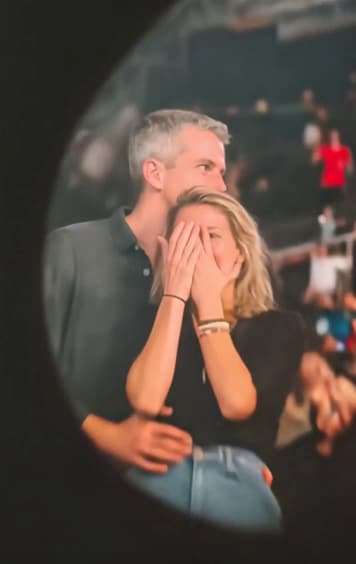
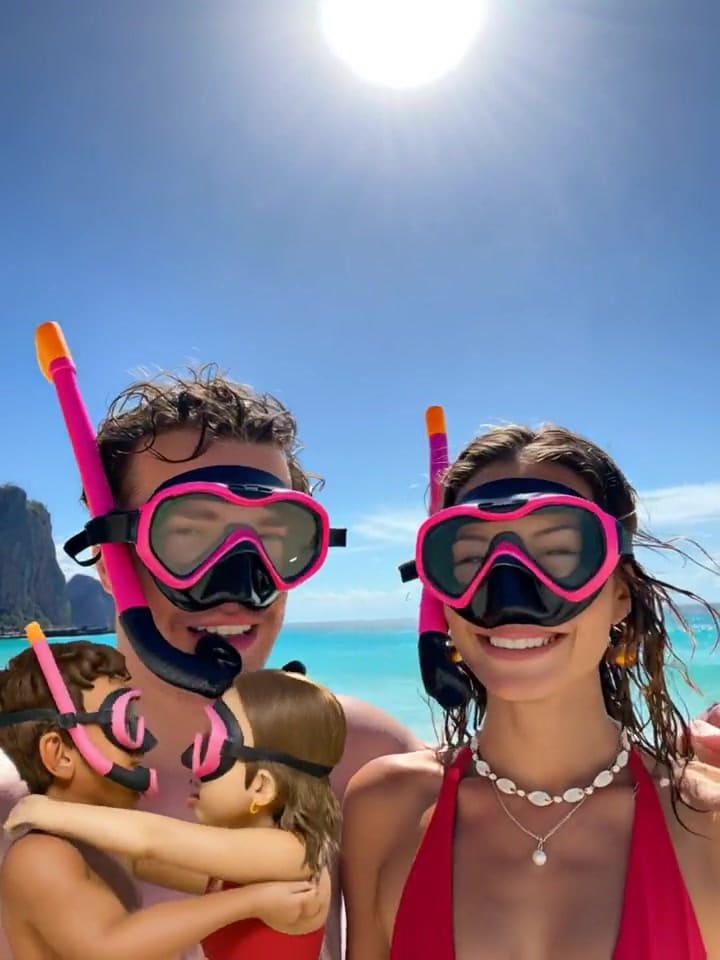
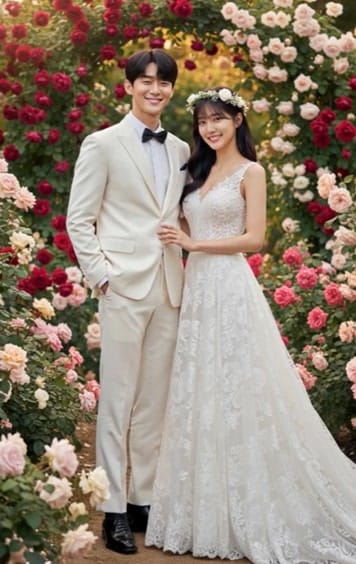
For couples and marriage anniversaries, Filmora also offers a wide range of romantic and couple-focused AI templates. These templates enhance emotional storytelling with pre-built transitions, cinematic effects, and music suggestions.

Part 3. How to Create an Anniversary Video Step by Step
Creating a memorable and heartfelt anniversary video is simple when you follow the right workflow. With a professional yet beginner-friendly anniversary video maker like Filmora, you can easily create an anniversary video using ready-made templates, personal photos, and clips. Whether on desktop or mobile, Filmora allows you to add music, effects, and personalized touches to transform your memories into a polished, emotional anniversary wishes video.
Follow the step-by-step guide below to start video making for anniversary occasions and turn your ideas into a truly meaningful keepsake.
Step 1. Type Customized Text and Messages
Toolbar and click the "Titles" icon to expand the text templates. Access the "Text" panel on the left and input your message within the text box. You can add basic styles of animations to the text as per your preferences. Select a text style that can grab the attention of your partner from the beginning and apply it to the text.

Step 2. Add More Images and Videos To Cherish Your Memories
To create a chronological story for your anniversary video, import your favorite memories in the form of images and videos under the "Media" section. Since you have added a compelling intro, rearrange your memories in chronological order through the editing timeline. To do so, hold and drag the image/video towards the right or left so a cohesive story can be crafted.

Step 3. Make the Video Interesting by Adding Transitions
Filmora offers multiple timelines editing, allowing users to add various elements on different tracks for a specific part. Moving forward, go to the toolbar, press the "Transitions" option, and drag them to the particular area on the timeline to add the happy anniversary video wish. You can choose from different Transition modes available with the "Transition" panel on the right side.

Step 4. Include Dynamic Effects to the Content
After adding the transitions, click the "Effects" option from the toolbar and enable the library. Press the "+" icon on the thumbnail to add the selected effect to your media. Now access the panel on the right side to adjust the "Opacity" of the applied effect according to your preferences. This will show your editing efforts to your partner, even if you don't have professional skills.

Step 5. Add Variation With AI Music
Moving forward, add your partner's favorite music, and if they don't have any, create one via AI. Head to the media toolbar and opt for the "Audio" option to expand the "AI Music" section. Here, select the mood for the background music that your special one likes from the options provided. Next, click the "Generate" button to add the music of your partner's taste.

Step 6. Insert Beautiful Stickers to the Video
To add a touch of elegance and love, access the "Stickers" option from the toolbar and search for the relevant stickers by accessing the search bar. Next, click the "+" icon on the selected sticker's thumbnail to add it to your anniversary video. You can also go across the "AI Sticker" section to improvise your own stickers by defining the prompt and selecting the type before tapping on "Generate."

Step 7. Apply Filters To Enhance Outlook and Export
Lastly, give your anniversary video a lovely closure by acquiring the "Filters" menu from the toolbar and applying your favorite filter. You can change the "Hue" of the used filter by dragging its slider within the "Effects" panel on the left. Once your visual memory with your partner is ready in the form of a video, click the "Export" button on the top-right and save it to show them afterward.

Filmora Mobile App serves as a full-featured anniversary video maker app, allowing you to create, edit, and share anniversary videos anywhere. Whether you're on a phone or a tablet, the app supports video making for anniversary occasions, giving you access to the same templates, effects, AI-assisted tools, and music library as the desktop version.
With Filmora's mobile app, you can create an anniversary video on the go, add personal messages, voiceovers, and stickers, and quickly generate a polished video that reflects your relationship. It works seamlessly as a make anniversary video app, enabling couples to produce heartfelt wedding or marriage anniversary videos directly from their devices.
This flexibility ensures that, whether using the desktop software or the anniversary video maker app, you can turn templates into customized, memorable anniversary wishes videos anytime, anywhere.
Conclusion
In summary, this article featured the details on how to make a video for anniversary and impress your partner. After discussing the essential aspects to include in your project, we explored Wondershare Filmora as a video editor. It offers all the essential assets and features that you could want in an anniversary video to give a professional-level impact.
