

 100% Security Verified | No Subscription Required | No Malware


 ChatGPT
 Perplexity
 Gemini
 Claude
 Grok
Grok
Baby clips move fast on Reels, so your edit needs to be instantly adorable and easy to watch. The right baby video filters for Reels can smooth colors, soften light, and give every tiny expression a warm, cinematic glow.
Below are 12 Filmora-inspired filter styles designed for cute montages and short nursery clips, with simple tips so Reels creators and social video editors can turn everyday baby moments into scroll-stopping edits in just a few taps.
In this article
Soft Glow Filters for Cozy Baby Moments
Dreamy Morning Soft
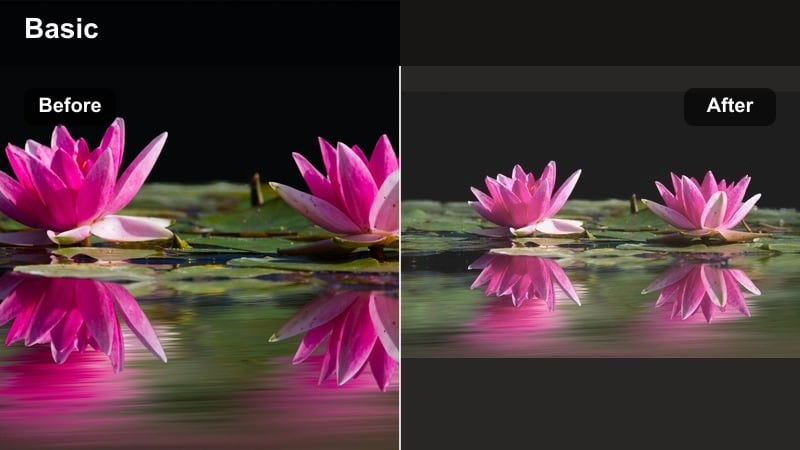
- Effect look: Gentle haze with soft highlights and pastel skin tones for a dreamy morning vibe.
- Best for: Baby wake-up clips, crib stretches, and first smiles in natural window light.
- Editing tip: Lower contrast slightly and add a tiny bit of blur or glow around the edges to keep the focus on the baby’s face.
Dreamy Morning Soft wraps your frame in a gentle haze so even a simple crib stretch looks like a magical first moment of the day. In Filmora, you can recreate this with a soft glow filter, slightly lifted highlights, and pastel-tuned skin so cheeks look cuddly, not blown out.
Drop this look on baby wake-up clips shot near a window, then ease back contrast and sharpness so textures like blankets and pajamas feel fluffy. A subtle radial blur or vignette around the edges keeps viewers locked on the baby’s face, perfect for short, loopable Reels intros.
Let AI Match Your Baby Filter to the Scene
Filmora’s AI-driven color tools can quickly analyze your baby clip and suggest filters that fit the lighting, from bright playroom scenes to sleepy nursery shots. You do not have to guess which baby video filters for Reels will work; AI helps you land on soft skin tones and cozy color in seconds.
Once you find a look you love, save it as a preset so every new baby reel keeps the same warm, dreamy style. This is especially handy when you are mixing clips from different days and phones but still want one cohesive baby highlight reel.
 secure download

Preview Baby Reels Filters in Real Time
With Filmora’s filter panel, you can scrub through your clip while cycling between soft glow, bright playtime, and cinematic milestone looks to see what fits instantly. This lets you test different baby presets for Reels on that same sleepy yawn or first smile without re-editing the clip.
Adjust intensity, exposure, and saturation right inside the preview so your chosen reels baby filter stays flattering on skin while toys and blankets remain soft and inviting. When one look makes you want to replay the moment, you know you have got your hero filter.
secure downloadBuild a Consistent Baby Reels Style with LUTs and Filters
If you love a specific short baby video effect across your grid, save it as a custom LUT or preset in Filmora so every new upload shares the same cozy tone. This is ideal for monthly milestone series where you want viewers to recognize your style instantly in the Reels feed.
Combine a light LUT with subtle glow or soft contrast filters to keep baby skin natural while blankets, walls, and outfits hold a unified color story. Over time, your entire baby highlight series will look like one continuous scrapbook rather than a mix of random clips.
secure downloadNursery Cloud Soft
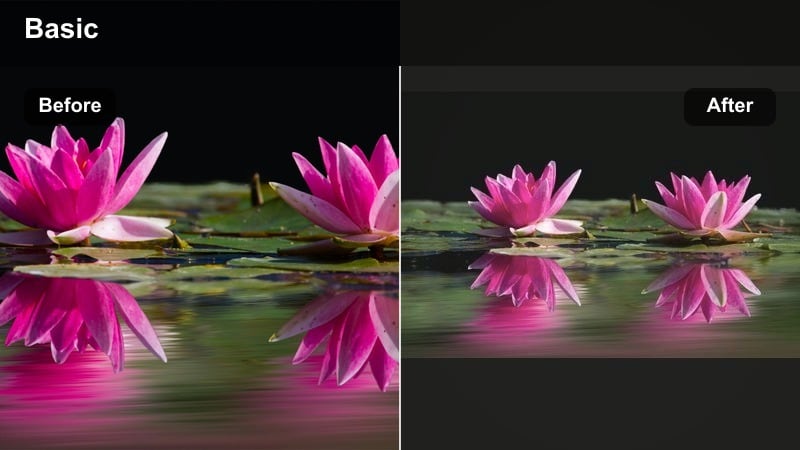
- Effect look: Low-contrast, cloud-like softness with muted colors and creamy whites.
- Best for: Nursery decor tours, crib setups, and calm baby naptime B-roll.
- Editing tip: Reduce saturation on bold toys or blankets so the frame feels calm and the baby remains the main focus.
Nursery Cloud Soft is ideal when your baby’s room is full of bright toys but you want a peaceful, nap-ready look. In Filmora, combine a low-contrast filter with slightly reduced saturation to turn strong hues into gentle pastels and creamy whites.
Use this style for slow pans across the crib, mobile, and wall art, then cut to a close-up of your baby drifting off. If the background feels busy, add a soft vignette or blur to the edges so the baby and crib stay center stage in your baby reels engaging edits.
Cuddle Time Glow
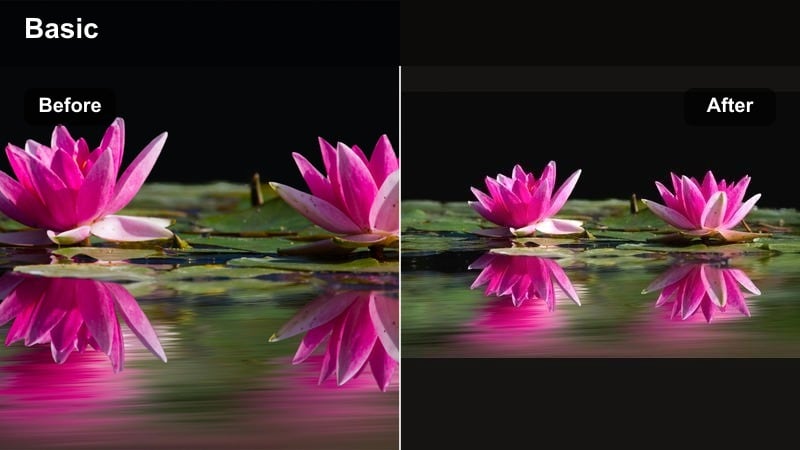
- Effect look: Warm, golden glow with lifted shadows to keep details in soft blankets and tiny hands.
- Best for: Couch cuddles, feeding sessions, and baby wearing clips in softer room lighting.
- Editing tip: Add a slight warm temperature shift and brighten midtones so skin looks cozy without turning orange.
Cuddle Time Glow leans into warm tones so living room snuggles and feeding clips feel like a bedtime story. In Filmora, nudge color temperature warmer, lift shadows, and apply a gentle glow to midtones so faces stay soft and inviting.
Apply this filter to shoulder-level shots where a parent is holding or rocking the baby, then use slow zoom-ins to emphasize tiny hands gripping a shirt or blanket. If the scene drifts too yellow, bring white balance back toward neutral and increase clarity around eyes to keep expressions sharp.
Bright Playtime Filters with Pop and Energy
Playroom Pop
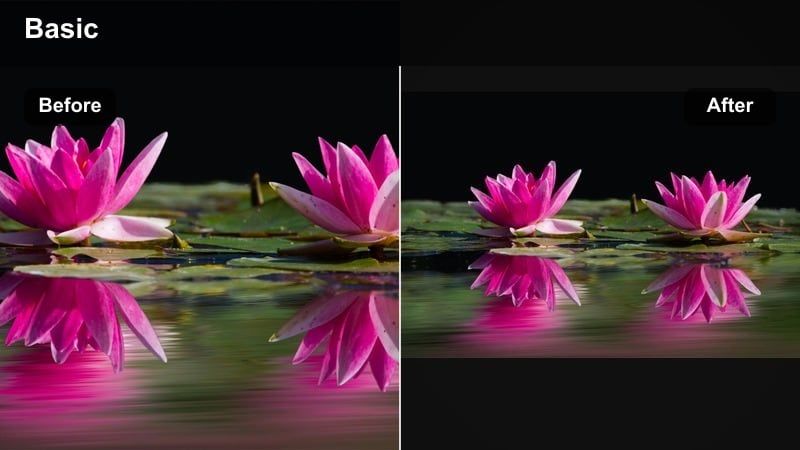
- Effect look: Clean, bright color boost with crisp whites and slightly deeper primaries.
- Best for: Tummy time, toy close-ups, and energetic daytime play reels.
- Editing tip: Use moderate saturation and increase vibrance instead of maxing color to keep skin tones from looking cartoonish.
Playroom Pop is made for energetic clips where toys and outfits do most of the talking. In Filmora, increase vibrance, brighten exposure, and firm up whites so mats, rattles, and blocks stand out while baby skin still looks natural.
Use it on fast-cut montages of tummy time, rolling, and toy grabs. Trim each clip under two seconds and cut to the beat of upbeat audio so your reels baby filter feels as lively as your little one’s expressions.
Sunny Day Smiles
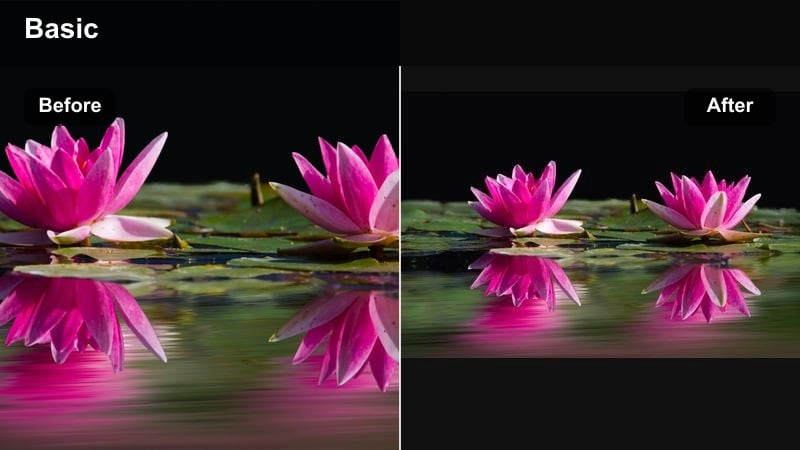
- Effect look: Bright, sun-kissed feel with gentle contrast and slightly warm highlights.
- Best for: Outdoor stroller walks, park blankets, and backyard bubble play.
- Editing tip: Drop highlights and whites a touch if shooting in midday sun to avoid harsh glare on cheeks and foreheads.
Sunny Day Smiles handles outdoor light where sunshine can be a little too strong. In Filmora, pull highlights down, warm up midtones, and keep contrast moderate so skies stay bright without washing out cheeks and noses.
Apply it to stroller walks, park blankets, or bubble play, ideally with the sun behind the baby. A gentle backlit halo plus this filter gives you a bright, airy reel that feels like a saved summer memory instead of a blown-out snapshot.
Toybox Vibrance
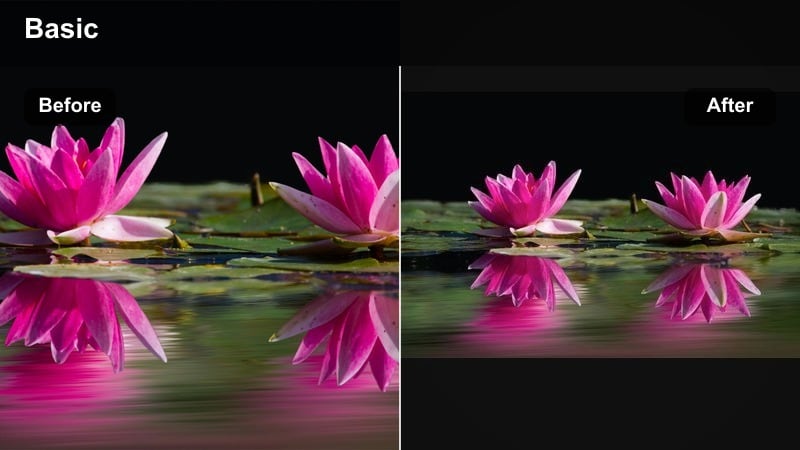
- Effect look: Vibrant but controlled color with subtle sharpening around small details like fingers and tiny toes.
- Best for: Fast-cut toy montages, colorful outfit changes, and high-energy baby dance reels.
- Editing tip: Use quick cuts and jump zooms with this filter, and keep exposure slightly under to preserve saturated colors.
Toybox Vibrance is your go-to when you want every toy, onesie, and hair bow to shout from the screen. In Filmora, lightly boost saturation, add a touch of sharpening, and keep exposure a bit under so hues stay rich without clipping.
It works best in short, punchy edits: 0.5 to 1 second shots of toy grabs, tiny kicks, and mini dance moves. Add jump zooms and clean, simple text labels like first word or favorite toy so color stays the hero of your baby reels engaging montage.
Cinematic Filters for Cute Milestone Edits
Milestone Soft Focus
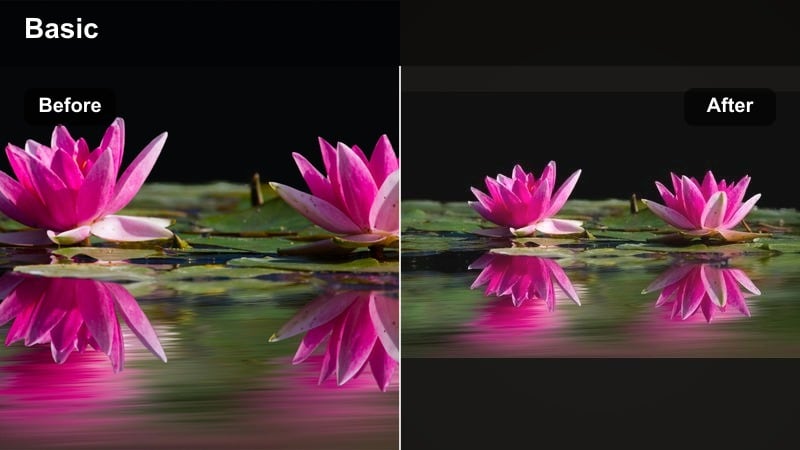
- Effect look: Subtle fade, slightly desaturated colors, and gentle vignette for a cinematic story feel.
- Best for: Monthly milestone photos, first rollovers, first steps, and close-up reaction shots.
- Editing tip: Combine this filter with a light cinematic black bar crop and slow motion for key moments like the first step.
Milestone Soft Focus turns milestone clips into tiny movie scenes. In Filmora, dial back saturation, add a mild fade to blacks, and apply a soft vignette so the baby and milestone card sit in a cozy spotlight.
Use this look only on standout moments like first rollover or first word within a longer reel. Add slow motion and optional cinematic bars on these shots so they clearly read as the emotional highlight of your milestone story.
Storybook Pastel
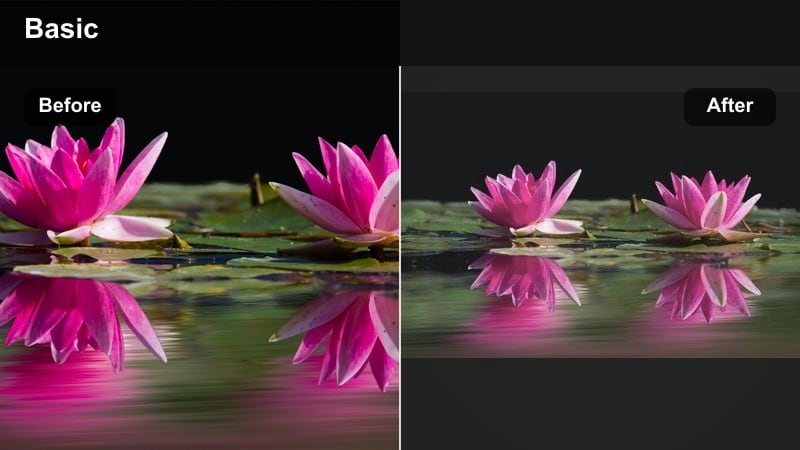
- Effect look: Light pastel tones, muted greens, and slightly lifted blacks for a fairytale storybook mood.
- Best for: Monthly blanket photos, baby announcement reels, and themed milestone setups.
- Editing tip: Dial down saturation on primary reds and blues while boosting pastel pinks and creams for an on-theme palette.
Storybook Pastel is ideal for curated setups with blankets, props, and themed outfits. In Filmora, nudge reds and blues down, favor pinks and creams, and lift blacks slightly so the image looks gentle and airy rather than high contrast.
Overlay simple text for month markers or announcement titles in charcoal or deep brown so it remains readable against pale backgrounds. This filter helps your short baby video effect feel like a page from a printed baby book.
First Steps Cinema
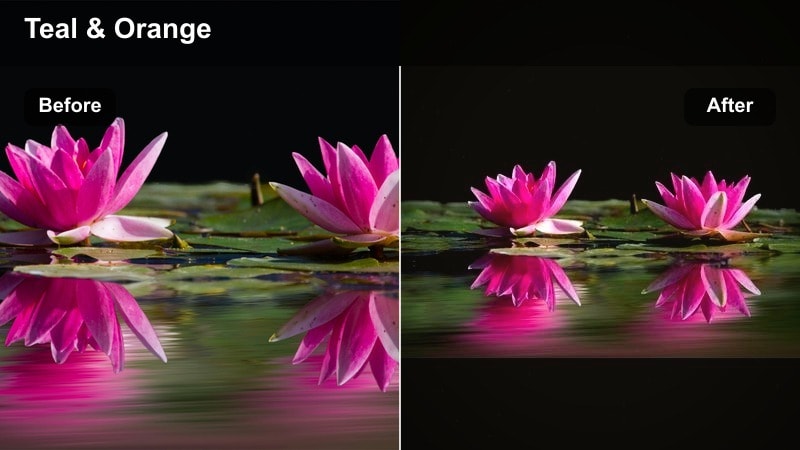
- Effect look: Slight teal-and-warm-skin balance with increased contrast and light film grain for a cinematic edge.
- Best for: First steps, first crawl, and big reaction shots where you want drama and impact.
- Editing tip: Use slow motion on the most important move, then cut back to real-time laughter to keep the reel emotional but fun.
First Steps Cinema adds drama with richer contrast, warm skin, and a hint of teal in the background. In Filmora, use a cinematic LUT or manual color balance to cool shadows and warm faces, then sprinkle in light film grain for texture.
Apply this look only to your hero clips, like that first wobbly step toward a parent, and keep surrounding B-roll softer. A slow-motion section followed by real-time giggles will make your milestone reel feel like a mini movie trailer.
Night Nursery and Low-Light Baby Filters
Nightlight Soft Warm
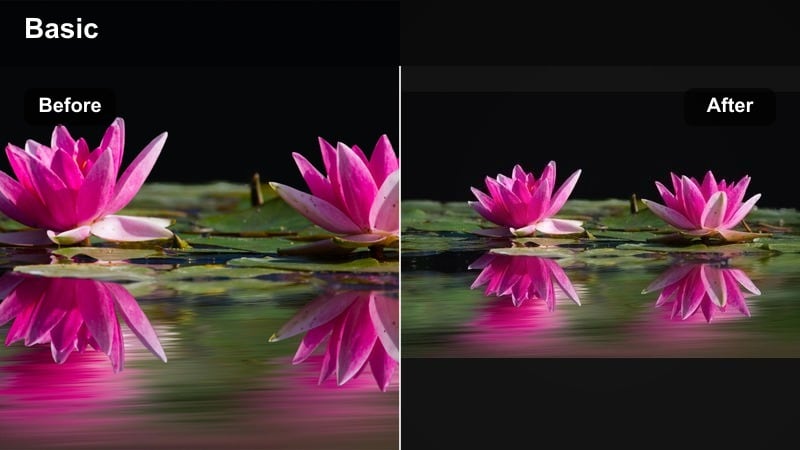
- Effect look: Warm, low-contrast tones with lifted shadows for cozy bedtime scenes without harsh darkness.
- Best for: Bedtime routines, night feeds, and rocking-chair clips lit by a small lamp or nightlight.
- Editing tip: Raise shadows and reduce noise instead of just cranking brightness so the scene stays soft and clean.
Nightlight Soft Warm is built for dim nurseries where you do not want grainy, harsh footage. In Filmora, gently raise shadows, reduce noise, and warm color temperature so the lamp glow hugs faces and blankets.
Keep camera moves slow and steady, then let this filter do the work of opening up dark corners while keeping the atmosphere intimate. It makes night feeds and late cuddles look intentional instead of accidentally underexposed.
Midnight Blue Hush
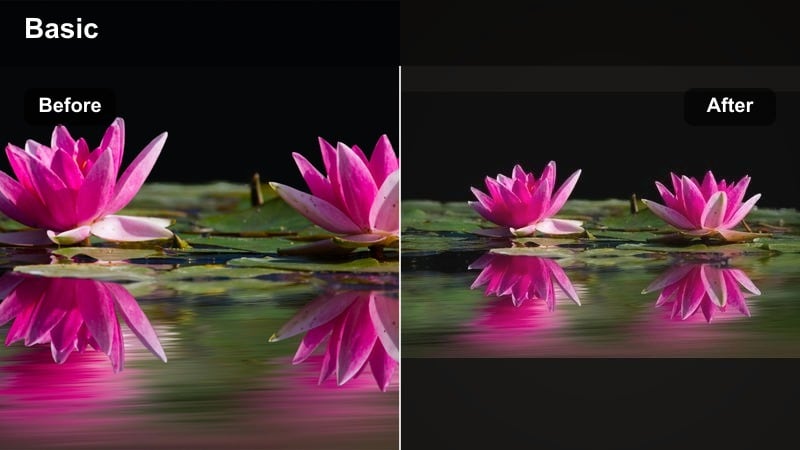
- Effect look: Cooler blue shadows with soft highlights and faded contrast for a calm, late-night feel.
- Best for: Co-sleeping glimpses, late-night cuddles, and quiet over-the-shoulder shots.
- Editing tip: Lower saturation slightly and keep audio levels soft so the cool nighttime tone feels gentle, not gloomy.
Midnight Blue Hush uses cool tones to suggest moonlight and deep sleep. In Filmora, shift shadows toward blue, fade contrast a touch, and slightly lower saturation so the frame feels peaceful and muted.
Use it on short, quiet shots of your baby sleeping or snuggled on your chest. Pair the visuals with soft, low-volume music or room tone so your baby reels engaging edit feels like a lullaby instead of a high-energy reel.
Lamp-Lit Snuggles
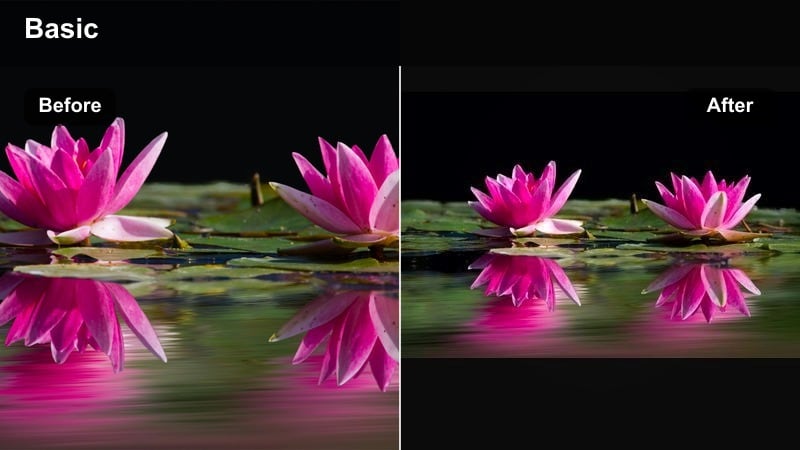
- Effect look: Focused warm pool of light around faces with subtle vignette and softened midtones.
- Best for: Storytime, bedtime book pages, and close-up snuggles near a bedside lamp.
- Editing tip: Use a vignette mask that centers on faces and slightly blur the background so the lamp glow feels intimate.
Lamp-Lit Snuggles draws attention to faces and hands while letting the rest of the room slip into softness. In Filmora, place a vignette or mask around the brightest area and warm the midtones so skin glows gently under the lamp.
It is perfect for bedtime reading reels and close-up snuggles. Cut between wide, medium, and close shots using the same filter so the whole sequence feels like one connected, cozy evening moment.
Tips for Using Baby Reels Engaging Filters in Filmora
- Shoot baby clips near windows or soft lamps so your filters have clean, flattering light to work with.
- Keep filter intensity below 80 percent to preserve natural baby skin tones and tiny details like lashes and curls.
- Use the same one or two filters across a full reel so your cute baby montage filter feels cohesive instead of patchy.
- Trim clips tightly around expressions and giggles; short, focused moments make each reels baby filter feel more impactful.
- Balance vibrance and saturation so toys stay vivid without pushing skin tones into neon or cartoonish territory.
- Add simple, clean milestone text in neutral colors so labels are readable without competing with your baby video filters for Reels.
- Test your reel on both dark and light phone themes to be sure contrast, text, and colors stay easy on the eyes.
- Save your favorite daytime and nighttime looks as presets in Filmora so every new baby clip drops into a ready-made style.
With the right baby video filters for Reels, even a quick phone clip from the nursery can feel like a tiny cinematic memory, ready to share with family and followers.
Test a few of these styles on your next cute montage or short nursery clip, then save your favorites as presets so every new baby moment gets the same adorable, scroll-stopping finish in seconds.
secure downloadNext: Turn Baby Clips into Tiny Movies with Cinematic Baby Video Filters
