

 100% Security Verified | No Subscription Required | No Malware


 ChatGPT
 Perplexity
 Gemini
 Claude
 Grok
Grok
These Canon R3 LUT-style filters are designed for professionals who need fast, consistent results when capturing high-speed sports under shifting light and mixed color temperatures.
Use these looks as a starting point to match Canon video LUTs, stabilize skin tones, and maintain detail in jerseys, turf, and stadium highlights across multicam sports workflows.
In this article
Bright Daylight Field Action
R3 Pro Day Crisp Contrast
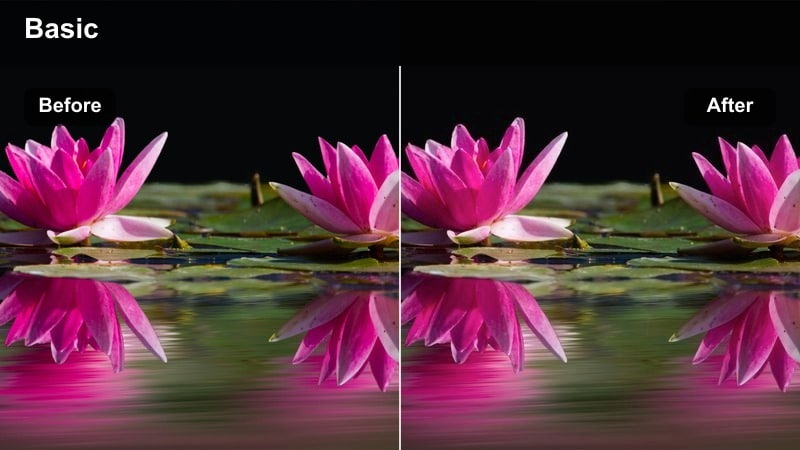
- Effect look: Clean daylight contrast with controlled highlights and punchy uniforms.
- Best for: Outdoor daytime football, soccer, and rugby under hard sun.
- Editing tip: Expose slightly to the right on the Canon R3 histogram, then pull highlights down with this filter for maximum jersey detail.
R3 Pro Day Crisp Contrast is tuned for bright, outdoor fields where hard sunlight can easily blow out white jerseys and chalk lines. It adds firm but controlled contrast, tightening blacks and midtones while protecting highlight detail so logos, numbers, and facial features stay legible for broadcast and replay.
In Filmora, apply this filter on top of a neutral Canon video LUT or a flattened log-to-Rec.709 conversion, then gently lower highlights and whites to recover detail in uniforms and sky. Pair it with Filmora color wheels to nudge team colors for brand accuracy, and save the stack as a preset so every bright mid-day game in your season matches the same pro-grade look.
Pro tip: Lock in highlight headroom for white jerseys
On the Canon R3, set Highlight Tone Priority and slightly underexpose white jerseys by a third of a stop before applying this filter.
This keeps texture in fabric and avoids clipping while still letting you push midtones for a broadcast-ready punch.
AI-Powered Color Matching for Canon R3 Sports Shoots
Use Filmora s AI Color Match to normalize color across multiple Canon R3 bodies and camera angles before you start stylizing. By syncing jerseys, turf, and skin tones first, each LUT-style filter in this guide responds predictably across your entire timeline.
Choose a hero reference clip with ideal daylight exposure and accurate color, run AI Color Match on your other shots, then layer your preferred Canon R3 LUT-style filter to lock in a cohesive game-day look in just a few clicks.
 secure download

Preview Filters on Real Sports Footage
Once your Canon R3 clips are on the timeline, you can quickly audition different LUT-style filters from Filmora s Effects library to see how they handle motion, uniforms, and stadium lighting. Cycling through looks in real time makes it easy to spot which filter best preserves highlight detail and skin tones for each environment.
Toggle effects on and off to compare your neutral Canon video LUT against stylized treatments, then mix filters with Filmora s basic color controls to fine-tune saturation, contrast, and vibrance for your final export platform.
secure download1000+ Video Filters and 3D LUTs
Filmora includes a large library of creative filters and 3D LUTs you can combine with these Canon R3 looks for different leagues, teams, and platforms. Stack color styles, vignettes, light leaks, and texture overlays to build a signature visual identity for your sports brand.
After dialing in a combination that works for your venue and broadcast needs, save the stack as a custom preset so you can apply exactly the same pro sports look to every new game with a single click.
secure downloadR3 Neutral Turf Balance
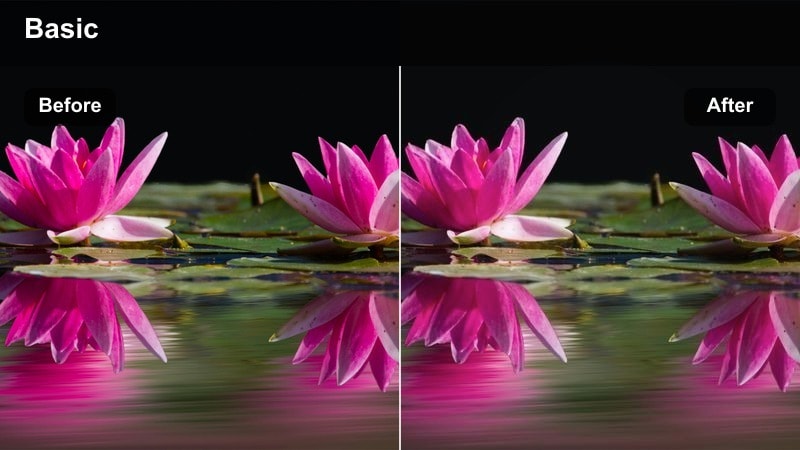
- Effect look: Natural tone curve with balanced greens and neutral skin tones for sideline coverage.
- Best for: Sports news packages, interviews on the sideline, and documentary coverage around the field.
- Editing tip: White balance on a neutral gray card in-camera, then apply this filter to avoid green spill from synthetic turf on faces.
R3 Neutral Turf Balance is engineered to tame the overly vivid greens you get from real or synthetic turf, which often contaminates faces and uniforms near the field. It smooths the tone curve, pulls back aggressive green saturation, and keeps skin tones closer to broadcast-neutral for cleaner interviews and B-roll.
In Filmora, drop this filter on your sideline and bench clips right after your base Canon LUT, then adjust saturation and hue of the green channel if your specific field is warmer or cooler. Save the result as a preset and reuse it on every game shot at that venue so field color and skin tones remain consistent across seasons.
Pro tip: Match multiple Canon R3 bodies on turf
Save this look as a preset and sync it across your Canon R3 bodies so all cameras share the same green and skin tone response.
Use it as your master reference, then apply small secondary corrections per camera to fix any lens-to-lens variation.
R3 Fast Shutter Pop
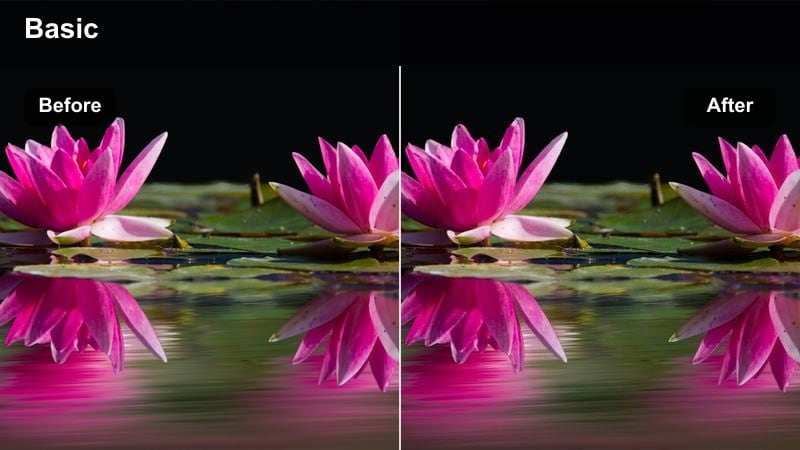
- Effect look: Slightly boosted saturation and micro-contrast tuned for high shutter speeds.
- Best for: Freeze-frame replays, slow motion from 120p clips, and action highlight reels.
- Editing tip: Apply this filter after retiming; then add a subtle vignette to draw attention to the athlete at the peak of action.
R3 Fast Shutter Pop counteracts the slightly flat, clinical feel that can come from high shutter speed and high-frame-rate sports capture. It adds local contrast and a controlled bump in saturation so edges stay crisp and important details, like ball seams and jersey textures, stand out in replays and social highlights.
Inside Filmora, apply this filter after you have conformed your 120p or 60p slow motion footage to your project frame rate. Combine it with a gentle vignette and a touch of sharpening to guide the viewer s eye to the peak action moment, and use keyframed opacity if you want the pop to ramp in as the play builds.
Pro tip: Use with high-frame-rate Canon R3 clips
When shooting 120p on the Canon R3, keep your shutter at around 1/250 or 1/500 and rely on this filter to restore perceived depth.
It adds micro-contrast to edges, which helps fast plays read clearly on smaller mobile screens.
Indoor Arena and Mixed Lighting
R3 Arena Flicker Fix
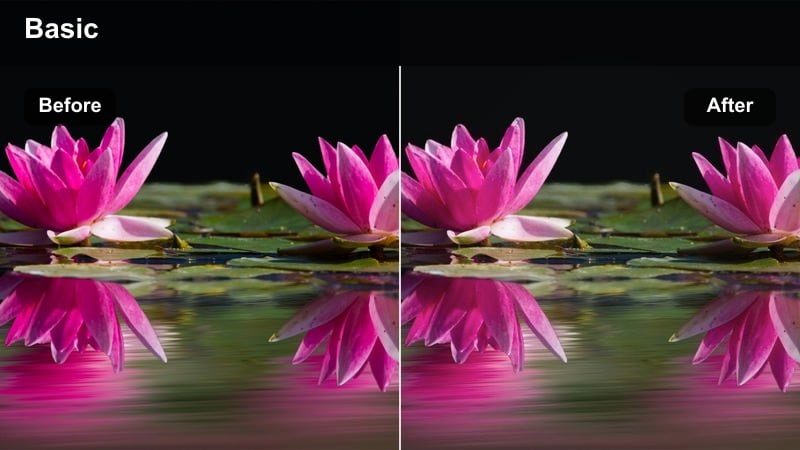
- Effect look: Softened contrast and gentle saturation tuned for LED-lit arenas and patchy light.
- Best for: Basketball, volleyball, and indoor tennis under flickering LED or sodium lights.
- Editing tip: Combine with in-camera anti-flicker and use this filter to even out subtle color shifts between light banks.
R3 Arena Flicker Fix is built for courts and arenas where mixed LED fixtures and older lamps create patchy, inconsistent light. It slightly softens contrast and saturation so color differences between light banks are less obvious, helping player skin tones and uniforms look even across the floor.
In Filmora, apply this filter as a global correction on all your indoor arena clips, then refine with the color correction panel to address problem frames. If one corner of the court is warmer, use keyframes on temperature and tint to keep the look stable as players move, while letting the filter maintain a cohesive broadcast feel.
Pro tip: Normalize LED panels and floor reflections
Expose for player faces on the Canon R3, then use this filter to roll off highlights from reflections on the polished floor.
If one side of the court uses warmer lights, keyframe a slight temperature shift to keep both halves visually consistent.
R3 Dual White Match
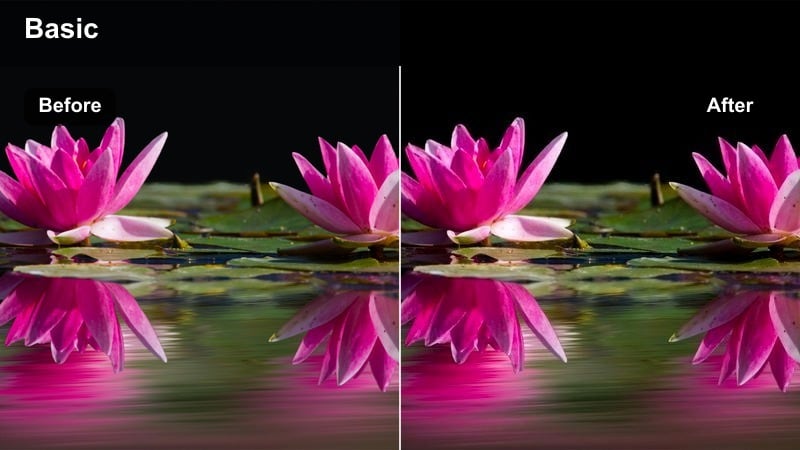
- Effect look: Neutralizing color cast with slight cool bias to counter mixed tungsten and LED sources.
- Best for: Locker room entries, tunnels, and bench coverage next to LED boards.
- Editing tip: Balance your footage to the warmest area, then apply this filter to cool and unify frames for a documentary-style consistency.
R3 Dual White Match is optimized for transitions between warm and cool light, such as players leaving a tungsten locker room and entering a cooler tunnel or court. It adds a subtle cool bias that neutralizes overly warm areas while pulling cooler tones slightly toward neutral, resulting in a smoother, unified color story.
In Filmora, start with a manual white balance adjustment to the warmest part of the scene, then drop this filter on top to compress the remaining difference between light sources. Use it across your tunnel, entrance, and bench sequences to keep skin tones consistent in documentaries, hype videos, and pre-game packages where players move through multiple lighting zones.
Pro tip: Control tunnel transitions in one pass
Use this filter as a base for shots that move from tungsten locker rooms to cooler tunnels or arenas on the Canon R3.
It lets you avoid complex secondary keys and keeps focus on players expressions instead of distracting color shifts.
R3 Arena Broadcast Neutral
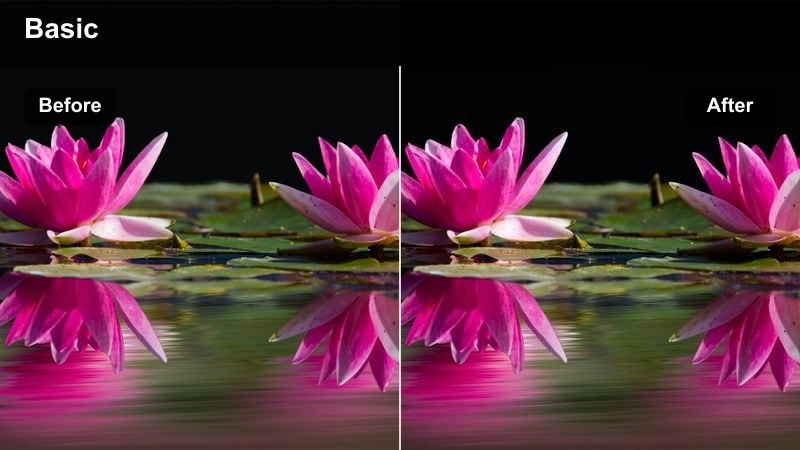
- Effect look: Broadcast-safe contrast with compressed highlights and tame saturation.
- Best for: Live streaming, jumbotron feeds, and multi-cam switching in indoor arenas.
- Editing tip: Use scopes to keep peaks just below clipping, then rely on this filter to keep team colors within legal broadcast limits.
R3 Arena Broadcast Neutral gives you a conservative, live-safe profile for indoor games where your Canon R3 feeds might be combined with other cameras or routed to jumbotrons. It gently compresses highlights and reins in saturation so logos, sponsor boards, and uniforms stay legal across different broadcast pipelines.
In Filmora, use this filter as your base look for all cameras recording the same game, then adjust exposure shot by shot using curves or the basic color tools. Monitor your waveform and vectorscope as you grade to ensure whites do not clip and saturated colors remain inside broadcast-safe zones, keeping your director free to cut between angles without worrying about mismatched color.
Pro tip: Create a live-safe Canon R3 pipeline
Pair this filter with a mild noise reduction pass when pushing ISO on the Canon R3 in darker arenas.
It keeps your feed consistent so the technical director can cut between cameras without worrying about wild color swings.
Under the Lights: Night Stadium Looks
R3 Stadium Night Punch
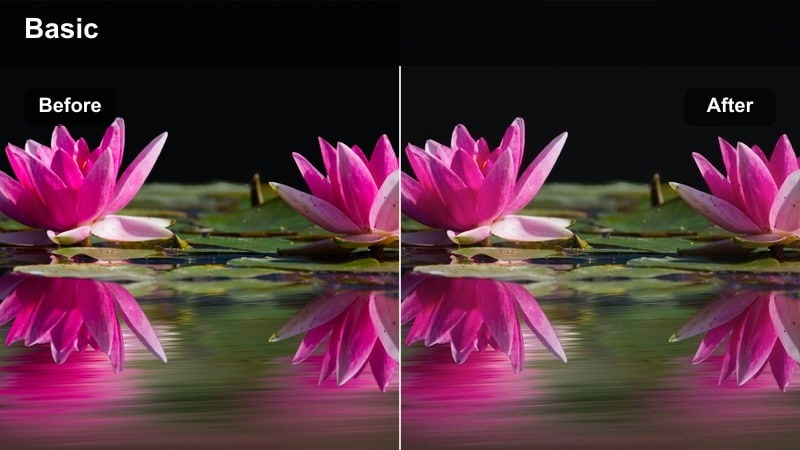
- Effect look: Deep blacks, saturated team colors, and controlled noise in the shadows.
- Best for: Prime-time football, baseball, and soccer under powerful stadium lights.
- Editing tip: Expose midtones slightly higher than usual on the Canon R3, then let this filter crunch blacks for a dramatic televised look.
R3 Stadium Night Punch is built to emphasize the drama of night games, with rich blacks and bold team colors that cut through stadium haze and flare. It emphasizes contrast in midtones while gently suppressing chroma noise in shadows so backgrounds go dark without turning muddy or distracting.
In Filmora, apply this filter on well-exposed night footage and fine-tune black levels with the color wheels or curves to taste. Use a mask or the adjustment layer approach to protect faces and key foreground elements from going too dark, while still letting the stands and sky fall into deep, cinematic shadow that feels like a prime-time broadcast.
Pro tip: Shape the night without crushing important detail
Keep your Canon R3 ISO as low as feasible and lean on this filter to add perceived contrast instead of pushing gain.
Use a soft mask to protect faces from going too dark while still letting the background fall into dramatic shadow.
R3 Tunnel to Pitch Glow
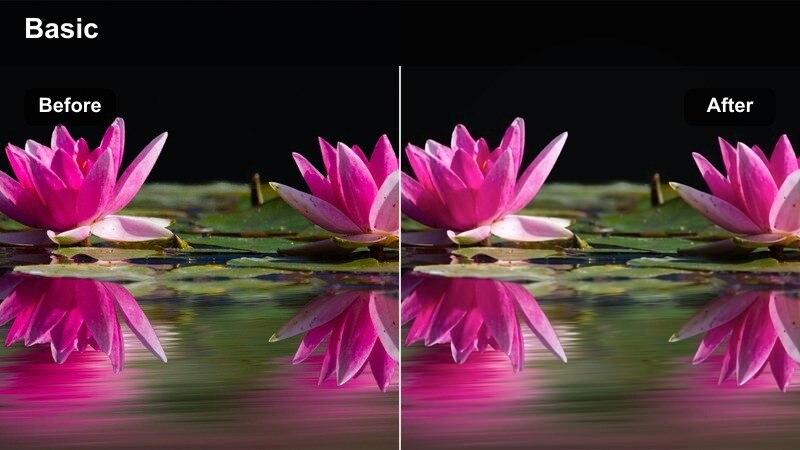
- Effect look: Cinematic soft roll-off with subtle halation around stadium lights.
- Best for: Players walking from dark tunnels into the illuminated pitch at night.
- Editing tip: Use a slow push-in and let this filter enhance the light bloom to create a walk-out hero moment.
R3 Tunnel to Pitch Glow is crafted for the classic walk-out shot, where athletes move from a dark tunnel into a wall of stadium light. It softens highlight roll-off and adds a mild glow around bright sources, creating a cinematic halo that sells scale and emotion without obscuring detail on players faces.
In Filmora, place this filter on your entrance shots and adjust exposure using curves to control how quickly detail lifts as players step into the light. Combine it with slow motion, subtle camera moves, and sound design to turn simple entrances into hero moments for intros, promos, and social teasers.
Pro tip: Turn entrances into cinematic beats
Shoot slightly underexposed silhouettes on the Canon R3, then use this filter to pull detail as they hit the light and keep highlights blooming.
It works especially well for openers and teasers where you want a stylized but still sports-authentic feel.
R3 Crowd Energy HDR
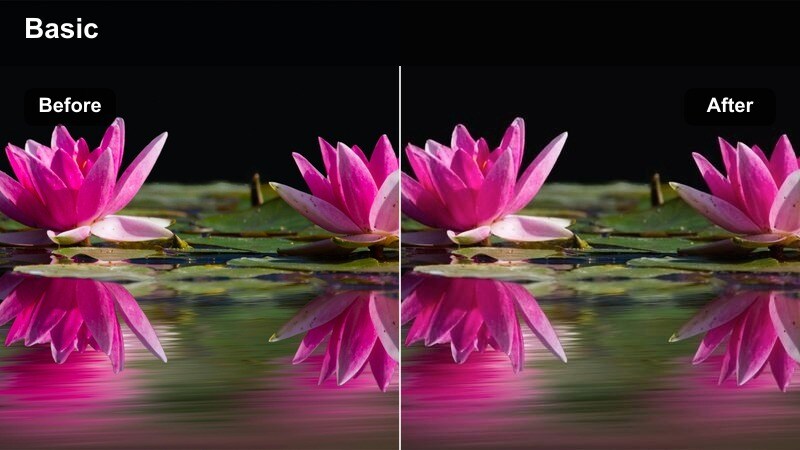
- Effect look: Expanded dynamic range feel with lifted shadows in stands and preserved scoreboard detail.
- Best for: Cutaways to cheering fans, crowd reactions, and wide stadium vistas.
- Editing tip: Shoot wider on the Canon R3, then apply this filter and add a slight saturation lift to fan jerseys and banners.
R3 Crowd Energy HDR simulates an extended dynamic range look for wide crowd shots where bright scoreboards and dark stands normally fight each other. It protects highlights around LED boards while lifting shadows in the seating, so you can actually see faces and reactions without blowing out screens.
In Filmora, apply this filter to your wide stadium vistas and reaction cutaways, then tweak the midtone contrast to balance realism and clarity. Add a small boost in saturation to fan clothing and flags so the crowd feels alive on both TV and mobile, and intercut these shots with your action coverage to communicate scale and atmosphere.
Pro tip: Keep fan faces readable in night exteriors
If you expose for the scoreboard, stands often fall into darkness; this filter helps you bring back faces without making the image look flat.
Use subtle local contrast boosts in the midtones to keep the crowd lively without introducing banding in the sky or scoreboards.
Cinematic Sports Highlights and Recaps
R3 Cinematic Warm Recap
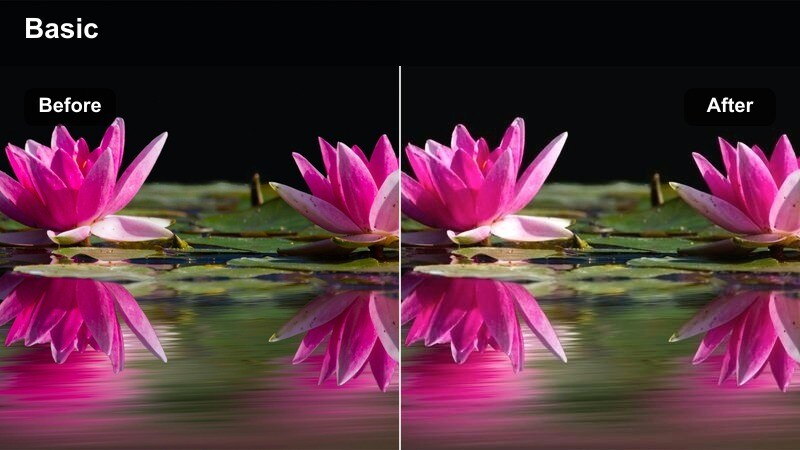
- Effect look: Warm, film-inspired contrast with smooth roll-off and rich skin tones.
- Best for: End-of-game highlight reels, recap packages, and social media hero edits.
- Editing tip: Apply after you stabilize and retime clips, then add subtle grain to reinforce the cinematic character.
R3 Cinematic Warm Recap adds a story-driven, filmic tone to your best plays and emotional moments. It warms overall color, smooths highlight roll-off, and enriches skin tones, making celebrations, handshakes, and coach reactions feel more like scenes from a sports documentary than raw game coverage.
In Filmora, use this filter on selected highlight sequences after you have trimmed, stabilized, and retimed your Canon R3 footage. Add a soft grain overlay and a slight vignette to push the cinematic mood further, and consider reserving this look for key beats in your recap so viewers immediately feel when a moment is special.
Pro tip: Use as your hero look for recap packages
Grade game coverage with a neutral Canon video LUT, then finish key story beats with this warmer filter to signal emotional moments.
It ties live-looking coverage and stylized edits together into one cohesive visual language for your brand.
R3 Mono Intense Focus
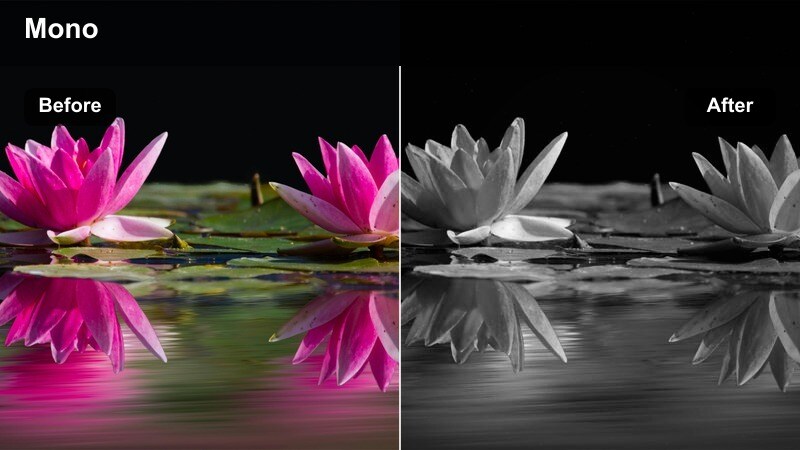
- Effect look: High-contrast monochrome designed for sweat, grit, and texture on athletes.
- Best for: Pre-game rituals, training sessions, and emotional close-ups for promos.
- Editing tip: Shoot tight on faces and hands with the Canon R3 and use this filter to emphasize texture without blowing out highlights.
R3 Mono Intense Focus turns your Canon R3 sports footage into striking black-and-white portraits that emphasize grit, sweat, and emotion. With bold contrast and careful highlight handling, it is ideal for tight shots of faces, hands, and gear where texture tells as much of the story as motion.
In Filmora, drop this filter onto close-ups and training sequences to separate them from full-color game coverage. Adjust contrast and shadow levels to match your desired intensity, and intercut these monochrome beats between fast action clips to give viewers space to connect emotionally with athletes before the next play erupts.
Pro tip: Build emotional beats between plays
Cut from high-speed color action to this monochrome look for reflective or intense moments in your sports narrative.
It works especially well with slow, deliberate camera movement and diegetic sound from the field or court.
R3 Social Hype Pop
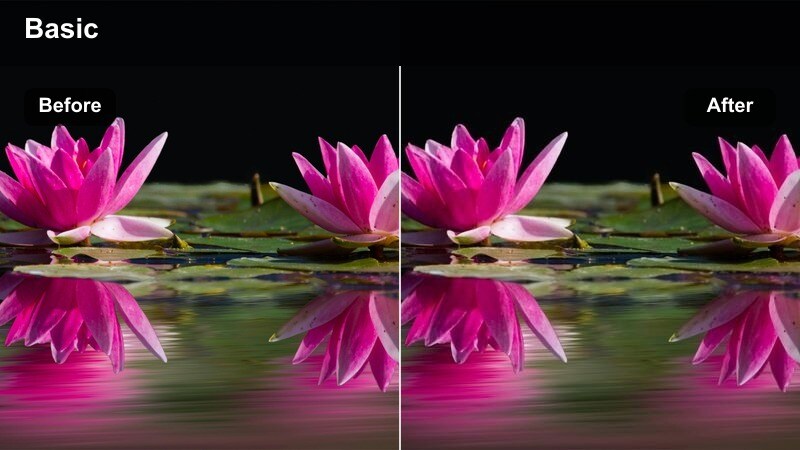
- Effect look: Bold saturation, lifted midtones, and crisp edges tuned for mobile viewing.
- Best for: Vertical highlight clips, hype reels, and quick-turn social posts from Canon R3 footage.
- Editing tip: Frame for vertical outputs and use this filter to keep jerseys, signage, and sponsor logos readable on small screens.
R3 Social Hype Pop is made for social-first sports content where your footage will mostly be viewed on phones. It lifts midtones, sharpens edges slightly, and increases saturation so jerseys, sponsor logos, and on-screen graphics stay bold and legible even in fast-scrolling feeds.
In Filmora, set up a vertical (9:16) sequence or reframe your 16:9 Canon R3 clips with the Auto Reframe tool, then apply this filter to your final cuts. Combine it with dynamic text, animated stickers, and beat-synced cutting to produce hype clips for TikTok, Instagram Reels, and YouTube Shorts that still feel visually aligned with your longer-form coverage.
Pro tip: Design once for cross-platform delivery
Grade your master on a 16:9 timeline, then reframe for 9:16 while keeping this filter on to maintain consistent brand color.
It gives sponsors and team branding a strong, recognizable look across TikTok, Instagram, and YouTube Shorts.
Tips for Using Canon R3 Filters in Filmora
- Shoot Canon R3 log or a flat profile whenever possible so Filmora s filters and Canon video LUTs have enough latitude to recover highlights and shadows.
- Lock a consistent white balance per scene in-camera to avoid chasing color shifts later when you apply LUT-style filters across multicam sports timelines.
- Use Filmora s scopes to monitor exposure and saturation so jerseys, field markings, and sponsor logos stay within safe broadcast levels as you push contrast.
- Create separate neutral looks for live-style coverage and warmer, stylized presets for cinematic recaps so you can switch moods quickly in the same project.
- Combine Canon video LUTs with one or two Filmora fil
