

 100% Security Verified | No Subscription Required | No Malware


 ChatGPT
 Perplexity
 Gemini
 Claude
 Grok
Grok
These curated Sony FX9 LUT-style filter ideas are designed to help filmmakers move fast from flat S-Log3 to rich, cinematic images tailored for commercial production.
Use them as creative starting points for your own LUTs and grades, so your FX9 footage is consistent, on-brand, and client-ready straight from the timeline.
In this article
Bright Daytime Brand Exteriors
Clean Neutral Commercial
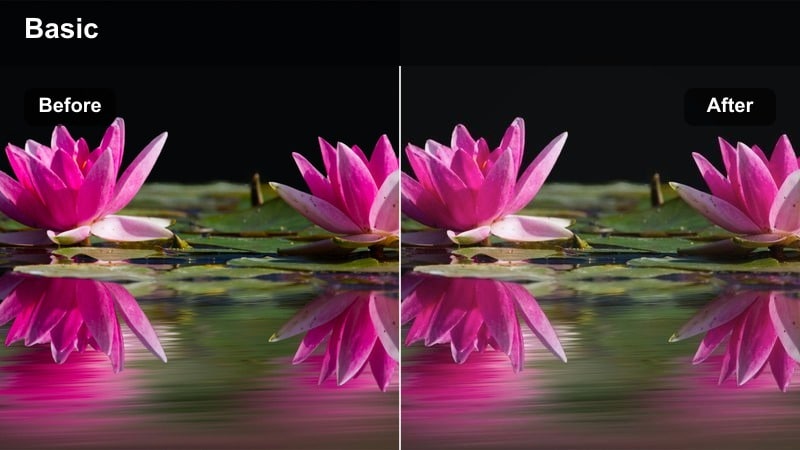
- Effect look: Balanced, low-contrast image with natural saturation and true-to-life colors for broadcast-safe commercial spots.
- Best for: Corporate exteriors, office parks, tech campuses, client interviews outside.
- Editing tip: Expose skin around middle gray in S-Log3 and gently raise midtones after applying your neutral LUT to keep faces believable.
Use this neutral FX9 look in Filmora as your default conversion from S-Log3 to a clean Rec.709-style base. Start with Color Match or basic correction to normalize exposure, then build a preset that evens out contrast, keeps saturation moderate, and protects highlight detail so your commercial footage feels polished but not stylized.
Once you have this baseline grade saved as a custom LUT-style preset in Filmora, you can apply it to every new FX9 clip on the timeline for consistent corporate work. From there, stack additional Filmora tools such as HSL or curves when a client asks for subtle tweaks, knowing you can always revert to this safe, broadcast-friendly neutral version.
Speed Up FX9 Commercial Grades with AI Color Tools
In Filmora, AI-powered color tools help you quickly match Sony FX9 clips shot in different locations or at varying times of day. Run Color Match on a well-exposed reference shot, then apply the result across your timeline before layering on your favorite commercial LUT-style presets.
When exposure and white balance are unified by AI first, your FX9 filters and LUTs behave more predictably, which means fewer manual keyframes and faster approvals from brand clients.
 secure download

Preview FX9 Filter Styles on Test Footage
Before you lock a final look for a commercial campaign, create a short FX9 test sequence in Filmora and cycle through your saved presets. Seeing multiple LUT-style filters back to back on the same shot makes it easier for clients to pick a direction that fits their brand palette and media outlets.
You can quickly duplicate the sequence and try several variations with different contrast curves, color casts, or vignette levels, then export low-res previews for review without touching your main edit.
secure download1000+ Video Filters and 3D LUTs
Filmora includes a large library of filters and 3D LUTs you can stack with your Sony FX9 grades. Start from a neutral log conversion, then experiment with cinematic, vintage, or modern commercial looks from the Filters and LUTs panels to see what best supports your storyboard.
When you find a combination that works for a specific client, save it as a custom preset so you can recreate the same FX9 aesthetic on future shoots in just one click.
secure downloadCrisp Brand Pop
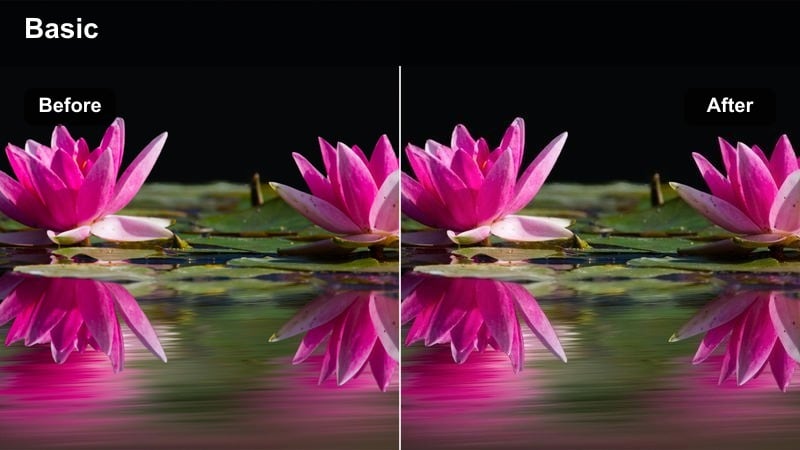
- Effect look: Punchy contrast with slightly lifted saturation and clean whites that make logos and brand colors stand out.
- Best for: Outdoor product launches, billboards, storefront reveals, and bright daytime retail spots.
- Editing tip: Use HSL tools to selectively boost brand colors instead of global saturation so skin tones and backgrounds stay under control.
In Filmora, start from your neutral FX9 preset, then add a curves adjustment to deepen shadows and add snap to midtones while keeping highlights controlled. Use the HSL tool to gently boost targeted hues like the brand s primary color so storefronts, packaging, and signage become the visual focus without oversaturating the entire frame.
This approach works well for high-energy commercial edits where the logo or product needs to be instantly recognizable. Save a version of the preset with slightly stronger saturation for social media and a more restrained version for broadcast, then quickly flip between them depending on the delivery platform.
Soft Lifestyle Day
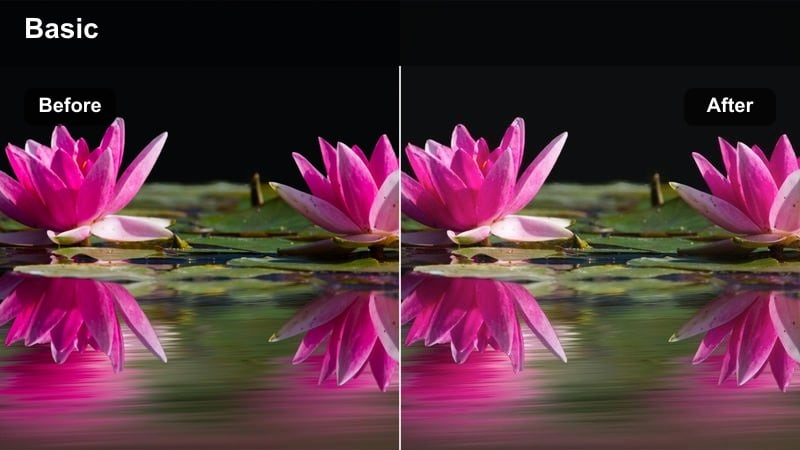
- Effect look: Low-contrast, soft highlight roll-off with gentle saturation for relaxed, lifestyle-driven commercial imagery.
- Best for: Family-oriented ads, wellness brands, hospitality spots, and soft-sell commercial narratives.
- Editing tip: Add a slight warm tint in the midtones while keeping shadows neutral to avoid muddy blacks in FX9 S-Log3 material.
To get this look in Filmora, slightly compress contrast using the curves tool, focusing on softening the highlight roll-off so skies and bright clothing keep texture. Add a mild warm color balance to the midtones for a sunlit, inviting feel, while leaving shadows close to neutral so they do not become brown or muddy.
This preset is ideal when talent interactions, families, or hospitality experiences are the emphasis rather than hard-selling a product. Save a version with a touch of Filmora s vignette or blur around the edges if you want to subtly guide attention toward faces and gestures without viewers noticing the grade.
Office and Studio Brand Interiors
Modern Office Neutral
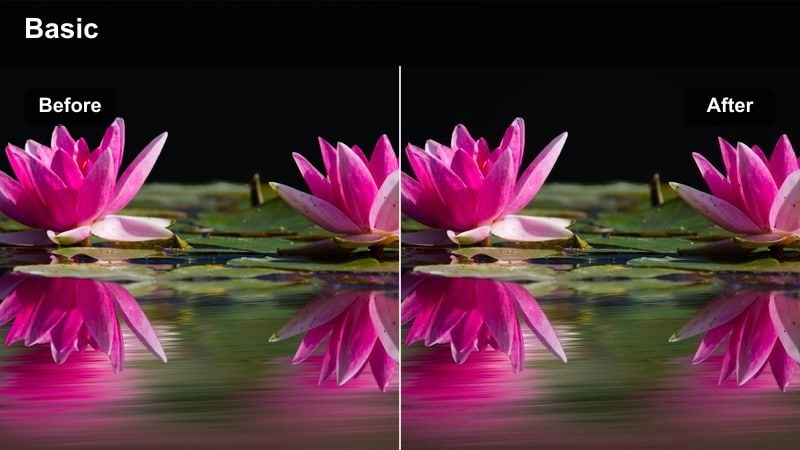
- Effect look: Clean white balance with slightly cooled shadows and neutral midtones that flatter modern office interiors.
- Best for: Corporate interviews, training videos, tech product explainers, and B2B commercials.
- Editing tip: Use secondary corrections to desaturate mixed light spill from practicals while keeping skin tones natural.
In Filmora, use the Color panel to nail a neutral white balance first, then cool shadows slightly to give glass and steel office elements a contemporary, professional feel. Keep midtones and skin tones close to true-to-life by gently tuning HSL ranges so employees and executives look trustworthy on camera.
For recurring corporate clients, create a master preset from one well-lit FX9 interview and apply it to every new talking-head shot. When you encounter mixed light from windows and overhead fixtures, add a secondary color correction to selectively pull back color casts in the background without affecting the subject.
Warm Collaboration Space
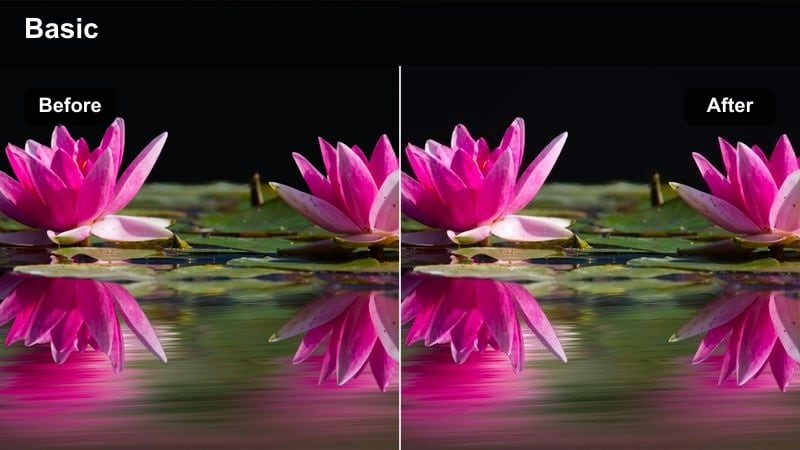
- Effect look: Soft warm midtones with gentle contrast that make collaborative office scenes feel inviting and aspirational.
- Best for: Coworking ads, SaaS culture spots, internal communications, and HR campaigns.
- Editing tip: Lift shadows slightly to protect detail in dark clothing and office furniture shot on FX9 in S-Log3.
Use Filmora to introduce a subtle warm push to the midtones and highlights so wood textures, skin, and ambient office light feel lively and people-focused. Reduce overall contrast a bit and raise the black level to keep dark furniture, laptops, and clothing from blocking up, which maintains a friendly, inclusive mood.
This filter style pairs nicely with handheld or gimbal FX9 footage of teams brainstorming or collaborating. Save different presets for cooler and warmer office locations, then switch between them in Filmora s preset list so every scene in your culture video or HR campaign feels coherent.
Clean Product Demo
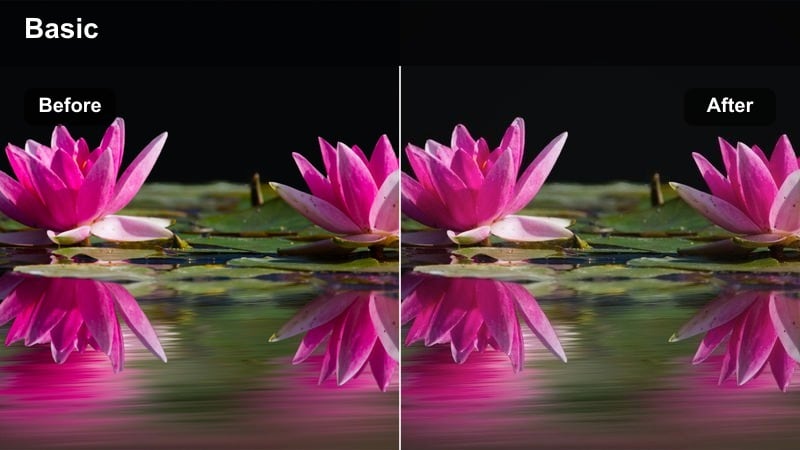
- Effect look: Bright, low-saturation white background with precise contrast emphasizing product edges and details.
- Best for: Tabletop product demos, app walkthroughs on screens, hardware close-ups, and studio-based explainer videos.
- Editing tip: Use localized sharpening on the product only and avoid sharpening skin to keep a premium, polished feel.
For FX9 product shots, use Filmora to push the background toward bright neutral while carefully stopping just short of clipping on the waveform. Lower overall saturation a touch so packaging and UI screens remain readable, and then add targeted sharpening or clarity masks around the product to accentuate edges and textures.
Combine this look with Filmora s clean titles and graphics to create a unified, premium explainer style. Save a dedicated preset for glossy surfaces and screens, adjusting contrast and highlight roll-off slightly so reflections feel crisp but do not distract from the product story.
Urban Evening and Night Commercials
Cool Urban Night
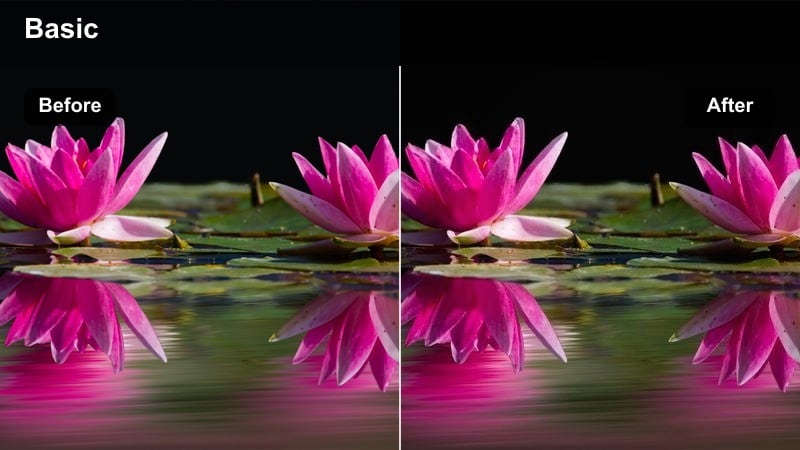
- Effect look: Cool shadows with vibrant neon highlights and controlled contrast for stylized night city commercials.
- Best for: Tech launch spots, nightlife ads, ride-share campaigns, and cinematic brand promos.
- Editing tip: Use noise reduction before grading FX9 high-ISO shots, then add a gentle halation or glow on practical lights.
In Filmora, start by cooling the shadows and lower midtones, leaning into blues and cyans to accentuate the FX9 s night city textures. Then, selectively boost saturation in neon or signage colors using HSL while keeping skin tones closer to neutral so your subjects remain believable inside the stylized frame.
This preset is ideal for dynamic B-roll of traffic, nightlife, and modern architecture. Add Filmora s glow or light leak effects subtly over bright fixtures and signs to create a soft halation that feels cinematic, and keep a version of the preset with slightly lower saturation for OTT or broadcast-safe deliveries.
Warm Urban Gold
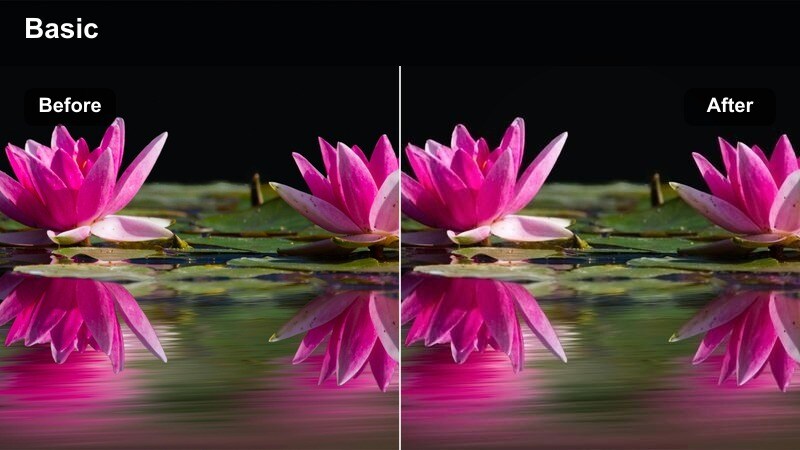
- Effect look: Rich golden highlights with warm midtones and soft contrast for aspirational city lifestyle spots.
- Best for: Luxury brand ads, fashion campaigns, premium hospitality and rooftop bar commercials.
- Editing tip: Keep blacks slightly lifted so warm streetlights do not crush shadow detail in FX9 night exteriors.
To achieve this golden, aspirational mood in Filmora, warm up highlights and midtones to mimic golden-hour light, even when the FX9 footage was captured after dark. Slightly lift the black level and soften contrast so suits, dresses, and decor in shadow areas retain detail, supporting a premium, high-end brand feel.
Apply this preset to rooftop bars, hotel terraces, or upscale restaurant scenes to give clients a consistent luxury signature. You can also mix in a gentle vignette or blur, keeping the glow centered around talent and branded elements so the city backdrop stays atmospheric without overpowering the story.
Contrasty Night Drive
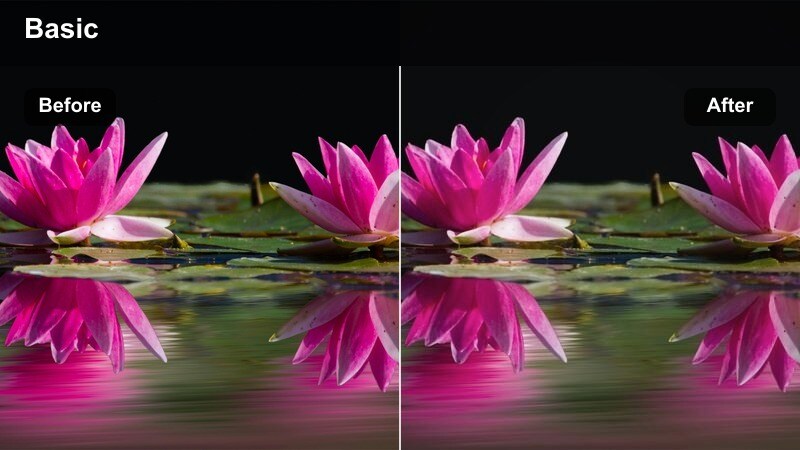
- Effect look: High-contrast, punchy shadows with crisp specular highlights that emphasize motion and speed at night.
- Best for: Automotive spots, ride-sharing, delivery services, and commuter-focused commercials.
- Editing tip: Use curves to control highlight roll-off on headlights and reflections so they feel intense but not clipped.
Use Filmora s curves to deepen shadows and increase contrast around midtones, adding punch to FX9 night driving scenes while protecting highlight roll-off on headlights and streetlights. Localized adjustments on dashboard and interior areas help you maintain visibility inside the car without flattening the high-contrast mood.
Pair this look with motion blur, speed ramps, or light streak effects in Filmora to amplify the sense of speed and energy. Save different variants for wet roads, tunnels, and city streets so your automotive or ride-share campaigns have a cohesive style across varied driving conditions.
High-Contrast Sets and Mixed Lighting
Spotlight Hero Subject
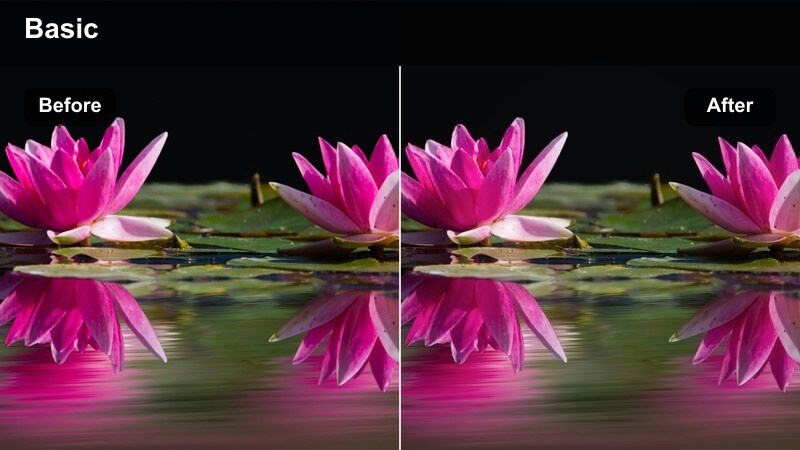
- Effect look: Dark, controlled background with a clean, bright key on the subject and tight contrast on midtones.
- Best for: Hero shots in brand films, CEO addresses, premium product hero moments, and high-end testimonials.
- Editing tip: Use power windows to keep background blacks consistent while shaping the key light on faces.
In Filmora, deepen shadows and reduce background exposure so the FX9 subject stands out clearly against a dark, uncluttered environment. Then, fine-tune midtone contrast and highlight levels on faces or hero products so they appear crisp and intentional without blowing out skin texture or reflective surfaces.
This look is excellent for closing hero shots, investor messages, or dramatic brand reveals. You can save a variant with subtler contrast for web and another with stronger punch for in-store or event screens, letting you maintain the same visual language across multiple placements.
Mixed Retail Lighting Control
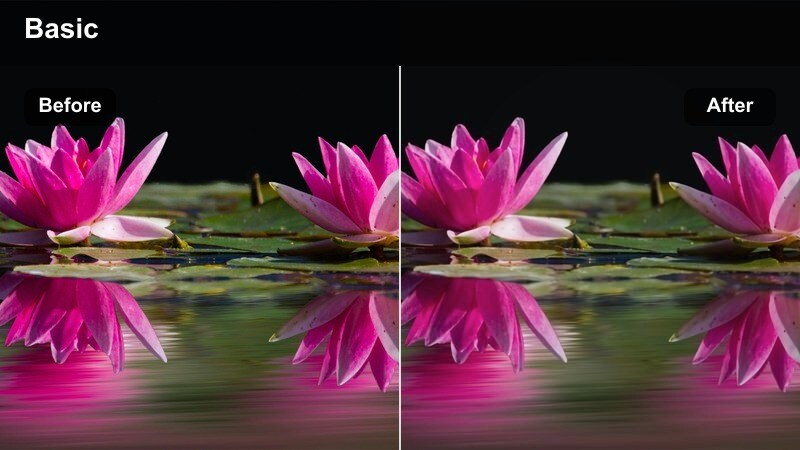
- Effect look: Balanced contrast with carefully unified color across daylight, LED, and neon sources in busy retail spaces.
- Best for: In-store commercials, supermarket runs, shopping mall ads, and point-of-sale videos.
- Editing tip: Neutralize overall white balance first, then selectively return small accents of colored light to keep the space lively.
Retail interiors shot on the FX9 often mix fluorescents, window light, and colored signage, so start in Filmora by dialing in a neutral global white balance and moderate contrast. Then use HSL and selective color tools to tame oversaturated patches while preserving branded signage hues and product packaging colors.
Once you have a reliable preset for a particular chain or client, apply it across all store locations so shelves, aisles, and branded endcaps look unified. This saves time in large campaigns and ensures your in-store commercials and social cutdowns feel like part of the same brand universe.
High-Key Studio White
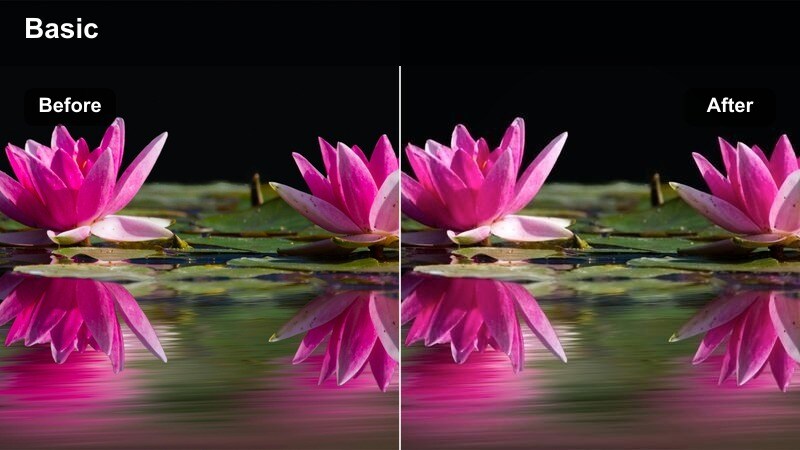
- Effect look: Bright, nearly pure white background with soft contrast and natural skin tones that feel clinical yet friendly.
- Best for: Health care spots, e-commerce presenter videos, SaaS explainers, and infomercial-style commercials.
- Editing tip: Use luma qualifiers to keep the background just under clipping while preserving edge detail around hair and clothing.
In Filmora, push the background toward high-key white by raising highlights and whites while closely watching the waveform to stop just short of clipping. Keep contrast soft and skin tones natural so presenters feel approachable, adjusting HSL only where needed to counteract any color spill from the set.
This look works especially well with clean motion graphics and product overlays. Turn it into a reusable preset for your FX9 studio shoots so every explainer, onboarding video, or health care spot shares the same bright, trustworthy visual style.
Tips for Using Sony Fx9 Filters in Filmora
- Shoot a few seconds of a color chart at each FX9 setup so your Filmora LUTs and filter presets have a reliable baseline for matching shots.
- Organize your Sony FX9 looks into Filmora folders by scene type, such as exteriors, interiors, night, and studio, to speed up commercial workflows.
- Create a neutral S-Log3 to Rec.709 conversion preset in Filmora and always apply it first, then stack creative filters on top for consistent results.
- Use Filmora s scopes and preview window side by side when pushing saturation so brand colors stay legal for broadcast and streaming platforms.
- Save separate FX9 presets tuned for YouTube, social vertical, and TV delivery, adjusting contrast and brightness for each platform s viewing conditions.
- Regularly update your custom FX9 LUT-style presets after major shoots, folding in what clients liked most about the final approved grades.
- Test new Filmora filter combinations on short FX9 clips before applying them to full timelines to avoid surprises during client review.
- Back up your Sony FX9 Filmora preset library so you can quickly restore your commercial looks if you move systems or update software.
By turning these Sony FX9 filter ideas into repeatable LUTs and presets, you can move faster from S-Log3 to polished, on-brand commercial images. Filmora s color tools, filters, and AI features help you standardize exposure and tone so every campaign starts from a reliable visual foundation.
Build a small, trusted library of FX9 looks you truly like, then refine them per client instead of reinventing your grade each time. Over time, your collection of Filmora presets becomes a visual signature that keeps commercial work consistent, efficient, and easy to scale across platforms.
secure downloadNext: Best Sony A1 LUTs
