

 100% Security Verified | No Subscription Required | No Malware


 ChatGPT
 Perplexity
 Gemini
 Claude
 Grok
Grok
This cafe latte aesthetic video LUT-style filter collection is designed for content creators who love warm tones, creamy highlights, and soft cinematic contrast that feels like a slow morning in your favorite coffee shop.
Use these Filmora filters to add a cozy latte vibe to vlogs, reels, B-roll, and sit-down videos, all while keeping skin tones flattering and your cafe scenes inviting.
In this article
Warm Morning Cafe Scenes
Golden Crema Glow
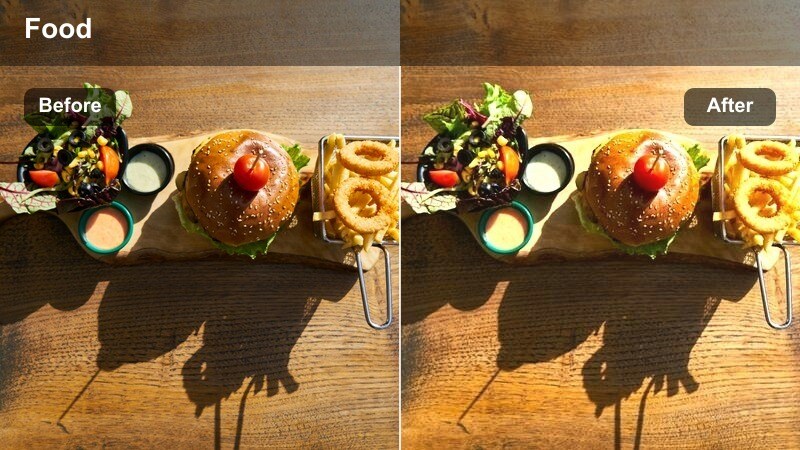
- Effect look: Soft golden warmth with creamy highlights and gentle fade in shadows
- Best for: Cafe openings, latte-pouring B-roll, slow panning shots of the coffee bar
- Editing tip: Slightly reduce contrast and lower clarity to enhance the hazy morning glow while keeping details in the steam.
Golden Crema Glow adds a buttery, golden wash to your footage that makes every cup look like it is shot during perfect morning light. Highlights become creamy rather than harsh, while shadows fade softly instead of falling into hard blacks, ideal for steam, foam, and reflective counter surfaces.
In Filmora, apply this filter to your establishing cafe shots and latte-pouring B-roll, then fine-tune exposure so bright elements like cups and tabletops stay detailed. Pair it with slow pans or slider moves, and use subtle keyframing on opacity if you want the warmth to gradually build as your video opens.
Build a Latte-Inspired Color Palette with Filmora AI
Filmora s AI color tools help you quickly shape a cafe latte aesthetic by balancing warm midtones, creamy highlights, and gentle contrast across your whole edit. Instead of grading each clip from scratch, AI keeps your browns, beiges, and whites unified.
You can sample tones from your favorite cafe frame, then let AI guide your color balance so every shot matches the same cozy palette, whether it is a close-up latte pour or a wide cafe interior.
 secure download

Preview Cafe Latte Filters in Real Time
Filmora lets you hover over filters and see them instantly on your cafe clips, so you can compare multiple latte aesthetics before you commit. This makes it easy to test bright morning looks against moodier, evening-inspired styles on the same timeline.
After choosing a base filter, stack small adjustments like exposure, white balance, and grain to refine whether the final mood feels airy and fresh or cozy and cinematic.
secure download1000 plus Video Filters and 3D LUTs
Filmora includes a large library of creative filters and 3D LUTs, so your cafe latte aesthetic can sit alongside other cinematic looks on the same channel. You can mix latte-inspired warmth with filmic teal and orange, vintage fades, or modern commercial styles.
Use HSL and color wheels alongside LUTs to refine skin tones, wooden tables, and coffee hues, building a custom look that still starts from a fast one-click preset.
secure downloadEarly Morning Milk
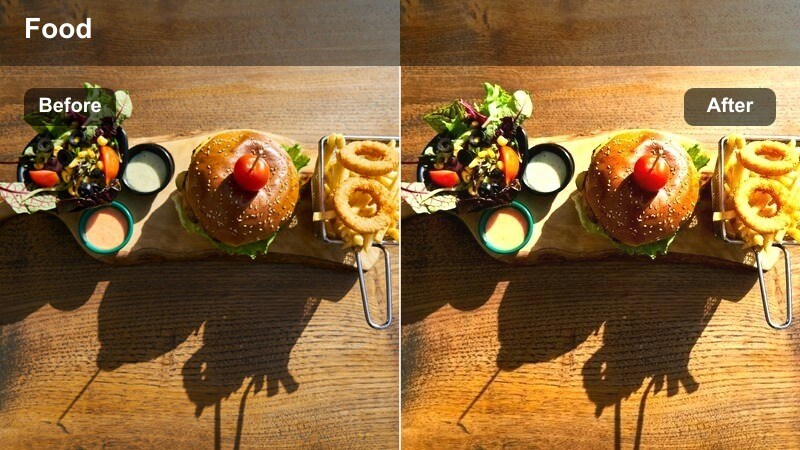
- Effect look: Muted contrast with milky whites and soft beige cafe tones
- Best for: Minimal desk setups by the cafe window, journaling shots, and top-down coffee scenes
- Editing tip: Slightly raise the blacks and decrease saturation on bright colors to keep the scene calm and cohesive.
Early Morning Milk is built for clean, minimalist compositions where white mugs, notebooks, and bright tables dominate the frame. It softens stark whites into a creamy tone, dials back contrast, and adds gentle beige warmth so the whole scene feels quiet and slow.
Inside Filmora, pair this filter with simple top-down shots of your latte, planner, and pen arranged on a light surface. Lift the blacks a touch more if you want a washed, editorial look, and selectively reduce saturation on distracting colors like bright markers or logos so the milky cafe palette stays the focus.
Window Seat Warmth
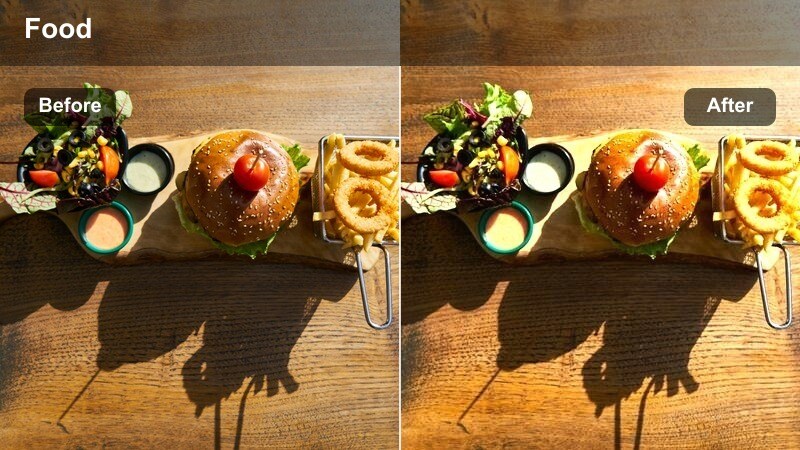
- Effect look: Warm midtones with soft contrast and gentle vignette around the frame
- Best for: Cafe window shots, street-view B-roll from inside, and reflective talking segments
- Editing tip: Reduce the vignette if your subject is off-center so their face stays bright and inviting.
Window Seat Warmth enhances the cozy feeling of sitting by a cafe window by gently heating up midtones and drawing the eye inward with a soft vignette. Reflections, glass highlights, and skin all take on a subtle glow that feels intimate without becoming overly stylized.
Use this filter in Filmora on sequences where your subject looks out the window, journals, or chats with the camera while the street moves outside. After applying, check framing and, if your subject is not in the center, lower vignette strength so their face and cup stay well lit while the edges softly fall away.
Cozy Interior Coffee Moments
Cinnamon Foam Soft
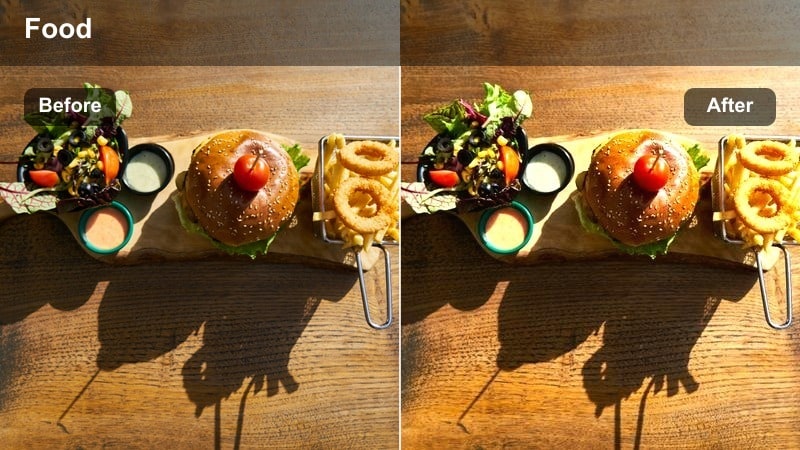
- Effect look: Soft-focus feel with warm browns, gentle glow, and subtle desaturation
- Best for: Close-ups of latte art, slow handheld shots over wooden tables, and moody interior details
- Editing tip: Add a slight blur or reduce sharpness to emphasize the dreamy foam look and hide small distractions.
Cinnamon Foam Soft wraps your frame in a gentle, almost dreamy softness that works perfectly with latte art, wooden textures, and candlelit corners. It warms up browns, slightly desaturates strong colors, and adds a modest glow that makes foam and ceramic surfaces look tactile on screen.
In Filmora, apply this filter to close-up shots and slow handheld passes over your table to make micro shakes feel more forgiving. Reduce overall sharpness or clarity by a small amount, and consider adding a hint of film grain so the softened image still feels rich and cinematic rather than blurry.
Tabletop Latte Flat
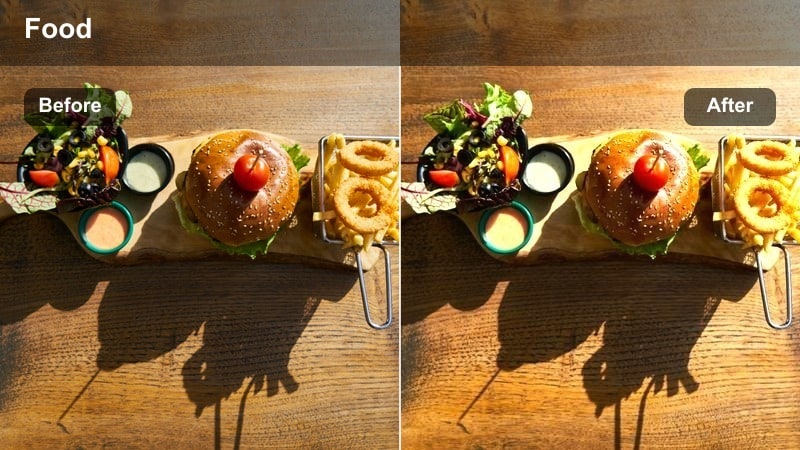
- Effect look: Flatter contrast with lifted blacks and warm neutrals for a calm editorial look
- Best for: Top-down table shots featuring laptops, planners, and lattes in a work-cafe setup
- Editing tip: Dial back saturation on strong brand colors so the warm neutrals stay the hero of the frame.
Tabletop Latte Flat is designed to give your work-and-coffee scenes an editorial, magazine-style finish. It lifts the blacks slightly to remove harsh contrast, adds a warm tint to neutrals, and keeps overall saturation balanced so the frame feels calm and carefully styled.
Inside Filmora, use this filter for flat-lay shots that combine tech, stationery, and coffee on the same surface. After applying, selectively lower saturation on vivid brand logos or bright cables so they do not break the neutral theme, and nudge exposure up if the lifted blacks start to look muddy on darker desks.
Mocha Shadow Nook
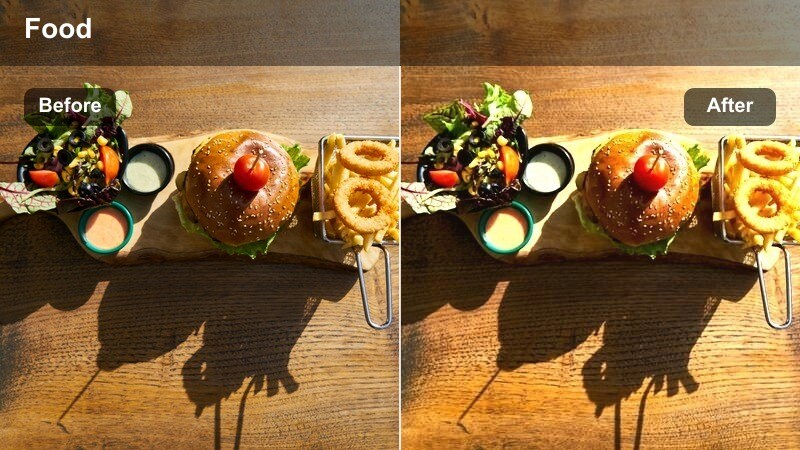
- Effect look: Deep mocha shadows with warm highlights and rich contrast for darker corners
- Best for: Dim cafe corners, reading nooks, and low-light interior B-roll
- Editing tip: Gently raise shadows if faces get too dark, but keep contrast to preserve the intimate mood.
Mocha Shadow Nook leans into rich, dark tones that make dimly lit corners feel cinematic rather than underexposed. It gives shadows a mocha warmth instead of flat black, while small pools of light on faces, books, and cups pop with a cozy glow.
In Filmora, apply this filter to footage shot in low ambient light, such as back-wall booths or small reading spots. Watch your scopes and, if faces or key details disappear, slightly raise shadows and reduce contrast just enough to recover information while preserving the dramatic, intimate atmosphere the filter creates.
Street-Side Cafe and Outdoor Sips
Sidewalk Latte Haze
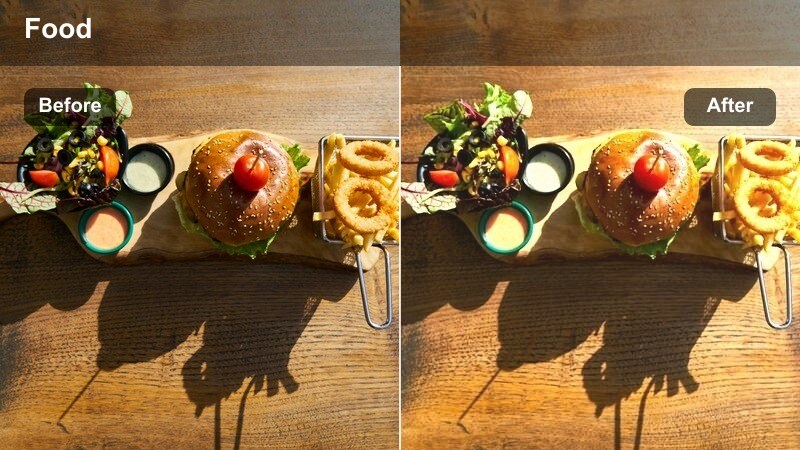
- Effect look: Soft warm haze over midtones with slightly faded blacks for an outdoor cafe feel
- Best for: Outdoor seating, walking-with-coffee B-roll, and street-view cafe shots
- Editing tip: Lower saturation of greens and blues so the warm cafe tones stay dominant even in busy street scenes.
Sidewalk Latte Haze bridges indoor cafe warmth with the energy of the street by adding a subtle warm veil across your midtones. Blacks are gently lifted so harsh shadows from buildings and railings soften, while the overall frame keeps enough contrast to show city texture.
Use this filter in Filmora on clips that include both your table and the sidewalk, or pedestrians passing by. After applying, go into the color tools and pull down saturation on greens and blues so signs, cars, and trees do not steal focus from your latte, and consider adding a light vignette to keep eyes drawn to the table or cup.
To-Go Cup Cinematic
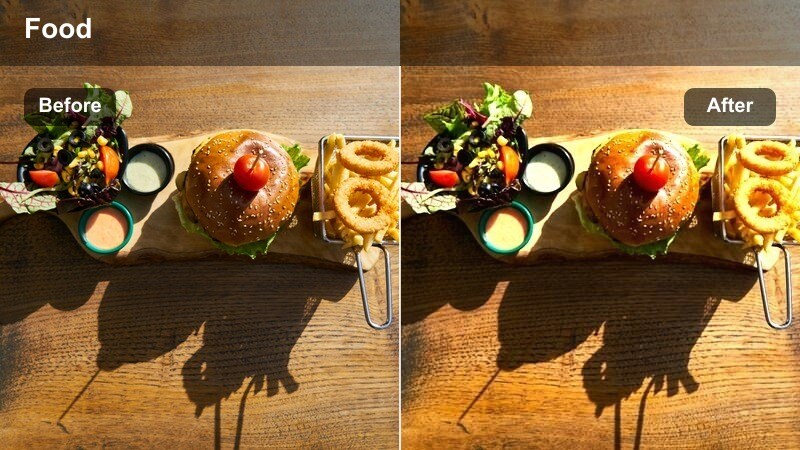
- Effect look: Cinematic contrast with warm highlights and slightly cooler shadows for depth
- Best for: Walking POV shots, transitions from inside the cafe to the street, and travel vlogs
- Editing tip: Stabilize your walking clips and add a subtle motion blur to sell the cinematic coffee run aesthetic.
To-Go Cup Cinematic is tuned for handheld, on-the-move footage where your coffee cup leads the viewer through the city. Warm highlights keep the latte and skin tones inviting, while slightly cooler shadows add separation and a filmic sense of depth to buildings and pavement.
In Filmora, apply this filter to all the clips in a walking sequence to keep the look cohesive from door to sidewalk. Use the built-in stabilization tools to smooth out heavy footsteps, then add a minimal motion blur effect so the movement feels intentional and cinematic rather than shaky.
Corner Cafe Streetview
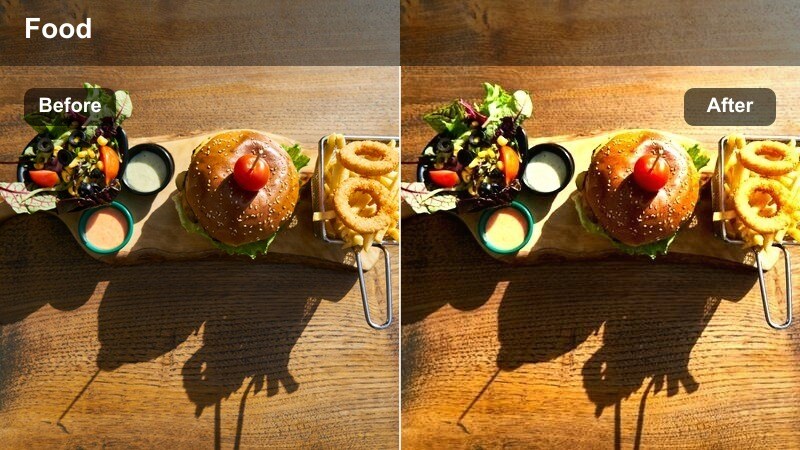
- Effect look: Balanced warmth with slightly boosted saturation and clean neutrals for storefront shots
- Best for: Establishing shots of cafe exteriors, signage, and wide city corner views
- Editing tip: Keep horizon lines level and slow your pans so the warm exterior tones read clearly on screen.
Corner Cafe Streetview is a versatile exterior filter that brightens your cafe facade without making colors look artificial. It adds a gentle warmth, boosts saturation just enough to make signage and decor stand out, and keeps neutrals clean so the street still feels realistic.
In Filmora, drop this filter onto wide establishing shots you use to introduce a new location in your vlog or reel. Make sure your horizons are straight using the transform tools, slow down any panning footage for a more cinematic reveal, and adjust overall exposure so windows and sky are not blown out against your warm, detailed storefront.
Sit-Down Cafe Chats and Studio Latte Vibes
Latte Chat Softskin
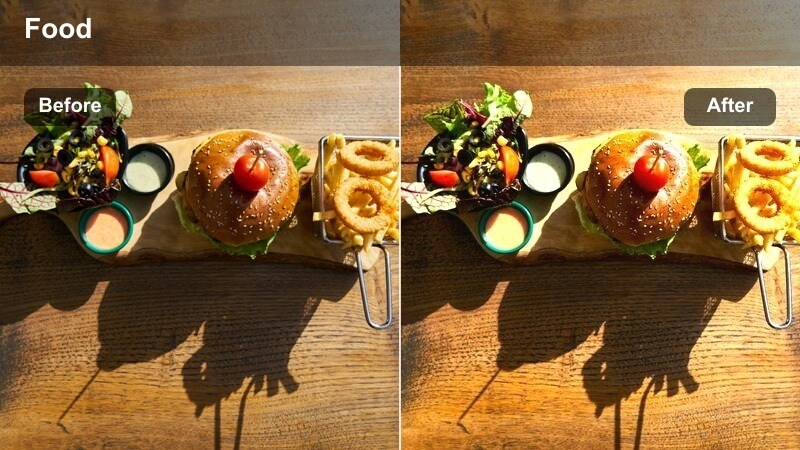
- Effect look: Warm skin-friendly tones with gentle highlight roll-off and soft contrast
- Best for: Talking head videos filmed in cafes or latte-inspired home studio setups
- Editing tip: Use subtle skin smoothing only if needed and keep sharpness natural so your subject stays authentic.
Latte Chat Softskin is designed to keep faces looking flattering and natural in warm environments, softening contrast and rolling off highlights so foreheads and cheeks do not look shiny. It introduces a latte-style warmth that flatters most skin tones while preserving realistic color in eyes, hair, and clothing.
In Filmora, use this filter on any talking-head segment shot in a cafe or a home studio styled with coffee tones. After applying, refine skin shades with the HSL or skin tone tools if they appear too orange, and avoid overusing blur or smoothing so your subject still feels genuine and crisp while bathed in a cozy ambiance.
Desk Brew Studio
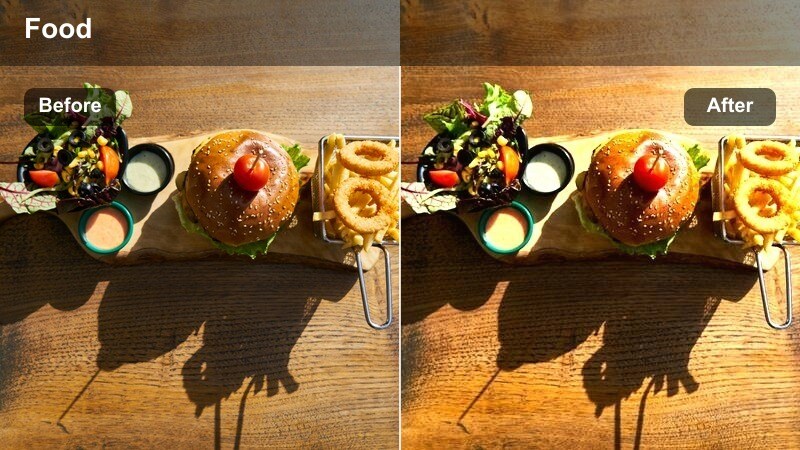
- Effect look: Controlled warm tones with clean contrast tailored for desk and studio setups
- Best for: Home office filming with a latte, productivity content, and gear desk shots
- Editing tip: Turn down any colored LED lights or balance them to warm white to avoid clashing with the latte color palette.
Desk Brew Studio takes the cafe vibe into your home or office by adding measured warmth and clean contrast to desktop scenes. It is tuned to keep screens readable, text sharp, and gear details intact while still pushing the overall image toward a latte-inspired, productivity-friendly mood.
Apply this filter in Filmora to talking head and overhead desk shots, especially if you want a consistent visual style across tutorials, reviews, or study-with-me videos. Before grading, shift any colored LEDs toward neutral or warm white so they do not fight the palette, then save your favorite Desk Brew Studio settings as a preset to reuse in future uploads.
Evening Edit Espresso
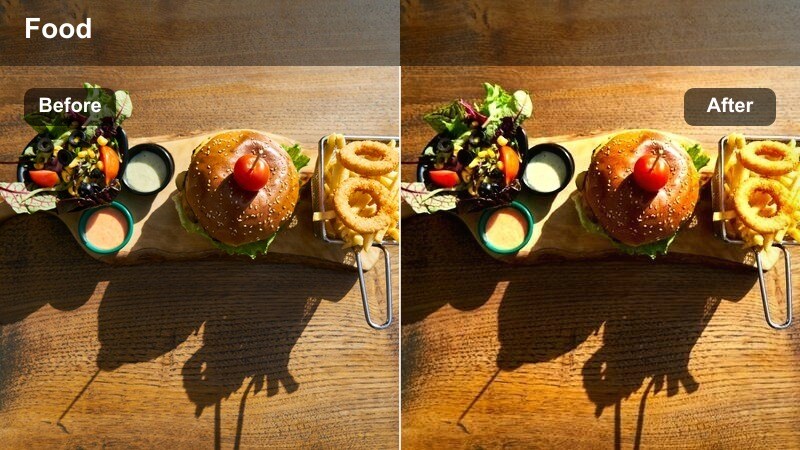
- Effect look: Moody evening warmth with deep shadows and subtle amber highlights
- Best for: Nighttime editing sessions, low-light cafe shots, and end-of-day recap clips
- Editing tip: Keep ISO low when filming and reduce noise in post so the dark espresso tones stay clean and cinematic.
Evening Edit Espresso amplifies the ambiance of late-night work sessions and closing-time cafe scenes. It deepens shadows to create contrasty, espresso-like blacks, then adds a soft amber tint to highlights from lamps, screens, and streetlights so the frame feels rich and introspective.
In Filmora, use this filter on recap segments, night B-roll, or any sequence meant to feel like the reflective close of a day. Because dark tones reveal noise quickly, pair the filter with Filmora s noise reduction on higher ISO clips, and resist the urge to over-brighten the footage so the moody, end-of-day character remains intact.
Tips for Using Cafe Latte Aesthetic Video Lut Filters in Filmora
- Film in soft natural light near windows to give your cafe latte filters the best starting point for warm, creamy tones.
- Keep your wardrobe and props in neutral beiges, browns, and whites so the latte aesthetic reads clearly on camera.
- Use consistent color settings or presets across all clips in a video so your cafe story feels like one cohesive film.
- Shoot at a slightly lower contrast profile in-camera so you have more room to push warmth and softness in Filmora.
- Always check skin tones after applying warm filters and adjust the orange hue or saturation if faces look too red or orange.
- Add subtle film grain and a tiny bit of blur to handheld shots to enhance the cinematic cafe mood without making footage look messy.
- Record a few seconds of clean ambient cafe sound you can loop under your edit to complete the latte aesthetic beyond visuals.
- Save your favorite filter settings as a custom preset so you can apply your signature cafe latte look to every new project.
A cafe latte aesthetic video LUT-style workflow is less about a single preset and more about building a consistent warm, creamy mood across every shot.
Use these Filmora filters as a starting point, then tweak light, color, and texture until your cafe stories look and feel exactly like the cozy places that inspire them.
secure download