

 100% Security Verified | No Subscription Required | No Malware


 ChatGPT
 Perplexity
 Gemini
 Claude
 Grok
Grok
These CapCut fitness LUT-style high contrast filters are built for creators who want every rep, flex, and sweat drop to hit harder on screen. Strong contrast and bold tones give your workout videos a gritty, cinematic edge that stands out on social feeds.
Whether you shoot in dim gyms, outdoor tracks, or bright home studios, the presets below help you quickly define your visual style in CapCut, keeping skin tones powerful, details sharp, and motion intense.
In this article
Indoor Gym Power Sessions
Steel Pump Contrast
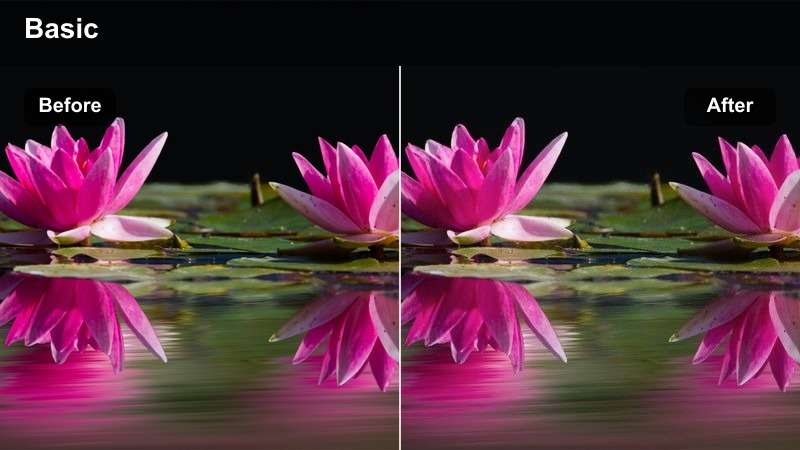
- Effect look: Hard, punchy contrast with crisp edges and slightly desaturated backgrounds that make muscles and gym equipment stand out.
- Best for: Heavy lifting clips, bodybuilding reels, and gym walkthroughs filmed in darker weight rooms.
- Editing tip: Lower exposure slightly and nudge clarity or sharpness up in CapCut to avoid clipping highlights on sweaty skin.
Steel Pump Contrast is ideal when you want barbells, plates, and muscle lines to look carved and dramatic without blowing out the scene. Apply a similar high contrast look in Filmora to match your CapCut edit, then fine-tune highlights and shadows so metal gear, veins, and sweat beads hold detail even in dim gyms.
In Filmora, combine this style with subtle sharpening and a touch of vignette around the frame to keep the viewer locked on the lifter. If faces look too harsh, gently reduce contrast or use Filmora masking to soften skin while keeping body definition and equipment textures bold and gritty.
Dial In High Contrast Fitness Colors with AI in Filmora
Once you build your base look in CapCut, Filmora can refine it with AI-driven color tools that preserve skin detail while keeping contrast strong. AI color enhancement helps balance harsh gym lighting, recover detail from intense shadows, and control clipped highlights on sweaty shoulders and faces.
Use these AI tools to stabilize your CapCut fitness LUT-style high contrast look across entire workout edits, so every set, superset, and closeup shares the same powerful visual identity.
 secure download

Preview High Contrast Fitness Filters on Different Scenes
Filmora makes it easy to test strong contrast filters on clips from the gym, outdoor fields, and home studios side by side. You can quickly see how a CapCut-inspired fitness LUT look reacts to different lighting and then tweak exposure or saturation so muscles stay defined without losing realism.
Apply a filter to one clip, copy the settings across your timeline, and fine-tune intensity per scene until your entire workout edit feels cohesive from warmup to cooldown.
secure download1000+ Video Filters and 3D LUTs
Beyond CapCut-style fitness looks, Filmora gives you access to a large library of built-in filters and 3D LUTs for every type of content. Stack multiple effects, adjust strength, and save the combination as a reusable preset so your gym, outdoor, and home workout videos keep the same high contrast brand style.
Use these filters as a fast starting point, then layer color, sharpness, and vignette adjustments until your training footage feels as polished as a commercial fitness campaign.
secure downloadIron Grid Crush
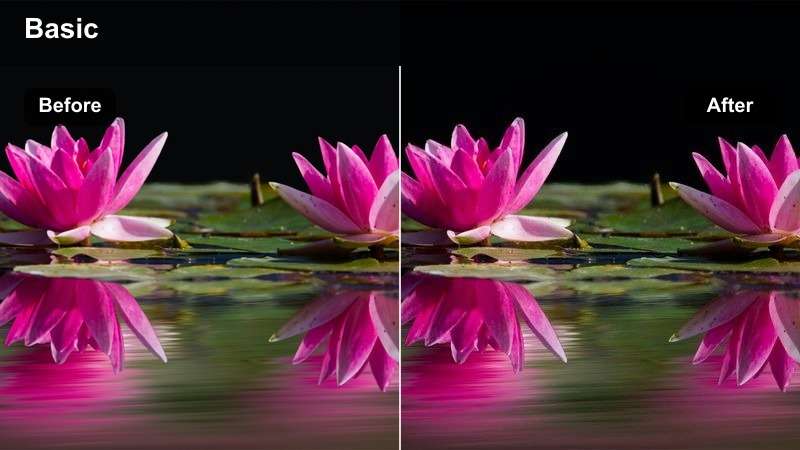
- Effect look: Deep blacks, cool midtones, and bright highlights that give gym racks and plates a steel-blue cinematic vibe.
- Best for: Strength training routines, powerlifting sets, and cinematic gym B-roll around racks and rigs.
- Editing tip: Use CapCut's vignette slightly to pull focus toward the lifter and emphasize the contrasty metal environment.
Iron Grid Crush leans into cool midtones that make metal structures, bars, and plates feel like part of a stylized training montage. When you bring this footage into Filmora, you can match the steel-blue palette by nudging temperature slightly cooler and adding contrast to deepen blacks without crushing shadow detail.
For cinematic reels, layer a light vignette and a subtle film grain in Filmora to add depth around the edges while keeping the lifter in sharp focus. Pair the look with quick cuts, rack focus shots, and beat-synced transitions so the rugged weight room atmosphere matches the intensity of your strength content.
Neon Burn HIIT
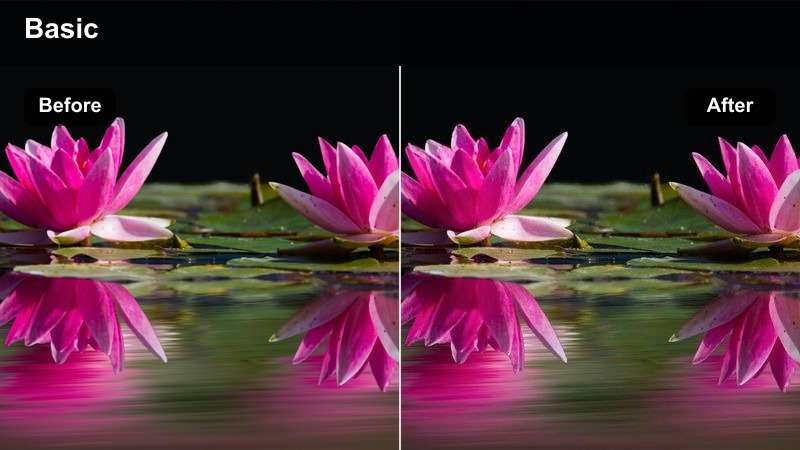
- Effect look: High contrast, vibrant neon accents, and glowing highlights that make LED gym lights and outfits pop.
- Best for: HIIT sessions, group workouts, and energetic gym classes with LED or colored lighting.
- Editing tip: Slightly reduce saturation on reds and magentas in CapCut if skin tones start to look too artificial under colored lights.
Neon Burn HIIT is perfect for fast-paced classes where LED strips, neon logos, and bright activewear drive the energy of the scene. In Filmora, you can enhance this CapCut look by using HSL or color tuning to selectively tame intense reds and magentas while letting blues and purples stay bold and electric.
Combine this high contrast neon style with speed ramps, beat-synced cuts, and motion graphics in Filmora for countdown timers or interval labels. The result is a club-like fitness edit where every burpee, jump, and sprint feels synced to the soundtrack and visually supercharged for social media.
Outdoor Track and Field Intensity
SunSteel Sprinter
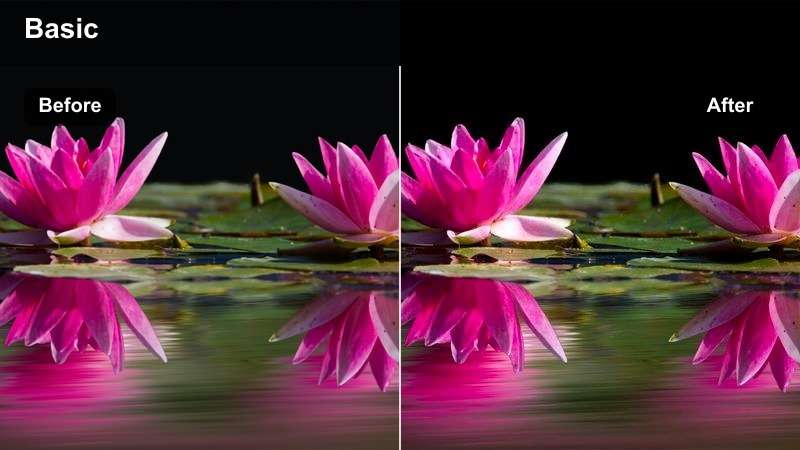
- Effect look: Crunchy contrast with bright whites and slightly warm highlights that make sweat, sky, and lanes look razor sharp.
- Best for: Sprint drills, track workouts, and mid-day outdoor running sessions under strong sunlight.
- Editing tip: Pull highlights down a touch and lift shadows slightly in CapCut if your track footage was shot in extreme noon sun.
SunSteel Sprinter turns harsh midday sun into an advantage by sharpening lines on lanes, spikes, and explosive movements. When refining in Filmora, use contrast and highlight controls to protect bright whites in jerseys and track markings while keeping the overall image punchy and energetic.
To emphasize speed and power, combine this look with slow-motion shots, tight angles on foot strikes, and directional motion blur in Filmora. Add subtle whoosh sound effects and rhythmic cuts between start blocks and finish line sprints to build a dynamic, race-ready sequence.
Gridiron Grit
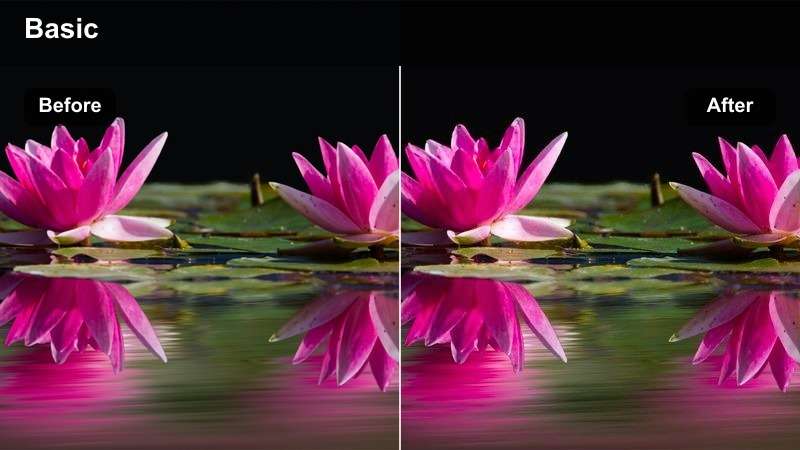
- Effect look: Strong contrast with desaturated grass and emphasized shadows that make athletes and gear feel rugged and intense.
- Best for: Bootcamp sessions, outdoor functional training, and sports conditioning on turf or fields.
- Editing tip: Use CapCut's color tools to slightly lower green saturation so the field does not overpower the athletes.
Gridiron Grit is built to make turf workouts feel like game-day conditioning footage, with muted fields and rugged athletes front and center. In Filmora, continue that desaturated grass look by dialing down greens and boosting midtone contrast so sleds, kettlebells, and bodies carry the visual weight.
For a cinematic bootcamp montage, intercut wide field shots with tight details of cleats digging in, hands gripping ropes, and faces straining. Apply a light warm tint to highlights in Filmora to offset the desaturated background and keep skin tones looking powerful but not washed out.
Twilight Track Charge
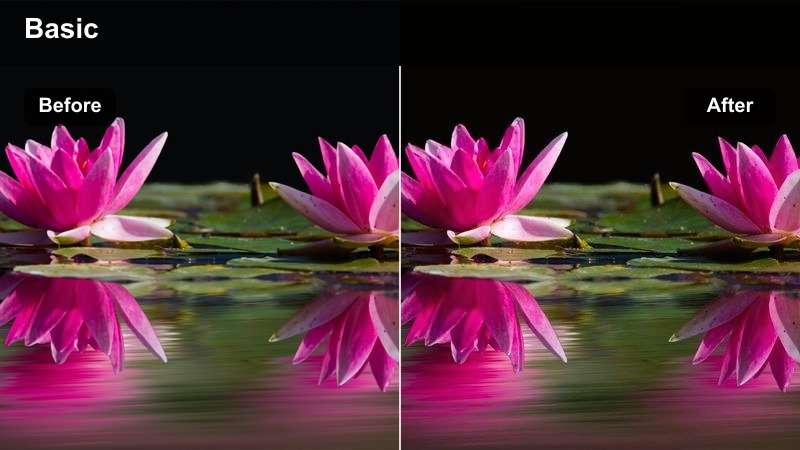
- Effect look: High contrast dusk tones with deep blues and glowing warm highlights from stadium or street lights.
- Best for: Evening runs, track sessions at golden hour, and low light conditioning workouts.
- Editing tip: Slightly boost noise reduction or add a soft grain overlay in CapCut to keep the mood cinematic if your footage is noisy.
Twilight Track Charge thrives in low light, balancing rich blue skies with warm lamp or stadium highlights for a dramatic training vibe. When editing in Filmora, you can enhance this mood by gently increasing contrast, deepening blues in the shadows, and using selective color to keep warm lights glowing without overpowering the scene.
To avoid noisy footage, apply Filmora noise reduction or layer a fine film grain over the clip so the texture feels intentional and cinematic. Slow push-ins, silhouettes against the sky, and long-lens shots of runners under lights all pair well with this moody, high contrast style.
Home Studio and Creator Workouts
Living Room Lock-In
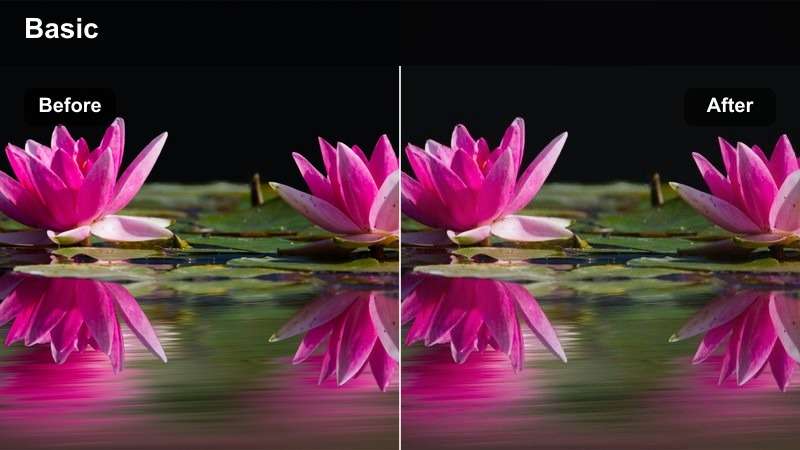
- Effect look: Clean high contrast with neutral whites and slightly lifted shadows for bright but punchy home workout scenes.
- Best for: Bodyweight routines, follow-along workouts, and vertical tutorial videos recorded in small indoor spaces.
- Editing tip: Use CapCut to crop to 9:16 and keep the brightest light source in front of you so this contrast-heavy filter stays flattering.
Living Room Lock-In is tailored for creators filming in tight spaces who still want a crisp, professional look. In Filmora, you can complement this CapCut style by fine-tuning exposure, lifting shadows slightly, and keeping whites neutral so backgrounds look clean while the subject remains sharply defined.
For follow-along workouts and explainer clips, use Filmora to add minimal text overlays, timers, and arrows that match your brand colors. Crop for vertical or square formats as needed, and save your color and contrast settings as presets so every home workout upload looks consistent across platforms.
Minimal Mat Burn
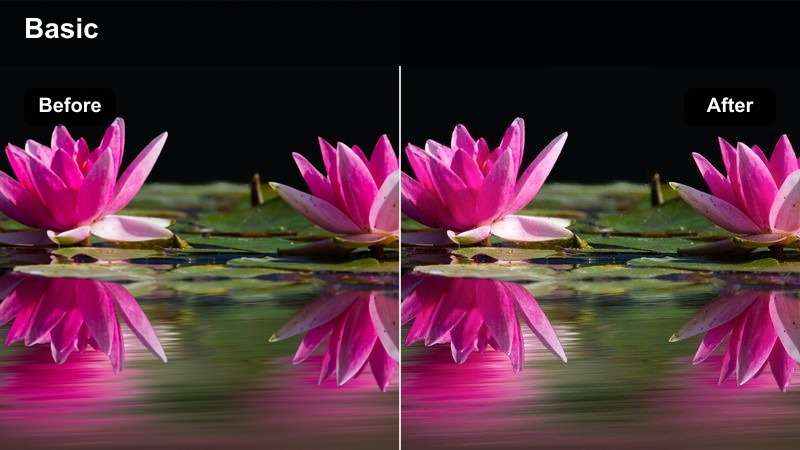
- Effect look: Soft but high contrast look with muted background colors and crisp definition along body lines and mats.
- Best for: Pilates, yoga sculpt, low-impact strength, and aesthetically minimal home training content.
- Editing tip: Pull saturation down slightly and use CapCut's blur or depth-of-field effects to keep the focus on form and alignment.
Minimal Mat Burn is designed for calm, aesthetic training content where clean lines and precise form matter more than raw intensity. When you bring this footage into Filmora, keep contrast strong around the subject while softening colors in the background so walls, props, and decor never distract from movement.
Use Filmora blur, vignette, and gentle color desaturation to further isolate the mat area and body lines. Pair this look with slow, controlled camera movements, simple lower thirds, and subtle music to deliver a premium, studio-like feel for yoga, Pilates, and mobility routines.
Creator Cut Hi-Def
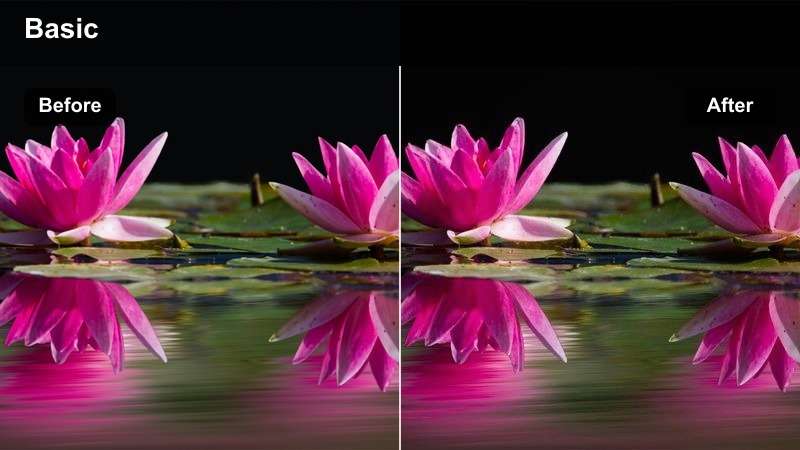
- Effect look: Sharpened high contrast with slightly cooler tones and bright midtones that feel like polished content studio footage.
- Best for: Tutorials, talking head coaching, and split-screen before-and-after fitness transformations.
- Editing tip: Dial back sharpness in CapCut if facial details start to look too crunchy on closeups.
Creator Cut Hi-Def aims to make coaching and tutorial videos look like they came from a dedicated content studio. In Filmora, reinforce this aesthetic by carefully controlling sharpness, adding a touch of cool tone to the midtones, and ensuring your exposure stays even across the frame.
For transformation breakdowns and form analysis, use Filmora split screens, on-screen annotations, and callouts alongside this high contrast look. Save your final color and contrast combo as a reusable preset so every new coaching series or program module keeps the same professional visual identity.
Urban Street and Parking Lot Sweat
Asphalt Anvil
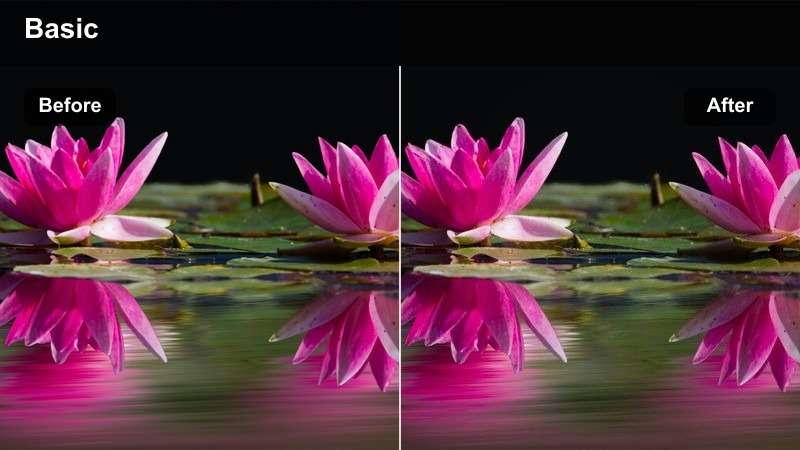
- Effect look: Bold high contrast with dark asphalt, crunchy textures, and slightly desaturated backgrounds that highlight the athlete.
- Best for: Parking lot workouts, outdoor circuits, and calisthenics on rough urban surfaces.
- Editing tip: Use CapCut to add a subtle handheld camera shake on key moves to amplify the gritty street training vibe.
Asphalt Anvil leans into the rough textures of asphalt, concrete, and city wear to make bodyweight and calisthenics work feel raw and hardworking. In Filmora, you can reinforce this look by boosting contrast and clarity around ground textures while gently desaturating the overall palette so the athlete stands out.
Combine this street-ready style with handheld-style motion, jump cuts, and closeups of hands, shoes, and sweat drops. In Filmora, consider adding subtle camera shake, sound design from the environment, and a light vignette to push the underground, urban training narrative even further.
Rooftop Rig Radiance
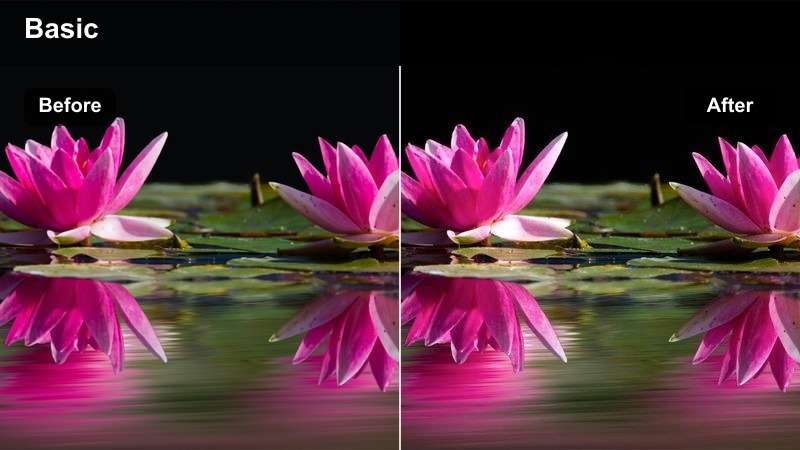
- Effect look: Bright high contrast with glowing skies, crisp edges, and slightly warm tones that flatter skin against city skylines.
- Best for: Rooftop workouts, jump rope sessions, and calisthenics with buildings visible in the background.
- Editing tip: Bring highlights down slightly in CapCut to preserve cloud detail while keeping the subject bright and sharp.
Rooftop Rig Radiance showcases both the athlete and the city skyline, blending lifestyle and training into one high-energy frame. When editing in Filmora, control highlights carefully so bright skies retain detail, then add a subtle warm tint to highlights for flattering skin while keeping buildings and structures crisp.
Use slow pans, tilts, and reveal shots in Filmora to introduce both the cityscape and the workout, cutting between wide skyline views and tight training details. This combination of high contrast and bright tones delivers a cinematic, aspirational feel ideal for social media fitness brands and personal trainer promos.
Alleyway Afterburn
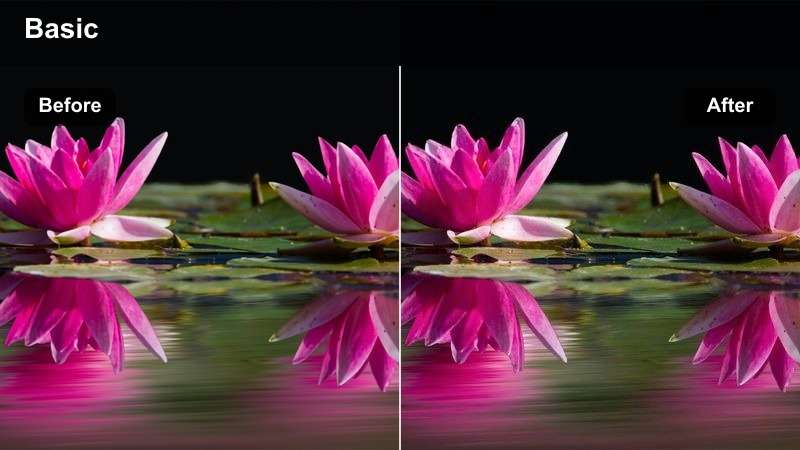
- Effect look: Harsh high contrast shadows, cool midtones, and a slightly grungy cast that makes narrow city spaces feel intense.
- Best for: Shadowboxing, functional training, and solo grind workouts shot in alleys or tight urban corners.
- Editing tip: Add a minimal film grain overlay in CapCut to enhance the raw street training mood without crushing details.
Alleyway Afterburn thrives on strong light and shadow patterns cast by buildings, fire escapes, and narrow passages. In Filmora, keep contrast high to emphasize those hard edges, then cool down midtones slightly to lean into the urban, grungy character without making skin tones look lifeless.
For combat-inspired edits, combine this look with quick lateral camera moves, sharp sound effects, and impactful transitions on punches or jumps. Add a controlled amount of film grain or a subtle letterbox in Filmora to make your alley workouts look like scenes from a fight film or training montage.
Tips for Using Capcut Fitness Luts High Contrast Filters in Filmora
- Shoot with the flattest camera profile you can and add the high contrast look later so you keep detail in skin, clothes, and equipment.
- Avoid mixing too many different lighting environments in one edit when using strong contrast filters, or your fitness video will feel visually inconsistent.
- Use closeups of muscles working, sweat, and hand grips, because high contrast filters make these micro-moments especially impactful.
- Always check your scopes or at least your highlight areas to avoid losing important detail in white gym walls or outdoor skies.
- Save your favorite contrast settings as custom presets in both CapCut and Filmora to speed up future fitness edits.
- Test your final high contrast grade on multiple screens, like phones and laptops, to be sure details stay clear and not overly dark.
- Balance contrast with careful noise reduction in low light gym or street scenes so your footage stays sharp but not overly grainy.
- Combine Filmora filters with subtle vignettes or gradients to guide attention toward the athlete within each high contrast frame.
On Filmora desktop, you can also export compatible color adjustments from a selected clip as a standard .cube LUT for reuse across other footage or in DaVinci Resolve, Adobe Premiere Pro, and Final Cut Pro.
High contrast CapCut fitness LUT-style filters are an efficient way for content creators to make every workout clip feel sharper, stronger, and more cinematic without complex color grading skills.
Use the styles and tips above as a starting point, then refine your look in Filmora so your gym sessions, outdoor runs, and home workouts all share a bold, consistent visual identity.
secure download