

 100% Security Verified | No Subscription Required | No Malware

Free Bakery Video Filters are designed to make bread, cakes, and pastries look warm, fresh, and camera-ready in just a few clicks inside Filmora.
These bakery LUTs and food video filters give you cozy browns, creamy highlights, and rich dessert color grading that works perfectly for bakery reels, dessert videos, and food photography clips.
In this article
Warm Bakery Mornings
Golden Oven Glow
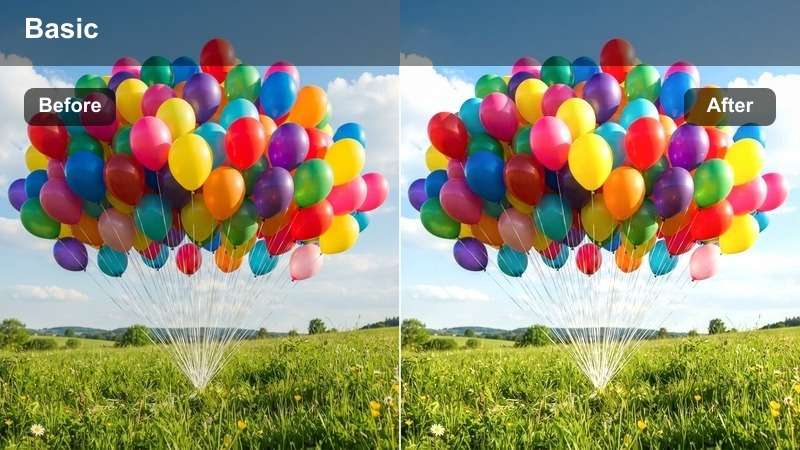
- Effect look: Soft golden warmth that makes baked goods look like they just came out of the oven.
- Best for: Morning bakery reels showing fresh bread coming out of the oven.
- Editing tip: Lower the filter intensity to around 60 percent if your original footage is already very warm to avoid orange skin tones.
Golden Oven Glow wraps your bakery footage in a cozy, fresh-from-the-oven warmth that instantly enhances crust color and crumb detail. It leans into golden browns and gentle highlights so baguettes, sourdough loaves, and pastries look perfectly baked instead of flat or gray on camera.
Inside Filmora, apply Golden Oven Glow to your oven-door reveals, tray pulls, and proofing shots, then fine-tune with the Intensity slider or Color tools for more natural-looking whites. For extra control, duplicate your clip, mask only the bread area, and keep plates, aprons, and walls closer to neutral for a professional, food-photography finish.
AI-Powered Bakery Color Matching
Filmora uses AI-driven color tools to keep your Free Bakery Video Filters consistent from shot to shot, even when your bakery lighting shifts between the oven area and window displays. Warm bread tones, creamy whites, and rich chocolate shades stay balanced without complex manual grading.
After you apply a bakery filter like Golden Oven Glow, let Filmora auto-match color across your clips so your entire reel looks cohesive and on-brand from first frame to last.
 secure download

See Bakery Filters in Action
With Filmora, you can preview how each Free Bakery Video Filter transforms plain kitchen footage into appetizing bakery visuals before you commit. Toggle between before-and-after views of bread, cakes, and coffee shots to quickly see which filter best matches your brand mood.
Load a short clip, try a couple of warm and pastel looks, and then lock in the version that makes your textures and toppings look the most mouthwatering for reels and menu promos.
secure download1000 plus Video Filters and 3D LUTs
Beyond bakery presets, Filmora includes 1000 plus video filters and 3D LUTs so you can match any aesthetic, from cinematic dessert ads to casual day-in-the-bakery vlogs. Mix warm food filters with creative color LUTs to build a unique visual identity for your brand.
Once you find a look you love, save it as a custom preset so every new dessert promo, seasonal menu video, or daily story can be graded in a few clicks.
secure downloadSunlit Bread Counter
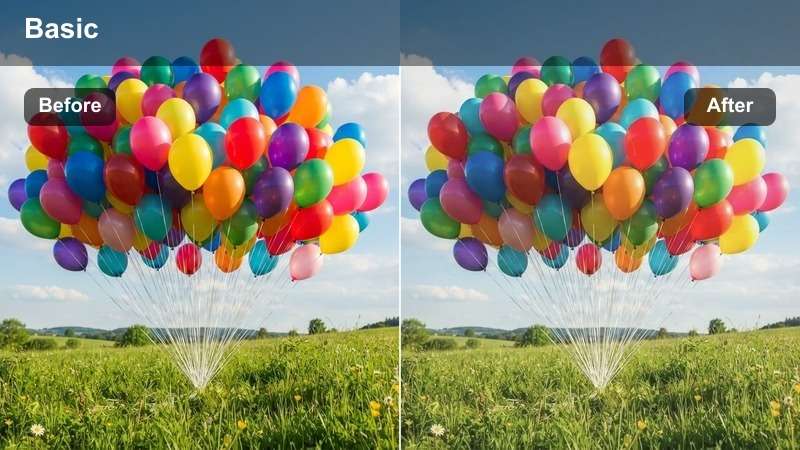
- Effect look: Bright daylight filter with gentle contrast and creamy highlights.
- Best for: Showcasing bakery counters by the window with lots of natural light.
- Editing tip: Increase exposure slightly after applying this filter to keep crumb texture visible without clipping whites.
Sunlit Bread Counter is ideal for bright, airy storefronts and window displays, emphasizing soft daylight and clean highlights. It keeps the overall frame neutral-warm while making your counter feel fresh, open, and inviting to customers scrolling through their feeds.
In Filmora, apply this filter to wide counter shots and overhead spreads, then nudge Exposure and Highlights to protect white plates, paper bags, and icing. Combine it with a slight Clarity boost to make bread crusts, seeds, and scoring marks stand out while preserving the smooth, creamy look of your lighting.
Morning Café Haze
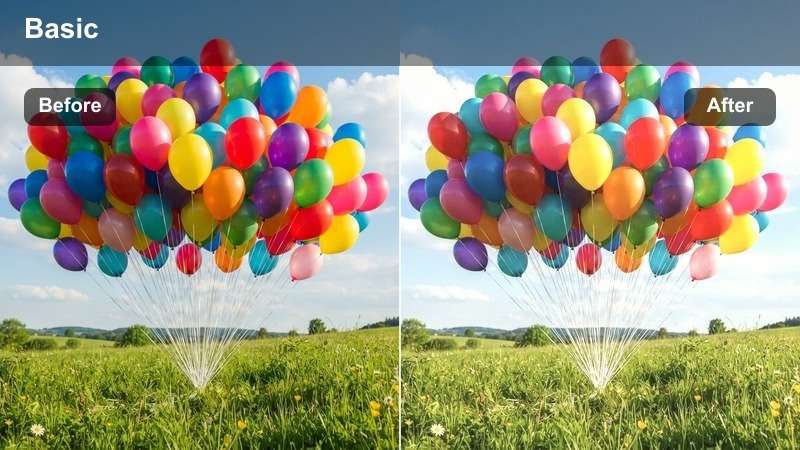
- Effect look: Soft, hazy glow with lowered contrast and subtle pastel warmth.
- Best for: Slow-motion coffee pours, croissants, and calm bakery morning routines.
- Editing tip: Pair this filter with a slightly slower shutter look or motion blur effect to emphasize the dreamy mood.
Morning Cafe Haze softens your footage with a delicate glow that suits quiet, cozy scenes like early coffee orders or someone enjoying a croissant by the window. Lower contrast and pastel warmth help steam, latte foam, and crumb details feel romantic rather than harsh.
Use this filter in Filmora on slow-motion clips, slight push-ins, or gentle pans to build a cinematic morning routine sequence. Reduce Sharpness a bit, add subtle Vignette if needed, and complement it with relaxed background music so the overall mood feels dreamy and inviting.
Dessert Display Close-Ups
Cream and Crumb
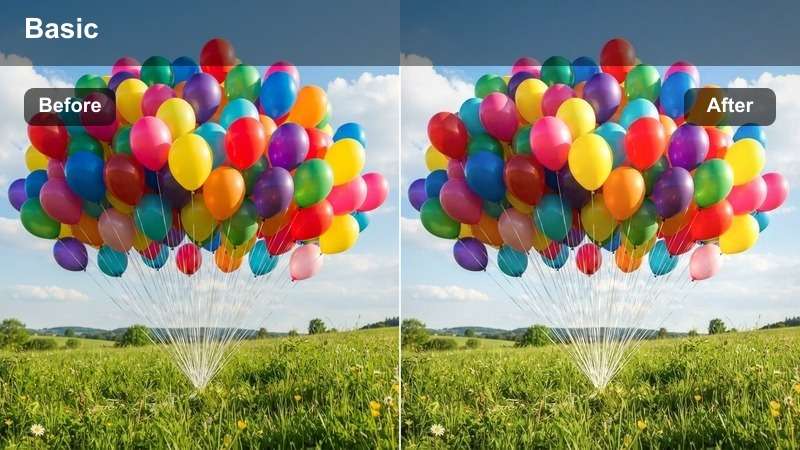
- Effect look: Neutral-warm filter that boosts cream tones and keeps whites clean.
- Best for: Close-ups of frosted cakes, cupcakes, and whipped cream textures.
- Editing tip: Use a shallow depth-of-field shot with this filter to make the frosting and crumbs look extra rich and detailed.
Cream and Crumb is tuned to flatter frosting, whipped cream, and sponge textures without pushing them into unnatural yellow or blue tints. It gently warms the image while preserving clean, appetizing whites on icing, cake stands, and plates.
In Filmora, pair this filter with macro or close-up clips of piping, slicing, or biting into desserts. If your cream starts to look too warm, slightly lower Saturation in the highlights, and use the Sharpen or Detail tools sparingly so every crumb and swirl still looks smooth and luxurious on screen.
Chocolate Richness
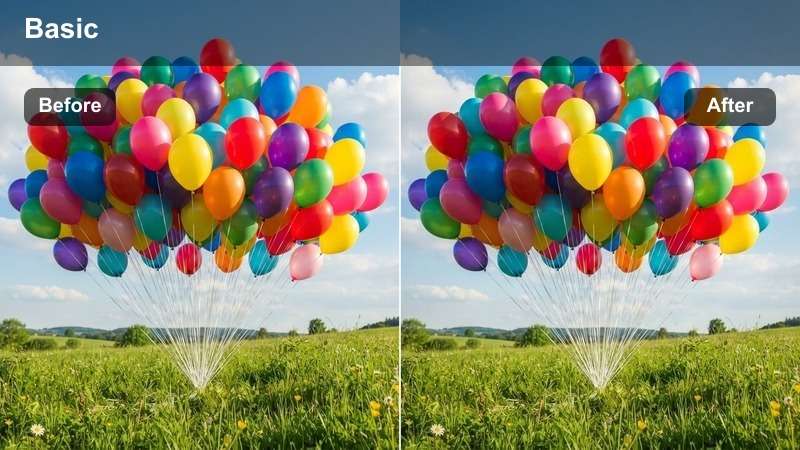
- Effect look: Deep, warm filter that enriches browns and adds subtle contrast.
- Best for: Brownies, chocolate cakes, cookies, and dark dessert shots.
- Editing tip: Lower the blacks slightly after this filter to avoid losing detail in darker chocolate surfaces.
Chocolate Richness is built to make brownies, cookies, and ganache-heavy cakes look dense, glossy, and decadent. It deepens brown tones, adds tasteful contrast, and keeps highlights controlled so chocolate appears rich instead of flat or gray.
Apply this filter in Filmora to side-lit or backlit chocolate shots, then fine-tune Blacks and Shadows to keep subtle cracks and crumbs visible. If the frame starts to feel too heavy, lift Shadows slightly while preserving overall contrast to maintain that premium, indulgent dessert vibe.
Pastel Pastry Case
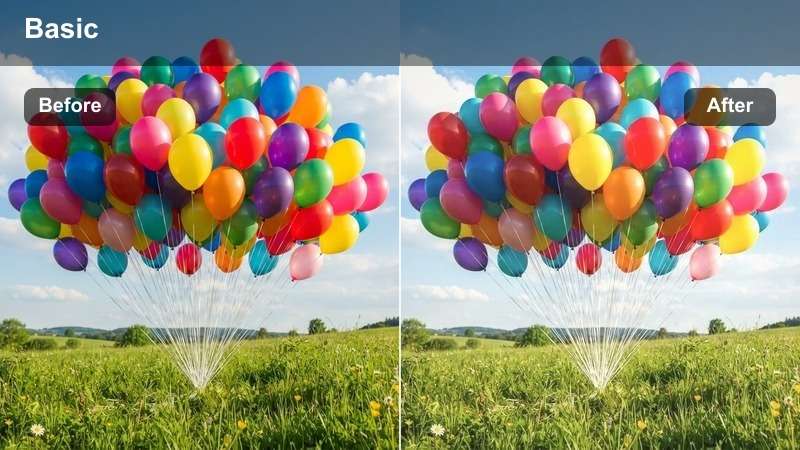
- Effect look: Soft pastel color shift that brightens pinks, peaches, and light toppings.
- Best for: Macarons, fruit tarts, and colorful dessert displays behind glass.
- Editing tip: Slightly desaturate greens after applying this filter so pastel dessert colors stay the visual hero.
Pastel Pastry Case focuses on lifting light, playful dessert colors such as pink macarons, peach glazes, and pale fruit toppings. It brightens and softens the palette so your pastry case feels whimsical and luxurious without tipping into neon territory.
In Filmora, use this filter on glass-display shots and overhead dessert spreads, then adjust individual color channels if green reflections or decor start to dominate. A gentle reduction in green Saturation and a small boost in Vibrance will keep your pastel desserts crisp, eye-catching, and perfectly on-trend for social media.
Cozy Interior Scenes
Cinnamon Evening
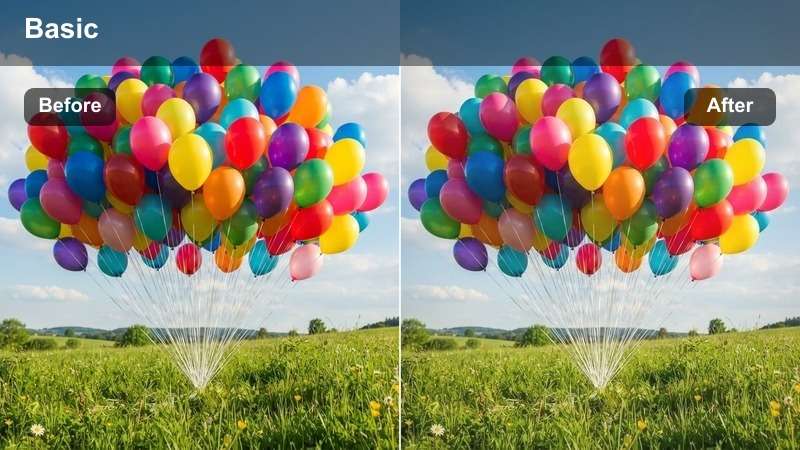
- Effect look: Warm, amber-toned filter with gentle fade for late-day bakery scenes.
- Best for: Evening shots of the bakery interior, latte art, and candlelit dessert setups.
- Editing tip: Dial down saturation in reds after using this filter so brick walls and decor do not overpower pastries.
Cinnamon Evening leans into amber and cinnamon hues to create a cozy, after-hours atmosphere in your bakery. It works especially well with hanging lights, candles, and warm wooden decor, giving your space a welcoming, end-of-day glow.
Inside Filmora, apply this filter to interior b-roll, dessert tastings, and evening coffee shots, then tame strong reds or oranges in the Color panel so pastries remain the focal point. Add a mild Vignette and slow, steady camera movement to reinforce that warm, intimate storytelling feel.
Brick Oven Vibes
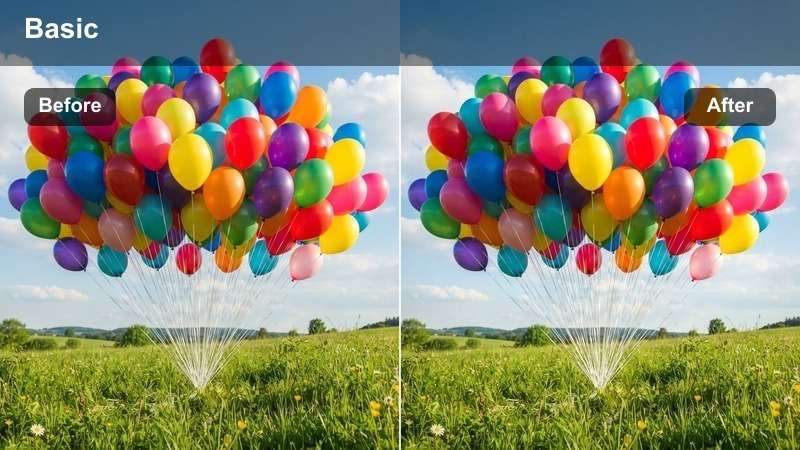
- Effect look: Muted warmth with boosted midtones and subtle grain for a rustic feel.
- Best for: Rustic bakeries with brick walls, wood tables, and artisan bread scenes.
- Editing tip: Keep camera movements slow and stable to match the calm, handcrafted mood of this filter.
Brick Oven Vibes adds a slightly muted, rustic warmth with gentle midtone lift that suits artisan bakeries and handcrafted bread stories. Its understated look and subtle grain give your footage a documentary-style charm without overwhelming natural colors.
Use this filter in Filmora for close-ups of dough shaping, flour dusting, and slicing loaves, then layer in Film Grain and a softer Contrast curve for a timeless, old-world aesthetic. Stick to slow pans, locked-off shots, and relaxed cuts so the visuals match the handcrafted narrative you are telling.
Latte Foam Soft
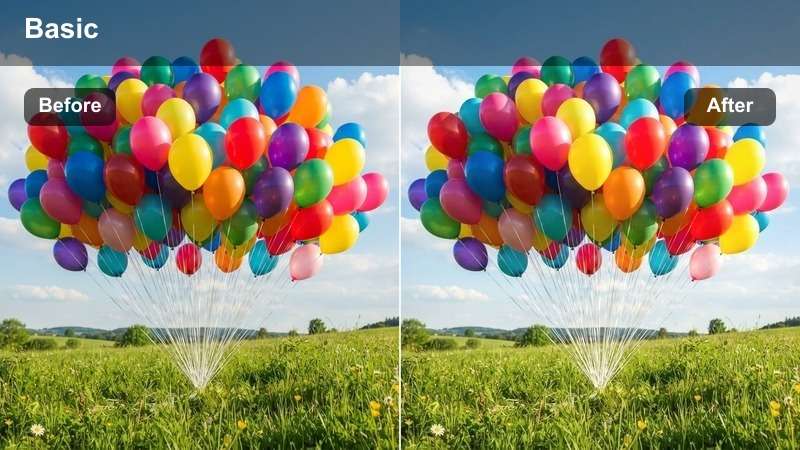
- Effect look: Soft, slightly desaturated warm filter that focuses attention on warm whites and beiges.
- Best for: Coffee and pastry pairings, latte art shots, and cafe-style bakery corners.
- Editing tip: Use gentle slow-motion and this filter together to highlight foam patterns and coffee swirls.
Latte Foam Soft is designed to flatter warm whites, beiges, and light browns so coffee drinks, foam art, and neutral-toned pastries look creamy and comforting. Slight desaturation keeps busy cafe backgrounds from stealing attention, letting the cup and plate stay front and center.
In Filmora, apply this filter to latte art pours, top-down table shots, and cozy cafe corners, then reduce overall Saturation a touch if your scene is decor-heavy. Combine with slow motion and soft-focus b-roll to showcase swirling foam patterns, sugar sprinkles, and biscuit details in a gentle, inviting way.
Social-Ready Bakery Reels
Reel-Ready Warmth
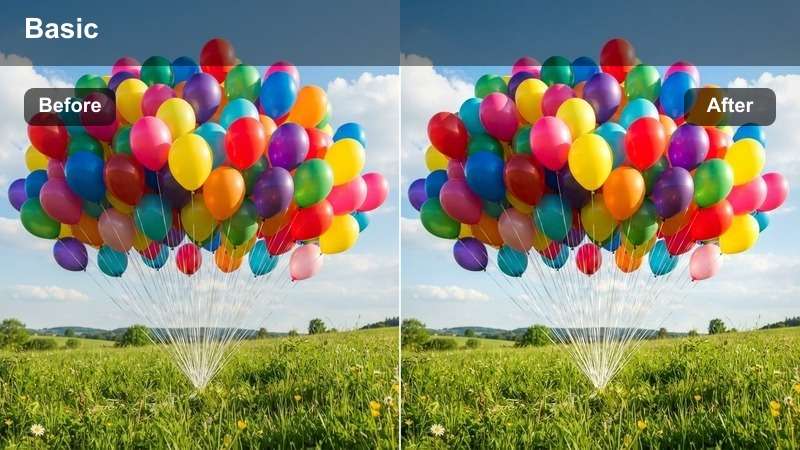
- Effect look: Punchy warm filter with added contrast and saturation tailored for vertical reels.
- Best for: Fast-paced bakery reels, transitions, and trending dessert videos.
- Editing tip: Use it at 80 percent intensity on vertical clips so colors stay strong after platform compression.
Reel-Ready Warmth is built for vertical, scroll-stopping bakery content, boosting warmth, contrast, and saturation so your desserts stand out on small phone screens. It gives cakes, toppings, and decor a vivid, energetic look that pairs well with trending audio and quick transitions.
Apply this filter in Filmora to your fastest cuts, icing reveals, and transition-heavy reels, then set Intensity around 70 to 80 percent to leave room for platform compression. Frame your hero dessert in the center of the screen, add dynamic text overlays, and sync your edits to the beat to maximize watch time and engagement.
Sweet Slow Pan
- Effect look: Gentle, warm filter with softened highlights made for smooth pan shots.
- Best for: Slow pans across dessert tables, bakery showcases, and styled food photography reels.
- Editing tip: Pair this filter with a slight slow-motion effect to make glazes and toppings look extra glossy.
Sweet Slow Pan is tuned for smooth, cinematic movements across dessert tables and styled setups. Softened highlights and warm tones help glazes, fruit, and toppings glisten without harsh reflections or blown-out whites.
In Filmora, use this filter on tripod or gimbal shots that glide across your spread, then slow the clip slightly to make each reveal feel luxurious. Cut your pan to match the rhythm of your background track, and consider adding subtle Motion Blur to emphasize that premium, polished movement.
Pop of Icing
- Effect look: High-contrast, bright filter that makes icing colors and sprinkles pop strongly.
- Best for: Decorating shots, piping reels, and satisfying drizzle or sprinkle videos.
- Editing tip: Crop in closer after adding this filter so viewers can clearly see each icing detail on social feeds.
Pop of Icing is made for bold, colorful decoration content, pushing contrast and brightness so icing, drip cakes, and sprinkles jump off the screen. It makes each squeeze of the piping bag or drizzle of sauce feel more satisfying in short-form videos.
In Filmora, combine this filter with tight crops, macro shots, and ASMR-style decorating clips. If your icing colors are extremely bright, pull Saturation back a bit to keep them appetizing rather than artificial, and leave some negative space in frame so you can layer text or stickers without clutter.
Tips for Using Bakery Video Filters Filters in Filmora
- Shoot near windows or under soft, diffused light before applying warm bakery filters to avoid muddy browns and blown-out icing highlights.
- Keep backgrounds simple and slightly darker so your bread, cakes, and pastries remain the brightest and most colorful elements in the frame.
- Batch edit similar clips using the same bakery preset in Filmora to keep your Instagram grid, Shorts, and reels visually consistent.
- Adjust filter intensity for each shot instead of leaving it at 100 percent to protect natural skin tones on bakers and customers.
- Film a quick gray or white reference card in your bakery so you can correct white balance in Filmora before adding any bakery LUTs or filters.
- Mix two or three complementary filters across a longer video, using warmer looks for oven shots and softer tones for cafe scenes to guide viewer emotion.
- Use Filmora masks to apply strong warmth only to pastries while keeping plates, tablecloths, and walls more neutral.
- Export at a high bitrate when posting heavily filtered bakery reels so fine dessert details stay sharp even after platform compression.
With Free Bakery Video Filters in Filmora, your bread, cakes, and desserts can instantly look warmer, fresher, and more tempting on every platform. From rustic artisan loaves to pastel macarons, each preset is tuned to make your food look camera-ready in just a few clicks.
Start by testing a few filters on your next bakery reels or dessert videos, then save your favorite combination as a custom preset so every future upload matches your brand style effortlessly and keeps your audience craving more.
secure download