

 100% Security Verified | No Subscription Required | No Malware

These free bridal video filters are designed to give your wedding footage a soft, romantic finish that flatters skin tones and highlights every emotional moment.
Whether you are shooting bridal portraits, intimate getting ready sequences, or eye-catching wedding reels, these Filmora-ready presets help you keep a consistent, cinematic bridal look in just a few clicks.
In this article
Soft Morning Prep and Getting Ready Moments
Soft Vanilla Glow
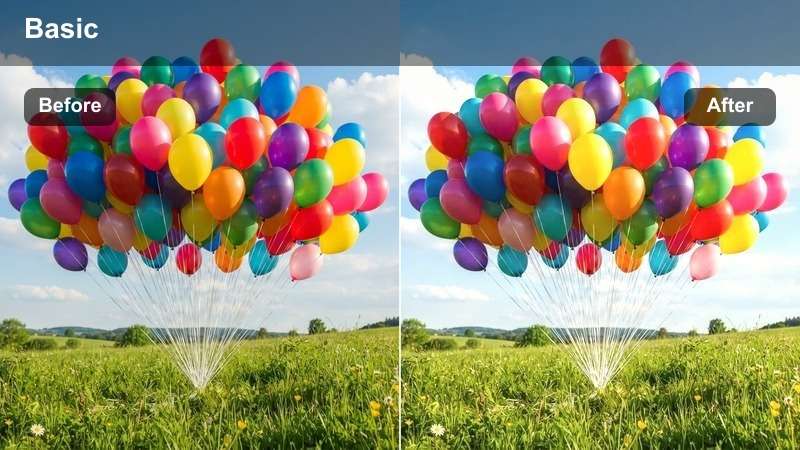
- Effect look: Warm, milky highlight boost with gentle bloom on bright areas.
- Best for: Getting ready clips in naturally lit bedrooms or bridal suites.
- Editing tip: Lower the intensity slightly on overexposed windows to keep details in the dress.
Soft Vanilla Glow wraps the bride in a creamy, flattering light that feels like a slow, quiet morning. In Filmora, this filter lifts highlights and softens contrast just enough to smooth harsh daylight while preserving the delicate shape of the dress and veil.
Apply it to wide and medium getting ready shots to instantly unify footage from different angles and lenses. Use Filmora sliders to tame bright windows and then fine-tune exposure and white balance so skin looks luminous, not washed out, creating a dreamy, editorial style prep sequence.
AI-Assisted Bridal Color Matching in Filmora
Use Filmora AI Color Match to keep your Soft Vanilla Glow look consistent across every camera and angle. The tool analyzes a reference bridal clip and automatically adjusts other shots so the dress, bouquet, and skin tones match from room to room.
Once you find a Free Bridal Video Filter you love, save a hero frame as your color reference and let AI harmonize prep, ceremony, and reception footage into one cohesive wedding film.
 secure download

See the Bridal Filters in Action
Preview these bridal filters on a short getting ready or bridal portrait clip to see how each preset shifts the mood. Toggle effects on and off in Filmora to compare looks, then adjust intensity, exposure, and color so the bride still looks true to life, just more polished and romantic.
Once you settle on a signature look, copy and paste filter settings across your timeline so your entire wedding film feels cohesive and professionally graded.
secure download1000+ Video Filters and 3D LUTs
Beyond these bridal presets, Filmora includes a large library of filters and 3D LUTs you can stack for highly customized wedding looks. Start with a gentle bridal filter, then add a subtle LUT to introduce cinematic color separation and film-style contrast.
Keep LUT intensity low so the original Free Bridal Video Filters remain the foundation of your grade, and fine-tune skin tones with Filmora color tools for a polished, professional finish on every scene.
secure downloadPowder Room Pastel
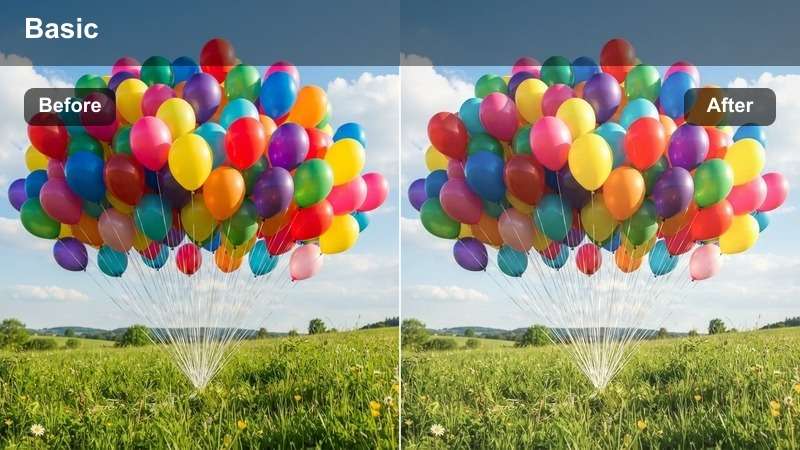
- Effect look: Soft pastel toning with reduced contrast and a hint of blush in the mids.
- Best for: Makeup close-ups, hair details, and candid prep moments.
- Editing tip: Use keyframing to subtly increase the filter strength as the camera pushes in toward the bride's face.
Powder Room Pastel gives your beauty shots an editorial, magazine-style finish by lowering contrast and infusing mids with a gentle blush tint. In Filmora, this helps smooth small imperfections and keep lipstick, blush, and eye details flattering without looking overly retouched.
Apply the filter to tight shots of makeup, hair, and accessories, then use keyframes to gradually strengthen the effect as your camera moves closer. Balance color temperature and exposure so whites stay neutral while the bride's skin gains a soft, romantic glow perfect for highlight cuts and reels.
Linen Morning Matte
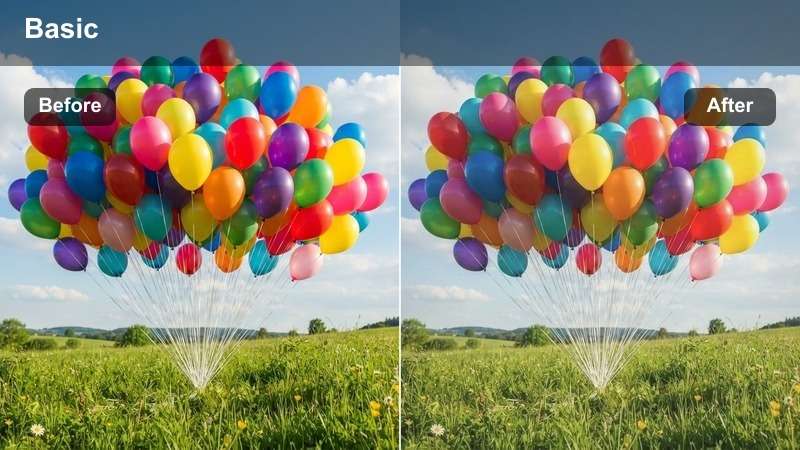
- Effect look: Matte, airy highlights with desaturated backgrounds for a clean bridal feel.
- Best for: Bride putting on the dress, details on veils, shoes, and accessories.
- Editing tip: Pair with a slight sharpen on jewelry and dress details to keep texture crisp against the matte finish.
Linen Morning Matte softens overall contrast while holding onto structure in bright whites, ideal for rooms filled with linens, gowns, and neutral decor. The filter pulls saturation slightly from the background so the bride and her dress subtly stand out in every frame.
In Filmora, combine this matte look with gentle sharpening on lace, jewelry, and beadwork to ensure intricate details remain crisp. Adjust exposure before applying the filter, then fine-tune highlight and shadow levels so the matte effect feels intentional and elegant rather than flat or hazy.
Dreamy Bridal Portrait Sessions
Porcelain Skin Softener
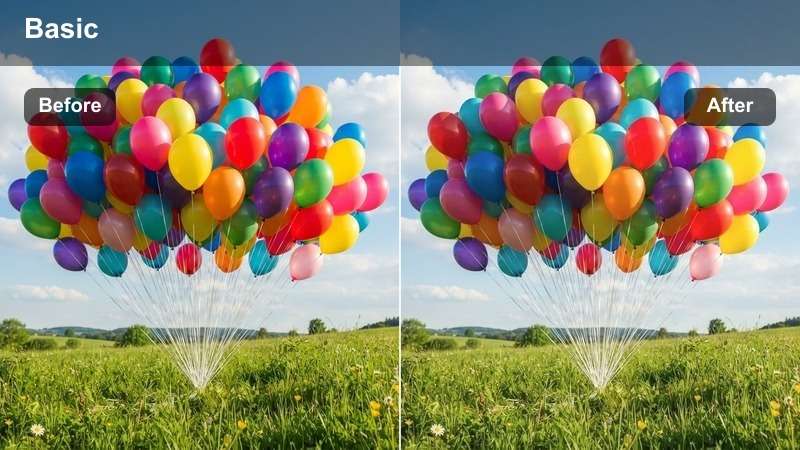
- Effect look: Subtle skin smoothing, lifted mids, and neutralized reds for a porcelain finish.
- Best for: Close-up bridal portraits outdoors or near windows.
- Editing tip: Dial the filter strength between 40-60 percent to keep natural texture while flattering fine lines.
Porcelain Skin Softener focuses on evening out skin tone and gently lifting midtones to create a refined, porcelain-like complexion. It helps reduce redness and minor blemishes while preserving realistic texture, which is essential for cinematic wedding edits.
In Filmora, apply this filter to close-up bridal portraits and reaction shots, then keep strength around the mid range to avoid a plastic look. Combine with subtle sharpening on eyes, lashes, and brows, and adjust white balance so skin remains warm and natural across different lighting conditions and cameras.
Golden Vow Glow
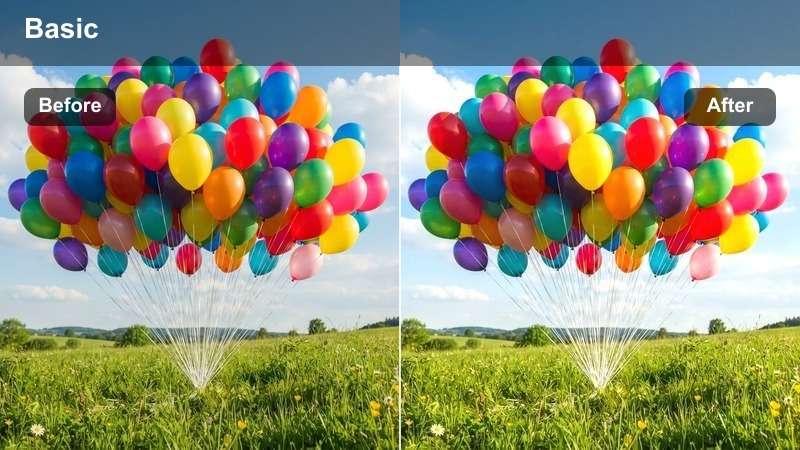
- Effect look: Warm golden highlights, soft halation around bright edges, and rich yet natural contrast.
- Best for: Golden hour bridal portraits and outdoor couple shots.
- Editing tip: Raise saturation slightly only in the warm tones to intensify sunset light without over-coloring shadows.
Golden Vow Glow is designed to turn ordinary daylight or flat sunsets into rich, romantic golden hour scenes. The filter adds halo-like softness around bright edges and enhances warm tones in skin and hair, giving bridal portraits a cinematic, sun-kissed feel.
Use it in Filmora on outdoor vows, couple sessions, and backlit bride shots, then adjust color wheels to keep shadows neutral while boosting warmth in highlights and midtones. Lightly increase saturation in the warm range and deepen blacks for added depth, ensuring the bride remains glowing without introducing color casts.
Whisper Soft Bokeh
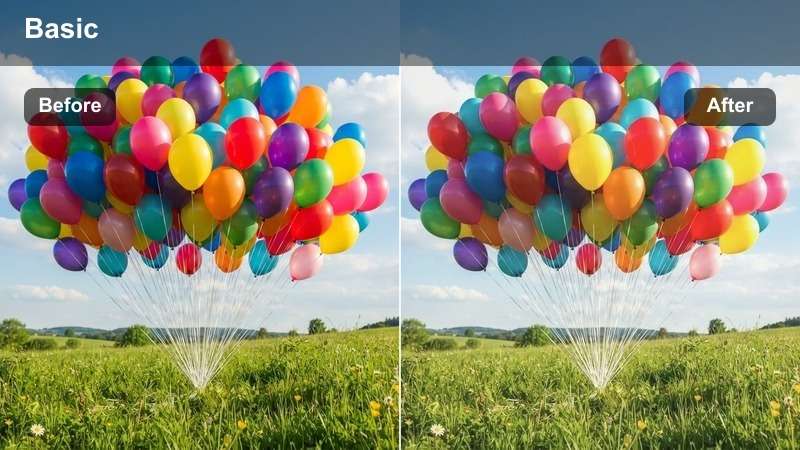
- Effect look: Gentle bloom on highlights, softened edges, and slightly lifted blacks for a dreamy feel.
- Best for: Portraits with fairy lights, candles, or bokeh-heavy backgrounds.
- Editing tip: Stack with a light blur effect on the background only, using masking, to keep the bride sharp.
Whisper Soft Bokeh emphasizes twinkling lights, candles, and bokeh elements by adding a delicate bloom and gently lifting the darkest areas. This creates a dreamy, romantic atmosphere that still keeps important facial details visible and flattering.
In Filmora, apply the filter to portraits with string lights or reception decor in the background, and use masks to protect the bride's face from excessive softness. Add a slight background blur or reduce sharpness behind the subject while keeping eyes and dress details crisp, guiding the viewer's attention directly to the bride.
Romantic Ceremony and Vows
Chapel Candlelight
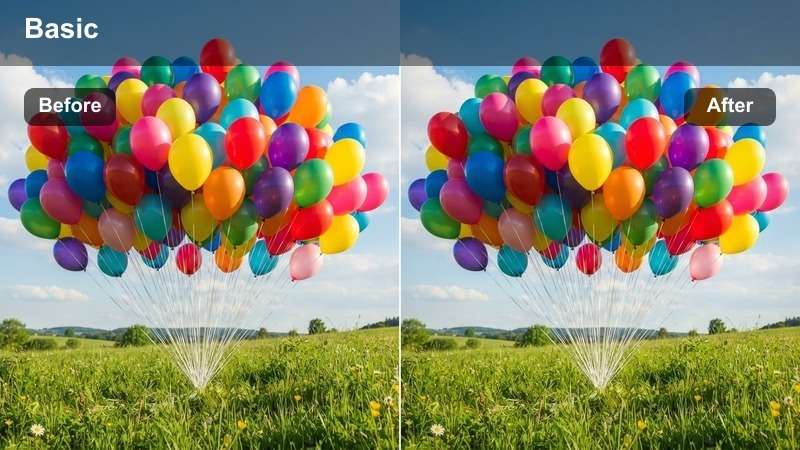
- Effect look: Warm, candle-like highlights with softened contrast and rich, deep shadows.
- Best for: Indoor ceremonies, candlelit aisles, and low-light vow exchanges.
- Editing tip: Increase exposure slightly before applying to avoid muddy shadows in dim churches.
Chapel Candlelight is built to enhance dim ceremony spaces by warming highlights and deepening shadows without adding heavy noise. It mimics the look of soft candle glow, giving altars, aisles, and stained-glass backdrops a richer, more intimate tone.
In Filmora, first raise exposure and tweak noise reduction on darker clips, then apply the filter to add warmth and contrast. Fine-tune midtones to keep skin tones natural, and if overhead lights are too cool, balance them with color adjustments while preserving the romantic candle-style ambiance.
Soft Aisle Romance
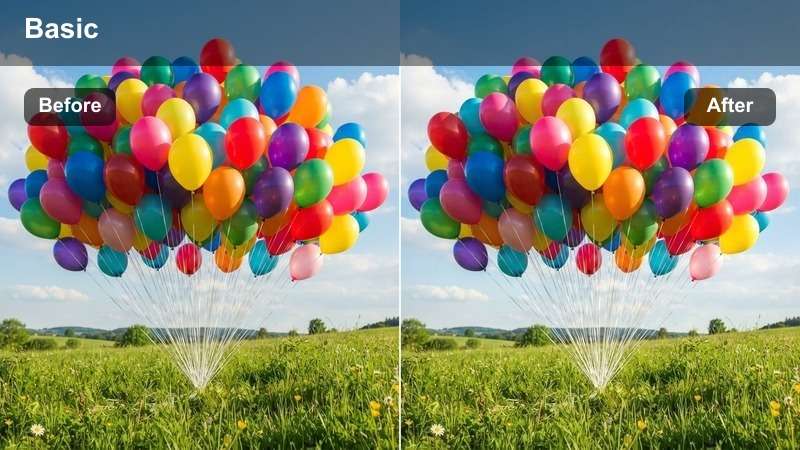
- Effect look: Balanced contrast with slightly lifted shadows and a romantic, neutral warmth.
- Best for: Processional, bride walking down the aisle, and emotional reaction shots.
- Editing tip: Use consistent strength across all aisle angles to keep the sequence feeling seamless in the edit.
Soft Aisle Romance provides a clean, timeless color grade that suits almost any ceremony location, from rustic barns to grand ballrooms. By gently lifting shadows and adding a touch of warm neutrality, it keeps the bride, groom, and guests looking flattering from every camera angle.
Apply this filter in Filmora to all processional and reaction shots, then adjust exposure individually rather than changing filter strength. This keeps color and contrast consistent as you cut between wide, medium, and close-up angles, preserving the emotional flow of the bride's walk down the aisle.
Tearful Vows Focus
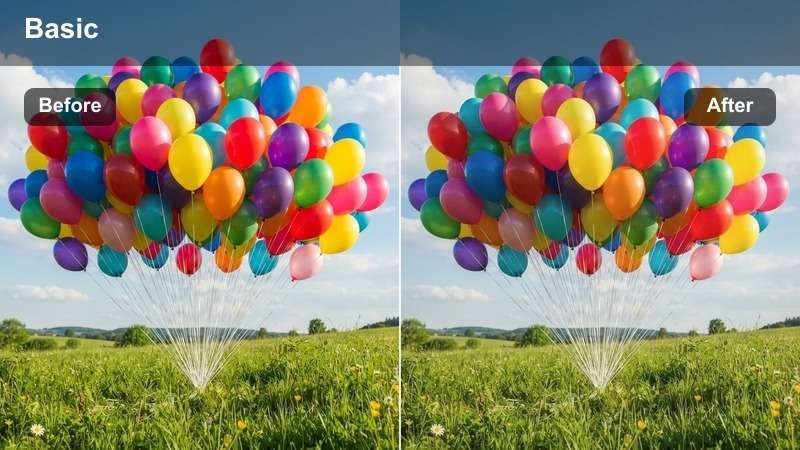
- Effect look: Gentle vignette, subtle softening of backgrounds, and slightly lifted midtones on faces.
- Best for: Tearful vow close-ups, reaction shots of parents, and ring exchange details.
- Editing tip: Use keyframes to slowly increase vignette strength as the vows become more emotional.
Tearful Vows Focus draws attention to faces by slightly brightening midtones on skin and darkening the edges with a soft vignette. Backgrounds become less distracting, allowing every tear, smile, and exchanged glance to carry more emotional weight on screen.
Within Filmora, apply this filter to close-ups of the bride, groom, and family members during vows, then keyframe the vignette intensity to build tension as the moment unfolds. Combine with gentle slow motion or audio emphasis and keep color subtle, letting expressions and words remain the heart of the scene.
Cinematic Wedding Reels and Highlights
Sparkle Reel Boost
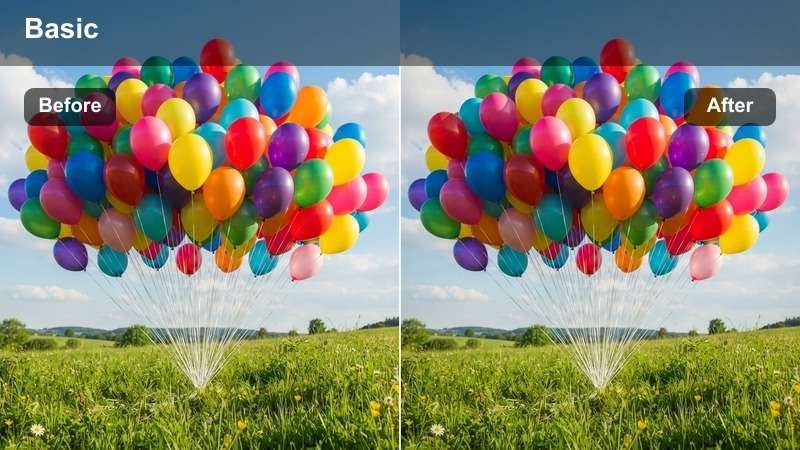
- Effect look: Punchy highlights, vivid but controlled saturation, and crisp contrast for social media.
- Best for: Fast-paced wedding reels, confetti exits, and reception entrances.
- Editing tip: Use slightly higher contrast for vertical clips destined for Instagram Reels or TikTok.
Sparkle Reel Boost is tailored for short-form content where bright, eye-catching visuals are essential. It increases contrast and saturation just enough to make confetti, florals, and decor pop, while keeping bridal whites and skin tones under control.
Use this filter in Filmora on your most energetic moments such as exits, entrances, and dance snippets. For vertical formats, nudge contrast a bit higher, then use highlight recovery to protect dress detail and tame any blown-out areas, ensuring your reels look polished on small smartphone screens.
Timeless Ivory Film
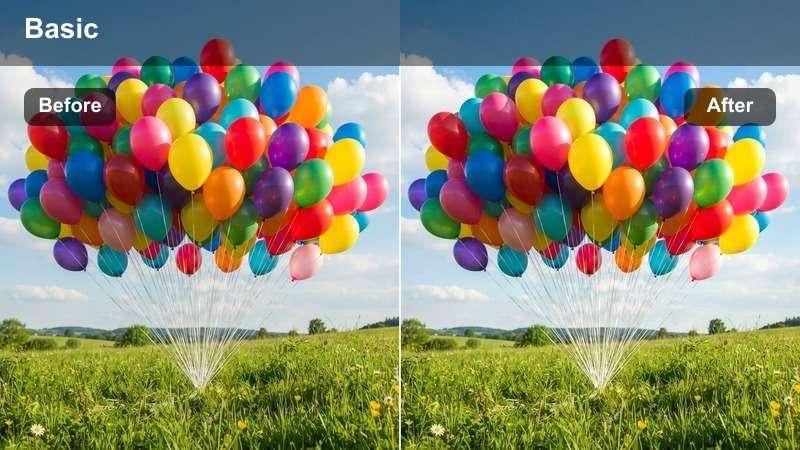
- Effect look: Soft film-style grain, muted saturation, and warm ivory highlights.
- Best for: Romantic slow reels, supercuts of the bride, and archival-feel highlights.
- Editing tip: Keep clip duration slightly longer to let the film texture and slower pacing breathe.
Timeless Ivory Film gives your wedding footage a gentle vintage character with subtle grain and desaturated colors. Highlights take on a warm ivory tint, making dresses, veils, and floral details feel classic and enduring rather than trendy.
In Filmora, apply this filter to your slowest, most emotional sequences or to selected clips within a longer highlight for a mini film-within-a-film. Extend clip durations slightly, lower music volume, and let ambient audio or vows come forward to complement the nostalgic, diary-style mood.
Midnight Dance Floor
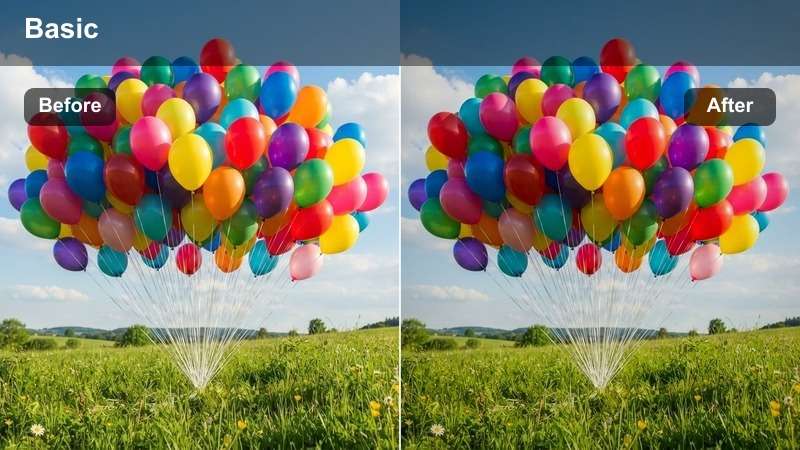
- Effect look: Cleaned-up low light, boosted contrast in mids, and saturated party lights.
- Best for: Reception dancing, bouquet toss, and late-night party clips.
- Editing tip: Raise shadows slightly before applying to avoid crushing dark areas in crowded dance floor scenes.
Midnight Dance Floor is designed to rescue dark, noisy reception footage by brightening midtones and giving colored lights extra life. It makes dance floors feel energetic and fun while keeping faces recognizable and skin tones neutral amid shifting hues.
In Filmora, start by lifting shadows and applying moderate noise reduction, then add the filter to enhance contrast and color. Tweak hue and saturation for magentas, blues, and greens so lights stay vivid without tinting skin, resulting in party sequences that feel lively, clear, and bridal-friendly.
Tips for Using Bridal Video Filters Filters in Filmora
- Shoot as close to natural light as possible so your bridal filters enhance rather than fix heavy color issues.
- Apply the same filter family to prep, ceremony, and reels to create one cohesive bridal visual story.
- Always correct exposure and white balance before adding filters for the cleanest, most flattering bridal skin tones.
- Lower filter intensity on ultra-close beauty shots so skin retains natural texture and dimension.
- Use Filmora AI Color Match to quickly harmonize bridal filters across different cameras and lighting setups.
- Combine subtle bridal filters with low-intensity wedding LUTs for extra cinematic polish without over-editing.
- Export a short one-minute highlight reel first to test how your chosen bridal filters feel on different scenes.
With these Free Bridal Video Filters, you can give your bridal portraits, getting ready clips, and wedding reels a consistent, romantic look in just a few clicks.
Load them into Filmora, experiment with intensity and simple color tweaks, and then move on to wedding photography LUTs to deepen your cinematic style even further.
secure download