

 100% Security Verified | No Subscription Required | No Malware

These Free Wedding Photography LUTs and filters are crafted for wedding photographers who want classic, emotional images without spending hours on color grading.
Use these wedding photo LUTs and romantic presets in Filmora to unify your wedding portraits, ceremony photos, and reception photos with a consistent, timeless look.
In this article
Soft Golden Portraits Before the Ceremony
Golden Glow Portraits
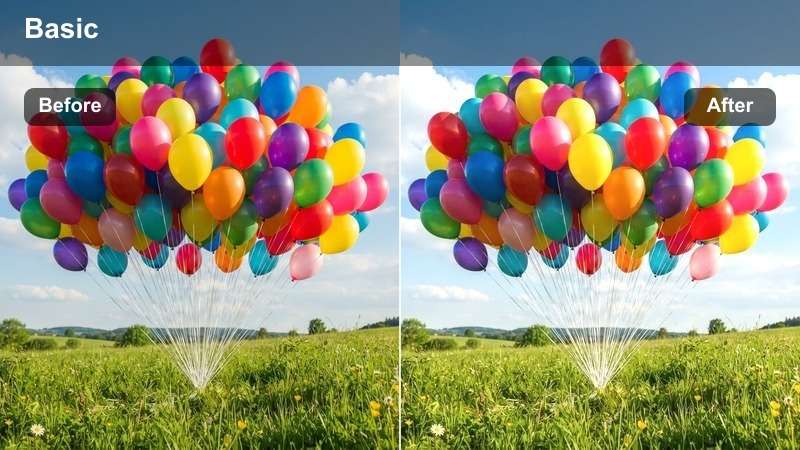
- Effect look: Warm, sun-kissed skin tones with gentle contrast and a subtle golden wash over the scene.
- Best for: Outdoor bridal portraits shot during golden hour or soft afternoon light.
- Editing tip: Lower the intensity slightly on already warm images to avoid oversaturation in skin and highlights.
Golden Glow Portraits wraps your wedding images in a soft, sunlit warmth that flatters every skin tone while preserving the delicate details in the dress and veil. In Filmora, this LUT is ideal for pre-ceremony portraits where natural light is already beautiful, adding a cinematic glow that emphasizes romance without pushing colors into an unrealistic orange.
Apply the LUT to your bridal and couple portraits, then fine-tune overall warmth and saturation with Filmoras color controls to keep skin natural. If you shot into the sun, use the filter at a medium intensity and slightly reduce highlights so backlit hair and veils keep their detail while the background retains a dreamy, golden atmosphere.
Let AI Match Your Wedding Look in One Click
Filmoras AI Color Palette can analyze a single perfectly edited wedding photo and automatically generate a matching color style for the rest of your photos and video clips. This lets you turn your favorite golden-hour portrait or reception shot into a visual reference for the entire project.
Combine AI Color Palette with these Free Wedding Photography LUTs to keep portraits, ceremony shots, and reception moments fully aligned in tone, contrast, and color. The result is a cohesive wedding gallery and highlight film that looks professionally graded from first look to last dance.
 secure download

Preview Wedding Filters on Real Scenes
Inside Filmora, you can load sample wedding timelines with portraits, ceremony shots, and reception scenes to preview how different filters and LUTs behave before applying them to your own footage. This makes it easy to see which look works best for tricky lighting, such as mixed indoor light or strong backlighting.
Toggle filters on and off, switch between romantic matte looks and punchier cinematic styles, and compare versions side by side. Once you find a look you love, save that combination and apply it across your full wedding project for consistent, polished results.
secure downloadCombine Filters and LUTs for a Signature Style
Filmora includes 1000 plus video filters and 3D LUTs that you can stack with your Free Wedding Photography LUTs to design a signature look. Start with a base LUT for exposure and color, then layer soft-focus, vignette, or film-style filters to create a romantic mood that matches each couples aesthetic.
Once you dial in your favorite combination of LUT, contrast, saturation, and sharpening, save it as a custom preset. This way, every new wedding project can begin with your proven, timeless look and only minor tweaks for venue, weather, and wardrobe.
secure downloadMatte Romance Portrait
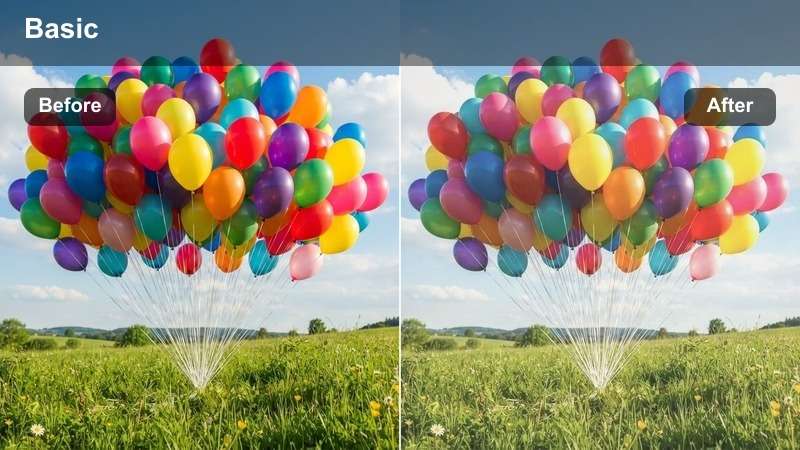
- Effect look: Soft matte finish with muted highlights and gentle pastel colors for a dreamy feel.
- Best for: Intimate close-up portraits of the couple or bridal party in soft natural light.
- Editing tip: Add a slight clarity boost around the eyes to keep them sharp while the rest stays dreamy.
Matte Romance Portrait gives your wedding portraits an editorial, fine-art look with pastel tones and softened contrast. In Filmora, this LUT is perfect when you want the dress, florals, and background to melt into a gentle haze while faces stay expressive and flattering.
Apply the LUT to close-up portraits and then use Filmoras masking tools to add a touch of extra sharpness or clarity around eyes and lips. If your image starts to look too flat, gently deepen the blacks and adjust midtone contrast so you preserve the dreamy matte feel while keeping enough depth for prints and albums.
Clean Daylight Classic
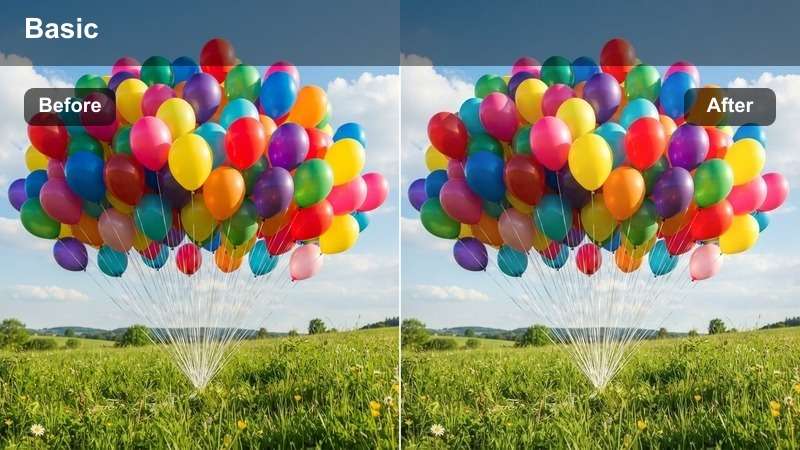
- Effect look: Bright, neutral color correction with crisp whites and natural skin tones.
- Best for: Pre-ceremony portraits in mixed daylight, such as hotel rooms, gardens, or city rooftops.
- Editing tip: Adjust white balance before applying the filter to avoid color casts from walls or curtains.
Clean Daylight Classic is designed to fix the challenges of mixed daylight, giving you neutral whites and accurate skin tones when shooting in hotels, prep suites, or modern venues. In Filmora, this LUT helps remove color casts from painted walls, curtains, or city reflections while keeping your images crisp and true to life.
Start by correcting white balance in Filmoras basic color panel, then apply the LUT to normalize tones across the frame. If a particular wall or decor color still dominates, use HSL controls to selectively lower saturation in that hue so attention stays on the couple and their details, not on distracting backgrounds.
Emotional Ceremony Moments
Soft Vows Highlight
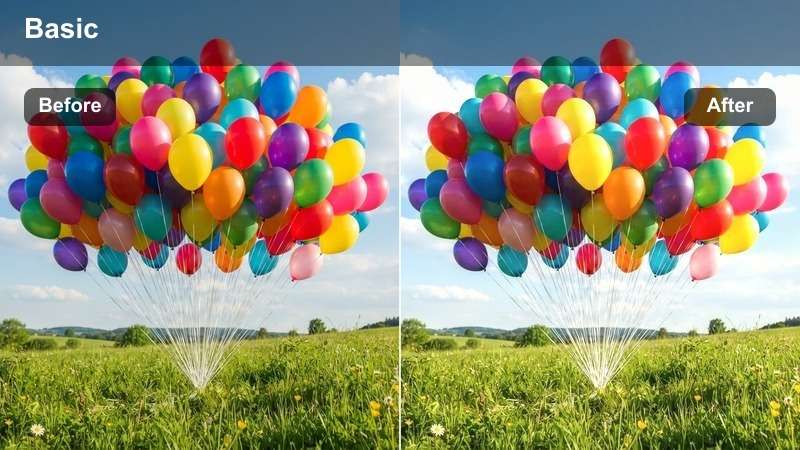
- Effect look: Gentle glow in highlights, softened contrast, and warm neutrals to emphasize emotion.
- Best for: Ceremony vows, ring exchange, and close-ups during emotional moments.
- Editing tip: Reduce sharpness slightly on high-ISO footage to combine softness from the filter with less visible noise.
Soft Vows Highlight adds a tender glow to your ceremony footage, making tears, smiles, and subtle gestures feel more cinematic. In Filmora, this LUT smooths harsh edges, warms neutrals, and gently lifts highlights so the couple stands out from the background in a flattering, romantic way.
Use it on close-up shots of vows, ring exchanges, and readings, then fine-tune sharpness and noise reduction to maintain detail without harshness. If your ceremony was shot at a high ISO, slightly lower global sharpness and let the glow in the LUT mask minor noise while keeping faces clear and expressive.
Classic Chapel Tones
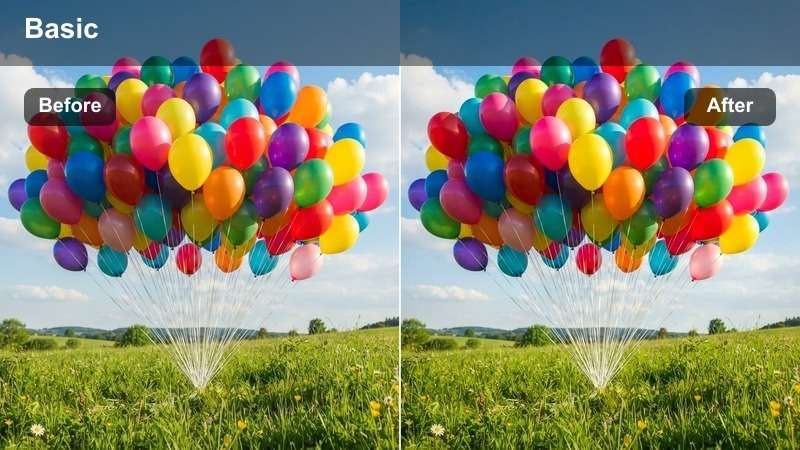
- Effect look: Balanced contrast with slightly cool shadows and warm highlights for a cinematic chapel feel.
- Best for: Indoor church or chapel ceremonies with mixed tungsten and daylight.
- Editing tip: Dial down saturation in reds and oranges to keep decor and wood tones from overpowering skin.
Classic Chapel Tones is tailored for churches, chapels, and indoor venues where warm tungsten light mixes with cool daylight from windows. In Filmora, this LUT cools the shadows and gently warms the highlights, delivering a cinematic, balanced look that preserves skin tones while controlling intense wood and decor colors.
Apply it to wide ceremony shots and mid-length frames, then reduce saturation in reds and oranges if pews, carpets, or florals become distracting. Use Filmoras exposure tools to protect detail in white dresses and dark suits, allowing the LUT to provide the final polish for a timeless, reverent feel.
Sunlit Aisle Cinema
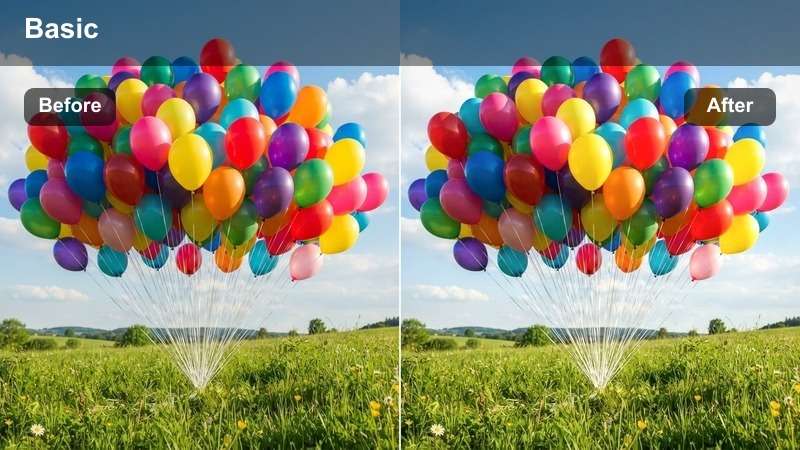
- Effect look: Cinematic contrast with lifted shadows, rich yet soft colors, and controlled highlights.
- Best for: Processional and recessional moments as the couple walks the aisle in bright light.
- Editing tip: Use highlight recovery and the filter together to prevent blown-out dress details in direct sun.
Sunlit Aisle Cinema is built for high-contrast aisle moments, such as walking in or out of the ceremony under strong sunlight. In Filmora, this LUT controls bright highlights while lifting shadows just enough to keep faces visible, creating a cinematic, glowing look that still protects dress detail.
Use the LUT on processional and recessional shots, then combine it with highlight recovery and midtone adjustments to balance the frame. If faces look underexposed after saving highlights, raise midtones instead of overall exposure so you keep the cinematic depth and avoid flattening the scene.
Cozy Reception and Evening Light
Twinkle Lights Glow
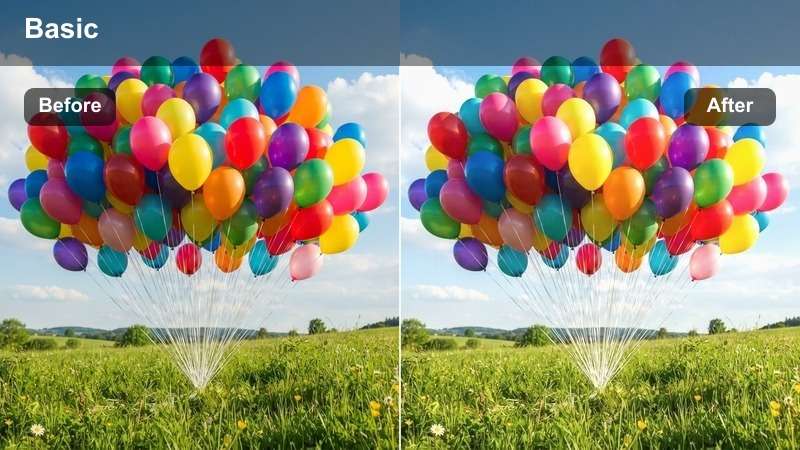
- Effect look: Soft glowing highlights with warm, rich midtones and gently lifted blacks to show ambient detail.
- Best for: Reception entrances, first dances, and toasts under string lights or chandeliers.
- Editing tip: Reduce local contrast around bright bulbs to keep them dreamy rather than harsh and distracting.
Twinkle Lights Glow turns reception string lights, chandeliers, and fairy lights into a warm, romantic backdrop that enhances the couples presence. In Filmora, this LUT slightly lifts blacks and warms midtones so the room feels inviting, while small light sources bloom softly instead of appearing harsh.
Apply it to entrances, first dances, and toasts, then fine-tune exposure so faces remain well lit against the darker room. Use Filmoras local adjustments or mask tools to tame overly bright bulbs, keeping the glow dreamy and cinematic without losing clarity in expressions and details like centerpieces or decor.
Dancefloor Energy Pop
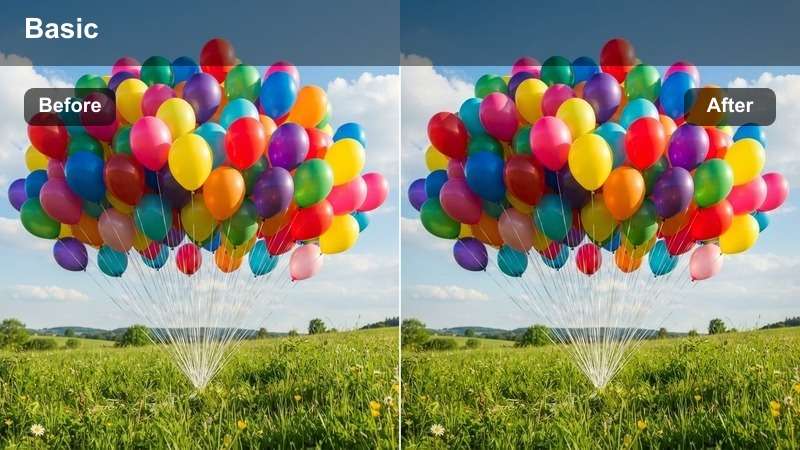
- Effect look: Punchy contrast with vibrant yet controlled colors and slightly cooler shadows for energy.
- Best for: Dancefloor photos and videos with colorful DJ lighting and lots of movement.
- Editing tip: Use faster shutter speeds and then let the filter deepen contrast to keep motion crisp and dynamic.
Dancefloor Energy Pop is designed for high-energy reception scenes with DJ lights, moving guests, and fast action. In Filmora, this LUT boosts contrast and saturation just enough to make colors feel exciting while keeping shadows slightly cool so skin tones stay believable under changing light.
Apply it to wide dancefloor shots and close-ups of guests dancing, then use HSL controls to pull back any overpowering DJ light color. If faces pick up strong magenta or green tints, selectively warm midtones and reduce saturation in the offending hue so you keep the party vibe without compromising natural-looking skin.
Candlelit Romance
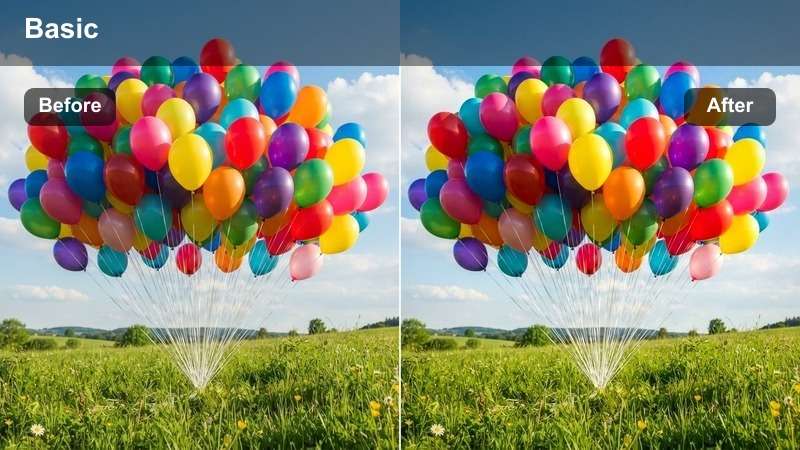
- Effect look: Deep, intimate contrast with warm highlights and gently desaturated background colors.
- Best for: Quiet reception moments, sweetheart table, or intimate conversations in low light.
- Editing tip: Lift shadows slightly to preserve detail, then add a subtle vignette to keep the frame intimate.
Candlelit Romance brings out the warmth and intimacy of low-light reception scenes, emphasizing flickering candles and small pools of light. In Filmora, this LUT deepens overall contrast while keeping highlights warm and inviting, making quiet conversations and close embraces feel cinematic.
Use it on sweetheart table shots, close-ups of speeches, and quiet moments away from the dancefloor. Apply noise reduction first on high-ISO footage, then add the LUT and adjust midtones so faces remain visible while backgrounds stay deep and moody, preserving the cozy atmosphere without sacrificing important detail.
Timeless Storytelling Across the Day
Timeless Film Wash
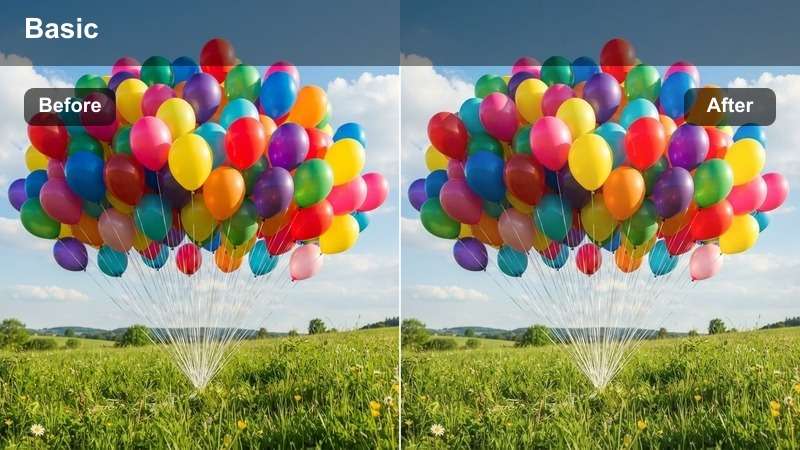
- Effect look: Subtle film-inspired softness with slightly muted colors and gentle grain-like texture.
- Best for: Creating a cohesive look across the full wedding gallery and highlight video.
- Editing tip: Apply this at low intensity over clips already color-corrected with other filters to unify the final output.
Timeless Film Wash lends a subtle analog character to your entire wedding collection, softening colors and adding a film-inspired finish. In Filmora, it works best as a final layer on top of your main LUTs, gently unifying different lighting conditions and scenes into one cohesive visual story.
After you have corrected exposure and color for each part of the day, apply this LUT at low intensity across all clips and images. Adjust strength separately for bright daytime and darker evening footage so the filmic softness remains consistent while preserving enough contrast and detail in every scene.
Heirloom Black & White
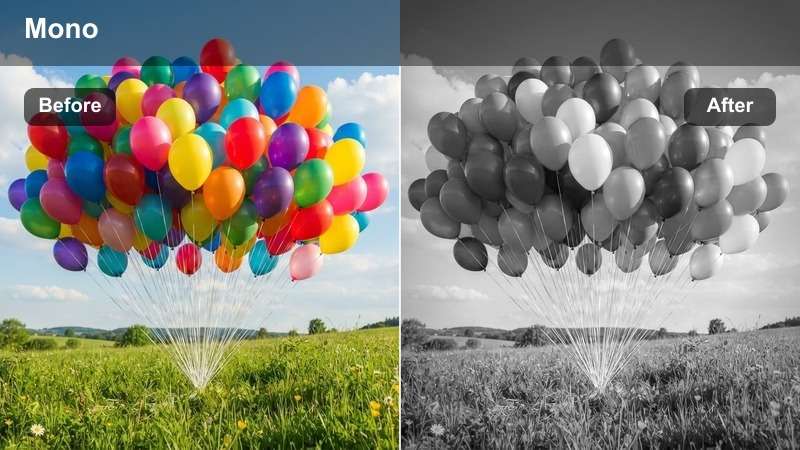
- Effect look: Rich black and white conversion with deep shadows, clean highlights, and classic grain-style contrast.
- Best for: Timeless moments like first look, parents' reactions, or emotional hugs.
- Editing tip: Increase local contrast around faces to keep expressions sharp while letting backgrounds fall off.
Heirloom Black and White transforms emotional moments into timeless, gallery-worthy images by stripping away color and emphasizing light, shadow, and expression. In Filmora, this LUT creates deep blacks and clean highlights, giving your key frames the feel of classic darkroom prints.
Use it on first looks, parent reactions, and meaningful hugs or goodbyes where expression matters more than color. After applying the LUT, fine-tune local contrast around faces and hands so they stand out clearly, and adjust midtones to prevent important details from disappearing into overly deep shadows.
Soft Pastel Romance
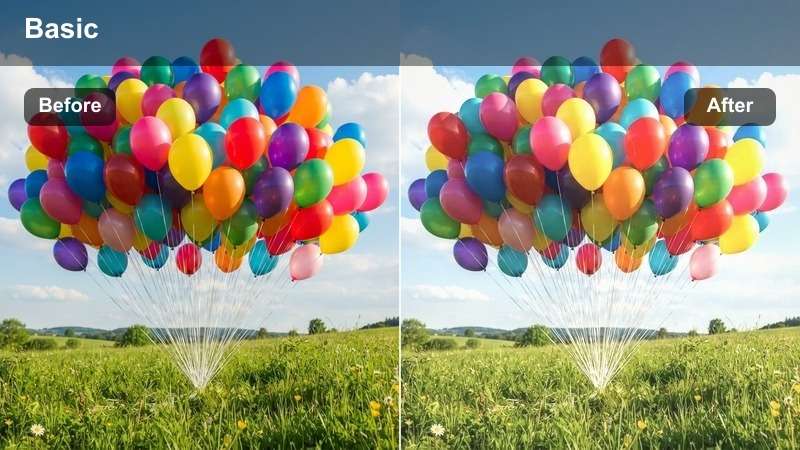
- Effect look: Light, airy tones with pastel colors and slightly lifted exposure for a graceful, modern feel.
- Best for: Detail shots, bridal party portraits, and flat lays that need a clean, modern romantic finish.
- Editing tip: Watch the histogram and pull back exposure slightly if whites begin to lose texture.
Soft Pastel Romance creates the bright, airy style many modern couples love, with pastel hues and soft, lifted exposure. In Filmora, this LUT brightens the frame and smooths out harsh contrast so dresses, florals, and decor feel light and elegant while skin tones remain soft and flattering.
Apply it to bridal party portraits, detail shots, and flat lays of invitations, rings, and accessories. Keep an eye on your histogram and pull back highlights if the dress or paper goods start to lose texture, then add a touch of contrast if skin looks washed out so you maintain both airiness and definition.
Tips for Using Wedding Photography Luts Filters in Filmora
- Shoot with a slightly flatter in-camera profile so your Free Wedding Photography LUTs can add contrast and richness without crushing detail.
- Create separate presets for portraits, ceremony moments, and reception scenes to handle the very different lighting across the day.
- Always correct white balance and exposure in Filmora before applying creative LUTs or romantic filters to preserve natural skin tones.
- Apply each LUT at a lower intensity first, then gradually increase it until the look supports the story instead of overpowering it.
- Use Filmoras masking and HSL tools to protect skin tones while shaping background colors and decor for a cleaner, more polished frame.
- Export a short test sequence that includes daylight, indoor, and evening scenes to confirm your chosen LUTs stay consistent across the full wedding.
- Save your favorite LUT plus filter combinations as custom Filmora presets so you can reuse your signature wedding style on future projects.
With the right Free Wedding Photography LUTs and romantic photo filters, you can turn an entire wedding day into a cohesive, timeless visual story in a fraction of the usual editing time. Filmora makes it easy to apply these looks consistently, refine them for different lighting situations, and keep your color grading workflow fast and reliable.
Download these looks, test them on your favorite wedding portraits, ceremony photos, and reception photos, then experiment with engagement video LUTs to complete your couples full visual journey from proposal to wedding day.
secure download