

 100% Security Verified | No Subscription Required | No Malware


 ChatGPT
 Perplexity
 Gemini
 Claude
 Grok
Grok
These free LUT-style filters for gym video in Filmora are designed for creators and editors who want punchy contrast, detailed muscle definition, and cinematic workout vibes without spending hours color grading.
Whether you shoot strength training, CrossFit, bodybuilding, or fitness vlogs, use these curated filter looks to keep skin tones natural, gym lights under control, and every rep looking powerful on YouTube, TikTok, and Instagram Reels.
In this article
High-Intensity Strength and Powerlifting Scenes
Iron Grit Contrast
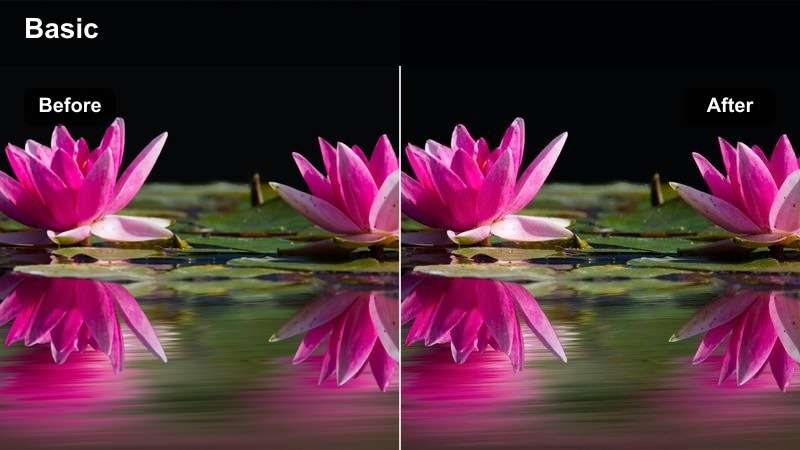
- Effect look: Hard, high-contrast look that deepens shadows and sharpens edges for a gritty weight-room aesthetic.
- Best for: Deadlifts, squats, bench press, and close-up barbell shots in darker strength zones.
- Editing tip: Lower exposure slightly, then add a touch of clarity or sharpening to emphasize chalk, sweat, and muscle separation.
Iron Grit Contrast is ideal when you want your strength footage to feel raw, heavy, and intense, especially in powerlifting or PR-focused videos. In Filmora, this filter deepens blacks and adds bite to edges so barbell knurling, plate text, and muscle lines stand out against a darker gym background.
Apply it to low-angle shots, bar path close-ups, or any scene where you want the lifter to stand out from the shadows, then fine-tune with Filmora s basic color controls. Combine slight vignetting and subtle sharpening to make the lifter, chalk bursts, and sweat reflections look more dramatic while still preserving detail for social platforms like YouTube Shorts and Reels.
Match Gym Colors Instantly with AI Color Tools
Filmora s AI-powered color tools help you quickly balance harsh gym lighting, from cool fluorescent weight rooms to warm functional boxes, so your free LUT-style filters sit on a clean base. Let the AI analyze your clip, correct exposure, and normalize white balance before you start dialing in stylized gym looks.
Once your base is consistent, you can stack high-contrast or cinematic filters while keeping skin tones natural and preventing weird color shifts on equipment or walls. This is especially useful when editing a full workout filmed across multiple corners of the gym.
 secure download

Preview Filters Live on Your Gym Footage
With Filmora s real-time preview, you can scroll through free gym-focused filters and instantly see how they transform your lifting, cardio, and posing clips. This helps you quickly compare a gritty strength look against a softer vlog style without committing to a full color grade first.
Audition several filters on the same scene, then save your favorite combinations as presets so your squat sessions, CrossFit WODs, and posing updates all keep a consistent vibe across your channel.
secure download1000+ Video Filters and 3D LUTs
Beyond these free LUT-style looks for gym video, Filmora includes a large library of filters, cinematic LUTs, and stylized presets you can layer to refine your brand. Combine contrast, color, and glow effects to craft a signature fitness look that works across shorts, full workouts, and promo edits.
Once you find a gym color grade you love, save the complete setup as a Filmora preset for quick reuse. For a portable color base, Filmora can also export the compatible color adjustments from a selected video or image clip as a .cube LUT for future shoots or for collaborators using DaVinci Resolve, Adobe Premiere Pro, or Final Cut Pro.
secure downloadSteel Cage Neutral
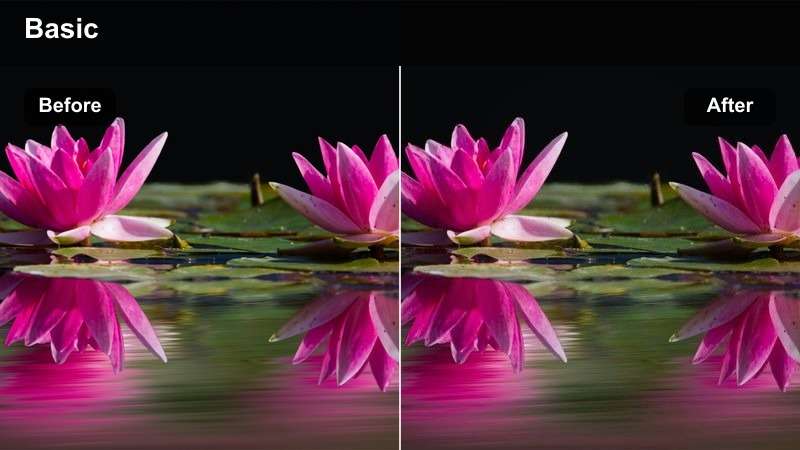
- Effect look: Balanced neutral tone with slightly cool shadows that cleans up mixed gym lighting without over-stylizing.
- Best for: Commercial gyms with fluorescent lights, squat racks, cable machines, and multi-angle strength montages.
- Editing tip: Dial down saturation a touch and lift shadows slightly to keep skin tones flattering under harsh overhead lights.
Steel Cage Neutral is a go-to filter when you are dealing with unpredictable gym lighting from fluorescent tubes, windows, and colored LEDs. In Filmora, it evens out color temperature so your footage looks clean and professional without leaning too cinematic or overly stylized.
Use this look on multi-camera strength montages, form checks, or equipment demos where accuracy and realism matter. By pairing it with small exposure tweaks and light shadow lifts, you can keep athletes faces and physiques looking natural while still showcasing the entire commercial gym environment.
Plate Stack Cinematic
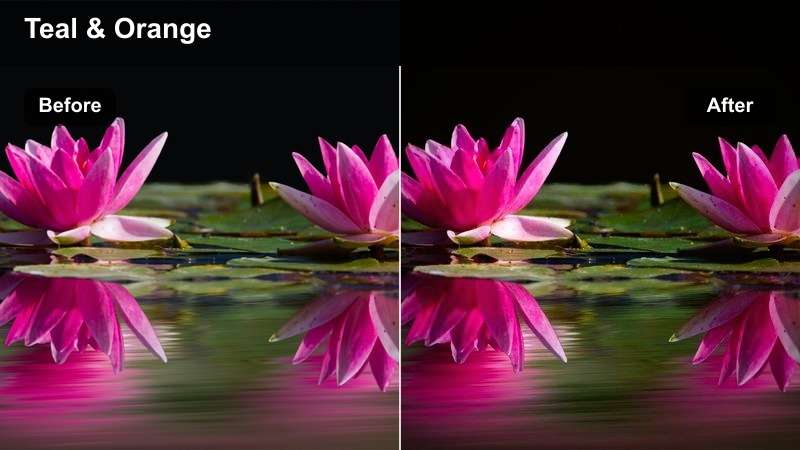
- Effect look: Cinematic teal and warm split-tone that gives strength footage a modern, film-like gym aesthetic.
- Best for: Slow-motion strength montages, plate-loading b-roll, and hero shots of lifters chalking up.
- Editing tip: Use slow motion at 60 or 120 fps and add a gentle speed ramp with this filter to highlight big lifts and transitions.
Plate Stack Cinematic adds a modern teal-and-warm split tone that instantly makes basic gym clips feel like part of a polished fitness film. It is especially strong on slow-motion b-roll of plates sliding, chalk dust rising, and tight shots of grip and foot placement.
In Filmora, combine this filter with speed ramps and subtle lens blur effects to build cinematic intros or transitions between workout segments. Use it sparingly on highlight moments like PR attempts or hero shots so these scenes pop visually compared to your more neutral training footage.
Functional Training and CrossFit Box Atmosphere
Chalk Storm Desaturated
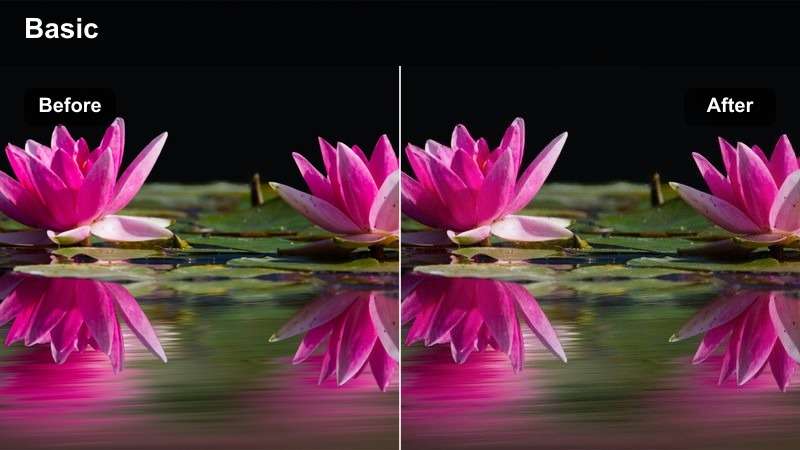
- Effect look: Slightly desaturated, contrasty look that emphasizes texture in chalk clouds, ropes, and worn equipment.
- Best for: CrossFit WODs, rope climbs, box jumps, kettlebell swings, and gritty functional training circuits.
- Editing tip: Cut on movement impacts and keep shots short so the gritty tones and dust in the air feel energetic, not muddy.
Chalk Storm Desaturated is built for warehouse-style boxes and functional training spaces where sweat, dust, and old equipment tell the story. In Filmora, it pulls back overall saturation while increasing contrast so textures in chalk, rubber mats, and rig metal become more dramatic.
Apply it to quick-cut WOD montages where every rep is intense and fast-paced. Combine the filter with punchy sound effects and rhythmic cuts on burpee landings, box jumps, and bar drops to make your CrossFit content feel raw and high energy without losing clarity in the chaos.
Box Light Warmth
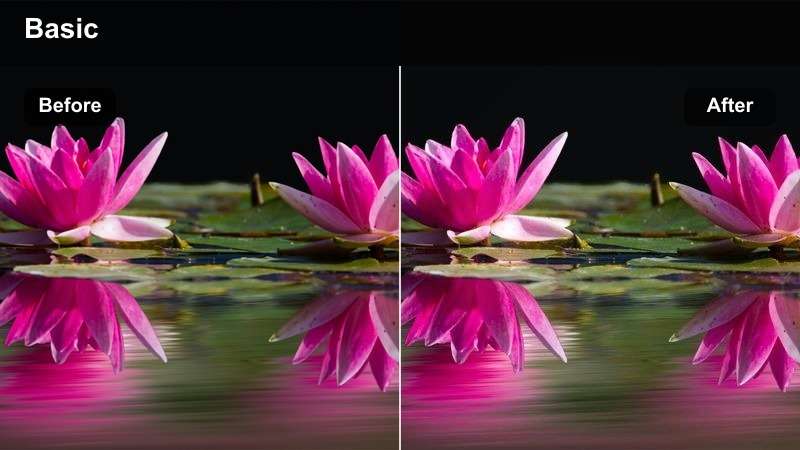
- Effect look: Warm highlight boost that softens cold warehouse lighting and makes skin tones more inviting.
- Best for: Small group classes, partner workouts, coach-led demos, and community-focused gym content.
- Editing tip: Keep white balance slightly cool in-camera, then let this filter bring back warmth without pushing skin too orange.
Box Light Warmth is tailored for community-centered content like group classes, partner WODs, and coaching highlight reels. It softens harsh industrial lighting and adds warmth to midtones, so athletes and coaches look approachable instead of washed out under overhead fixtures.
Use this filter in Filmora when you want to highlight smiles, team huddles, and high-fives, or when shooting promo content for your gym. Paired with upbeat music, lower contrast, and on-screen text callouts, it helps transform a hard-edged training space into a welcoming environment for new members.
Battle Rope Dynamic
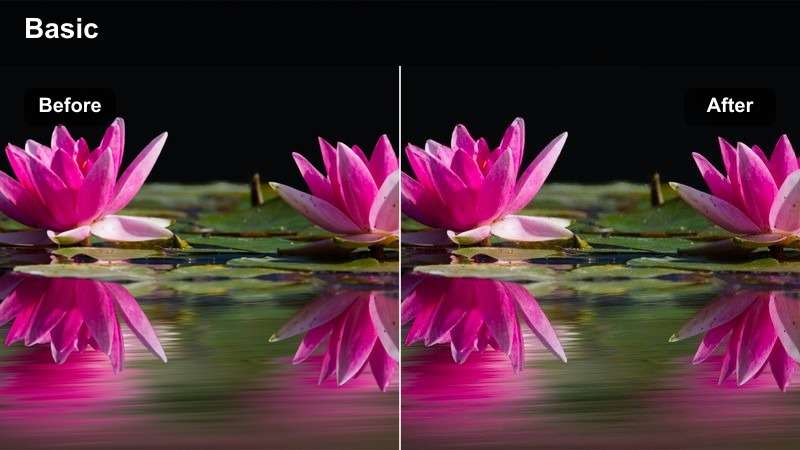
- Effect look: Punchy saturation and boosted midtones that make ropes, rigs, and flooring colors pop without crushing detail.
- Best for: Battle ropes, sled pushes, tire flips, and any high-motion conditioning drills in a box or turf area.
- Editing tip: Use tighter framing and moderate motion blur so the saturated tones guide the viewer's focus toward rope waves and effort.
Battle Rope Dynamic is built to make conditioning drills look as intense as they feel, with boosted midtones and saturation that bring color to ropes, turf, and rigs. It keeps details intact while amping up the sense of movement and effort in every slam and wave.
In Filmora, pair this filter with side-on or low-angle shots where the rope lines travel across the frame. Combine it with slightly higher shutter footage and energetic music to turn short conditioning bursts into visually impactful clips ideal for Instagram Reels, TikTok, or YouTube Shorts.
Cardio Zones, Treadmills, and HIIT Intervals
Neon Runner Glow
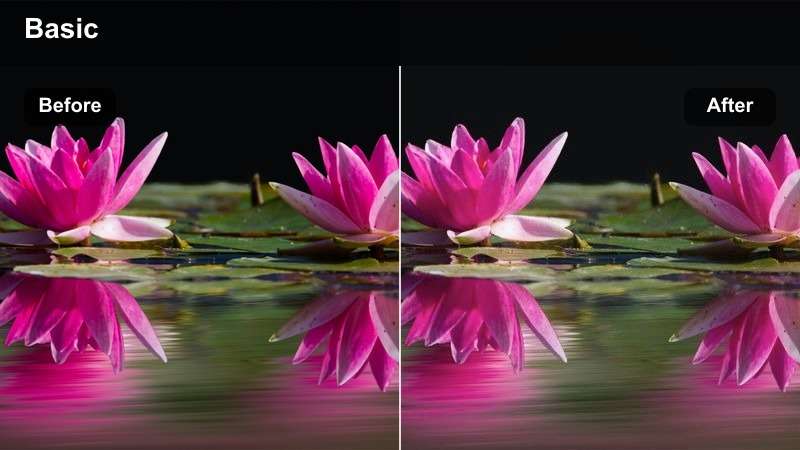
- Effect look: Soft glow on highlights with gentle color vibrance, ideal for neon signs, treadmill displays, and cardio lights.
- Best for: Treadmill runs, stair climbers, spin bikes, and nighttime or low-light cardio footage.
- Editing tip: Expose slightly below center to avoid blown-out screens, then let the filter lift glows around lights and displays.
Neon Runner Glow enhances the futuristic, late-night feel of cardio zones filled with LEDs, neon strips, and bright console screens. It adds a subtle glow to highlights and gentle vibrance so reflections on machines and windows look cinematic rather than harsh.
Use it in Filmora on treadmill, stair climber, or spin sessions recorded in darker areas of the gym. When combined with smooth camera movement and maybe a mild lens flare effect, this filter can turn ordinary cardio clips into visually appealing sequences that match upbeat or electronic music tracks.
HIIT Timer Crisp
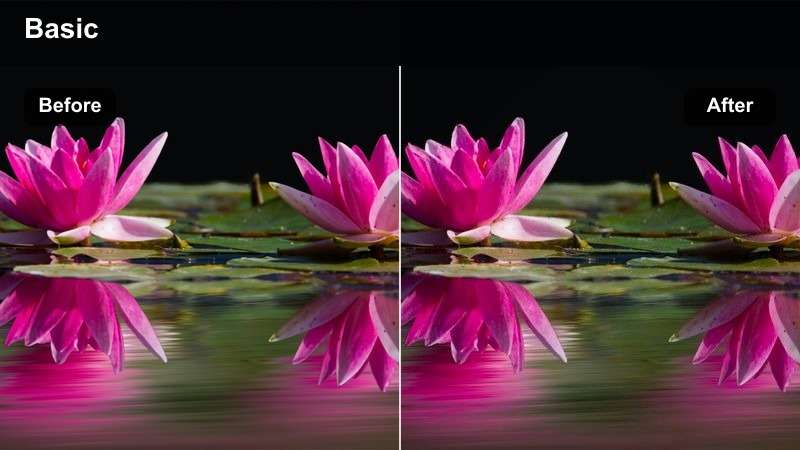
- Effect look: Clean, sharp, and slightly cool look that keeps digital timers, overlays, and text super legible.
- Best for: HIIT interval demos, timer-based workouts, and tutorial-style cardio videos with on-screen graphics.
- Editing tip: Apply this filter before adding text and timers so the cooler tone contrasts nicely with bright countdown graphics.
HIIT Timer Crisp is designed for structured, tutorial-style workouts where viewers rely on clear visuals and readable timers. It adds a cool, clean tone and extra sharpness so digital clocks, overlays, and instructional text stand out against the gym background.
In Filmora, apply this filter early in your workflow, then build your graphics, countdowns, and motion-tracked labels on top. The subtle coolness helps brightly colored text and icons pop, making your follow-along HIIT content easier to use on small phone screens and TVs alike.
Cardio Floor Soft
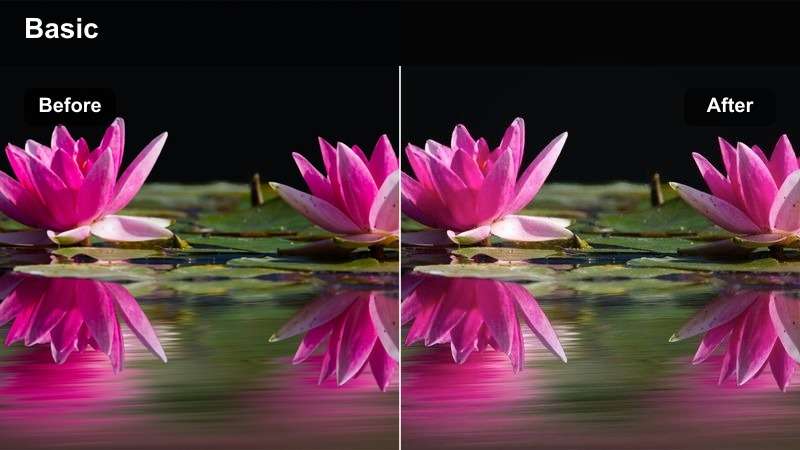
- Effect look: Soft contrast and slightly lifted blacks that flatten harsh cardio lighting and reduce sweat shine.
- Best for: Ellipticals, rowers, warm-ups, low-impact cardio, and beginner-friendly follow-along workouts.
- Editing tip: Use slower cuts and steady framing so the soft look supports a calm, approachable feeling for viewers.
Cardio Floor Soft is perfect for beginner-friendly or low-intensity content where you want viewers to feel calm and welcome. The filter reduces harsh contrast, lifts blacks slightly, and tones down sweat shine so faces and bodies look softer under bright cardio-area lights.
Use it in Filmora for warm-ups, cool-downs, steady-state cardio, or low-impact routines aimed at new exercisers. Pair the filter with slower cuts, smoother transitions, and gentle background music to create approachable follow-along sessions that feel supportive instead of intimidating.
Bodybuilding, Physique Shots, and Mirror Posing
Physique Detail Pop
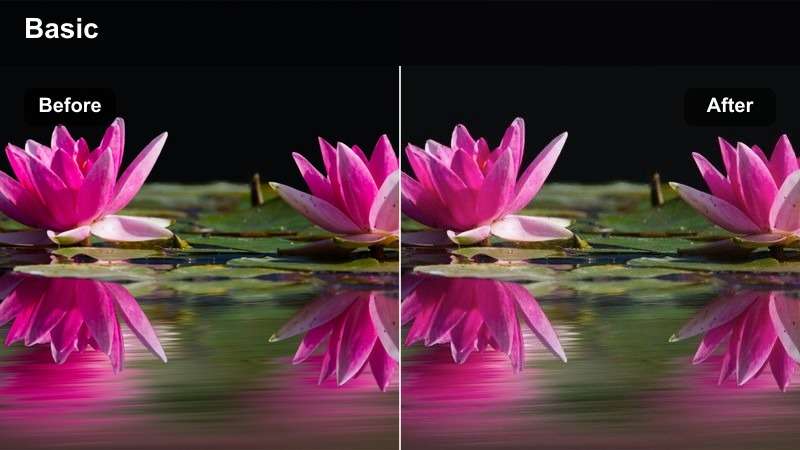
- Effect look: High micro-contrast with controlled saturation to define muscle lines while keeping skin tones believable.
- Best for: Physique posing, bodybuilding updates, progress check-ins, and stage-prep posing practice.
- Editing tip: Reduce overall sharpening slightly to avoid harsh skin texture, then let the filter handle detail in shadows and highlights.
Physique Detail Pop focuses on micro-contrast, giving more definition to muscle striations, veins, and separation without making skin color look fake. It is ideal for physique updates and posing practice clips where you want detail and conditioning to be clearly visible.
When editing in Filmora, turn down global sharpening a bit and let this filter do the heavy lifting on fine detail. Use it for static or slow-rotating poses in front of mirrors or plain backgrounds, then export in high bitrate to preserve all that subtle definition for Instagram carousels, shorts, or coaching check-ins.
Mirror Pump Warm
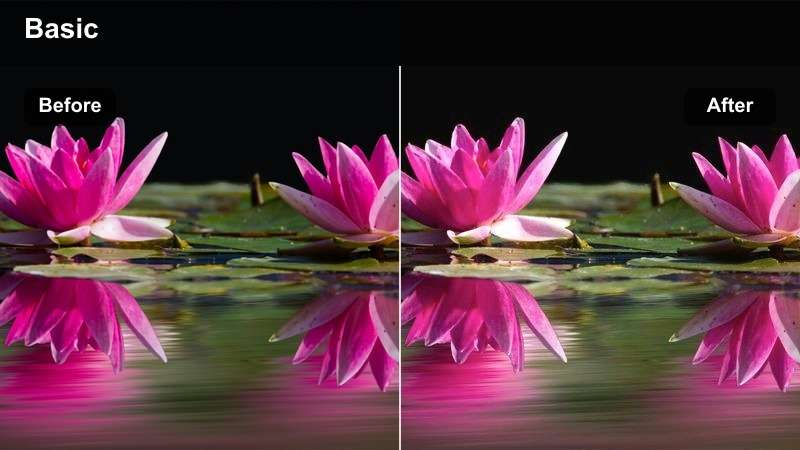
- Effect look: Warm midtones with gentle highlight roll-off that enhances pump and vascularity while flattering skin.
- Best for: Post-workout selfies, posing in front of mirrors, and handheld gym vlog moments after a big session.
- Editing tip: Stabilize handheld clips slightly in Filmora so the warm, intimate look feels intentional instead of shaky.
Mirror Pump Warm brings a cozy, post-session glow to your posing and selfie clips. By warming up midtones and smoothing highlight roll-off, it makes pumped muscles and veins stand out while keeping skin flattering for vlog-style content.
Apply it in Filmora to handheld mirror shots, quick check-in videos, or behind-the-scenes vlog moments after big lifts. Slight stabilization, a bit of noise reduction, and this filter together can turn rough phone footage into more polished, shareable content without losing the raw authenticity of in-the-moment clips.
Stage Prep Polish
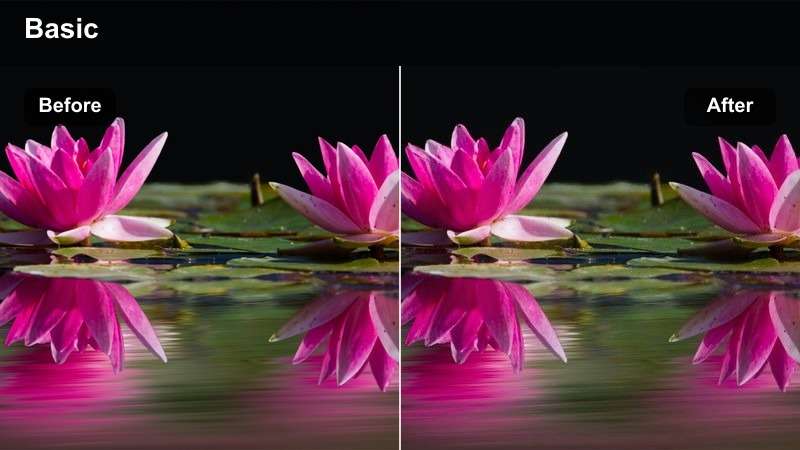
- Effect look: Clean, slightly glossy tone that mimics stage lighting and enhances tan, highlights, and overall symmetry.
- Best for: Competition prep updates, posing in bright studios, and comparison clips between off-season and show-ready shape.
- Editing tip: Balance exposure so highlights are just below clipping, then apply the filter to give a controlled, polished sheen.
Stage Prep Polish is crafted for bodybuilders and physique athletes who want their prep footage to look close to show-day lighting. It adds a subtle glossy finish, enhances tan, and keeps symmetry and lines clear, making it ideal for weekly check-ins and transformation edits.
In Filmora, use this filter on bright studio or well-lit gym footage where your lighting is already even. Combine it with side-by-side split screens, consistent camera angles, and minimal extra effects so the viewer s attention stays on your progression from off-season to stage-ready condition.
Tips for Using Free Luts For Gym Video Filters in Filmora
- Shoot with consistent white balance in the gym so your filters do not fight against wildly different color temperatures.
- Expose slightly darker than you think for bright gyms to preserve highlight detail that filters can later enhance.
- Use different filters for strength, cardio, and posing segments to create visual structure within one long workout video.
- Keep skin tones natural by avoiding extreme saturation boosts after applying a strong contrast or cinematic filter.
- Create a reusable Filmora project template with your favorite gym filters, text styles, and music tracks for faster editing.
- Mix wide establishing shots of the gym with detailed close-ups so your filters can show both environment and effort.
- Stabilize handheld footage before adding heavy contrast filters to prevent micro-shake from becoming more visible.
- Use Filmora's speed ramps and these filters together to emphasize PR lifts, sprints, and dramatic posing reveals.
Using the right free LUT-style filters for gym video in Filmora lets creators and editors turn ordinary workout clips into bold, cinematic training stories that highlight effort, community, and progress.
Experiment with these looks across strength, cardio, and posing scenes, then save your favorites as presets so every new gym upload carries a consistent, recognizable visual identity for your fitness brand.
secure download