

 100% Security Verified | No Subscription Required | No Malware


 ChatGPT
 Perplexity
 Gemini
 Claude
 Grok
Grok
Polished real estate videos can sell a property long before a buyer sets foot in the door, and the right filters or LUTs instantly fix dull rooms, mixed lighting, and flat exteriors.
Below are curated Filmora filter presets that mimic popular free LUTs for real estate video, so creators and editors can quickly give listings a bright, inviting, and professional finish without heavy grading work.
In this article
Bright Sunlit Interiors and Living Spaces
Daylight Living Room Brightener
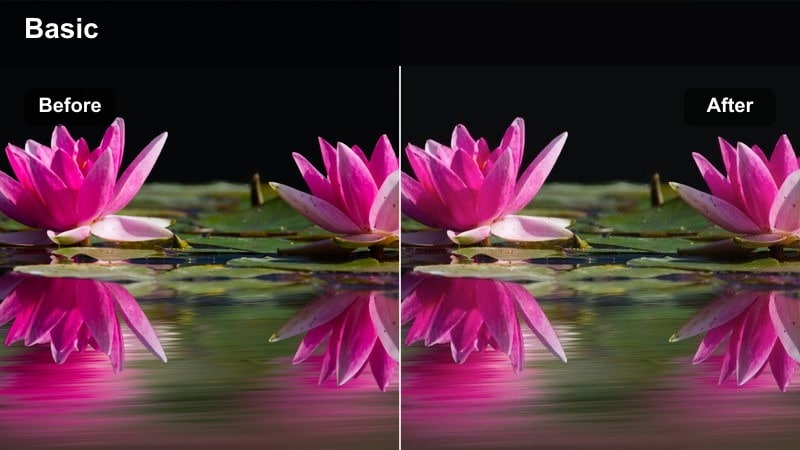
- Effect look: Clean, bright, and neutral tones that make living rooms look naturally sunlit and spacious.
- Best for: Wide shots of living rooms, open-concept spaces, and airy condos shot in daytime.
- Editing tip: Pair this preset with a subtle contrast boost and keep saturation slightly restrained to avoid cartoonish furniture colors.
Use Daylight Living Room Brightener when your interior footage feels a little flat, even though you shot in natural light. In Filmora, this style works like a free daylight LUT for real estate video, lifting exposure and neutralizing color casts so whites, grays, and soft beiges look clean without drifting too warm or too cool.
Apply it to your main living room walkthrough clips, then fine tune exposure and contrast per shot so windows stay controlled and floors do not look hazy. If highlights start to clip around large windows, gently pull back highlights and whites in the Color panel, and keep saturation modest so fabric textures and wood grains remain realistic on every screen.
Match Free LUT Styles with AI Color Tools
Filmoras AI-powered color tools make it easy to reproduce the look of your favorite free LUTs for real estate video without wrestling with advanced grading curves. You can quickly analyze a LUT-graded reference frame, then let Filmora suggest similar brightness, contrast, and temperature values that keep interiors clean and inviting.
Import a still frame from a property tour you like, open Filmoras AI color options, and dial in a balanced neutral base that works across living rooms, bedrooms, and hallways. Save that look as a reusable preset and apply it across your entire listing for fast, consistent color.
 secure download

Preview Real Estate Filters in Real Time
Instead of guessing which preset will suit your living room, kitchen, or garden, you can audition Filmora filters directly on timeline clips in real time. This lets you compare bright interior looks, neutral kitchen grades, and outdoor enhancements without committing to a full color workflow first.
Duplicate a key shot, drop a different filter or LUT-style preset onto each copy, and scrub through to see which look fits the property best. When you find a combination that makes the rooms feel cohesive from entrance to backyard, save it as your go to look for that listing.
secure download1000+ Video Filters and 3D LUTs
Filmora includes a large library of filters, cinematic LUTs, and detailed HSL controls so you can match nearly any real estate style you see online. Combine subtle exposure tweaks with carefully chosen LUTs to keep walls neutral, foliage realistic, and exteriors punchy without overprocessing.
Use HSL adjustments to refine individual color ranges, such as dialing down yellow grass or taming oversaturated blue skies. Once your look is dialed in, save it as a preset so future listings reach the same polished standard with just a couple of clicks.
secure downloadCozy Apartment Warmth
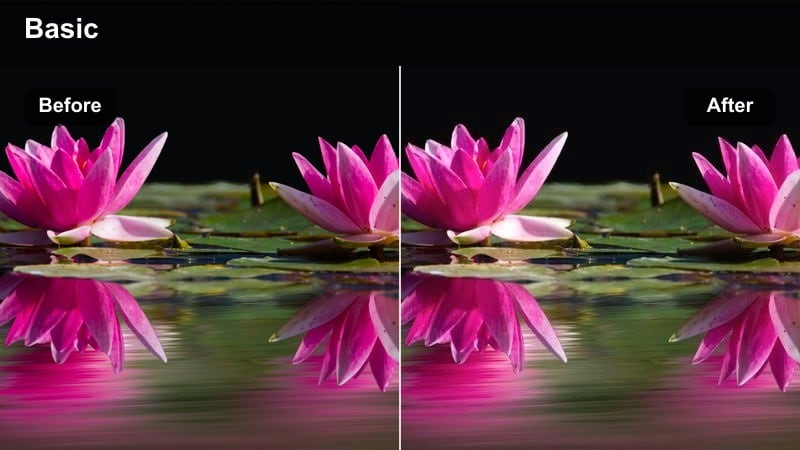
- Effect look: Soft warm tones that make small apartments feel inviting without turning overly orange.
- Best for: Compact city apartments, rental walk-throughs, and furnished studio interiors.
- Editing tip: Reduce the filter strength slightly on walls and ceilings to keep whites looking crisp while allowing furniture to stay warm.
Cozy Apartment Warmth adds a subtle golden tone that helps small or darker apartments feel more like a home than a plain box. In Filmora, apply this look to living corners, reading nooks, and main seating areas to hint at comfort and lifestyle while maintaining believable whites on trim and ceilings.
After adding the preset, use Color and Mask tools to soften the effect on large white areas so they stay clean and slightly neutral. Keep an eye on skin tones if an agent appears in the frame, and gently nudge temperature or saturation down until faces look natural but the furnishings still benefit from the warmth.
Open Plan Soft Highlight
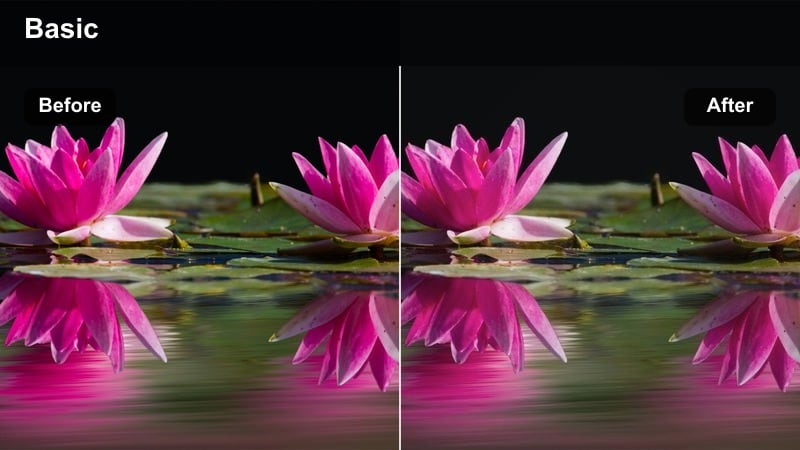
- Effect look: Softened highlights and gentle contrast that smooth transitions between kitchen and living areas in open-plan spaces.
- Best for: Open-plan living and dining rooms where bright windows sit next to darker corners.
- Editing tip: Use keyframes to slightly raise exposure as you move the camera from window-side to interior corners to keep brightness consistent.
Open Plan Soft Highlight is built for rooms where bright windows and darker inner areas share the same frame, which can be tough for cameras and basic LUTs. In Filmora, this preset softens intense highlights while gently lifting shadows so cabinetry, sofas, and decor remain readable across the whole shot.
Apply the style to your gimbal or slider moves that travel from balcony doors into the lounge or dining space. Then, use Filmoras keyframed exposure and brightness controls to gradually fine tune levels as the camera shifts, keeping the open-plan area feeling evenly lit and professionally balanced in one continuous move.
Crisp Kitchens and Clean Bathrooms
Hygienic Kitchen White
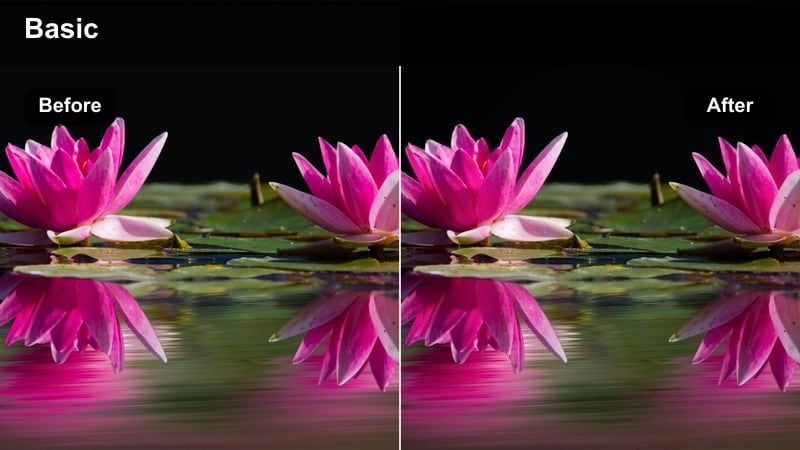
- Effect look: Cool, clean whites with subtle desaturation for countertops, tiles, and stainless steel appliances.
- Best for: Modern kitchens with white cabinets, stone worktops, and metal fixtures needing a sanitary look.
- Editing tip: Use local adjustments or masks to preserve natural wood tones on tables while keeping cabinets crisp and cool.
Hygienic Kitchen White is ideal when you want the kitchen to feel spotless and modern, especially for listings highlighting new renovations or premium appliances. In Filmora, this look cools down whites and slightly desaturates strong colors so cabinets, tiles, and stainless steel feel fresh without harsh contrast.
Apply the preset to wide kitchen shots and then refine specific surfaces with masks if you have wood islands or warm-toned bar stools. Keep an eye on exposure so bright countertops still show texture, using the highlights and whites sliders to prevent clipping while preserving a clean, professional finish.
Spa Bathroom Soft Glow
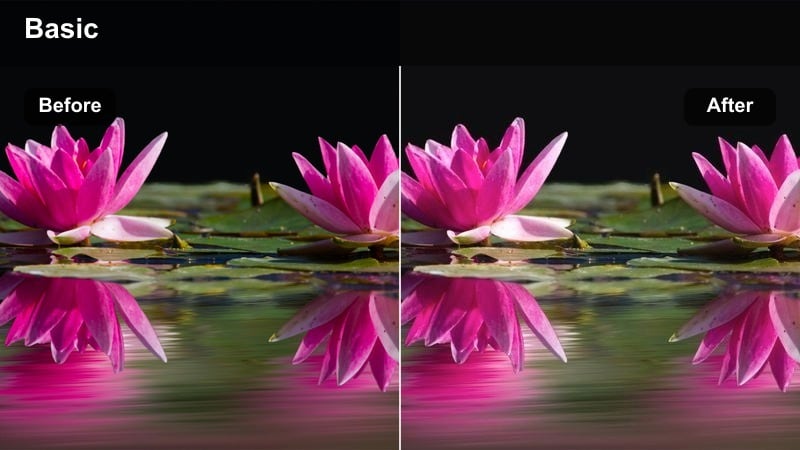
- Effect look: Soft glow and lifted shadows that make bathrooms feel like a spa without losing detail in tiles and glass.
- Best for: Ensuite bathrooms, freestanding tubs, and shower enclosures with strong reflections.
- Editing tip: Dial back the glow on clips with strong backlighting from bathroom windows to keep mirror reflections controlled.
Spa Bathroom Soft Glow is designed to turn ordinary bathrooms into relaxing, spa-inspired spaces that buyers can imagine unwinding in. In Filmora, this style gently lifts shadows and adds a light glow around highlights, helping tubs, basins, and soft towels look more luxurious without washing out tiles or grout lines.
Use the preset on static shots that showcase freestanding tubs, rainfall showers, and decorative lighting, then selectively reduce glow where you see harsh reflections on glass or chrome. Fine tune contrast and clarity to retain important surface detail, ensuring the room feels both calming and high quality in the final real estate video.
Stone Counter Clarity
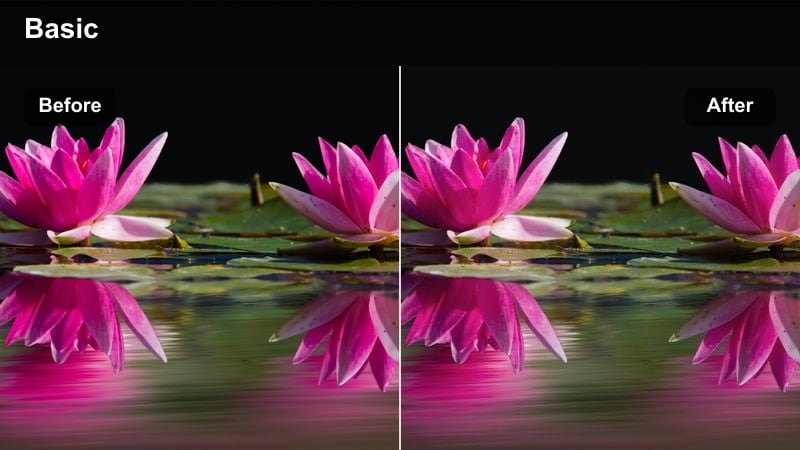
- Effect look: High clarity and micro-contrast to bring out textures in stone, tile, and premium surfaces.
- Best for: Close-ups of countertops, backsplashes, tiled showers, and premium material details.
- Editing tip: Use shorter clips with this filter so high contrast detail does not overpower the overall tour sequence.
Stone Counter Clarity emphasizes fine textures and edge detail so that marble, quartz, and designer tiles look as premium on screen as they do in person. In Filmora, it increases micro-contrast and clarity, making veins in stone and grout lines pop, which helps justify higher asking prices in your real estate listing.
Reserve this look for quick insert shots and cutaways rather than long walkthrough clips, so the extra sharpness does not become distracting. After applying, adjust sharpening and noise reduction to keep surfaces crisp without introducing artifacts, then cut back to a softer, more general preset for wider room views.
Curb Appeal, Exteriors, and Outdoor Areas
Blue Sky Facade Boost
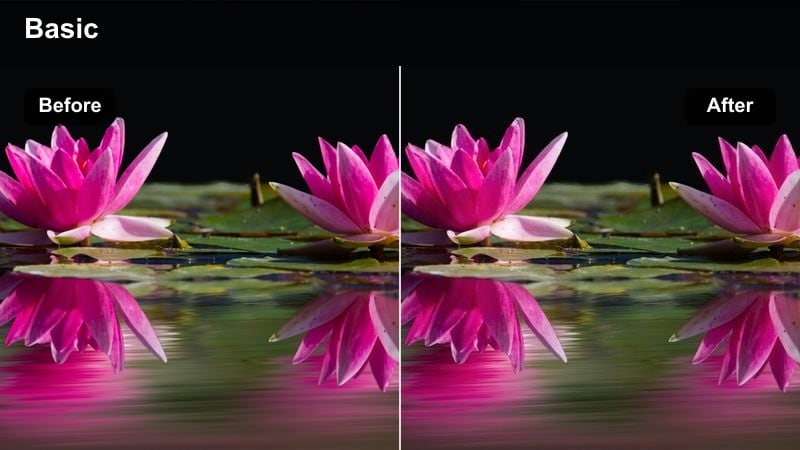
- Effect look: Enhanced blue skies and slightly lifted mids that make the front of the property stand out.
- Best for: Front elevation shots, driveway reveals, and drone fly-bys on sunny or partly cloudy days.
- Editing tip: Reduce saturation on already bright roofs or bricks so strengthening the sky does not oversaturate the building.
Blue Sky Facade Boost is tailored to highlight curb appeal by deepening sky blues and brightening the property facade at the same time. In Filmora, this look helps the home pop against the background without making the scene feel unrealistic, which is crucial for honest yet attractive real estate marketing.
Apply the preset to establishing shots, push ins, and drone passes over the roofline, then fine tune saturation on reds and oranges so bricks, tiles, or siding stay believable. Balance white balance and exposure so that your exterior footage transitions smoothly to your interior presets when viewers move through the front door in the edit.
Twilight Driveway Glow
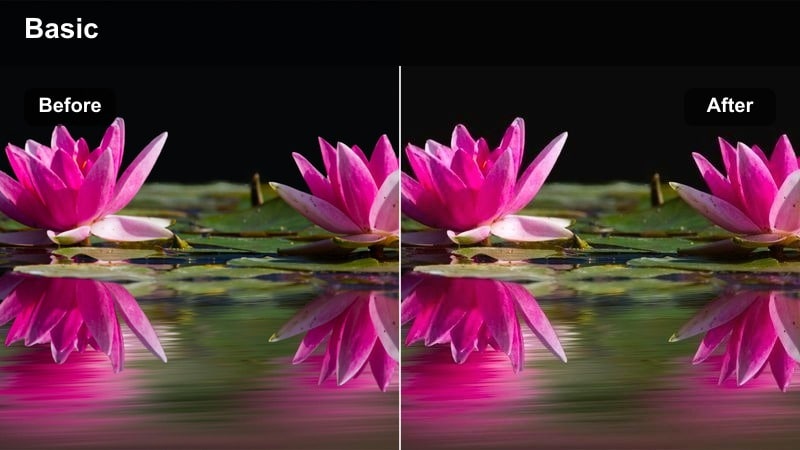
- Effect look: Soft evening contrast with warm practical lights that make twilight exteriors feel cinematic.
- Best for: Golden hour or blue hour exteriors with porch lights, garden lighting, or illuminated windows.
- Editing tip: Shoot just after sunset and use this preset to balance the remaining sky color with warm interior light from windows.
Twilight Driveway Glow is perfect for emotional hero shots that show the property glowing warmly against a deep blue evening sky. In Filmora, this style boosts warm light sources and gently protects the cooler tones in the sky, creating a cinematic balance that suggests comfort and security.
Use this look on carefully framed driveway, patio, or backyard shots captured around blue hour, and keep movements slow and deliberate. After applying, refine shadows and blacks to avoid crushing detail in bushes or rooflines, and maintain realistic warmth so the scene feels aspirational rather than overly stylized.
Garden Green Balance
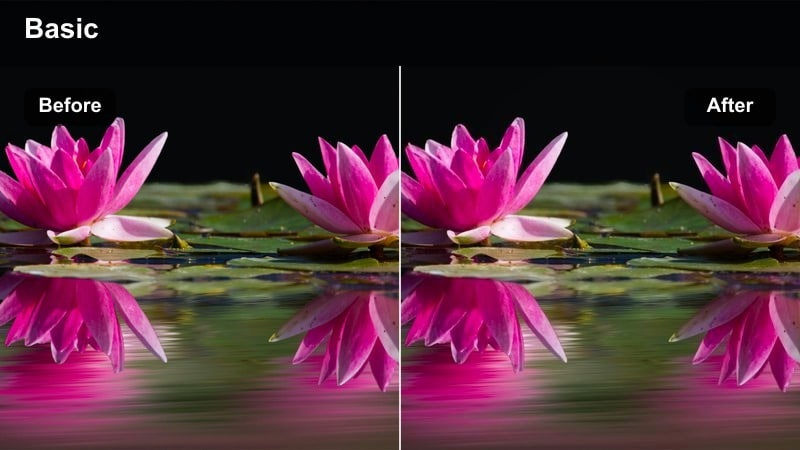
- Effect look: Natural, balanced greens and controlled yellows for lawns, hedges, and outdoor seating areas.
- Best for: Backyards, patios, rooftop terraces, and communal garden spaces in residential listings.
- Editing tip: Use this preset to tame overly yellow grass and adjust the tint slider until foliage matches what you saw on location.
Garden Green Balance keeps foliage looking healthy and realistic, correcting the yellow or neon tones that some cameras produce outdoors. In Filmora, this preset focuses on green and yellow ranges, gently pulling them into a natural hue that sells the garden as a genuine, well kept space.
Apply it to lawn, patio, and balcony clips, then tweak HSL controls to fine tune greens so hedges, trees, and pot plants all sit comfortably together. Be careful not to oversaturate the scene; keeping greens rich but believable will help buyers trust what they see when they arrive for a viewing.
Mixed Lighting, Hallways, and Problem Rooms
Hallway Noise Tamer
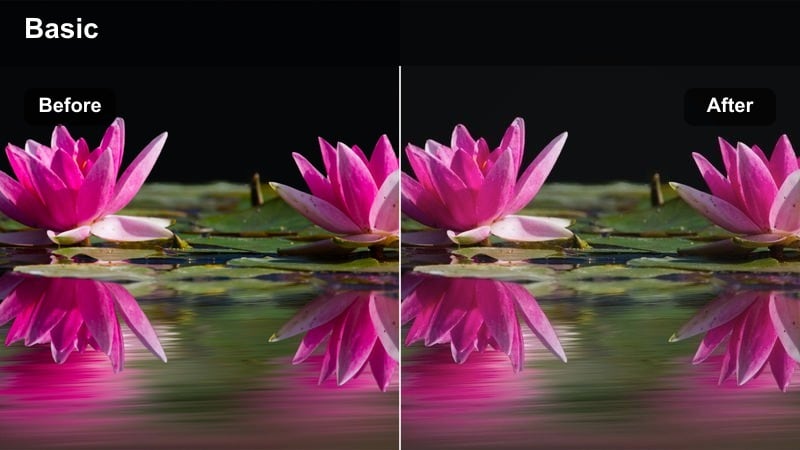
- Effect look: Gentle noise reduction with soft contrast for dim corridors and transition shots.
- Best for: Hallways, staircases, and interior passages shot at higher ISO or in low light.
- Editing tip: Stabilize the clip first, then apply this preset and avoid heavy sharpening which can bring noise back.
Hallway Noise Tamer is built to hide the grain and harsh edges that often appear in dim corridors or stairwells shot at high ISO. In Filmora, it softens digital noise and slightly reduces contrast, keeping walls smooth while still showing enough detail to guide viewers from one room to the next.
Use this preset on short connector shots between main spaces, and pair it with Filmoras stabilization to smooth out minor camera shake. After applying, keep sharpening minimal and only raise shadows as needed, so transitional areas look clean without drawing focus away from the propertys hero rooms.
Mixed Light Neutralizer
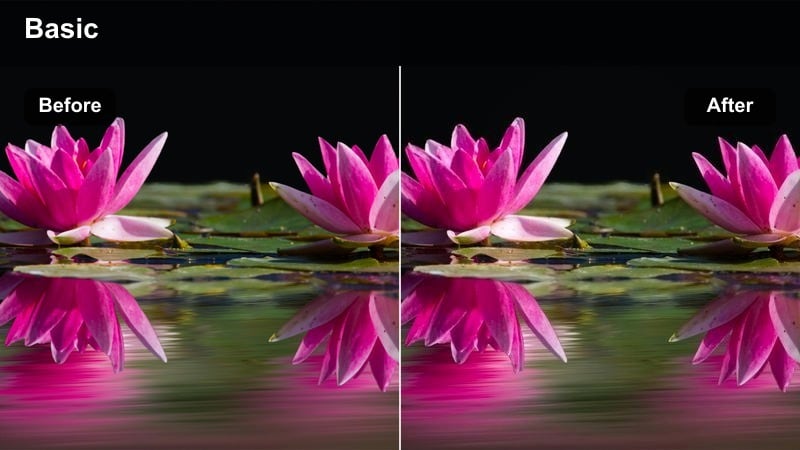
- Effect look: Neutral color cast that balances warm interior bulbs with cool daylight from windows.
- Best for: Rooms with both window light and overhead fixtures, especially on overcast days.
- Editing tip: Apply this preset, then slightly tweak temperature towards the dominant light source to avoid uneven skin tones in agent intros.
Mixed Light Neutralizer targets the common problem of warm indoor bulbs clashing with cool daylight, which can make walls and furniture look mismatched. In Filmora, this preset pulls both extremes toward a natural center, creating an even base that mimics a well tuned free LUT for mixed interiors.
Apply it before any creative filters, particularly in bedrooms, offices, or living rooms where multiple light sources are visible. Once the overall cast looks neutral, fine tune white balance and tint to keep walls consistent from shot to shot, and check skin tones in talking head segments to ensure agents or clients look realistic and professional.
Small Room Expander
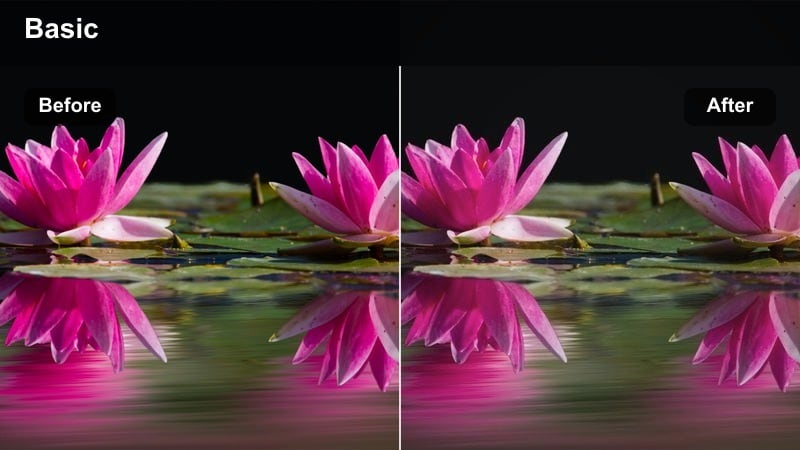
- Effect look: Lifted exposure and softened shadows that visually open up cramped bedrooms or offices.
- Best for: Small secondary bedrooms, home offices, and basements with limited natural light.
- Editing tip: Use this filter with a wide lens shot and keep verticals straight to avoid distortion that makes walls look warped.
Small Room Expander is designed to make compact or slightly dark rooms feel more approachable without misrepresenting their true size. In Filmora, this look brightens the overall frame and softens stronger shadows so corners and alcoves are visible, helping buyers understand the layout clearly.
Apply it to wide shots of box rooms, offices, or basements, and combine it with careful composition that keeps vertical lines straight. Adjust exposure and gamma cautiously so you do not over brighten and lose contrast, maintaining a believable sense of space that still flatters the property.
Tips for Using Free Luts For Real Estate Video Filters in Filmora
- Shoot interiors slightly flatter in camera so Filmora filters and free LUT style presets have more room to work without clipping highlights.
- Keep one or two neutral looks as your base grade and only use stronger stylized filters for short hero shots like twilight exteriors.
- Always check skin tones on agents and clients after applying a preset so faces stay natural while rooms look enhanced.
- Export a short test video and view it on a phone and a laptop before delivering to ensure your real estate grade works on multiple screens.
- Group similar rooms on your timeline and apply the same base preset to them to keep color and brightness consistent across the tour.
- Use Filmoras keyframing to subtly adjust exposure or temperature within a clip when moving from window areas to interior corners.
With the right mix of free LUT style looks and Filmora filters, you can turn basic real estate footage into polished tours that highlight space, light, and lifestyle.
Use these presets as a starting point, tweak them for each property, and build your own library of real estate filters that keep every listing on brand and ready to share.
secure download