

 100% Security Verified | No Subscription Required | No Malware


 ChatGPT
 Perplexity
 Gemini
 Claude
 Grok
Grok
These free LUT-style filters for shorts video help creators and editors get cinematic color in seconds, without touching complex grading tools.
Whether you make TikToks, Reels, or YouTube Shorts, these Filmora filters are tuned for vertical framing, bold contrast, and fast edits that look great on small mobile screens.
In this article
Urban Daylight Vibes for City Shorts
Neon Punch Street
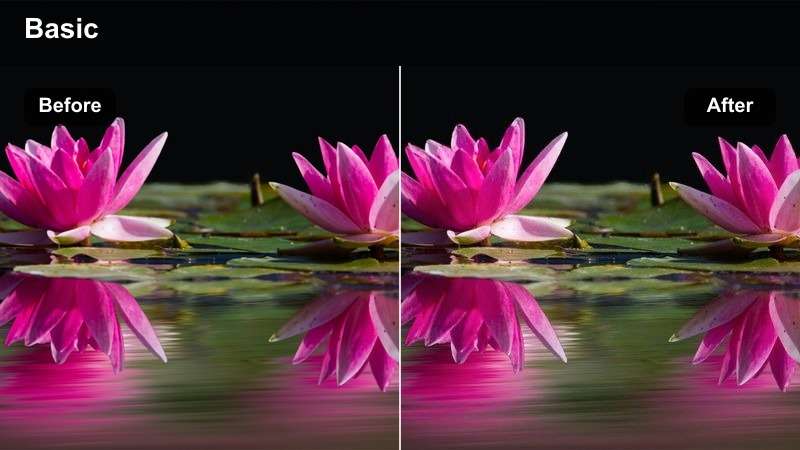
- Effect look: High-contrast city filter that deepens shadows and adds subtle neon-like saturation to signs and clothing.
- Best for: Daytime city walks, storefront b-roll, handheld street creator intros shot in bright light.
- Editing tip: Lower the contrast slightly if skin tones start to clip, and add a tiny bit of film grain to sell the cinematic vibe in shorts.
Neon Punch Street is designed to make your vertical city clips hit hard on mobile, giving sidewalks, billboards, and outfits a bold, cinematic punch without blowing out the highlights. In Filmora, this filter quickly deepens shadows and nudges saturation so storefront signs and streetwear stand out clearly, even when viewers watch in a busy feed.
Apply it to your street intros, walking monologues, or quick b-roll sequences, then tweak exposure and contrast in the Color panel to keep skin tones natural. If your background is very bright, slightly pull back highlights and add a touch of film grain or motion blur so the stylized look feels intentional and polished in every short.
Soft City Creator
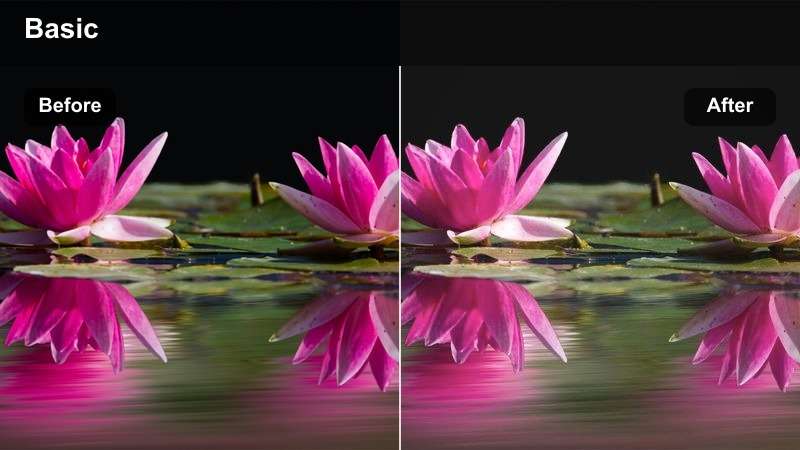
- Effect look: Gentle pastel-style filter that softens highlights and mutes harsh city colors for a lifestyle aesthetic.
- Best for: Talking-head shorts on sidewalks, cafe vlogs, and aesthetic b-roll around modern buildings.
- Editing tip: Pair with a slight vignette and slow push-in keyframes to keep the viewer focused on the subject in busy city backgrounds.
Soft City Creator gives your urban shorts a relaxed, lifestyle feel by smoothing harsh edges and dialing back aggressive colors from signs, traffic, and glass reflections. In Filmora, this filter works especially well on vertical talking-head shots where you want the city to feel like a soft backdrop, not a distraction.
After applying the filter, add a subtle vignette in the Effects panel and use keyframed scale animations for a gentle push-in toward your face. This combination helps center attention on your message while the city stays beautifully pastel and minimal in the background, perfect for aesthetic Reels and Shorts.
Speed Up Shorts Grading with AI Color Tools
Filmora's AI color tools can automatically balance exposure and white balance on your clips before you add any of these free LUT-style filters for shorts video. That means you start from a clean, neutral base instead of fighting mixed lighting or strange color casts.
Once AI has corrected the footage, you can drop on your favorite filter and make only small adjustments, keeping your style consistent across multiple shorts with almost no manual grading time.
 secure download

Preview Filters Live in Vertical Canvas
When you switch Filmora to a vertical canvas, you can preview every filter exactly how it will appear in Shorts, Reels, or TikTok. This lets you see how each look treats skin tones, backgrounds, and text overlays before you commit.
Scrub through your timeline and toggle filters on and off with split-view preview to compare the original footage against the graded version in real time, ensuring your final color style fits the mood of each short.
secure download1000+ Video Filters and 3D LUTs
Beyond these free LUT-style filters for shorts video, Filmora includes a large library of filters and 3D LUTs for every genre, from cinematic storytelling to vlogs and gaming. You can quickly try multiple looks until you find the one that fits your vertical edit.
Combine filters with Filmora's color controls to refine contrast, saturation, and tone curves so your shorts feel both stylized and professional, no matter what you are shooting.
secure downloadGritty Commuter Rush
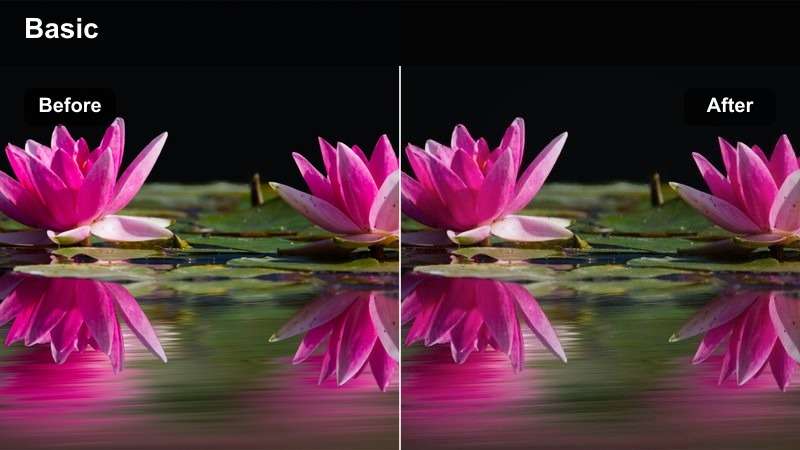
- Effect look: Cool-toned, gritty filter that emphasizes texture in concrete, glass, and metal for a documentary street feel.
- Best for: Time-lapse of crosswalks, subway entrances, and fast-paced city commute sequences.
- Editing tip: Speed ramp your clips and cut on movement to match the gritty texture with a fast, kinetic editing style.
Gritty Commuter Rush pushes your city shorts toward a documentary style by cooling down colors and highlighting texture in roads, buildings, and public transport. In Filmora, it is ideal for timelapses, escalator shots, and general rush-hour b-roll where movement and structure are the stars.
Drop this filter on your sequence, then use speed ramping and dynamic cuts in Filmora to match the visual intensity. Cut on footsteps, passing trains, or changing traffic lights so the gritty look and fast pacing combine into a high-energy short that stands out in a vertical feed.
Indoor Aesthetic Shorts for Rooms and Studios
Warm Desk Setup
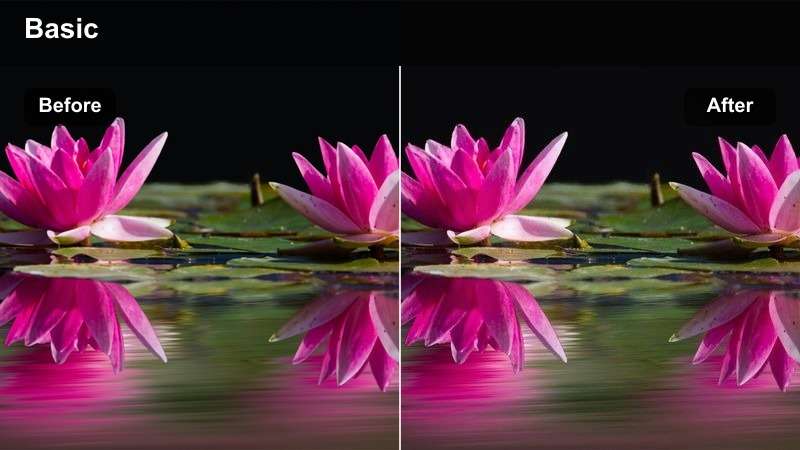
- Effect look: Cozy warm-tone filter that boosts oranges and ambers while keeping whites clean for gaming and desk setups.
- Best for: Shorts showing PC builds, workspace tours, and productivity desk setups with practical lights.
- Editing tip: Raise saturation on orange only to make lamps and LED strips pop without oversaturating skin or walls.
Warm Desk Setup is tailored to make your workspace, gaming, or productivity shorts feel inviting, with rich ambers in desk lamps and LED strips while whites stay neutral. In Filmora, this filter quickly unifies different light sources so your monitors, keyboard, and background decor share the same cozy look.
Apply it to static shots and pan-through tours of your desk, then fine-tune orange saturation in the HSL controls to emphasize warm lights without turning skin or walls too orange. This way, your vertical shorts look like carefully lit studio setups even if they were filmed in a small bedroom or office.
Minimal Studio Clean
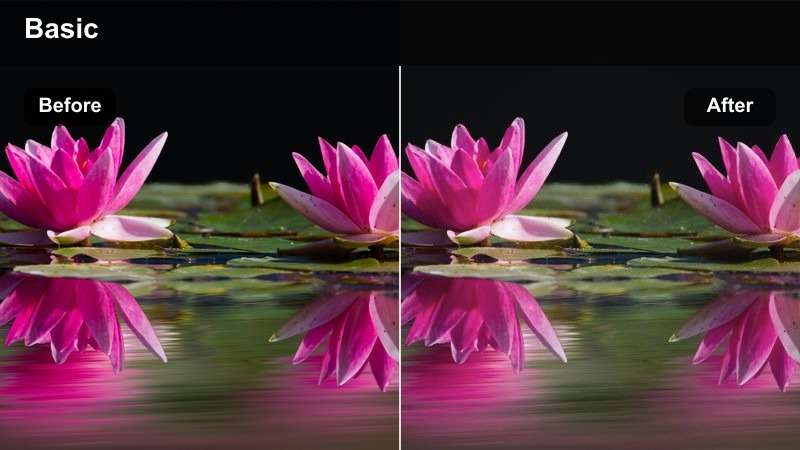
- Effect look: Neutral, clean filter that slightly lifts shadows and desaturates busy colors for a minimalist studio feel.
- Best for: Educational shorts, tech reviews, and unboxing videos shot against neutral backdrops or shelves.
- Editing tip: Combine this look with jump cuts and on-screen text to keep attention on the information rather than the background.
Minimal Studio Clean delivers a balanced, distraction-free look for creators who focus on tutorials, reviews, and how-to shorts. By gently lifting shadows and softening saturated elements, it keeps your face, product, and on-screen text clear and easy to read on mobile screens.
Use it in Filmora across all your studio angles so your series feels consistent from video to video. Add jump cuts, titles, and callouts in the timeline, and let this neutral filter keep everything readable without overpowering your graphics or product shots.
Cozy Room Vlog
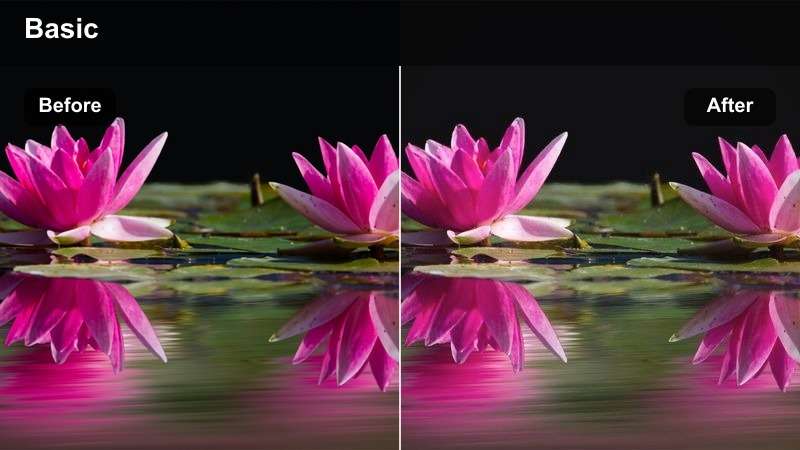
- Effect look: Soft, slightly faded filter that warms midtones and adds a subtle haze for relaxed room vlogs.
- Best for: Nighttime bedroom vlogs, casual life updates, and relaxed story-time shorts filmed indoors.
- Editing tip: Drop clarity just a touch and add gentle background music so the visual softness matches the tone of your story.
Cozy Room Vlog adds a warm, hazy atmosphere to your indoor shorts, ideal for late-night talks, storytimes, and intimate updates. The faded contrast and gentle midtone warmth make bedroom lamps and fairy lights feel softer and more cinematic in vertical framing.
In Filmora, pair this filter with a small reduction in clarity and a light vignette to reinforce the relaxed mood. Add low-volume background music and hold shots a bit longer than usual so your audience can settle into the cozy aesthetic while listening to your story.
Night Street and Neon Shorts
Neon Sign Pop
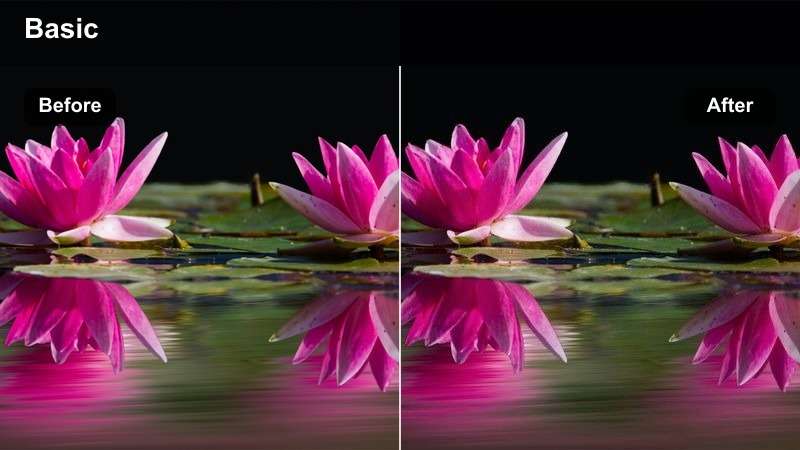
- Effect look: Vibrant night filter that intensifies neon blues and pinks while protecting highlight details around signs.
- Best for: Night market shorts, street sign b-roll, and cinematic walking shots in entertainment districts.
- Editing tip: Shoot at a slightly lower exposure so signs are not blown out, then apply the filter and lift shadows in Filmora.
Neon Sign Pop is built for night streets full of glowing LEDs and billboards, boosting blues, pinks, and purples without turning signs into clipped blobs of light. It makes vertical shots of markets, arcades, and city centers feel vivid and eye-catching in a scroll-heavy feed.
Expose your footage slightly darker in-camera, then in Filmora apply the filter and gently raise shadows and midtones while guarding highlights. This workflow keeps details in the signage readable while the rest of the scene gains that bold, neon-soaked style perfect for TikTok and YouTube Shorts.
Moody Alley Cinema
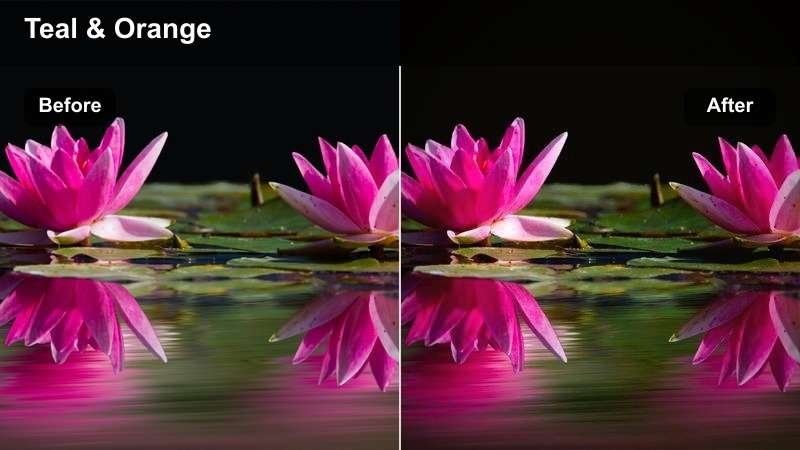
- Effect look: Cinematic, low-key filter with deep shadows and teal highlights for dramatic night alleys and side streets.
- Best for: Short film scenes, narrative intros, and dramatic character reveals shot in dark side streets.
- Editing tip: Add slow motion and hold on close-ups to let the deep shadows and color contrast build tension.
Moody Alley Cinema gives your night shorts a classic teal-tinted, low-key cinematic look with rich blacks and controlled highlights. It works especially well for narrative content, character reveals, and moody walk-throughs in side streets or parking lots.
In Filmora, slow your footage slightly and let shots linger to emphasize the shadows and color contrast this filter introduces. Combine it with subtle sound design and maybe a touch of film grain, and your vertical clip can feel like a scene pulled from a longer short film.
City Rain Glow
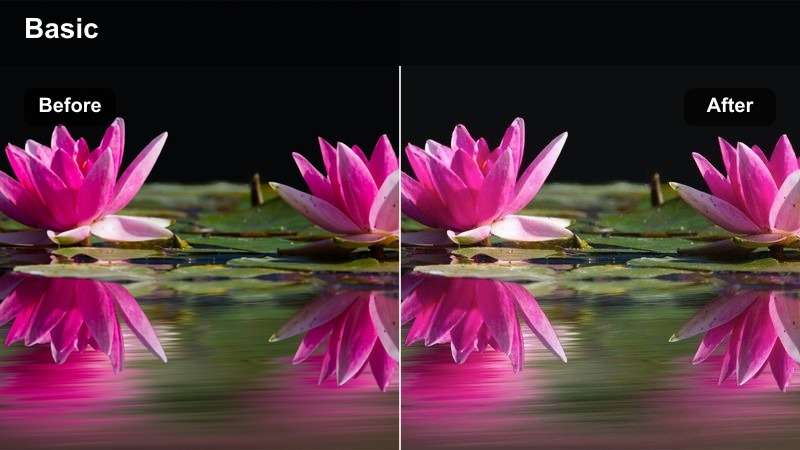
- Effect look: Soft-glow night filter that enhances reflections and slightly blooms highlights on wet streets.
- Best for: Rainy night walks, car window shots, and slow-motion city reflections on wet pavement.
- Editing tip: Layer subtle slow zooms and hold longer shots than usual so viewers can enjoy the reflections with this dreamy look.
City Rain Glow is tuned for wet streets and reflective surfaces, adding a delicate bloom to highlights so puddles, car windows, and sidewalks shimmer with color. It transforms simple vertical shots of rain into dreamy, cinematic moments that feel perfect for mood-driven shorts.
In Filmora, apply this filter to your rain or post-rain clips and slightly slow them down on the timeline. Add gentle zoom-ins with keyframes to draw attention to reflections, and keep cuts slower than your usual pacing so viewers can really appreciate the glowing city textures.
Fast-Paced Shorts and Transition Edits
Transition Boost Clean
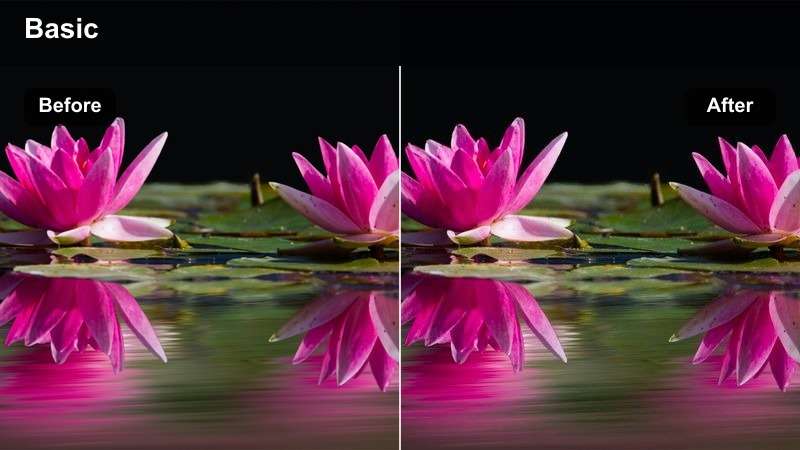
- Effect look: Crisp, contrasty filter that keeps colors balanced across multiple clips for smooth transitions.
- Best for: Jump cut shorts, whip transitions, and match cuts where clips need consistent color.
- Editing tip: Apply this filter to all clips in a sequence, then fine-tune exposure clip by clip so transitions feel invisible.
Transition Boost Clean is engineered to make multi-clip shorts feel cohesive, especially when you rely on whip pans, match cuts, and fast jump cuts. It brings a crisp contrast and neutral color balance that hides minor differences between shots captured in slightly different lighting.
In Filmora, color match your base clips first, then apply this filter across the entire sequence. After that, adjust individual exposure and white balance per clip if needed, ensuring that every transition feels purposeful instead of exposing jarring color shifts.
Hype Reel Contrast
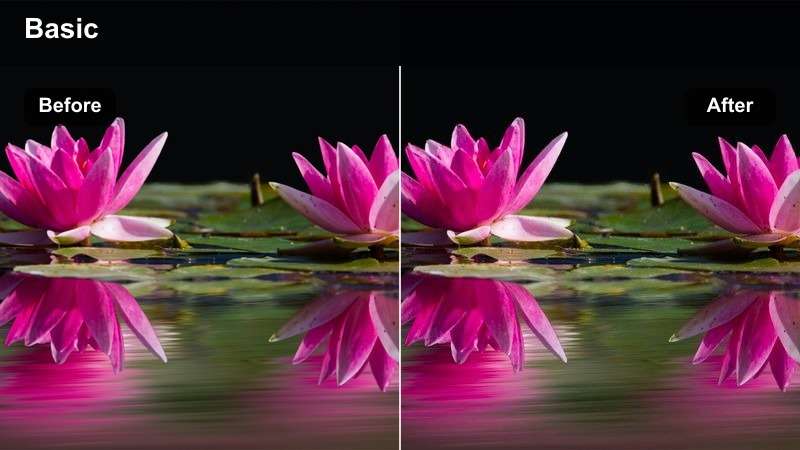
- Effect look: High-energy filter with boosted contrast and saturation designed to make movement and text overlays pop.
- Best for: Gym shorts, travel highlights, dance clips, and any fast-paced montage for Reels or TikTok.
- Editing tip: Cut on the beat, then use this filter plus slight sharpening so action and overlays stay crisp on small screens.
Hype Reel Contrast is built for movement-heavy, energetic shorts where you want every frame to feel intense and exciting. The boosted contrast and saturation help muscles, landscapes, and dance moves stand out clearly even on small mobile screens, which is ideal for gym, travel, and performance edits.
In Filmora, sync your cuts to the beat of the soundtrack, apply this filter, then add a touch of sharpening so on-screen text and edges remain crisp. Watch the finished short on your phone at full brightness and pull back highlights or saturation slightly if anything starts to look blown out.
Creator Brand Consistent
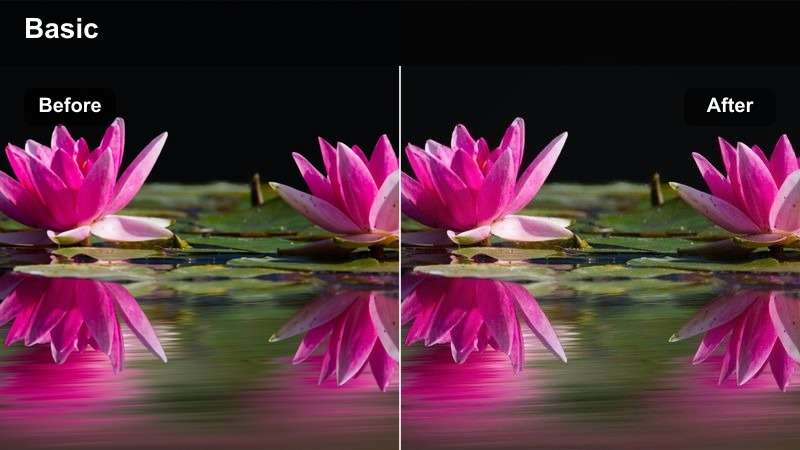
- Effect look: Balanced, brand-friendly filter that subtly warms skin while keeping backgrounds neutral for a reliable channel look.
- Best for: Recurring series, educational creators, and branded shorts where the same color style is used every episode.
- Editing tip: Save this as a custom preset in Filmora and apply it to every new short for instant visual consistency.
Creator Brand Consistent is designed to give your channel a recognizable color identity, with natural, flattering skin tones and neutral backgrounds that work across many locations. It is subtle enough for sponsored content yet stylized enough that viewers will begin to associate the look with your brand.
Use this filter in Filmora as your go-to look for series, tutorials, or branded shorts, then save it as a custom preset. On future projects, you only need to tweak exposure and white balance to match the lighting of each shoot, keeping the core style identical and on-brand.
Tips for Using Free Luts For Shorts Video Filters in Filmora
- Shoot with consistent lighting and exposure so your free LUT-style filters for shorts video look the same across multiple uploads.
- Always watch your graded short on a phone before posting, since contrast and saturation can feel stronger on small screens.
- Save your favorite filter and basic adjustments as a preset in Filmora to keep every short on-brand with one click.
- For talking-head shorts, prioritize natural-looking skin tones over extreme color effects, especially in bright daylight.
- Trim clips aggressively and cut on movement so your stylish filters support fast pacing instead of trying to fix slow edits.
- Use Filmora's AI color and color match tools to normalize footage from different cameras before you apply filters or LUTs.
- Test a few filters on the same clip and compare them in split-view to find the one that best matches your niche and audience.
- Export at the highest quality your platform supports so compression does not crush the contrast and color from your filters.
With these free LUT-style filters optimized for shorts video, creators and editors can get bold, consistent looks in seconds without deep color grading skills.
Test a few favorites on your next batch of vertical clips, lock in a signature style, and then move on to crafting your next idea rather than wrestling with color every time.
secure download