

 100% Security Verified | No Subscription Required | No Malware

Give compact full-frame footage a polished look with this free Sony A7C II LUT pack. The collection is designed for hybrid shooters and travel creators who want quick, flexible color options for everyday clips.
Use these full-frame creator filters for travel clips, street portraits, and handheld Sony A7C II footage. Each look is easy to adjust in your editor, helping you move from flat camera files to a consistent visual style without slowing down your workflow.
In this article
Golden-Hour Travel Streets
Sunlit Wander
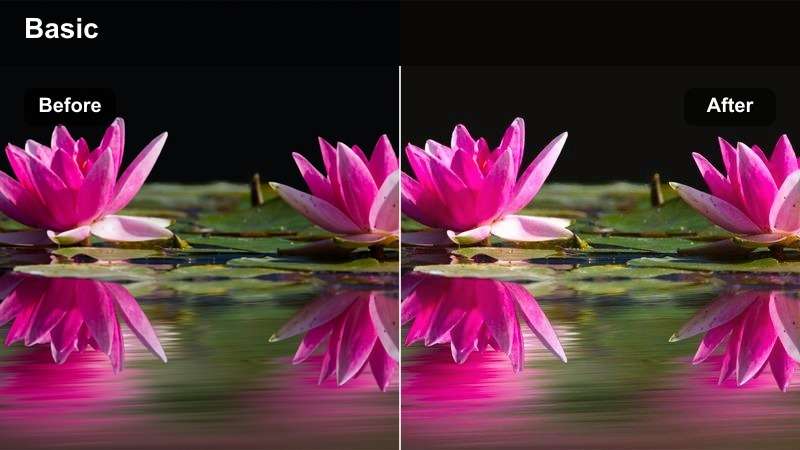
- Effect look: Warm highlights, gentle contrast, and a soft golden glow
- Best for: Sunset travel clips, open-air markets, and handheld walking footage
- Editing tip: Lower intensity slightly when skin tones become too orange
Sunlit Wander gives Sony A7C II footage a warm, inviting finish that suits bright streets and relaxed travel stories. Warm highlights add a golden-hour feeling, while gentle contrast keeps the image open and natural.
In Filmora, use this filter for sunset walks, outdoor markets, and handheld clips captured in changing light. Balance exposure first, then reduce the filter intensity if faces or pale surfaces begin to look too orange.
Build a Consistent Sony A7C II Color Palette
Use the pack as a starting point for a repeatable palette across travel clips, street portraits, and compact full-frame footage.
Choose one dominant mood for each sequence, then fine-tune exposure, white balance, and skin tones before exporting.
 secure download

Amber Alley
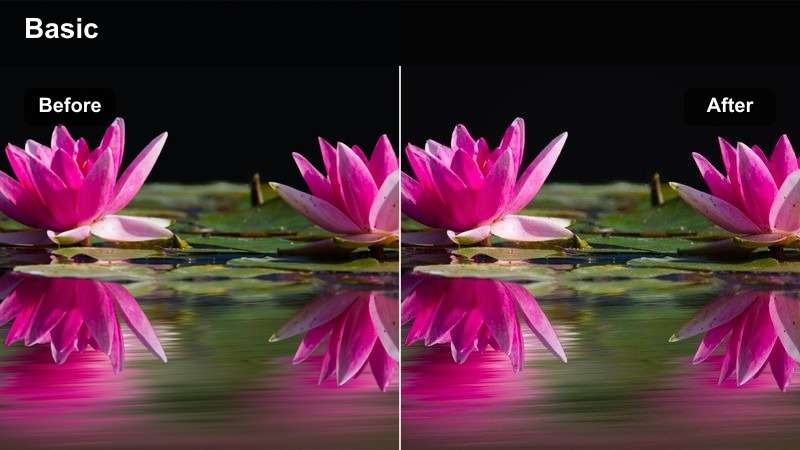
- Effect look: Rich amber tones, lifted shadows, and cinematic midtone depth
- Best for: Narrow historic streets, evening city walks, and architectural details
- Editing tip: Reduce saturation in orange channels for a more natural urban finish
Amber Alley adds rich warmth and cinematic depth to late-day city footage. Lifted shadows help preserve detail in narrow streets, while amber midtones bring out the character of old walls and architectural surfaces.
Use it in Filmora for historic neighborhoods, evening walks, and warm urban details. Watch the red and orange channels when grading brick or painted walls, and lower saturation slightly if the scene starts to look overly yellow.
Coastal Glow
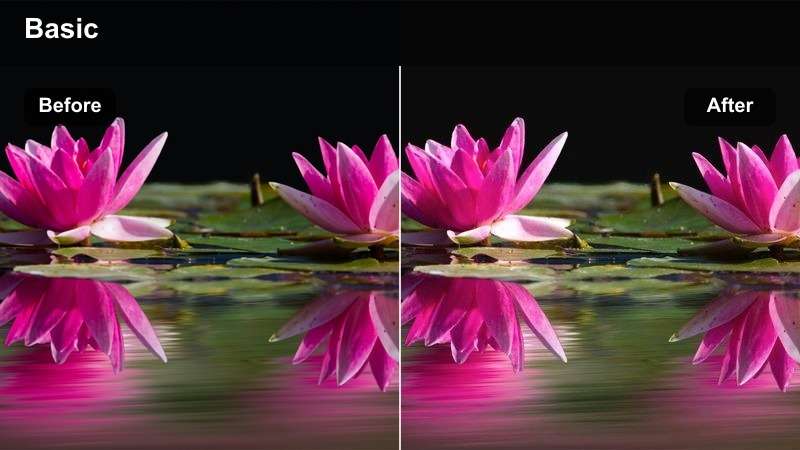
- Effect look: Clean blues, warm skin tones, and airy highlight roll-off
- Best for: Seaside travel footage, waterfront portraits, and bright daytime B-roll
- Editing tip: Adjust blue luminance to control the brightness of water and sky
Coastal Glow creates a bright, clean appearance with clear blues and warm skin tones. Its airy highlight roll-off works well when sunlight, water, and open skies fill most of the frame.
Apply this Filmora filter to seaside clips, waterfront portraits, and daytime B-roll. If the sky becomes too cyan, adjust the aqua hue before lowering overall saturation, then fine-tune blue luminance to control water brightness.
Preview Looks Before You Commit
Compare warm travel looks, natural portrait treatments, and cinematic night filters on the same Sony A7C II clip.
A quick side-by-side preview helps you select a cohesive direction before grading an entire project.
secure downloadStreet Portrait Tones
Urban Portrait
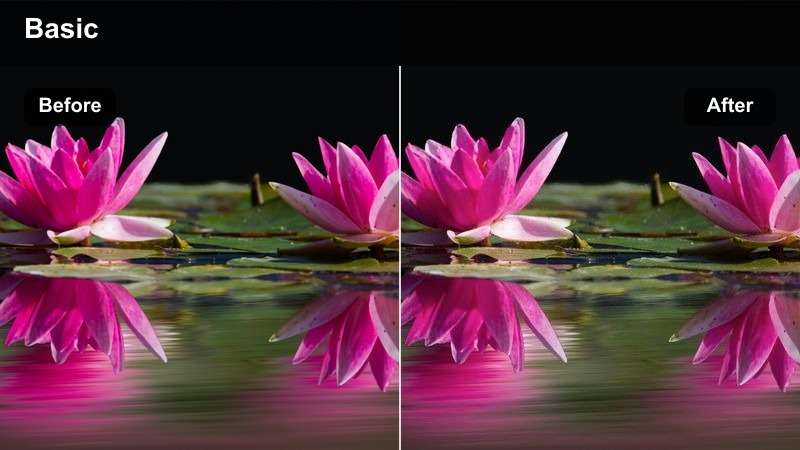
- Effect look: Balanced skin tones, controlled contrast, and muted background colors
- Best for: Street portraits, creator introductions, and candid city moments
- Editing tip: Use a soft mask on the subject when the background needs stronger desaturation
Urban Portrait is designed to keep faces natural while gently reducing distractions in the surrounding city scene. Controlled contrast gives the subject definition without making the image look harsh.
Use it in Filmora for street portraits, creator introductions, and candid moments. Set exposure and white balance on the face first, then use a soft mask if the background needs more desaturation than the subject.
Concrete Soft
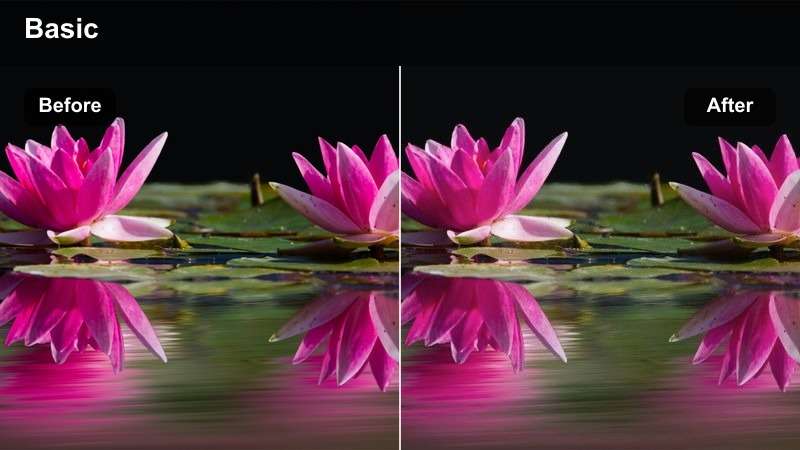
- Effect look: Soft gray contrast, understated color, and smooth highlight transitions
- Best for: Overcast city portraits, architecture-led reels, and minimalist travel edits
- Editing tip: Add a small amount of midtone contrast if the scene looks too flat
Concrete Soft gives modern city footage a restrained gray palette and smooth highlight transitions. Understated color supports minimalist storytelling without removing the texture from buildings or clothing.
Apply it in Filmora to overcast portraits, architecture-led reels, and subdued travel edits. If the image appears too flat, add a small amount of midtone contrast instead of increasing global saturation.
Neon Portrait
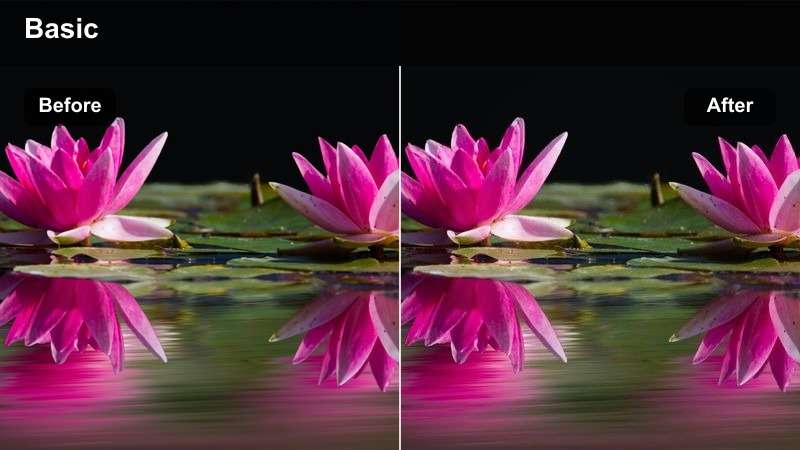
- Effect look: Magenta and cyan accents, deeper blacks, and vibrant night contrast
- Best for: Night street portraits, city signs, and after-dark travel reels
- Editing tip: Reduce magenta saturation on skin while preserving colored lights in the background
Neon Portrait brings vivid cyan and magenta accents to after-dark footage while deepening blacks for stronger separation. It creates an expressive look for city signs, colorful storefronts, and night portraits.
In Filmora, use a selective mask to keep skin natural while preserving the neon atmosphere around the subject. If shadows become too dense, lift the black point rather than raising the entire exposure.
Compact Full-Frame Motion
Documentary Motion
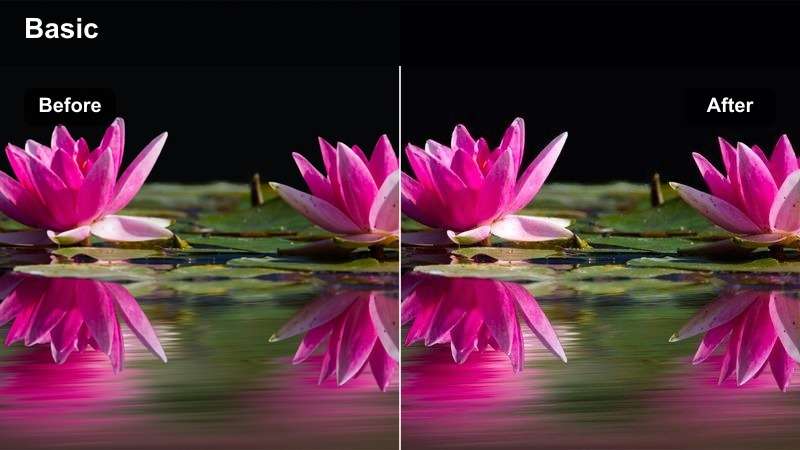
- Effect look: Natural contrast, slightly warm neutrals, and documentary-style texture
- Best for: Walking tours, candid travel moments, and run-and-gun sequences
- Editing tip: Keep intensity moderate to preserve changing light across a moving sequence
Documentary Motion provides a dependable everyday grade with natural contrast and slightly warm neutral tones. The look adds consistency without making handheld movement or changing light feel overly processed.
Use it in Filmora for walking tours, candid travel moments, and run-and-gun sequences. Apply a moderate intensity across the edit, and keyframe exposure before creative adjustments when the camera moves between bright and shaded areas.
Clean Commute
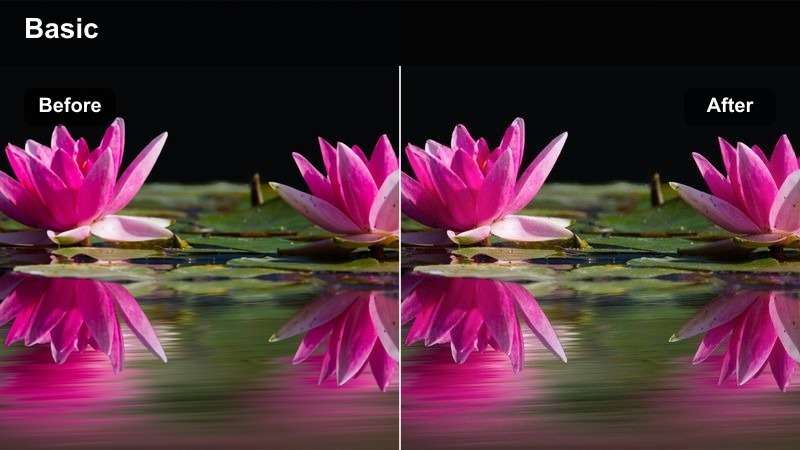
- Effect look: Crisp detail, neutral whites, and moderate saturation for a polished finish
- Best for: Transit clips, cafe-free city itineraries, and practical travel guides
- Editing tip: Use a small amount of sharpening only after resizing for the final platform
Clean Commute creates a polished base with crisp detail, neutral whites, and moderate saturation. It keeps practical city footage clear and flexible, making it useful when the video includes maps, titles, or voiceover.
Apply it in Filmora to transit clips, itinerary videos, and informative travel guides. Add sharpening only after resizing for the final platform, and avoid stacking strong clarity effects on detailed walls or station signs.
Dusty Road
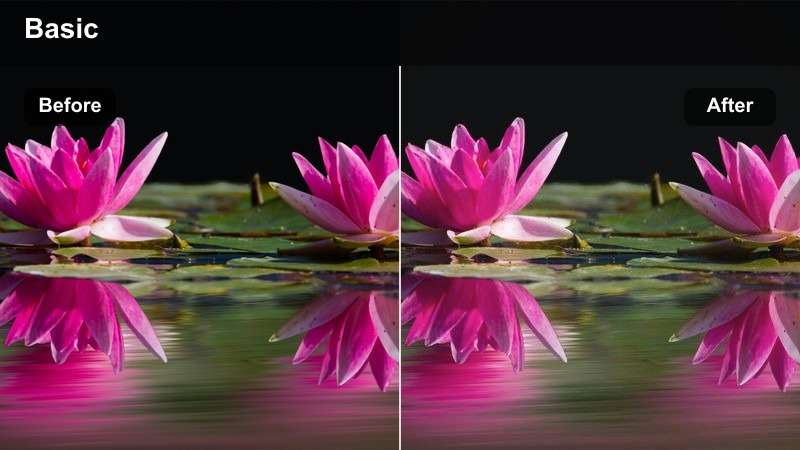
- Effect look: Muted highlights, earthy neutrals, and gentle film-inspired contrast
- Best for: Road-trip footage, old-town streets, and relaxed handheld montages
- Editing tip: Raise shadow detail slightly when the scene contains dark clothing or shaded streets
Dusty Road uses muted highlights and earthy neutrals to create a relaxed, film-inspired finish. Gentle contrast gives travel footage a nostalgic feeling while retaining enough detail for handheld movement.
Use this Filmora filter for road trips, old-town streets, and relaxed montages. Keep intensity consistent across locations, and raise shadow detail slightly when dark clothing or shaded streets lose definition.
Pair Filters With Your LUT Workflow
These creator filters can support a broader Sony A7C II LUT workflow by giving you fast starting points for different scenes.
Apply technical corrections first, use the creative filter second, and finish with targeted adjustments for the final platform.
secure downloadNight City Travel
Midnight Blue
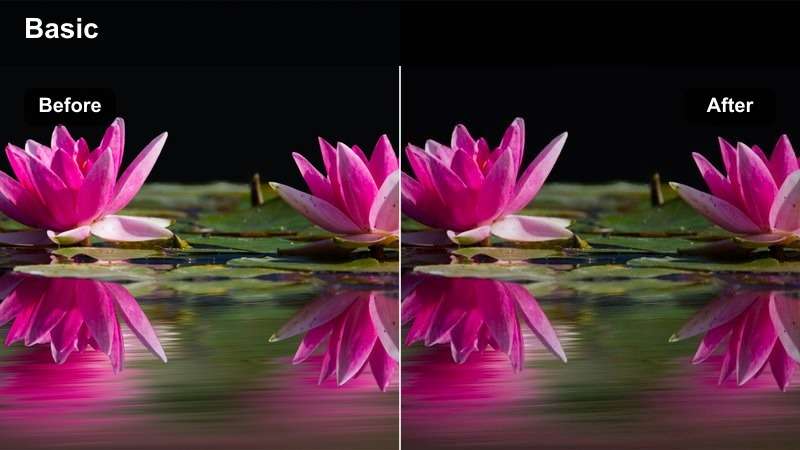
- Effect look: Cool blue shadows, controlled highlights, and cinematic night separation
- Best for: Night walks, blue-hour skylines, and reflective city footage
- Editing tip: Warm skin tones locally to prevent the overall cool cast from feeling unnatural
Midnight Blue creates a cool cinematic atmosphere with blue shadows and controlled highlights. It helps separate reflective pavement, dark architecture, and storefront light during blue hour or after dark.
Use it in Filmora for night walks and skyline footage, then warm faces locally when the overall cast becomes too cool. Check deep shadows on a calibrated display because blue areas can appear heavier on mobile screens.
Street Lamp Cinema
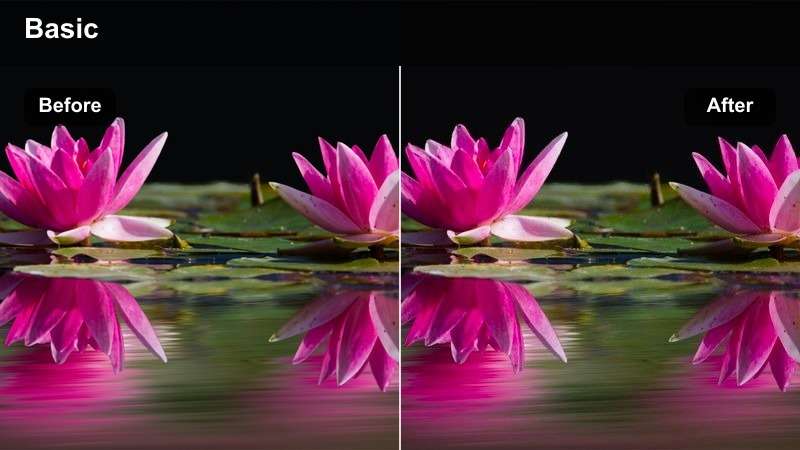
- Effect look: Warm practical lights, soft blacks, and low-key cinematic contrast
- Best for: Night markets, evening portraits, and atmospheric city transitions
- Editing tip: Reduce highlight saturation around lamps to maintain a soft, controlled glow
Street Lamp Cinema enhances warm practical lights while keeping blacks soft and controlled. The low-key contrast works well for evening transitions, night markets, and subjects moving through pools of light.
In Filmora, recover highlights before adding glow or bloom so lamps retain a defined core. The filter also suits slow pans and short transition shots captured on the Sony A7C II.
Urban Film Fade
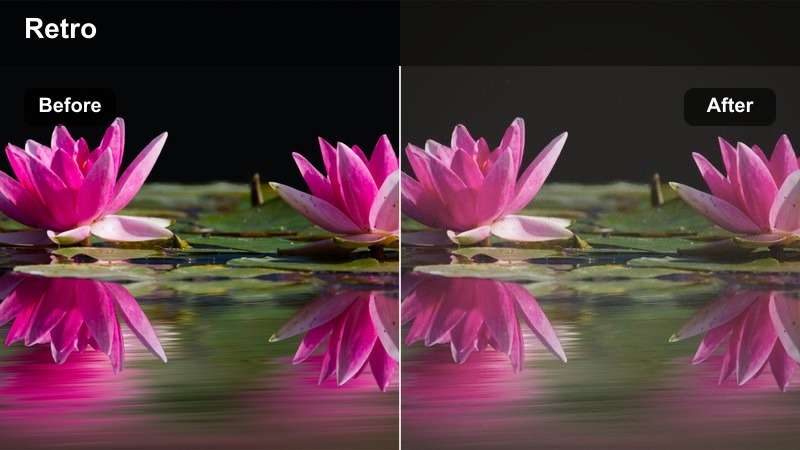
- Effect look: Faded blacks, muted city colors, and subtle analog-inspired softness
- Best for: Night buses, late city walks, and reflective travel diaries
- Editing tip: Add contrast selectively to the subject if the faded blacks reduce visual separation
Urban Film Fade softens contrast with faded blacks, muted city colors, and subtle analog-inspired texture. The result supports reflective travel diaries and quieter low-light details.
Use it in Filmora for night buses, late walks, and reflective window shots. Add contrast selectively to the subject if separation is reduced, and avoid heavy sharpening because softness is part of the intended finish.
Tips for Using Sony A7c Ii Lut Download Filters in Filmora
- Correct exposure and white balance before applying a creative filter.
- Use lower filter intensity when combining several clips recorded in different lighting conditions.
- Check skin tones with a vectorscope or reference frame during Sony A7C II color grading.
- Keep a clean version of each clip so you can compare the filter against the original footage.
- Export a short test before rendering a full travel project for social media.
- Apply technical corrections before creative filters when working with log footage.
This free Sony A7C II LUT pack gives hybrid shooters and travel creators a practical set of looks for travel clips, street portraits, and compact full-frame footage.
Download the pack, test the filters on your own Sony A7C II files, and build a consistent color workflow that matches the story you want to tell.
secure download