

 100% Security Verified | No Subscription Required | No Malware


 ChatGPT
 Perplexity
 Gemini
 Claude
 Grok
Grok
This free travel LUTs pack is designed for creators and editors who want their travel footage to look cinematic without spending hours on manual color grading.
Explore 12 Filmora-ready travel filters organized by scene and mood so you can quickly match the right look to beaches, city breaks, mountain adventures, and cozy nights.
In this article
Golden Coastline Days
Sunlit Sand Glow
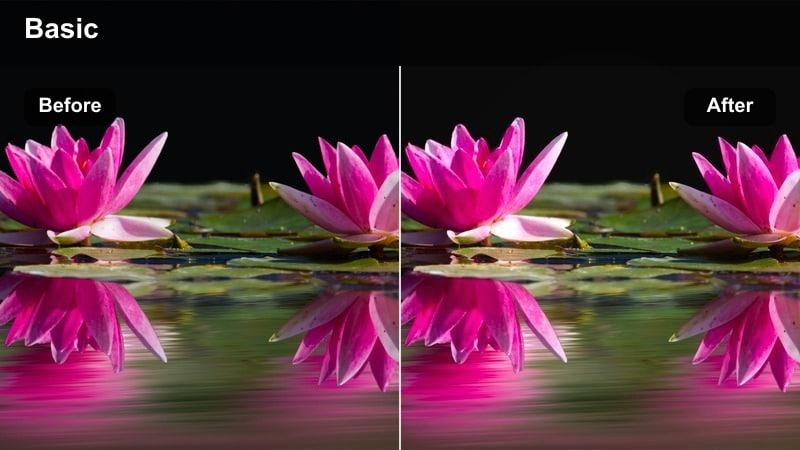
- Effect look: Warm, bright, and slightly golden highlights that make sand and skin tones pop.
- Best for: Sunny beach walks, coastal vlogs, and seaside drone flyovers during late morning or afternoon.
- Editing tip: Lower contrast slightly if your footage is shot at noon to keep skin tones from looking too harsh.
Sunlit Sand Glow is ideal when you want beach days to feel inviting and cinematic without pushing colors too far. In Filmora, this LUT gives sand a gentle golden lift and enhances midtones so skin looks sun-kissed rather than flat, while preserving natural blues in the sky and water.
Apply it to A-roll walking shots, slow-motion waves, or drone passes along the shoreline, then fine-tune with Filmora exposure and contrast sliders to match different clips. If your highlights are strong, pull back highlights and contrast slightly so details in faces, sand texture, and clouds stay visible while the scene keeps its warm, coastal energy.
Speed up travel grading with Filmora's AI Color tools
Pair this free travel LUTs pack with Filmora's AI-driven color features to quickly match looks across cameras and scenes. Let AI auto-adjust exposure and white balance so every clip starts from a balanced base before you apply your travel filters.
Once the footage is normalized, your LUTs will look more consistent from shot to shot, even if you filmed across different days or lighting conditions. This helps you keep a polished, cinematic look through your entire travel vlog.
 secure download

See travel filters in action on real footage
Test each filter on a short mix of A-roll and B-roll from the same trip to see how it behaves through different angles and lighting changes. Filmora lets you preview the LUTs in real time as you scrub through your timeline.
Toggle each look on and off to compare before and after results, then refine intensity, exposure, and saturation until you get a cinematic style that still feels true to the original location.
secure download1000+ Video Filters and 3D LUTs
Beyond this free travel LUTs pack, Filmora includes a large collection of filters, overlays, and 3D LUTs for every genre. You can stack multiple filters, adjust their strength, and save the combination as a preset.
Build a reusable travel grading stack that combines your favorite LUT, subtle color corrections, and overlays like light leaks or film grain, then apply that look to future trips in just a few clicks.
secure downloadTropical Teal Waves
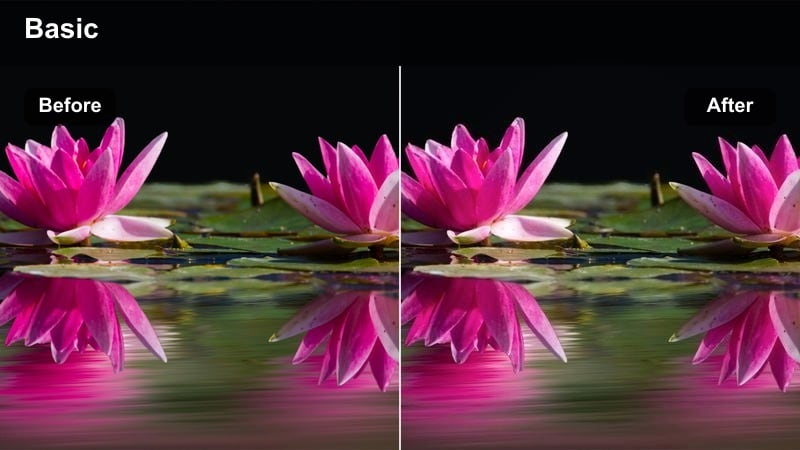
- Effect look: Teal-tinted water with crisp clarity and gentle contrast for a clean tropical vibe.
- Best for: Ocean shots, snorkeling clips, boat rides, and overhead drone views of clear water.
- Editing tip: Boost saturation in blues and cyans for drone footage, but keep vibrance moderate to avoid cartoonish water.
Tropical Teal Waves is built to transform flat blue seas into rich teal water while keeping skin tones realistic. In Filmora, this LUT subtly shifts aqua and blue channels, enhancing clarity and definition so ripples, reefs, and boat wakes stand out in your shots.
Use it on drone flyovers, paddleboarding clips, or underwater moments where the water color is the star. After applying the filter, adjust saturation in the blue range and tweak overall vibrance to taste, checking faces and boats so they do not become oversaturated while the ocean stays eye-catching and cinematic.
Sunset Backpack Haze
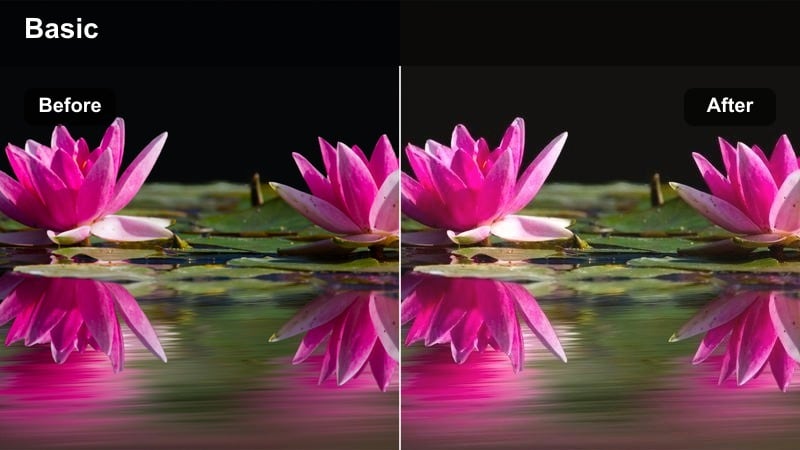
- Effect look: Soft, hazy warmth with lifted blacks for dreamy golden-hour coastline scenes.
- Best for: Sunset cliff views, silhouette shots, and romantic walks on the beach at dusk.
- Editing tip: Reduce clarity slightly to enhance the dreamy haze, but add subtle sharpening to keep faces from getting too soft.
Sunset Backpack Haze gives golden hour footage a nostalgic, dreamy feel by lifting blacks and softening contrast. In Filmora, it wraps your subject in a gentle glow while maintaining enough detail in the sky to show off pastel gradients and sun flares.
Apply it to slow pans across cliffs, backlit silhouettes, or couples walking along the shore at dusk. Then refine with Filmora clarity, sharpness, and vignette controls to keep your subject defined against a softened background, creating a cohesive, cinematic sunset sequence that feels like a memory.
Urban City Breaks
Neon Street Roam
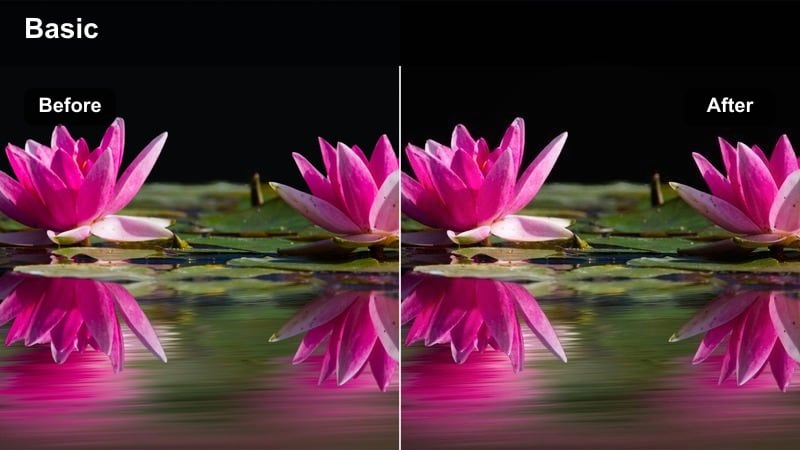
- Effect look: Punchy contrast with vivid neons and cool shadows for energetic nightlife streets.
- Best for: Night markets, city neon signs, bustling downtown crosswalks, and street food alleys.
- Editing tip: Dial back saturation on reds if signs start clipping, and use a subtle noise reduction for cleaner low-light shots.
Neon Street Roam is tuned for busy night scenes, boosting saturation and contrast so neon signs and city lights instantly grab attention. In Filmora, it cools down shadows while letting bright colors stay intense, giving your city-break footage a modern, urban energy.
Use it on handheld walk-throughs, slow-motion crowd shots, or static frames of glowing billboards. After applying the filter, adjust red and magenta saturation if any lights look blown out, then add light noise reduction and stabilization in Filmora to keep low-light clips sharp, smooth, and cinematic.
City Break Pastel
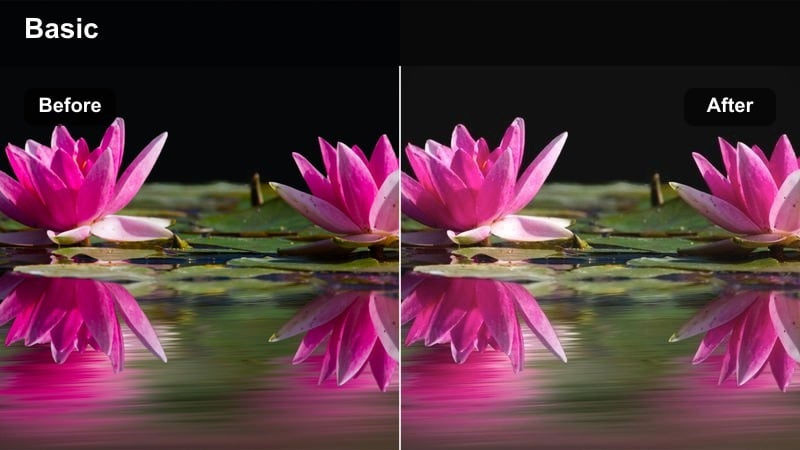
- Effect look: Soft pastel tones with gentle contrast and lifted shadows for calm daytime city exploring.
- Best for: European city walks, cafe hopping, architecture b-roll, and relaxed vlog segments.
- Editing tip: Lower saturation for a more minimal lifestyle look, and increase exposure slightly for overcast days.
City Break Pastel softens harsh city colors into light, airy tones, making streets and architecture feel stylish and approachable. In Filmora, lifted shadows and gentle contrast help reduce the intensity of dark alleys or high-contrast building faces.
Apply it to strolling clips, cafe interiors, and B-roll of facades, then fine-tune exposure for cloudy or shaded scenes. Reducing overall saturation slightly can push the mood toward a clean lifestyle aesthetic, perfect for vlogs, city guides, and Instagram-friendly travel edits.
Metro Motion Grit
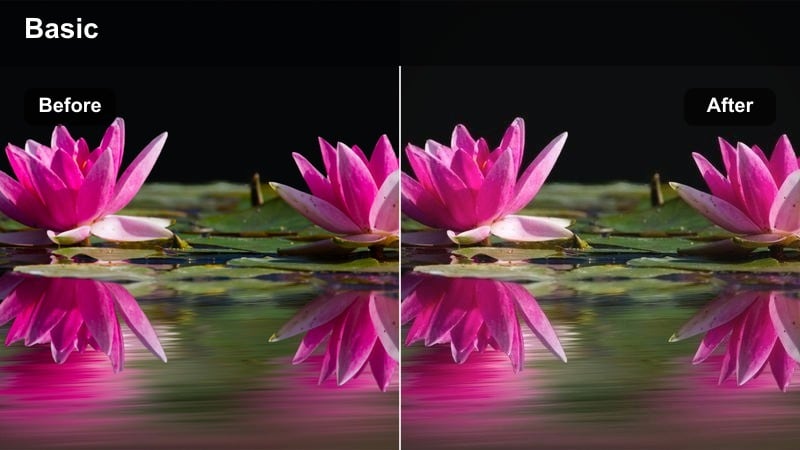
- Effect look: Cool, gritty tones with deeper shadows and a hint of fade for dynamic transit scenes.
- Best for: Subways, trains, bus terminals, and time-lapse shots of traffic or commuters.
- Editing tip: Increase contrast for time-lapses to emphasize motion, and keep exposure slightly low for a moodier urban feel.
Metro Motion Grit leans into cool tones and deeper shadows to bring out the energy and tension of public transport. In Filmora, the subtle fade in blacks adds a cinematic layer that works especially well with motion blur from trains and passing traffic.
Use it on timelapses, escalator rides, or platform waiting shots to build pace between travel segments. After adding the LUT, tweak midtone contrast and exposure to keep faces readable while preserving strong shadows, maintaining a moody city-travel atmosphere across your sequence.
Mountain Trails and Vistas
Alpine Crisp Clear
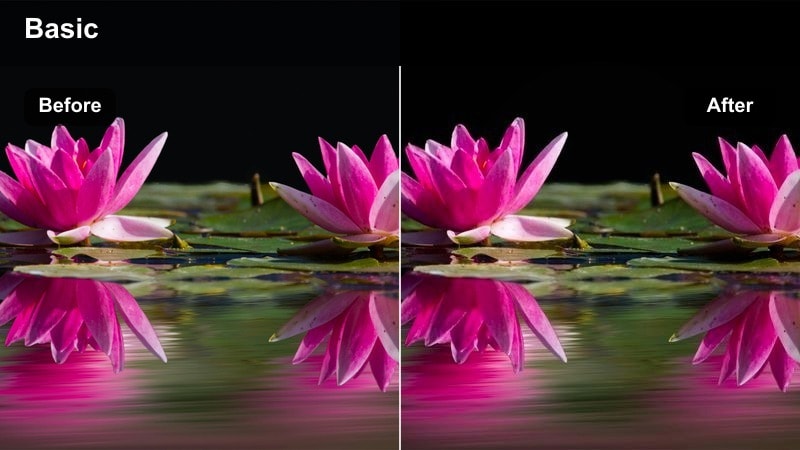
- Effect look: Clean, cool clarity with vivid greens and blues for high-altitude landscapes.
- Best for: Mountain hikes, ridge-line drone shots, and wide landscape reveals.
- Editing tip: Add a touch of dehaze to emphasize distant peaks, but watch for noise in the shadows when overusing clarity.
Alpine Crisp Clear is tuned to make mountain air feel sharp and transparent, enhancing blues in the sky and greens in forests without looking artificial. In Filmora, this LUT increases clarity and coolness, helping distant ridgelines and valleys stand out with definition.
Apply it to wide establishing shots, drone passes, and handheld ridge walks. Then adjust dehaze, midtone contrast, and sharpness inside Filmora to pull extra detail from clouds and rock faces while keeping noise under control, especially in the darker parts of the frame.
Trail Journal Matte
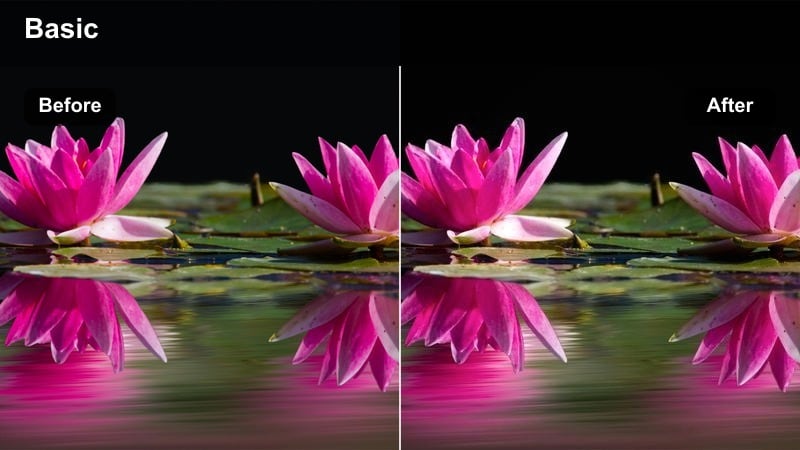
- Effect look: Matte cinematic finish with gentle desaturation for
