

 100% Security Verified | No Subscription Required | No Malware

Give portfolio reels, short films, and client presentations a polished cinematic finish with the Free Vimeo LUT Pack. These video filters are designed for filmmakers and creative agencies who need consistent color grading across different projects.
Use the presets as a starting point for your Vimeo color grading workflow, then fine-tune exposure, contrast, and saturation in Filmora to match each scene. The collection includes clean, moody, warm, and stylized looks for a wide range of production styles.
In this article
Sunlit Portfolio Openers
Golden Frame
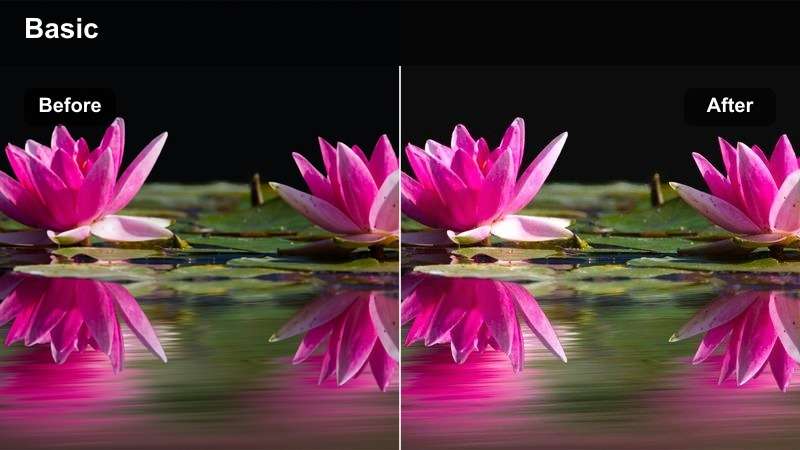
- Effect look: Warm highlights, soft contrast, golden skin tones, gentle cinematic glow
- Best for: Portfolio reels, lifestyle brand films, and bright client presentations
- Editing tip: Lower intensity slightly on already warm footage to preserve natural skin tones
Golden Frame adds a welcoming cinematic finish with warm highlights, soft contrast, and approachable golden skin tones. It works especially well when a portfolio reel needs polish without looking heavily stylized.
Apply it in Filmora as a starting point for neutral or slightly cool footage, then fine-tune temperature and exposure. If the image becomes too yellow, reduce the filter strength and cool the temperature slightly before adjusting contrast.
Clean Slate
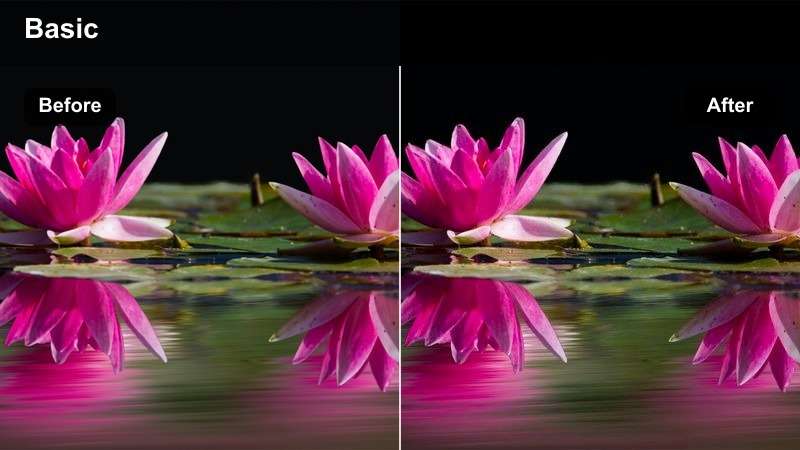
- Effect look: Balanced contrast, neutral whites, refined saturation, clear midtones
- Best for: Agency showreels, corporate films, and polished client presentations
- Editing tip: Use it before adding selective color adjustments for a controlled professional base
Clean Slate creates a neutral foundation with balanced contrast, refined saturation, and clear midtones. It is a versatile choice when a project combines footage from different cameras, locations, or lighting setups.
Apply the filter across the timeline in Filmora after matching exposure between clips. Then make individual shot corrections so the preset creates consistency without masking differences in the original footage.
Peach Light
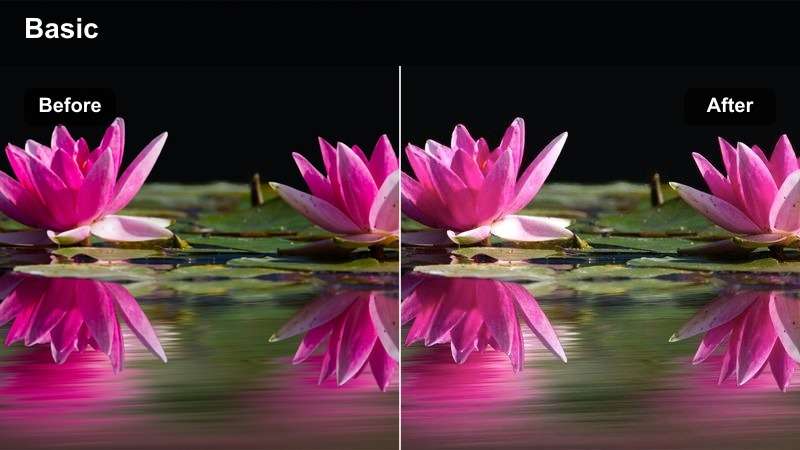
- Effect look: Soft peach highlights, lifted shadows, pastel color, gentle skin tones
- Best for: Fashion reels, creative campaigns, and upbeat short film scenes
- Editing tip: Add a small amount of contrast after applying the filter when the footage looks too flat
Peach Light gives bright visuals a soft editorial finish through peach-tinted highlights, lifted shadows, and pastel color. The look suits clean production design, bright wardrobe colors, and contemporary creative campaigns.
Use it in Filmora for fashion reels and upbeat short film scenes, then add restrained contrast if important details begin to disappear in pale backgrounds. Keep the intensity moderate on already soft or high-key footage.
Build a Matching Color Palette with AI
Use Filmora's AI color tools to identify dominant tones in a reference frame and create a palette that complements your selected Vimeo video filter. This helps keep portfolio films and client presentations visually consistent.
Start with the LUT or filter as your overall look, then use the palette to guide accent colors, titles, graphics, and supporting footage throughout the edit.
 secure download

Preview Vimeo Video Filters Before Export
Filmora makes it easy to compare filter intensity, contrast, temperature, and saturation while reviewing the full sequence. Preview several looks before choosing the one that best supports your story and audience.
For client presentations, keep a clean version and a filtered version available so stakeholders can quickly compare the original footage with the final creative direction.
secure downloadCombine Filters and LUTs with Control
Use the Free Vimeo LUT Pack as a color foundation, then layer a Filmora video filter at a reduced strength for creative finishing. This approach gives filmmakers more control than relying on a single preset.
Always balance exposure and white balance first, apply the LUT or filter second, and make selective corrections last for a cleaner and more consistent result.
secure downloadMoody Short Film Scenes
Midnight Blue
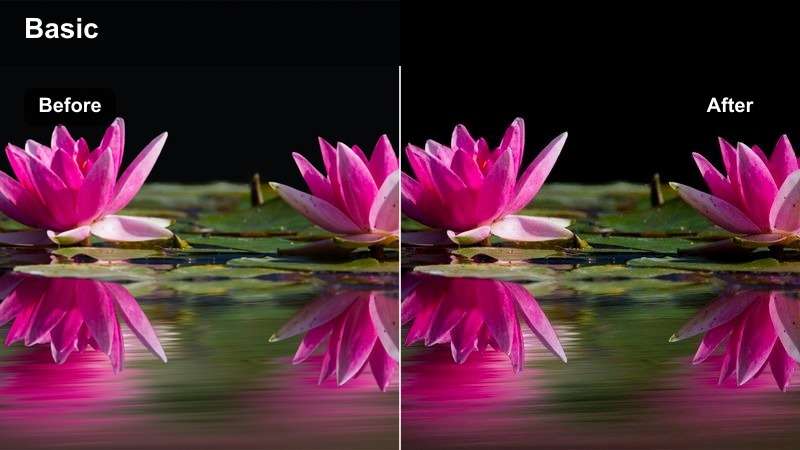
- Effect look: Cool blue shadows, subdued highlights, deep contrast, nocturnal atmosphere
- Best for: Night scenes, dramatic short films, and introspective portfolio sequences
- Editing tip: Raise shadow detail slightly when working with underexposed nighttime footage
Midnight Blue emphasizes cool blue tones in the shadows while keeping highlights subdued and contrast deep. It creates a polished nighttime mood for suspenseful, dramatic, or reflective short film scenes.
Use it in Filmora with a gentle lift in the blacks when the original footage is already dark. Check faces and important details closely so the final Vimeo export keeps enough shadow information.
Smoke and Steel
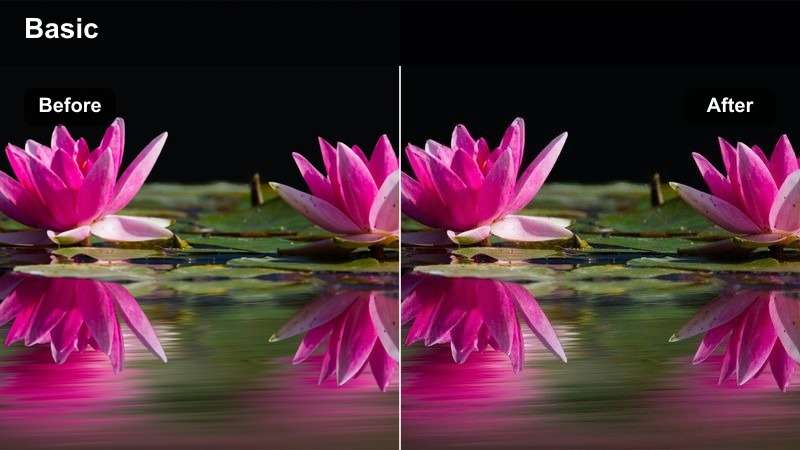
- Effect look: Desaturated colors, steel-blue mids, crisp contrast, industrial atmosphere
- Best for: Documentary reels, technology films, and urban short film locations
- Editing tip: Restore a small amount of saturation in key wardrobe or product colors
Smoke and Steel adds structure and visual weight through desaturated colors, steel-blue midtones, and crisp contrast. It is a strong match for architecture, technology, documentary, and urban footage.
Apply it in Filmora when shape and texture matter more than vivid color, then restore only the colors that support the story. A branded object or wardrobe detail can remain visible without weakening the controlled industrial grade.
Low-Key Noir
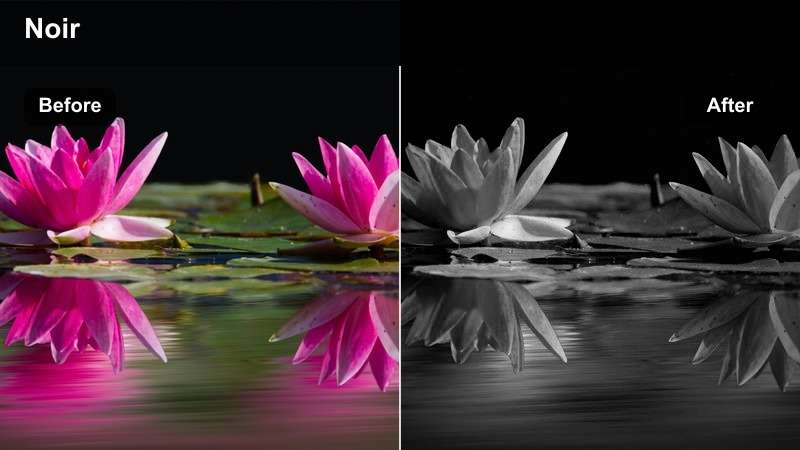
- Effect look: Rich blacks, muted highlights, monochrome influence, dramatic separation
- Best for: Crime-inspired shorts, suspense reels, and high-impact title sequences
- Editing tip: Reduce intensity on clips with heavy shadows to avoid crushed details
Low-Key Noir creates a bold graphic image with rich blacks, muted highlights, and strong separation between light and dark areas. It works especially well with shaped lighting, silhouettes, suspense, and dramatic title sequences.
Use the filter at a reduced strength on footage with heavy shadows, then review the darkest areas at full resolution in Filmora. Soften the contrast if faces, props, or set details become difficult to read.
Warm Client Presentation Looks
Sunset Story
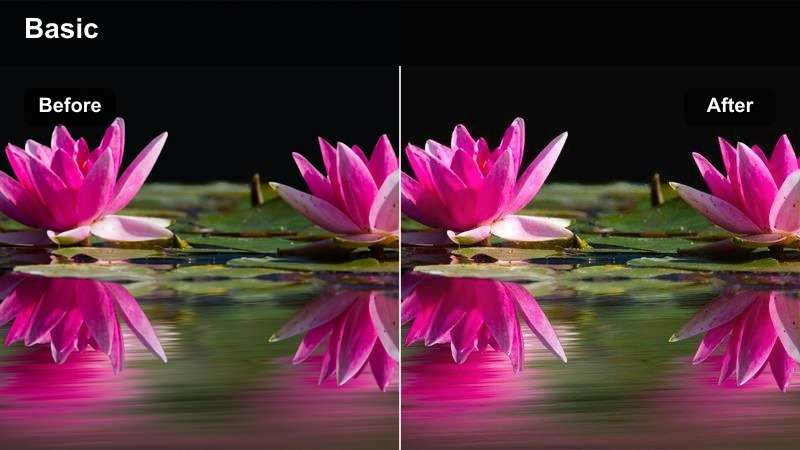
- Effect look: Amber highlights, warm midtones, soft shadows, romantic cinematic finish
- Best for: Travel films, hospitality campaigns, and emotional client presentations
- Editing tip: Use a mild highlight reduction when grading footage captured during harsh sunset light
Sunset Story enhances warm light with amber highlights, warm midtones, and soft shadows. The cinematic golden-hour look supports travel, hospitality, lifestyle, and emotional brand storytelling.
Apply it in Filmora to give client presentation footage a welcoming quality, while watching skin tones and bright surfaces carefully. Reduce highlights when the source already contains strong orange or yellow light.
Soft Copper
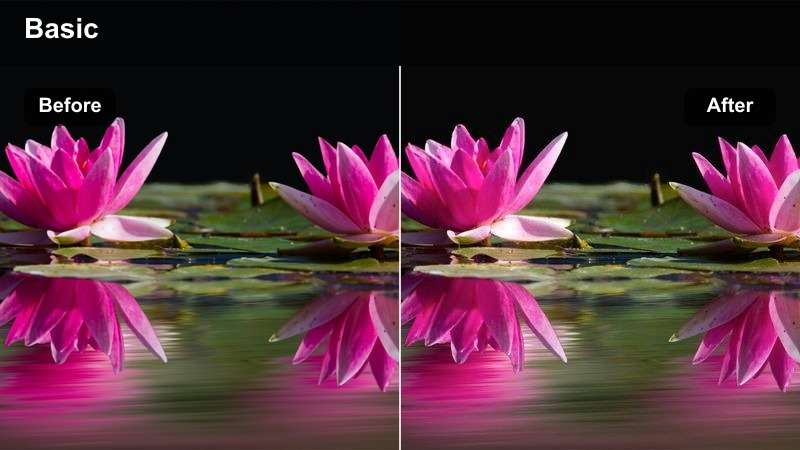
- Effect look: Copper highlights, creamy midtones, controlled blacks, premium warmth
- Best for: Luxury brand reels, creative agency pitches, and polished portfolio films
- Editing tip: Pair with subtle sharpening only after exposure and white balance are finalized
Soft Copper gives commercial footage a refined finish through copper highlights, creamy midtones, controlled blacks, and premium warmth. It adds cinematic character without pushing the entire image toward orange.
Use it in Filmora for luxury brand reels and agency pitches, then finalize exposure and white balance before applying subtle sharpening. Keep sharpening restrained because the filter already emphasizes texture and product detail.
Honeyed Memory
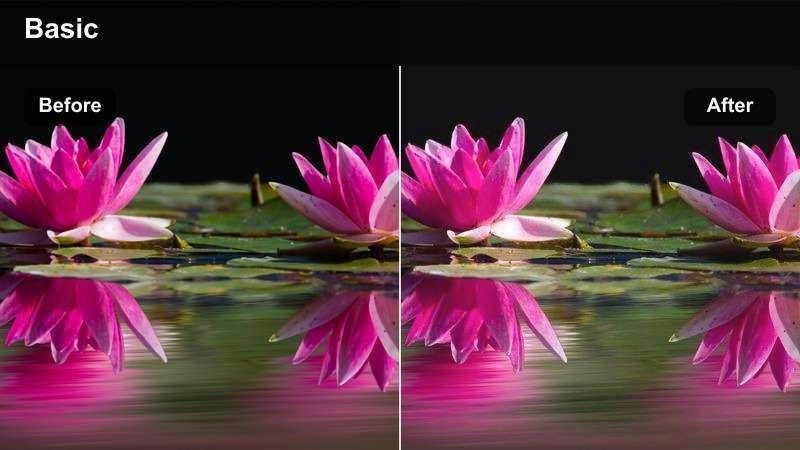
- Effect look: Honey warmth, faded contrast, gentle grain feel, nostalgic color
- Best for: Personal documentaries, memory-driven short films, and reflective reels
- Editing tip: Blend at a lower strength when the footage already has vintage lenses or visible grain
Honeyed Memory softens contrast and warms the image to create a feeling of recollection. Its nostalgic color suits interviews, archival-inspired sequences, personal documentaries, and intimate storytelling.
Apply it consistently across connected scenes in Filmora, but reduce the strength on close-ups if warmth distracts from natural facial detail. Blend it gently when the footage already includes vintage lenses or visible grain.
Stylized Vimeo Showreels
Teal and Amber
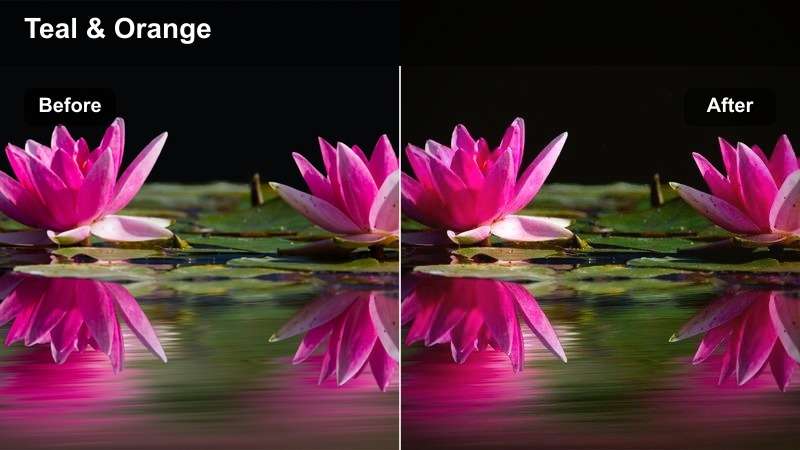
- Effect look: Teal shadows, amber highlights, vivid separation, modern blockbuster contrast
- Best for: Action reels, music videos, and energetic agency showreels
- Editing tip: Reduce saturation before increasing filter strength on colorful or brightly lit footage
Teal and Amber creates vivid separation between cooler shadows and warmer highlights. The complementary color treatment helps movement and subject placement stand out in action reels, music videos, and energetic showreels.
Use it in Filmora with moderation when the footage already contains intense color. Reduce saturation before increasing strength so the finished Vimeo presentation stays intentional instead of oversaturated.
Electric Pop
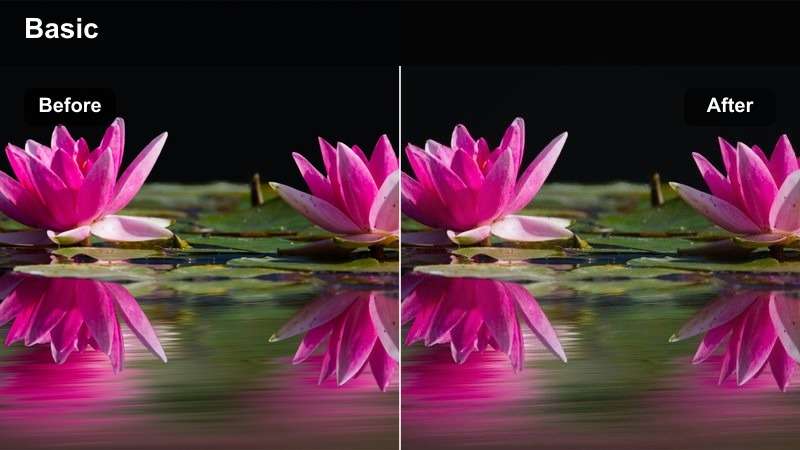
- Effect look: Bright saturation, punchy contrast, vivid primaries, energetic digital finish
- Best for: Creative campaigns, music promos, and bold portfolio montage sections
- Editing tip: Check red and blue channels carefully to prevent clipping in vivid wardrobe and lighting
Electric Pop makes selected moments stand out through bright saturation, punchy contrast, and vivid primary colors. It is designed for colorful creative campaigns, music promos, and bold portfolio montage sections.
Apply it in Filmora when the visual concept supports strong color, then check the waveform and RGB channels. Pay special attention to saturated lighting, colorful wardrobe, and branded graphics before exporting.
Silver Screen
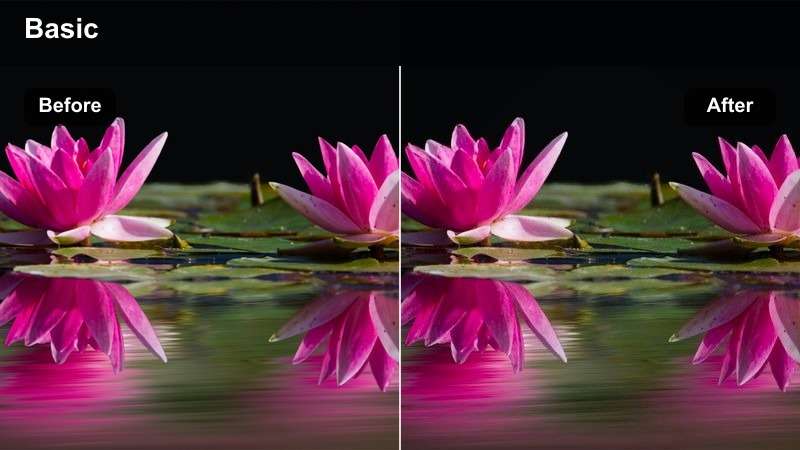
- Effect look: Cool monochrome tones, smooth contrast, silver highlights, cinematic restraint
- Best for: Art films, title sequences, black-and-white inspired reels, and dramatic presentations
- Editing tip: Adjust luminance contrast after applying the filter to separate subjects from neutral backgrounds
Silver Screen reduces distracting color while preserving cool monochrome tones, smooth contrast, and silver highlights. It is useful for art films, title sequences, dramatic presentations, and visually focused storytelling.
Use it in Filmora and fine-tune luminance rather than saturation to keep the image dimensional. Increase separation between subjects and neutral backgrounds when similar colors make the composition feel flat.
Tips for Using Vimeo Lut Download Filters in Filmora
- Correct exposure and white balance before applying a Vimeo video filter.
- Use lower filter intensity on close-ups to keep skin tones natural.
- Match neighboring clips before adding creative color effects.
- Preview the final grade at the same brightness where your Vimeo audience is likely to watch.
- Save customized versions of your favorite filters for recurring client presentations.
- Use scopes to check highlights, shadows, and saturated colors before exporting.
- Keep a clean backup of the original footage and ungraded timeline.
- For portfolio reels, place the strongest filter looks on transitions or key showcase shots.
The Free Vimeo LUT Pack gives filmmakers and creative agencies a flexible starting point for portfolio film color grading. From clean professional tones to moody short film treatments, these filters help create a more consistent visual identity across Vimeo projects.
Download the pack, test each look in Filmora, and adjust the intensity to fit your footage, story, and presentation goals. When you are ready for more options, explore the complete Vimeo LUT collection for additional creative directions.
secure download