

 100% Security Verified | No Subscription Required | No Malware


 ChatGPT
 Perplexity
 Gemini
 Claude
 Grok
Grok
These Instagram fitness LUTs with a high contrast look are designed for content creators who want every rep, sweat drop, and muscle definition to stand out in their reels.
Use these Filmora filters to create bold, punchy fitness content that pops on the Instagram grid and Reels feed while keeping your workouts sharp and motivating.
In this article
High-Contrast Looks for Gym Floor Intensity
Steel Shadow Definition
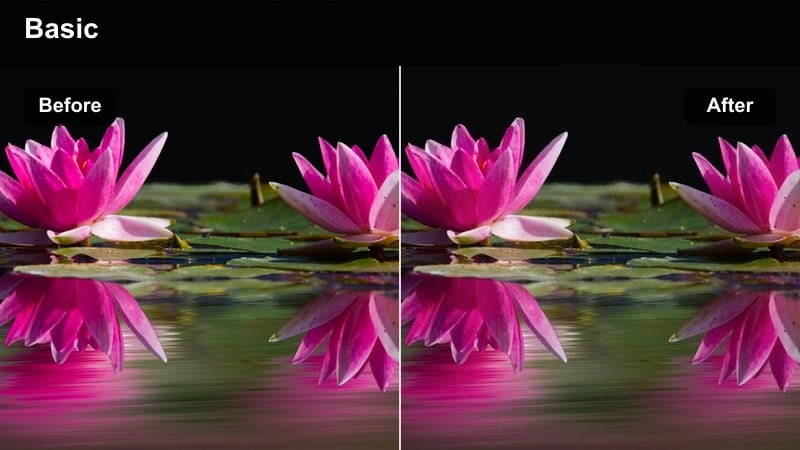
- Effect look: Ultra-crisp contrast with deep blacks and metallic midtones that carve out muscle lines.
- Best for: Heavy lifting clips on dark gym floors, low-light strength sessions, and bodybuilding close-ups.
- Editing tip: Lower overall brightness slightly, then add a touch of clarity to keep sweat highlights from blowing out.
Steel Shadow Definition gives your gym footage a hard-edged, metallic finish that makes every muscle fiber and barbell detail stand out. In Filmora, this high contrast look tightens shadows and adds a subtle steel tone so powerlifting sets, deadlifts, and low-light workouts feel gritty and intense on Instagram.
Apply this LUT-like filter after basic exposure correction, then fine-tune contrast and clarity to match your gym lighting. For especially dark spaces, slightly lift the shadows slider so you keep definition in black shorts, plates, and equipment while still preserving that bold, heavy look fitness audiences love.
AI-Assisted Color Control for Fitness Contrast
Filmora's AI tools help balance your highlights and shadows automatically, so your Instagram fitness LUTs keep muscle definition sharp without losing detail. Let the AI smooth out tricky mixed gym lighting before you push contrast for that bold, sculpted look.
Use AI-based color correction as a base, then stack these high contrast filters on top to fine-tune intensity for each workout scene. This workflow gives you punchy, professional results even if you are not a color grading expert.
 secure download

Preview Your High Contrast Gym Looks Instantly
Filmora lets you hover and preview filters in real time, so you can see how each high contrast fitness look affects your Reels before you commit. This makes it easy to compare gritty strength looks versus cleaner, tutorial-friendly contrast on the same clip.
Test multiple filters on one barbell set, then switch to a different look for B-roll or outdoor shots to create a cohesive but varied Instagram aesthetic. You will quickly find which combinations best match your brand and audience.
secure downloadBuild a Consistent Instagram Fitness Brand Look
Save your favorite high contrast combinations as custom presets in Filmora so every new workout Reel instantly matches your gym, outdoor, or studio style. This keeps your profile grid cohesive while still letting you tweak contrast intensity per clip.
Once you lock in a signature look, apply it across bulk edits for training series, challenges, or coaching programs. Your audience will recognize your content at a glance, which helps with branding and repeat engagement on Instagram.
secure downloadIron Focus Pop
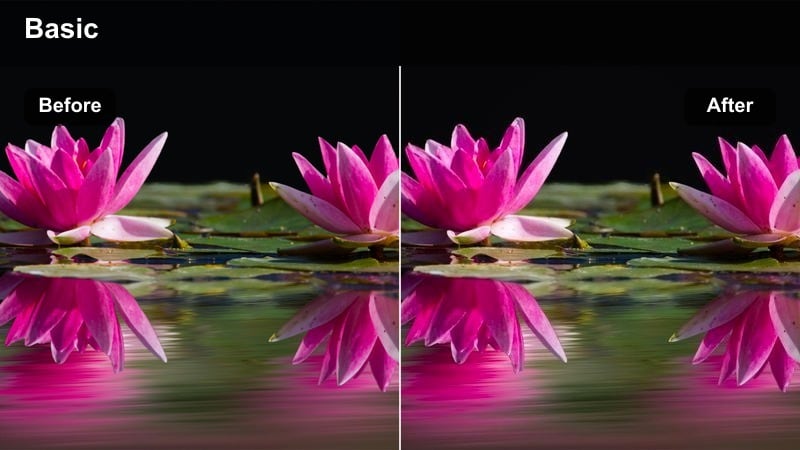
- Effect look: Punchy contrast with lifted whites and saturated warm tones for intense focus shots.
- Best for: Close-up shots of faces, grip details, and focused pre-lift moments inside the gym.
- Editing tip: Use a slight vignette with this filter to pull attention into the center of the frame and emphasize your expression.
Iron Focus Pop is built for emotional, close-up moments that hook viewers in the first seconds of an Instagram Reel. The boosted whites and warm tones bring out eye contact, tension in your grip, and every breath before a heavy set, giving your content a cinematic, motivational vibe.
In Filmora, drop this filter on tight shots, add a gentle vignette, and keep the background slightly blurred or dark to avoid distractions. Cut from this intense look to wider, movement-focused clips with a softer contrast profile to create visual variety and maintain engagement through the full Reel.
Chalk and Steel Crunch
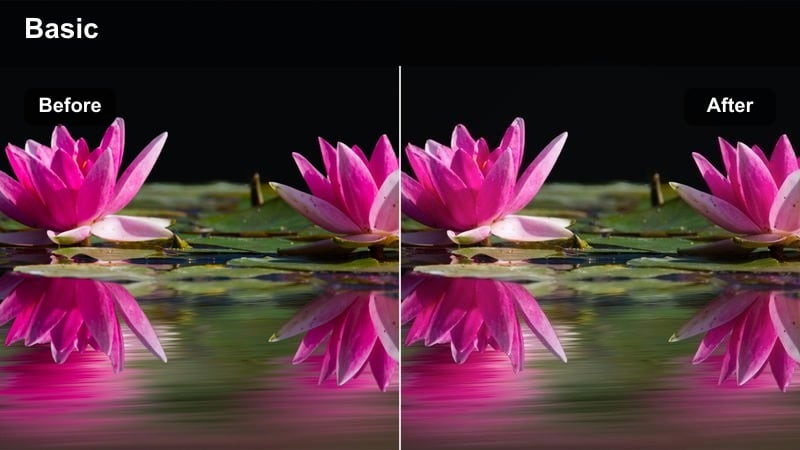
- Effect look: Grainy, high-contrast look with desaturated backgrounds and bright, crisp skin highlights.
- Best for: Chalky hand shots, barbell setups, and slow-motion gym detail sequences.
- Editing tip: Reduce saturation of blues and greens slightly so the subject's skin and equipment become the visual focus.
Chalk and Steel Crunch leans into grit and texture, making chalk clouds, knurled barbells, and weight plates feel tangible on screen. The high contrast and muted backgrounds pull attention to hands and equipment, perfect for atmospheric B-roll between main sets in your fitness edits.
Inside Filmora, combine this filter with a touch of added grain and slow motion clips for cinematic transitions or between-set storytelling. Gently pull down blue and green saturation in the color controls so logos, walls, and gym clutter recede, leaving chalk, steel, and skin as the dominant visual elements.
Bold Contrast for Functional Training and Circuits
Explosive Rep Boost
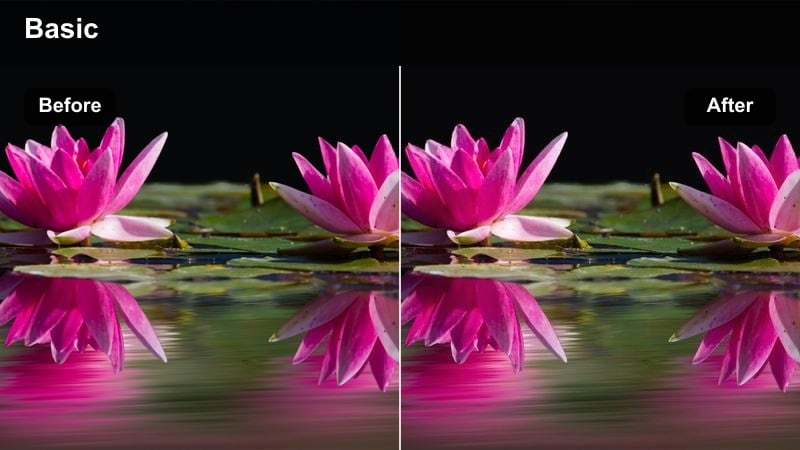
- Effect look: High-energy contrast with vibrant midtones and crisp edges that highlight fast movement.
- Best for: HIIT circuits, plyometrics, and explosive sprint or jump shots in open training spaces.
- Editing tip: Pair with slightly higher shutter speed to keep movement sharp and let the contrast accent every motion.
Explosive Rep Boost is tuned for speed and power, giving jumps, sprints, and quick transitions extra punch. The sharper edges and lively midtones help viewers track fast movement frame by frame, making your HIIT and plyometric clips feel more electric in the Instagram feed.
When editing in Filmora, drop this filter on your fastest sequences, then cut them tightly to the beat of your audio. Use speed ramping and a higher shutter speed during shooting so the filter can emphasize crisp, frozen motion instead of motion blur, keeping every rep visually satisfying.
Slam Ball Impact
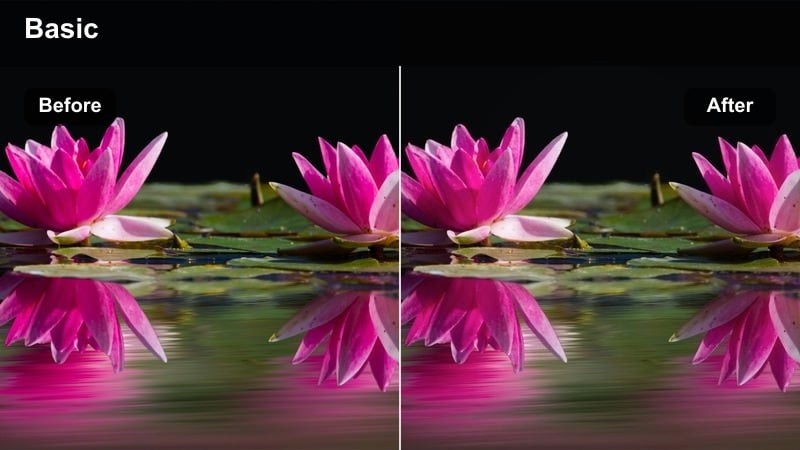
- Effect look: Hard contrast with boosted clarity and slightly muted colors to emphasize sweat and power.
- Best for: Medicine ball slams, battle rope drills, and aggressive conditioning clips.
- Editing tip: Slow clips down to 0.75x speed and add this filter to accent the impact and body tension in each rep.
Slam Ball Impact focuses on effort and intensity, darkening midtones and sharpening detail so sweat, facial strain, and rope movement really stand out. The muted color palette keeps the viewer locked on form and force rather than busy gym environments.
In Filmora, combine this look with slightly slowed-down footage of ball slams or rope waves so each impact lands with more weight. Add sound effects and subtle camera shakes where appropriate, and consider overlaying rep counts or workout cues to turn these powerful clips into saveable training references.
Circuit Clarity Cut
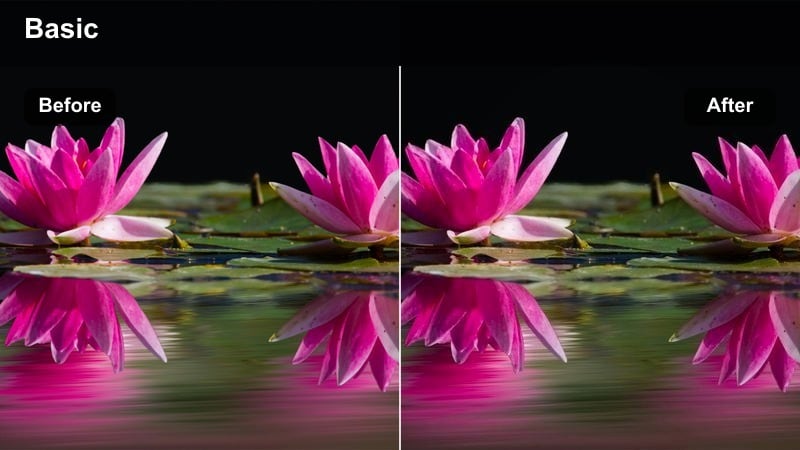
- Effect look: Clean but bold contrast with slightly cooled whites and neutral backgrounds for structured circuits.
- Best for: Full-body circuit walkthroughs, tutorial-style reels, and coaching breakdowns.
- Editing tip: Keep exposure moderate and add text overlays with high contrast colors to preserve clarity for instructions.
Circuit Clarity Cut is tailored for educational content where viewers need to see every part of your form clearly. The cooled whites and neutral backgrounds keep the frame tidy while still giving muscles and equipment enough contrast to look sharp and professional.
Within Filmora, use this filter on talking-through sets, step-by-step demos, or multi-station overviews. Add bold, easy-to-read text overlays in contrasting colors and position them in negative space around you so instructions remain clear without crowding your movements.
High-Contrast Filters for Outdoor Fitness and City Runs
Urban Sprint Edge
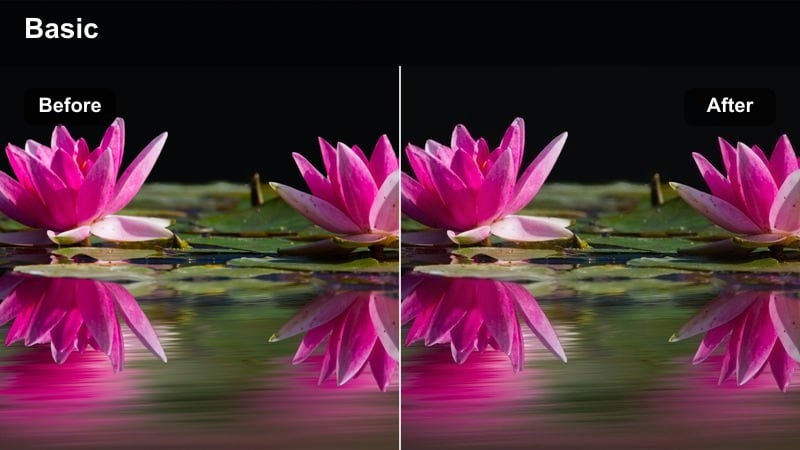
- Effect look: Edgy high contrast with deep shadows and crisp highlights that cut through busy city backgrounds.
- Best for: City runs, stair sprints, and rooftop workouts against urban skylines.
- Editing tip: Angle your shots to keep the brightest part of the sky behind you, then add this filter to preserve subject detail.
Urban Sprint Edge slices through crowded city scenes, giving your runs and stair sprints a dramatic, almost cinematic tension. Strong shadows and bright highlights help your silhouette stand out against glass buildings, traffic, and street clutter.
In Filmora, apply this look to your most dynamic outdoor angles, then use highlight and shadow controls to balance the sky and keep your body lines visible. Pair with fast cuts, time-lapses of city streets, and punchy music to build high-energy, urban-themed training Reels.
Rooftop Rep Glow
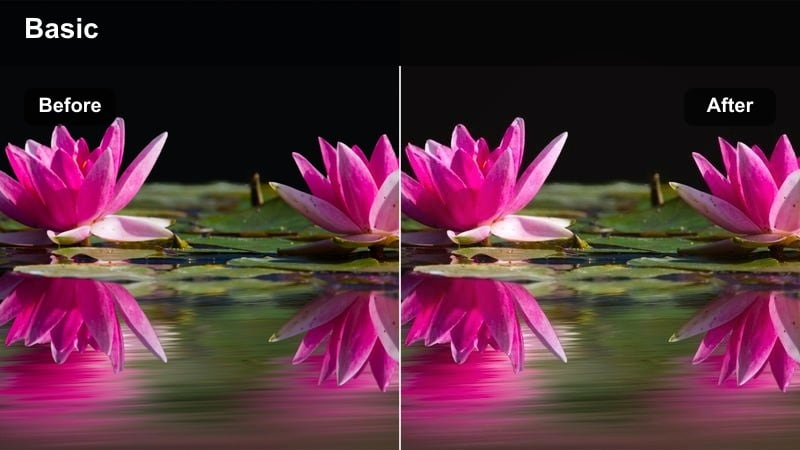
- Effect look: High contrast with warm highlights and gently cooled shadows for golden-hour rooftop training.
- Best for: Sunset bodyweight sessions, rooftop circuits, and partner workouts with skyline views.
- Editing tip: Slightly increase saturation of oranges and reds to enhance sky colors while keeping shadows defined.
Rooftop Rep Glow leans into golden hour warmth, wrapping your bodyweight moves and partner drills in a cinematic sunset feel. The balance of warm highlights and cooler shadows keeps muscles defined without losing the rich colors in the sky and city lights.
Use this filter in Filmora on clips shot near sunrise or sunset, then nudge up orange and red saturation to make the horizon pop. Combine slow pans, wide shots, and a few close-ups with this look to create aspirational, share-worthy rooftop training content that still feels grounded in real movement.
Concrete Core Crisp
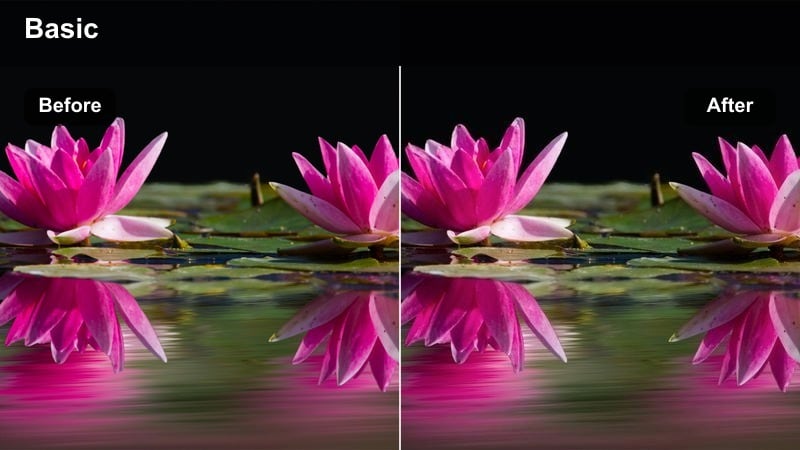
- Effect look: Neutral high contrast with slightly desaturated city tones and crisp, bright skin focus.
- Best for: Outdoor core routines on concrete, playground workouts, and park bench exercises in urban areas.
- Editing tip: Keep camera low and angled slightly upward so the subject stands out against cleaner sky backgrounds.
Concrete Core Crisp gives outdoor strength clips a clean, modern feel, pushing city textures into the background while your body remains bright and defined. The slightly desaturated urban tones help busy architecture and street elements fade, making your core movements easy to follow even on small phone screens.
In Filmora, use this filter on static or tripod shots of planks, leg raises, and bench work done on rooftops, sidewalks, or parks. You can reduce saturation just a touch more if your location is visually noisy, and add subtle background blur where available to keep all focus on form and alignment.
Studio Fitness Content and Reels Hooks with High Contrast
Coach Spotlight Sharp
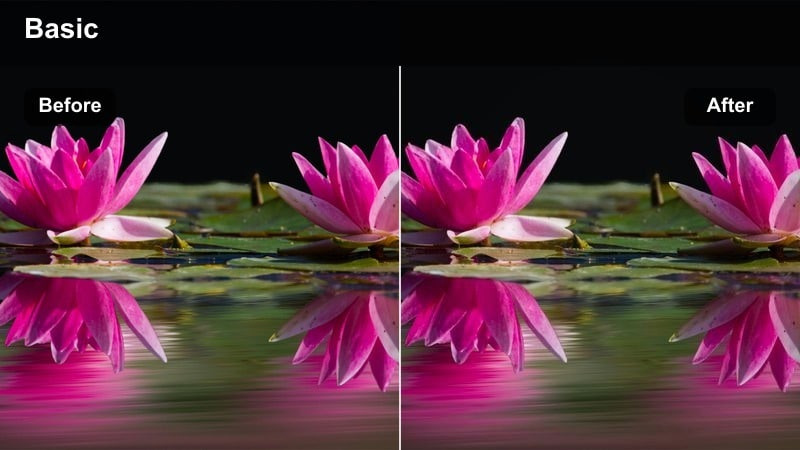
- Effect look: Studio-style high contrast with bright, clean highlights and reduced background distraction.
- Best for: Talking-head fitness advice, form breakdowns, and on-camera coaching intros for Reels.
- Editing tip: Place yourself in front of a plain wall, then apply this filter to keep the focus entirely on your face and upper body.
Coach Spotlight Sharp is designed to make your studio coaching clips look polished and professional, even with a simple setup. The tidy background treatment and bright highlights keep attention on your face and gestures, ideal for Q and A content, tips, and program intros.
In Filmora, apply this look to any clip where you speak directly to camera, then add captions and clean lower-thirds for names or topics. Keep your frame centered or slightly off-center with negative space reserved for text so the high contrast does not interfere with readability on mobile devices.
Hook Rep Freeze
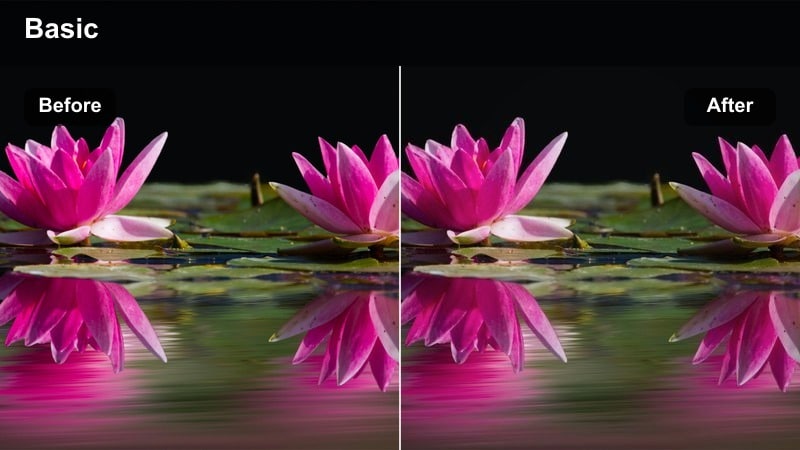
- Effect look: Frozen-frame high contrast with emphasized edges and slightly darker midtones for dramatic hooks.
- Best for: Opening shots of a Reel, flex poses, or single powerful rep moments used as thumbnails.
- Editing tip: Pause the clip on the strongest pose, apply this filter, and add a bold text hook to stop the scroll.
Hook Rep Freeze is built for scroll-stopping hero frames, darkening midtones and sharpening outlines so your physique and poses stand out instantly. It is ideal for thumbnails, intro shots, and single reps you want viewers to remember.
Inside Filmora, select a single frame or short freeze of your strongest pose, overlay this filter, and then add bold text such as day labels or workout promises. Use this stylized frame as your Reels cover or opening second so your content looks intentional and bold on both the feed and profile grid.
Studio Burn Detail
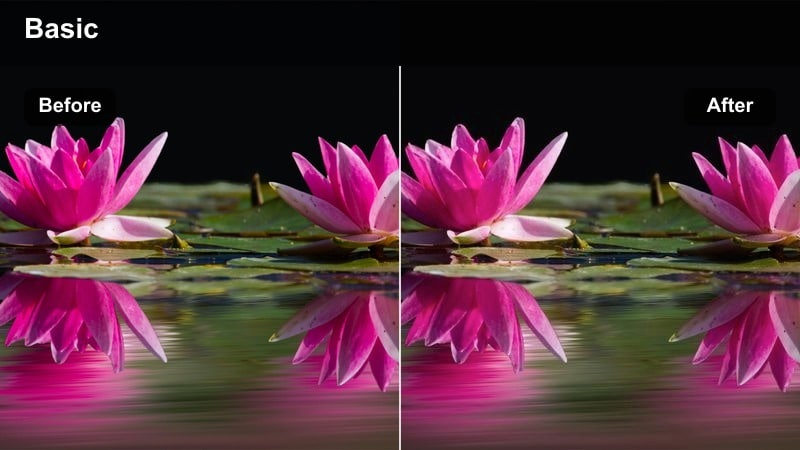
- Effect look: High contrast with micro-sharpening to emphasize sweat, veins, and muscle separation under studio lights.
- Best for: Finisher sets, physique updates, and physique progress clips shot indoors.
- Editing tip: Keep ISO low and lighting strong so this filter can enhance detail without introducing grain or noise.
Studio Burn Detail is all about fine detail, enhancing muscle separation, veins, and sweat for your most impressive sets and physique updates. Under good studio lighting, this filter adds a refined sharpness that makes each frame feel like a fitness photoshoot in motion.
When editing in Filmora, reserve this look for highlight clips such as progress check-ins, peak sets, or transformation comparisons. Pair it with slower cuts, close-up angles, and smooth transitions so viewers have time to notice the extra definition and appreciate the work behind your results.
Tips for Using Instagram Fitness Luts High Contrast Look Filters in Filmora
- Shoot in the flattest profile your camera allows, then add these high contrast looks in Filmora for cleaner, more controlled results.
- Avoid overexposing lights and windows in the gym so your high contrast filters do not blow out important details.
- Use different levels of contrast intensity for hooks, main workout clips, and recovery shots to create visual pacing in your Reels.
- Record a few extra seconds before and after each set so you have more flexibility when matching filters and cuts to music.
- Test your filters on both indoor and outdoor clips to see which high contrast looks are most versatile for your content style.
- Combine Filmora's AI color tools with these fitness LUT-style filters to speed up grading without sacrificing a bold, branded look.
- Export a short test Reel with several looks in sequence to compare how they appear once Instagram compression is applied.
- Save your favorite filter stacks as presets in Filmora so every new Reel aligns with your established fitness brand aesthetic.
With the right Instagram fitness LUTs high contrast look, every workout Reel can feel sharper, stronger, and more cinematic without complicated color grading.
Experiment with these Filmora filters across gym, outdoor, and studio content to build a bold, consistent visual identity that stands out in the Instagram fitness space.
secure download